A:AnswerI have the same question and the answer should be YES. On the Nest Wifi product page, it does say that the Nest Wifi is "compatible" with Google Wifi. That could just mean though that only the Nest Wifi Points are compatible with the Google Wifi Router. I am hoping that I can use my existing Google Wifi router as an extender and replace it with the Nest Wifi router since it has a more powerful antenna.
A:AnswerYes I have 4 nest wifi points and 3 google wifi points and it works although the google home software sucks is buggy and no where near as good as google wifi app. Meshdownload performance is better in mixed network than with Google wifi points alone.
A:AnswerThere is no monthly fee to use Nest Wifi mesh system, it's just a one-time purchase. However, you will need internet connection from your Internet Service Provider (ISP). Take a look at this link for the setup requirements and guide on how to setup Nest Wifi: https://support.google.com/googlenest/answer/9548301
A:AnswerAbout the basement it's not the most ideal place for a router and my nest has very poor performance more than 6 inches away from the device. My old Netgear nighthawk I could connect to my Wi-Fi a block away from my house.
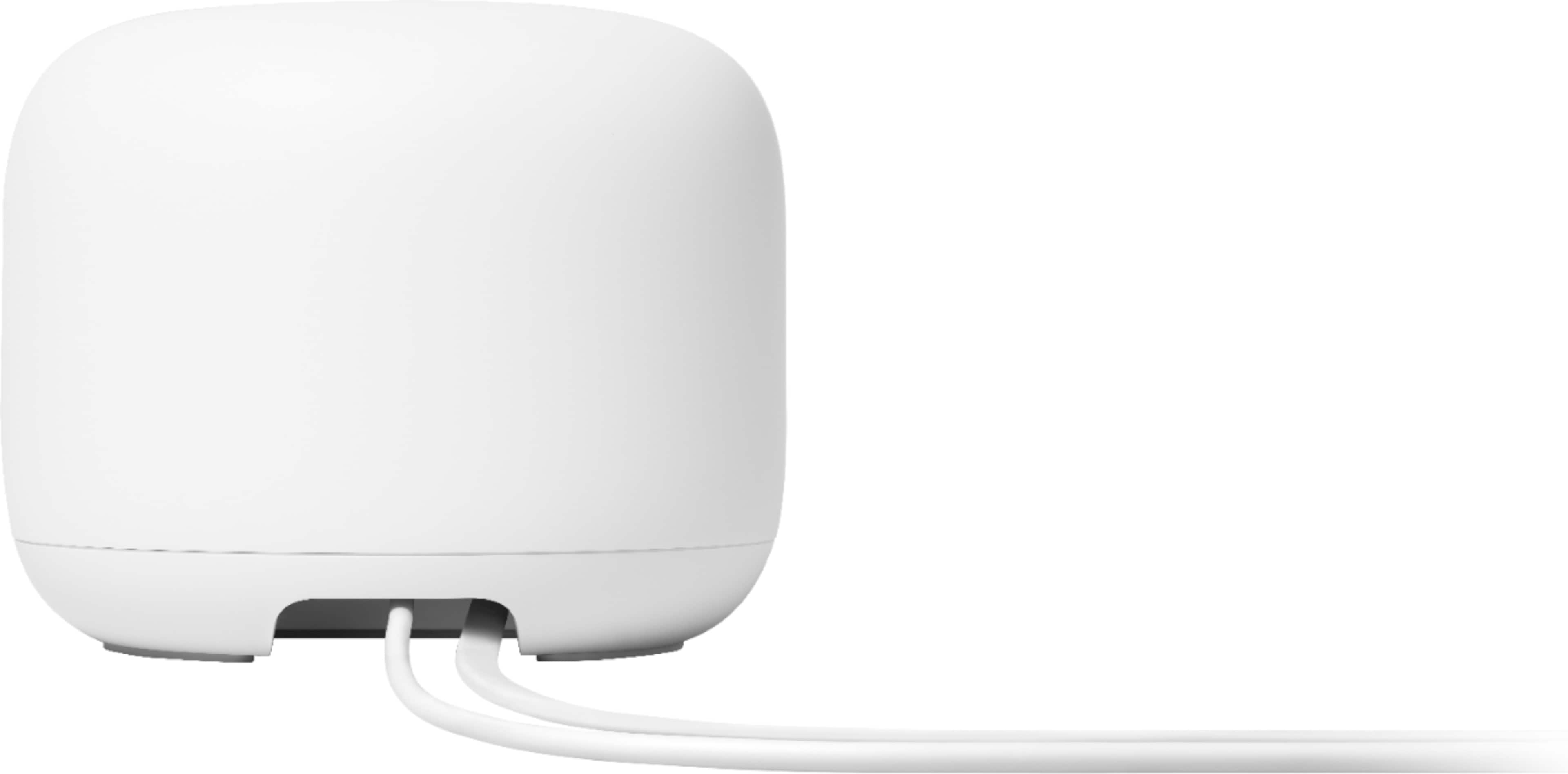
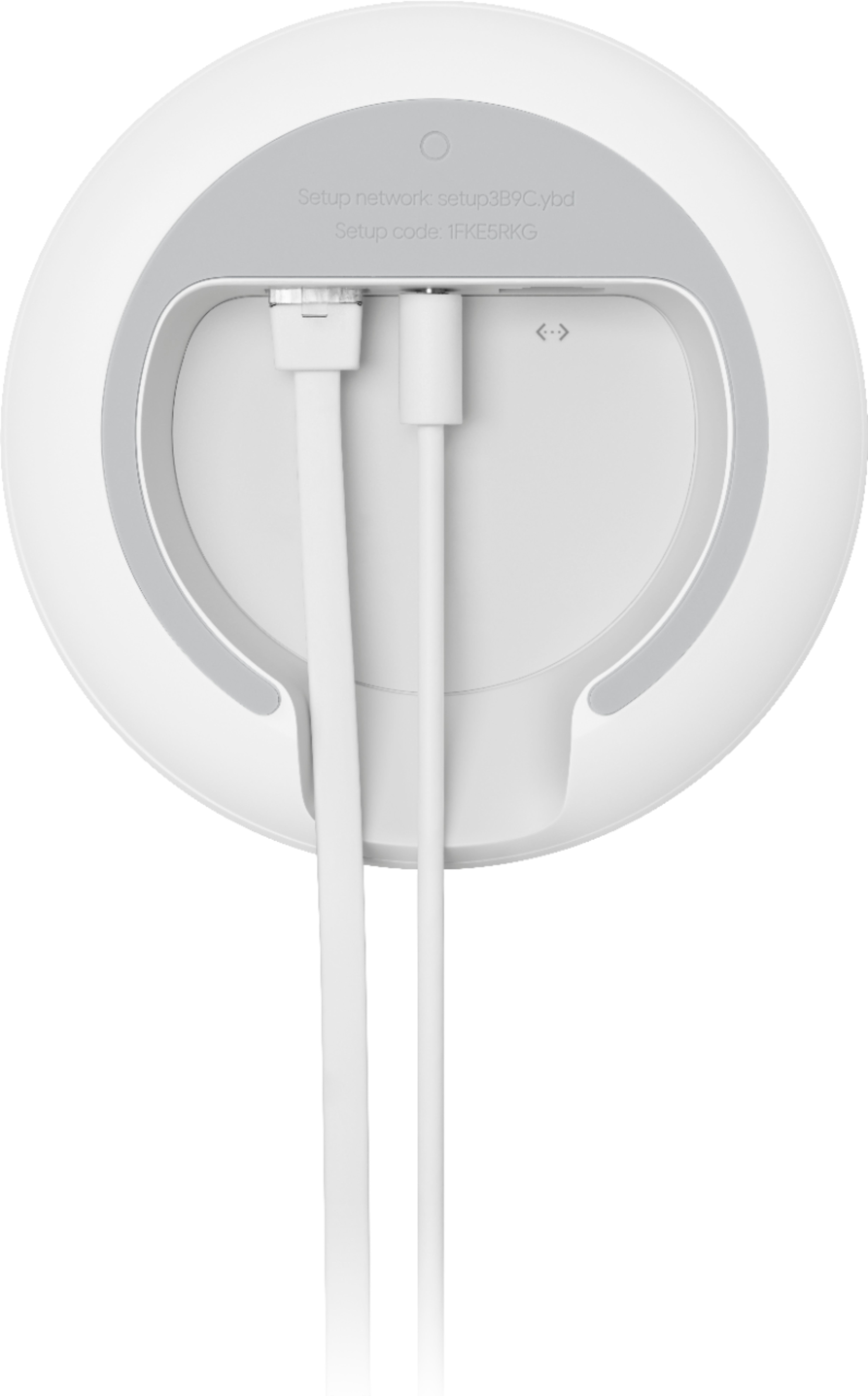
A:AnswerYes - there are two ports on the Nest Router - a WAN port for the modem to connect to, and a LAN port for hardwiring a device. Hardwiring more than one device will require a network switch, but those are relatively cheap (I have a 5 port switch connected to the LAN port for all of my home theater electronics)
One thing to note, if you purchase a second router to use in place of an access point, both the WAN and LAN ports on it will function as LAN ports. Good to have if you need to connect up devices that are far away from the modem (ex. My Wife’s desktop does not have WiFi built in, so we set up the second router at her desk and ran the hardwire from the router to the PC - works great)
A:AnswerYes, like the original Google WiFi, the Google Nest Router supports an Ethernet back-haul as long as you have two (or more) Nest Routers and not the Nest WiFi Points (which are wireless only).
A:AnswerYes, Nest Wifi can work with your AT&T modem/router combo. We recommend putting your combo in Bridge mode to avoid a Double NAT as it may cause connection issues due to the creation of 2 private networks. You can check out this support article for more information on Bridge mode and Double NAT: https://support.google.com/googlenest/answer/6240987
A:AnswerYes it can be use as a travel router, but I wouldn’t recommend it. As a repeater, not so great. I bought two and was trying to do a hard wire repeater instead of wireless, Even with the second router connected to Ethernet it constantly reverted to add the second router as a mesh network, you will loose a lot of speed depending on what you’re paying.
A:AnswerYes.You can hardwire 2 Nest Wifi routers to 1 modem. However, it will create 2 separate networks. We recommend setting up a primary Nest Wifi router and you can hardwire the 2nd Nest Wifi router to the primary router. This way, it will be a wired mesh, creating 1 network only.
A:AnswerYes, Nest Wifi is fully compatible with Google Wifi. We recommend setting up Nest Wifi router as the primary router wired to your modem, and adding Google Wifi points to Nest Wifi router to create a mesh Wi-Fi system.
A:AnswerIt's going to depend on your placement of the router and what your space layout is and what materials are in your walls. In general, it should be able to cover 1300 square feet if you can get it relatively centrally located and if you can space it a foot or two away from a solid wall to reduce oblique angles that the wireless signal would need to penetrate through the wall. A sharp angle makes the wall appear thicker to the signal so this is more important for clients behind such a wall.
To some extent it will also depend on the clients as well. 5 GHz capable devices will get the best speed and have less interference than 2.4 GHz only (more non-conflicting channels) but that frequency does not penetrate walls as well as 2.4 GHz. Also if you have neighbors also running wifi that may also interfere with your 2.4 GHz signal to some degree as that frequency does penetrate walls better.
On the plus side, this router does a really nice job of picking the best channels to use for both 2.4 and 5 GHz so you tend to get as good of coverage as you are going to get under the circumstances. Also, if you do still have dead spots, you can always add some mesh points later and increase your coverage.
A:AnswerNest Wifi works with most modems and internet service providers (ISP), including Verizon. It replaces traditional routers to provide seamless, reliable Wi-Fi coverage throughtout your home. You can connect Nest Wifi directly to your modem with the Ethernet cable to set it up and broadcast your Wi-Fi network. If your modem is a modem/router combo, we recommend disabling the Wi-Fi functionality of the combo or putting it in Bridge mode to avoid Double NAT as it may cause connectivity issues. Take a look at this link for the setup requirements and guide on how to setup Nest Wifi: https://support.google.com/googlenest/answer/9548301
For further assistance, you can contact our support team here: https://support.google.com/googlenest/gethelp
A:AnswerThe Nest Wifi router can cover up to 2200 square feet. Each Nest Wifi point can cover up to 1600 square feet. However, Wi-Fi signal coverage may be affected by different factors as Wi-Fi network congestion, distance of the device from the router, wireless interference with other Wi-Fi hotspots or devices nearby and other Wi-FI settings.
A:AnswerNest Wifi is a router that broadcasts Wi-Fi to any Wi-Fi capable device. It replaces your traditional router and you will need to connect it directly to your modem using an Ethernet cable to set it up and get an internet connection from your preferred internet service provider (ISP) that you'll have a monthly internet plan. Take a look at this link for the setup requirements and guide on how to setup Nest Wifi: https://support.google.com/googlenest/answer/9548301
A:AnswerYes. Nest Wifi supports Wi-Fi enabled devices, including smart lights and plugs that connect to 2.4 GHz and/or 5 GHz. Nest Wifi uses the same name for both the 2.4 and 5 GHz bands. Both radio bands are active simultaneously. Based on the device capabilities, Nest Wifi attempts to select the band that will deliver the best performance for your devices.
A:AnswerIf your AC2200 router is another Nest Wifi router, then yes you can connect another Nest Wifi router to your existing Nest Wifi router as an extender to create a Wi-Fi mesh. If it's a 3rd party AC2200 router, then unfortunately Nest Wifi router won't work as an extender.