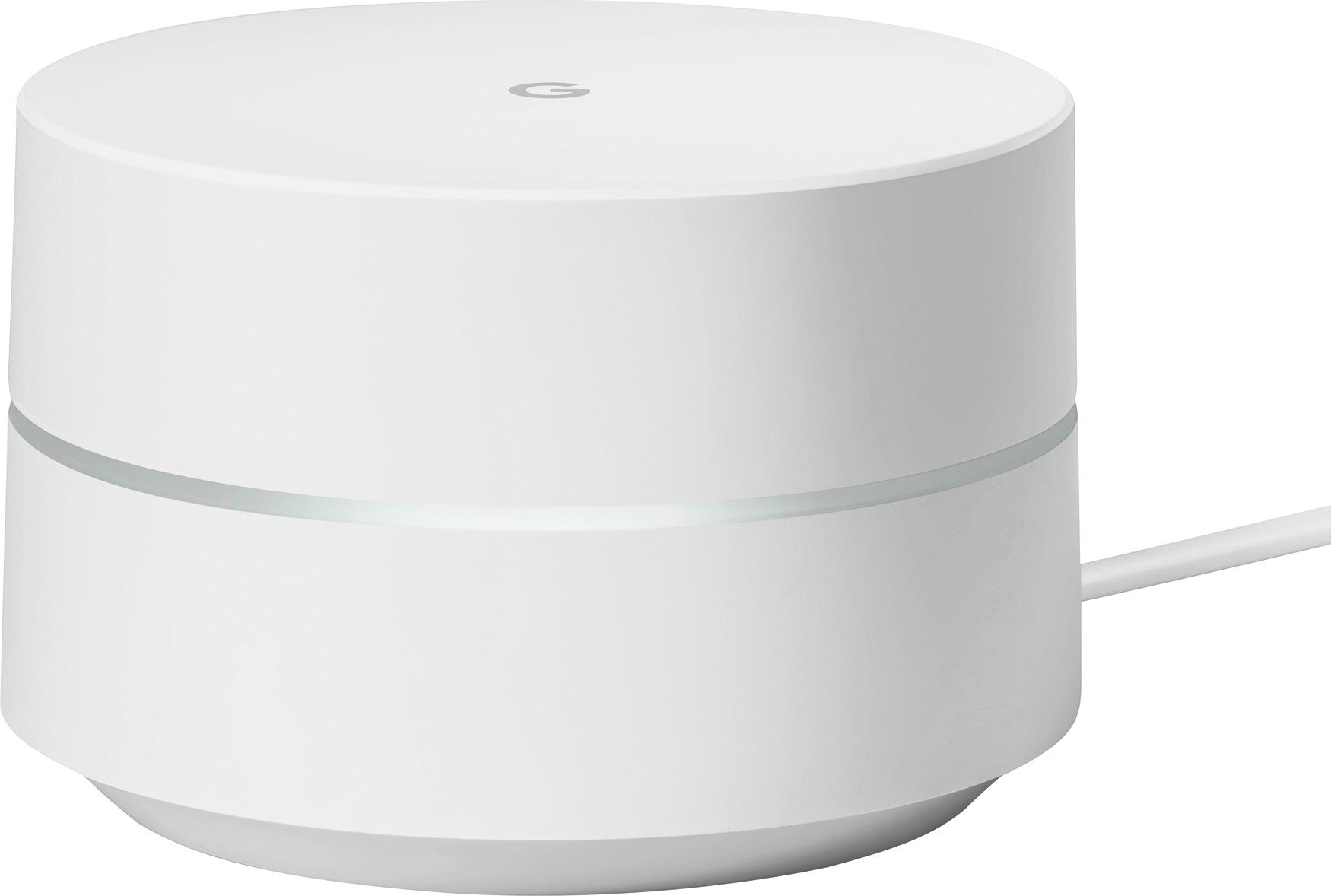
A:AnswerMy bed is roughly 35 feet from the Google Wifi and the signal has to go through 2 walls and the signal strength at my bed is very strong. I'm not sure if this is what you are asking.
A:AnswerNo, the Google stuff is not currently setup to work with other devices and maintain its mesh. They can coexist, you'll just have more than one WiFi network. One that is a mesh and the other one.
A:AnswerHere’s how to change your Wi-Fi password:
Open the Google Wifi app.
Tap the settings tab, then Network settings.
Under the ‘Network’ section, tap your network name.
To edit, tap your password or the pencil icon in the upper-right corner.
Enter a new network password. Check the “Show password” box to see it written out.
When you’re done, tap Save.
A:AnswerThe Google WiFi works with both 2.4Ghz and 5Ghz. Rather than you having to make the switching the Google WiFi does it for you. It determines what is needed and that is what it delivers. If you have a 5Ghz device it will deliver that as well.
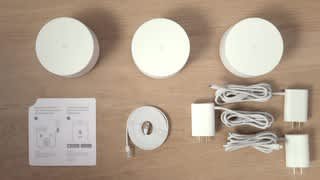
A:AnswerYES you can, and its about 6 feet. Also you don't need a Ethernet cable for the 2nd one, just power. They "Mesh" automatically when joined to the network.
A:AnswerGoogle WiFi will get Internet from the router that supplies Internet (your ISP) to your home; your "Old ISP (Charter)"? If you are still getting Internet from Charter, then there is your source. If you've disconnected from Charter (Old?) then, perhaps you are using another Internet Service Provider? You're not getting Internet through the Google WiFi; it's getting internet from your ISP/Router and distributing a wireless signal to your home.
The point is, this is a range extender, which will extend your WiFi signal throughout a larger area of your home than whatever WiFi Router your are currently using and do it through a 'Mesh Network'. This means you will be able to move about your home on a single sign-in to your wireless - much like your cell phone does not drop signal when you move between cell phone towers. Take my home as an example - I have a single Wireless Router, a LinkSys WRT54G. I get great signal in my living room and kitchen (where the wireless router is); signal drops as I head towards bedrooms or basement. I plan to replace my LinkSys with one of the Google WiFi units (it's connected directly to the router my ISP provided). A second unit will go in the bedrooms on the south end of the house and the third unit will go closer to my master bedroom on the north end of the house. From that point, I'll used the Android App to adjust locations for best signal.
The product page on Best Buy provides specifications for the units:
Dimension
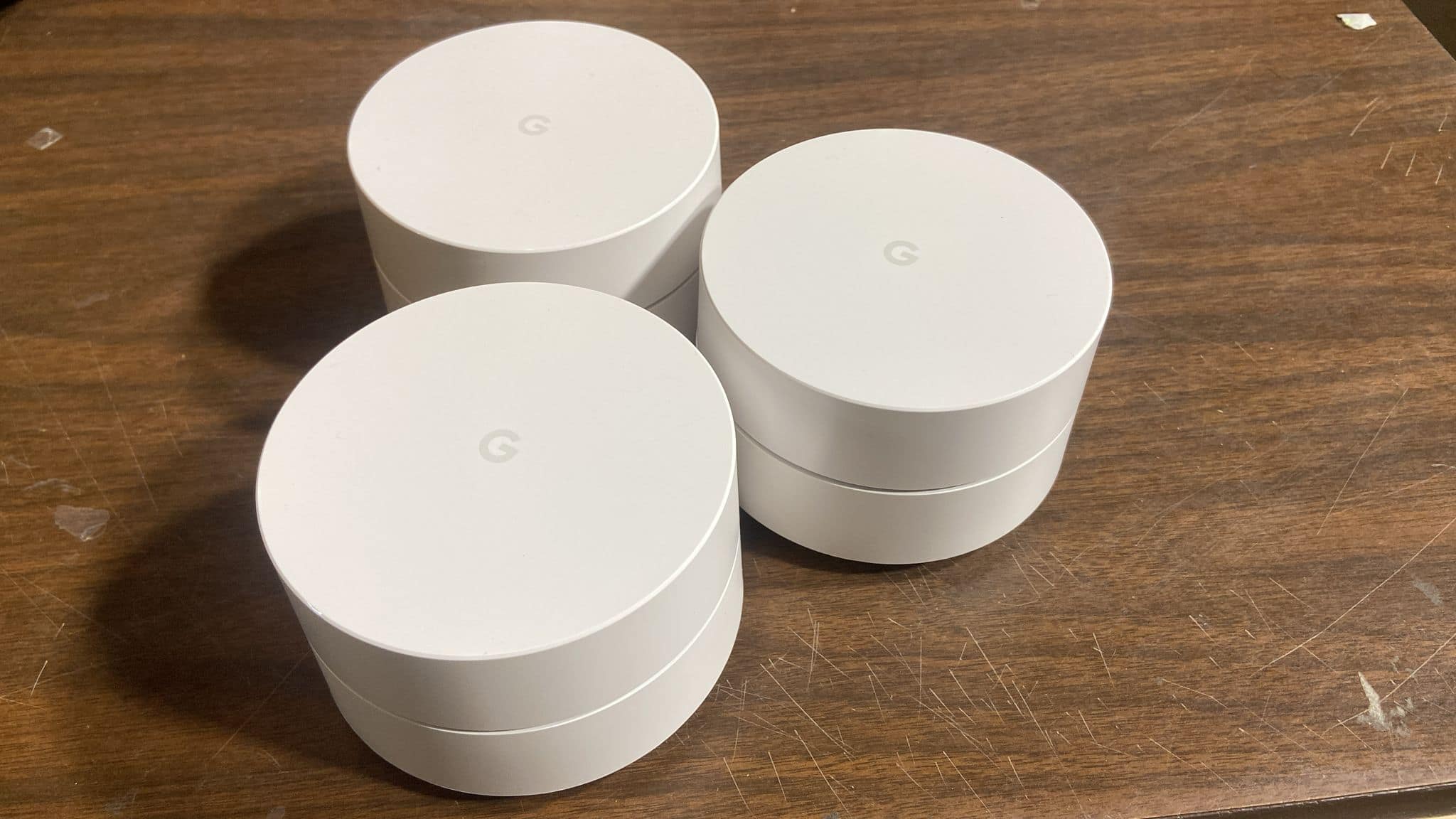
Height 2.7 inches
Width 4.17 inches
Depth 4.17 inches
Weight 0.75 pounds
If you are familiar with the Amazon Alexa Dots, this is a similar size.
A:AnswerThere should not be. As long as you can download the app and follow a few on screen instructions, set up should be simple. If you change your wifi network name and PW you may have to update it on your tablet. Other than that you should be good to go.
A:AnswerYes there is a difference and it may be considered illegal due to the interference that radio waves can cause in particular bands - though i doubt it as the wifi in the us is more restrictive in its use of the radio bands. but see this page on wikipedia
https://en.wikipedia.org/wiki/List_of_WLAN_channels
A:AnswerTo my knowledge it is quite expandable, I don't think you should have a problem with 6, however I highly recommend having as many of them as you can connected mostly around the "main" access point (the one connected to the modem) to have the most stable and the fastest connection between all of the devices. in other words its wise to the the one connected to the modem in the center of the building.