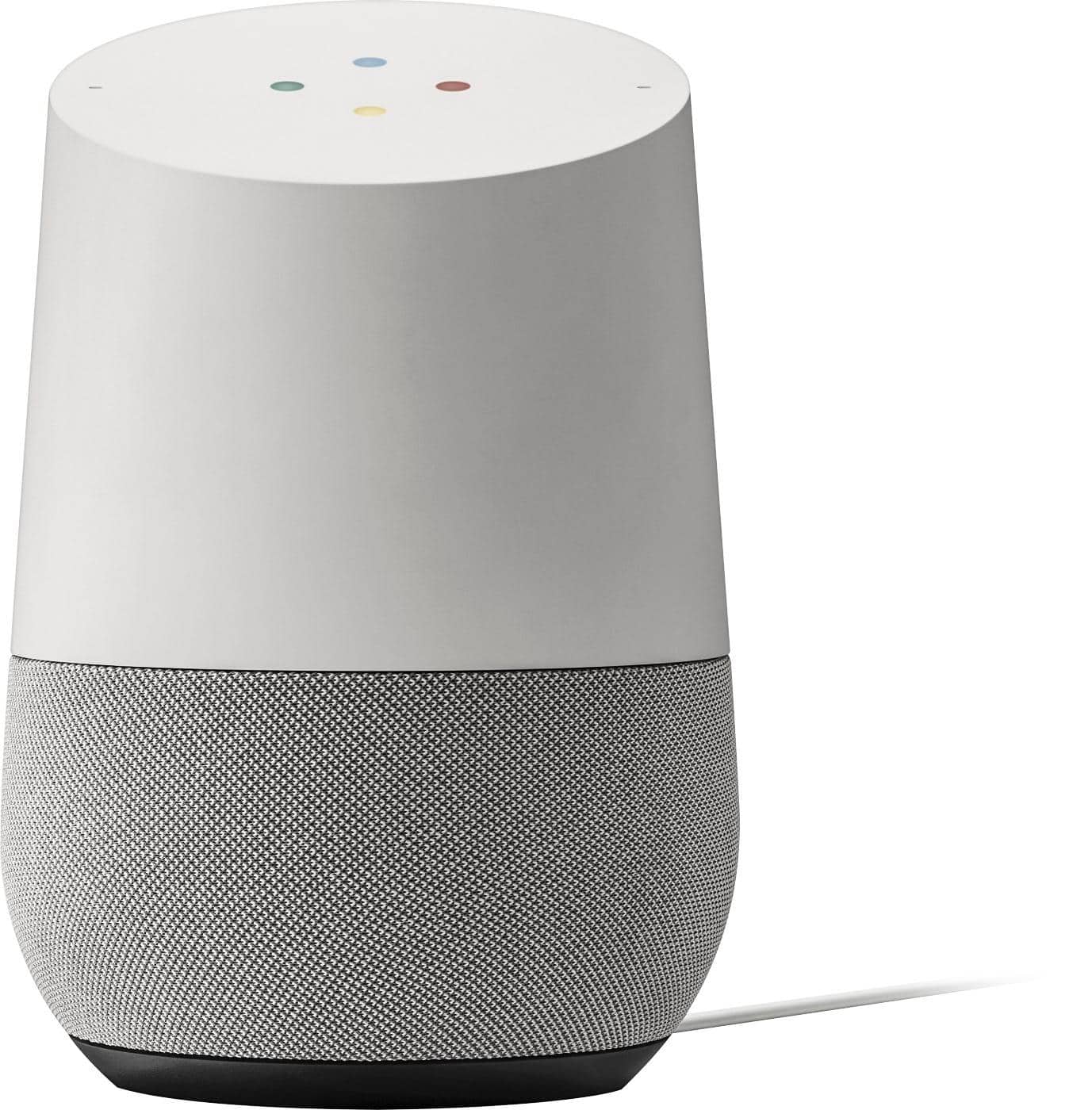
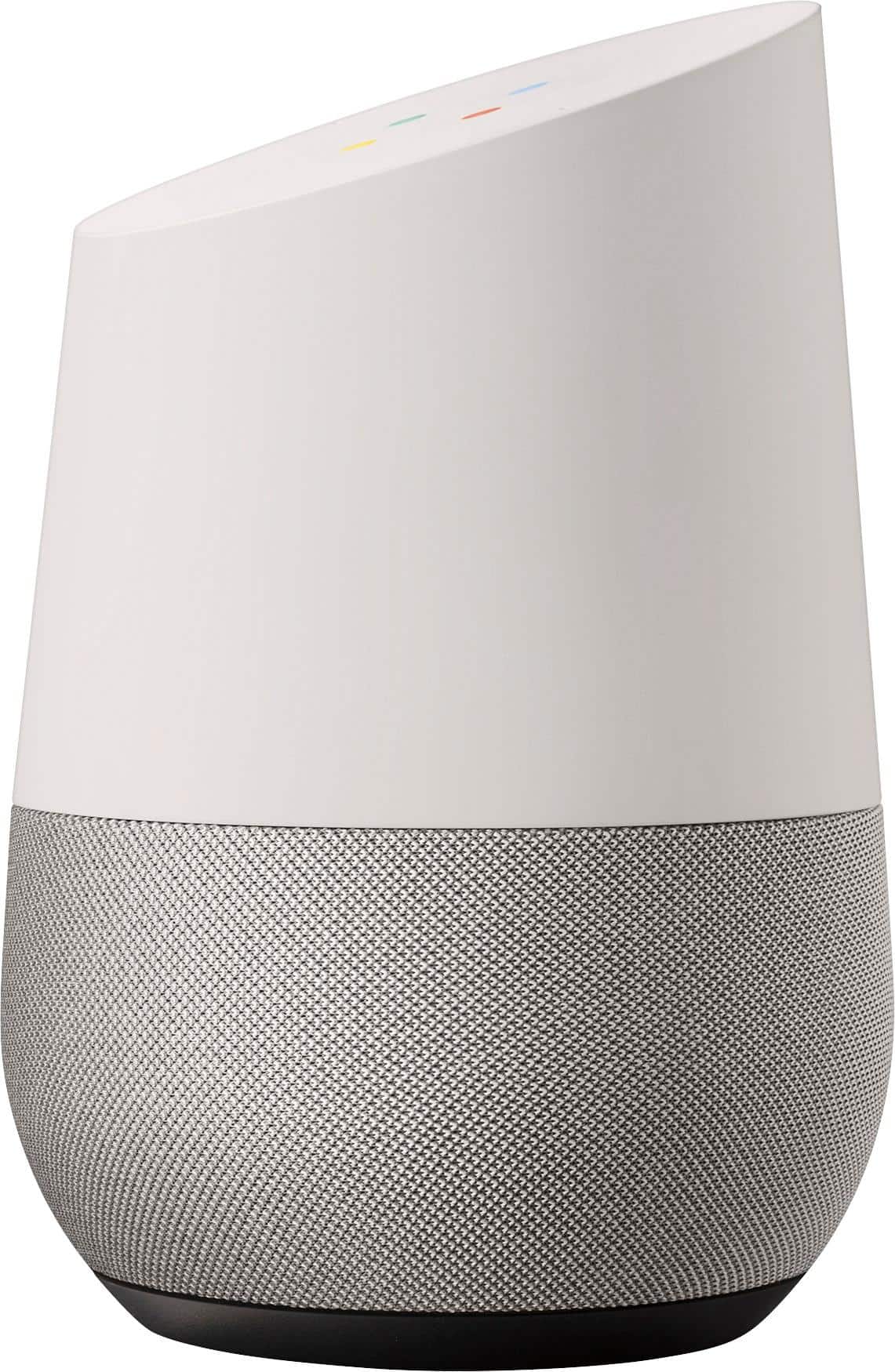
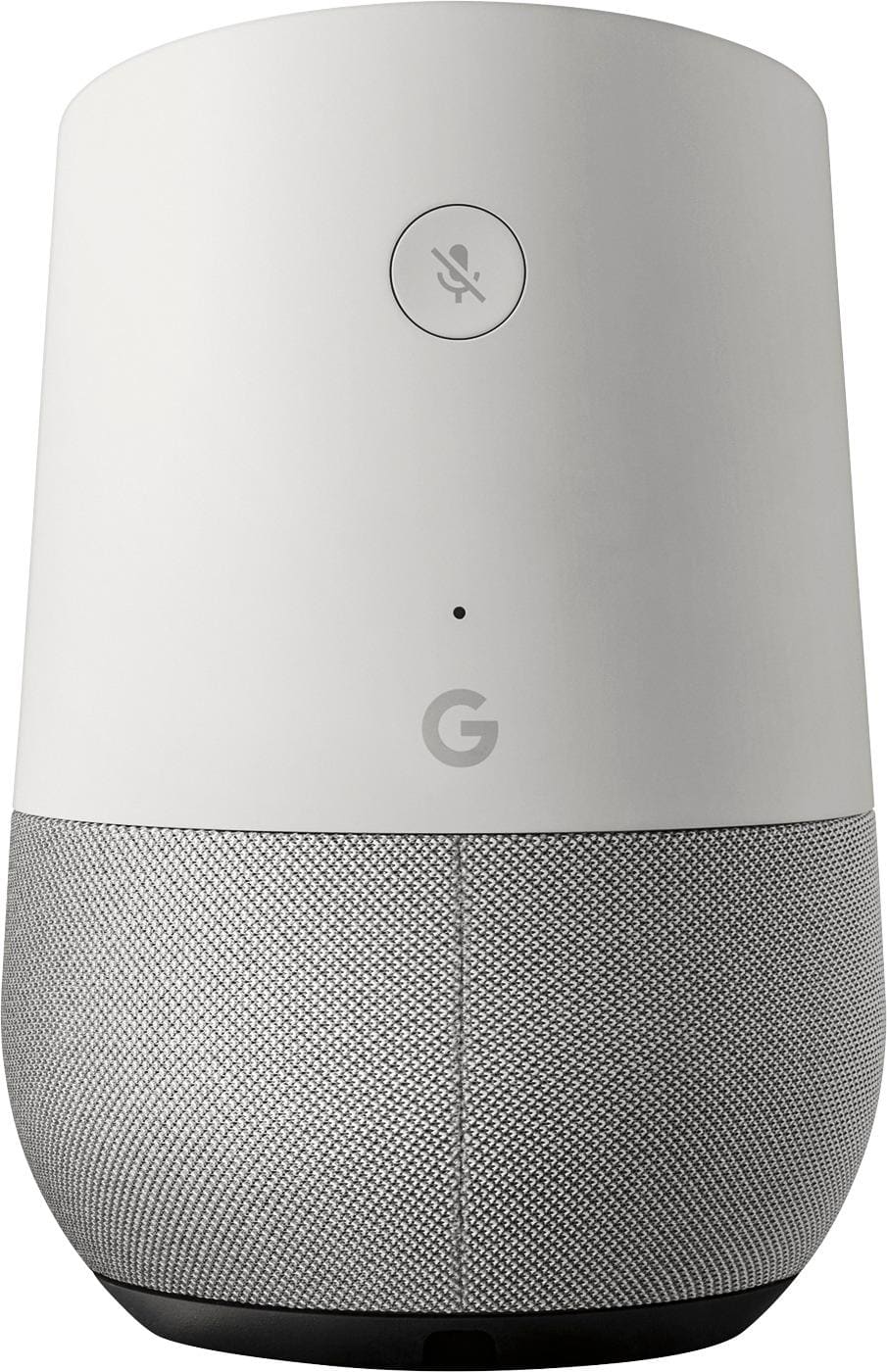
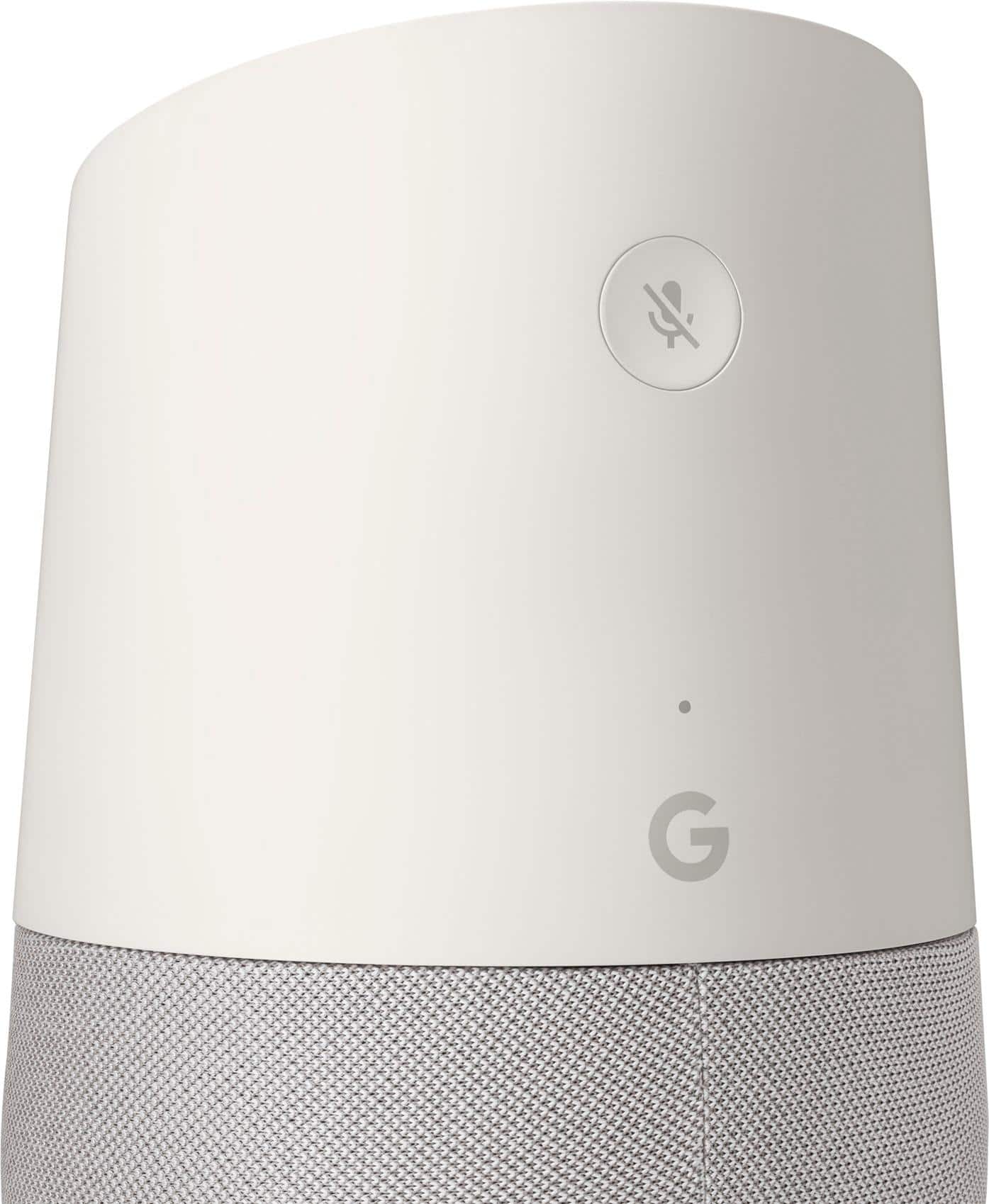
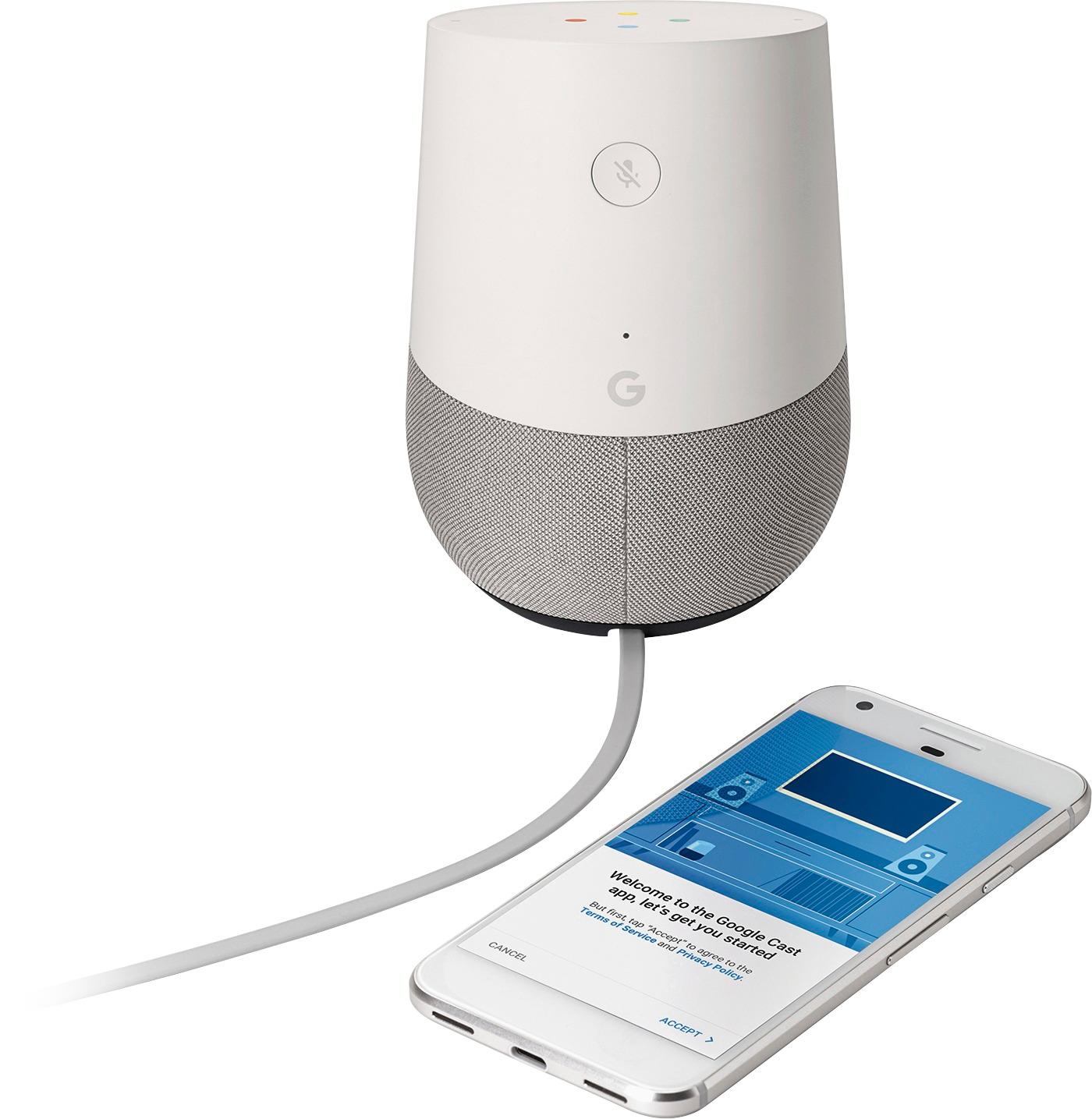
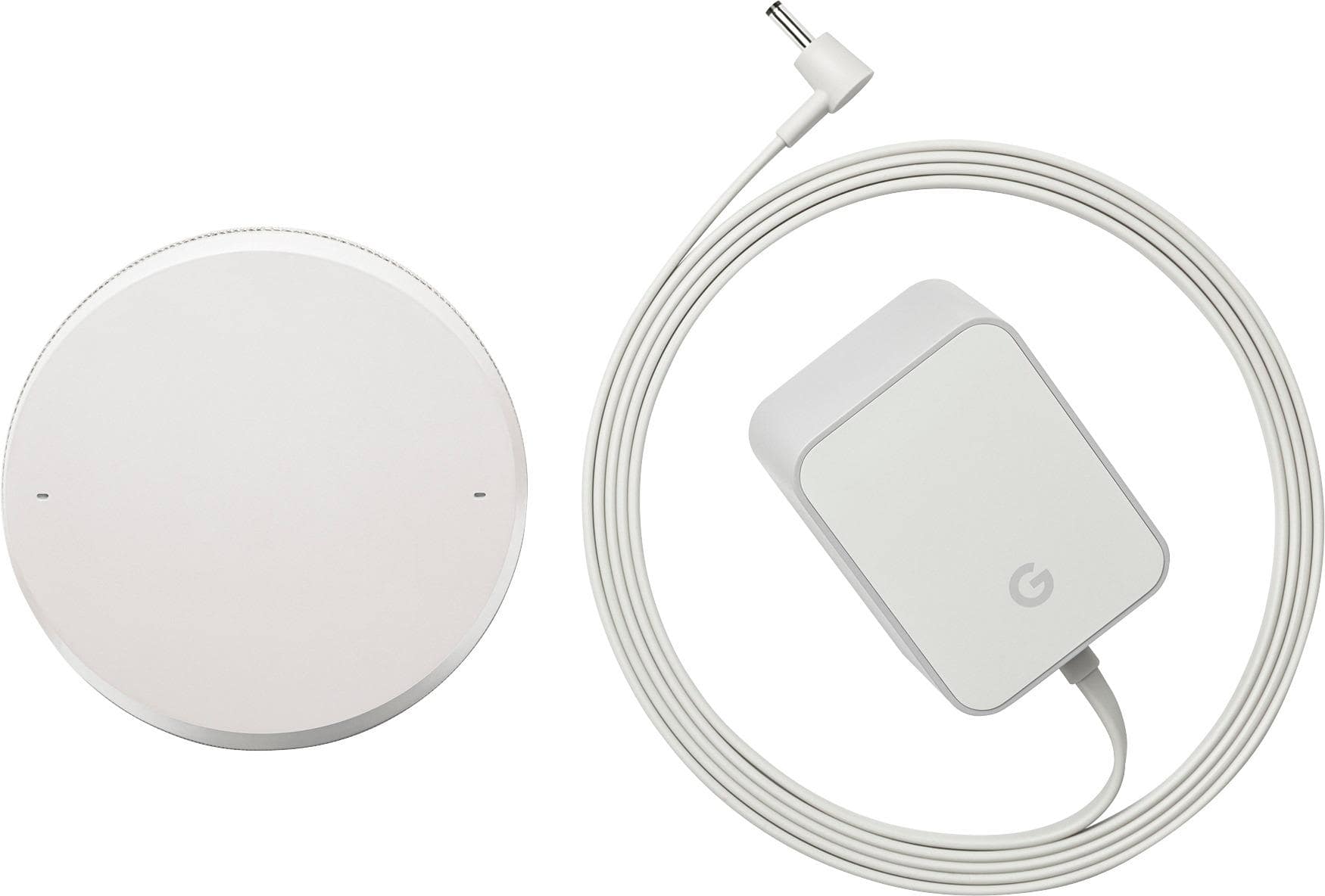
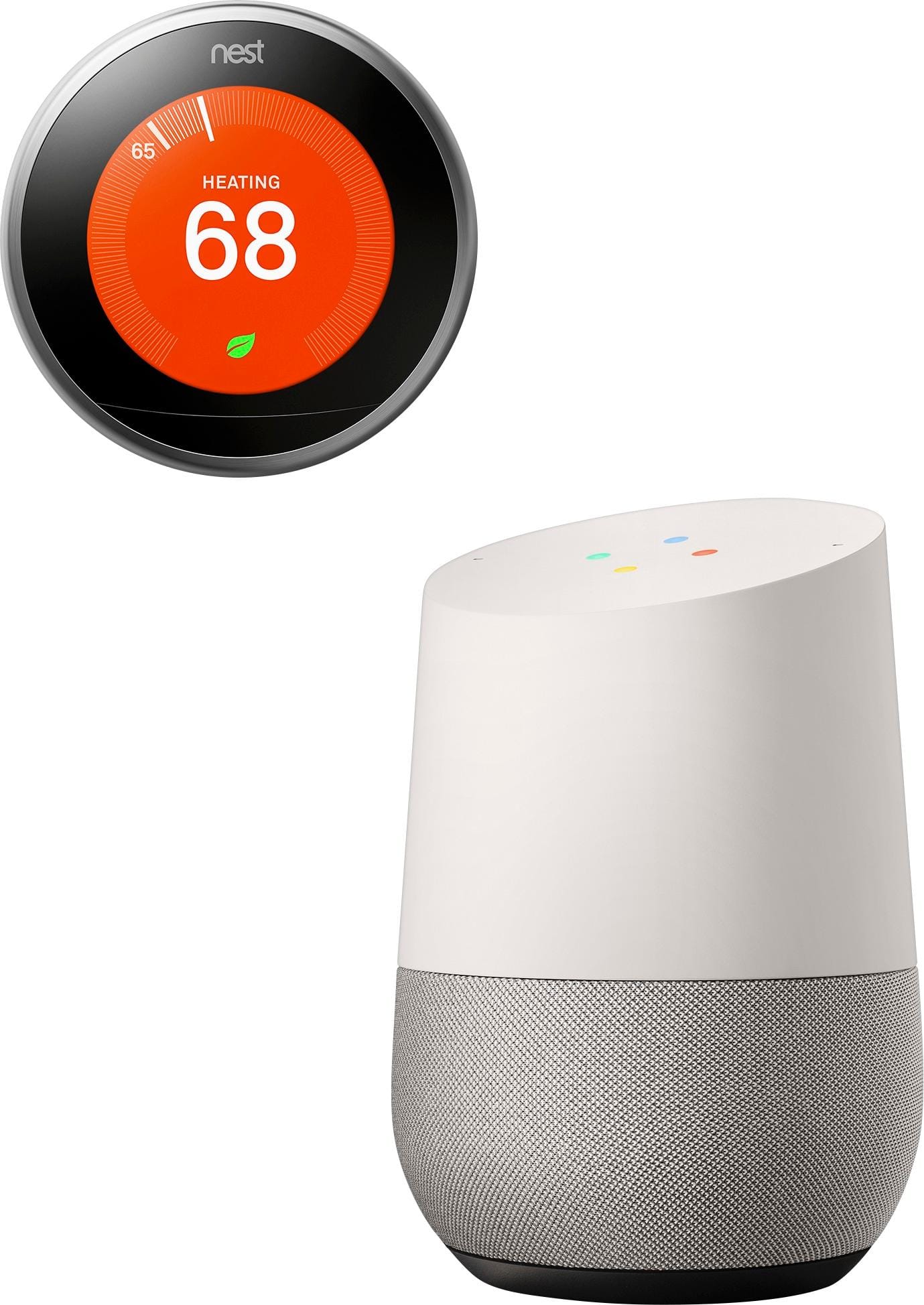
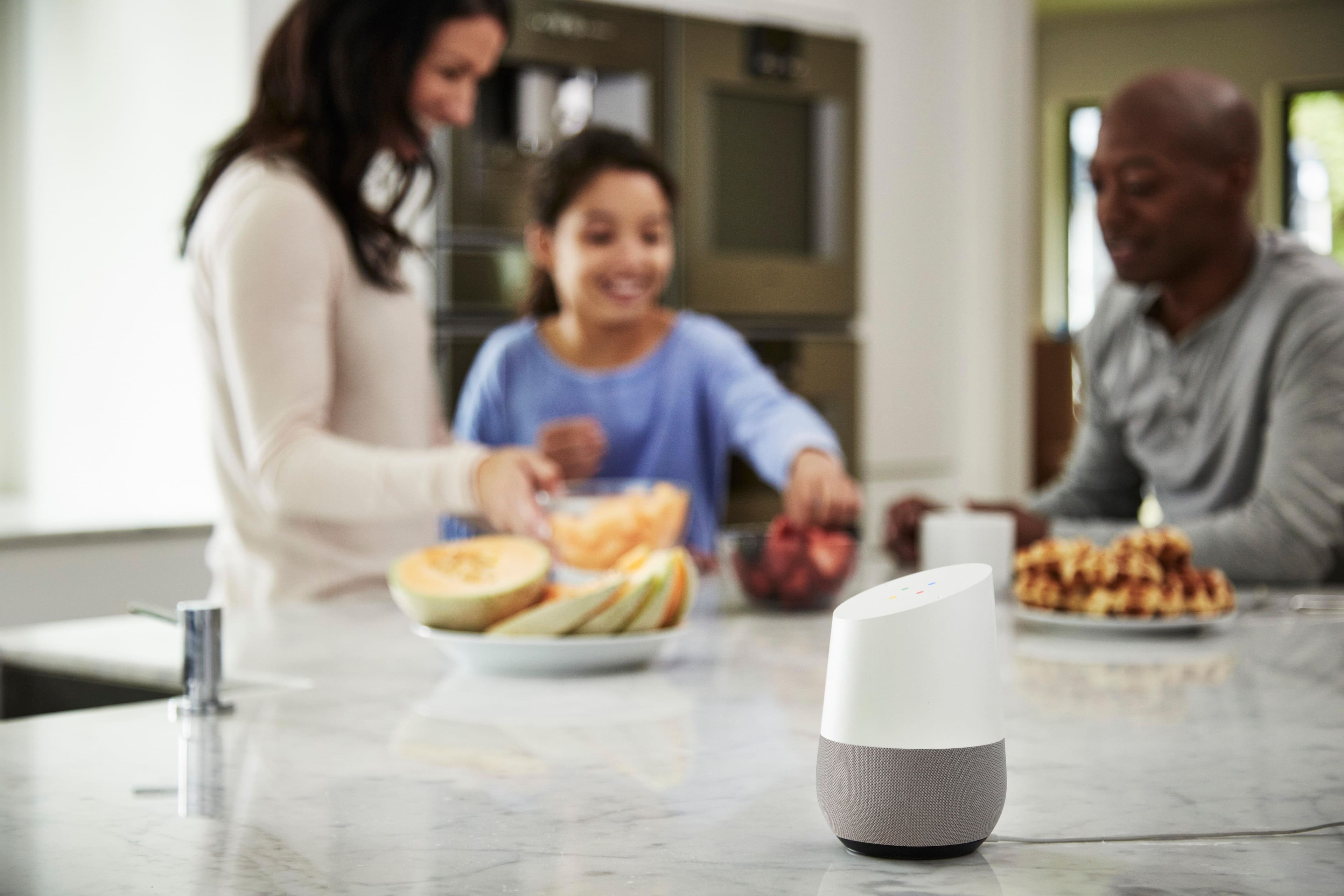
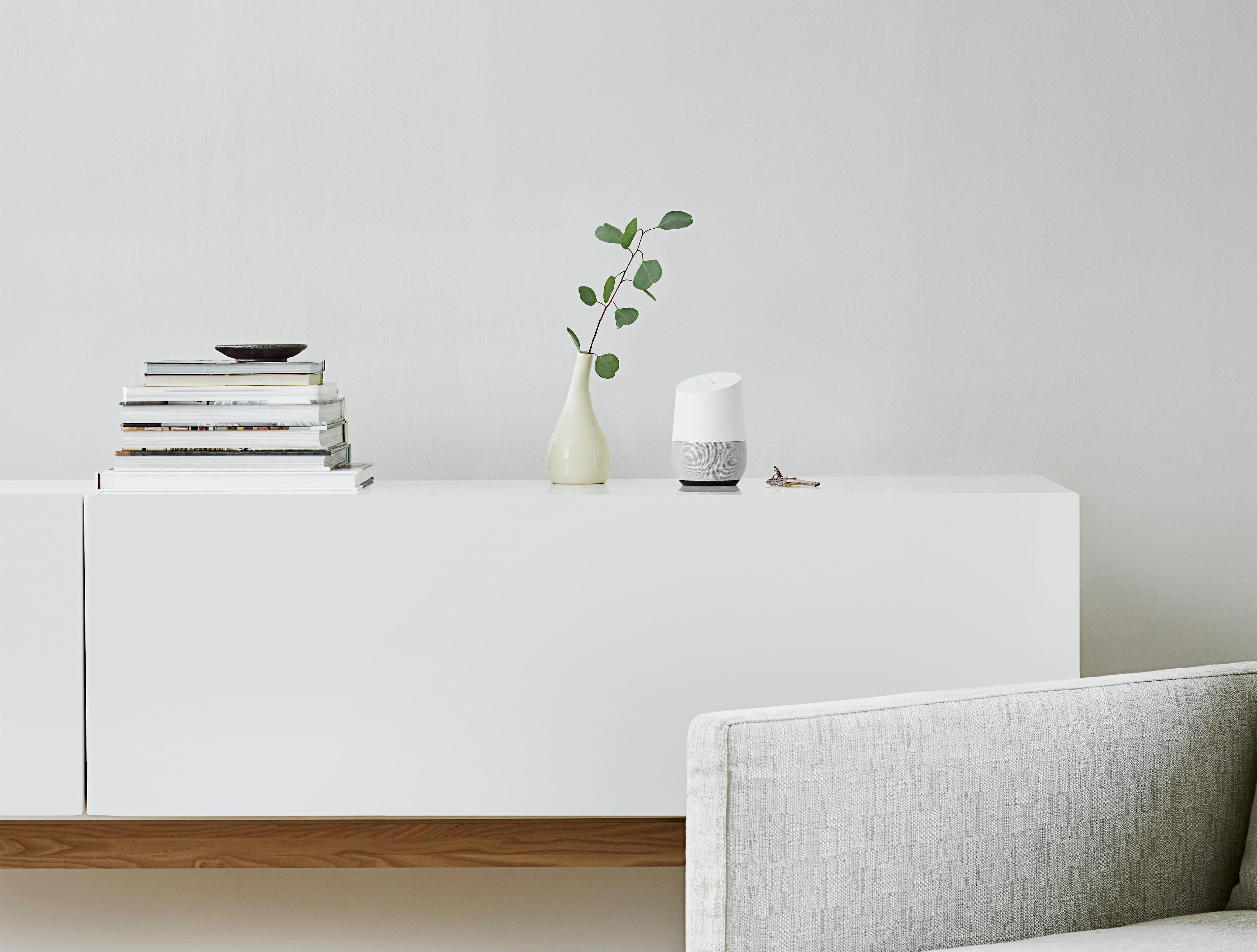
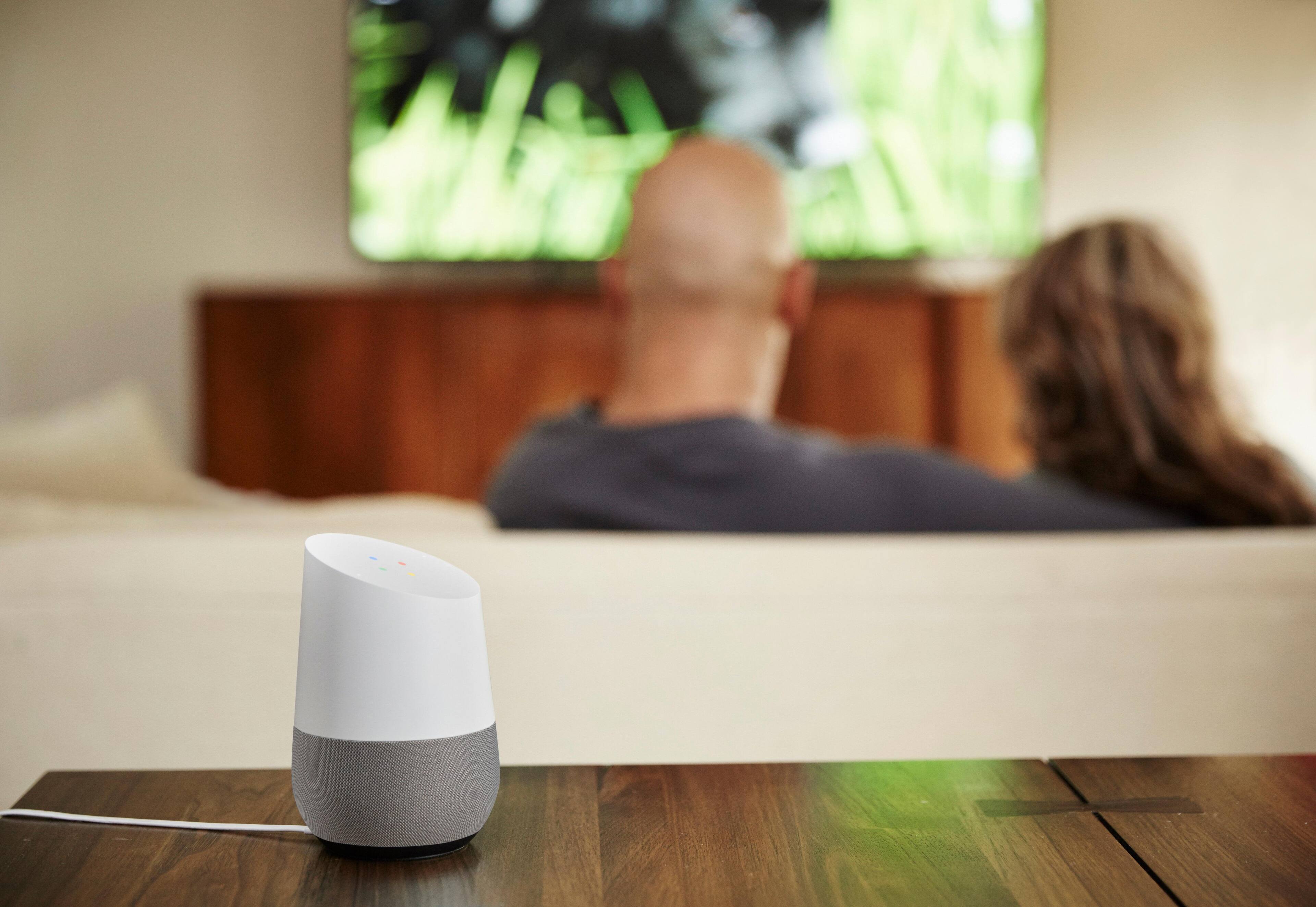
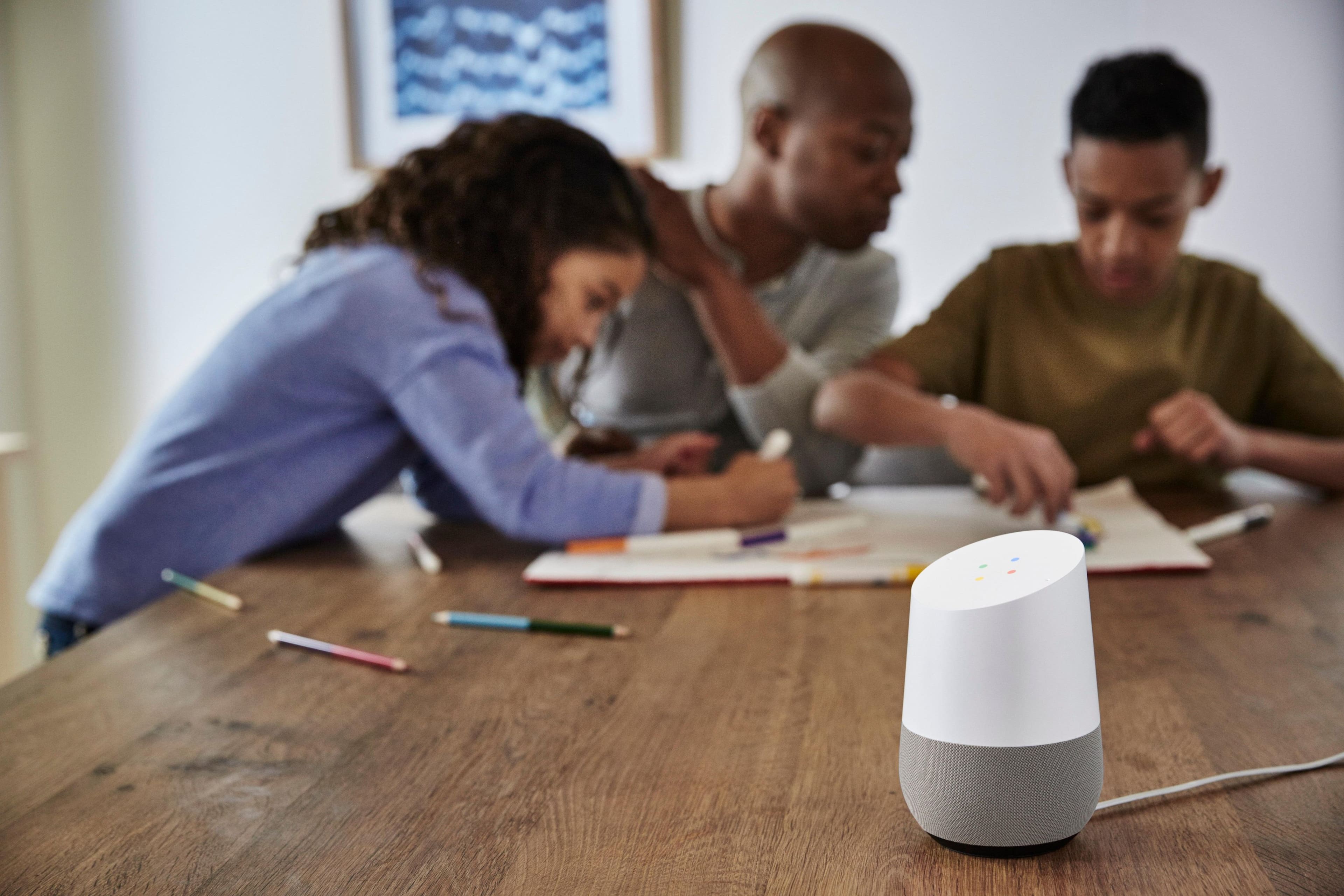
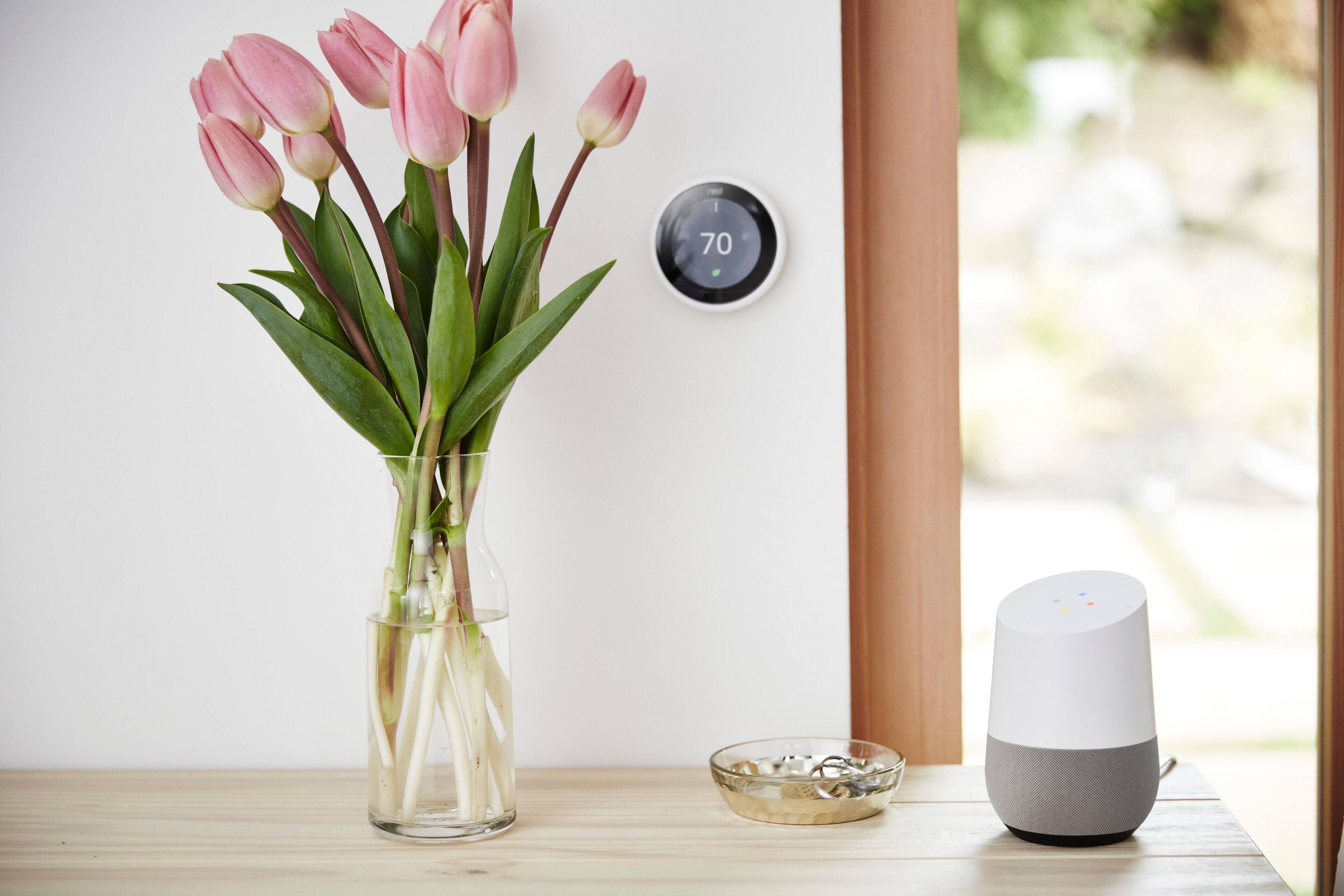
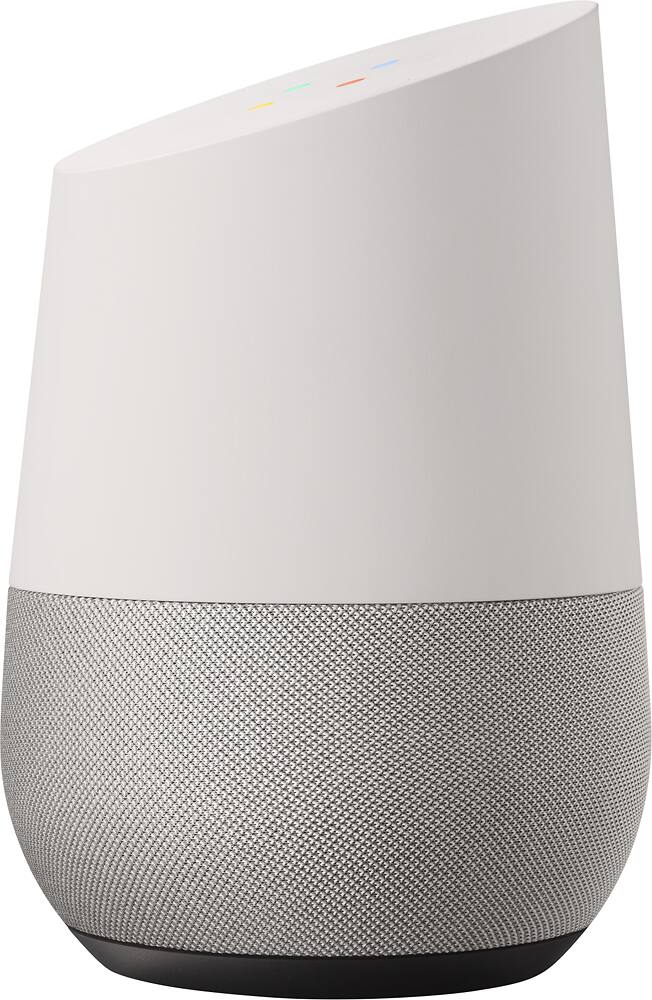
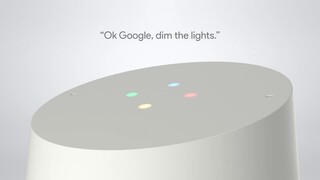
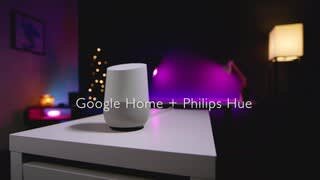
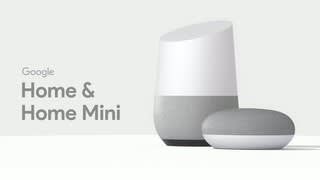
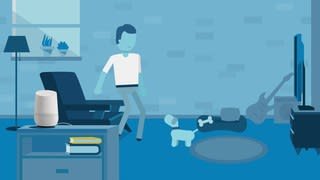
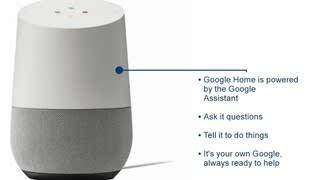
A:Answer You download the Google Home app from the Google Play Store or the iTunes App Store on to your smart phone or tablet. Launch the Google Home app and sign in with your Google account. Plug in the Google Home device, and the Home app will discover the device. I remember that you answer a couple of questions, such as which WiFi router to connect to and which streaming music service you prefer (Google Play Music, Spotify, Pandora). The Home app will then guide you through a couple of interactions with the Google Home device to get you started. You interact with Google Home by using your voice. You start with the wake up phrase (either "Ok, Google" or "Hey, Google"), and then you can ask it a question or give it a command. It can tell you about upcoming events in your Google Calendar, tell you about your local weather, play music, add items to a shopping list that you will then find in the Google Keep app on your smart phone, and if you have certain other smart devices in your home, such as a Nest Learning Thermostat, it can interact with those devices as well (turning up the temperature). The nice thing about Google Home is that it is just a microphone and speaker device. All of the smarts for the device reside on Google's servers. So, as Google makes improvements to the Google Home services, you will be able to benefit from those improvements.