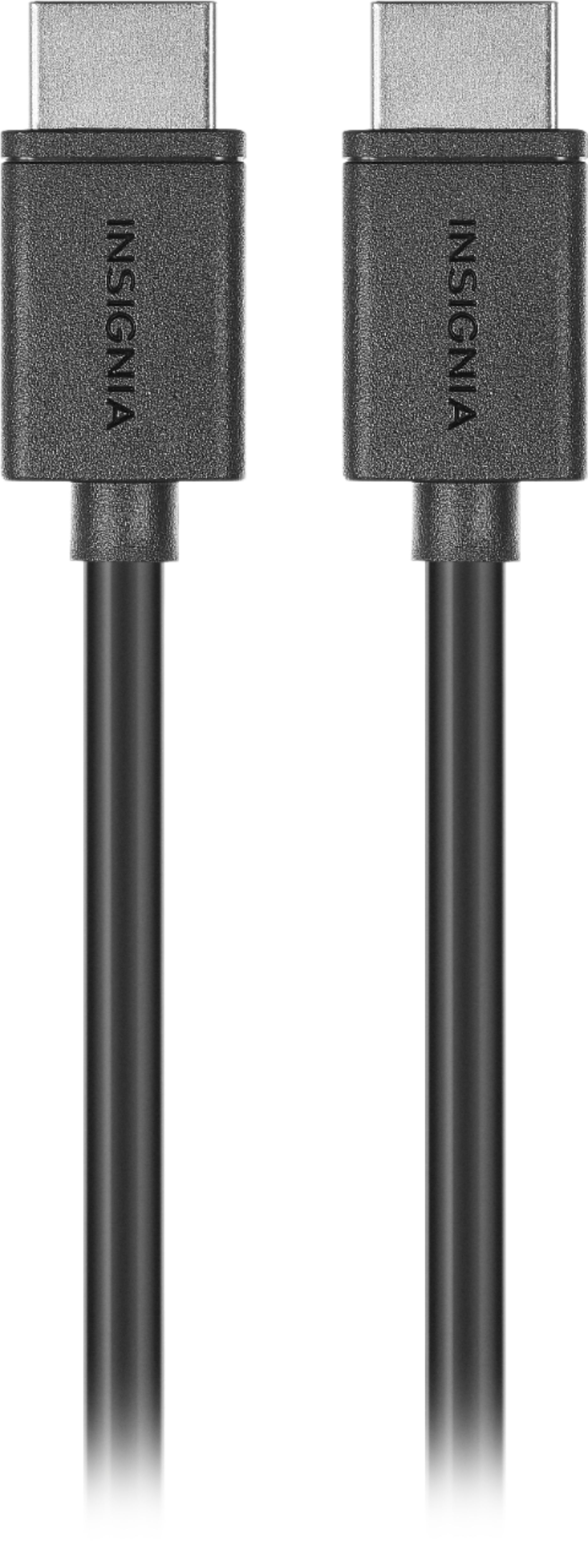
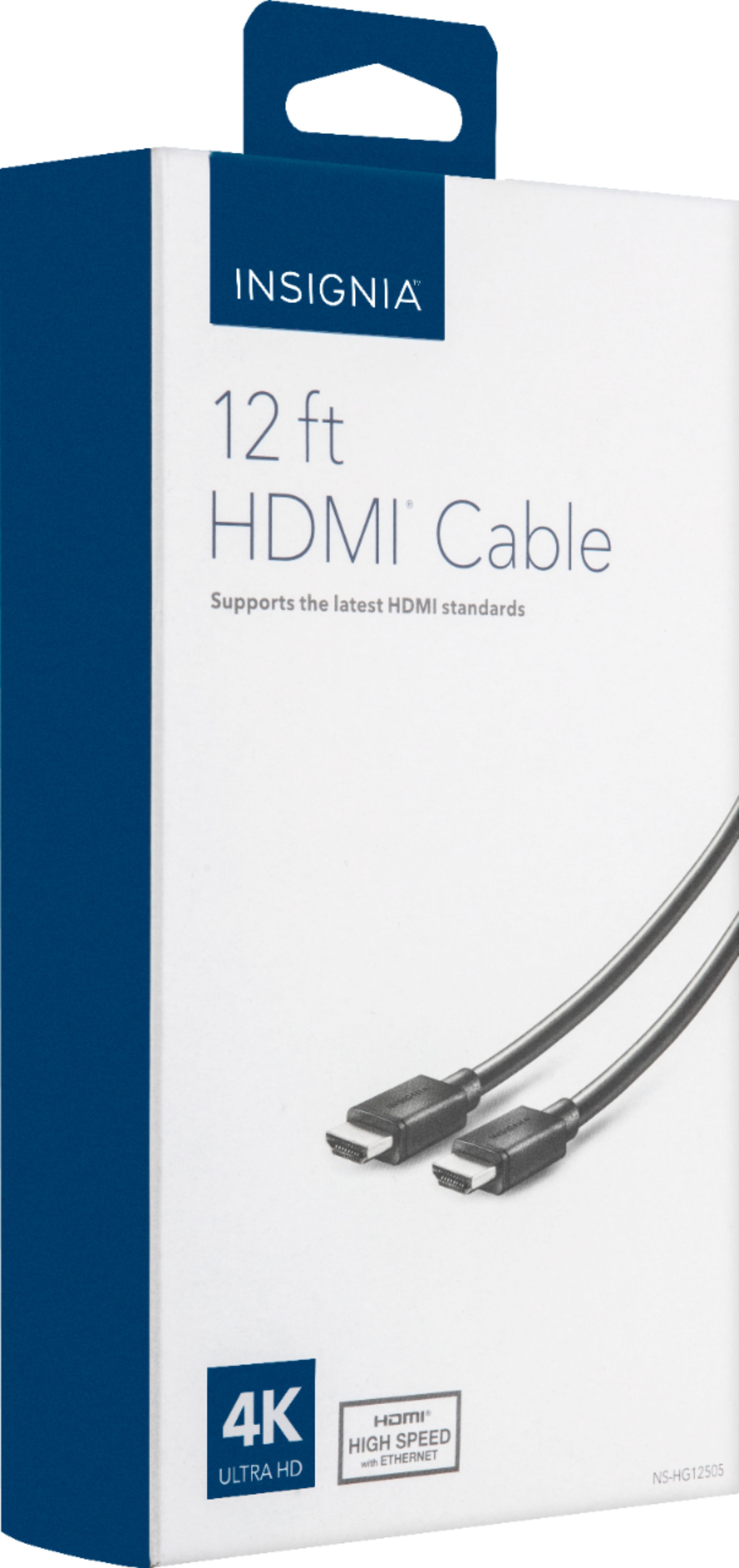
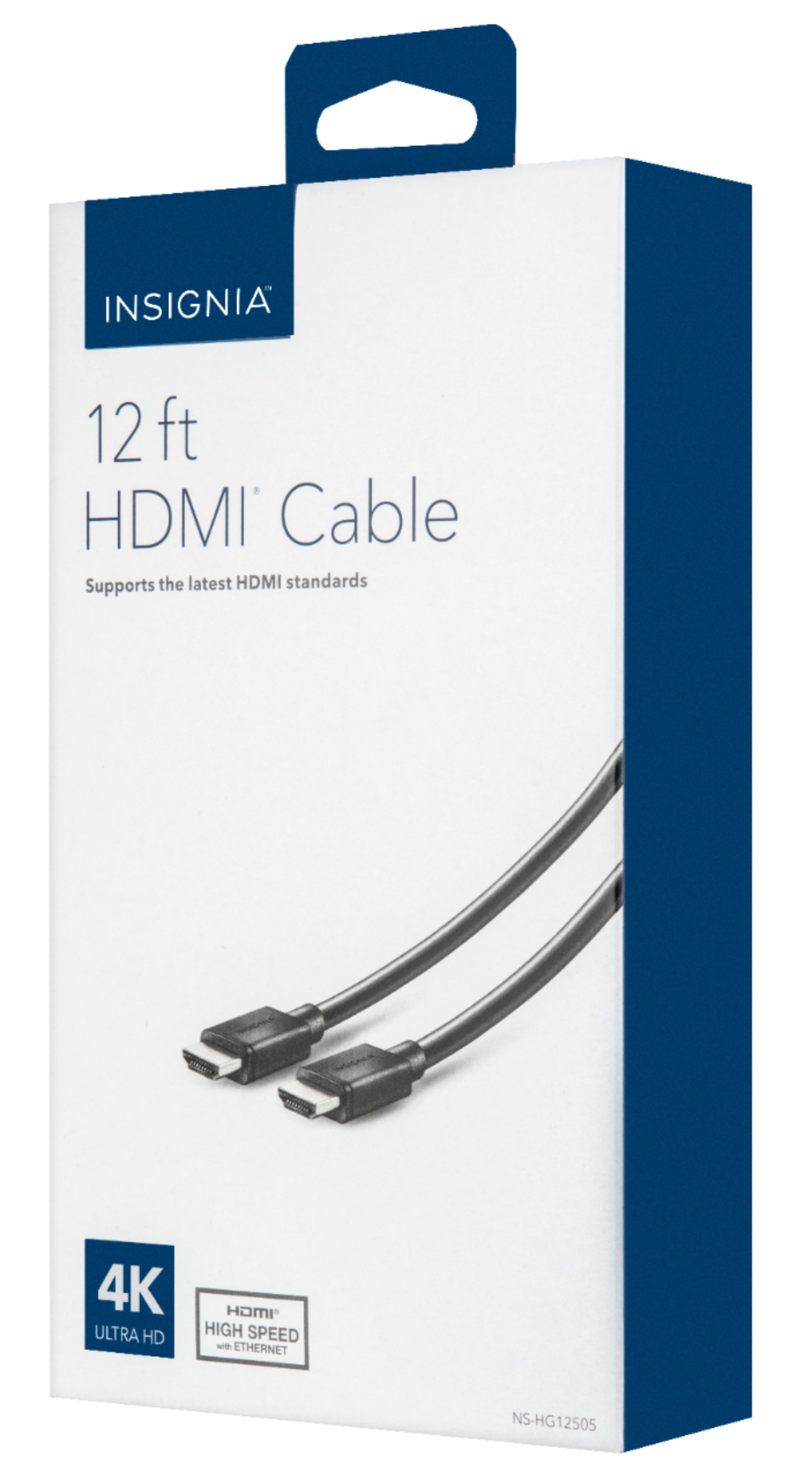
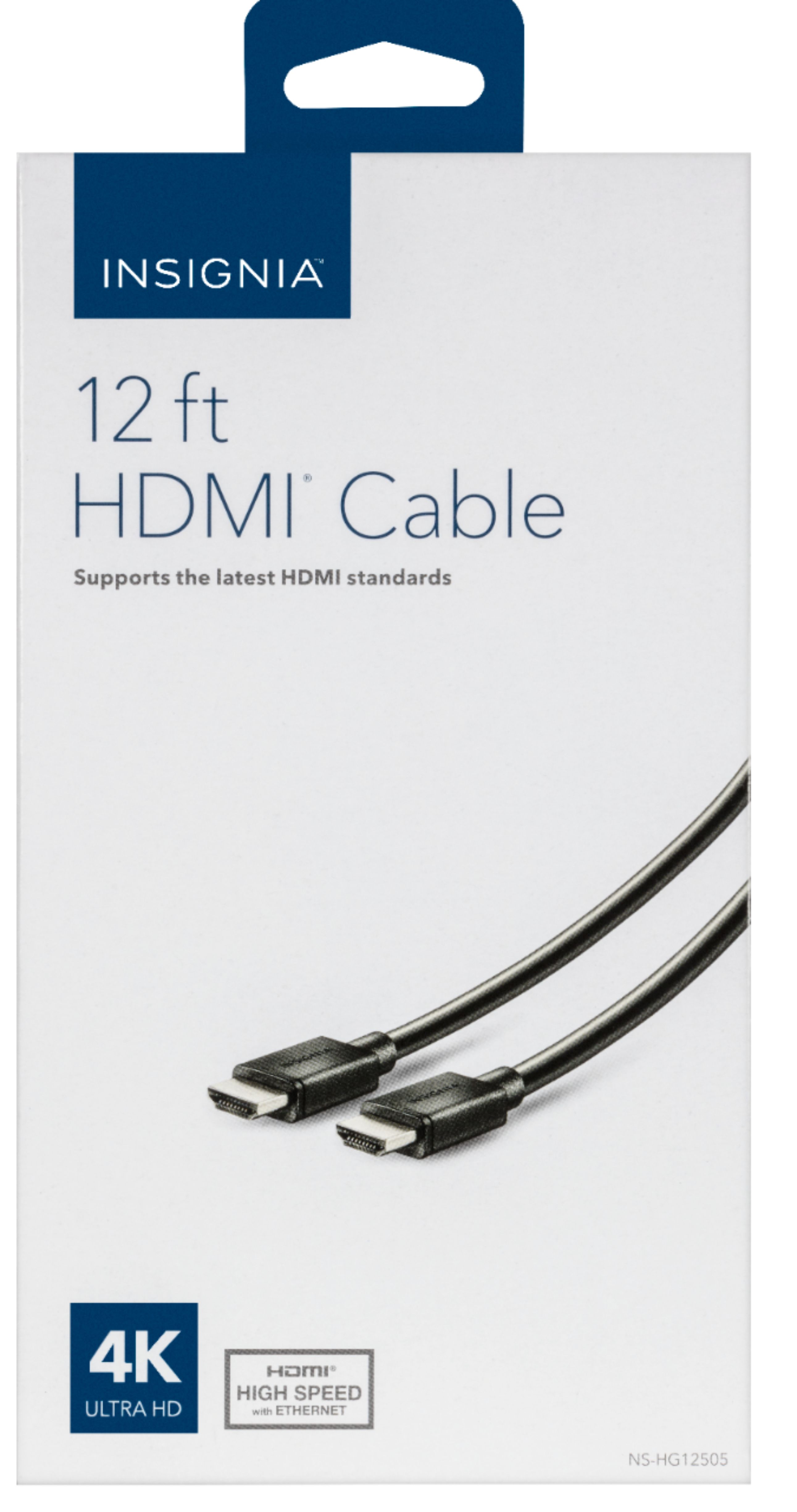
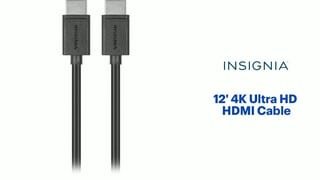
A:AnswerYou should be able to use the same cables you have been using now.
Unless you buy a TV and have OCD 'most' HDMI cables will work.
HDMI has a standard that it must follow before it can be sold.
A:AnswerIf you aren't using cable or satellite. Then, the only cable to your wall should be the power cable. You will need an HDMI cable if you plan on hooking up a bluray. But that would only go from the bluray player to the tv. Not the wall.
A:AnswerYou may have to purchase a male/female adapter and then connect it to your pin cable, then connect to the tv. A gibit HDMI adapter, also might be helpful.
A:AnswerYes...this cable enhanced the TV's ability to promote 'best' sound. In not, I would highly suggest a 'sound-bar' these have fallen in price and will give you a great sound for the money overall.
A:AnswerIt is compatable with the MacBook Pro, IF you get the adapter. There is an adapter for MacBooks that you must purchase to connect any external cord to.
A:AnswerNot all tv's are hd so you need to purchase the HDMI voids for your tv. I've also had direct tv and then tend not to be to helpful although the picture quality is better then cable
A:AnswerI have this cable hooked up to my brand new Apple TV, I can tell you it works. I have no issues with it. Like I mentioned in my review if someone is on a fix budget and needs a HDMI cable this works with no issues.
A:AnswerThat is a good question! I would contact Insignia directly, and see what they say about the certification on their cables. Insignia "should" be able to give you the answer you need. Good luck my friend........
A:AnswerI don't see why not, give it a try and if it doesn't work return it and get something better. I strong advice to talk to a best buy person to make sure if it will work.