A:AnswerI'll let you know when I get to 30 days... I'm on my second one already. First one after initial setup became unresponsive and went back. Second one was difficult to get running. Although it's supposed to be portable whenever I disconnect and reconnect it has to be added via Google app again. May be taking this one back as well.
A:AnswerThis sounds like a defective unit mine does not operate that way. Presumably you have tried unplugging it and doing a reset and then trying the alarm functions again
A:AnswerGo into the Google Assistant app and select the device your wanting to change. Then in that settings page go to " Lower Volume While Listening " and turn that feature on. That will fix the problem your having.
A:AnswerYes you can.
Start by saying: “Hey Google, set a music alarm for 7am weekdays”.
She asks what kind of music.
You respond, “Jazz Music”, or what ever music you want to hear.
A:AnswerHello, thank you for sharing your inquiry.
This Bluetooth speaker should update by itself as long as it is connected to a WiFi connection. If you would like to force an update, you can perform a factory reset by pressing the pressing the Microphone button for 12 seconds. If you need further assistance, please feel free to contact us at https://www.insigniaproducts.com/contact-us.
Deneb M.- Insignia Support
A:AnswerI finally received a firmware update to version 306, which fixed most of these problems. I cann't seem to get the battery level using the three button press. I still have a problem with the audio dropping out if try to listen to music at a low level less then 10% volume (I have the proximity sensor turned off). But I'm pretty happy with the speaker after the update.
A:AnswerHello,
Thank you very much for taking the time to review our Smart Speaker, we want you to fully enjoy it.
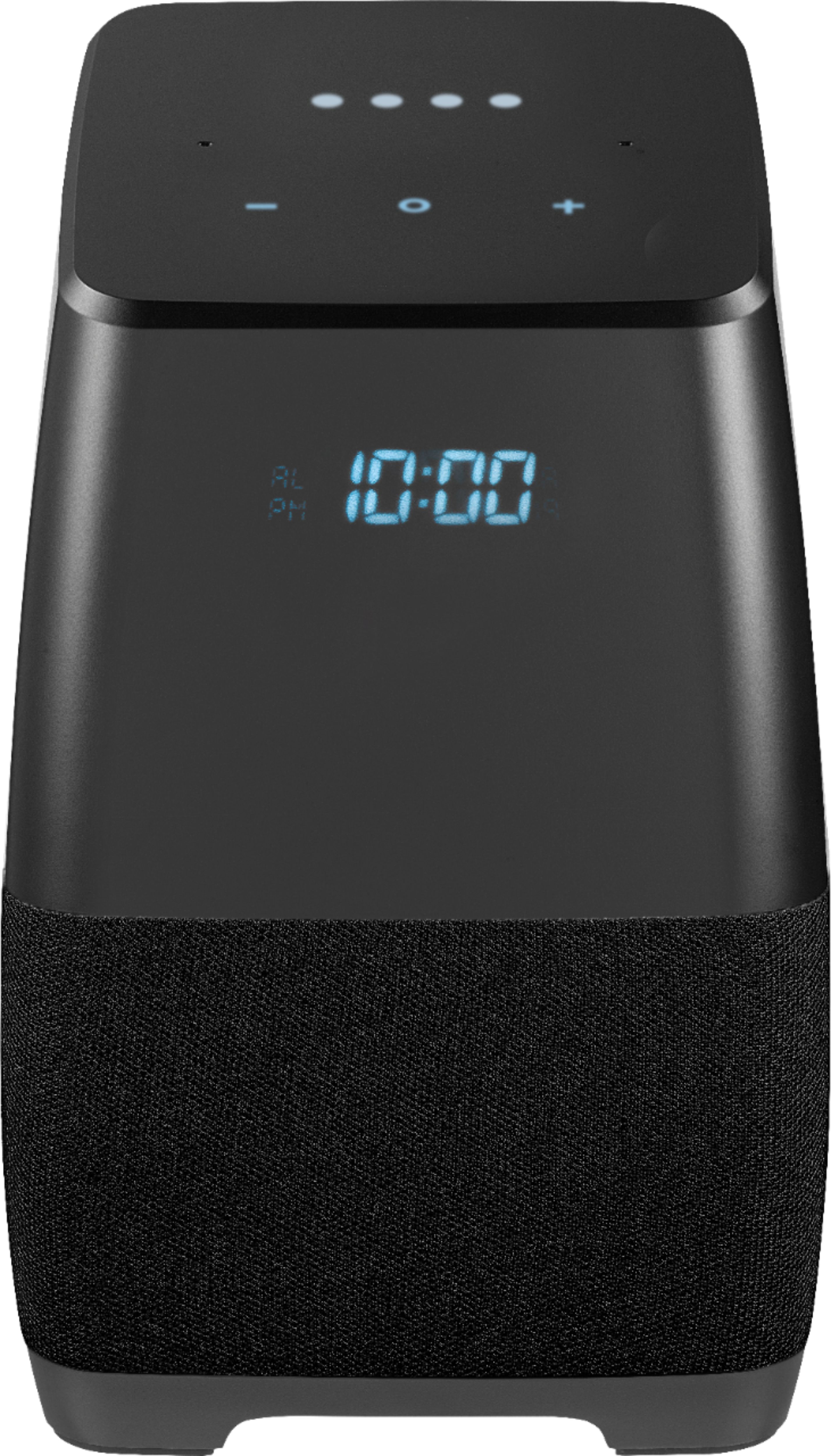
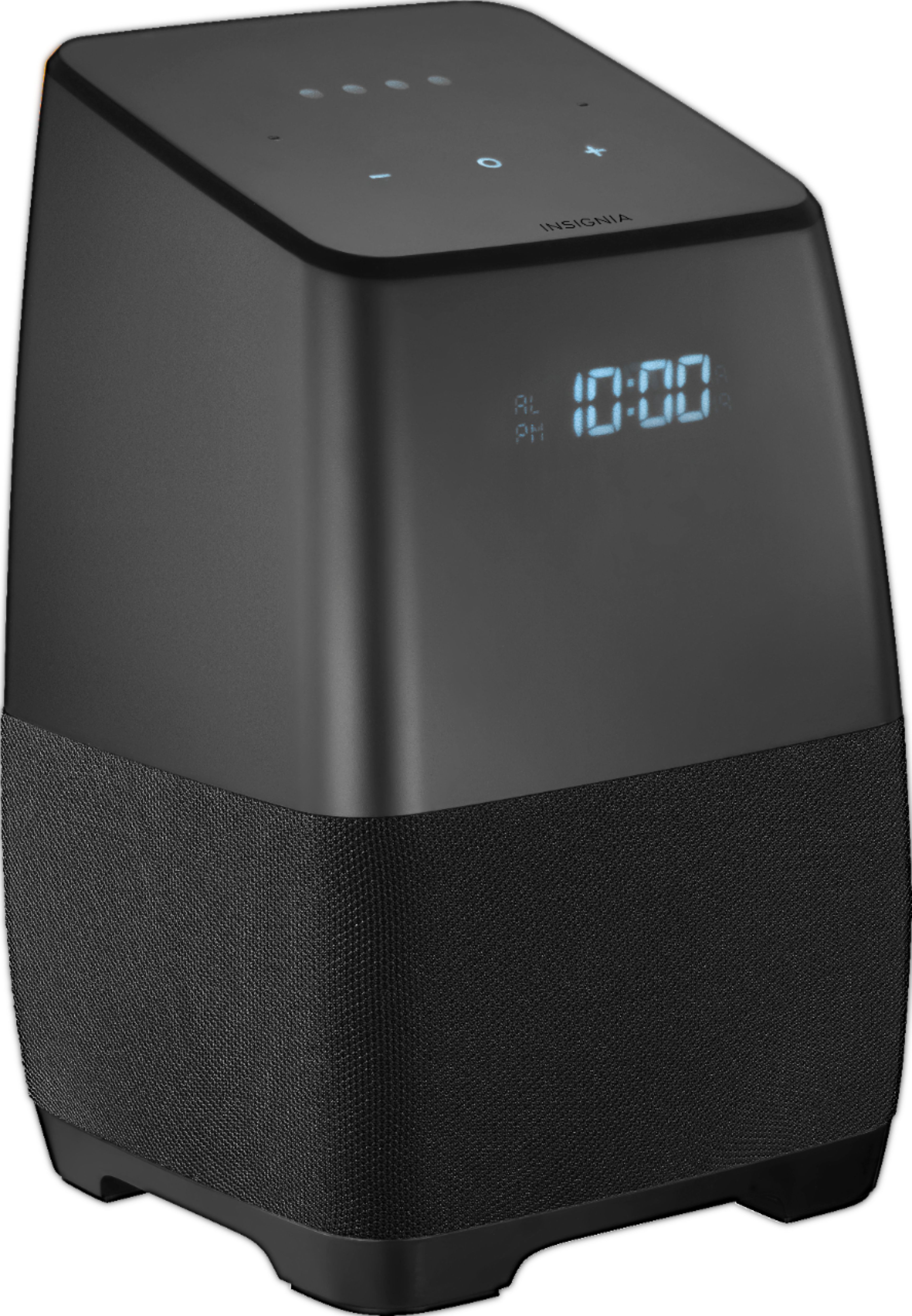
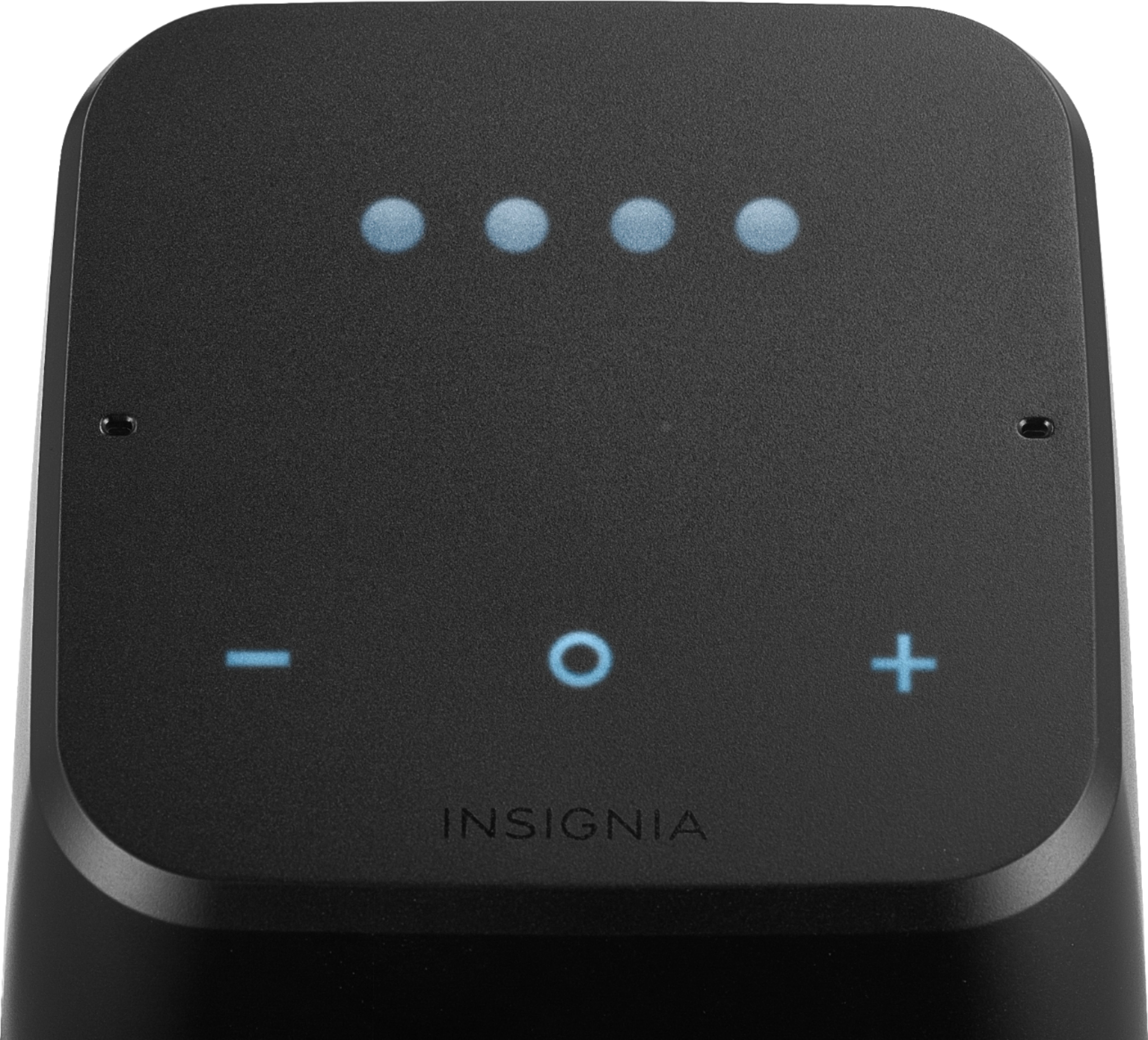
Regarding the display, screen brightness can be controlled via voice command, or manually (decrease screen brightness = press both (-,o) buttons, or
increase screen brightness = press both (o,+) buttons on the top surface (the buttons light as your hand gets close to the surface).
Arely R. - Insignia Support
A:AnswerThis isn’t really an answer but also a question. I just bought this product yesterday (less than 24 hrs ago) and I am running into this same issue saying that the sleep timer is not yet supported. Do I have to follow the previous response and do a factory reset or should it have been updated when I hooked it up and connected it to WiFi yesterday?
A:AnswerThere are 2 different models that Insignia makes. The more expensive model has a built in battery. The cheaper one does NOT have a built in battery. I have the cheaper model, which is the one I am reviewing, and it does not have a built in battery therefore it shuts off. Sounds like that may be the one you have.
A:AnswerHi,
Thank you very much for taking the time to review our Smart Speaker, we want you to fully enjoy it.
Please make sure the power is connected and that you are not streaming any music. It helps if you wave your hand slowly over top.
If this doesn't work please try to reset the speaker to factory default and from Google Home app make sure your speaker is running firmware version 305 in order for the proximity snooze to work.
Arely R. - Insignia Support
A:AnswerYes the Alarm will still work if you have no internet and the power goes out in your home. I tested this and was shocked it worked so this is a great item to have, again only if your google home has the power it will work
A:AnswerHello,
Thank you very much for purchasing our Voice Smart Bluetooth speaker. At this momnet, Google hasn't released the update that will allow our speaker to make calls but we are ceirtanly going to have it available in future updates.
Arely R. - Insignia Support
A:AnswerHi,
Thank you very much for purchasing our Voice Smart Bluetooth speaker. Regarding your inquiries I wanted to explain that the Insignia Voice speakers leverages Google Assistant and Google Cast & Chrome.
Any TV that supports Google Chrome can be controlled by the Voice assistant for Cast type operations. However, Google assistant does not support control of TV functions, like volume, channels etc. in the current implementation.
Arely R. - Insignia Support
A:AnswerHey,
Thank you very much for purchasing our Voice Smart Bluetooth speaker. Currently, Google hasn't release the call feature to our speaker but we are definitely awaiting for it to be available very soon.
Arely R. - Insignia Support
A:AnswerHello,
You can actually make this option disabled for the speaker to recognize more voices. For you to make this, you would have to make the setup again as this feature needs to be enabled from the first time setup of the smart speaker.
Karina R.- Insignia Support