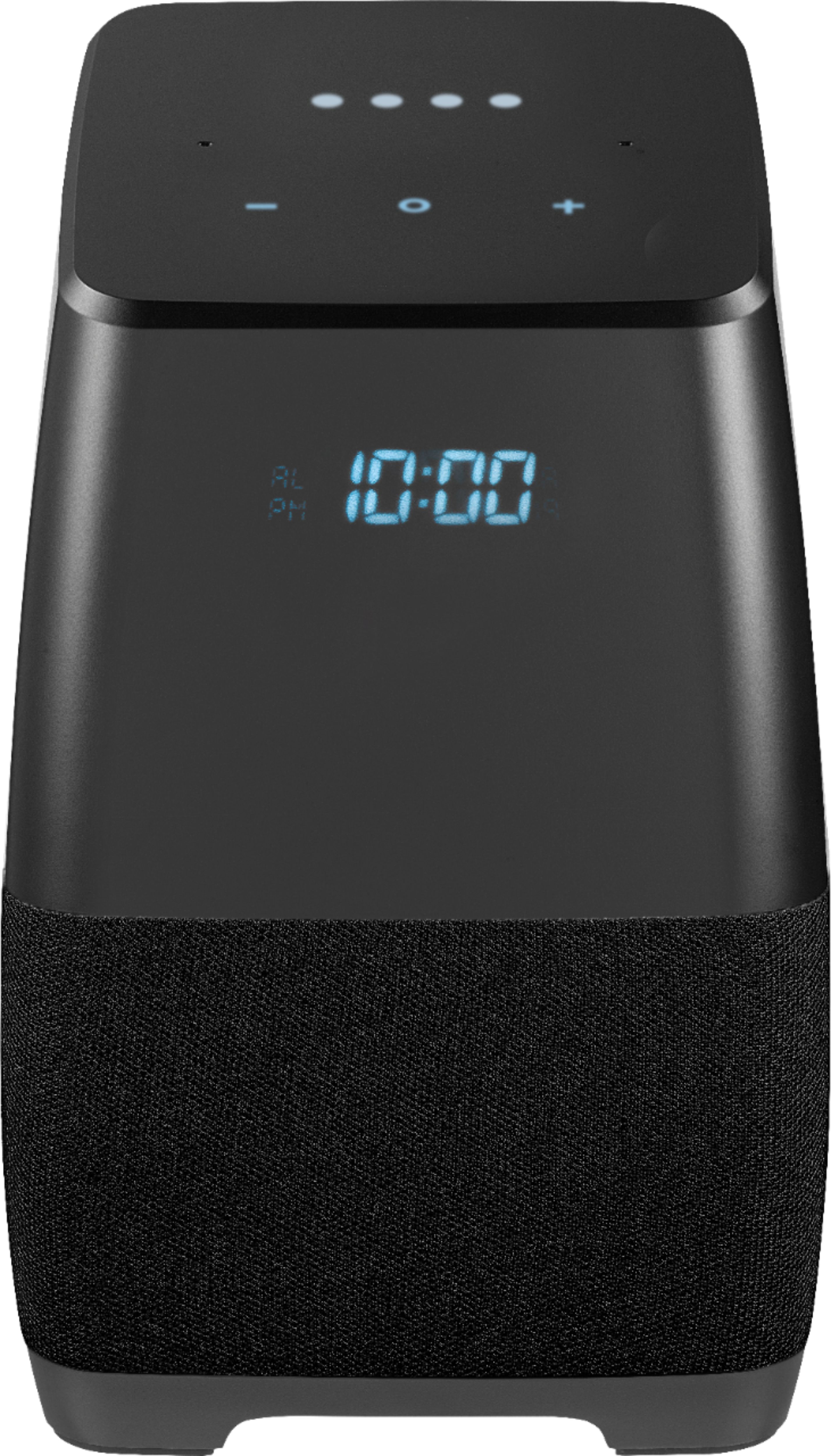
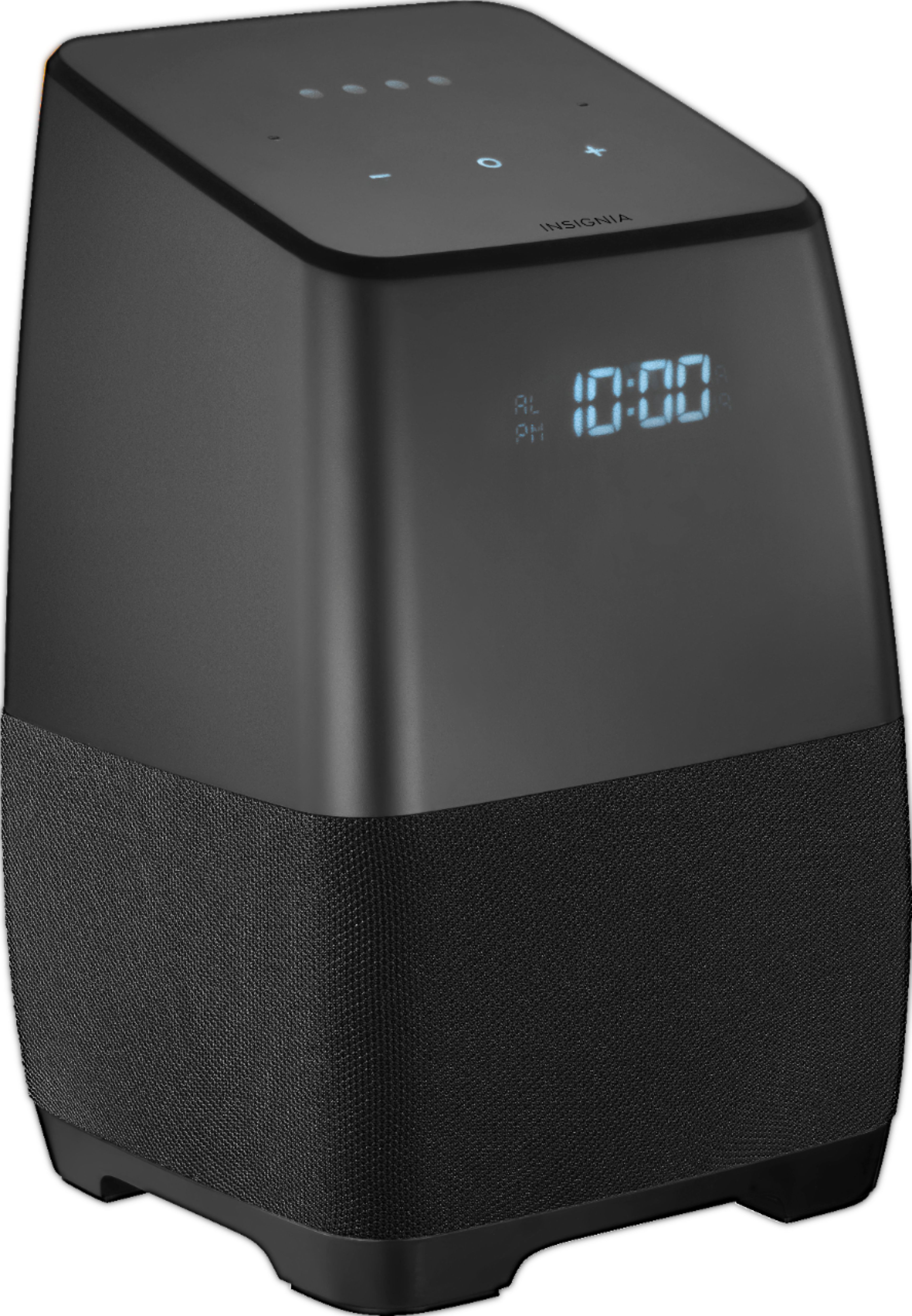
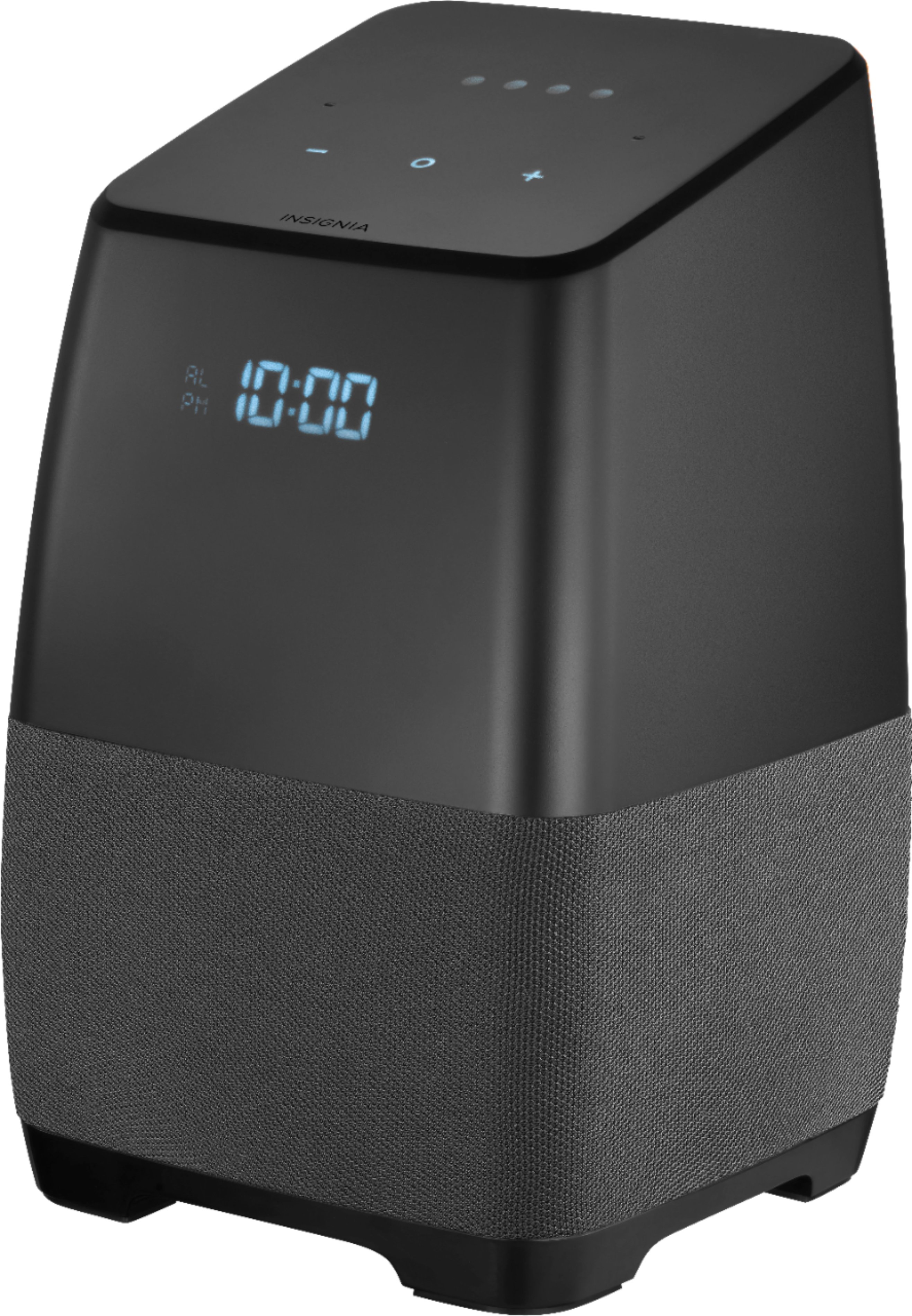
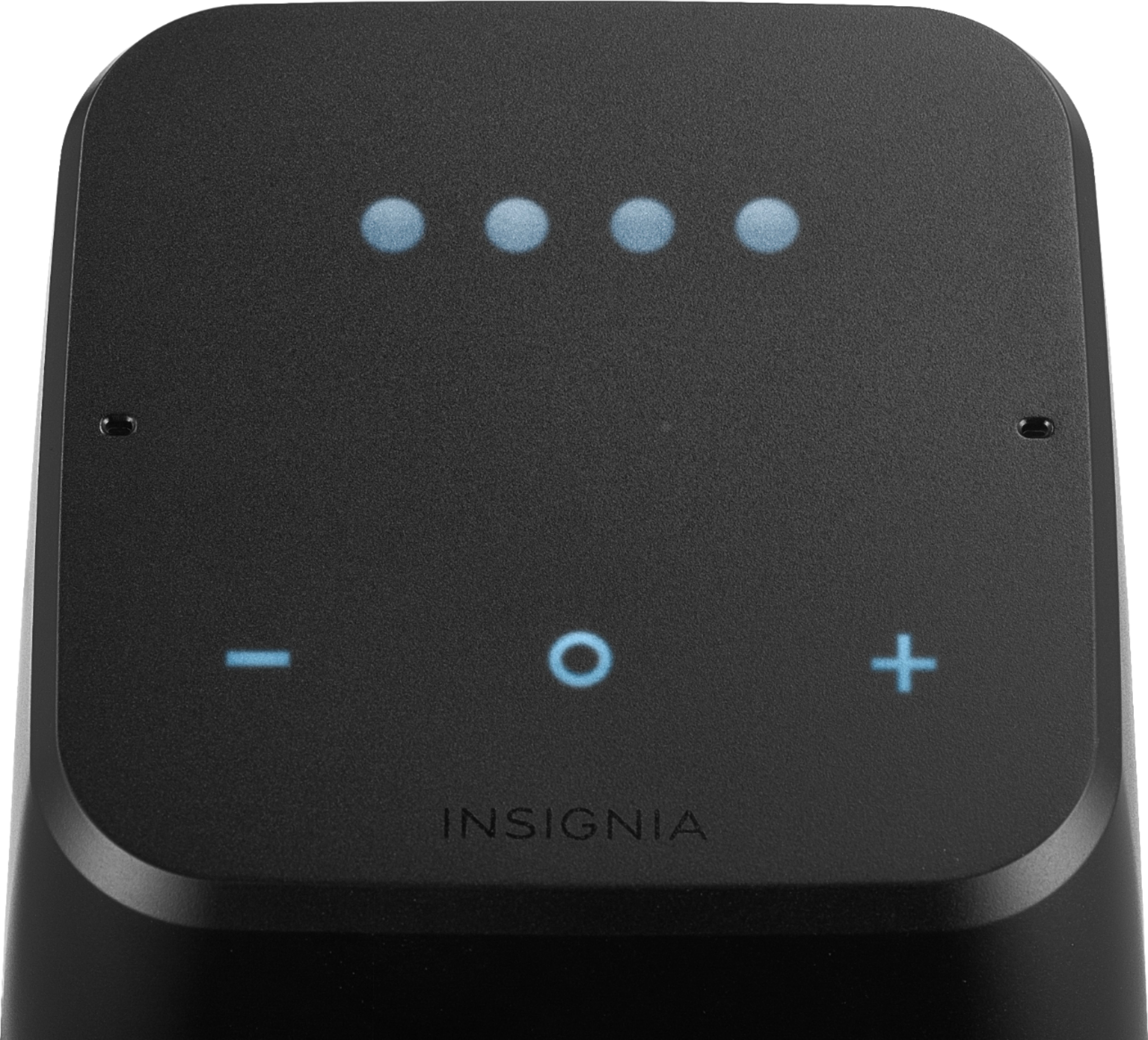
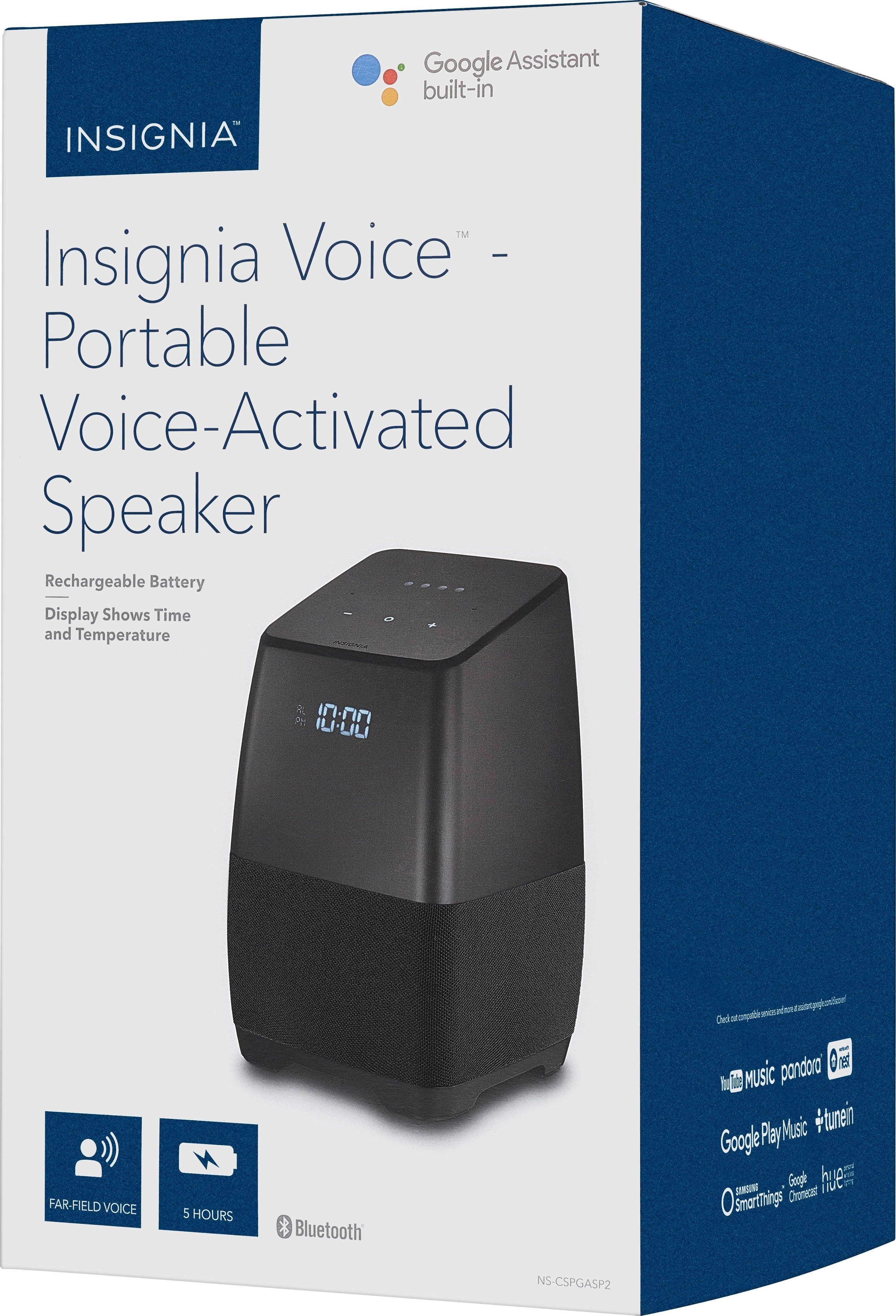
A:AnswerBecause these aren't made by google only contains the Google assistant which is programmed into the device. This device really could have been better if it would let you do calls with it. Lacking on some really good features for future models maybe.
A:AnswerIn the Google Home app, select the speaker. From there, there is a gear/settings icon. Within the settings, the MAC address is listed at the bottom, along with firmware version and IP address.
A:AnswerNevermind, I'll answer my own question... Left it to sit for a few hours and it did a full update on its own. Apparently, the first update after unboxing wasn't the big update. For those wondering, current system is 310 (up from 105 out of the box) and Cast firmware is 1.32.129357. And yes, that does include outgoing call capabilities.
A:AnswerHaven’t had the problem, but I would suggest you take the MAC address when it pops up in your router table and a sign of the static IP. That should end all the connection problems
A:AnswerYou can leave the speaker connected all the time if you are not planning to move it to a different location, it will not damage the battery, but I would recommend you to turn it off when you are not using it.
Ruben- Insignia support.
A:AnswerYou cannot place phone calls with the Insignia speaker like you can with a google home. I have both and I can say "call Dan" on the Google home and it will place a phone call. When I try the same on the Insignia, it says "I can't do that yet". I really miss that feature. Otherwise the Insignia works great.
A:AnswerThere is a comparison chart on the Best Buy website. https://www.bestbuy.com/site/insignia-voice-smart-bluetooth-speaker-and-alarm-clock-with-the-google-assistant-built-in-black/5865801.p?skuId=5865801&ref=212&loc=DWA&gclid=Cj0KCQjwvLLZBRDrARIsADU6ojBb4PUQkA4kJDqkvkpGZ95c1pymfQkldmWOCDocnL9itSbbzeoRjcYaAhm_EALw_wcB&gclsrc=aw.ds
A:AnswerHello, the Bluetooth on the speaker will actually work the same ways as in your car Bluetooth. I would recommend on checking on the Bluetooth settings of your phone to check that this option is enabled. However, if you need further help on making the pairing, please remember we are always here for you at www.insigniaproducts.com/contact-us
Karina R. - Insignia Support