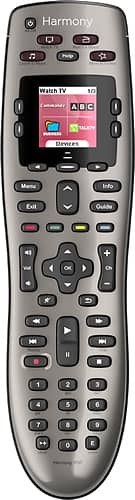
A:AnswerI'm sure it will. I got an Inteset remote ($25) ...easier to program, not as bulky, works with just about anything. There is also an older style Directv remote on Amazon with the best back light buttons I've ever seen (RC66RBX) for only $12.99. It has a Samsung tv code in the pamphlet. I have & love both.
A:AnswerThere appears to be the option similar to "copy and paste" devices from an old remote already saved in the My Harmony desktop app. Not exactly sure if it moves over all the activities and or mapped buttons, but it seemed like it would. I think the answer is yes.
A:AnswerGo to the Logitech web site and go to the Harmony Remotes section. https://support.myharmony.com/en-us/compatibility?utm_source=logitech.com&utm_medium=pdp&utm_content=body%20-%20650&utm_campaign=compatibility%20lookup There you can look up the device compatibility.
Cheers
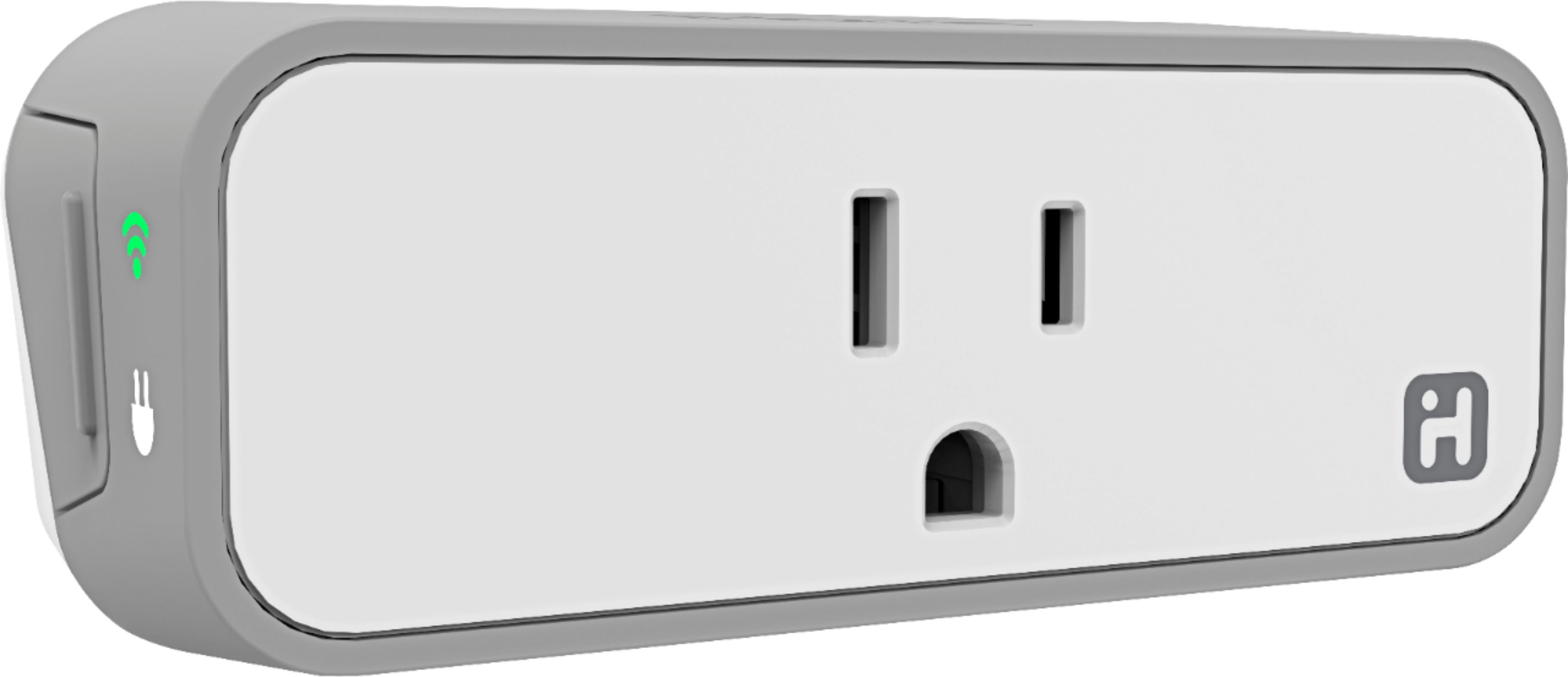
A:AnswerOnly if your TV has that feature. The remote doesn't have its own timer function for devices. The remote will either automatically include a "sleep" menu button when you add your device, or if it does not, you can add one using the remote to remote button cloning method (again, assuming your TV has a sleep feature.) Then you just select that menu item or press the assigned button same as you would on the original tv remote. If your TV doesn't have a timer function, then you could get an ihome wifi plug, plug your tv into it, then program it on your phone to turn off and on.
A:AnswerTo answer your question I used the Logitech web site and looked up support for the 1080ST. That model was not found, however the W1080ST was found and IS supported by the Harmony 650. To see if there is a BenQ 1080ST I went to the BenQ website and it did not list a model without the W. Based on this information, I believe you have a BenQ W1080ST, and yes this model is supported.
A:AnswerOf course, I have 4 devices programmed...a Samsung t.v., Onkyo surround system, Xfinity DVR and a blu Ray player also! Very easy to program and use various devices. I've used these for years.
A:AnswerAbsolutely, I have Comcast and use this remote with my Cable Box/DVR. It works about 100 times better than the useless piece of junk Comcast gives you.
A:AnswerIt's very unlikely that won't work. Harmony works with nearly all devices. You can confirm that it works before buying by checking Logitech's site at this link support.myharmony.com/en/compatibility