A:AnswerIt will if your Blu-ray player is supported within the software setup. I have an Blu-ray Samsung player and it works it just fine and it's an odder model.
A:AnswerI don't think the TV matters but it does control the streaming stick. I have it setup on two different tv's both with streaming sticks and it controls the roku on each. LOVE this product and highly recommend it!
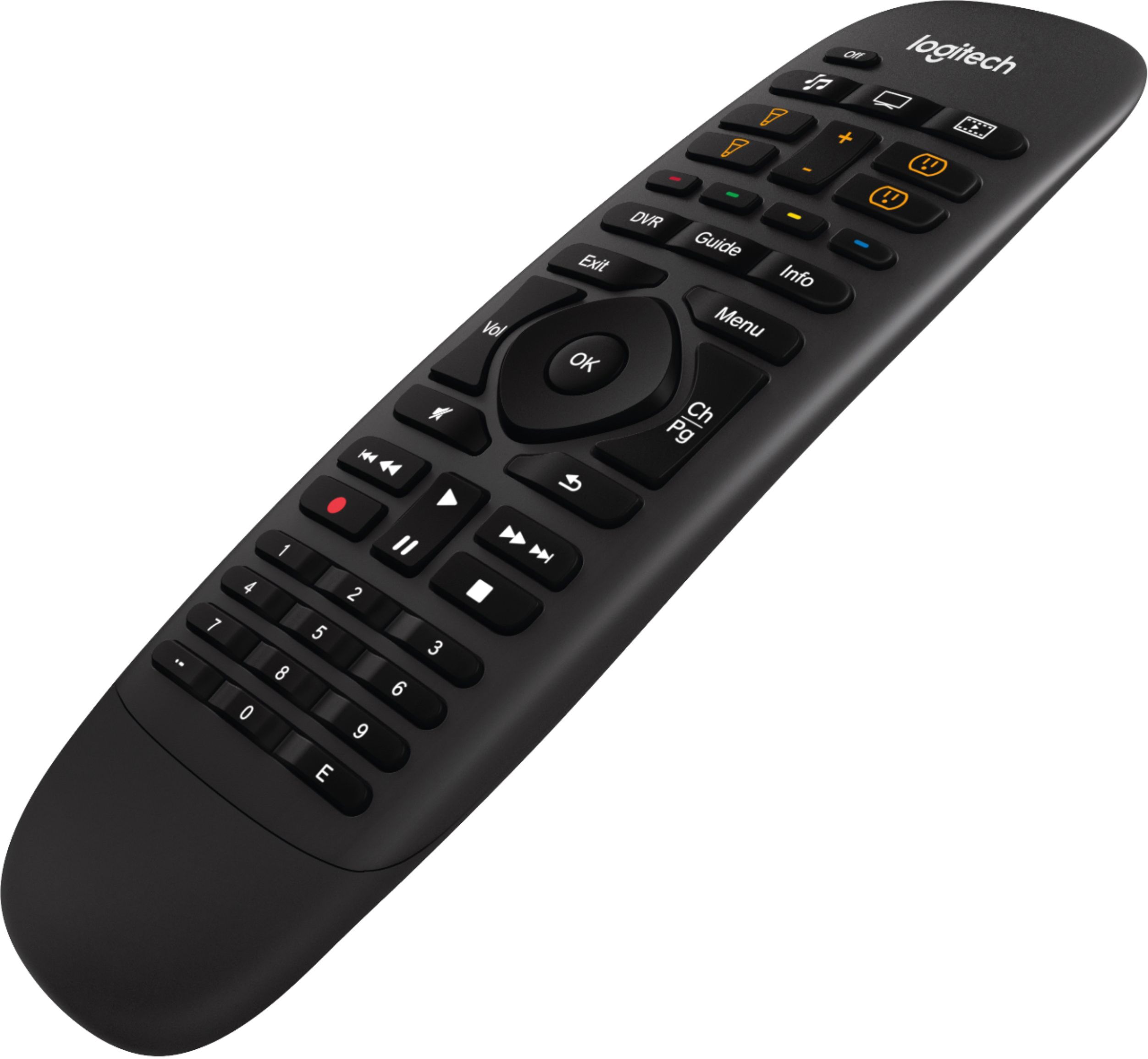
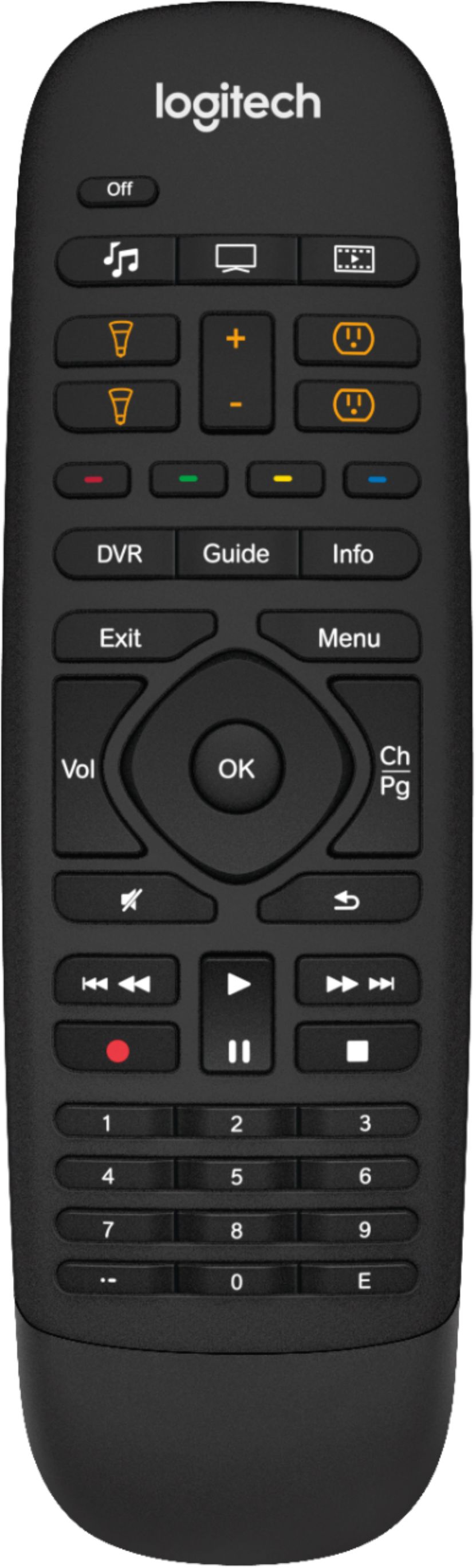
A:AnswerThe difference is that it has extra buttons you can assign for Home Automation functions (like turning on lights, etc.). However, keep in mind that the underlying software is the same, so if there's a device you can't control via the app, you can't control it via this remote either. An example is Belkin WeMo and other standalone smart plugs/bulbs.
A:AnswerNo, you will need a hub for each location. The hub is what sends all the IR commands, so if there is no hub where the equipment you want to control is, there is no control.
A:AnswerYou should be able to control the lights via the Harmony app or the companion remote of you connect the bulbs to a smart hub or if you have the Harmony zwave extender. I have Cree bulbs connected to a SmartThings hub, and the Harmony hub also connected. The app and remote can control the bulbs without a problem.
A:AnswerHello. All Harmony remotes are able to control both of those devices. The Companion has customizable buttons that can be set up to your liking. Check here for full compatibility and FAQ: https://support.myharmony.com/en-us/compatibility