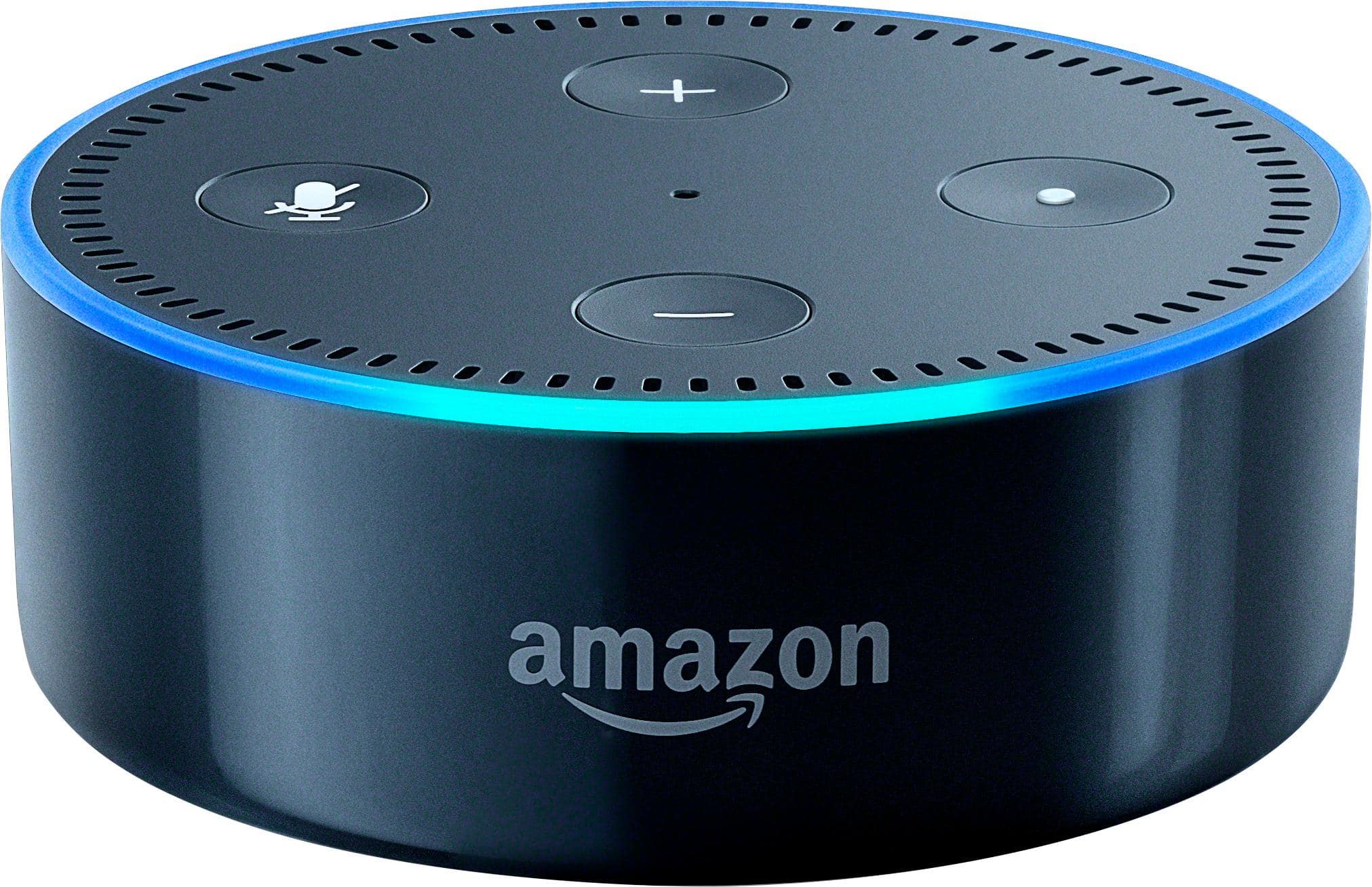
A:AnswerYou can control both TVs separately if you program them as a tv 1 and a tv 2 setting but the ir will need to be used on 1 as a blocker to cover the sensor and block the identical signal
A:AnswerIf your fan is separate from the TV and controlled with an infrared remote it might be possible. Check with logitech on device compatibility.
If your fan is a simple fan and NOT controlled with an infrared remote than no. Since the Harmony Hub is nothing more than a fancy infrared controller.
There are other options such as getting a smart plug which works with Alexa. That will turn the power on and off for your fan. If your fan is built specifically to cool entertainment units it might have RS232 input and if you have a higher end TV you might have RS232 output. In which case you can buy a cheap $20 cable and setup your TV to remotely power on your fan when it turns on.
A:Answerif you are just looking to turn them on and off you could connect them each to a smart plug and Alexa can control them once connected. The lights can even be dimmed. If you are looking for full control of your TV, and it does not have Alexa built-in, the hub will be your best bet in order to make everything work coherently in sync.
A:AnswerIt can if your TV model is compatible with the Logitech hub and the IR receiver on your TV is functional... and if the TV is plugged in and works.
A:AnswerThe hub allows for control of products which you can’t see. So if you are trying to conceal and control devices with the harmony in each room. Then yes you will need a hub per location
A:AnswerYes. I have my receiver in closet down the hall. If you have a solid internet signal you shouldn't have an issues. I can be outside and still control the system. Hope this answers your question.
A:AnswerI replaced my Harmony 700 with the Harmony Ultimate One. After many futile hours trying to teach Alexa the “skills” to turn on all the devices for activities and their control features such as volume, channel selection I gave up. Missed the return time limit, gone back to using my old remote as there are additional problems with this model.
A:AnswerNot sure what you are actually asking here. The hub has nothing to do with syncing up sound on two devices. It will however, control both devices as your remote.
A:AnswerThe Harmony Hub is a smart IR blaster, so it doesn't really have any hardware that charges a remote. All it has is an AC adapter for the included USB cable. You'd have to buy a charging station separately.
A:AnswerYou can operate the hub from any mobile device (Android or iOS). iPad, or any tablet or your phone... they all work well. No more need for the separate remote control at all. Just your phone or tablet and do your thing! This is probably one of the coolest items I've bought for my home automation. I still use the remote for my Sound bar for volume, but all others are now obsolete to me (I can operate the sound bar through the Harmony Hub as well, but choose to allow the volume control to be passed around while watching shows, so my other family members don't install the apps and mess with my hub and stuff) All of my stuff is also set up and controlled through the Harmony hub, by an Amazon Echo Dot as well... complete Voice Activation of almost everything.
A:AnswerOperates them all with ease. I have set up almost the exact set-up for my uncle. Flawless. No more remote controls... all of it on your phone or add an Amazon Alexa device and control by voice!