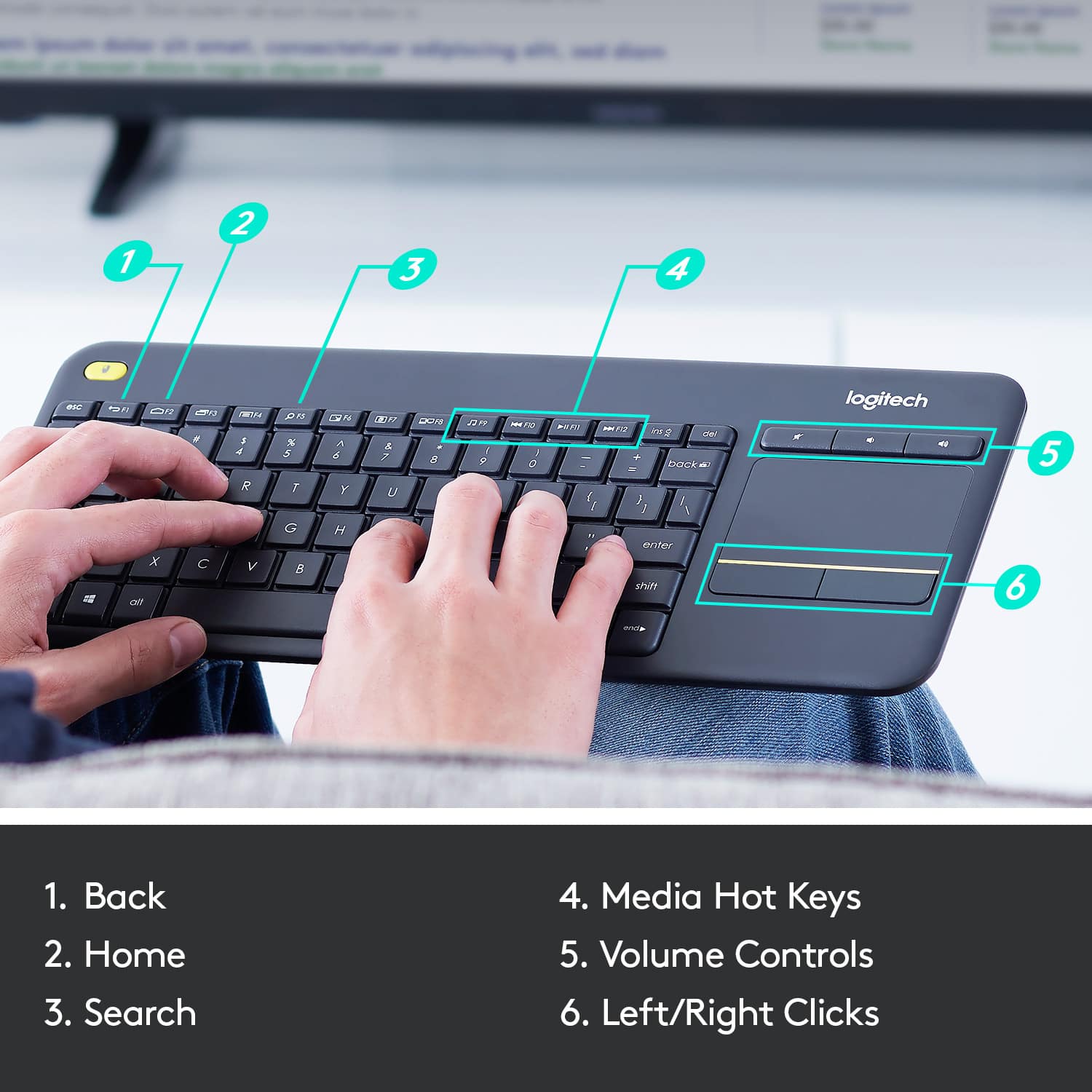
A:AnswerThat sounds like a problem I had with a computer once. The issue was that the configuration of the computer had a foreign language selected for the keyboard layout. ie: it should be set to US English. Other languages use the same key codes for different symbols. In my case the quote " character was switched with another key. You will need to find the keyboard settings on the MiBox 4K ultra (I am not familiar with what that is) to check this.
A:AnswerIt will work with any TV that supports USB input. You'll need to review your manufacturer's literature to determine if it accepts USB. Some do, most do not - as they USB port is used for maintenance only.
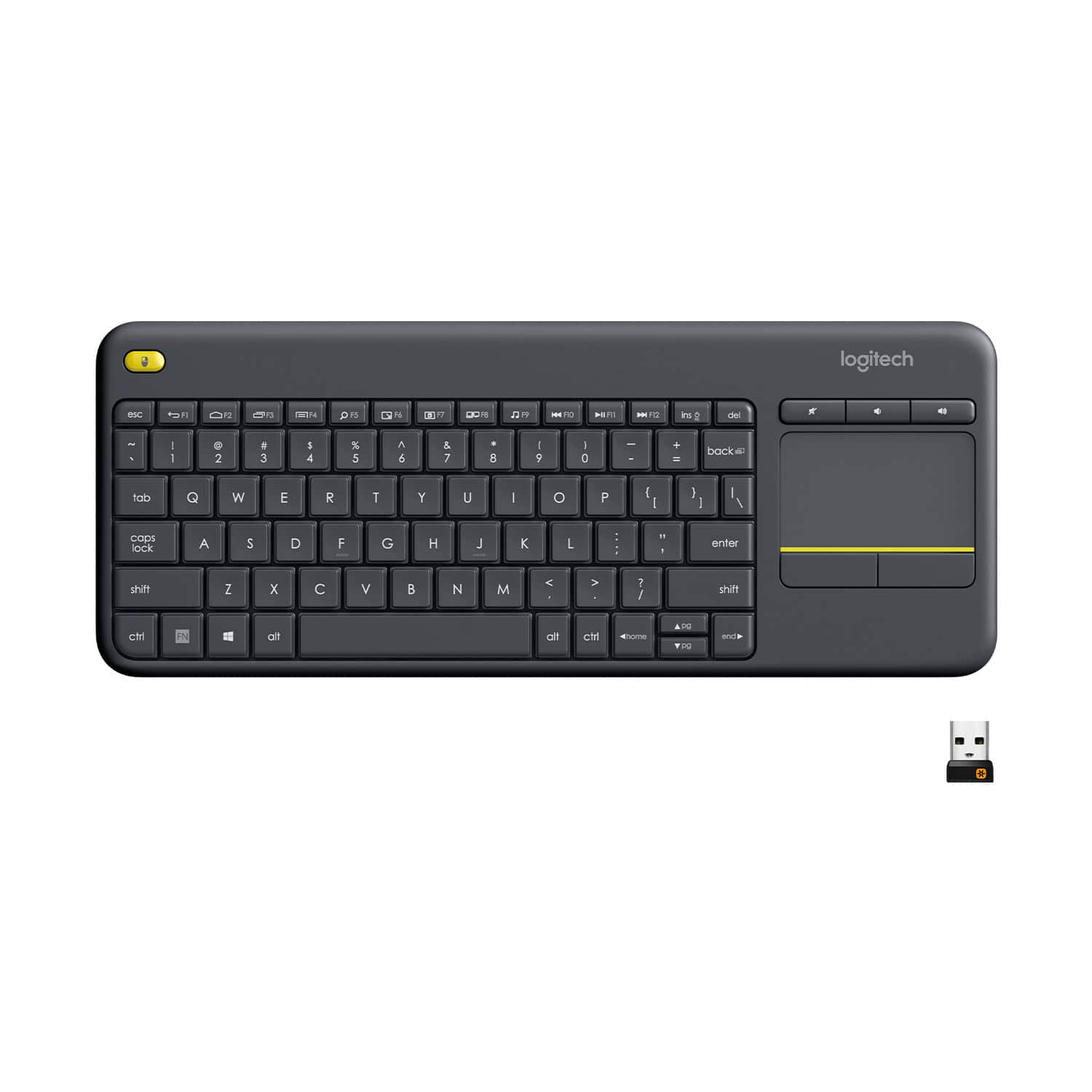
![Built-in touchpad logitech ins PC del + = back } ] I / POINT SCROLL enter shift](https://pisces.bbystatic.com/image2/BestBuy_US/images/products/9b5a0d6f-631a-4c6c-a7bf-e65b20135ee8.jpg)