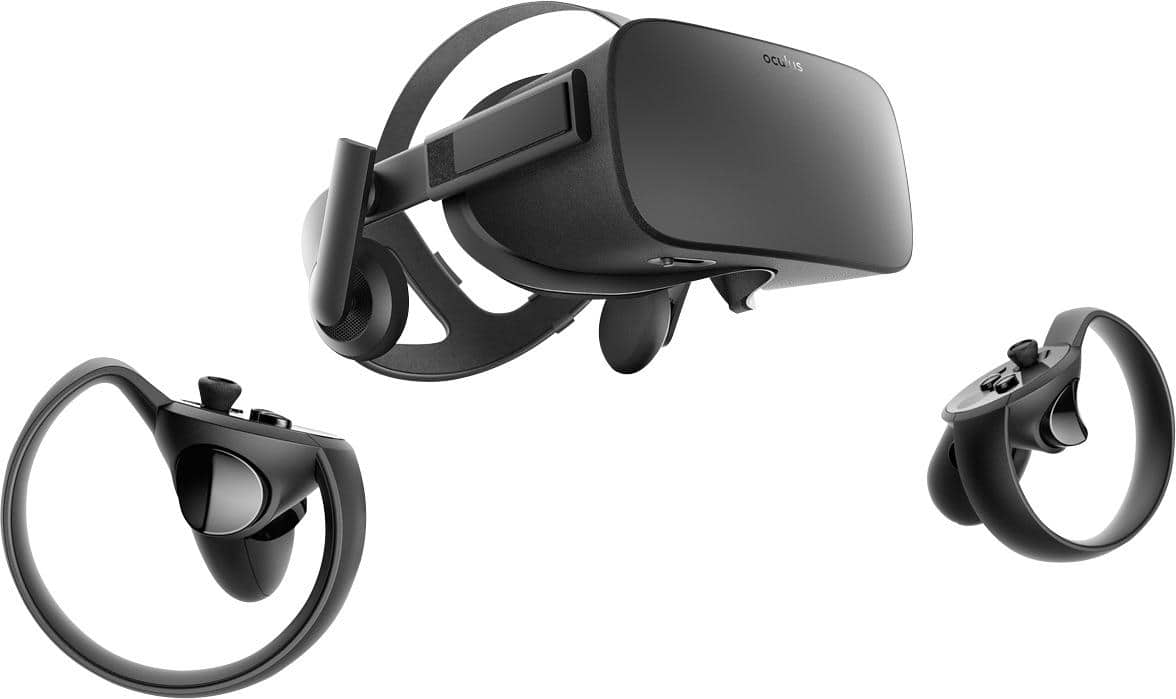
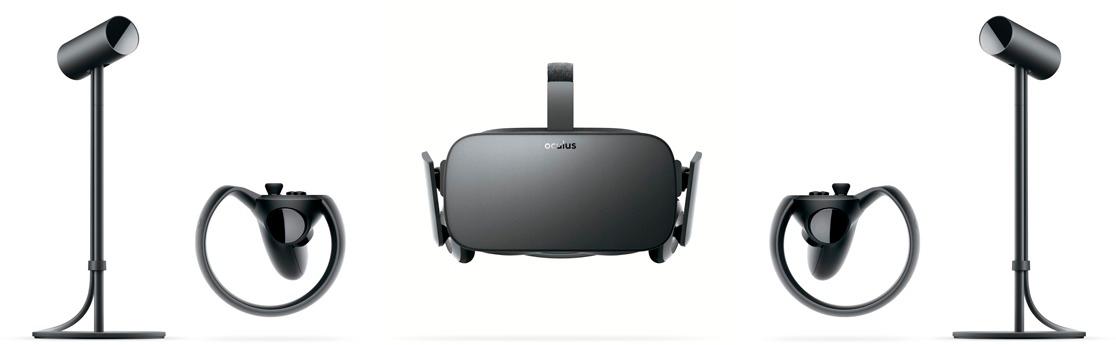
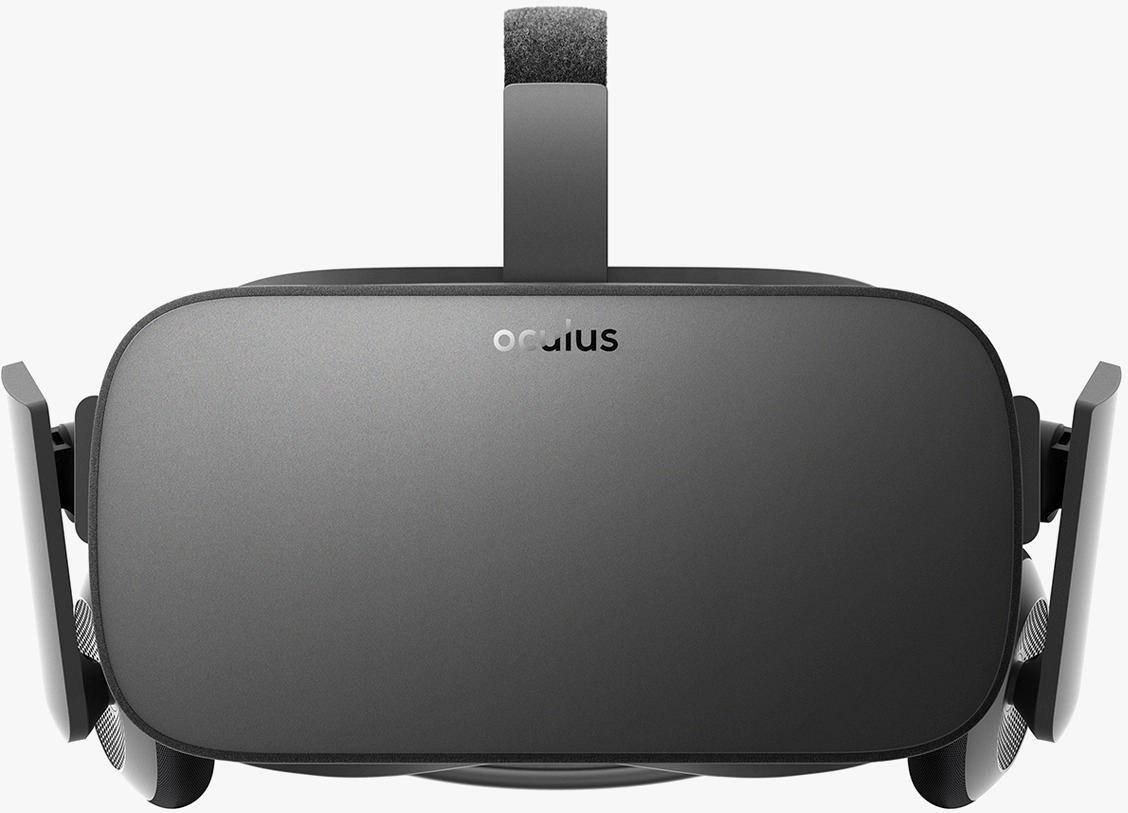
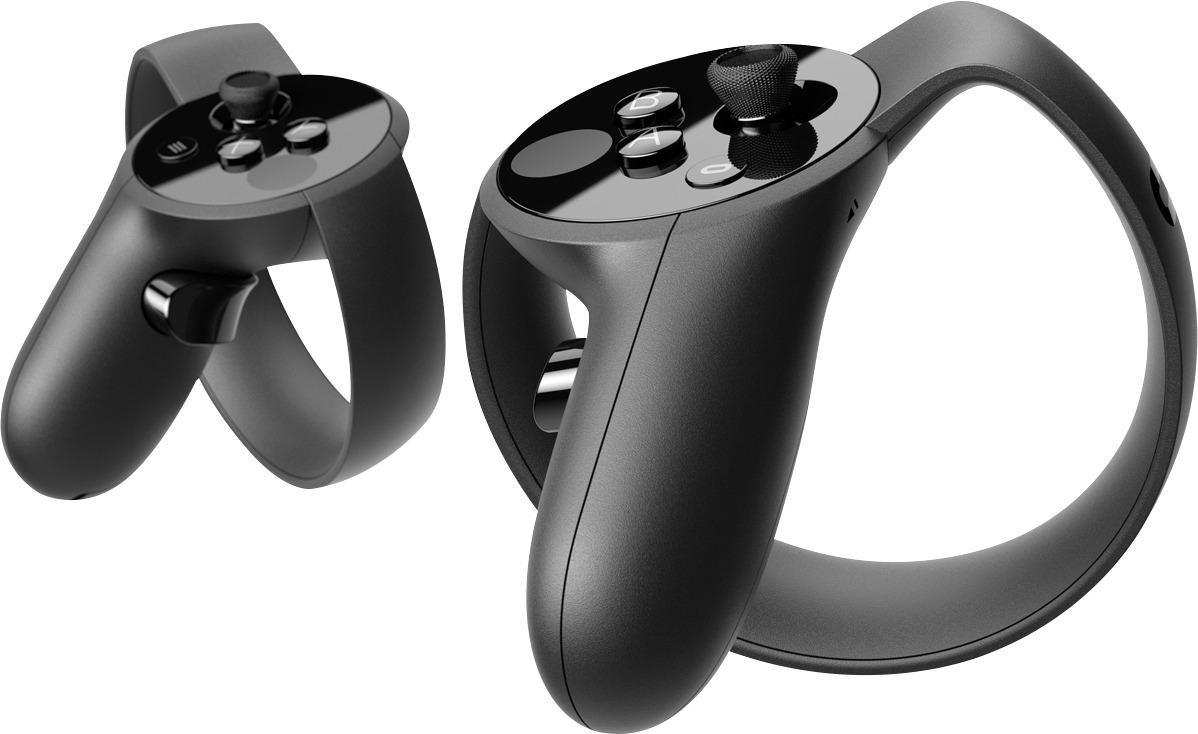
A:AnswerDepending on the games you play you may need different controllers, I bought the Xbox controller with my oculus for some games and it works perfectly
A:AnswerI doubt it. You need a substantial graphics card to operate it. The only option with the iMac is via a thunderbolt graphics adapter. And you would need to see if Your iMac had that port.
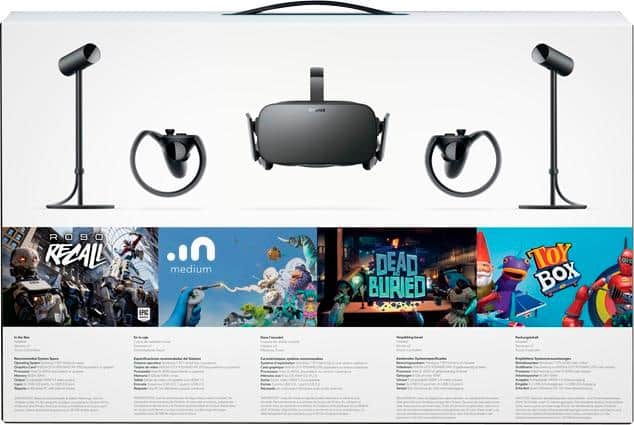
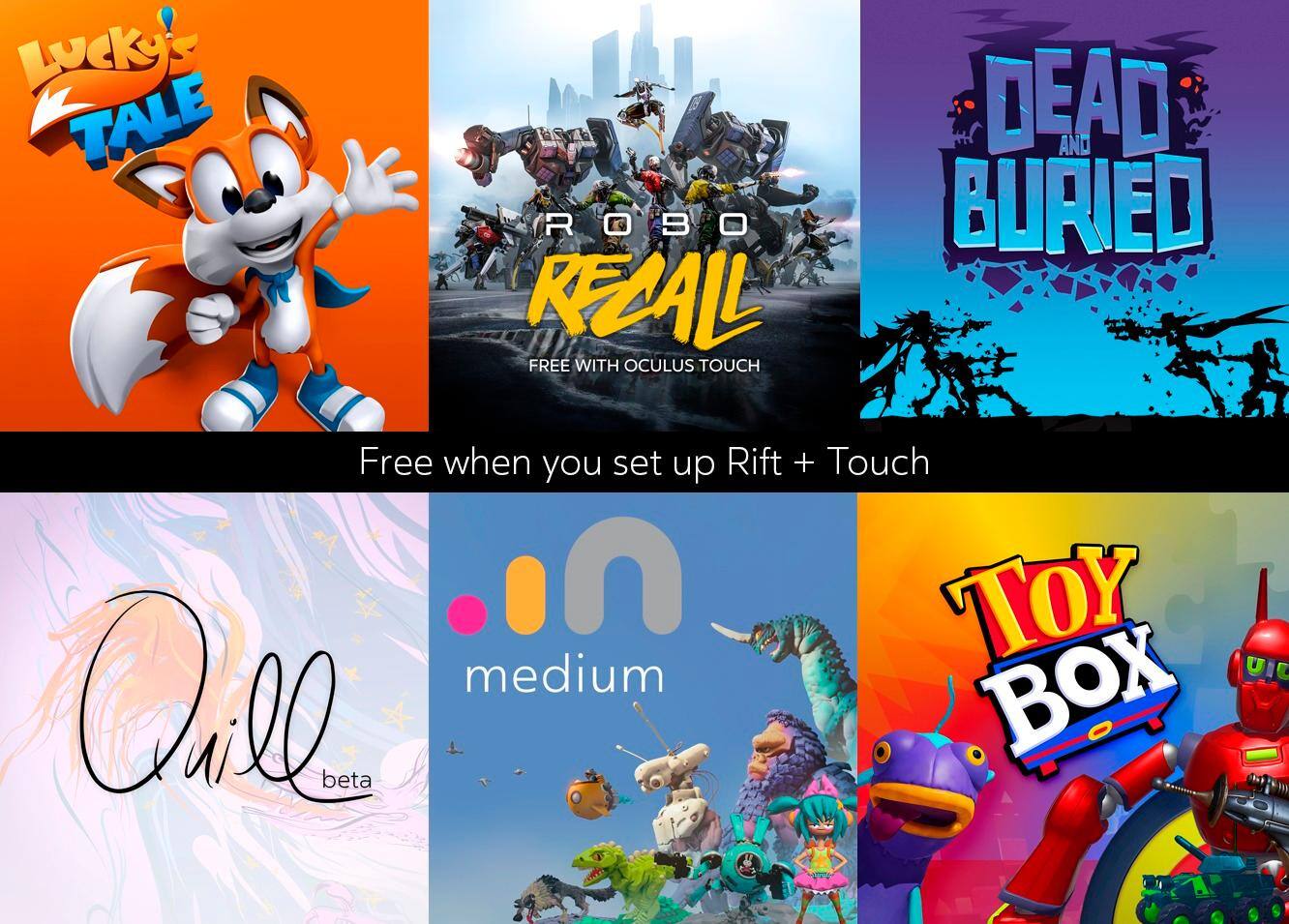
A:AnswerThe store credit is actually just the free software that comes with your purchase. In the O store, go to your library and it will have your free content worth 100 dollars that you can install....includes things like: medium, toybox, robo recall, quill etc.
A:AnswerNo FPV drones transmit the video back either via a 5.8ghz frequency or via built in protocols such as lightbridge on the DJI. To then pick up on head movements it would require a gyro in the headset that is feeding back to the drone wheras the oculus uses sensors placed around you to track your movements and that processing is done on a PC.
A:AnswerAs long as your computer meet the minimum requirements below, it should work:
NVIDIA GTX 970 / AMD 290 equivalent or greater.
Intel i5-4590 processor equivalent or greater.
8GB+ RAM.
Compatible HDMI 1.3 video output.
2 USB 3.0 ports.
Windows 7 SP1 or newer
A:AnswerYou should be able to find the games in the library on the PC when you start up the Oculus program or in the store marked free. If not then you may have to contact Oculus about it
A:AnswerYes. You can’t hook it up to your Xbox. There is a Xbox app. You have to be on the same network. Also it won’t be “vr” it will be like playing on a giant movie screen. It’s pretty cool
A:AnswerYour best source of information on your question would be to refer to the owners manual, or if you own the game on steam it will let you know on the store page. Im not near my steam right now, but I think it is compatible.
A:AnswerYes and no.
You cannot directly connect the Rift to the Xbox One S.
That being said, there is a streaming app to stream Xbox One games to your PC, which is then viewable in the Rift (through the Oculus store). It just puts the game in a "large TV" mode, it won't add 360 viewing to your games.
A:AnswerIf computer is hooked up through your television then you will see everything that is happening in the Oculus Rift. My computer video card has an extra HDMI output so you can see on the computer monitor and also the television at the same time.