A:AnswerI would check the compatibility of your I phone model to the stereo and maybe you need to update your iOS, as for the brake issue, this stereo won’t let you do certain things if the vehicle is in motion I bought a bypass (APPS2Car Parking Brake Bypass Video in Motion Interface Module) it’s cheap and easy to install. Amazon is where I purchased mine. Hope this info helps
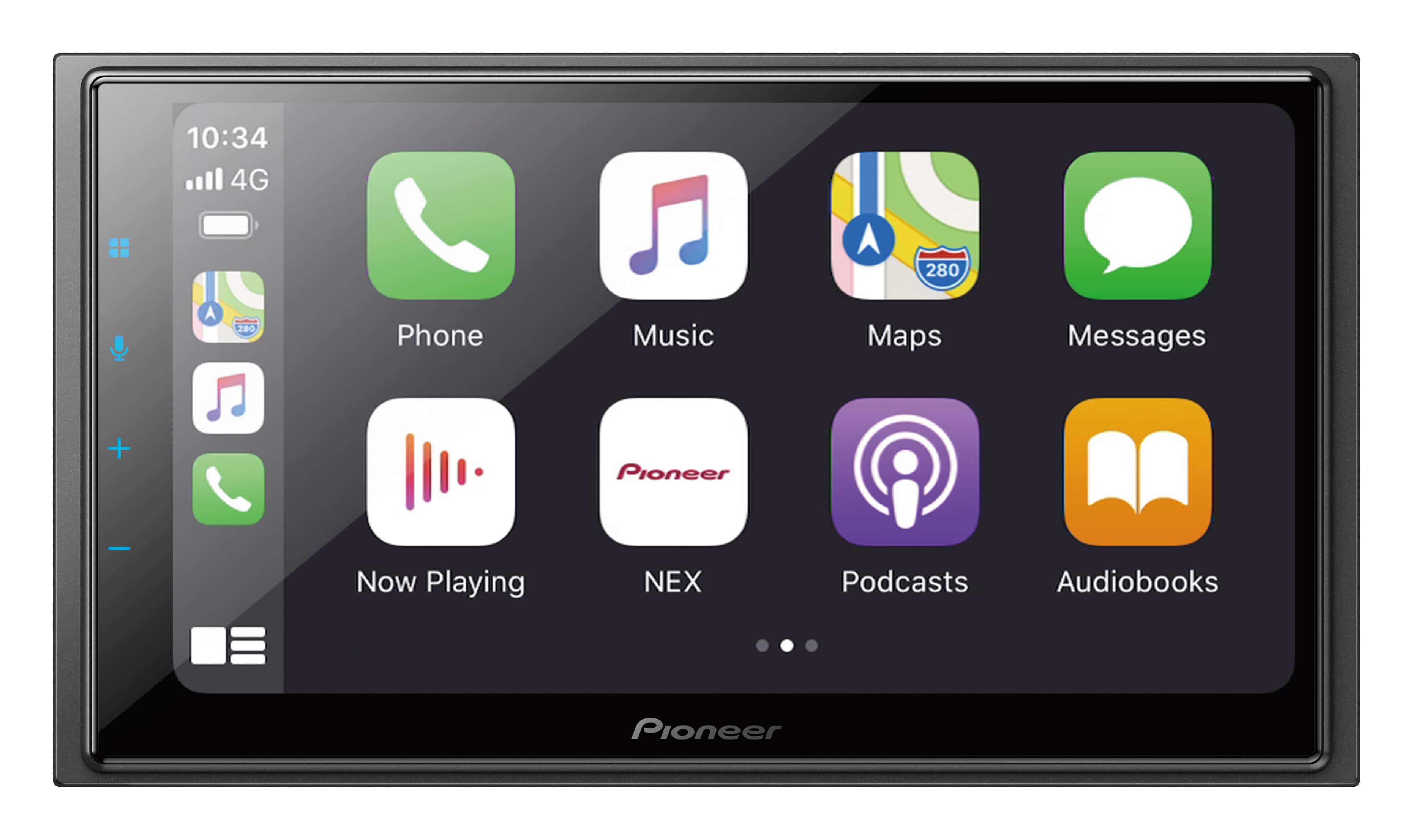
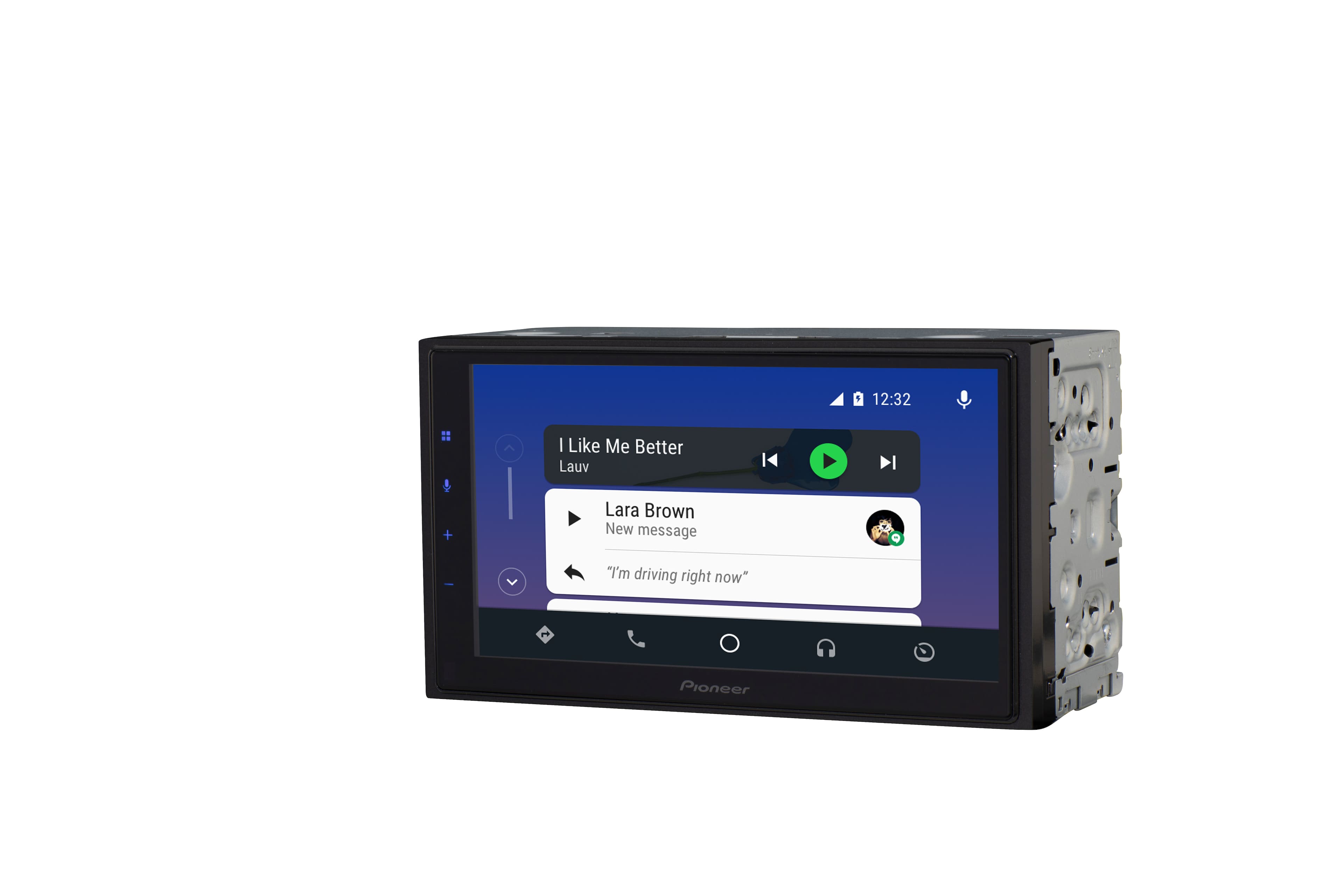
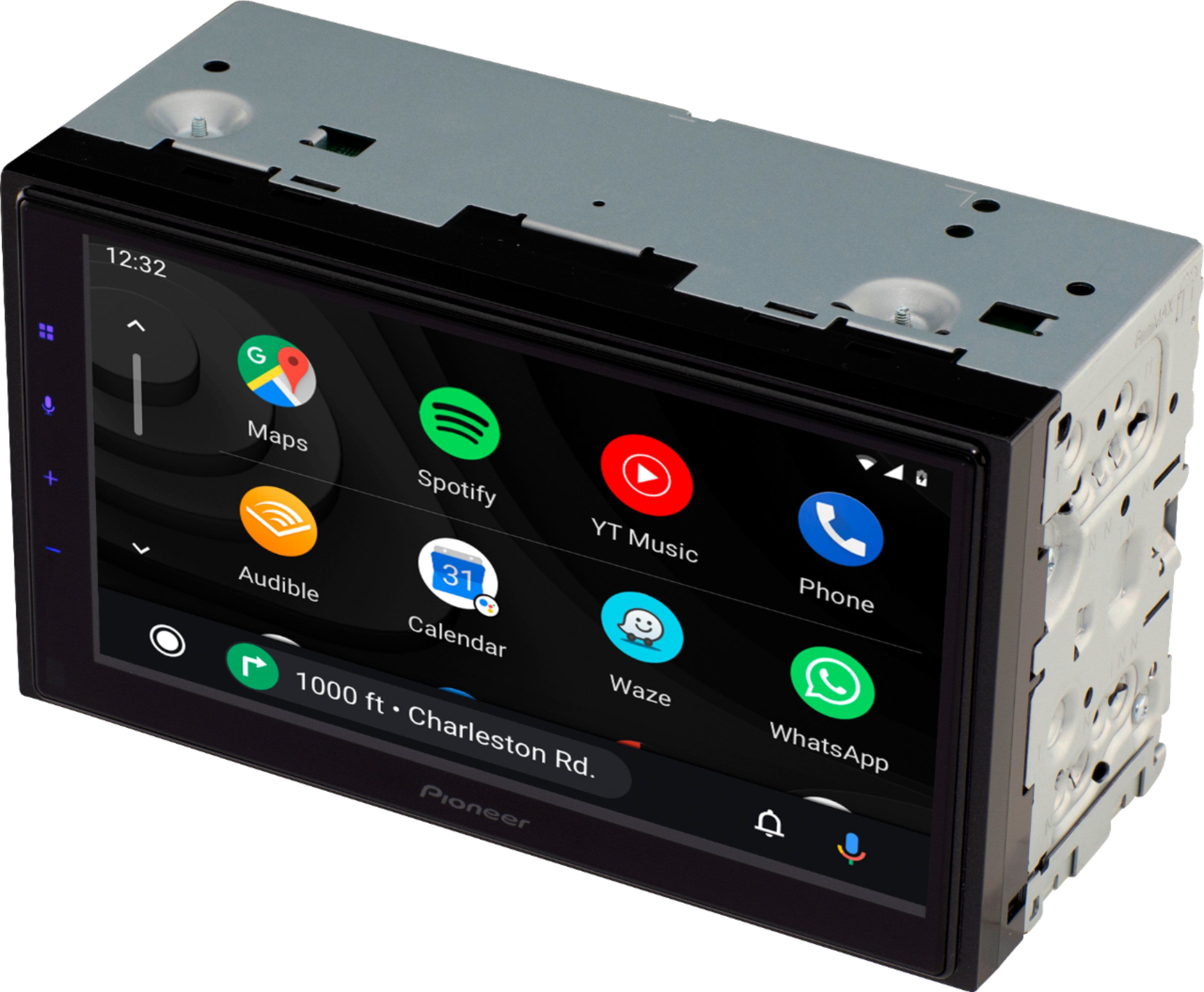
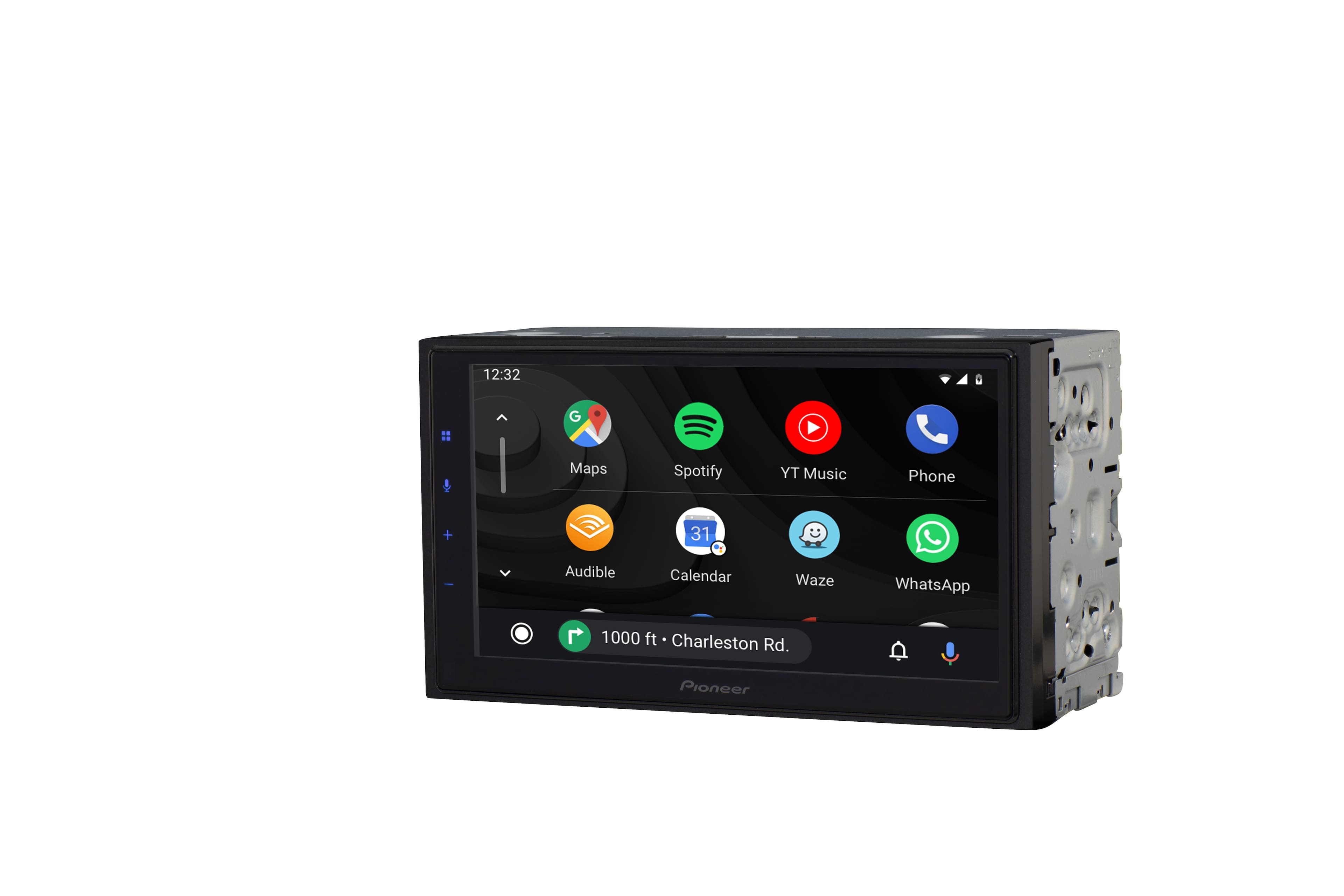
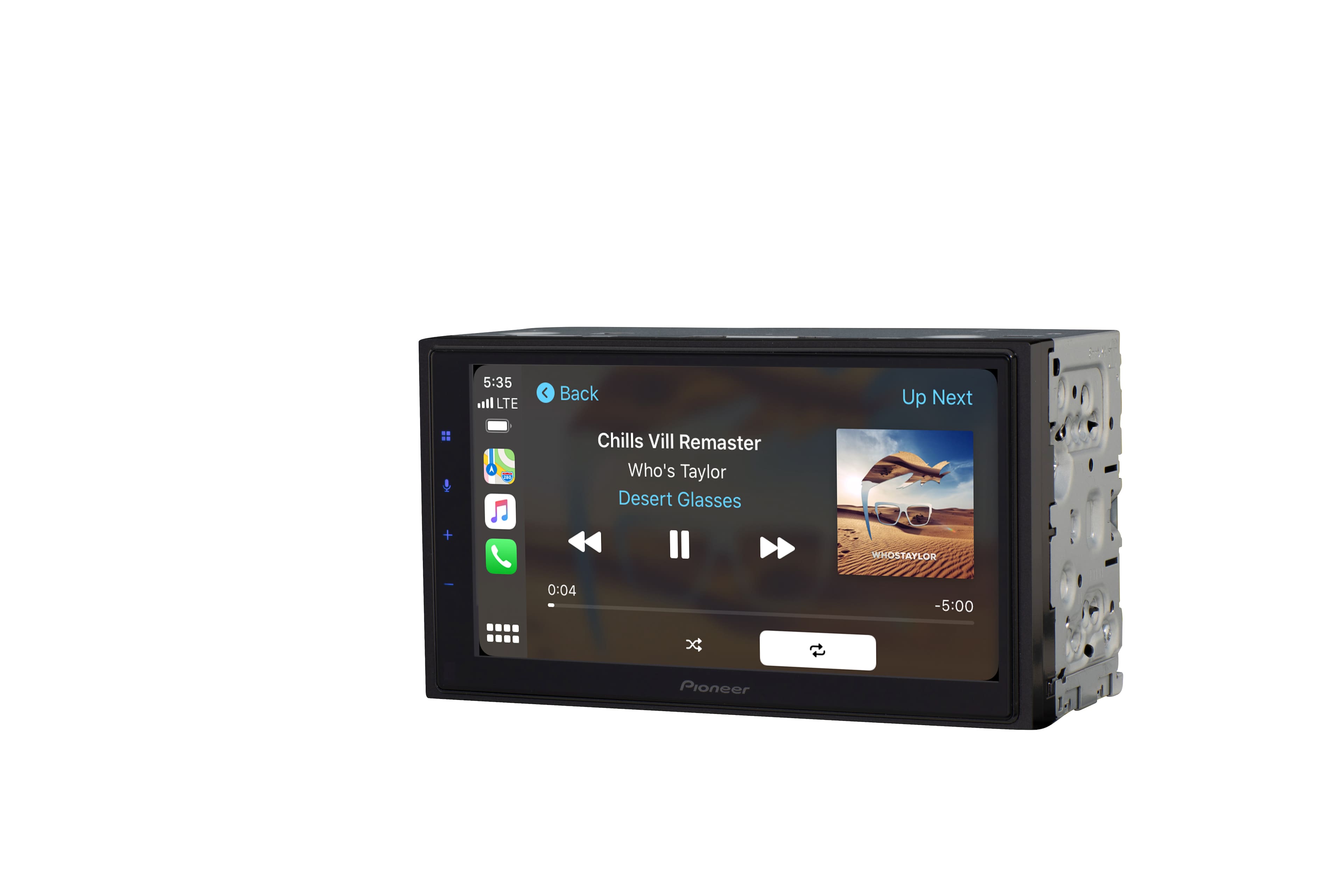
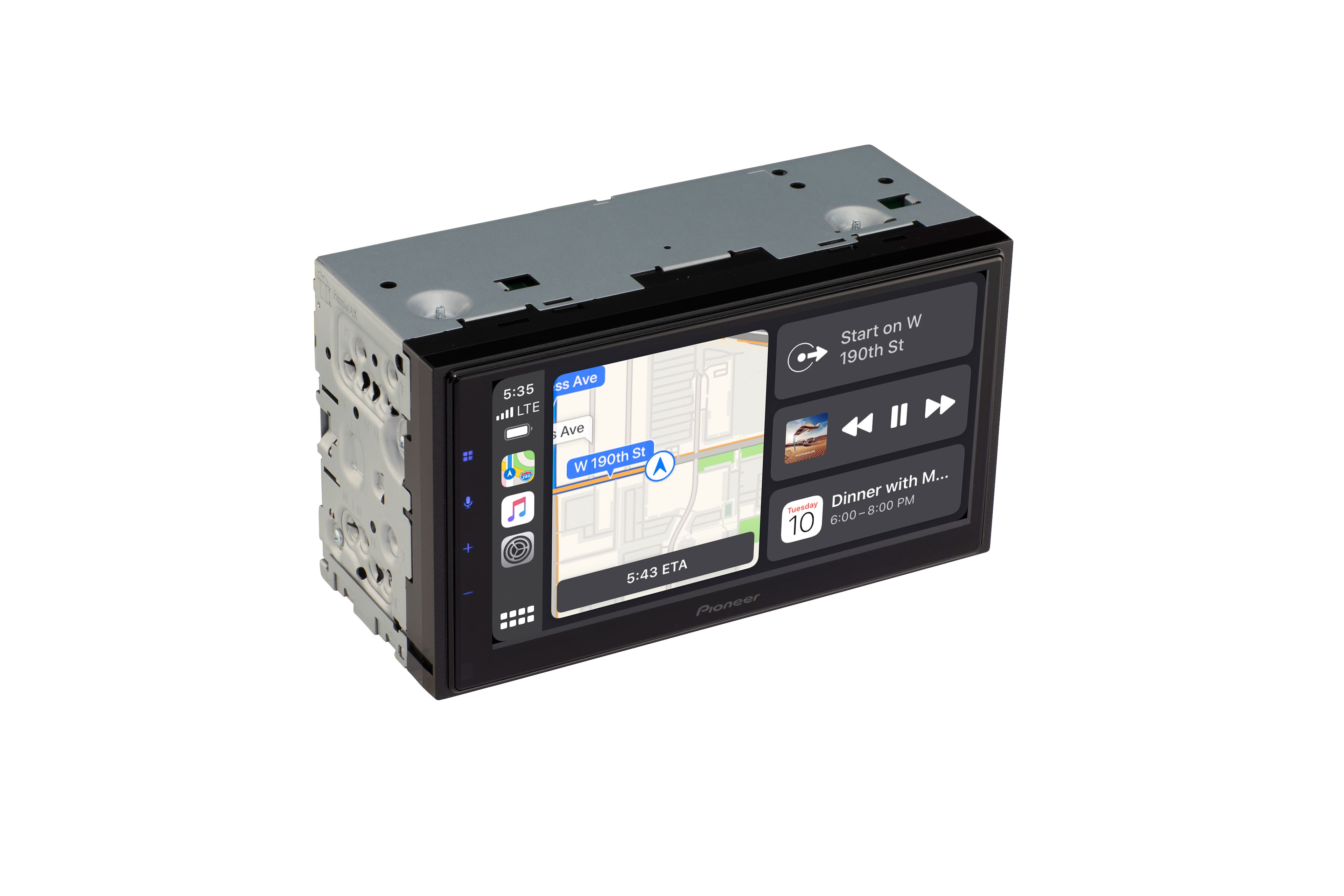
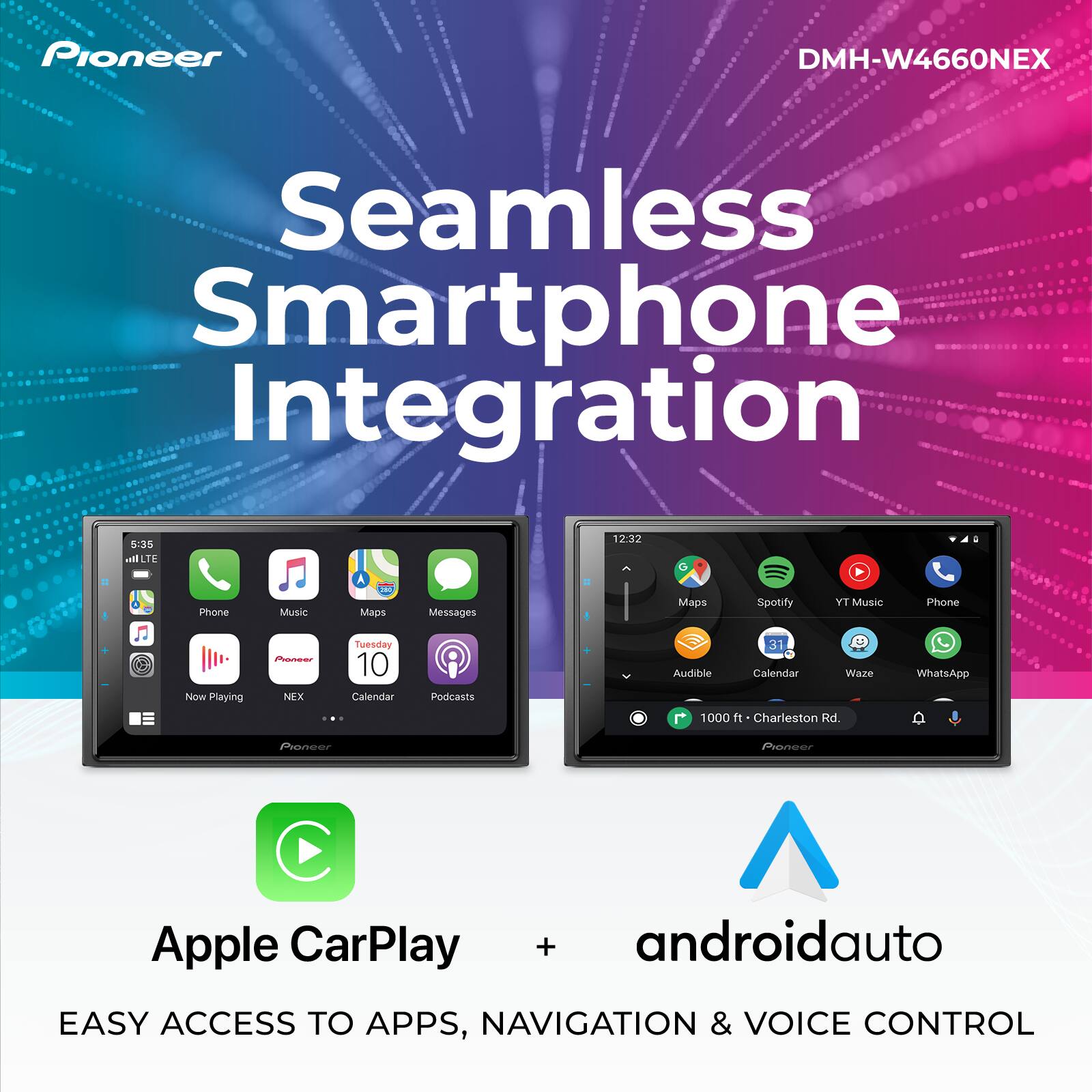
A:AnswerYes, definitely! Using iPhone 8 on either bluetooth or connected to lightning, the Waze and my music both play. From the main carplay screen, swipe all the way to the left? end of the windows and a split screen appears that displays the map and the current music player showing the song title. Using bluetooth I think you have to toggle between the Waze screen and your music app, but both continue playing/navigating. A great feature is when you touch the volume up/down buttons, a set of volume displays appear allowing you to separately adjust music and navigation volume. While the music is playing, the music volume briefly goes down allowing you to hear the navigation instructions, then it goes back up to normal.
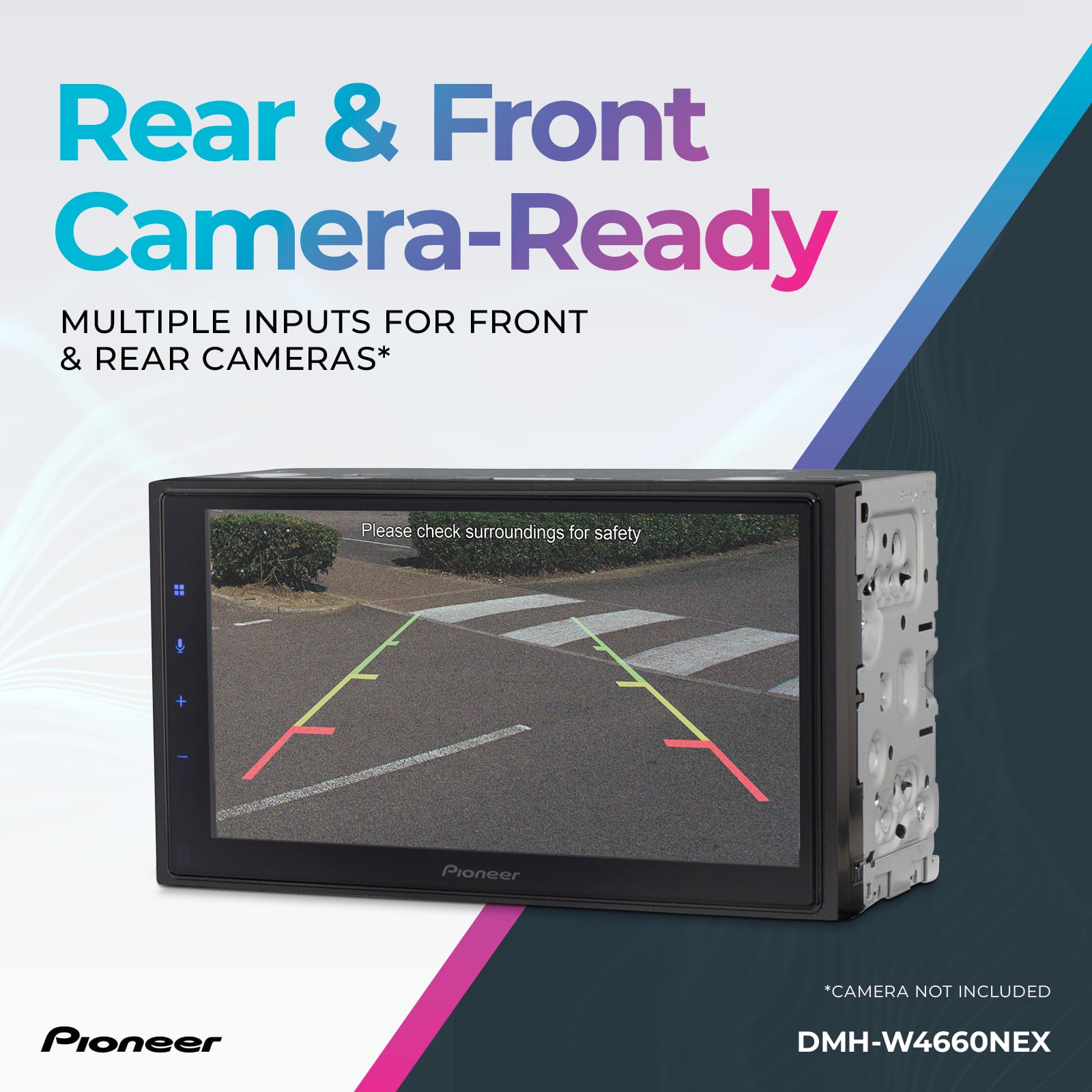
A:AnswerIt may need an adapter but it should work. I don't have a backup cam but there are a lot of settings for the camera and when I asked about putting it in my other car also they gave me a list of parts including the backup camera adaptors.
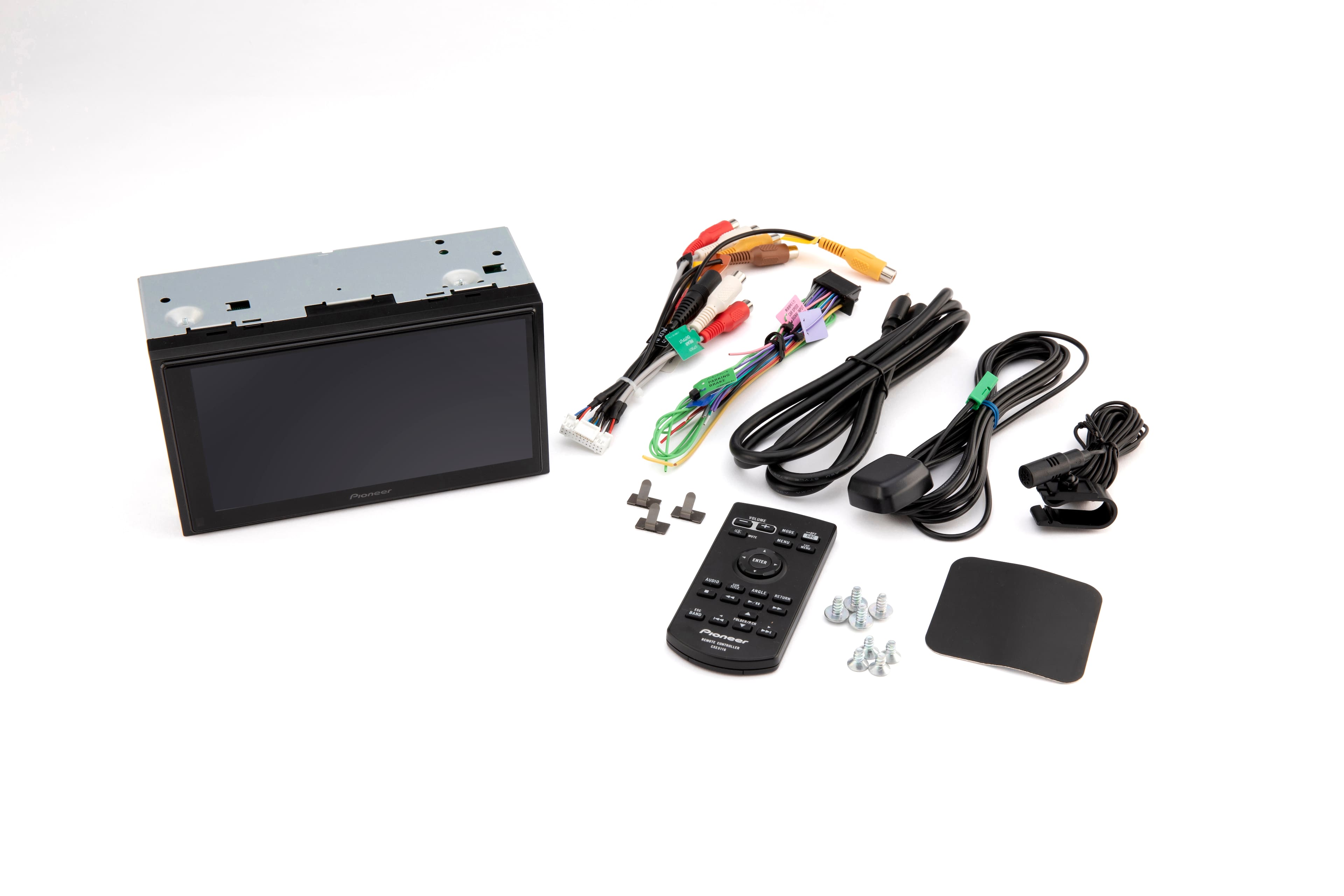
A:AnswerThe microphone can be mounted in a location best for your installation. Some can use the top of the steering column while others will put it near the rear view mirror or along the driver side support post.
A:AnswerThe Pioneer DMH-1770NEX, should work great in your 2007 Ford Explorer. If you want wireless Apple CarPlay or Android Auto please consider the Pioneer DMH-W2770NEX. Be sure to talk with a Best Buy sales associate for installation details.
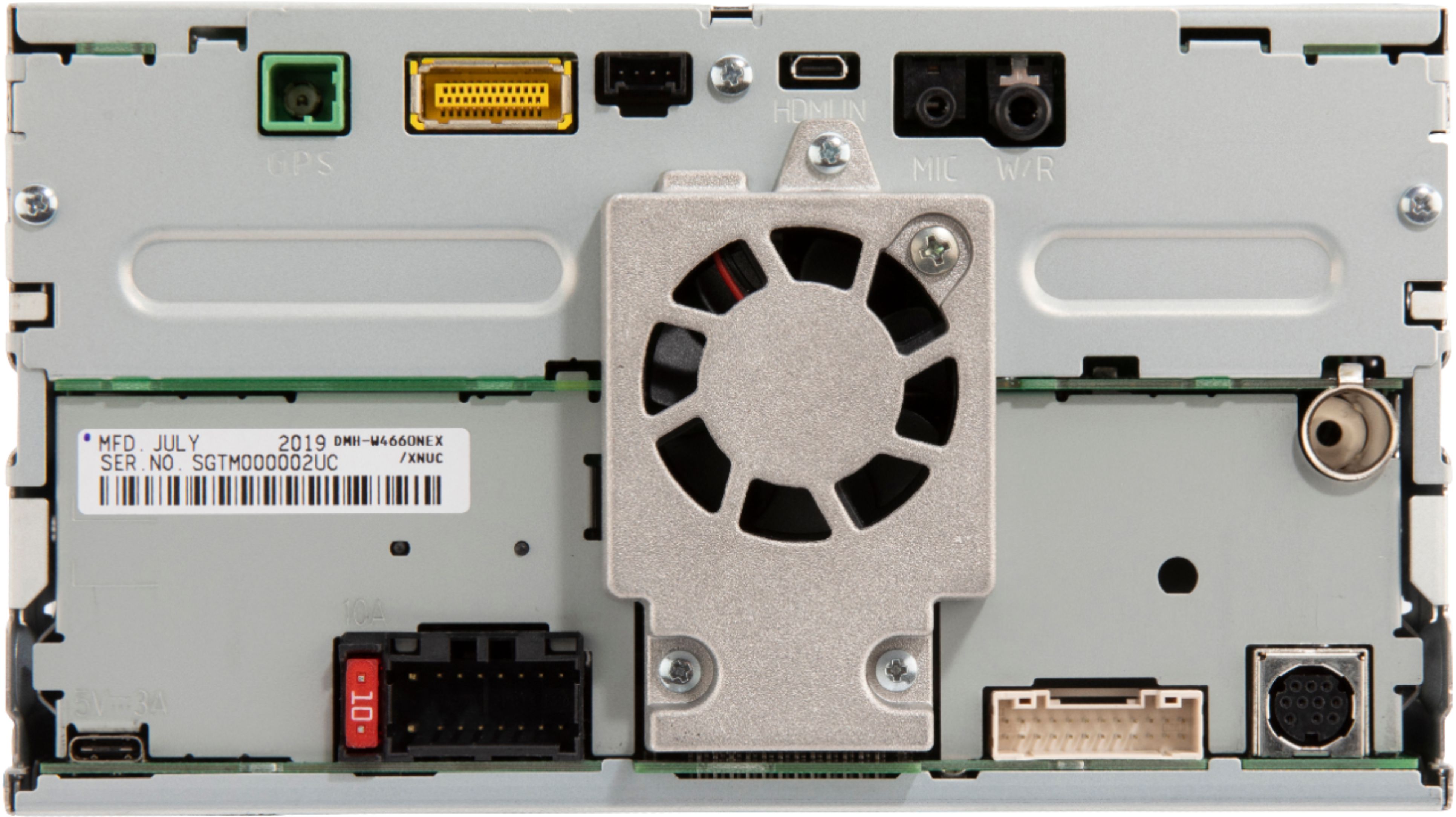
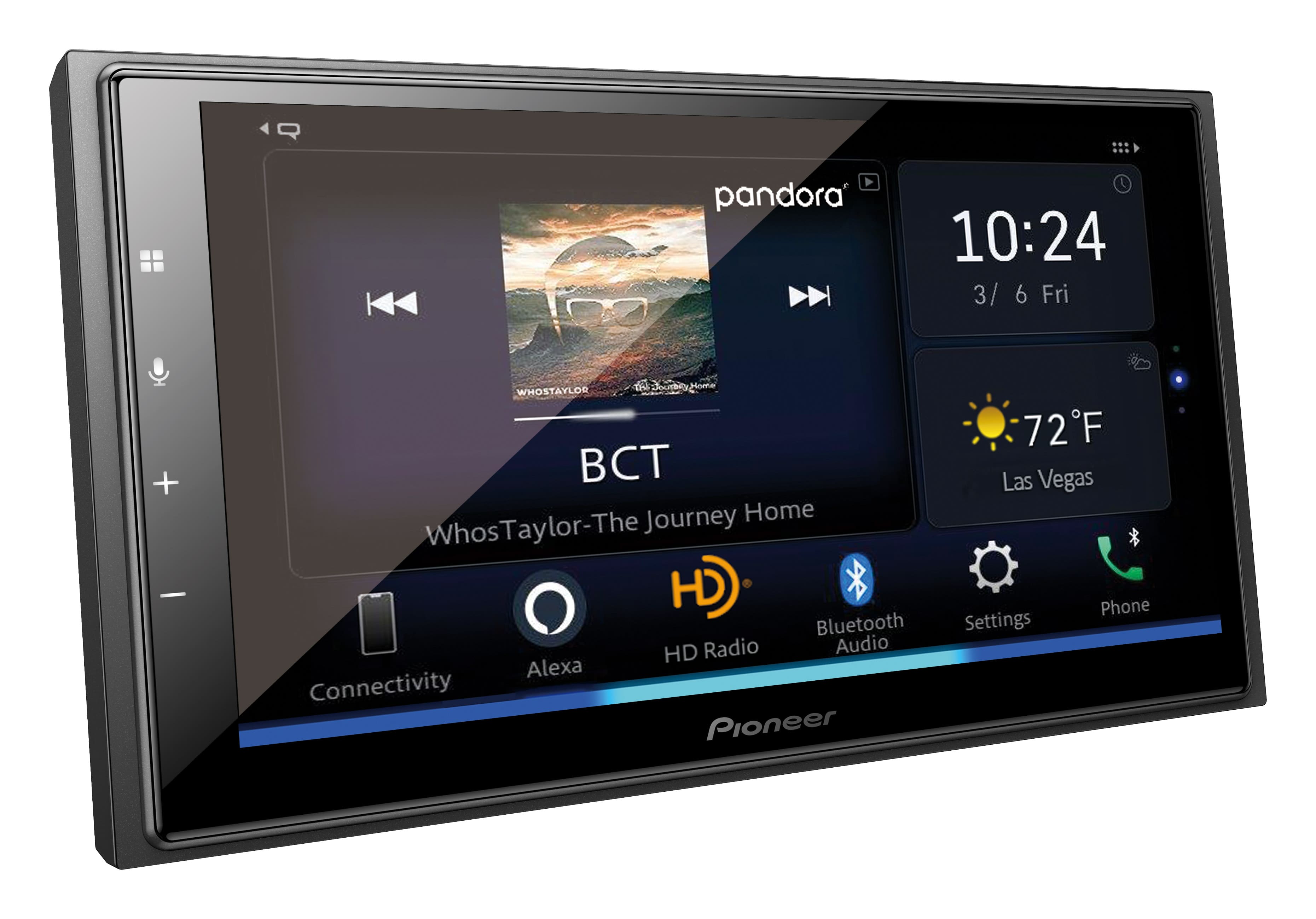
A:AnswerThe Pioneer DMH-W4660NEX time/clock/date should set itself using GPS signals atuomatically received as you drive the vehicle. It's typical for this to take 10-20 minutes the first time you use the vehicle after the new in-dash receiver is installed. This is a first time only thing. After the time sets itself, it will appear as you start the vehicle with little or no delay.
If you have driven the vehicle for more that 30 minutes at one time, and still do not have a proper clock, time and date, I recommend to contact the installer and explain the details.
A:AnswerYou can get built in navigation on some radios but only on the expensive models, around $1000 and up. Other wise your navigation will come from your moblephone.....
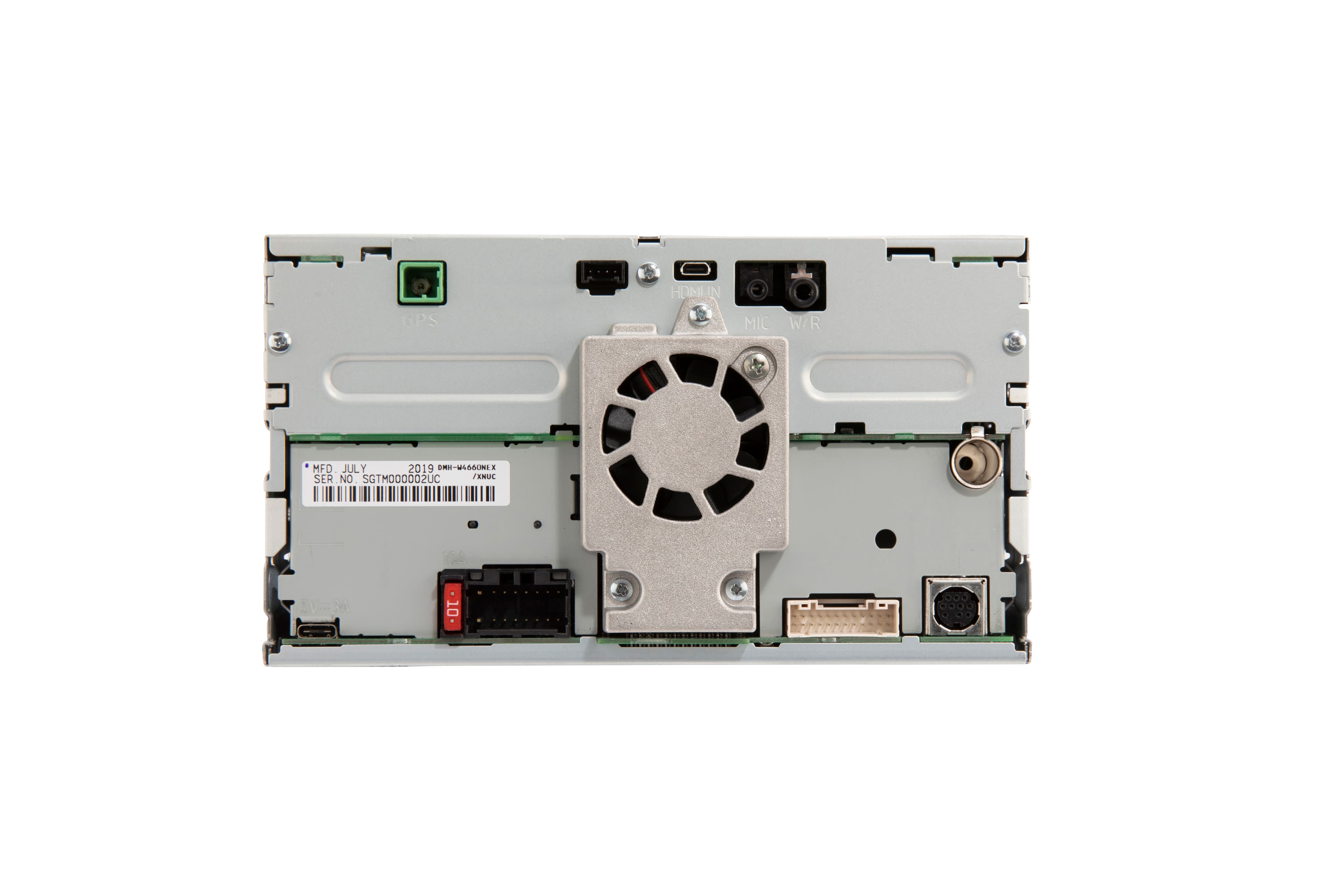
A:AnswerTo make sure you have the right harness, I would talk to a Geek Squad installer that installs car audio products. There are specific harnesses for every vehicle. I have a 2012 Chrysler Town & Country, the steering wheel control harness only gives you that, all other functions are lost (stereo speaker fade control, gauges, tire pressure, door alarms, etc.) I had to use the Maestro RR harness to retain all Chrysler factory functionality. Talk to a Geek Squad installer, not a store rep, to make sure you get the right harness.
A:AnswerI was thinking of buying this unit so have been researching it for the last couple of hours. A simple answer is no. If you use Android Auto or Apple Car Play you may be able to get them to work that way, but I'm sure if it did it would have limited functionality. I have discovered it also only has 1 (one) USB port which is hard to believe at this price point, but it has been confirmed. This unit is overpriced for the options available.
A:AnswerMost definitely it will work you just need the Maestro unit. Works great with this unit but just need the Maestro unit to get it to work. We just had one installed for my wife 2016 Honda HRV and she has the side assist camera and it works wonderful