A:AnswerYes, it locks into place and is very sturdy, it has not fallen out or caused any pixel issues for me since I have had it from November 2016. I had problems with my cox cable connection to the mini box using the HDMI cord provided by Cox Cable and switched it out to the Rocketfish HDMI cable and have not had a problem with my tv channels getting all funky from the rain or northeast weather conditions. Also, it doesn't ruin the picture after losing power as well.
A:AnswerThe rocket fish cable will work. Bring your laptop with you to the store to make sure you get the right connections. I use it for my kindle works great.
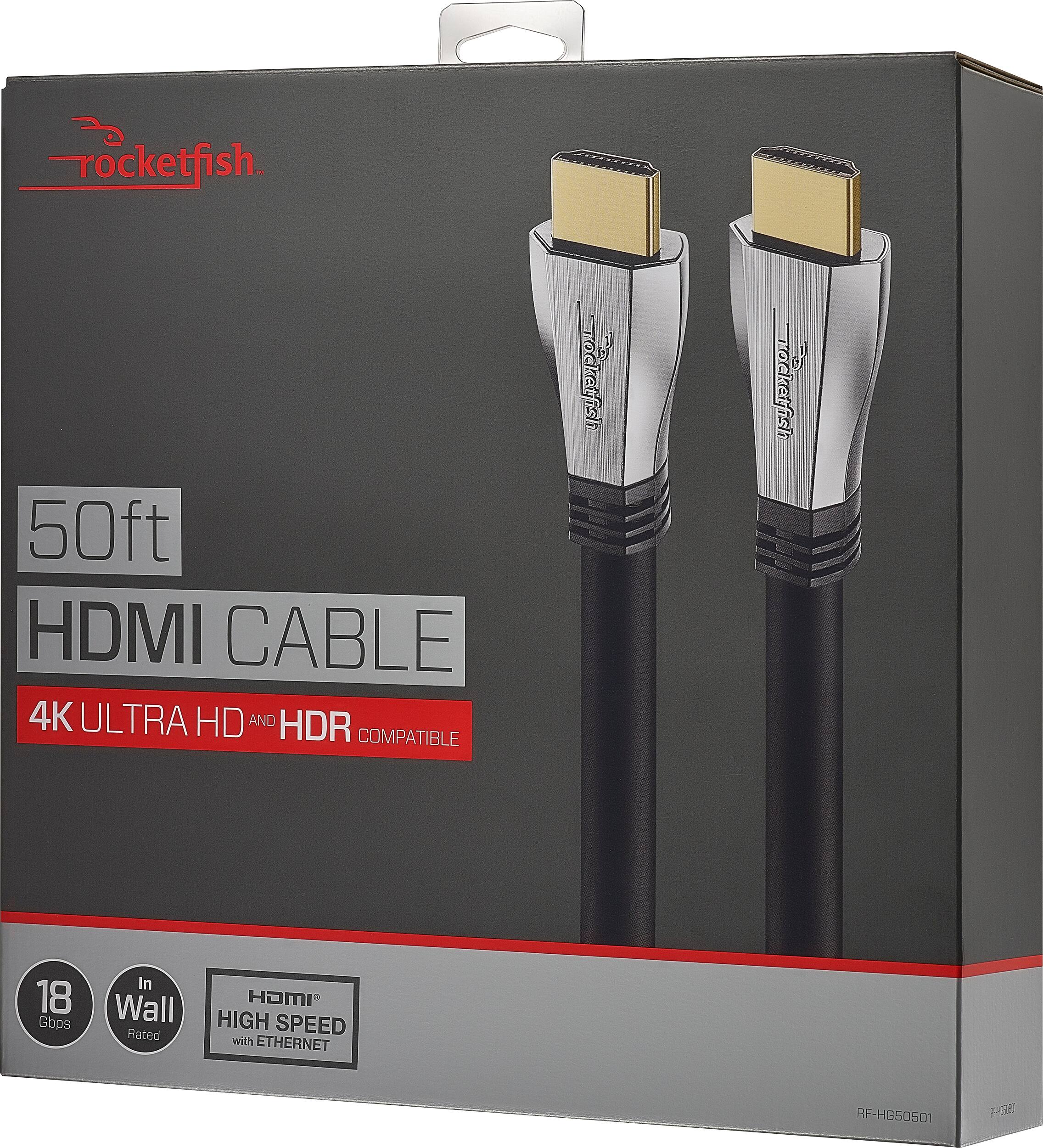
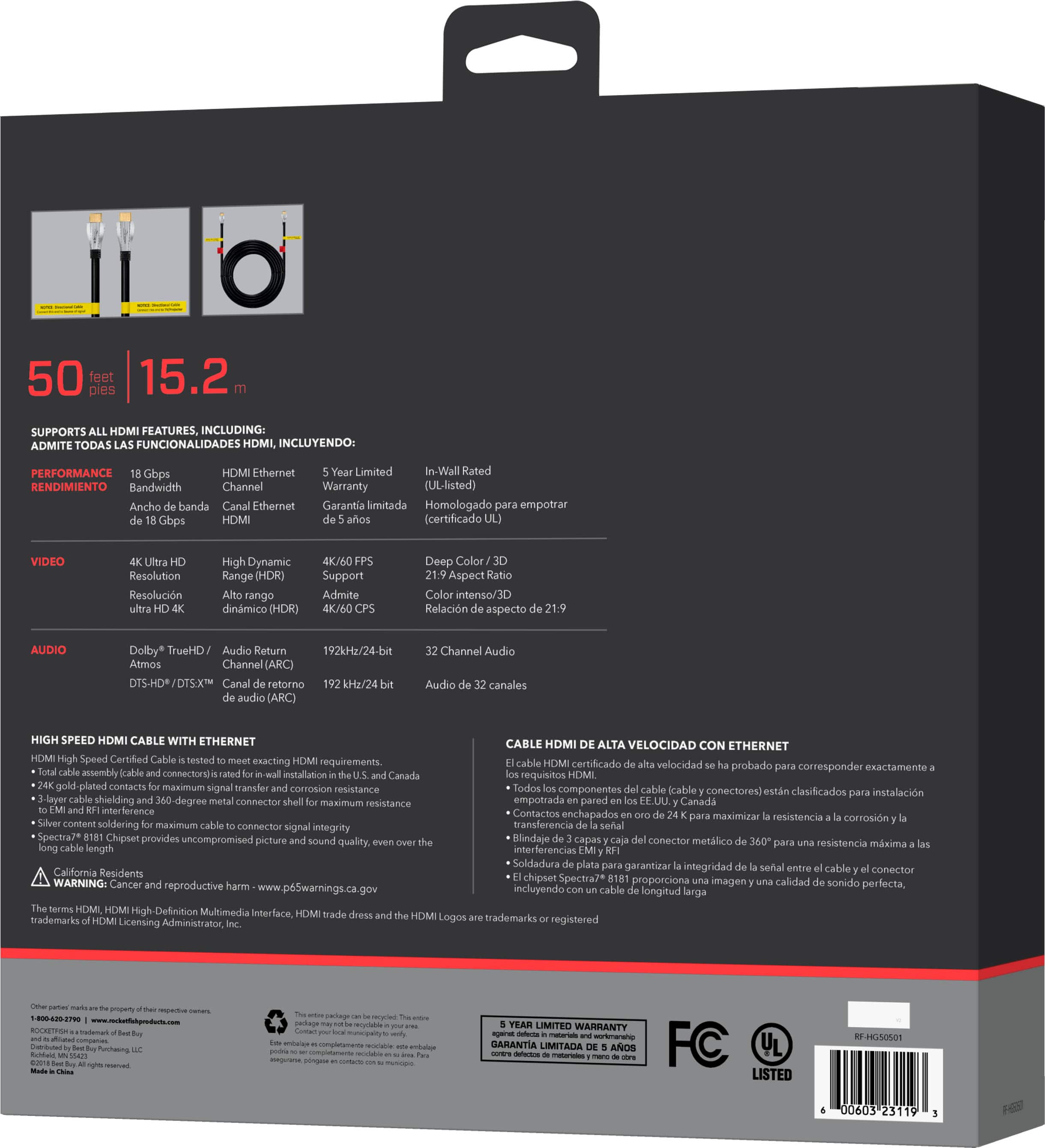
A:AnswerThe cord process 120 FPS ( was told by seller ) the advantage described as a decreased chances of fire inside the wall. It works great. I have another HDMI cable ( bough in Magnolia home theater) and the resolution is the same although the price difference was huge.
A:AnswerTry the Model: RF-HG08N19 HDMI Certified Ultra High Speed HDMI 2.1 Certified to ensure performance is at the highest standards. Backwards compatible works with all HDMI standards, even older ones.
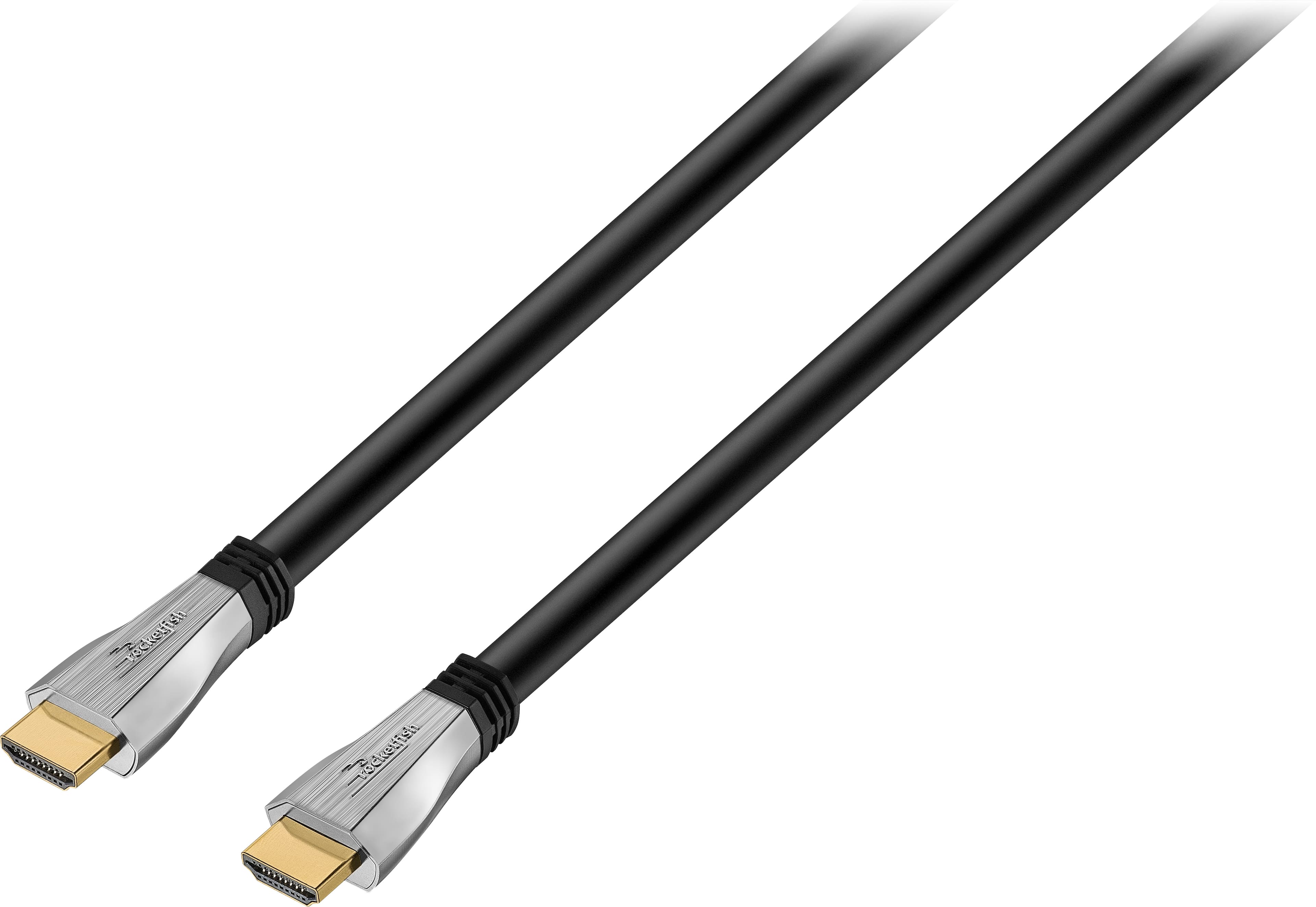
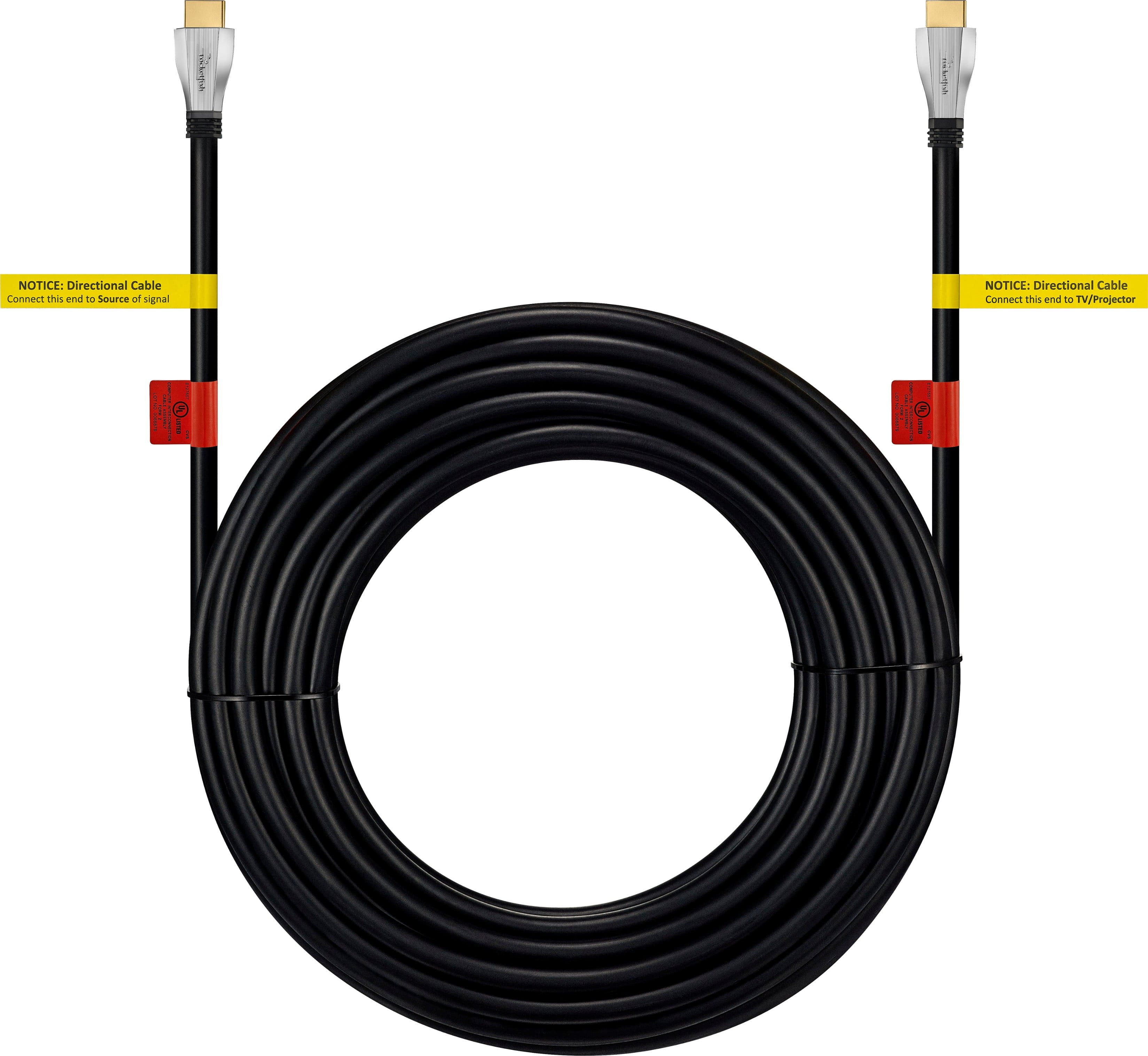
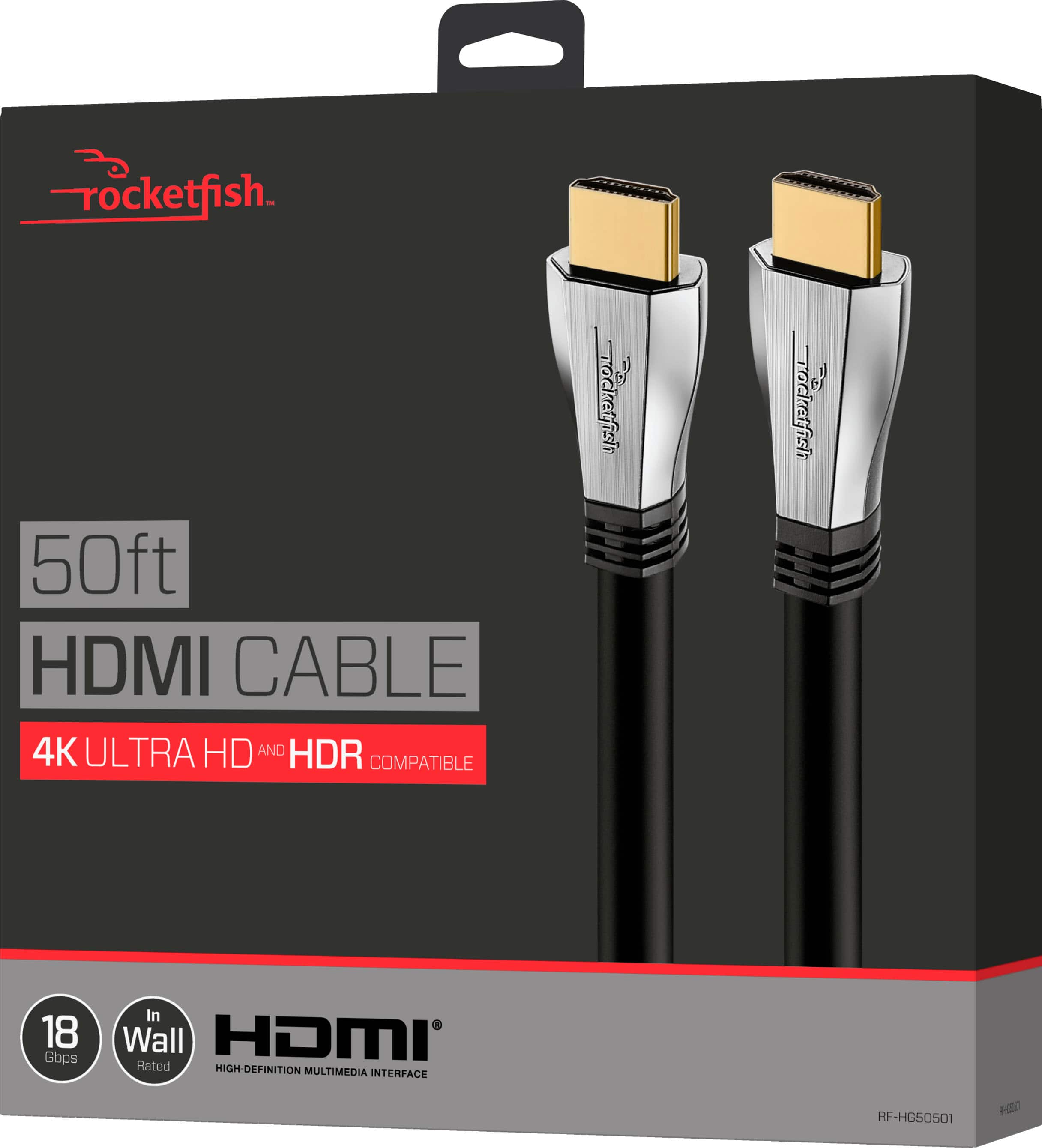
A:AnswerThis cable allows you to connect HDMI enabled devices to your TV, including Blu-ray players, cable/satellite boxes, gaming consoles and A/V receivers.
If you don't have any HDMI device, you don't need this cable.