A:AnswerHi Bob ! The HBO Max channel is a subscription-based channel. You can sign up for HBO Max channel directly on your Roku as a standalone subscription. If you currently are a cable or satellite user and have HBO as part of your programming, you can authenticate the HBO Max channel on your Roku with your cable or satellite account.
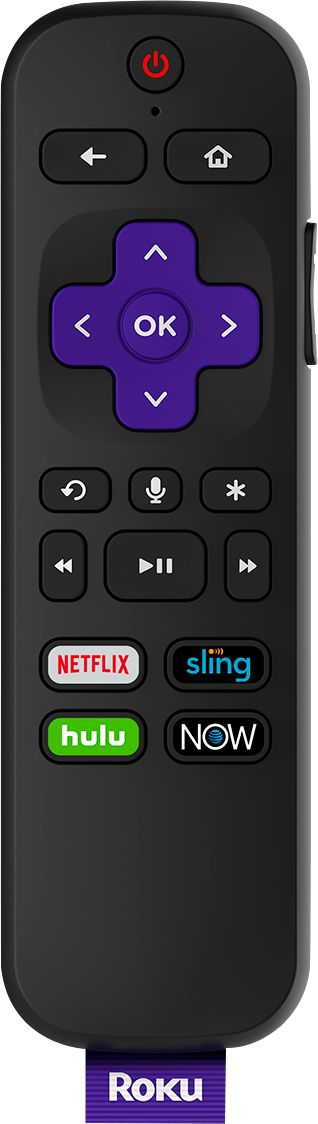
A:AnswerUnfortunately just 5 presets. It is not a learnable remote. The alternative would be to purchase a learning remote, like a Logitech Harmony, which you can utilize to learn your TV as well as your Roku remote. In essence, connecting the two.
A:AnswerYou need to get your original TV remote and choose the input your cable providers set top box is plugged into. Look for an "input" button on your original TV remote. Just cycle through the choices until you see live TV. You may have to try each input.. HDMI 1, HDMI 2, HDMI 3, Video 1, Video 2, etc.
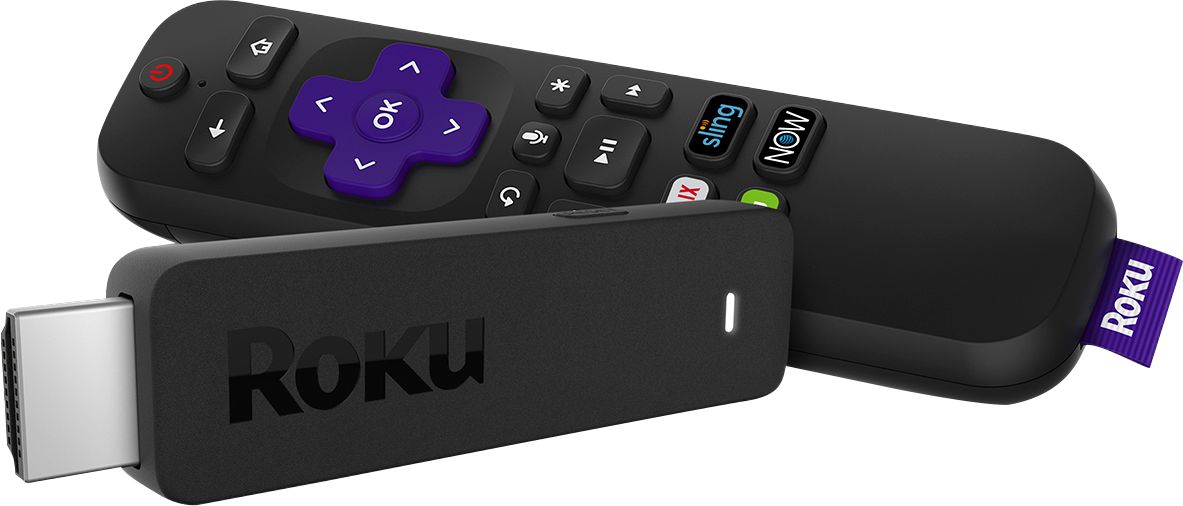
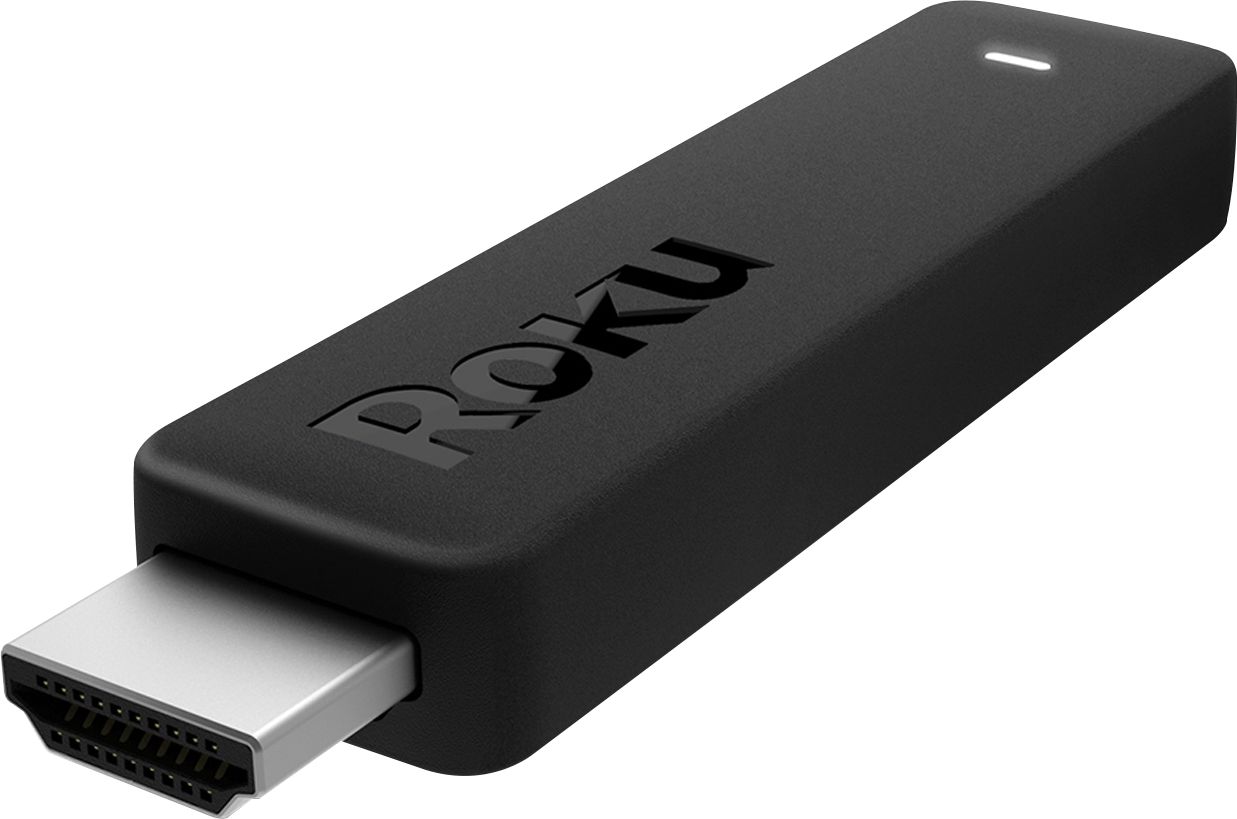
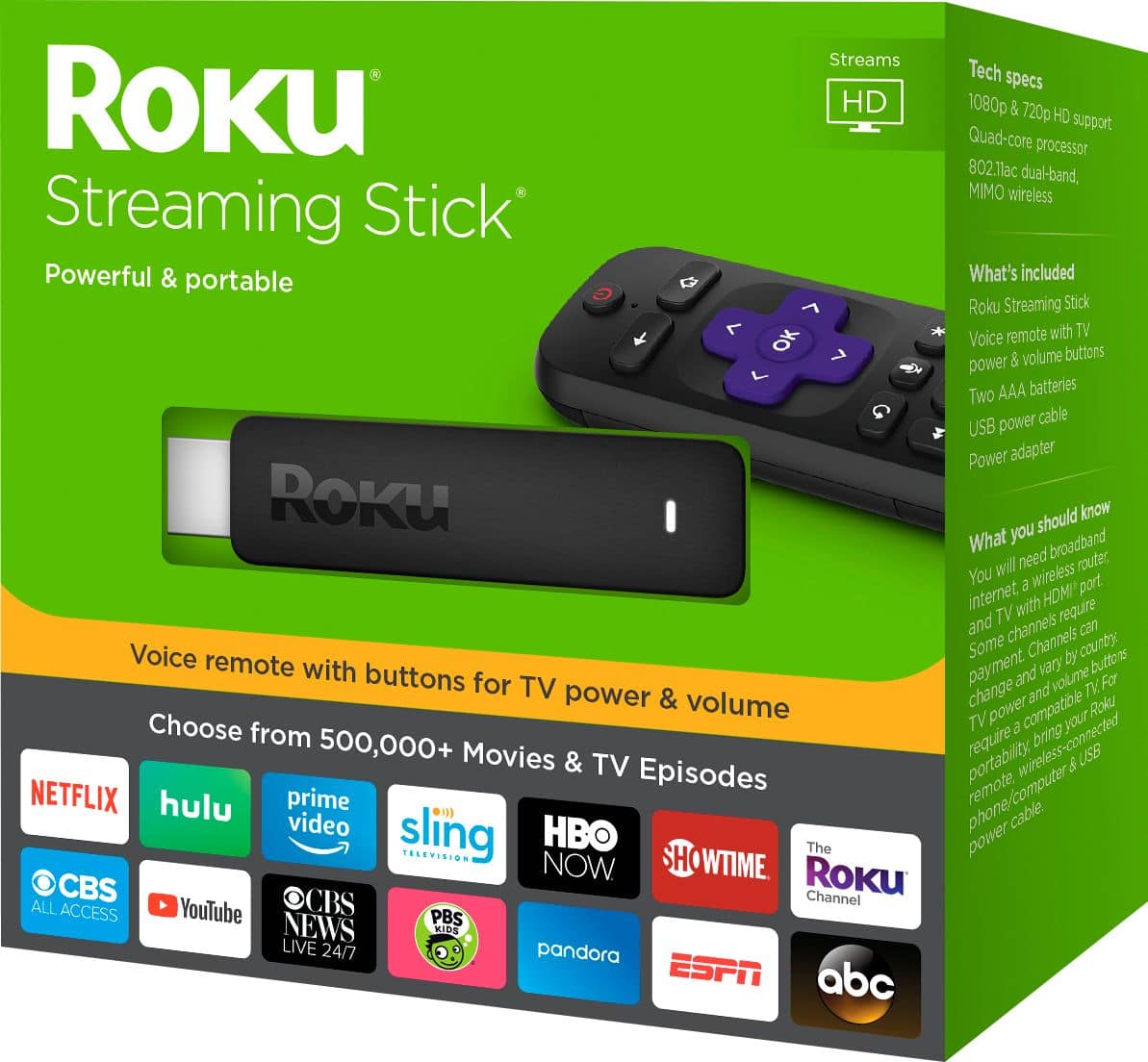
A:AnswerThe roku stick is a self contained unit, meaning you don't need an app from your cable company.
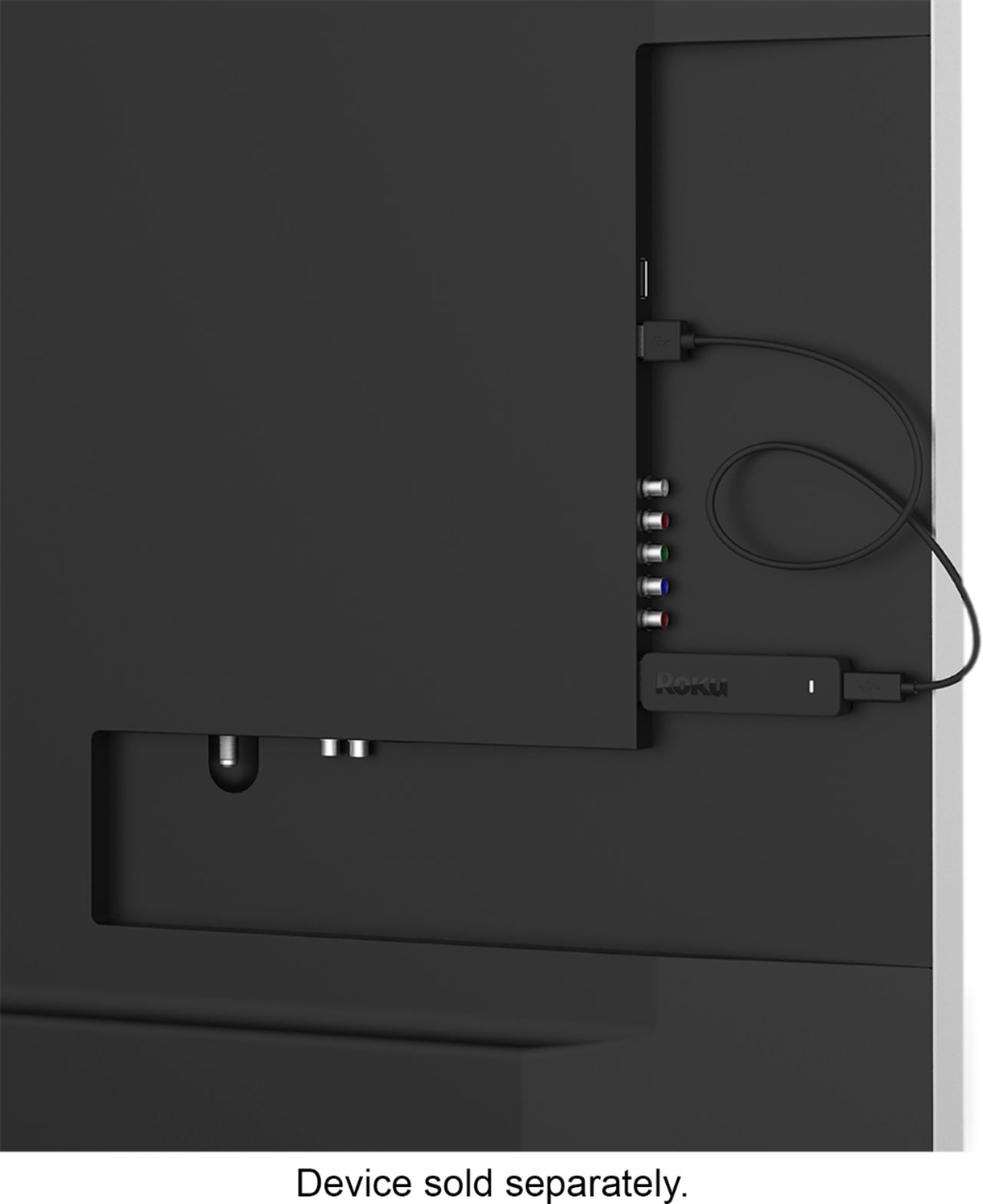
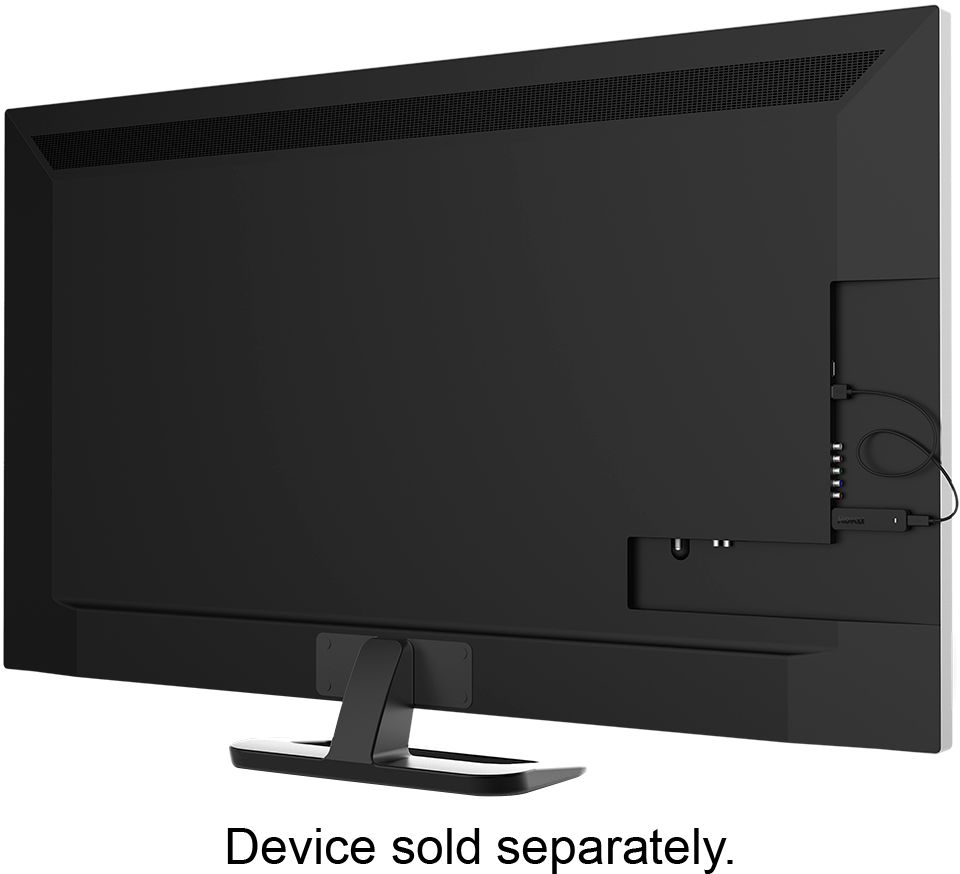
You plug the stick into the tv (Assuming its a more recent tv) and then go through the set up and you can access the channels directly from the Roku stick.
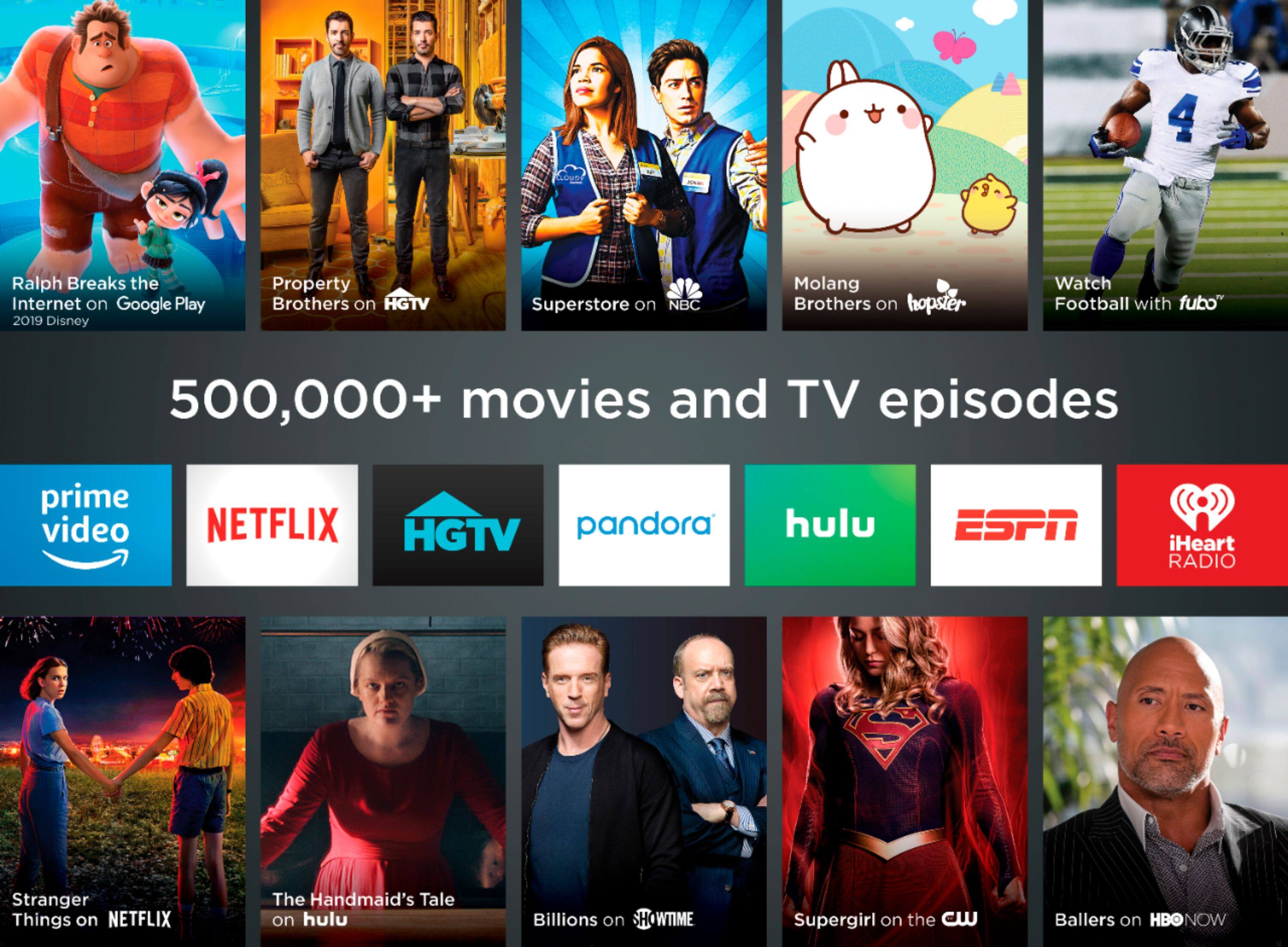
Keep in mind even though there are several channels and networks available in the Roku stick you still need to be a member of that service. For example you need to be a member of Netflix in order to watch it on the Roku.
However there are a couple of free channels on Roku including the Roku channel. You just have to put up with commercials.
Hope this helps.
Jeff