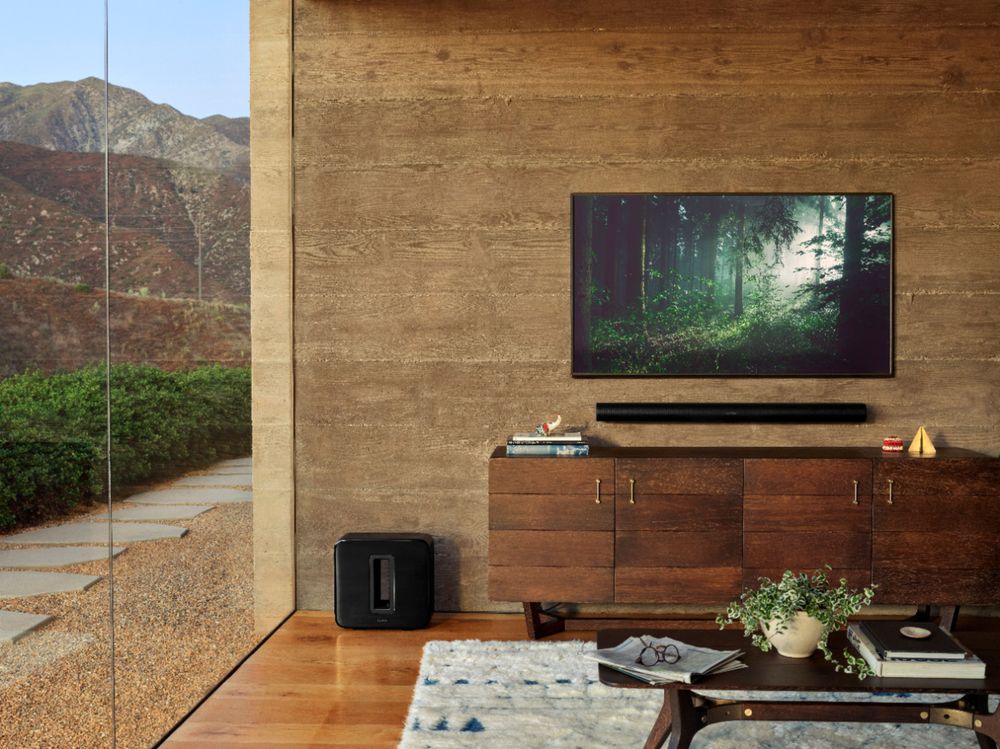
A:AnswerIf you are able to connect a HDMI cable to your turntable and then connect opposite end to your TV, then it might work. You may need a Smart TV and it would have to be on. Select the input and if needed, turn on your SONOS system. Good luck, and check to confirm my setup.
A:AnswerThe Sonos arc will work with most tv's since 2017. Make sure you have an hdmi-arc input on your tv and you will get all the benefits of this sound bar.
A:AnswerOof.
1. If you put ark through hdmi eARC if will control every channel on tv.
2. There are 11 speakers (3 bass, 2 front, 2 sides, 2 diagonal and 2 ceiling speakers.)
3. Sonos dont list the output but trust me it is enough. It shakes the floor in a 20x24 room. Its the loudest and clearest soundbar ive ever heard.
4. Dont really know how to answer, sound is very dense i suppose?
5. Loudest soundbar ive ever heard. Enough to make you deaf easily. If i had to guess id say 110db.
A:AnswerI had to borrow my girlfriend's iPhone for the initial TruePlay set up. After that, you can use your Android phone to adjust settings, volume, etc. Make sure you download the orange Sonos app, not the black/gray one.
A:AnswerHi, and thank you for this question. You would have to use our Sub. The reason is that if there is another device (ie receiver) that is controlling the crossover we don't have a way for our soundbar to tell it what frequencies to send to the Subwoofer. Even if we did, we can't be sure that the receiver would be doing it at the right time or capable of even sending that frequency appropriately. We keep our ecosystem pretty tight to ensure the best experience possible!
A:AnswerSame, It doesn’t seem to see 5ghz networks. I tried multiple settings with ASUS router. Everything works fine though with ARC, so not going to waste any more energy on it.
A:AnswerYes, you can play your music library from your IPhone using Apple Airplay on the Sonos Arc. It will stream your music using your WiFi. There is no Bluetooth option with the Sonos Arc.