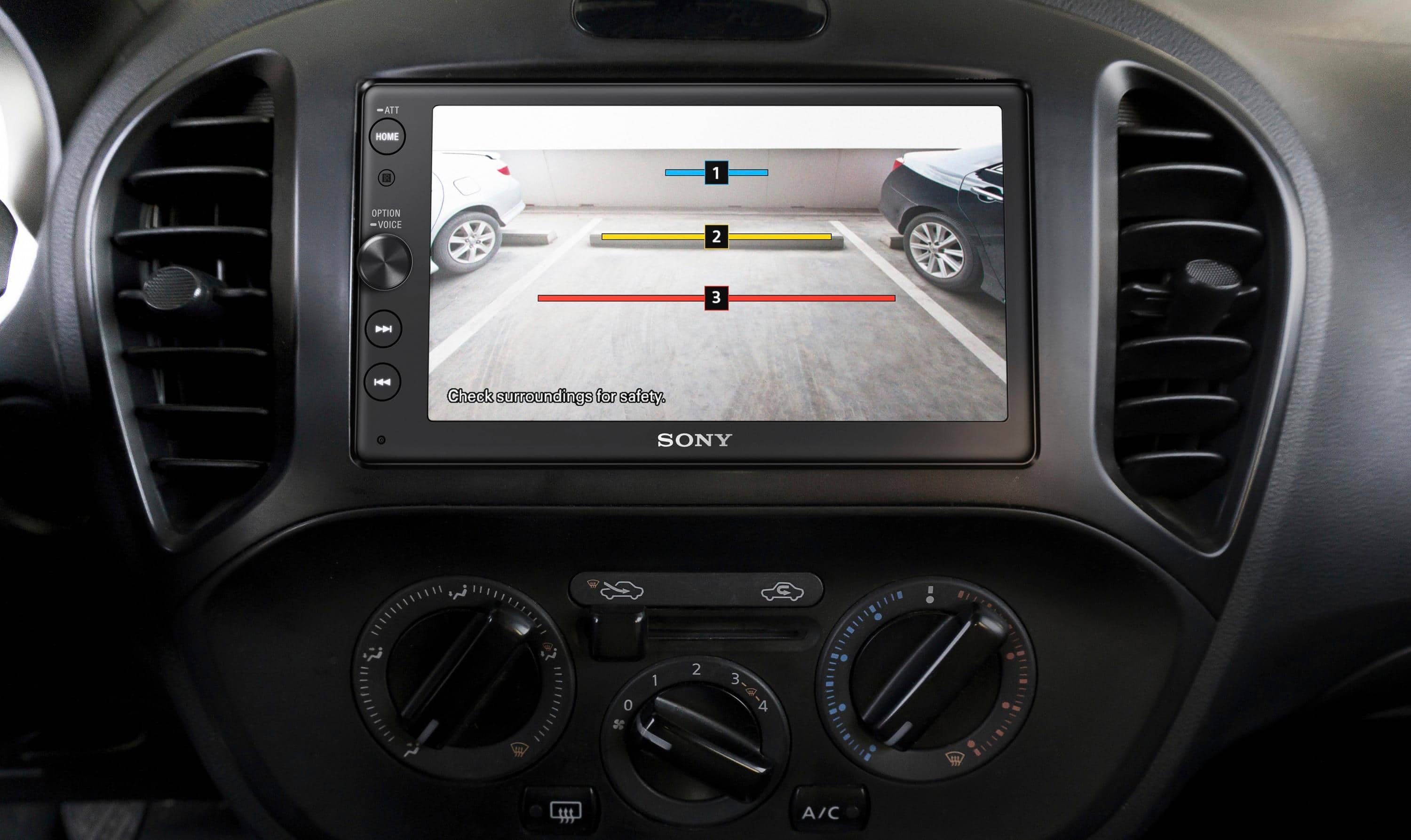
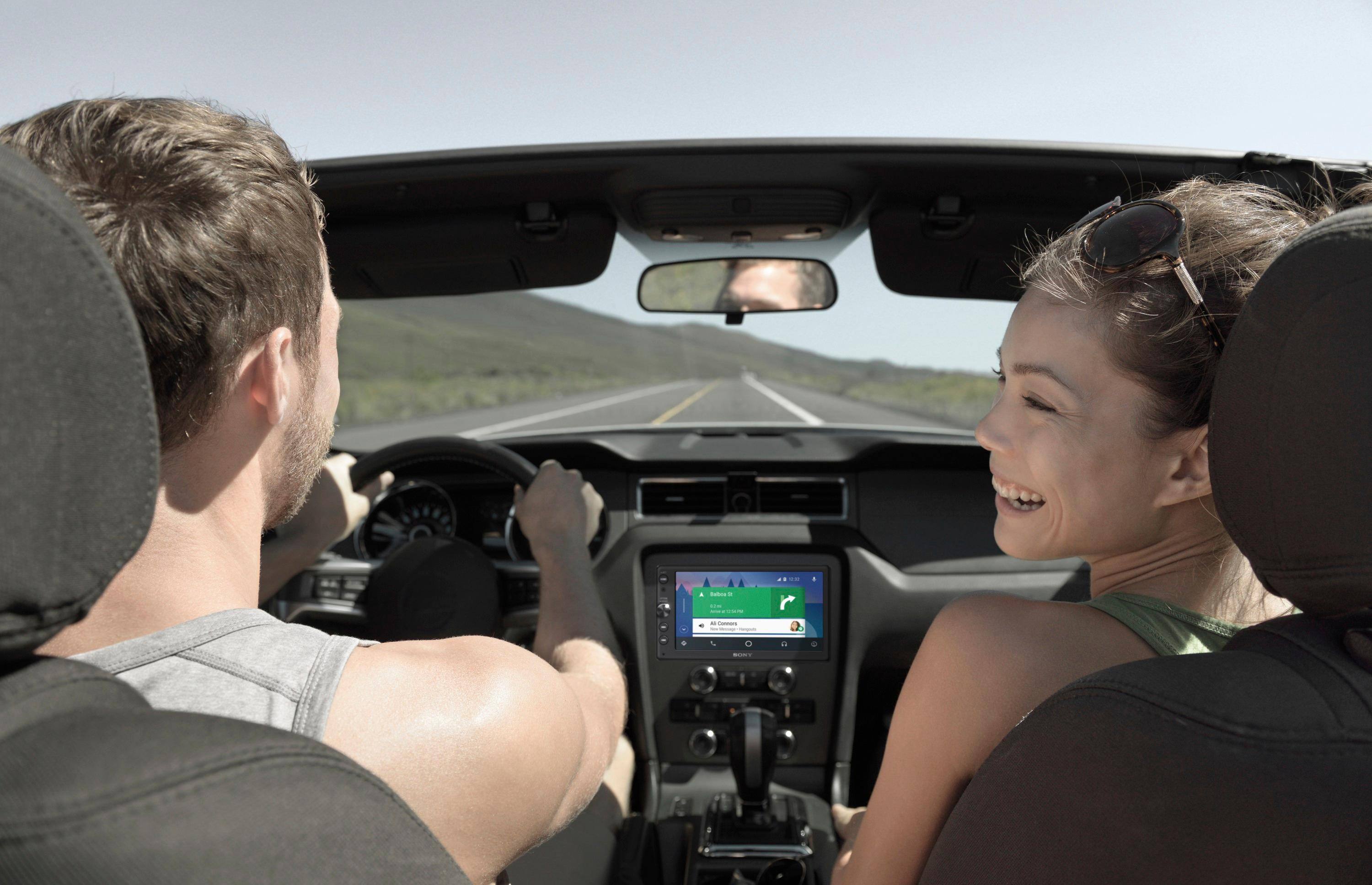
A:AnswerI'm not sure if the mic will work (it has a 3.5mm plug for the included mic) but the camera and steering wheel controls will work. You will need an adapter for the steering wheel controls to work but this unit does have an input for it. There is an RCA input for the rear camera input as well.
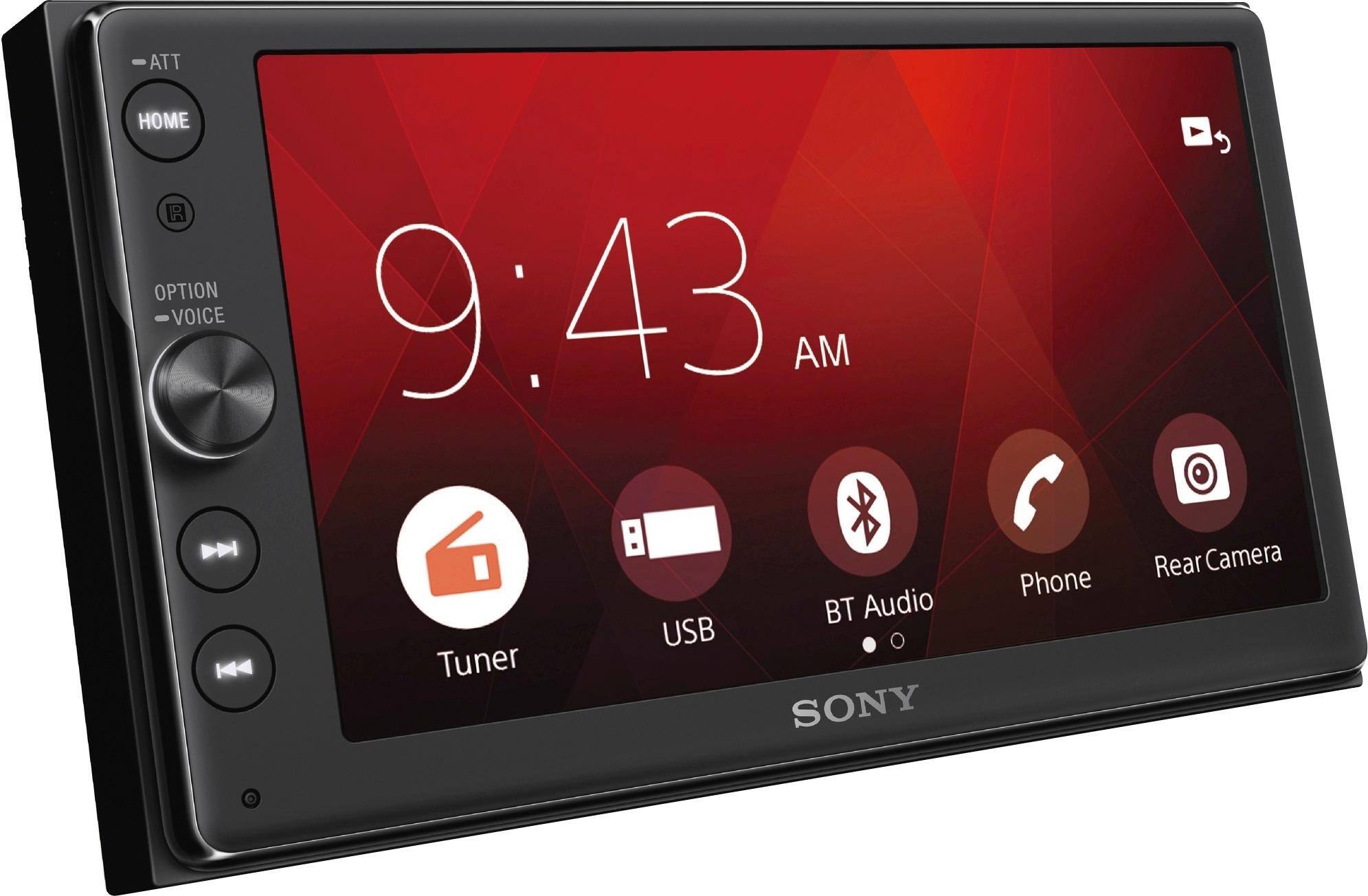
A:AnswerHi Keith, you may go to Settings > Visual Settings > Wallpaper. You may refer to pg.15 of the link below for more information. Thanks! ^Ron
https://www.sony.com/electronics/support/res/manuals/4686/2dbeafdfb9345e45a6792664bf5e92ff/46861372M.pdf
A:AnswerI don’t know about wiring in a factory or additional aftermarket mic. I can tell you the unit comes with its own mic, and I have not had any issues with clarity or feedback out of it. Bestbuy did the install and mounted it in the top corner above the driver side column.
A:AnswerHi Macgyvur,
Follow the online update instructions carefully. Go to Drivers and Software.
Make sure the update folder is in the root directory of the USB storage device.
Try to download the update on a different USB storage device. Reference link:
https://www.sony.com/electronics/support/articles/00183942
https://esupport.sony.com/US/p/select-system.pl?DIRECTOR=DRIVER
Regards,
-David
A:AnswerHi Luke, please refer to pg.24 of the link below for more information about the connections. I hope it helps. Regards, ^Ron
https://docs.sony.com/release//Manual_4686137213.pdf
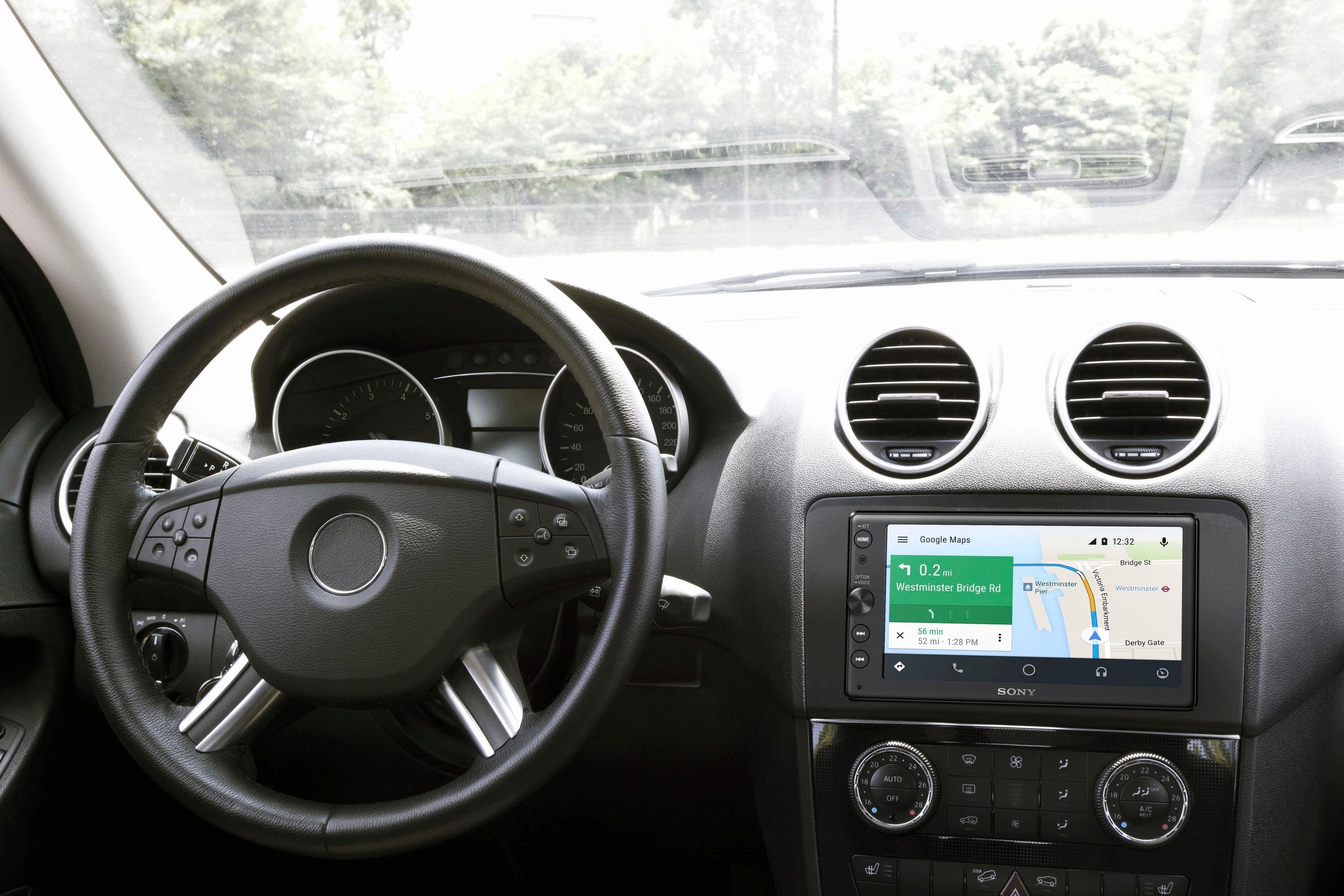
A:AnswerYes, you can text message with Android phones. I have a Samsung Galaxy and it works well. You just tell Google to "message name" and it will record your message and play it back to you. Then it will ask you if you want to redo the message or send it.
A:AnswerHi David, we recommend checking with a professional installer in order to determine if this unit is compatible with your vehicle's backup camera. You may refer to this link for its complete specifications: https://docs.sony.com/release//specs/XAVAX100_MKSP.pdf Thanks, -Mark
A:AnswerHi Cody, it will depend on the apps you have on your phone. You can use this In-Dash receiver as a monitor for your mobile device. You may refer to page 7 of this link for information on how to establish a connection between your mobile device and this unit: https://docs.sony.com/release//Manual_4686137213.pdf Thanks, -Mark
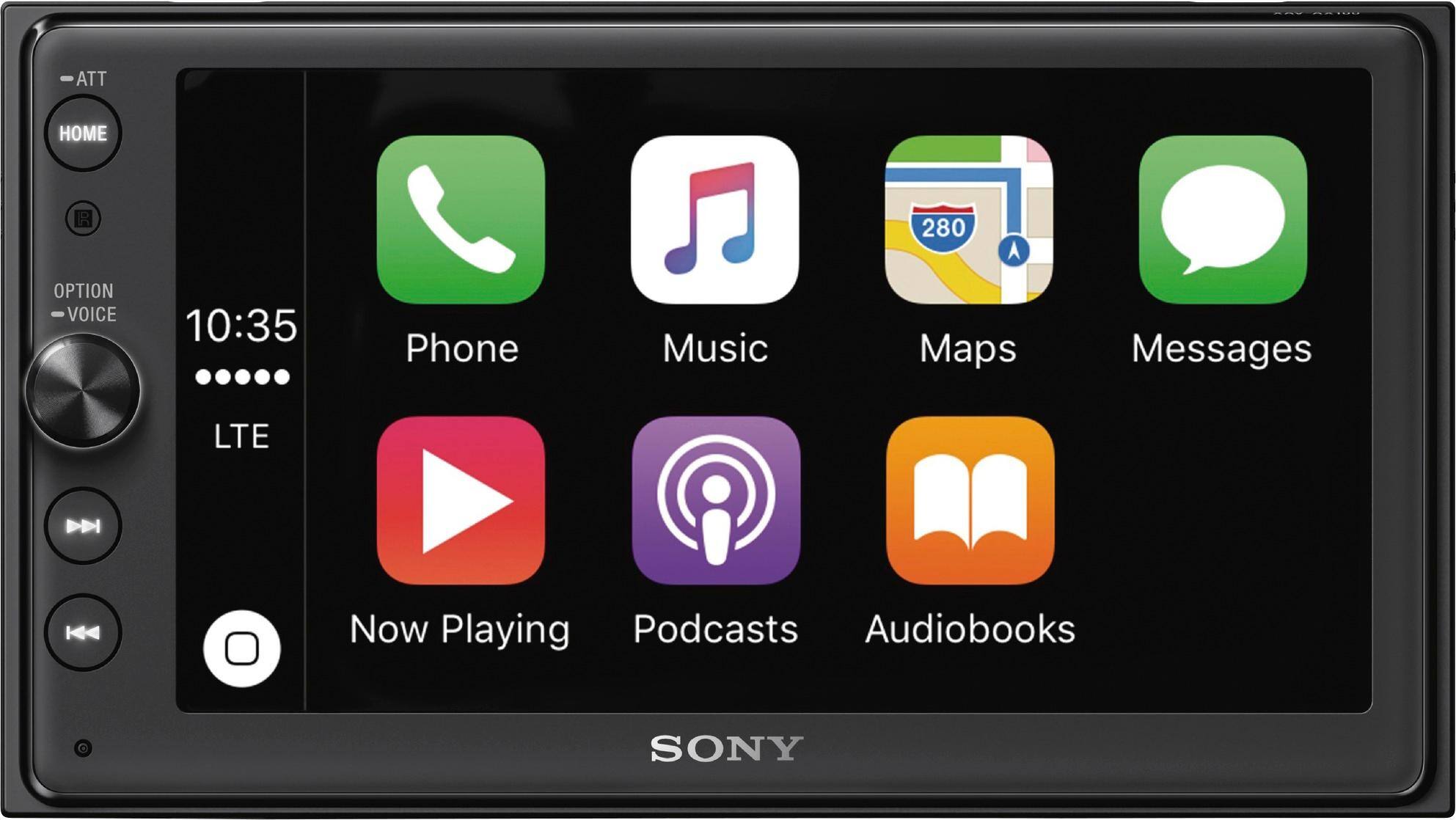
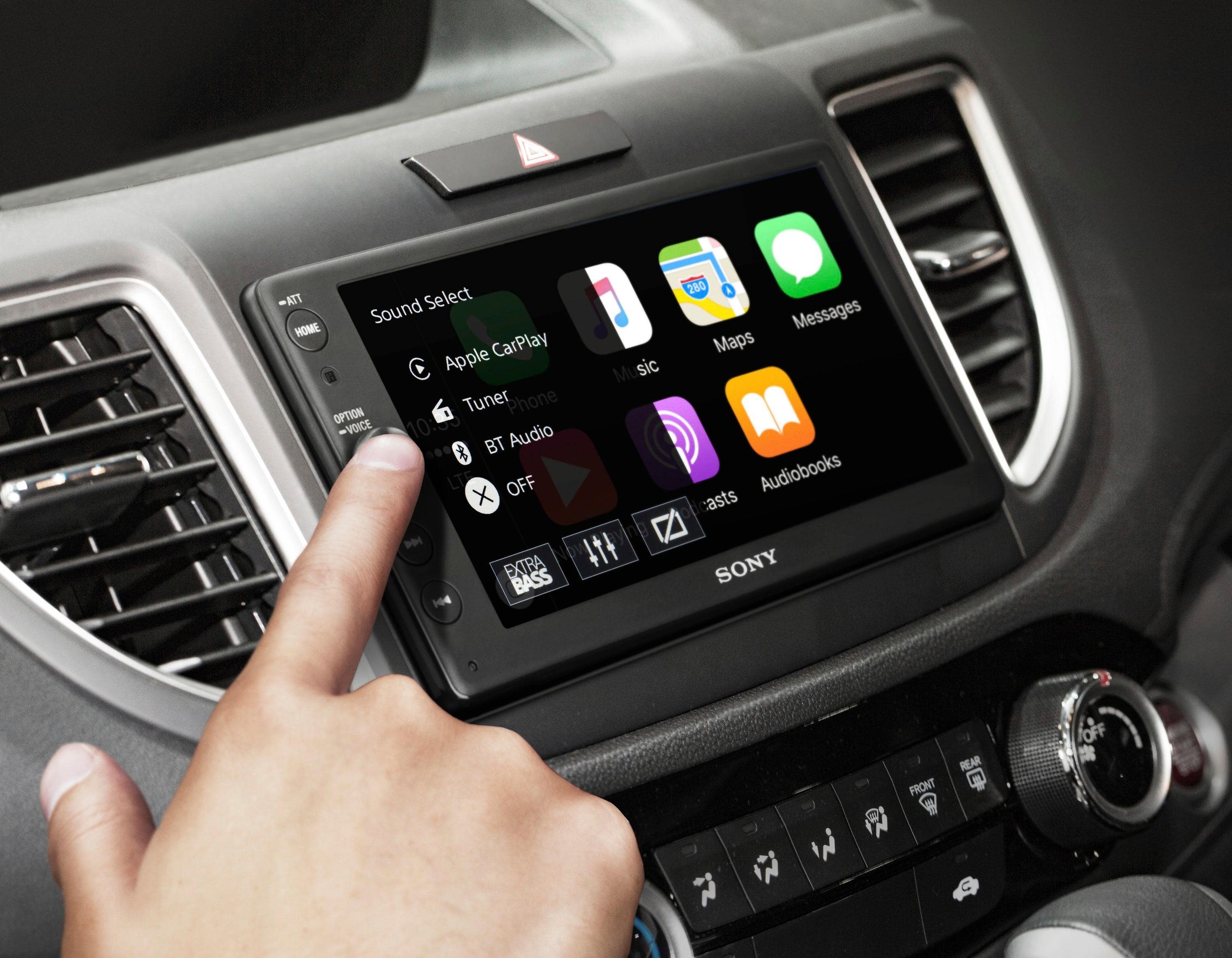
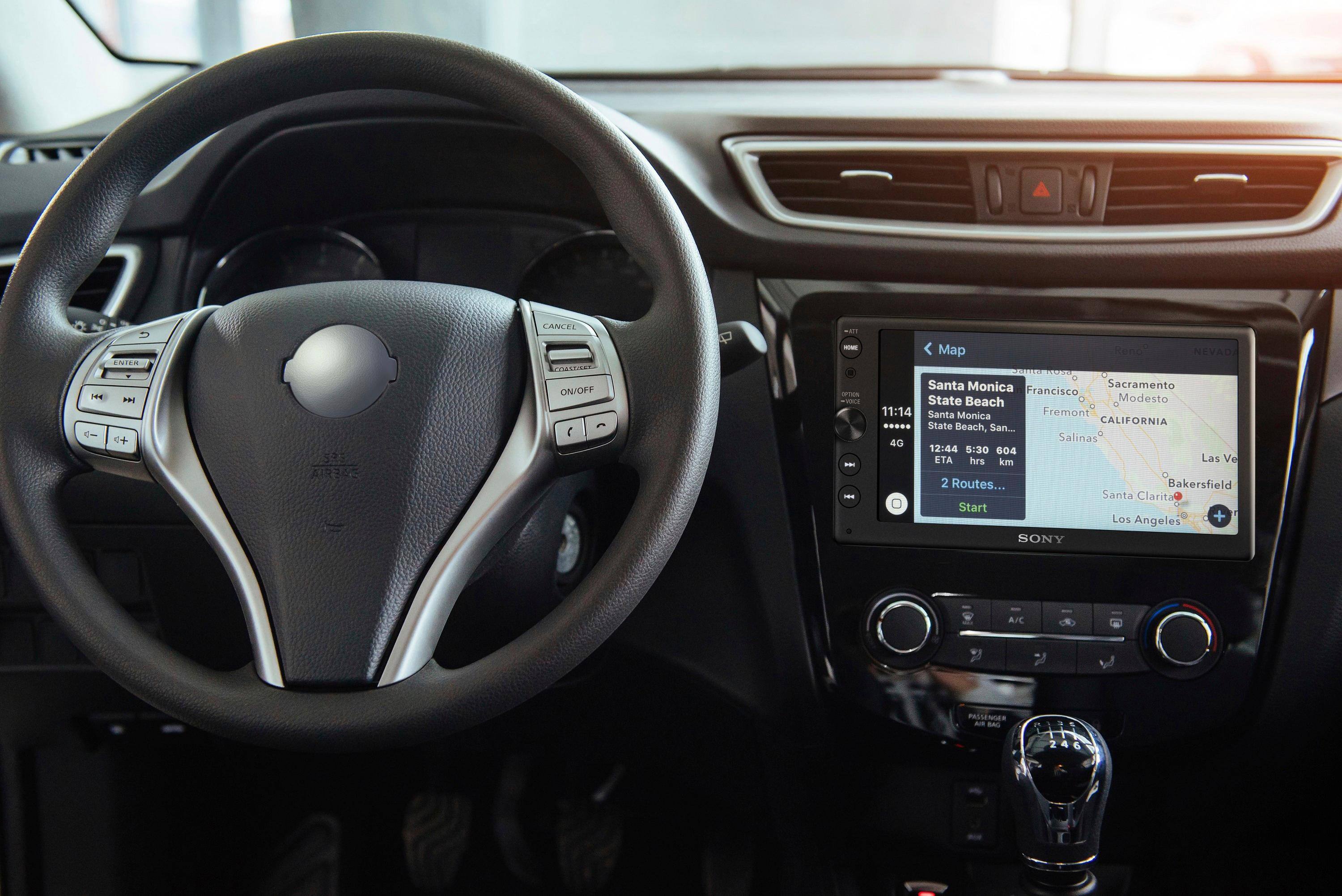
A:AnswerI believe what the website is trying to say is that the unit does not support the operation of Apple CarPlay through Bluetooth. In order to use the full capabilities of Apple CarPlay, the iPhone must be connected to the USB port. All other functions such as phone calls and Bluetooth audio capabilities are functional.
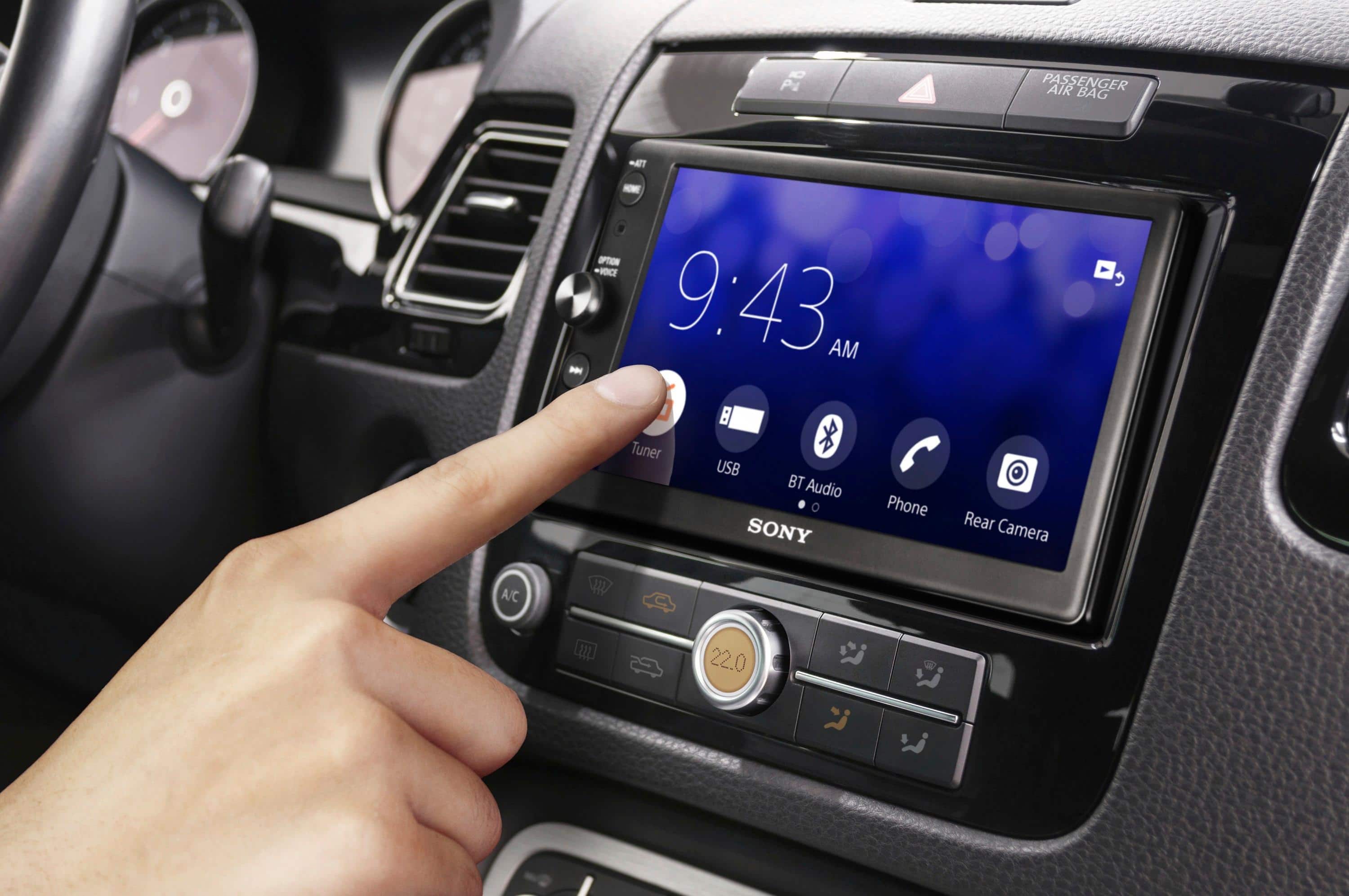
A:AnswerXAV-AX100 uses a resistive touchscreen. A bit less responsive than capacitative, but after driving this XAVAX100 for several days now, in cold weather, I have to say that its really kinda nice to be able to keep the gloves on and use the touchscreen interface (resistive responds to pressure i.e. resistance). Capacitative requires skin contact, stylus or touchscreen-friendly gloves.