A:AnswerPlease try uninstalling the VIDBOX application. Then download and reinstall it from the website. If the issue continues, please contact our support team directly to troubleshoot.
A:AnswerLag and out of sync audio are not common with current updates on computers that meet the system requirements. Please ensure your system meets the basic requirements for video capture first. To further troubleshoot, uninstall the software, and try reinstalling the software and the driver separately from the VIDBOX website to ensure you have the latest updates. If the issue continues, please also check for places that can slow down the data transfer - test other USB ports, use direct USB connections if you are using USB extensions or USB hubs, save to an internal drive location if the data is currently being recorded to an external location. For assistance with this, you may also contact VIDBOX Customer Care directly.
A:AnswerThe type of contents are generally the same. However, when you burn through the Advanced Mode, it does create a disc menu by default (the background image, title, and selection screen). This extra menu may not work well in some players. You may choose to burn without this menu in the Advanced Mode. In the Burn section, click the Disc Settings (gears) button, and un-check the "Create menu" checkbox. After saving this change, the disc menu will not be created for that burn.
A:AnswerUnfortunately, this package only supports output in MP2 format, so your MS Video Editor will not read it. However, there are many other video editing packages that will read the MP2 format. Suggest you search for MP2 Video editors on line. I use a higher end editor (PowerDirector) which reads the formats and allows rendering to an MP4 format.
A:AnswerAs long as the VHS player has the RCA outs, it should work. Once I downloaded the software it installed and worked without any issues. Very intuitive to use.
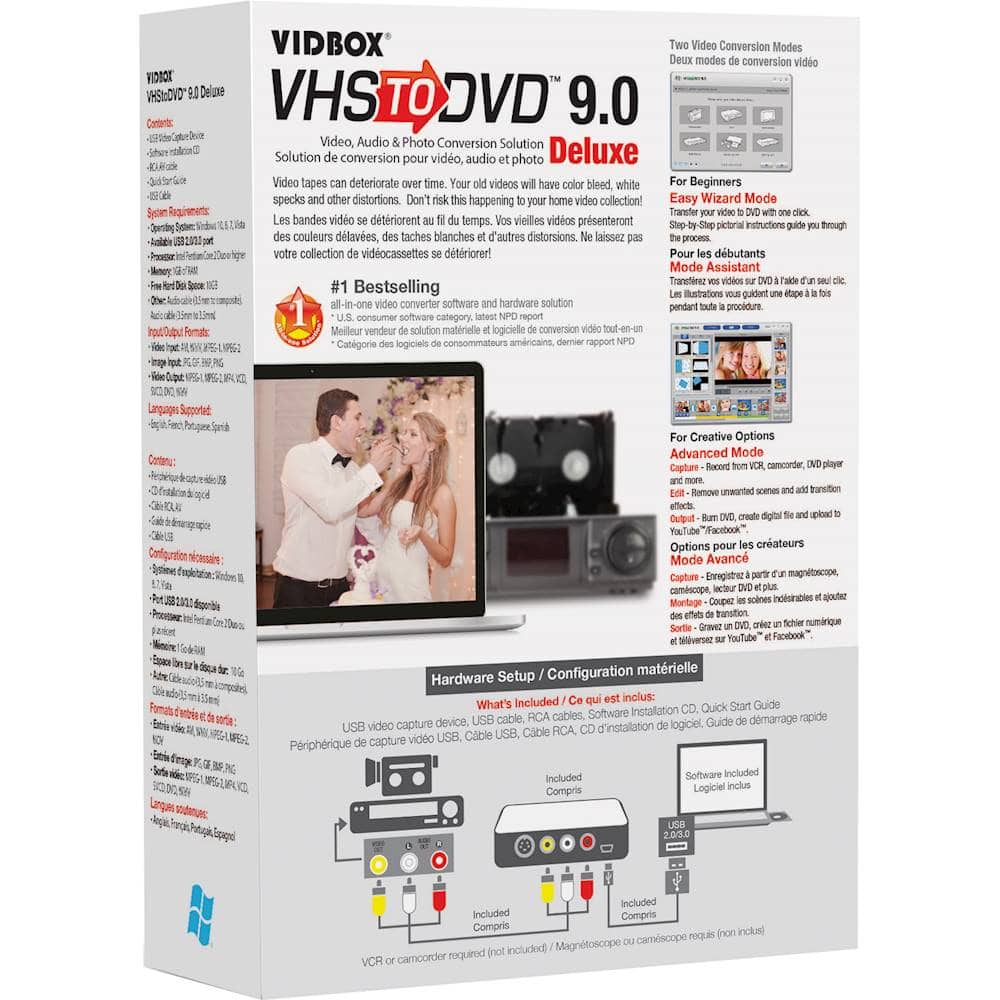
A:AnswerYes, you need a VHS player that can output through RCA and/or S-Video connections. If your player requires any specialized adapters or cables, such as ones often used by camcorders, you will need to supply that cable as well. Since this is a product for Windows, you will need a compatible Windows computer per the System Requirements. If you intend to burn DVDs, you will also need a working DVD writer built into or connected externally through a USB port to the computer.
A:AnswerI have not tried this feature yet. I think when you transfer to hard drive it uses a different format than when you burn directly to dvd. Like mp2 when transfer to hard drive and mp3 when burning to dvd. I am going to try to upload a burned dvd to computer and then burn that to dvd and see if that works. I have not done that yet as I do not have a external hard drive yet. Just havent taken time to get one yet. Hope this helps.