Cheap Large Computer Monitors
-
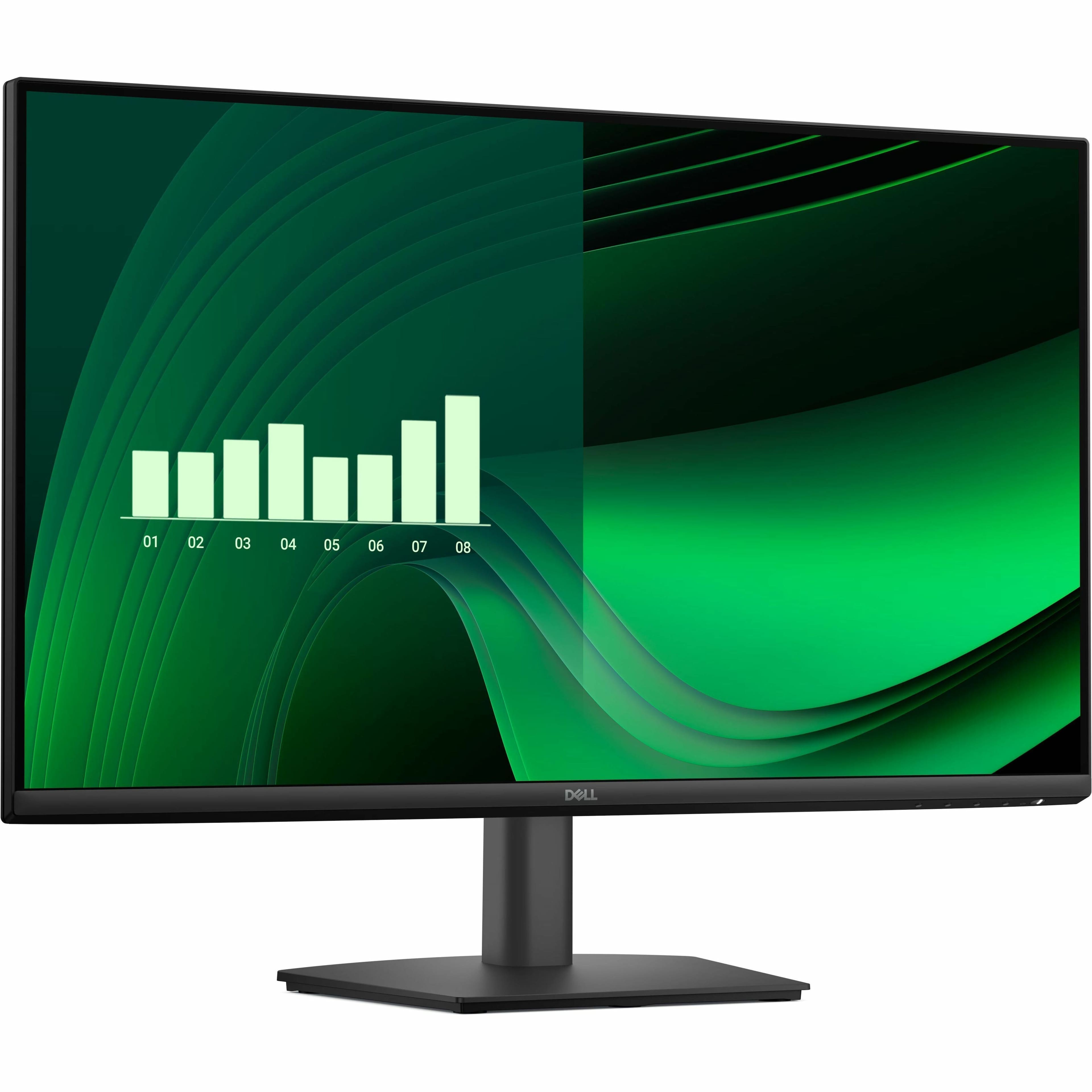
Dell - Pro 27" IPS LED FHD 100Hz Monitor (VGA, HDMI) - Black
SKU: J3K4L63XFZSee all All MonitorsProduct Description
A black IPS LED monitor with 100Hz refresh rate, ultra-thin bezel, and wide 178° viewing angles.Your price for this item is $139.99 -
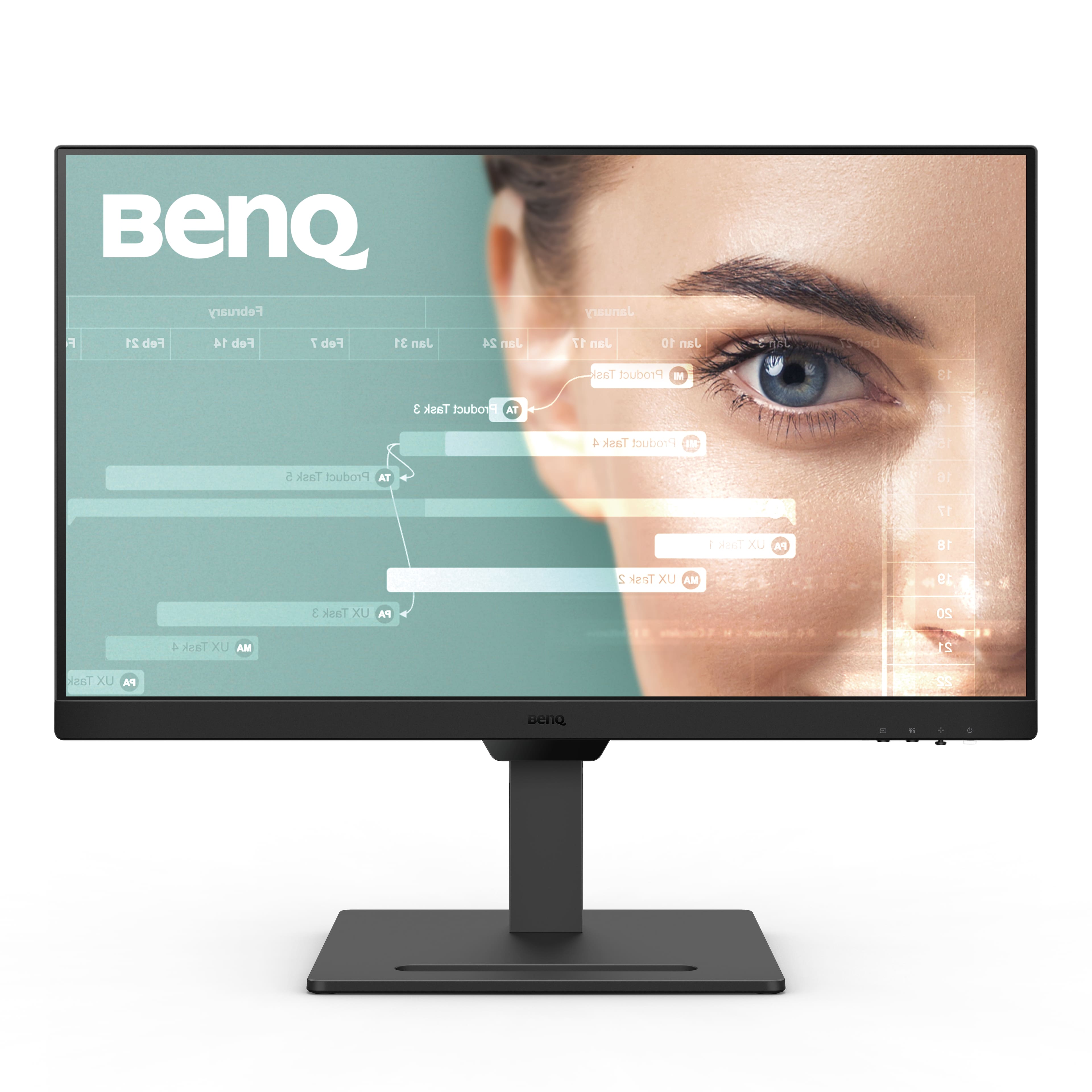
BenQ - GW2790T 27" IPS LED 1080p FHD 100HZ EyeCare Monitor with Height Adjust (HDMI/DP) - Black
SKU: J39QZT53W7See all All MonitorsProduct Description
A black IPS LED monitor featuring 1080p resolution, 100Hz refresh rate, and adjustable height for comfort.Your price for this item is $144.99Save $25The previous price was $169.99 -
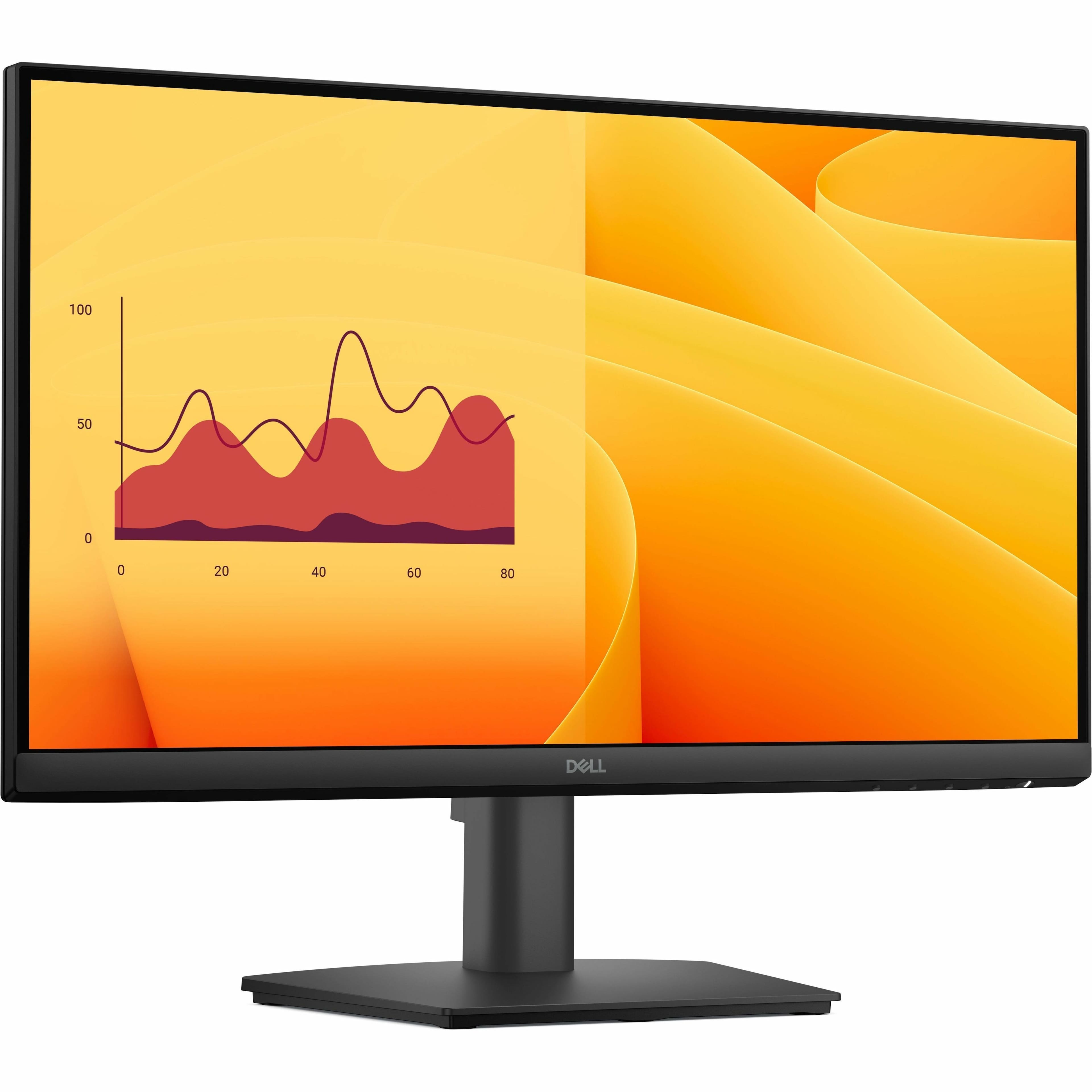
Dell - Pro 21.5" VA LED FHD 100Hz Monitor (VGA, HDMI) - Black
SKU: J3K4L63X57See all All MonitorsProduct Description
A black VA LED monitor featuring Full HD resolution, 100Hz refresh rate, and ultra-thin bezel design.Your price for this item is $109.99
Best Sellers





Related Pages





FAQ
When choosing a large computer monitor for productivity, consider features like high resolution (such as 1440p or 4K), multiple connectivity options (HDMI, DisplayPort, USB-C), adjustable stands for ergonomic comfort, and built-in blue light filters to reduce eye strain during extended use.
Yes, many large computer monitors are great for gaming, especially if they offer fast refresh rates (120Hz or higher), low response times, and support technologies like AMD FreeSync or NVIDIA G-Sync for smoother gameplay.
Large computer monitors can often double as TVs if they have the necessary ports to connect streaming devices or cable boxes. However, they typically lack built-in TV tuners, so you'll need external hardware for live TV viewing.
Many large monitors support split-screen or Picture-by-Picture (PbP) modes, allowing you to view content from multiple sources or run several applications side by side for enhanced multitasking.
Large computer monitors commonly use IPS, VA, or TN panels. IPS panels offer wide viewing angles and accurate colors, VA panels provide high contrast ratios, and TN panels are known for fast response times, making them suitable for different needs.