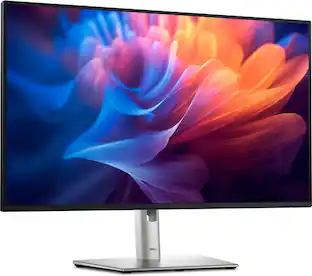
Dell - Pro 27" IPS LED FHD 100Hz Monitor (VGA, HDMI) - Black
Customers are saying
Customers often highlight the exceptional ease of setting up this product, which is a frequently praised aspect of the user experience. Additionally, users appreciate the compact design, noting that it provides the perfect amount of space for a laptop and a monitor. Overall, the product is well-regarded for its convenience and practical dimensions.
Screen Size
27"Highlights
Full HD
27in screen size with 1920 x 1080 resolution provides a native display of Full HD video sources without any degradation due to down-sampling technologies
Viewing angle
This stylish LED Monitor offers 178/178 degree viewing angles for some great viewing experience no matter where and how you look at it
VESA compatible
VESA mount compatibility allows you to mount the display on a wall or with a stand depending on your specific needs
Brightness
View your content easily in well-lit areas with 300 Nit brightness
- Refresh Rate100HzMaximum Resolution1920 x 1080Response Time5 millisecondsPanel TypeIPSSynchronization TechnologyNot Applicable
Reviews
Rating 5 out of 5 stars with 22 reviews
- Setup Ease (8)
- Size (3)
Customer Images
The vast majority of our reviews come from verified purchases. Reviews from customers may include My Best Buy members, employees, and Tech Insider Network members (as tagged). Select reviewers may receive discounted products, promotional considerations or entries into drawings for honest, helpful reviews.

Compare similar products
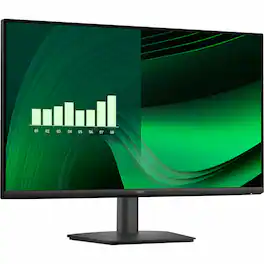
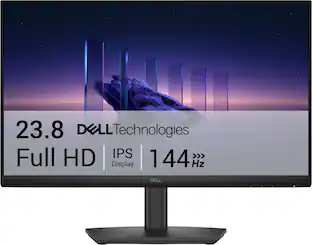
The Dell Pro series monitors. An improved viewing experience with a high 100Hz refresh rate and ComfortView Plus technology. With wide viewing angles (178°/178°), an ultra-thin bezel design, and 3000:1 contrast ratio, you see more from every angle. The functional, space-saving design features a VESA compatible mount to personalize your desktop and convenient varied connectivity gives you access and keeps you on track to finish what you start.
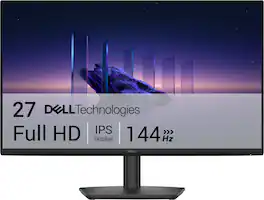
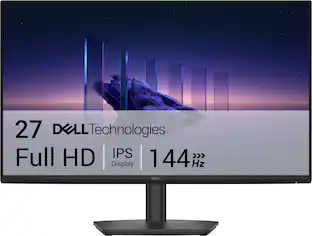
Breeze through everyday tasks on this 27-inch monitor with 144Hz refresh rate, 1ms Moving Picture Response Time (MPRT), and TÜV 3-star certification for eye comfort.
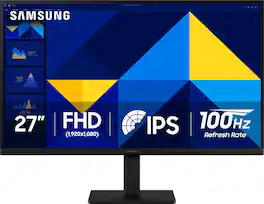
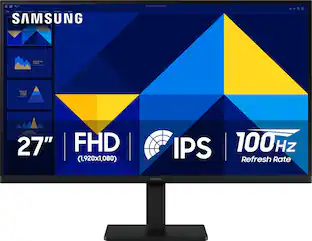
Samsung’s 27" S3 Monitor enables smooth performance, heightened productivity, and greater comfort. The IPS Panel delivers a stunning color experience across the entire display with less color washing, offering clarity from any viewpoint so tones stay consistent and accurate. The 100Hz refresh rate reduces lag and motion blur while playing games, watching videos, or working. Game Picture Mode with optimizable game settings enables instant adjustment of color and image contrast. Eye Saver Mode protects vision, reduces blue light and screen flicker, and extends comfort even during long sessions. The ergonomic super-slim design is a stylish addition to any environment, while ultra-thin border bezels make the most of screen space. Multiple connectivity enables devices to be plugged straight into the monitor for increased flexibility.
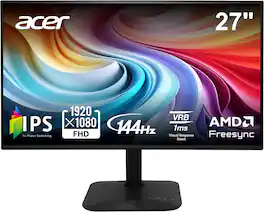
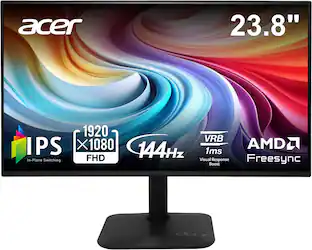
Introducing Acer's KA272 gaming monitor - the Full HD resolution monitor that can keep up with your game play. Through AMD FreeSync technology, the game’s frame rate is determined by your graphics card, not the fixed refresh rate of the monitor, giving you a serious competitive edge. Plus, users can enjoy comfortable viewing experience while gaming via flicker-less and low dimming display. The design saves space on your desk and lets you place multiple monitors side by side to build a seamless big-screen display.
| Pros for Dell - Pro 27" IPS LED FHD 100Hz Monitor (VGA, HDMI) - Black | |||
|---|---|---|---|
| Setup Ease, Size | Overall Performance, Refresh Rate, Screen Size, Ergonomics, Eye Comfort | Overall Performance, Screen Size, Refresh Rate, Design, Weight | Overall Performance, Screen Size, Refresh Rate |
| Cons for Dell - Pro 27" IPS LED FHD 100Hz Monitor (VGA, HDMI) - Black | |||
| There were no cons for this product— | Connectivity | Adjustability, Speakers, Resolution | There were no cons for this product— |
Specs
does it have a camra for a zoom call?
Answered by YourDellTeamNo, it does not include Camera.
How can I use with hp laptop?
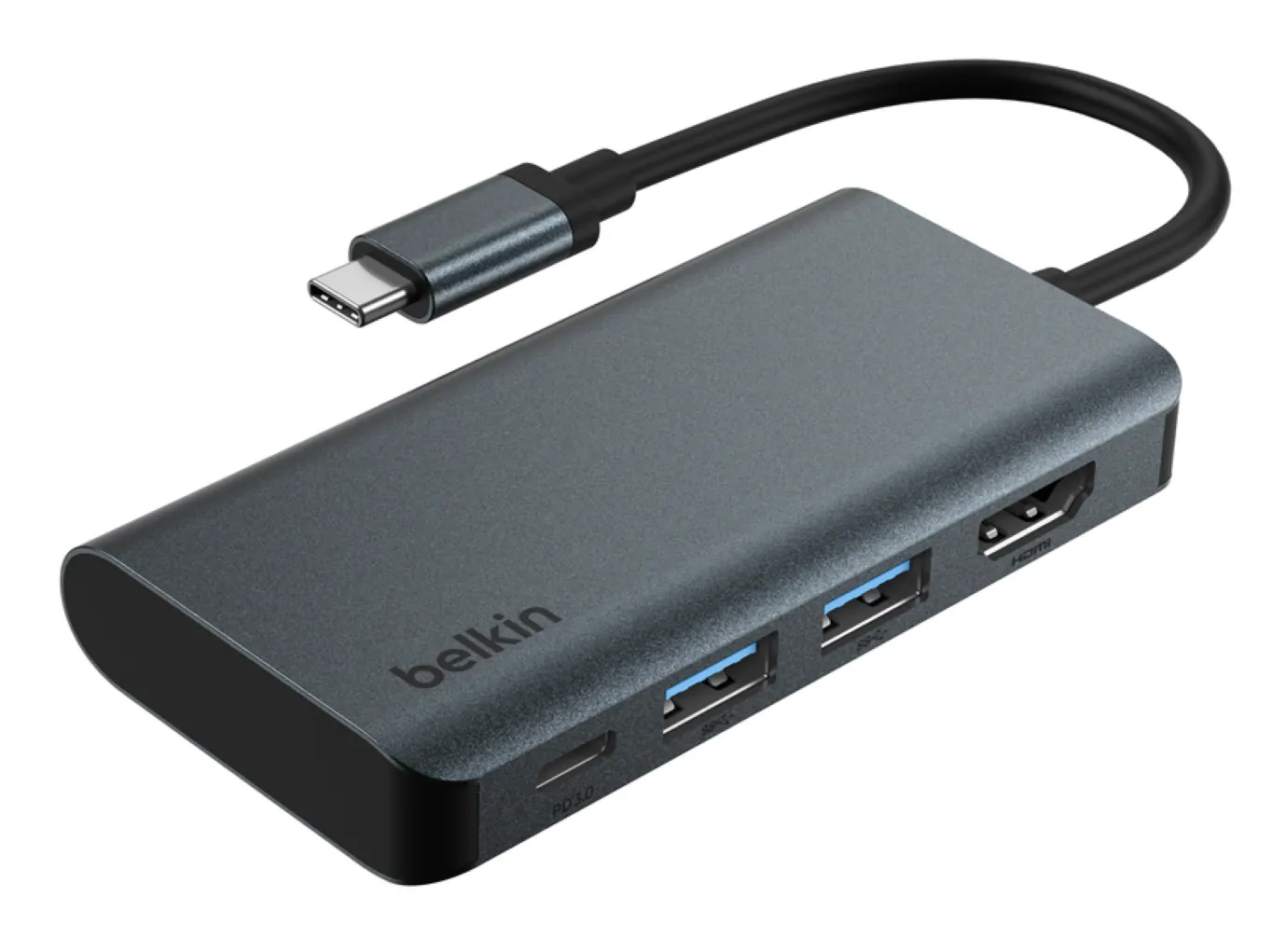
Answered by YourDellTeamYou can connect any computer via HDMI or VGA connectors.
How can these screens be put on mounts for a multiple monitor displays
Answered by YourDellTeamThis model typically supports: VESA 100 × 100 mm mounting holes, Option A: Dual / Triple monitor arm, Option B: Monitor stand (freestanding), Option C: Wall mount: Fixed to wall using VESA plate.
Is the screen of this monitor curved?
No, the screen of this monitor is not curved.
This question and answer was generated by AI based on customer and product data.Can I tilt this monitor?
Yes, this monitor is tiltable.
This question and answer was generated by AI based on customer and product data.

Customers often buy these together
Office Software


Computer Keyboards

Logitech - MK270 Full-size Wireless Membrane Keyboard and Mouse Bundle for PC - Black
$26.99The price was $29.99
Logitech - MK345 Full-size Wireless Membrane Keyboard and Mouse Combo for PC, Laptop with Palm Rest - Graphite
Top Deal$31.99The price was $34.99


![Sure, here is the corrected and grouped text:
```
ESC F1 F2 F3 F4 F5 F6 F7 F8 F9 F10 F11 F12 1 2 3 logitech - - 1 2 # $ 4 % 5 6 & 7 8 9 0 - - back insert home page up num lock clear / . tab Q W E R T Y U I O P { [ } ] / delete end page down 7 home 8 A 9 P9 up + caps lock A S D F G H J K L : ; a enter 4 5 6 shift Z X C V B N M < > ? shift 1 end 2 3 pg dn enter ctrl fn start alt opt alt crnd x alt cmd x fn ctrl alt opt 0 ins del 1 logitech
```](https://pisces.bbystatic.com/image2/BestBuy_US/images/products/5761/5761911_sd.jpg;maxHeight=232;maxWidth=233?format=webp)

![esc ~ ! 1 tab caps lock shift ctrl F2 Fl # 2 3 Q W A S Z start opt L F3 $ 4 E D X alt cmd3 ) FS F4 A % 5 6 R T F G V C logi 44 HI & F9 FID FB F7 F6 * ) - - & 0 8 9 7 O P U I Y K L H J > < N M 1 B PM + = { [ : I ; ? I alt cmd D 2 4 300 3 1 F12 . * page I insert home up clear backspace 8 9 + 7 page A pg up end down home } I delete ] / 6 4 5 4 enter 2 3 enter 1 dn Pg end shift = 0 del ins etrl fn opt](https://pisces.bbystatic.com/image2/BestBuy_US/images/products/6539/6539505_sd.jpg;maxHeight=232;maxWidth=233?format=webp)
![Esc F1 F2 F3 F4 F5 F6 F7 F8 F9 F10 F11 F12 Print Screen Scroll Lock Pause Break 1 2 3 4 5 6 7 8 9 0 - + = Backspace Insert Home H Page Up A Num Look 1 I Tab Q W E R T Y U I o P { [ } ] I I Delete End IN Page Down 7 Home 8 9 Pg Up Caps A Lock A S D F G H J K L ; : DE g Enter 4 5 6 Shift Z X C V N M < > ? I Shift 1 End 2 3 Pp Dn Enter Ctrl Alt Alt Ctrl 0 Ins Del](https://pisces.bbystatic.com/image2/BestBuy_US/images/products/a588d446-5678-40ae-86b8-1f15e0026e66.jpg;maxHeight=232;maxWidth=233?format=webp)
![esc ! i 1 tab caps lock shift F1 2 Q A aas E4 F3 F2 $ % # 4 5 3 E R W F S D X C Z FS A 6 T G V F6 & 7 Y H B 17 * 8 U J N logi HI FI0 P9 FB ) - ( - 9 0 o P I K L > < M I P + = { [ A : I : ? I alt cmd3 2 0 3 10% 1 F12 page home up backspace ins page I delete end down } ] / enter shift ctrl fn opt^= Q I * / clear 8 9 + 7 pg up home 5 6 4 , 4 2 3 enter 1 dn pg end = 0 del ins ctrl start opt alt cmd](https://pisces.bbystatic.com/image2/BestBuy_US/images/products/6571/6571662_sd.jpg;maxHeight=232;maxWidth=233?format=webp)
More recommended items
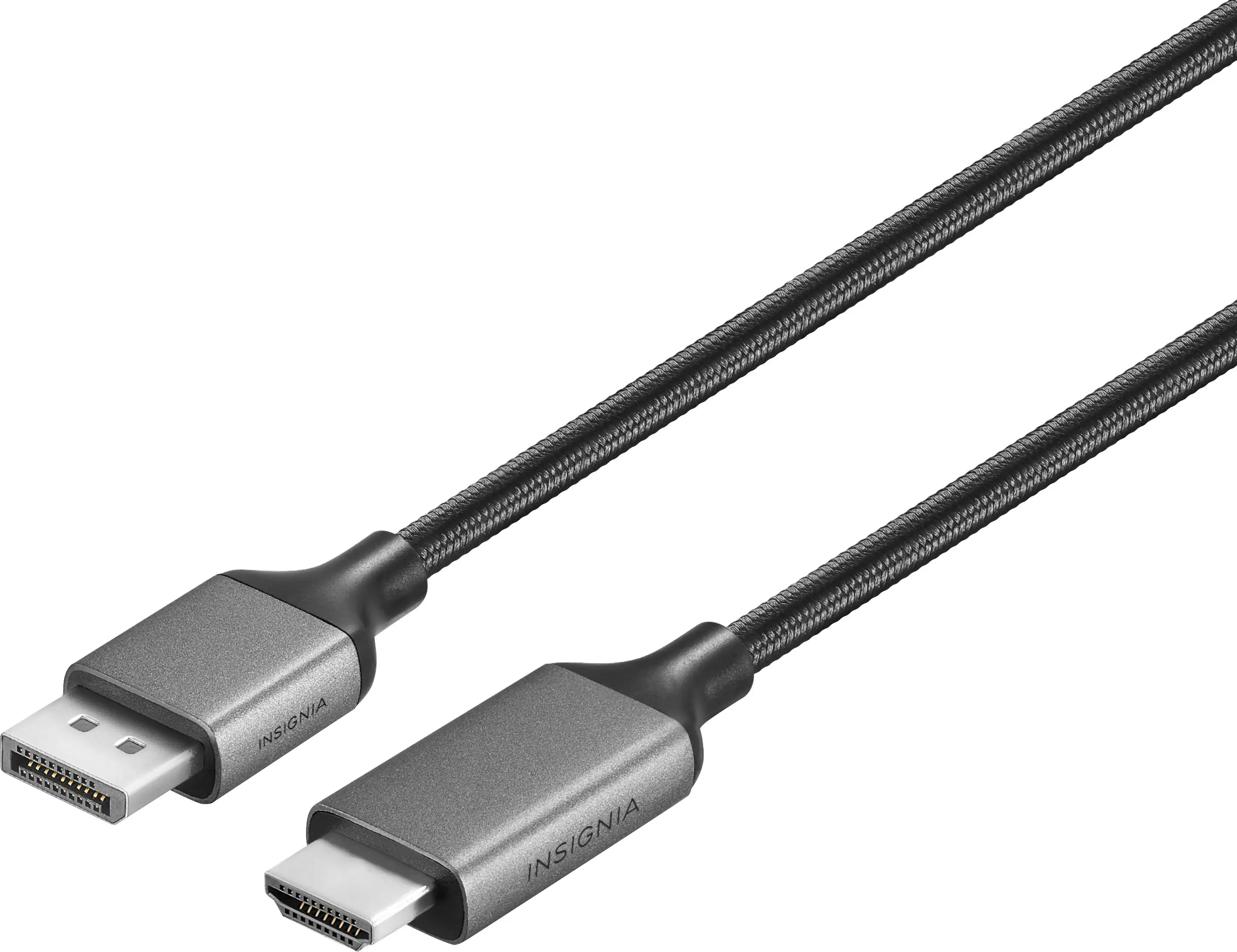 Monitor and Video Cables
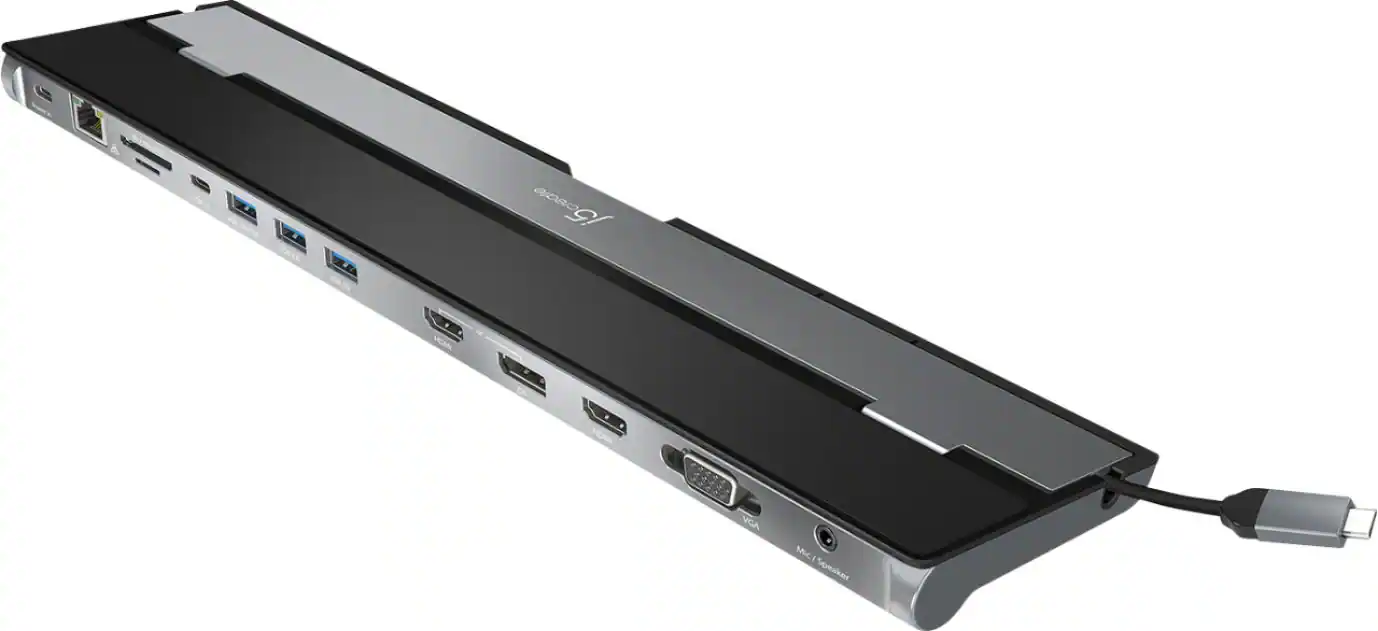 Laptop Docking Stations
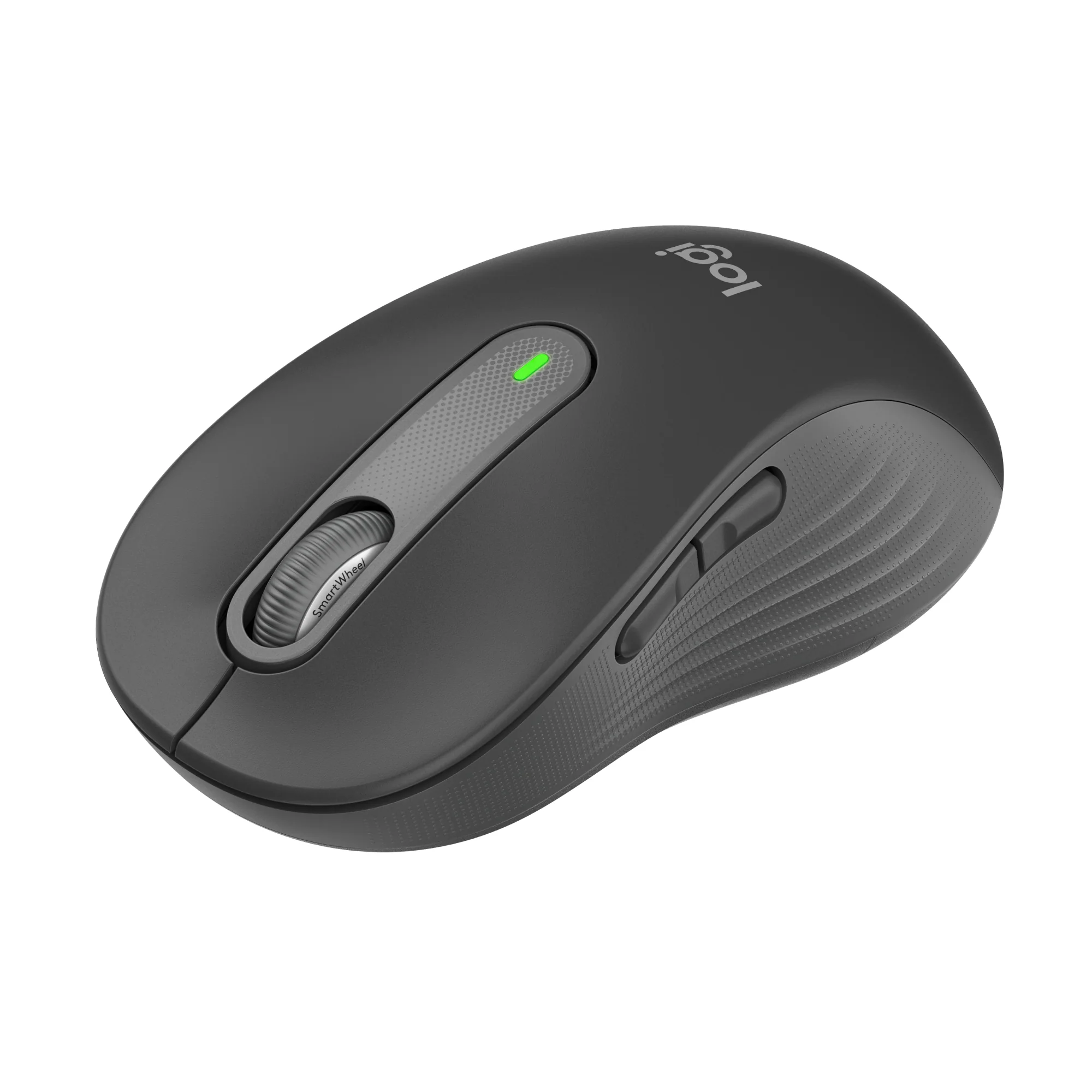 Mice
Mice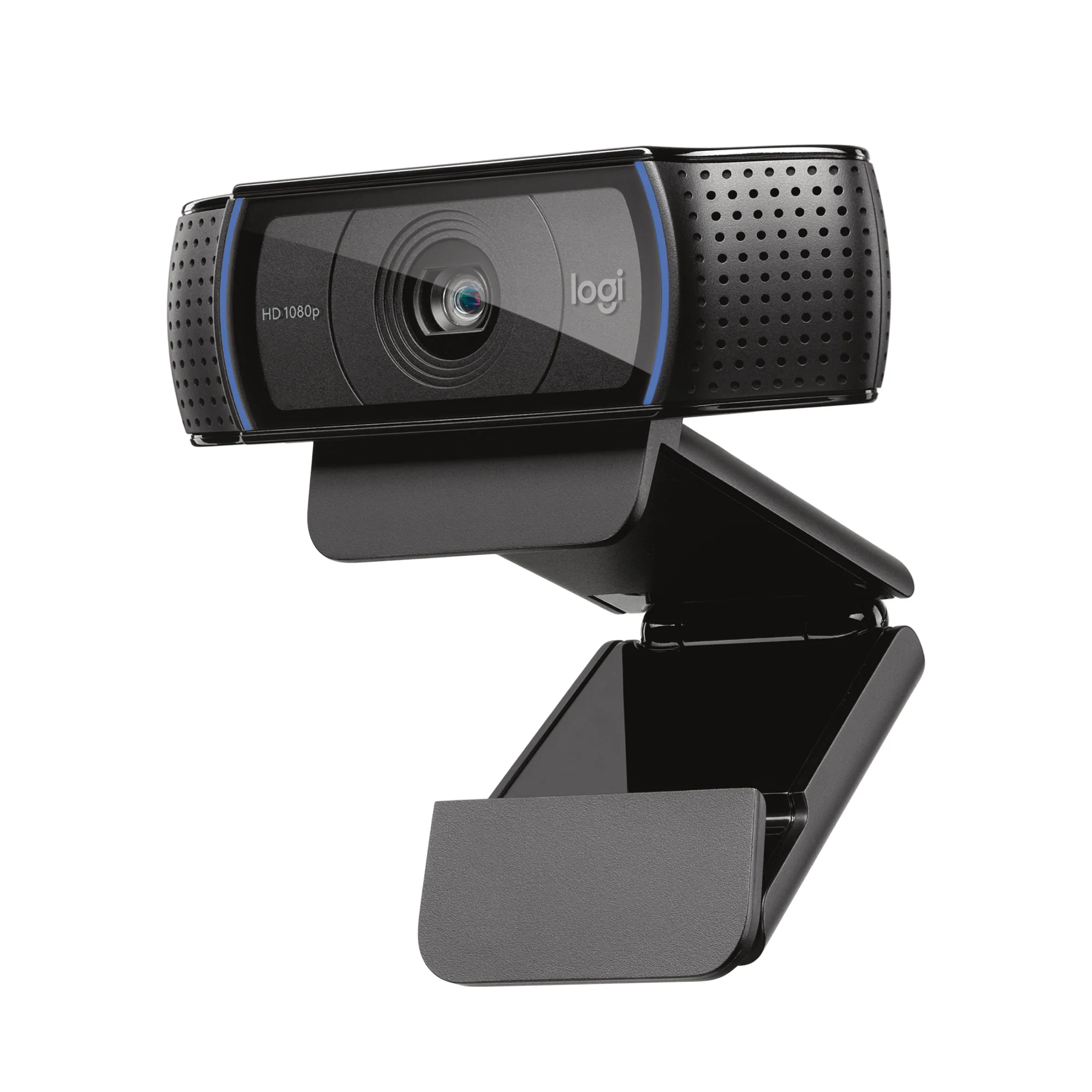 Web Cameras
 Cables and Adapters
More to consider
 Top Deal$199.99The price was $329.99
 Top Deal$94.99The price was $149.99
 Top Deal$89.99The price was $119.99
 Top Deal$79.99The price was $119.99
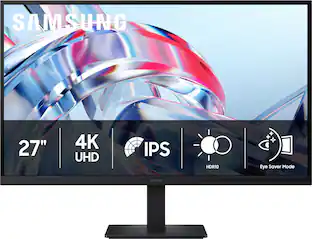 $199.99The price was $299.99

Explore tech essentials Sponsored
- $199.99The price was $299.99
- Top Deal$89.99The price was $119.99


Discover related products
 $12.99The price was $13.99








Keep exploring
 $899.00The price was $934.64
 $179.99The price was $218.99
 $197.99The price was $199.99