Best Small Computer Monitor
-
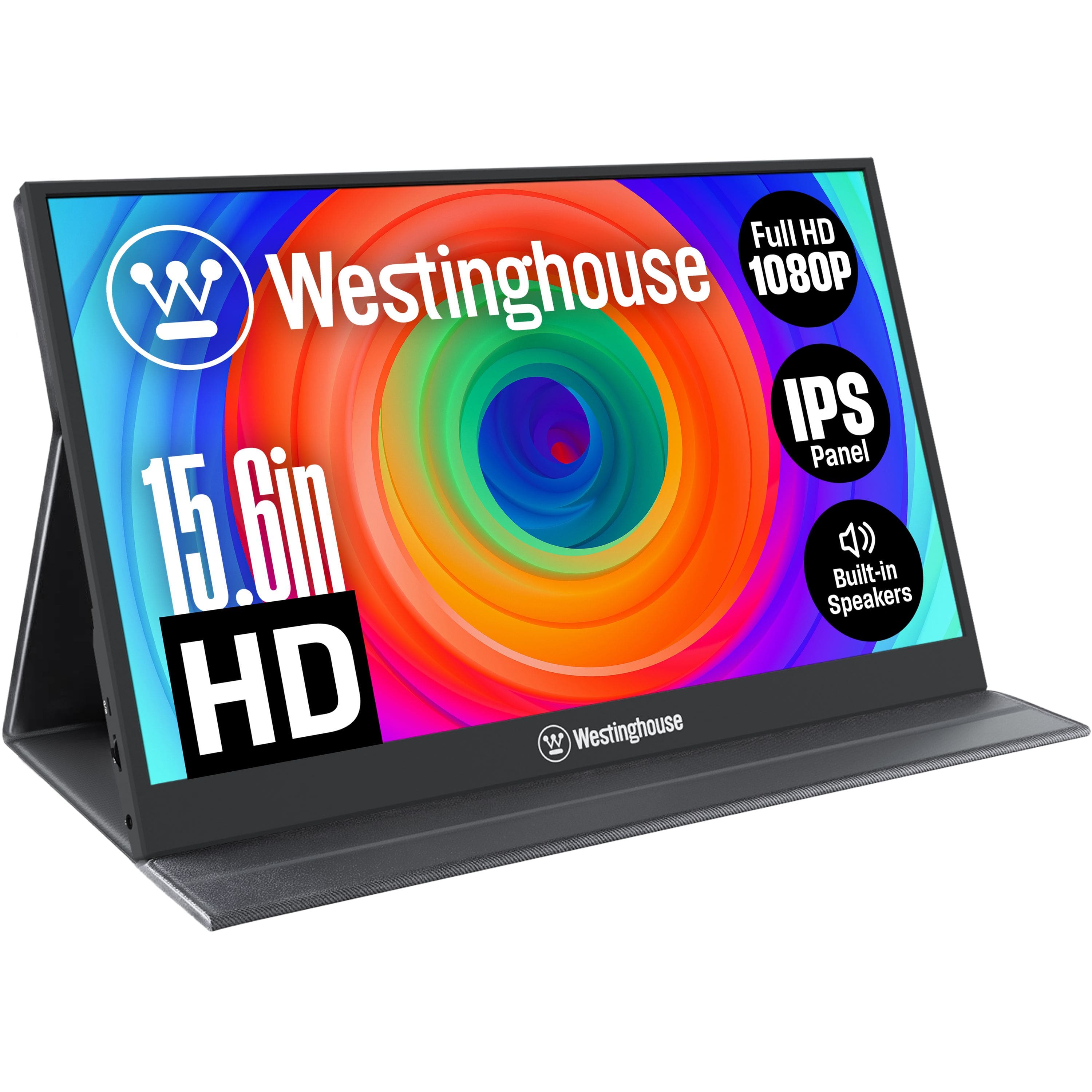
Westinghouse - Portable Monitor - Black
SKU: J3LL89C953Best ever purchase made for a monitor. Will purchase another one soon as a gift...Best ever
See all Portable MonitorsProduct Description
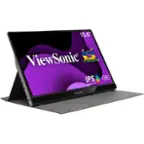
A slim black portable monitor with 15.6" Full HD IPS display, built-in speakers, and USB-C connectivity.Your price for this item is $99.99 -
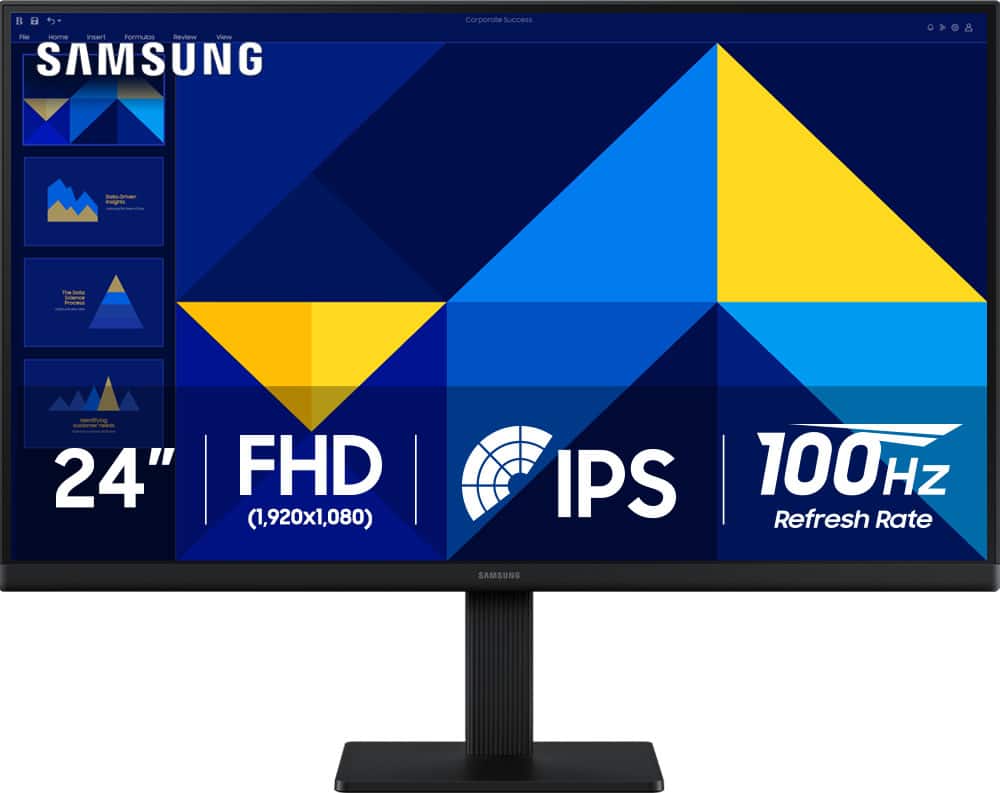
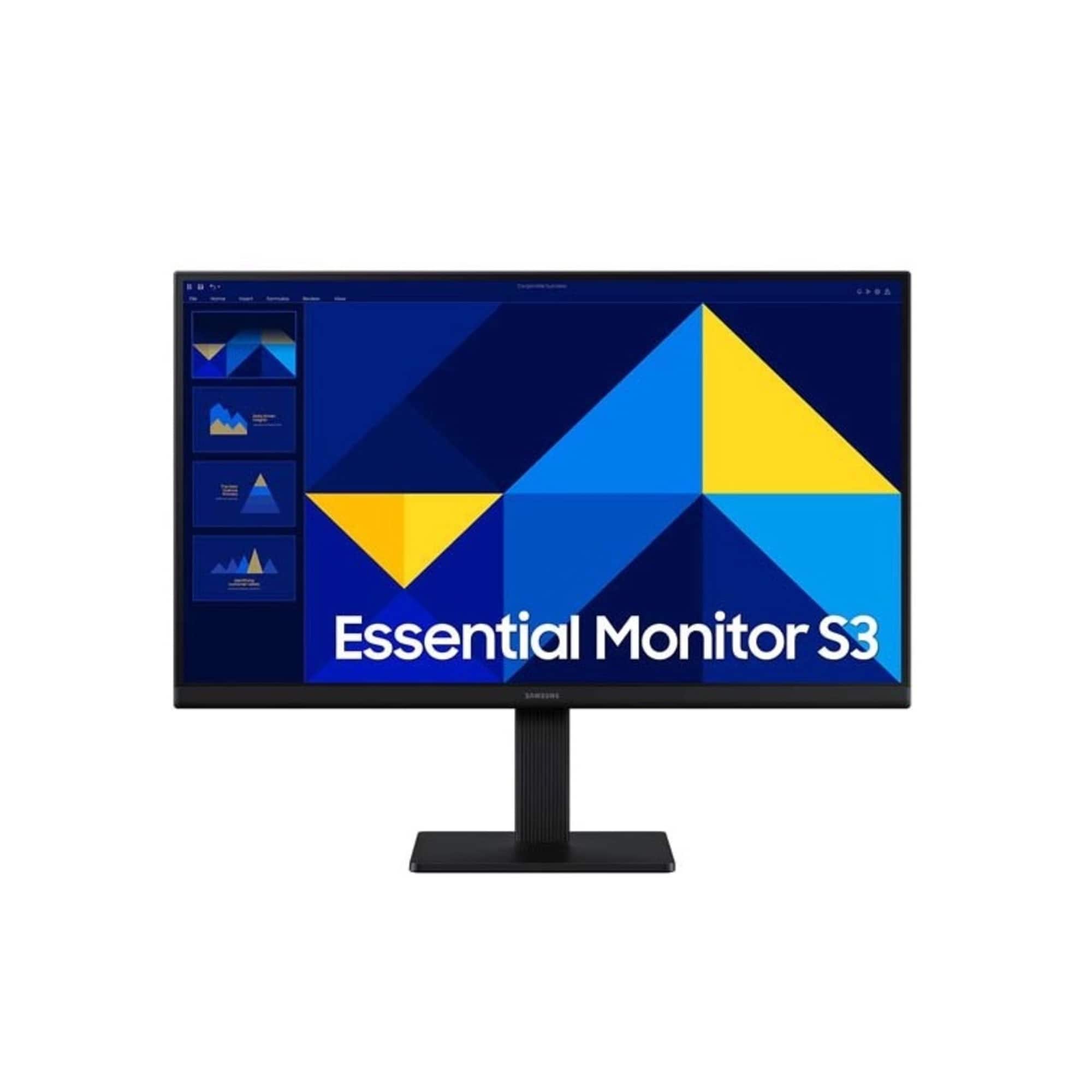
Samsung - 24" S3 (S30GD) IPS LED FHD 100Hz Monitor (HDMI, D-sub) - Black
SKU: J3ZYG24Z7VLove my new Monitor. Thanks to Best But for a great deal/...Great product for the money...Love it. Great picture. Easy to hook up, excellent
See all All MonitorsProduct Description
A black IPS LED monitor with 100Hz refresh rate, FHD resolution, and multiple connectivity options.Your price for this item is $89.99Save $30The previous price was $119.99 -
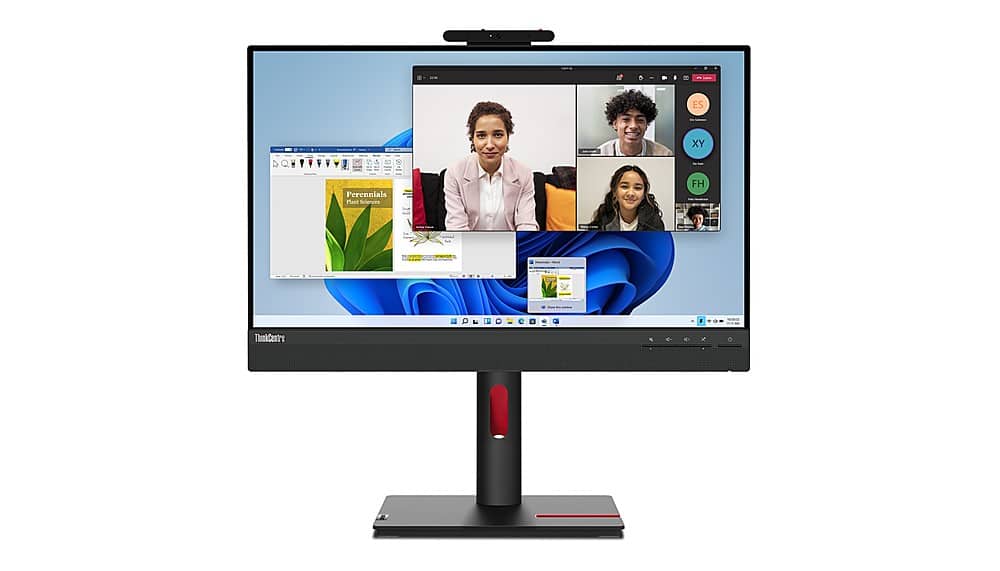
Lenovo - ThinkCenter 23.8" IPS LED 60hz Monitor (HDMI) - Black
SKU: JJG8CK2Y6WSee all All MonitorsProduct Description
A black IPS LED monitor with 1080p resolution, built-in webcam, speakers, and HDMI connectivity for collaboration.Your price for this item is $229.99Save $20The previous price was $249.99 -
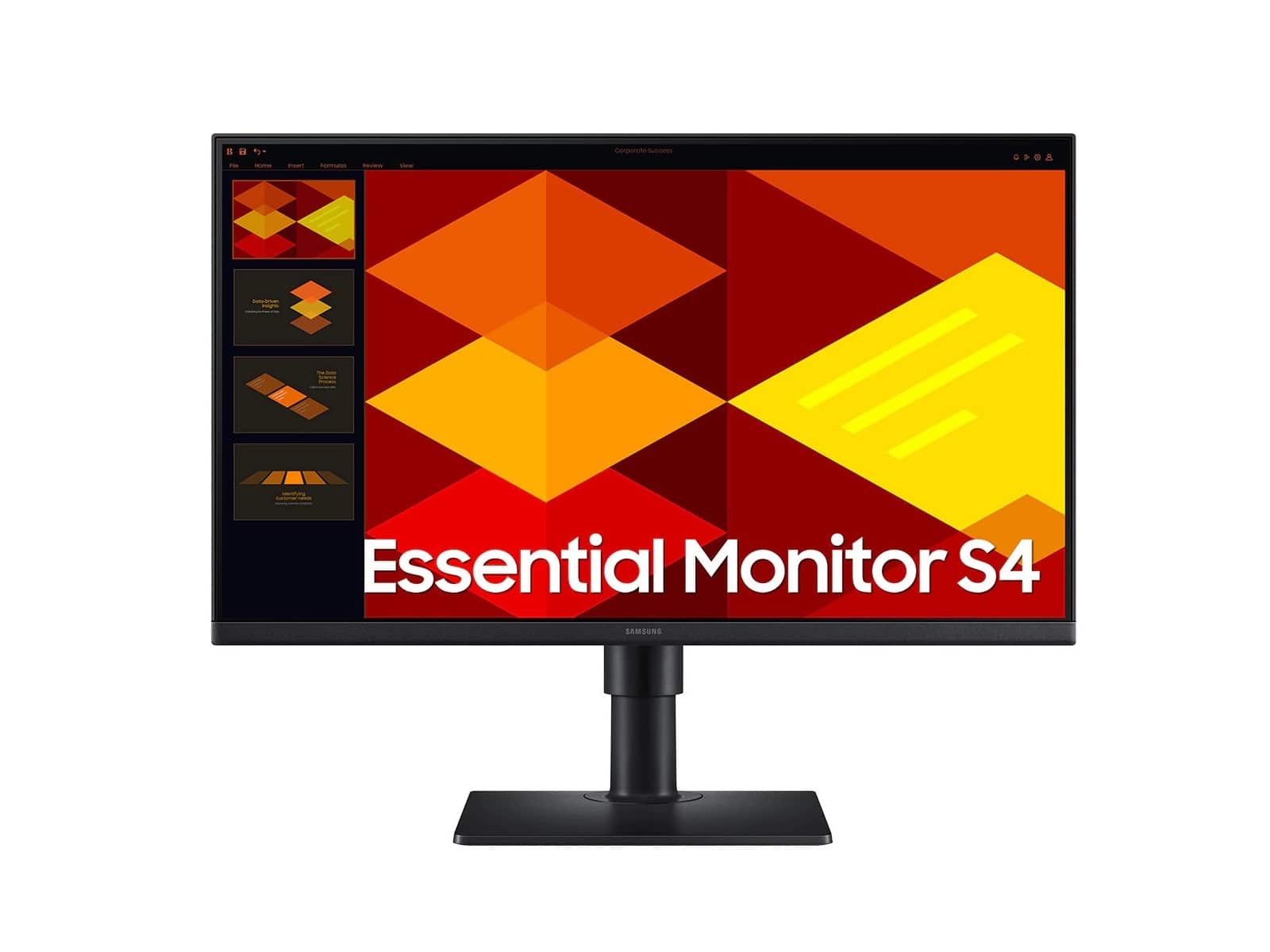
Samsung - 24" (S30GD) IPS Business Essential Monitor (HDMI) - Black
SKU: J3ZYG24ZJ6See all All MonitorsProduct Description
A black IPS monitor with 100Hz refresh rate, Full HD resolution, and height-adjustable, ultra-slim design.Your price for this item is $124.99Save $5The previous price was $129.99 -
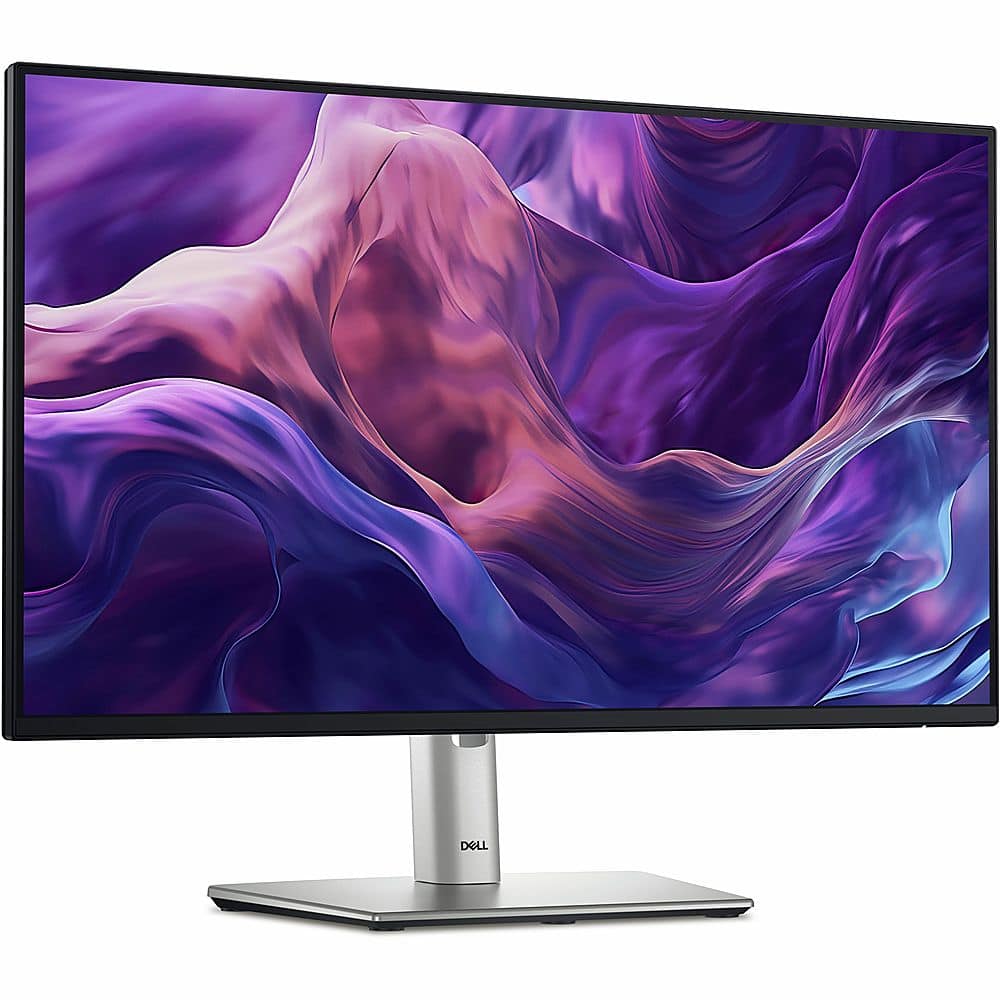
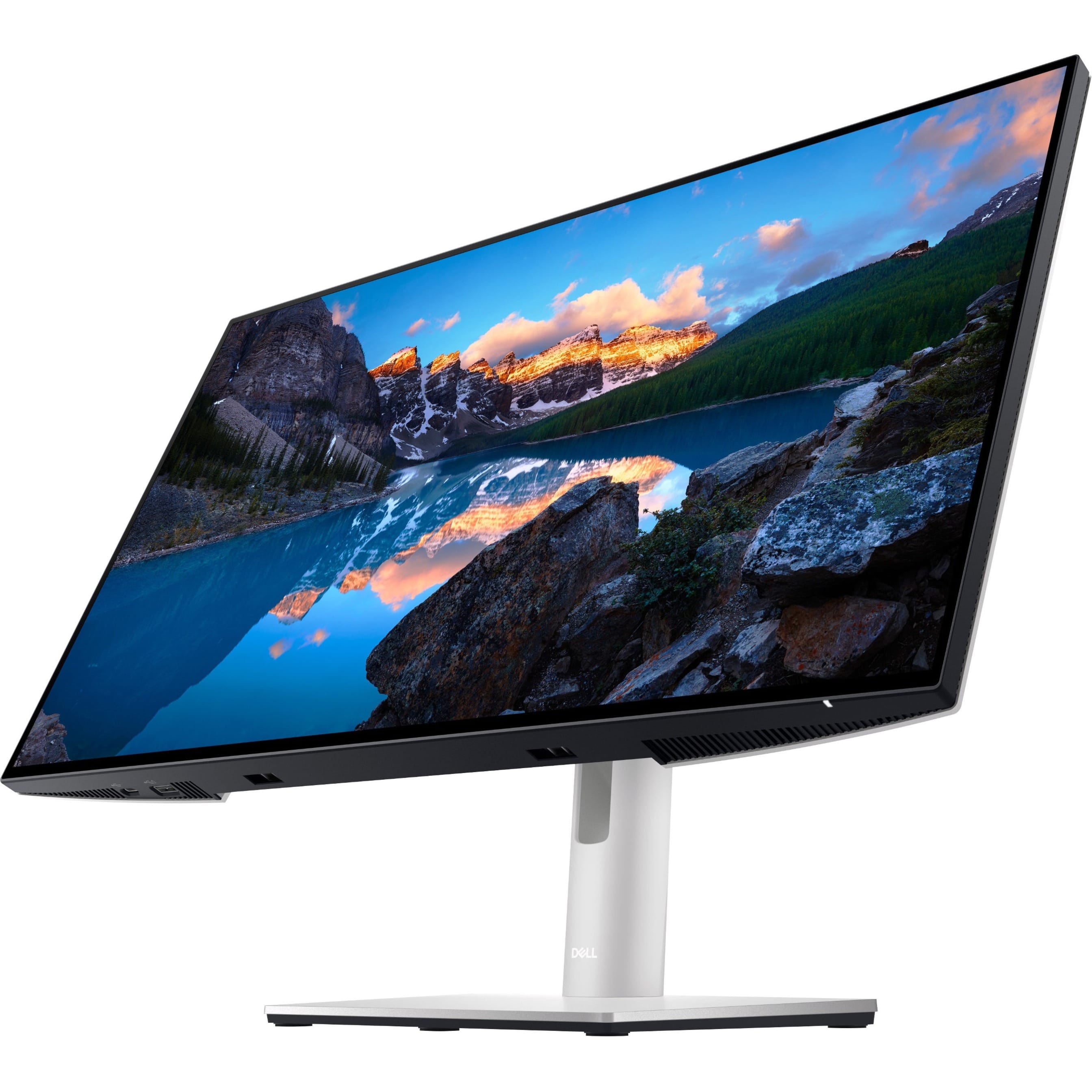
Dell - 23.8" IPS LED FHD 100Hz Monitor (USB, HDMI) - Black, Silver, Multicolor
SKU: J3K4L62VFRSee all All MonitorsProduct Description
A sleek black and silver IPS LED monitor with FHD resolution, 100Hz refresh rate, and USB-C hub connectivity.Your price for this item is $312.28 -
Samsung - 22" (S30GD) IPS Business Essential Monitor (HDMI) - Black
SKU: J3ZYG24KF6See all All MonitorsProduct Description
A black IPS monitor with 100Hz refresh rate, Full HD resolution, and height-adjustable, ultra-slim design.Your price for this item is $109.99 -
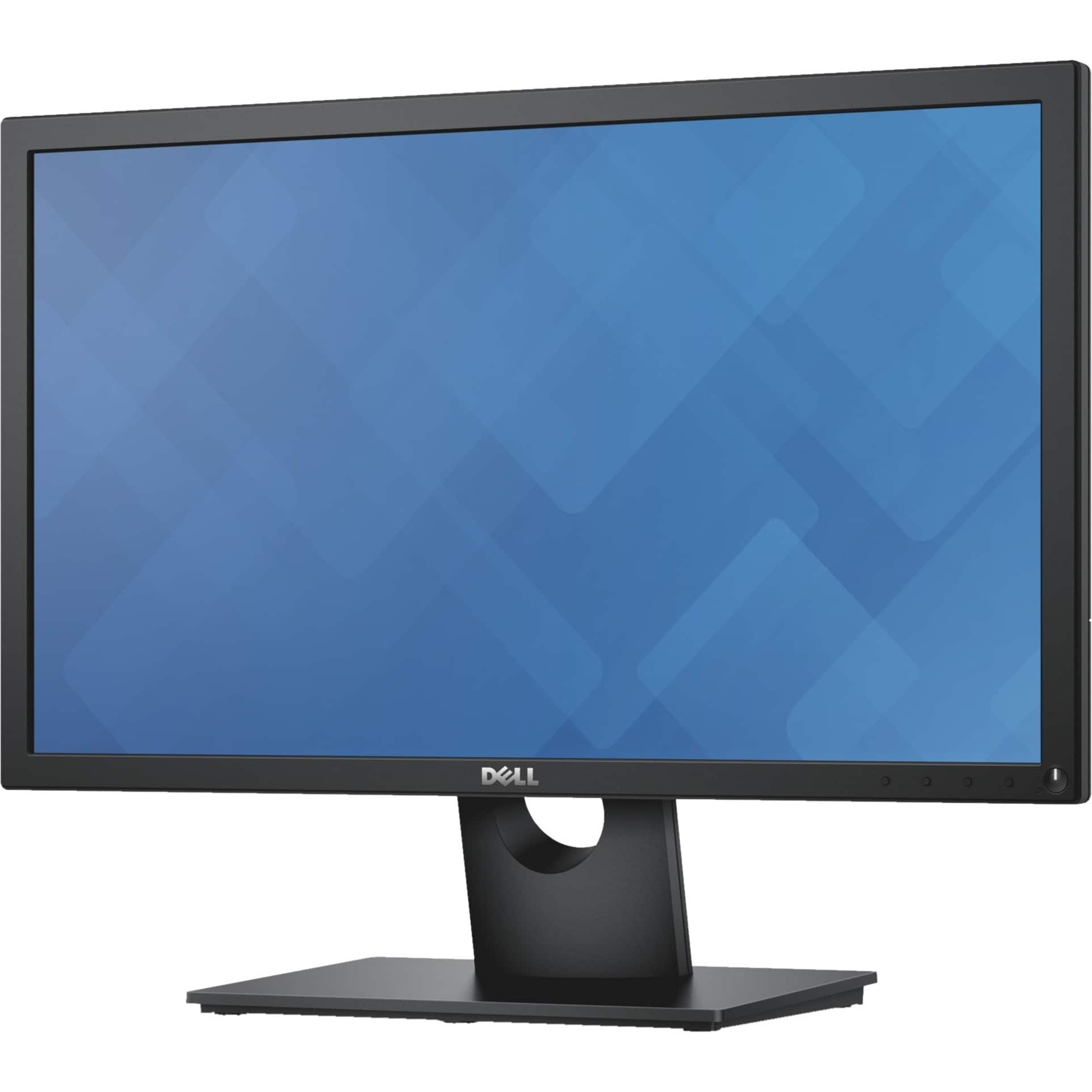
Dell - 22" LCD FHD Monitor (DisplayPort VGA) - Black
SKU: J3K4L9PFSLSee all All MonitorsProduct Description
A black LED monitor featuring Full HD resolution, 75Hz refresh rate, and adjustable stand height.Your price for this item is $206.73 -
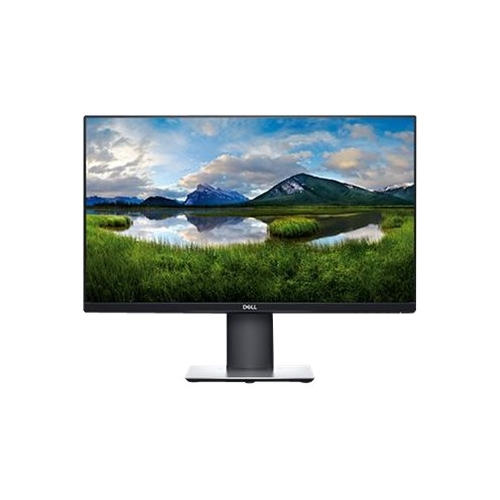
Dell - P2419H 24" IPS LED FHD Monitor - Black
SKU: J3K4L9W65KSee all All MonitorsProduct Description
An ultrathin bezel black IPS LED monitor with Full HD resolution, adjustable stand, and power-saving features.Your price for this item is $199.99 -
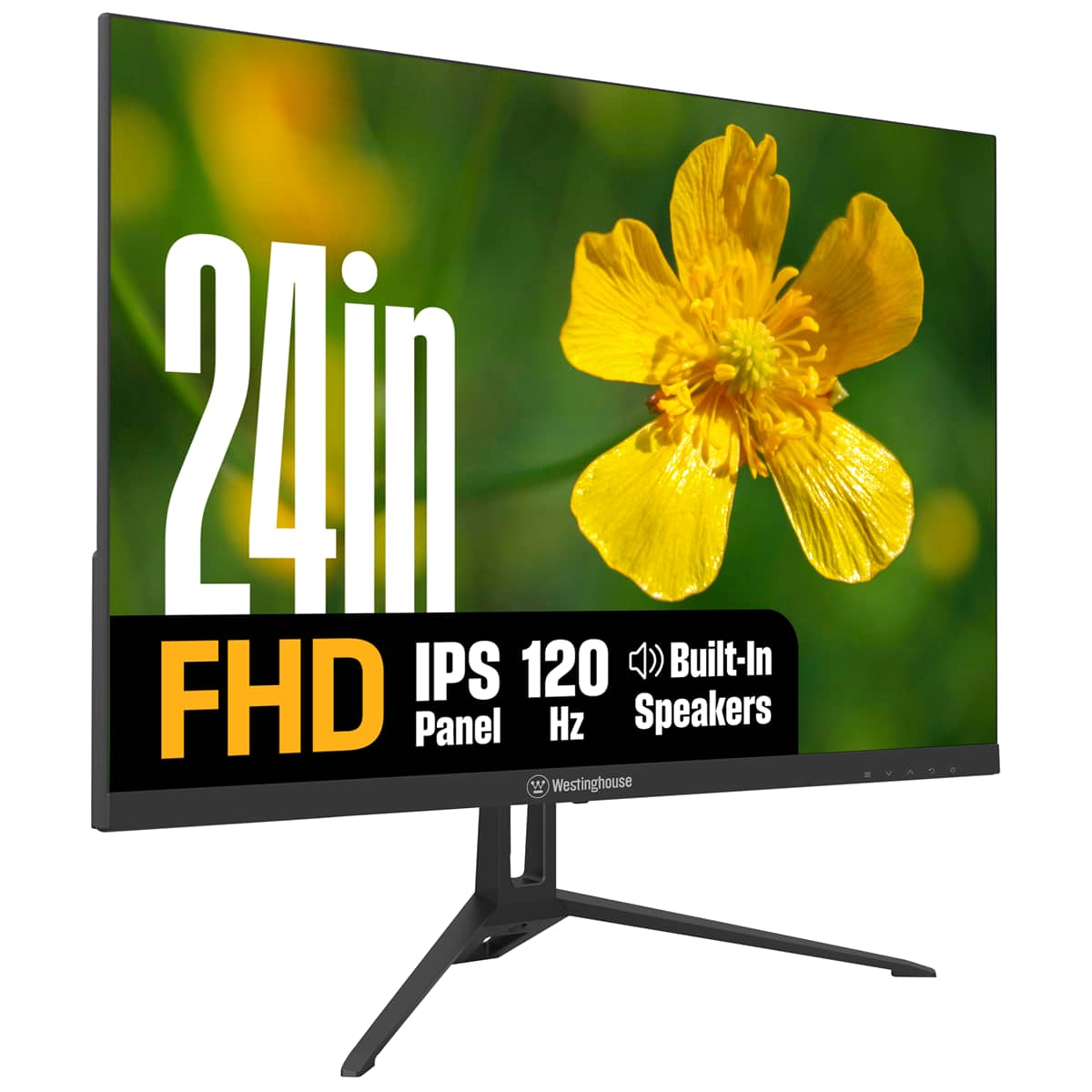
Westinghouse - 24" home office monitor - Black
SKU: J3LL89CRCCSee all All MonitorsProduct Description
A black IPS monitor with 1080p resolution, 120Hz refresh rate, built-in speakers, and eye comfort features.Your price for this item is $119.99 -
Dell - UltraSharp 23.8" LCD Monitor (DisplayPort, USB, HDMI) - Black
SKU: J3K4L9V72WSee all All MonitorsProduct Description
A black IPS LCD monitor with 1920 x 1080 resolution, 60Hz refresh rate, and adjustable stand height.Your price for this item is $399.99
Best Sellers





Related Pages





FAQ
When choosing a small computer monitor, consider features such as screen resolution, panel type (IPS, TN, or VA), refresh rate, connectivity options (HDMI, DisplayPort, USB-C), and built-in speakers. These features can enhance your viewing experience and ensure compatibility with your devices.
Yes, small computer monitors are ideal for use as secondary displays. They can help increase productivity by providing additional screen space for multitasking, managing emails, or referencing documents while you work on your main monitor.
Many small computer monitors are suitable for gaming, especially if they offer a high refresh rate and low response time. Look for monitors with features like AMD FreeSync or NVIDIA G-SYNC compatibility for smoother gameplay.
Some small computer monitors are VESA mount compatible, allowing you to mount them on a wall or monitor arm for better ergonomics and to save desk space. Check the product specifications for VESA compatibility before purchasing.
Small computer monitors typically support connections to a variety of devices, including desktop computers, laptops, gaming consoles, and streaming devices. Common input ports include HDMI, DisplayPort, VGA, and sometimes USB-C for added versatility.