Touch Screen Monitor
-
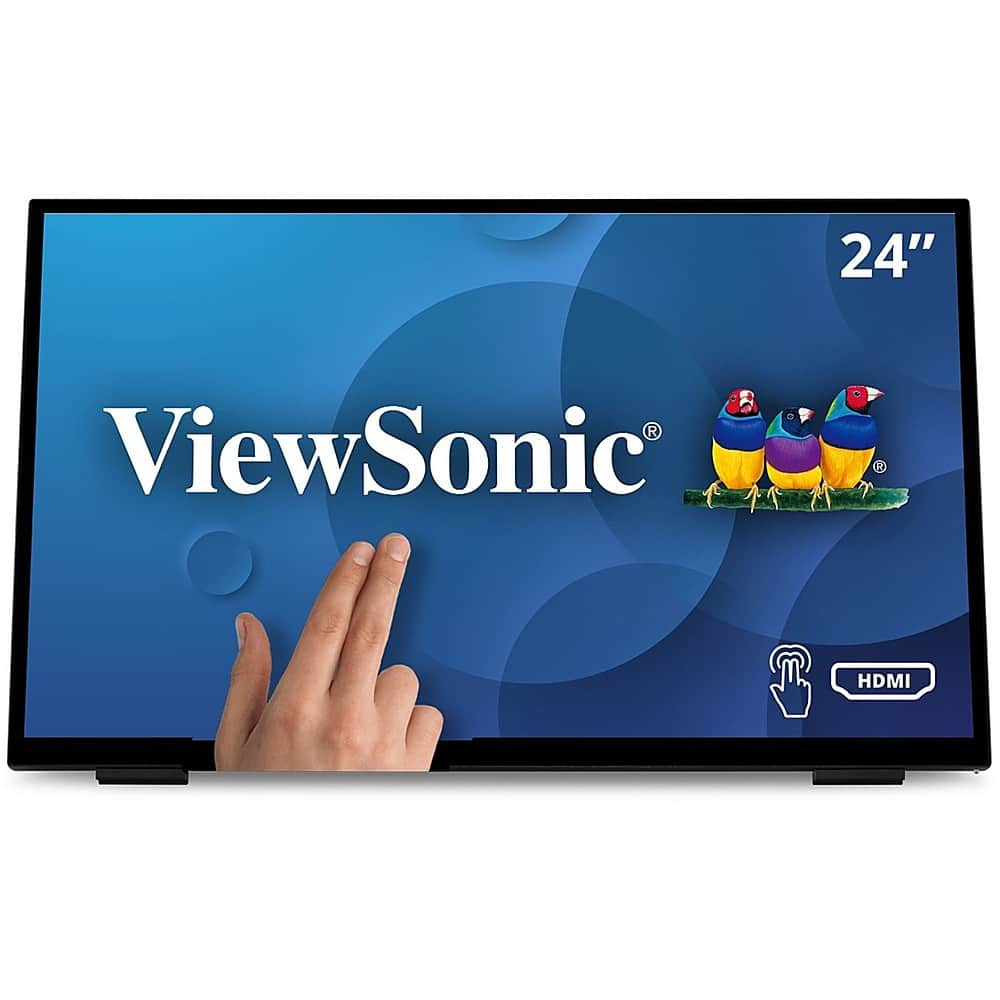
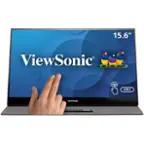
ViewSonic - TD2465 Touchscreen LCD Monitor - Black
SKU: J37H88V2QPSee all All MonitorsProduct Description
A black LED touchscreen monitor with 10-point PCAP technology, glove and wet touch support, and integrated speakers.Your price for this item is $369.99 -
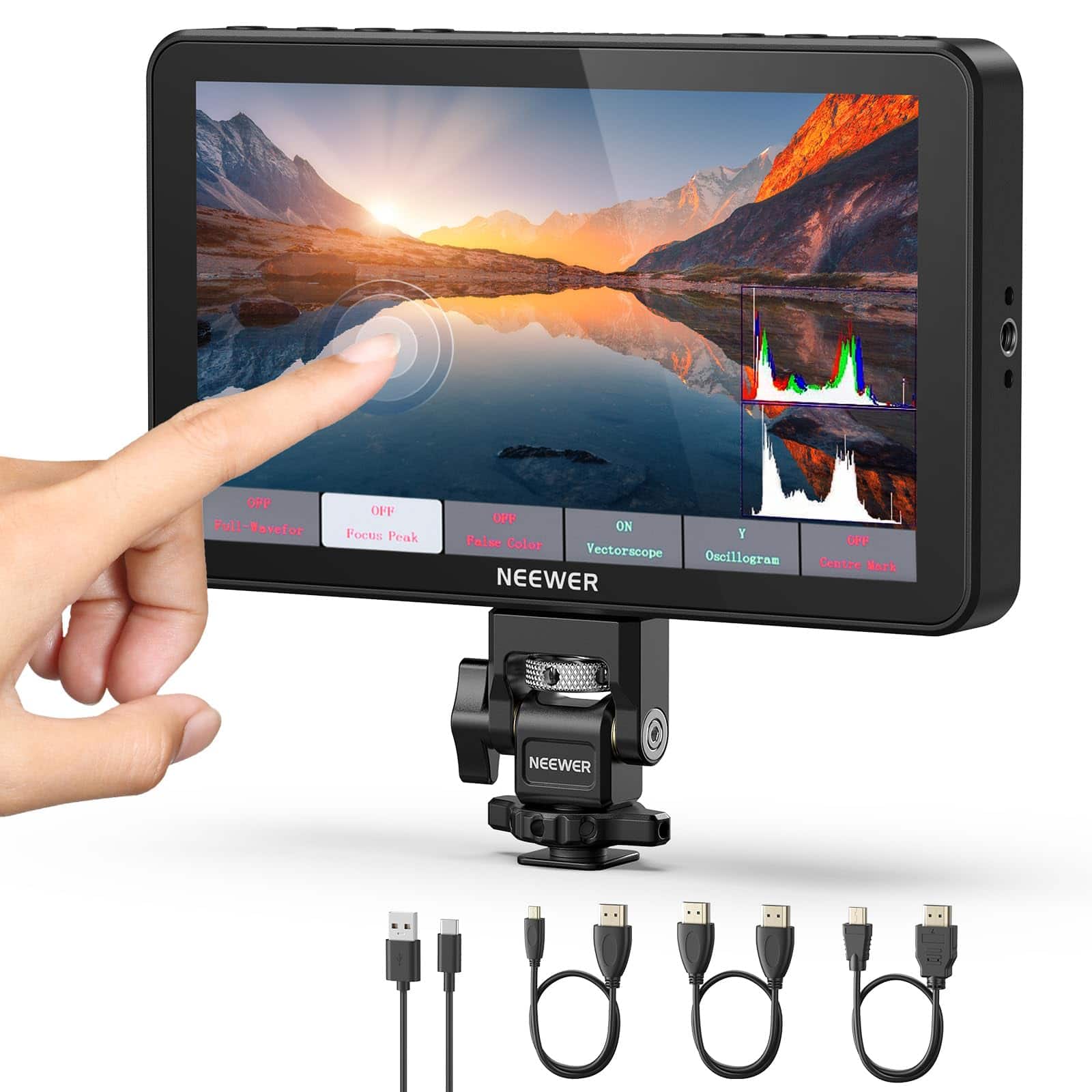
Neewer - 7" 2000nit Field Monitor for Camera - HD 1080p Touchscreen with 4K HDMI, 3D LUT & Cold Shoe
SKU: CZLV9FX6SFSee all Digital Camera AccessoriesProduct Description
A bright 7" HD touchscreen field monitor with 2000nit display, 4K HDMI, 3D LUT, and cold shoe mount.Your price for this item is $287.99 -
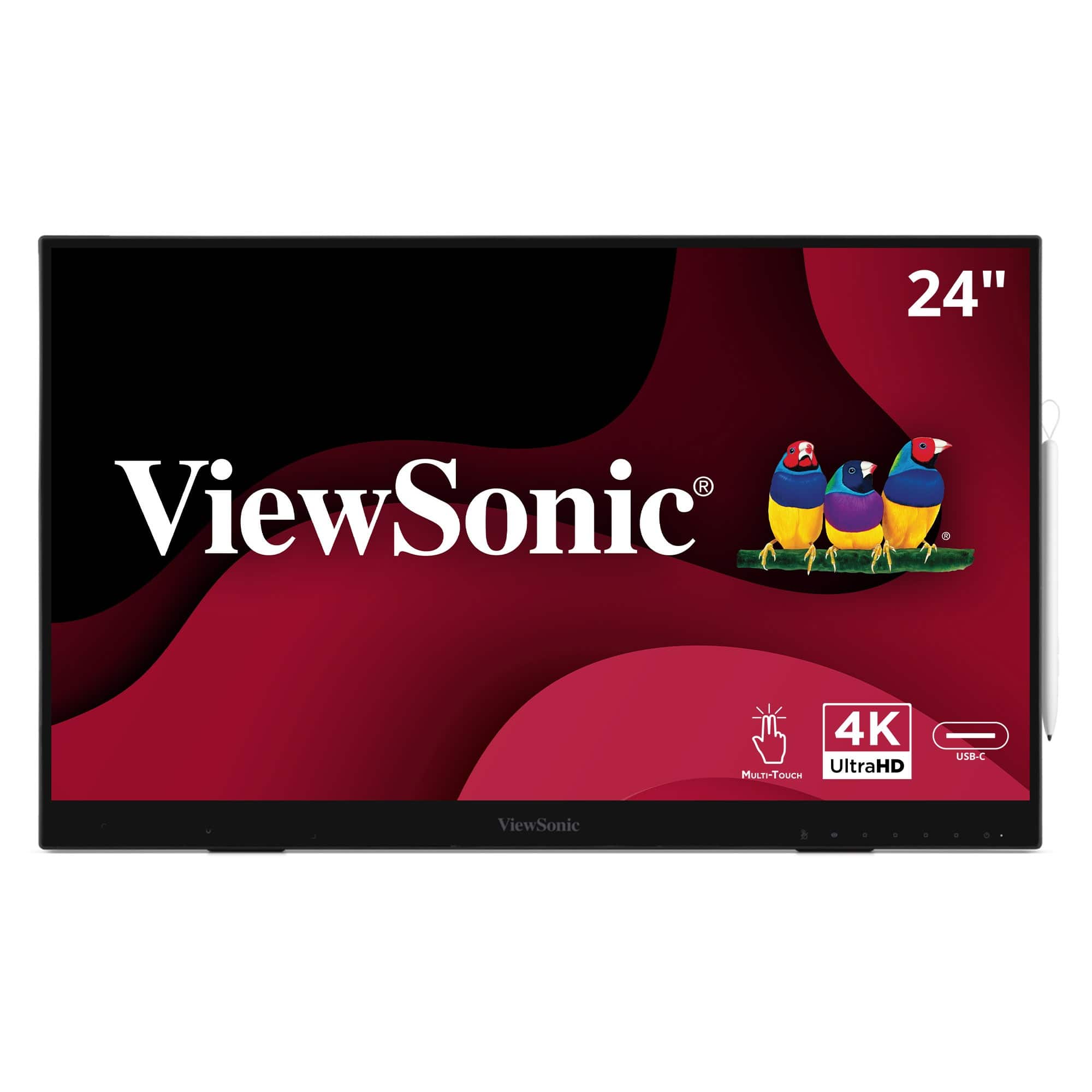
ViewSonic - ID2456-4K 24" 4K UHD Touch Display Tablet with PCAP 10 Point Touch, Active Stylus, Built-in Kickstand - Black
SKU: J37H8G77X9See all All MonitorsProduct Description
A sleek black 24" 4K UHD touch display with active stylus, built-in kickstand, and USB-C connectivity.Your price for this item is $915.26 -
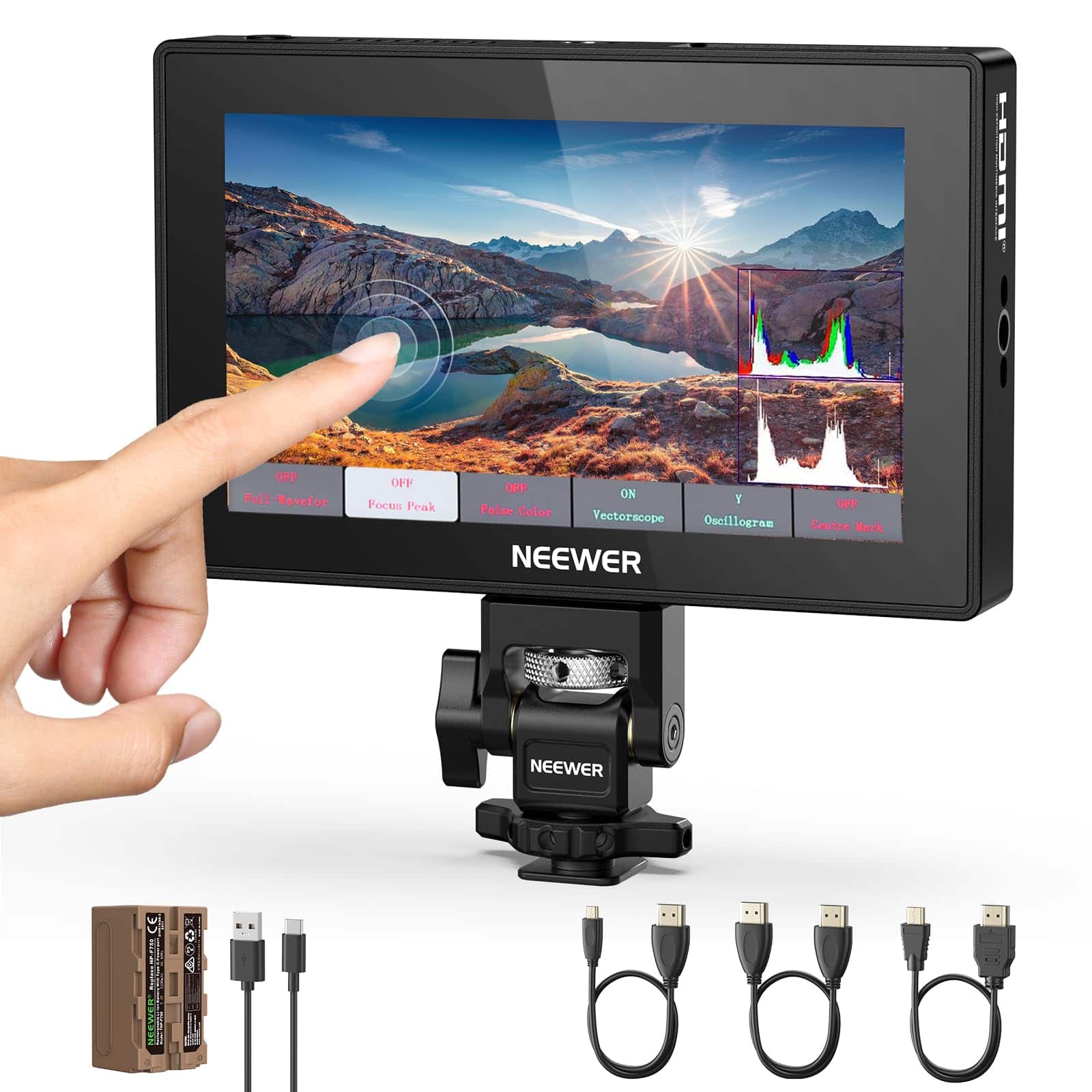
Neewer - 5.5" HD Camera Field Monitor - 1575nit Touchscreen with 4K HDMI, 3D LUT & HDR Waveform
SKU: CZLV9FX693See all Digital Camera AccessoriesProduct Description
A bright 5.5" HD touchscreen field monitor with 4K HDMI, 3D LUT, and HDR waveform support.Your price for this item is $277.99 -
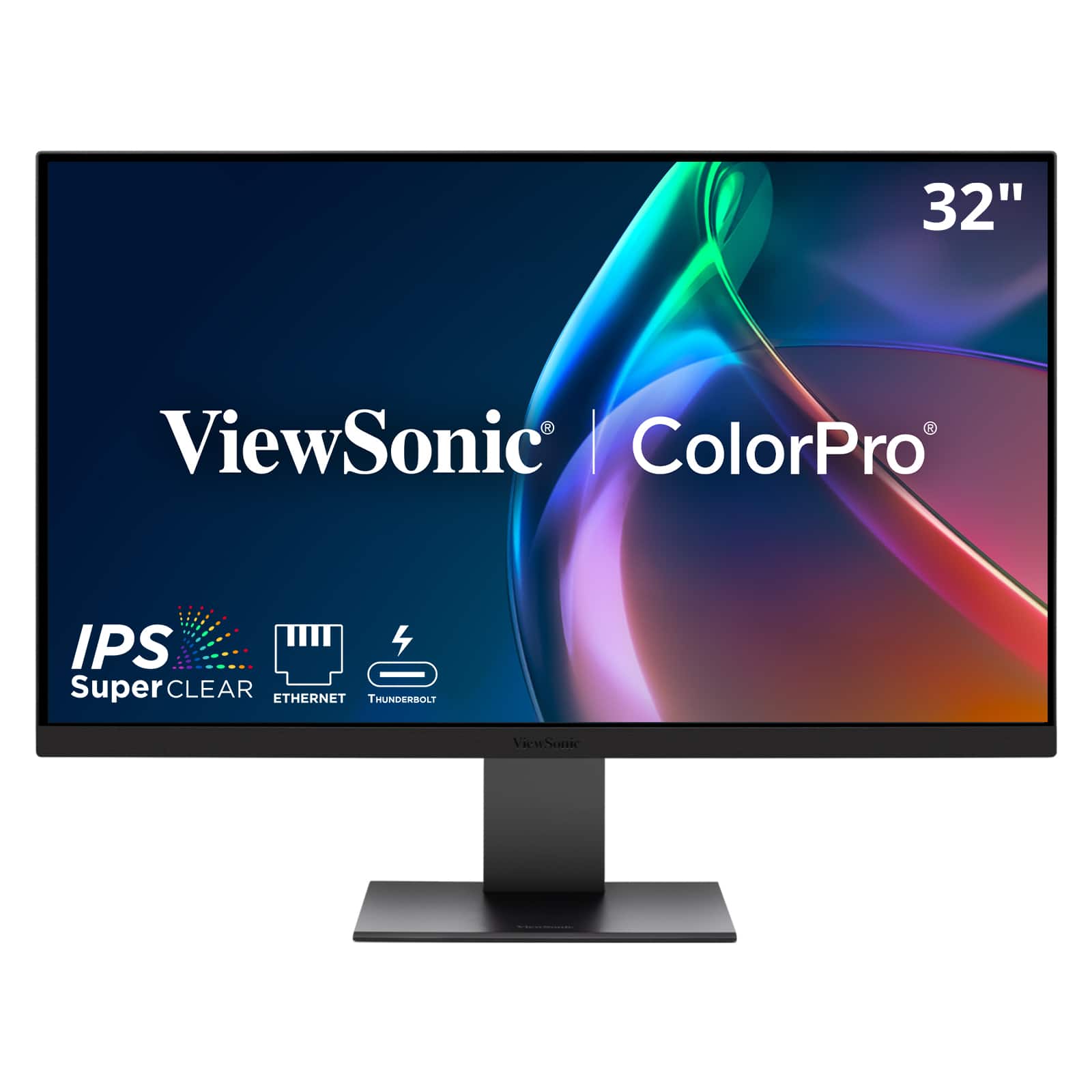
ViewSonic - VP3276T-4K 32" 4K IPS Docking Monitor with Thunderbolt 4, Advanced Ergonomics, 100% sRGB Rec 709, Pantone Vali - Black
SKU: J37H88VKY5See all All MonitorsProduct Description
A professional 32-inch 4K UHD IPS monitor with Thunderbolt 4, HDR400, and 100% sRGB color accuracy.Your price for this item is $799.99
Best Sellers







Related Pages


FAQ
When choosing a touch screen monitor, consider features such as multi-touch capability, screen resolution, connectivity options (like HDMI, USB, or DisplayPort), adjustable stands, and compatibility with your operating system. Some monitors also offer stylus support and advanced color accuracy for creative work.
Many touch screen monitors are compatible with both Windows and Mac computers, but touch functionality may vary depending on the operating system. It's important to check the monitor's specifications and ensure the necessary drivers are available for your device.
Some touch screen monitors are designed with graphic design and drawing in mind, offering high-resolution displays, wide color gamuts, and stylus support. If you plan to use the monitor for creative work, look for models with these specialized features.
Capacitive touch screens respond to the electrical properties of your finger and typically offer more precise and responsive touch experiences. Resistive touch screens detect pressure, allowing use with a finger, stylus, or glove, but may be less sensitive and offer lower image clarity.
Most modern touch screen monitors are plug-and-play and work with standard operating systems, but some advanced features may require installing specific drivers or software. Always check the manufacturer's recommendations to ensure full compatibility with your computer.