A:AnswerI DON'T THINK THE COST SHOULD MATTER, AS LONG AS YOU HAVE A HDMI CONNECTION ON IT; AND SOME CONVERTER BOXES CAN BE USED TO CONNECT, WITH A THREE PRONG ADAPTION TO YOUR TV!!!
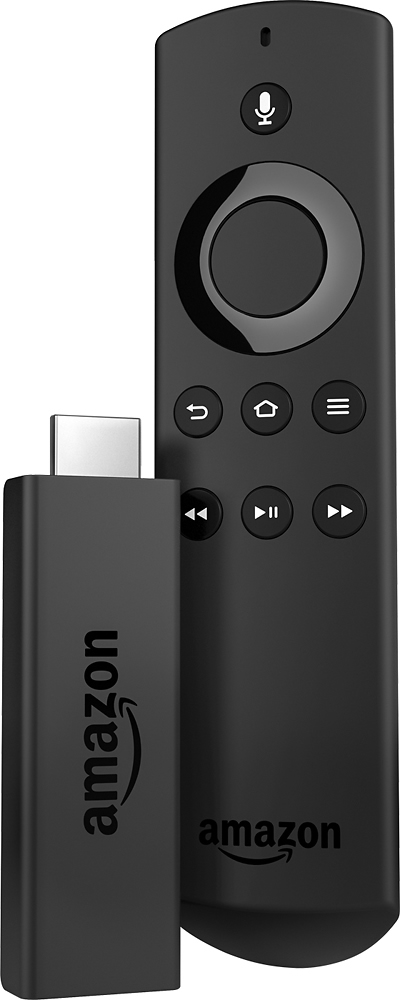
A:AnswerYou just plug into your TV, switch the input, and you're good to go. It will only work in the TV it's plugged into, but you can move it easily from TV to TV
A:AnswerFIND OUT WHAT SPEED YOUR INTERNET IS (BASIC, AND STANDARD SPEEDS HAVE THOSE PROBLEMS)!!! THE HIGHER THE SPEED, THE BETTER YOUR MOVIE WATCHING, AND STREAMING WILL BE!!!
A:AnswerSetup is pretty easy, it walks you through step by step on screen. And to answer your second question, there shouldn't be any issues we have our DVD player and TV Stick plugged into the same TV, Amazon allows you to sign into more than one device so it should be pretty seamless.
A:AnswerAt one time, you can only support one television since it is connected directly to the HDMI port. With that, it's extremely easy to move it from TV to TV without messing with the settings (as long as the wifi is within reach).
A:AnswerPossibly but if not there are multiple apps on your smart phone that control basically every app on the market and they are mostly free so do not pay for them
A:AnswerIf u have cable or satellite subscription you don't need to purchase any additional cable boxes fire stick through their apps will let you watch the channel with your cable subscriptions