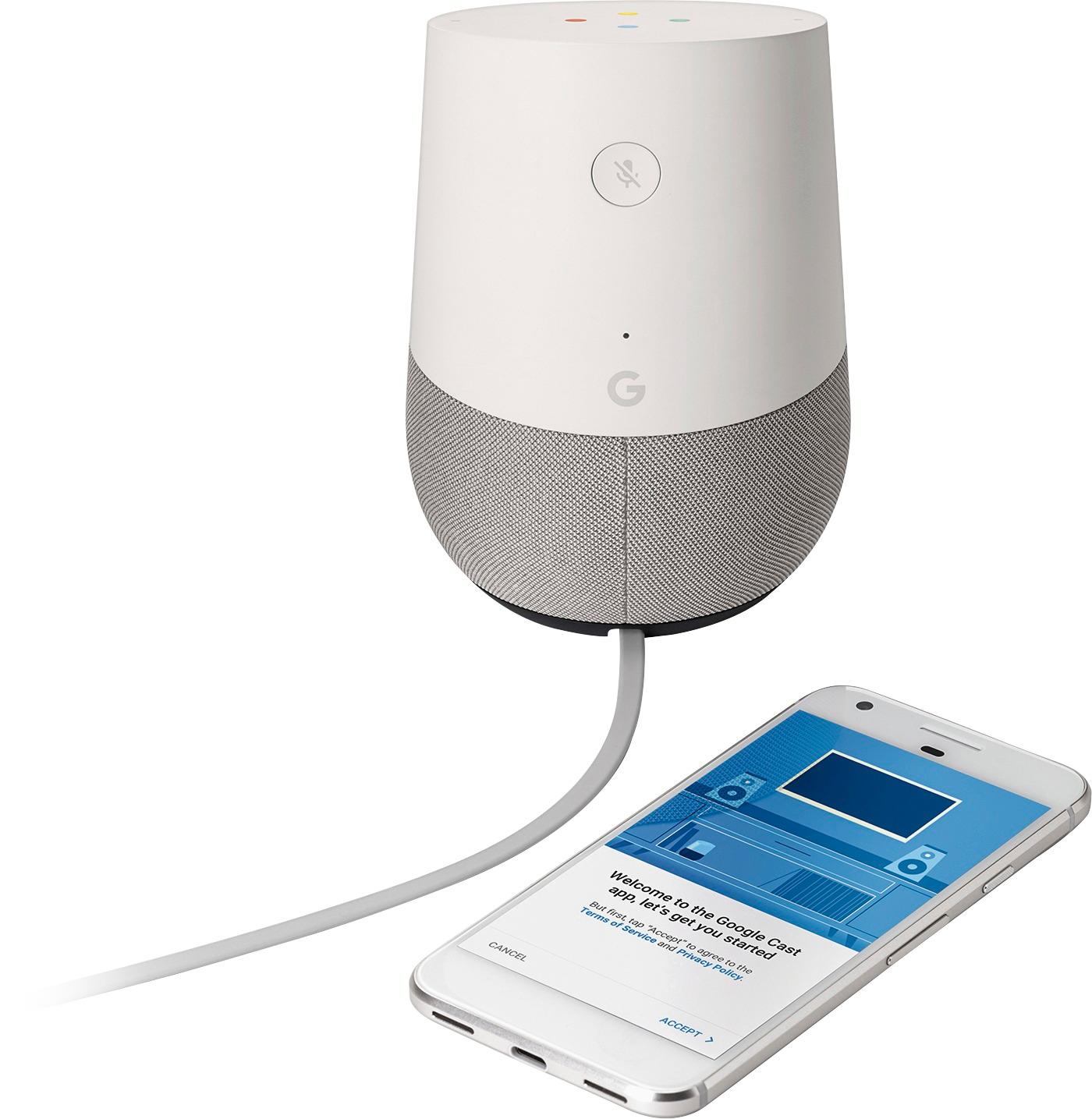
A:AnswerYou do not need any other devices other than Broadband internet access. It does require an Android device to set it up (ie tablet, smart phone) via the Google Home App. But once it is setup..the android device is not necessary.
If you don't have an android device, just ask a friend that does to help you set it up.
Hope this helps.
A:AnswerIt does not require a specific Google phone.
It can work with iPhone and non-Google phones on an Android operating system, as long as the user downloads the Google Home app on that phone, and has an active Google account.
It does require Wi-Fi to work.
A:AnswerYou will need a smartphone to set it up, at least. After that, it performs most current functions without needing a smartphone in the room. It will connect to your home Wi-Fi signal.
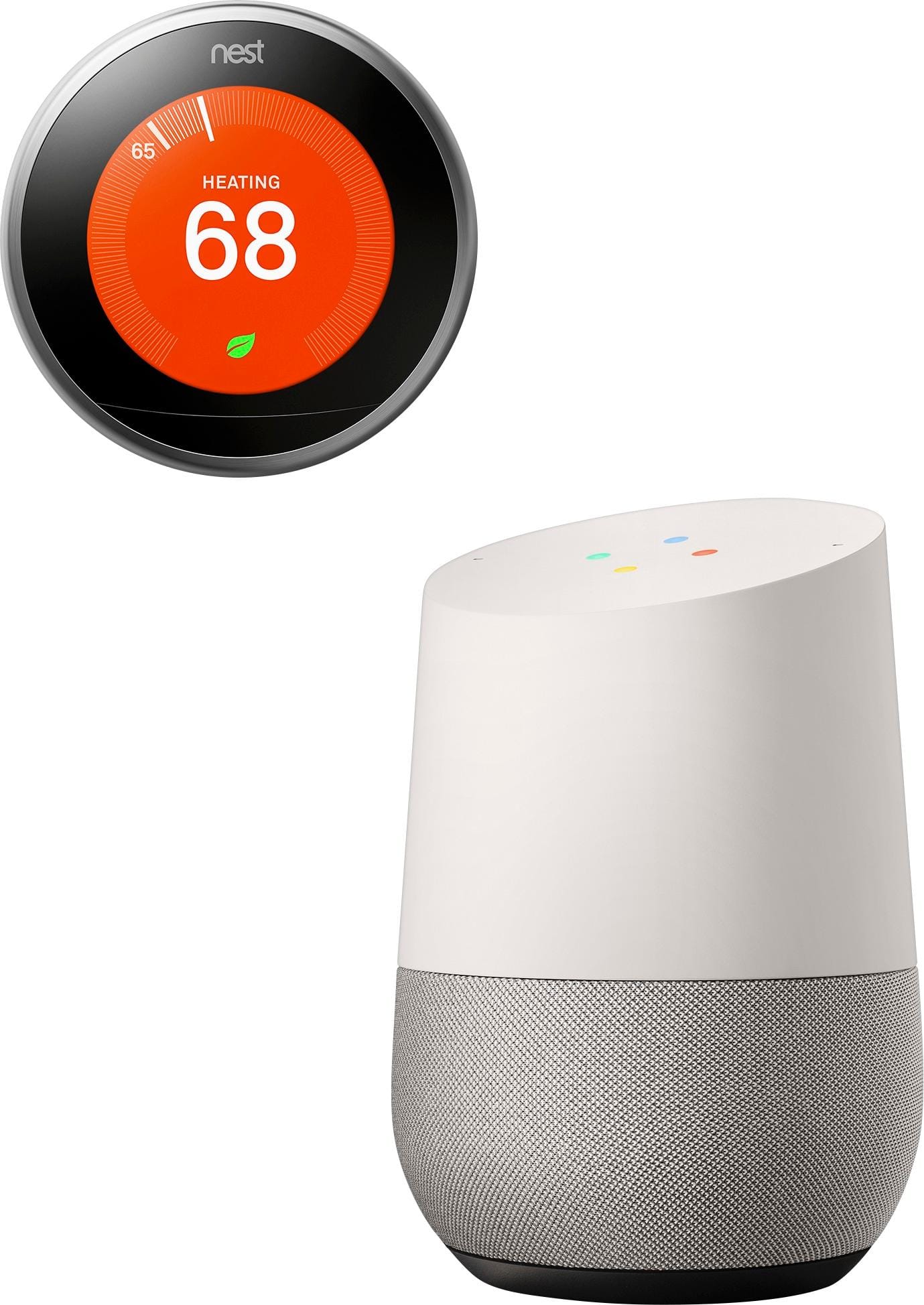
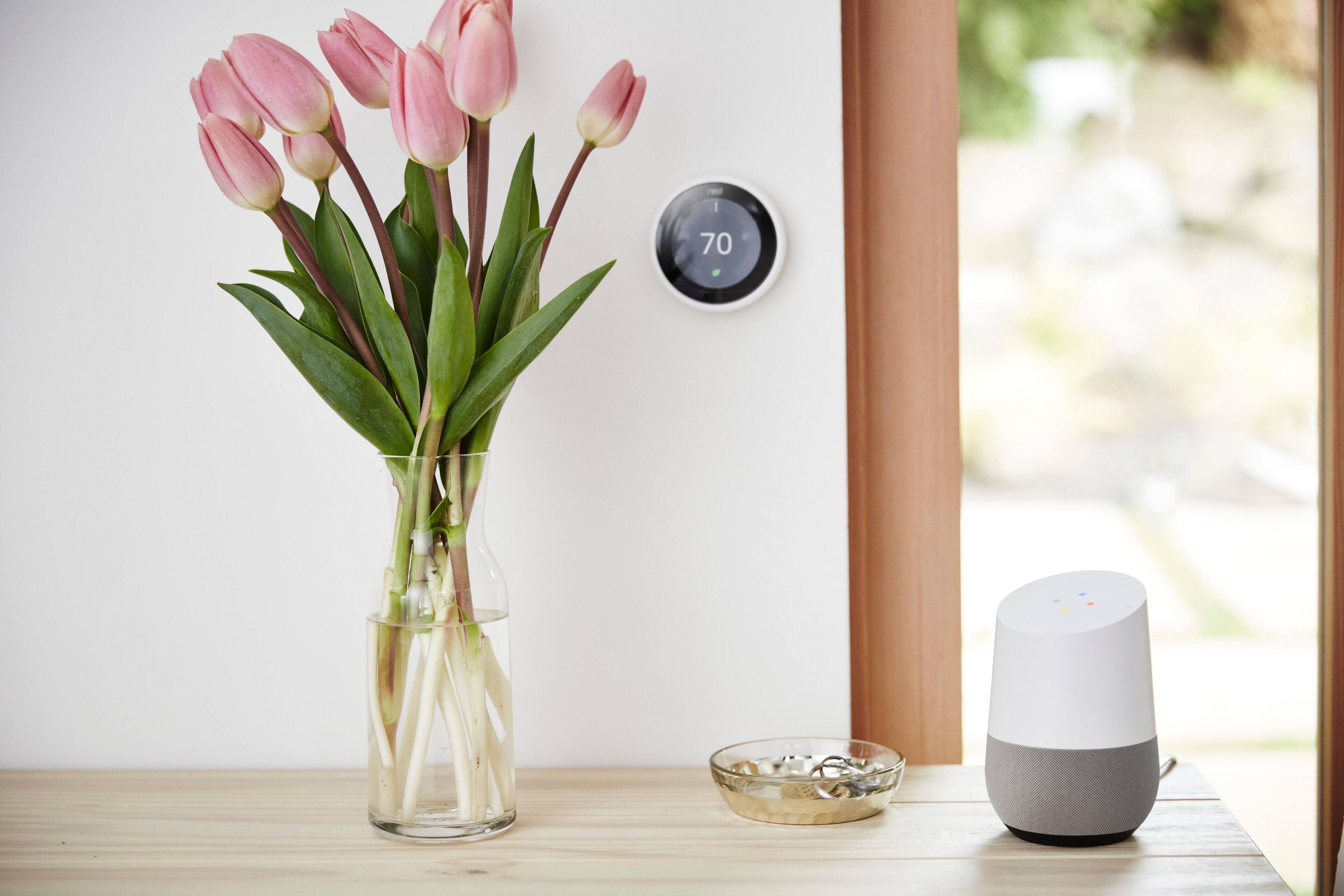
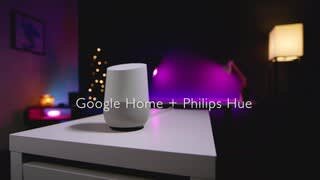
A:AnswerIt allows you to control some devices like the Nest and Philips Hues with voice. Also allows you to play music without your phone and work with Assistant.
A:AnswerNo. It will seek out any files in one of the top streaming services (Google Play Music, Pandora, Spotify, YouTube Music, for example) and play songs available through one of those services. In order for it to a) identify a drive, b) search that drive, c) identify songs based on a voice command, and d) play them, you would need to set up a recipe through IFTTT, and Google Home has next to no integration with IFTTT other than a listing on their site. Google's integration is minimal, even with their own apps like Keep, Calendar, and Google Now. Features like what you're asking about here are at least a year away, so hang on to your cash.
A:AnswerNot yet, but it will eventually. As of now you would have to add Chromecast to one of your speakers, home theater, or television to stream audio. So it is possible but not independently without the Chromecast.

A:AnswerNo . . . but to play music on command, you will want access to Pandora, or any of the other music services, listed in this ads. Pandora still has a free version. Not sure about the others.
A:AnswerMy 3 routers (set up in roaming configuration), all use WPA2 Personal for security.
If you read my comment under my review, you will see an addenda about this issue. I'm betting your router is an extension off of your service provider's router and you have, in effect, two or more networks, Even if they are the same name, it doesn't matter. Google Home insists on the setup device being on the same (branch of) the network that Google Home is connected to. I add a few more details in my comment under my review.
A:AnswerGoogle Home barely works with other, more prominent Google Apps such as Calendar. I suspect it will not have any integration with Scholar whatsoever for the foreseeable future. Right now, Google Home can a) stream music, b) control smart devices (thermostats, light switches, etc.), c) Google things for you, d) Set a timer (but not a reminder), e) give you a short report about your day (which you could just look at the calendar on your phone, I might add), and f) tell you a (horrible, horrible) joke or two. That's really about it.
Right now, Google Assistant does not have the intuition or intelligence to be able to search on the minute level of detail you would want if you need to use Scholar, and I don't think it will for (perhaps) 3-4 more years.
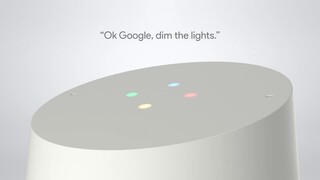
A:AnswerIt works with only the smart bulbs connected to the network... The website for Google Home tells you which lights they work with... I have the Phillip Hue and it works flawlessly with that... I have my living room lights and bedroom table lamps connected to google home...