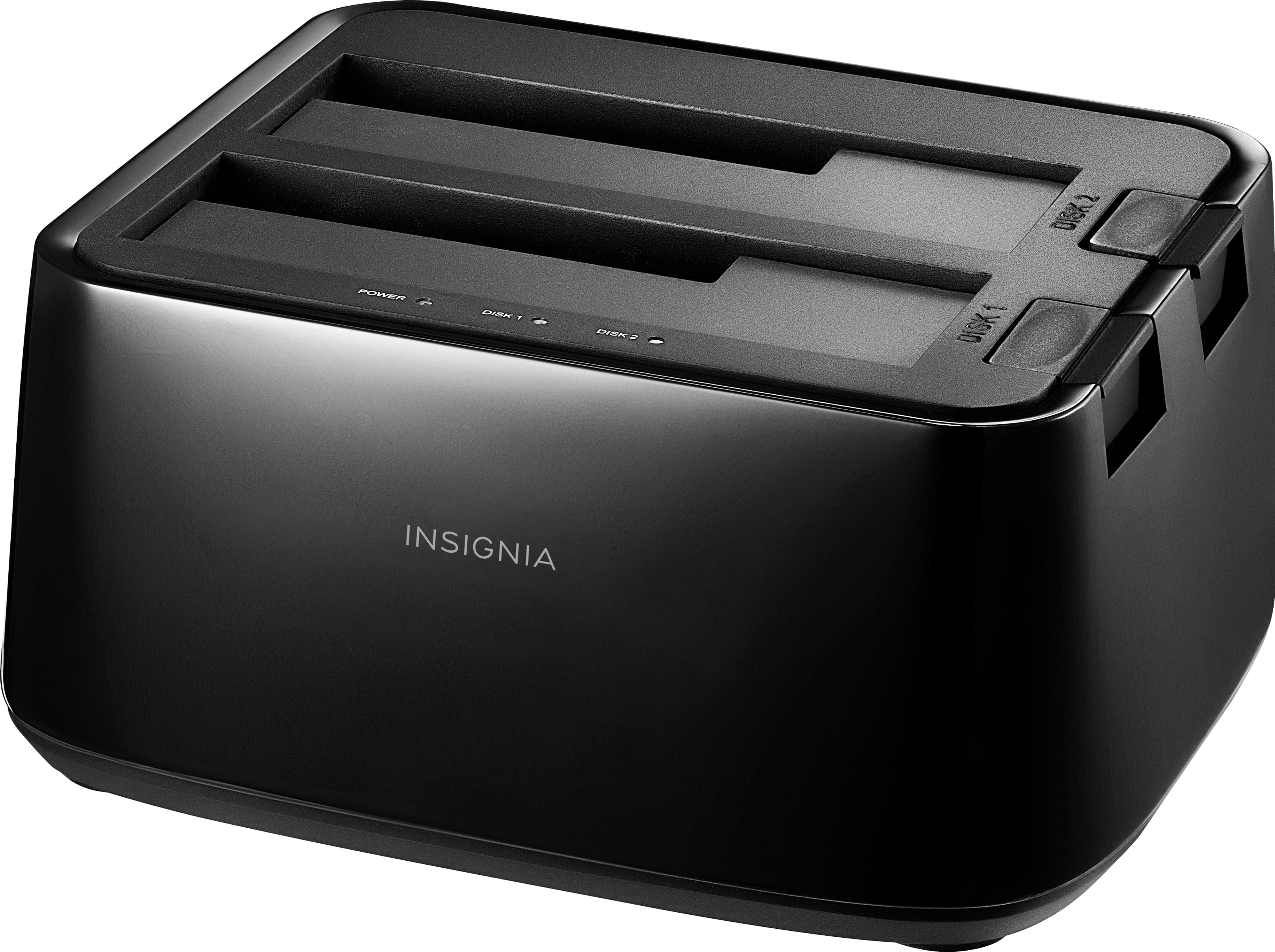
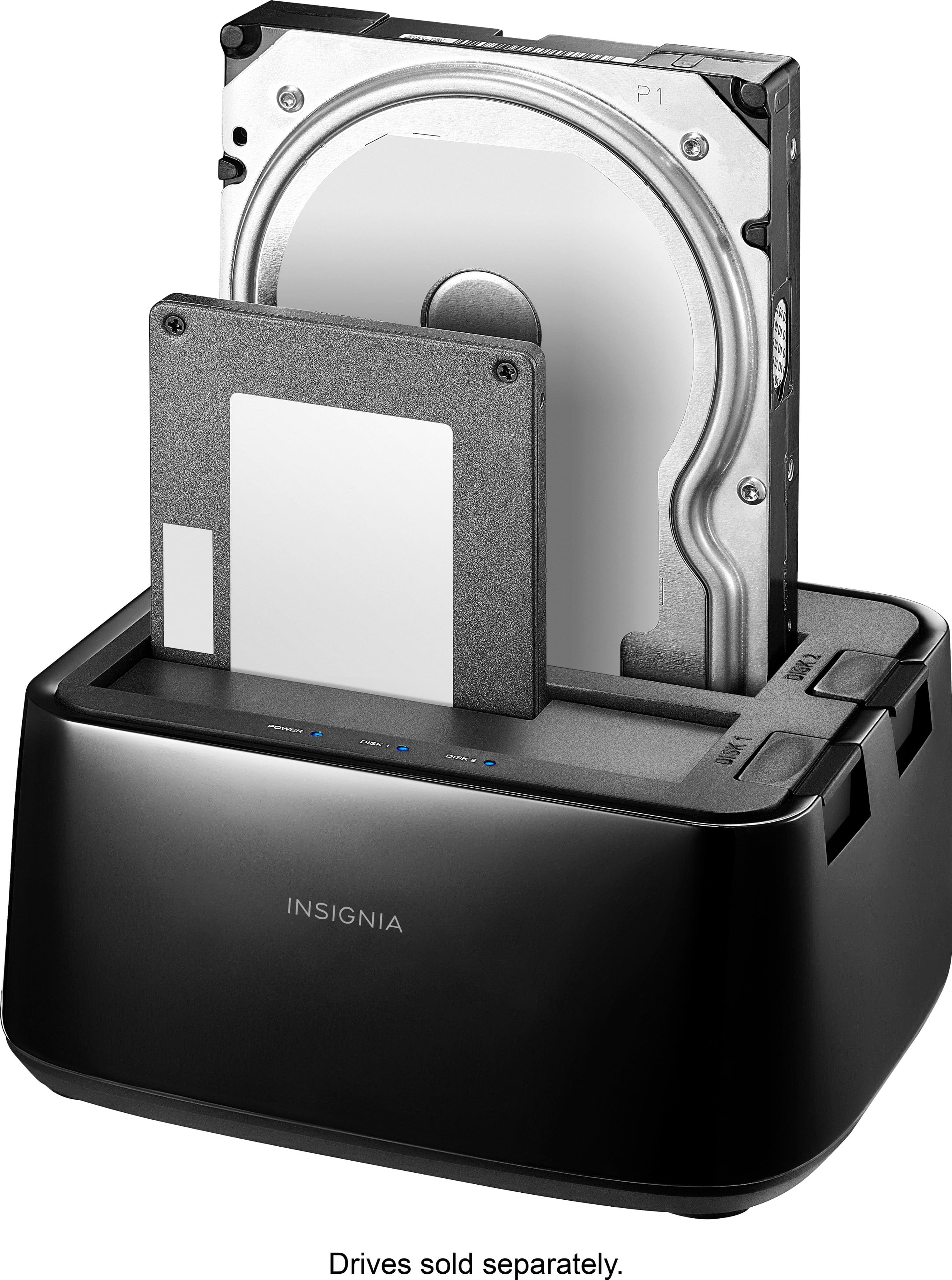
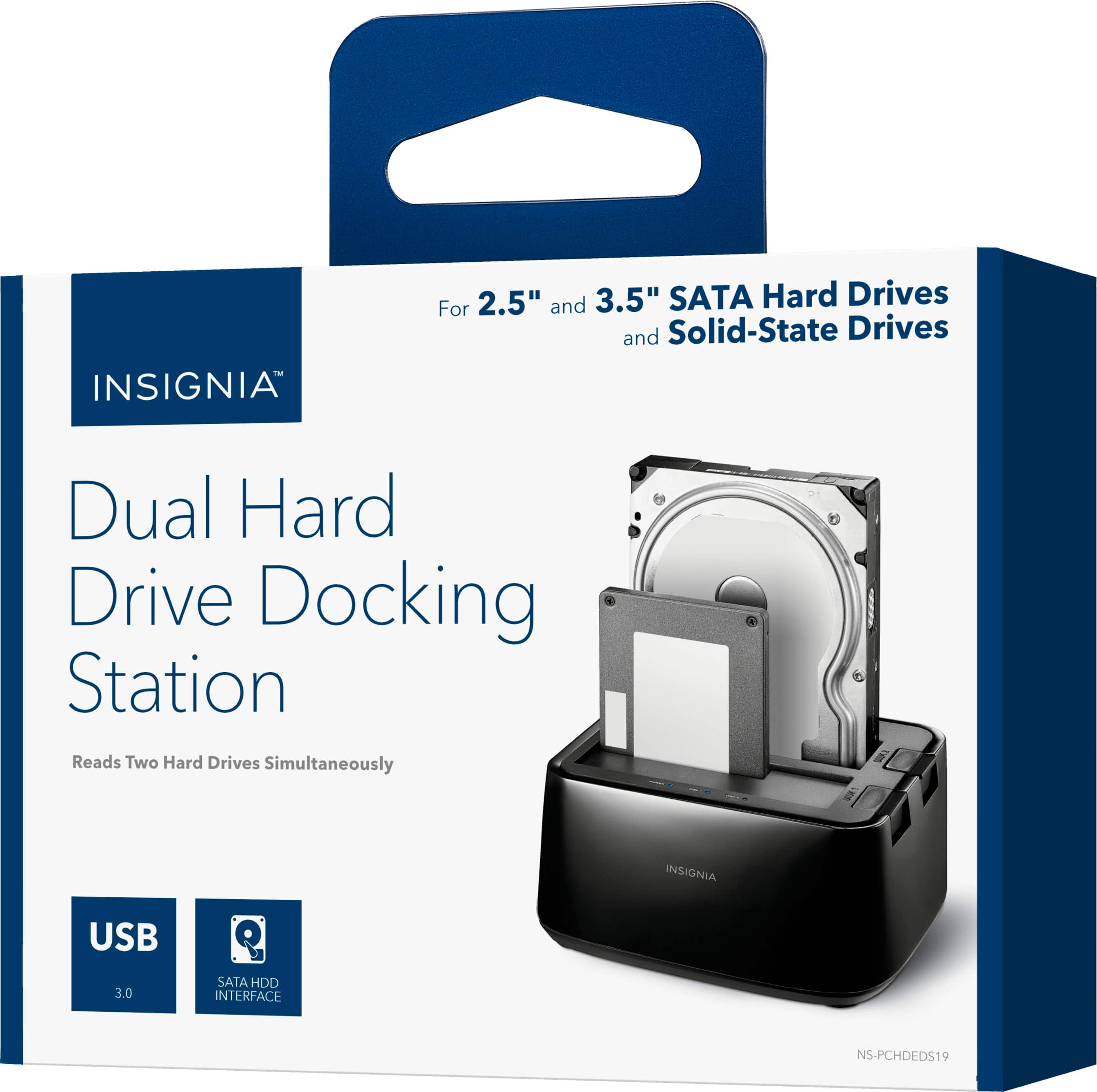
A:AnswerWhere's your hard drive located? Is it internally in a computer? If that's the case, you can simply use the Insignia Drive Docking Station to back up your HD to a SSD plugged into it. Then you could install your SSD in the computer as a main drive. Or . . some computers might allow you to boot from the SSD in the Insignia dock - I don't think that's possible on a Mac, unsure about various PCs and OS.
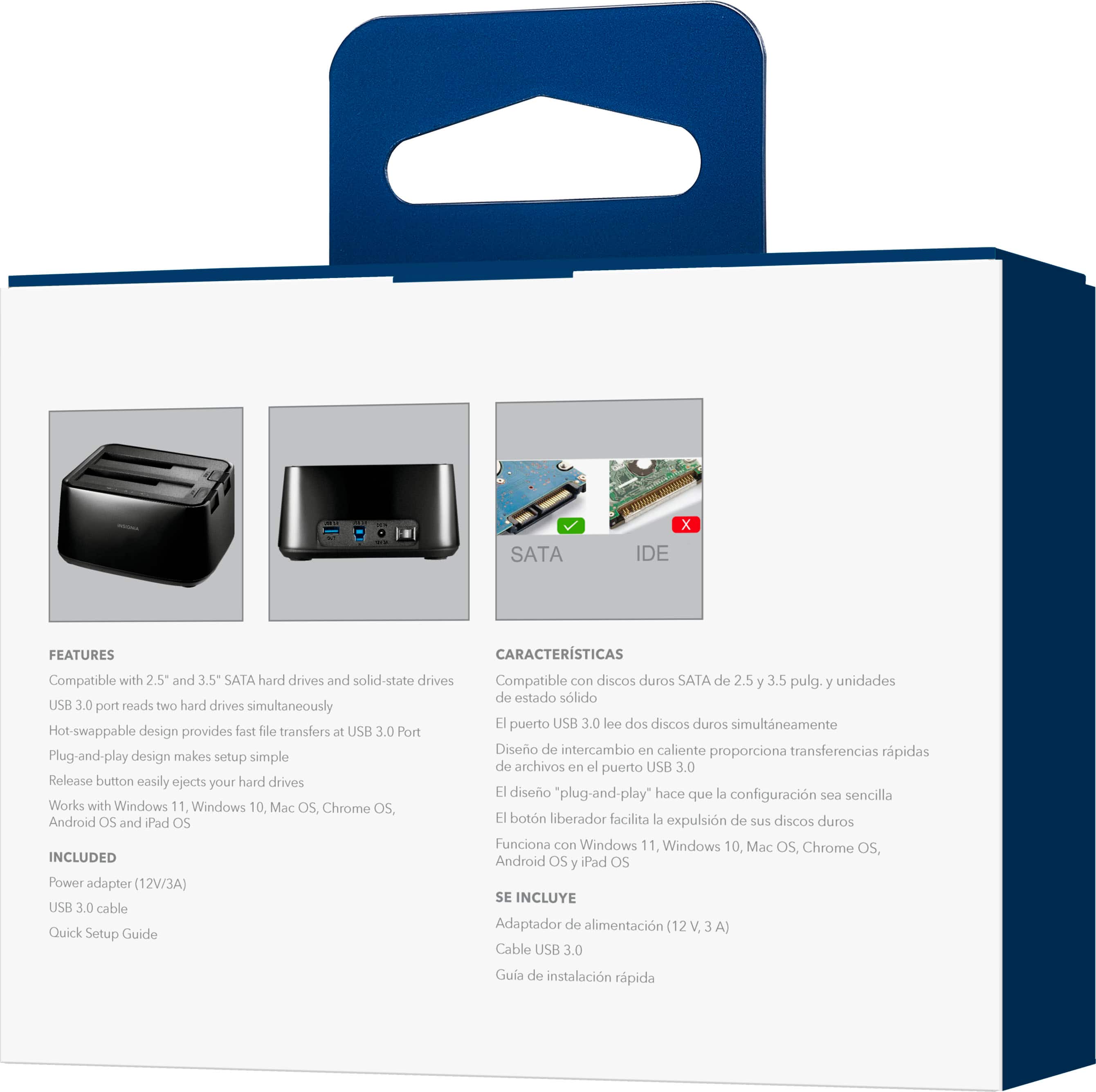
A:AnswerI doubt it - the drives must plug in to the SATA pins under the hinged door(s) on top of the unit. I've never seen an adapter that would fit down there- I have two external adapters that do this, but they have their own USB ouputs.
A:AnswerI was able to boot from this on my laptop. I did have to tweak the bios, but that was particular to my laptop. There should be a function key that you can use at startup to bring up your boot option menu.
A:AnswerHello,
Thank you for your question. The Insignia 2‑Bay HDD Docking Station is designed as a dual‑bay USB docking station and does not support offline cloning. A computer is required to transfer or clone data between drives, as the unit does not include standalone duplication hardware or a clone function.
Thank you for taking the time to reach out with your question.
Sidhartha | Insignia
A:AnswerHello, thanks for your question. The Insignia 2-Bay HDD Docking Station (NS-PCHDEDS19) supports up to 8 TB per bay, allowing for a total of 16 TB when using two drives. It is designed for 2.5-inch or 3.5-inch SATA HDD/SSD drives. Mueez | Insignia
A:AnswerHello Insignia customer, thank you for your question. The Insignia NS‑PCHDEDS19 docking station is designed for computers and does not function as expanded storage for PlayStation consoles. PlayStation systems require drives that meet their own formatting and compatibility standards, which this dock does not support.
Sidhartha | Insignia
A:AnswerYes, but it isn't a purpose built drive cloner so there's no "clone button" on it. You can however use a number of software utilities to clone one drive to another in this dock (just be sure to keep track of which drive is which).
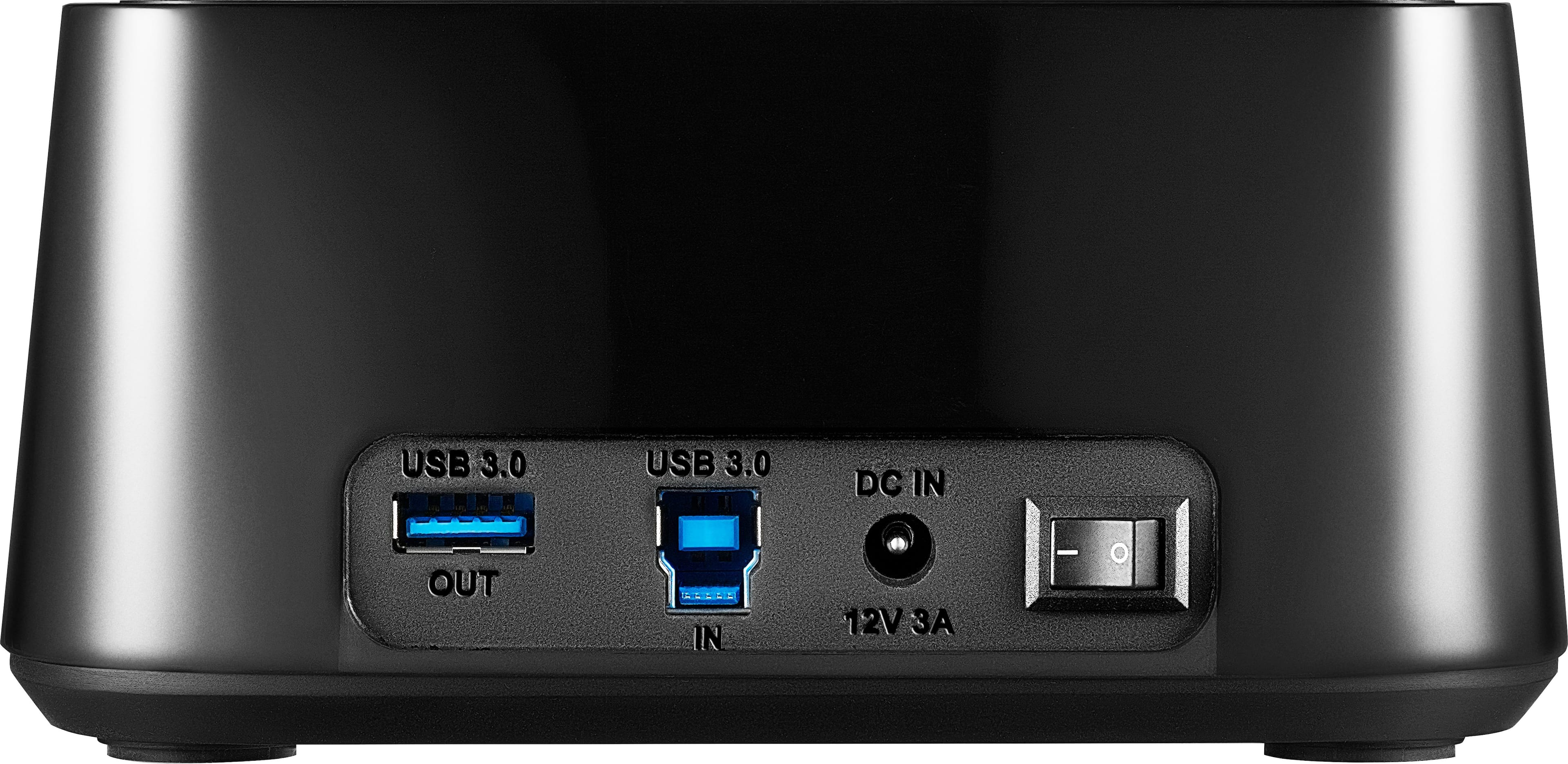
A:AnswerHello Fireman. Thank you for your question. Yes, this device is compatible with Windows 11. It connects through USB 3.0 and works with both 2.5" and 3.5" hard drives, allowing you to dock and swap drives easily.
Mohan | Insignia.
A:AnswerSo the docking station is working normally if you're able to see it in Disk Management.
If this is a new hard drive, you need to initialize the disk in Disk Management, and create a partition so Windows can actually use it. You should see it in My Computer after that.
If that doesn't work, or if this isn't a new drive, then you've got bigger problems. You'll need to find further troubleshooting steps for your hard drive elsewhere.