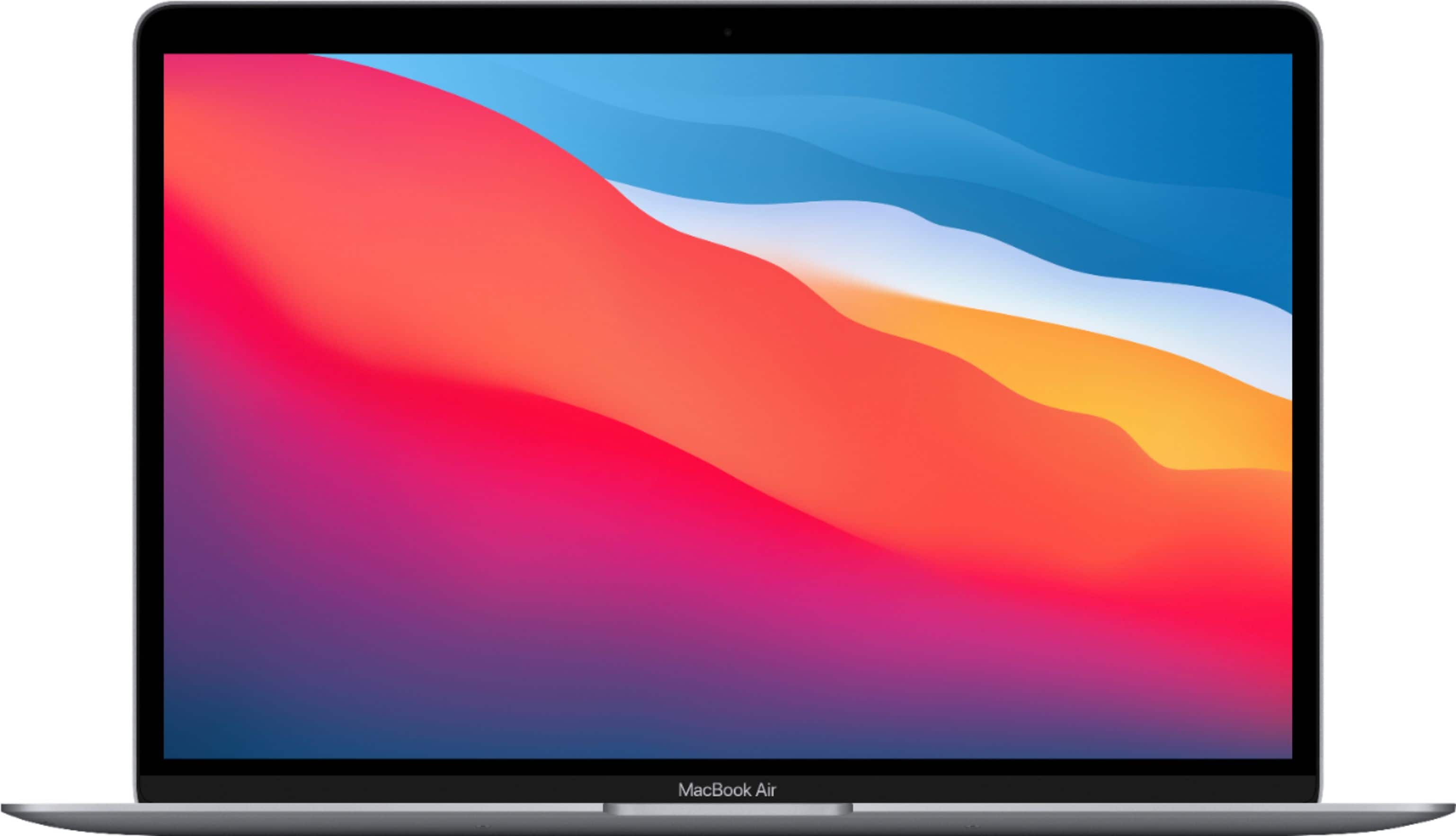
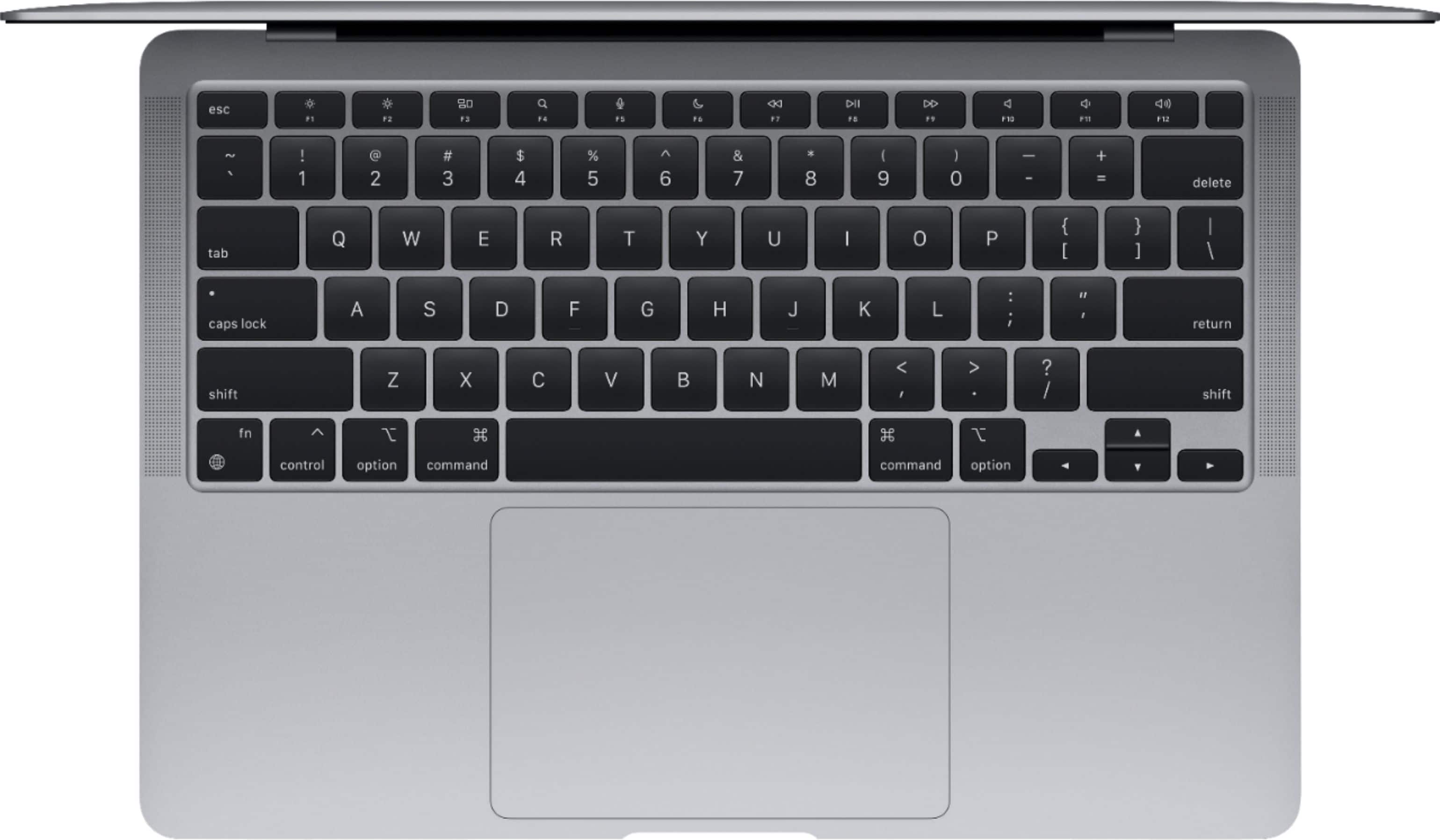
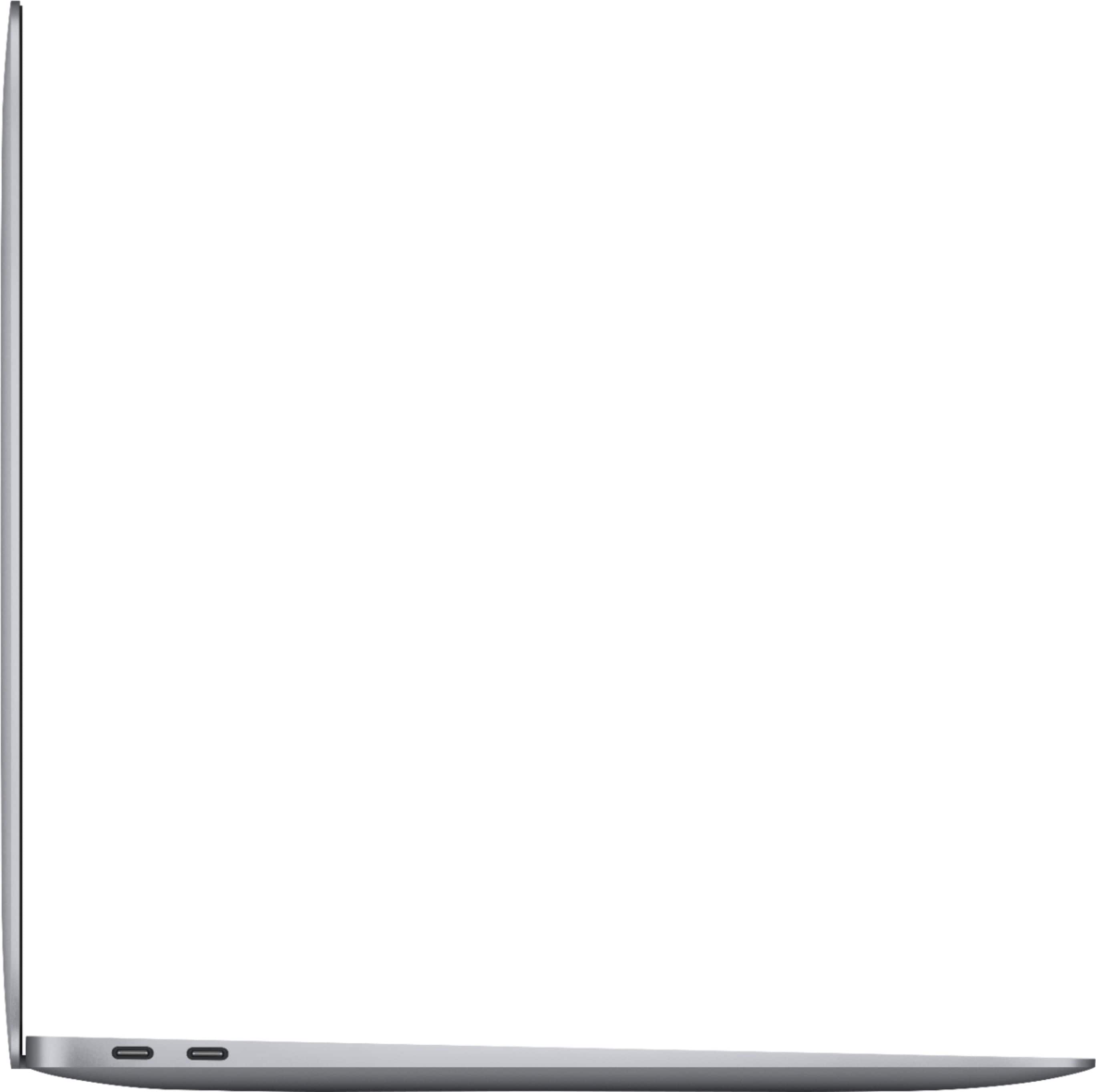
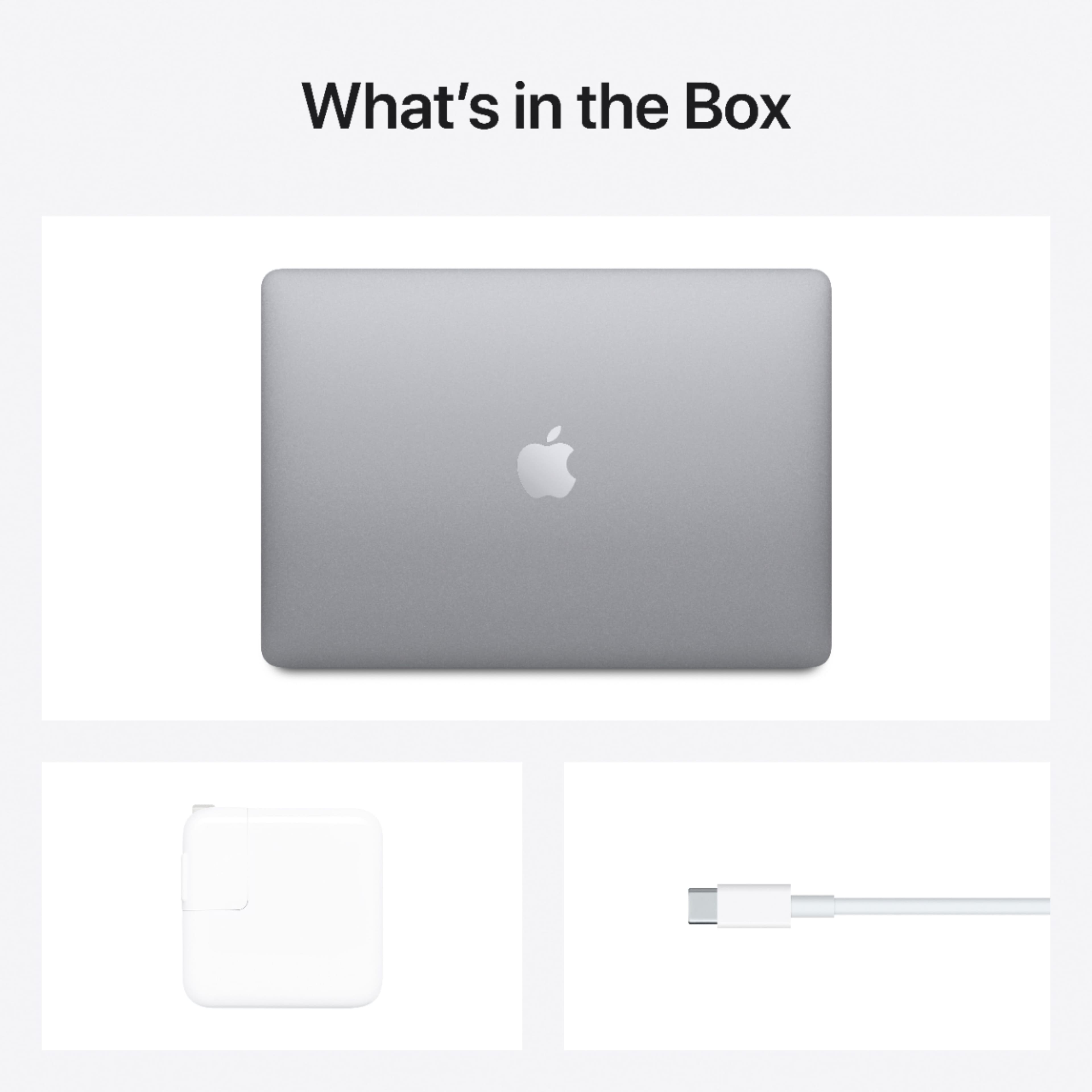
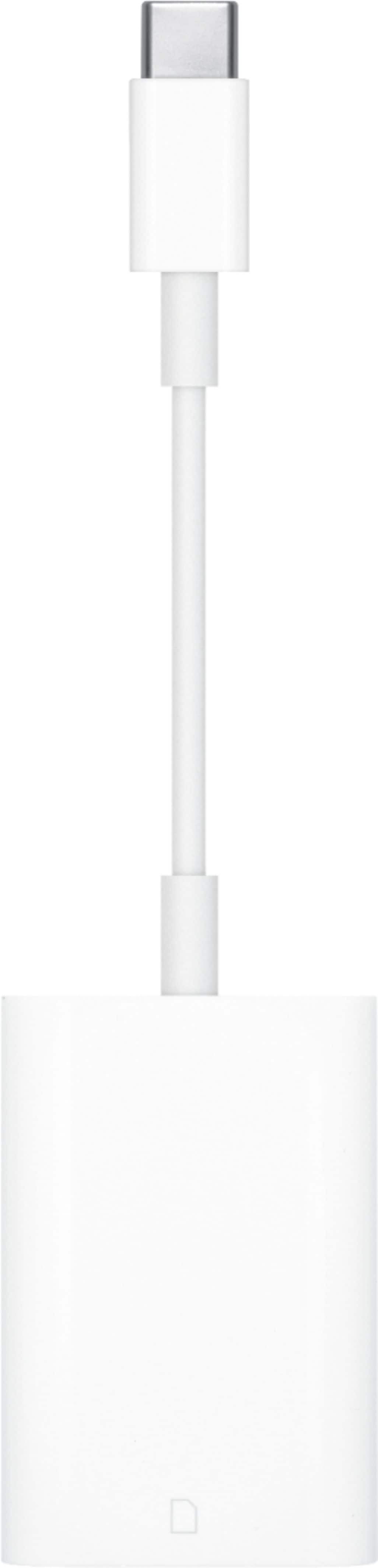
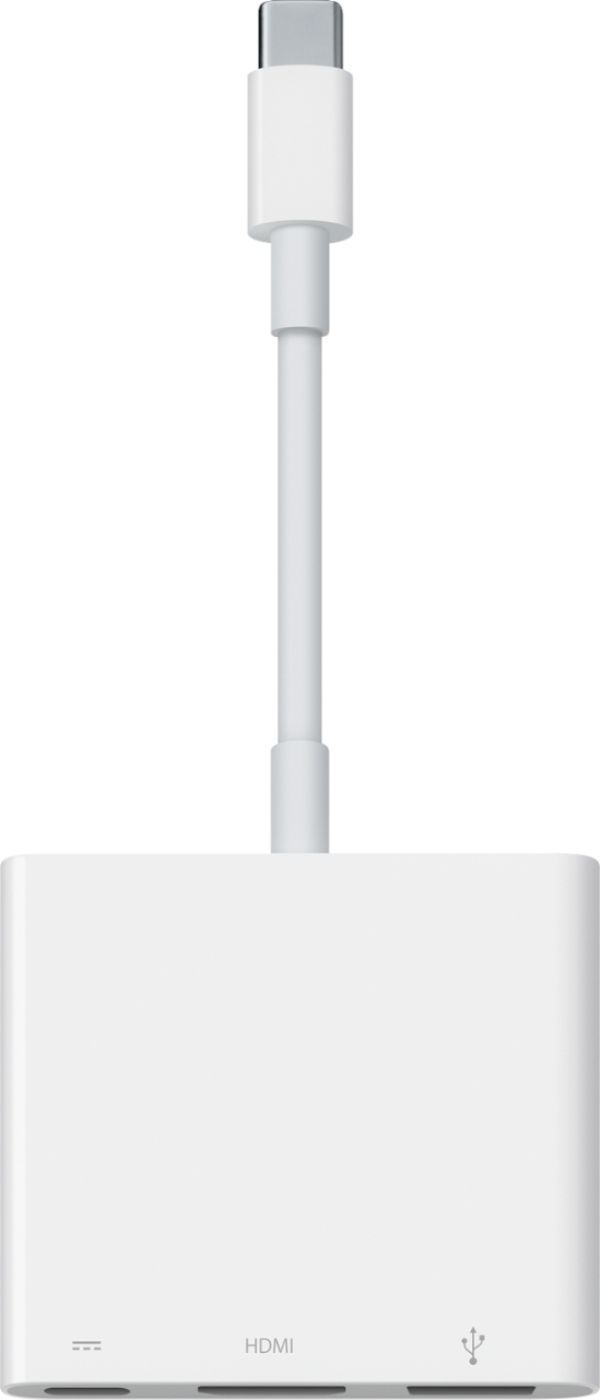
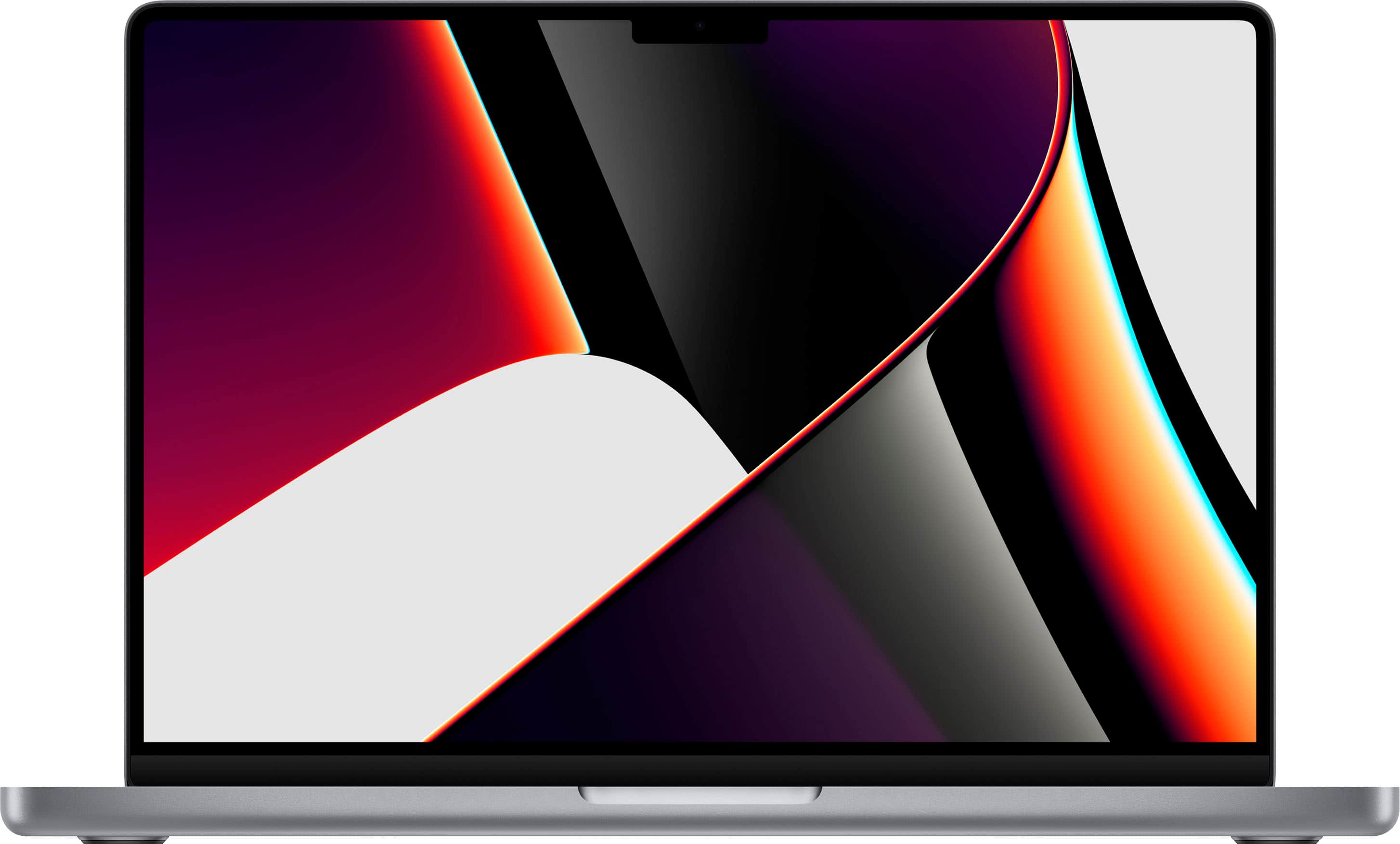
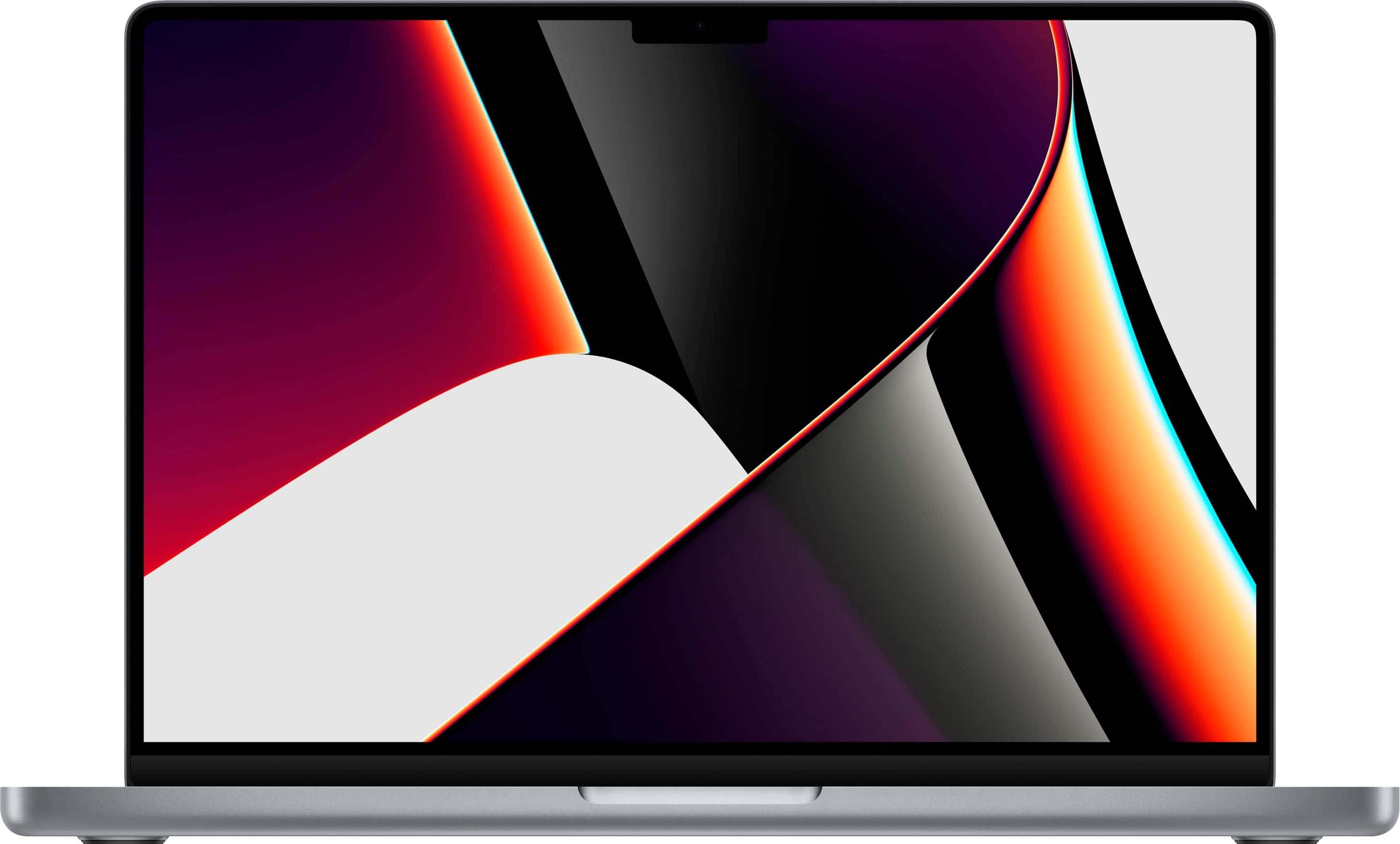
A:AnswerIt does feature Bluetooth and it has the newer version of USB, called a USB Type C. You may need to purchase a USB Type-C to Type-A converter if you are trying to use older USB peripherals with this newer Mac. Some example recommendations are attached.
A:AnswerIt exceeds the minimum required specifications for both apps you are asking about, but a machine with more memory (16GB or more) would ultimately provide a better experience running both of these apps. For Best Buy, the only machines they have with 16GB of memory are going to be the MacBook Pros. There's a 13-inch Intel i5/16GB/512GB variant and two newer 2021 14" M1 Pro 16GB models with 512GB or 1TB of storage.
A:AnswerThe Macs come with security software built into the operating system. [from Apple's security page] Apps from both the App Store and the internet can be installed worry-free. App Review makes sure each app in the App Store is reviewed [by Apple] before it’s accepted. Gatekeeper on your Mac ensures that all apps from the internet have already been checked by Apple for known malicious code — before you run them the first time. If there’s ever a problem with an app, Apple can quickly stop new installations and even block the app from launching again. Technologies like XD (execute disable), ASLR (address space layout randomization), and SIP (system integrity protection) make it difficult for malware to do harm, and they ensure that processes with root permission cannot change critical system files.
A:AnswerIt comes with Apple's version which consists of Pages (Word), Numbers (Excel), and Keynote (Powerpoint). These can open, edit and create the equivalent Microsoft Office program's files and export to PDF as well. Even better, you don't have to pay annually for them (full transparency: there is a non-subscription version of Office but it does not get new feature updates so it's not the best value)! If you're more comfortable with the look and feel of Microsoft Office or you're a more advanced spreadsheet user you may prefer Microsoft 365.
A:AnswerThe MacBook doesn't have a touchscreen, that being said, there's still several different options you'd have for using it specifically for drawing:
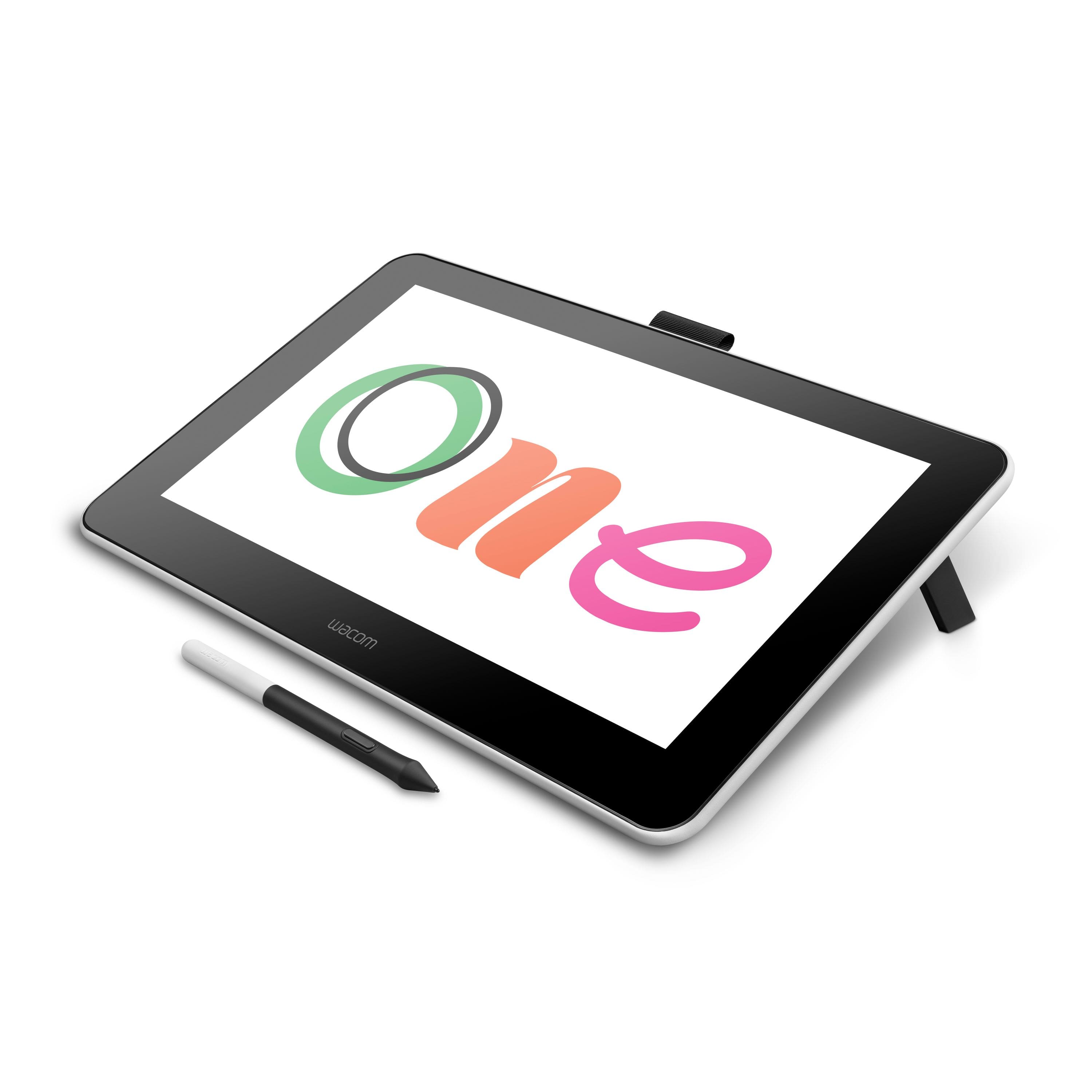
(1) You could use a Wacom drawing tablet, like the Wacom One, which features a built-in 13.3" touch screen. When you connect this tablet to your MacBook Air and draw on it, you'd be able to see what you're drawing both on the tablet and the MacBook's screen.
(2) If you already own an iPad running at least iPad OS 14 and an Apple Pencil, you can gain similar functionality, just by connecting your iPad to this Mac and using Side Car.
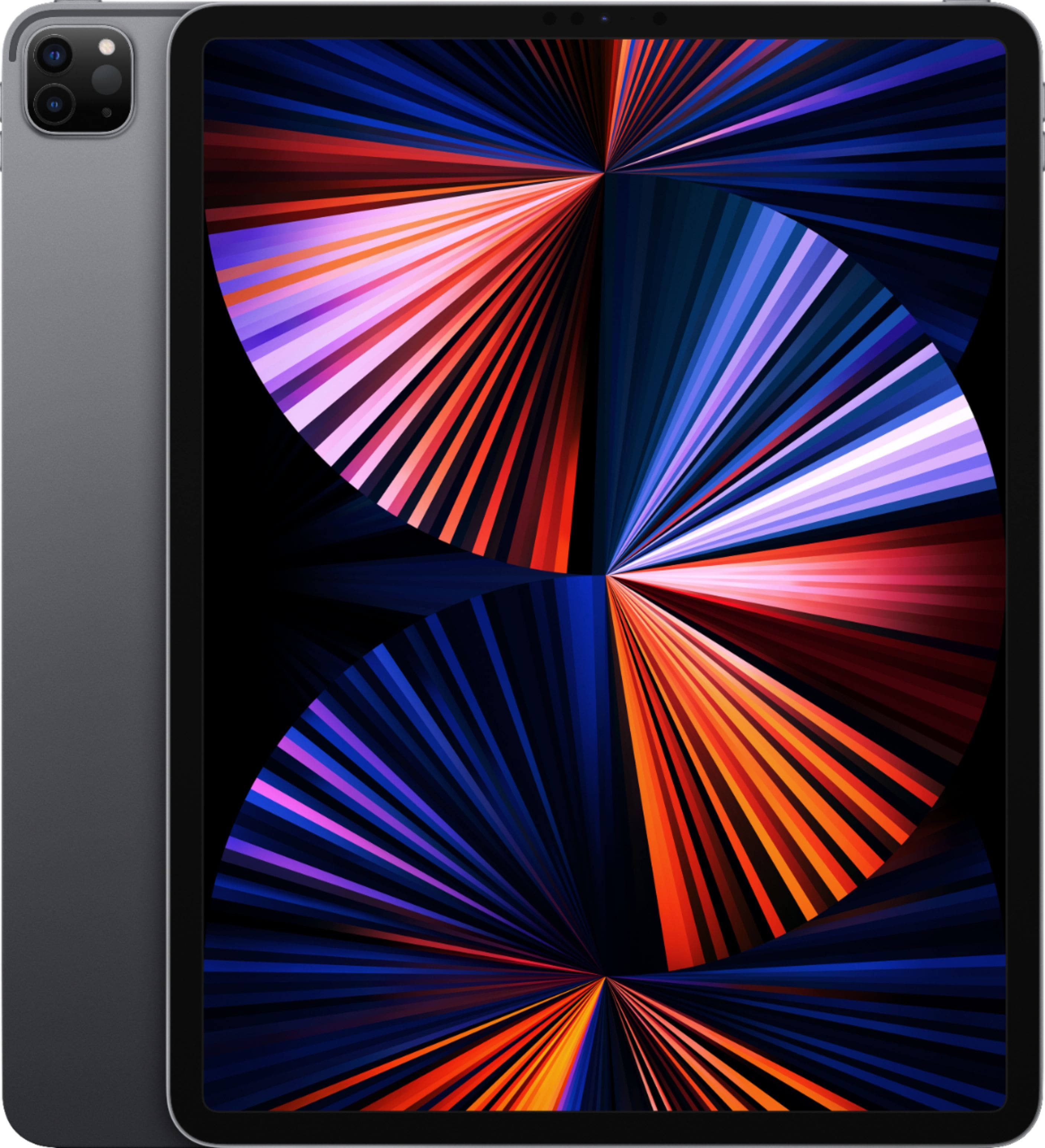
(3) Instead of the MacBook Air, consider the 12.9-inch iPad Pro (5th Generation / WiFi) which has the same 8-core CPU, 8GB and 256GB of storage and would actually give you a better mini-LED display and an extra core on the GPU (8 cores total like the MacBook Pro and upgraded MacBook Air). You could easily add a 2nd Generation Apple Pencil and/or a Magic Keyboard to complete the laptop/drawing experience. There are many apps specifically for drawing that run better on the iPad since it's made for drawing/touch from launch (ProCreate comes to mind).
A:AnswerFor studio work it is better to buy a model with at least 16 gb memory. Also, based on your preference you can choose the screen size. MacBook Air is 13.3 which can seem a bit on the smaller side for some people.
A:AnswerYes, the Mac comes with softwares built-in that are compatible with almost all of the most commonly used everyday file formats -- i.e. PDF, docx, xlsx, pptx, jpg, png, etc.
The only limitations that come immediately to mind would be if you use certain Office apps like Microsoft Access or Microsoft Publisher (as these are not available on Mac, natively, but can be run thru virtualization using software like Parallels Desktop for Mac). Hard drives that were formatted for Windows can be read on Mac (meaning you can open any of the files) but if you make changes to the files you may need to save them onto your Mac for those changes to stick. There's a newer hard drive format called exFAT that is cross-compatible with Mac and Windows with no extra software needed. NTFS (the default for Windows) you can get to work on a Mac with third-party software.