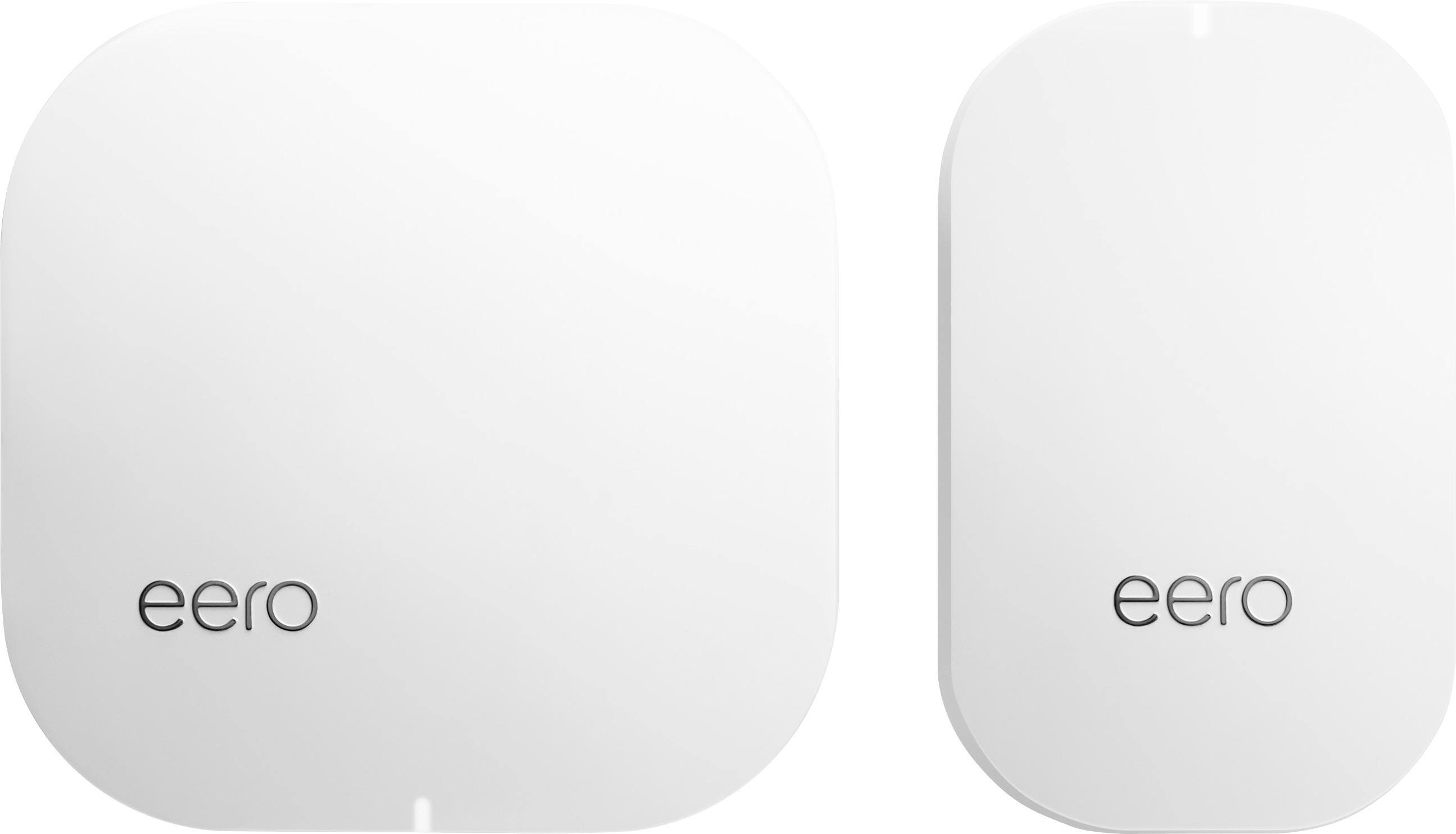
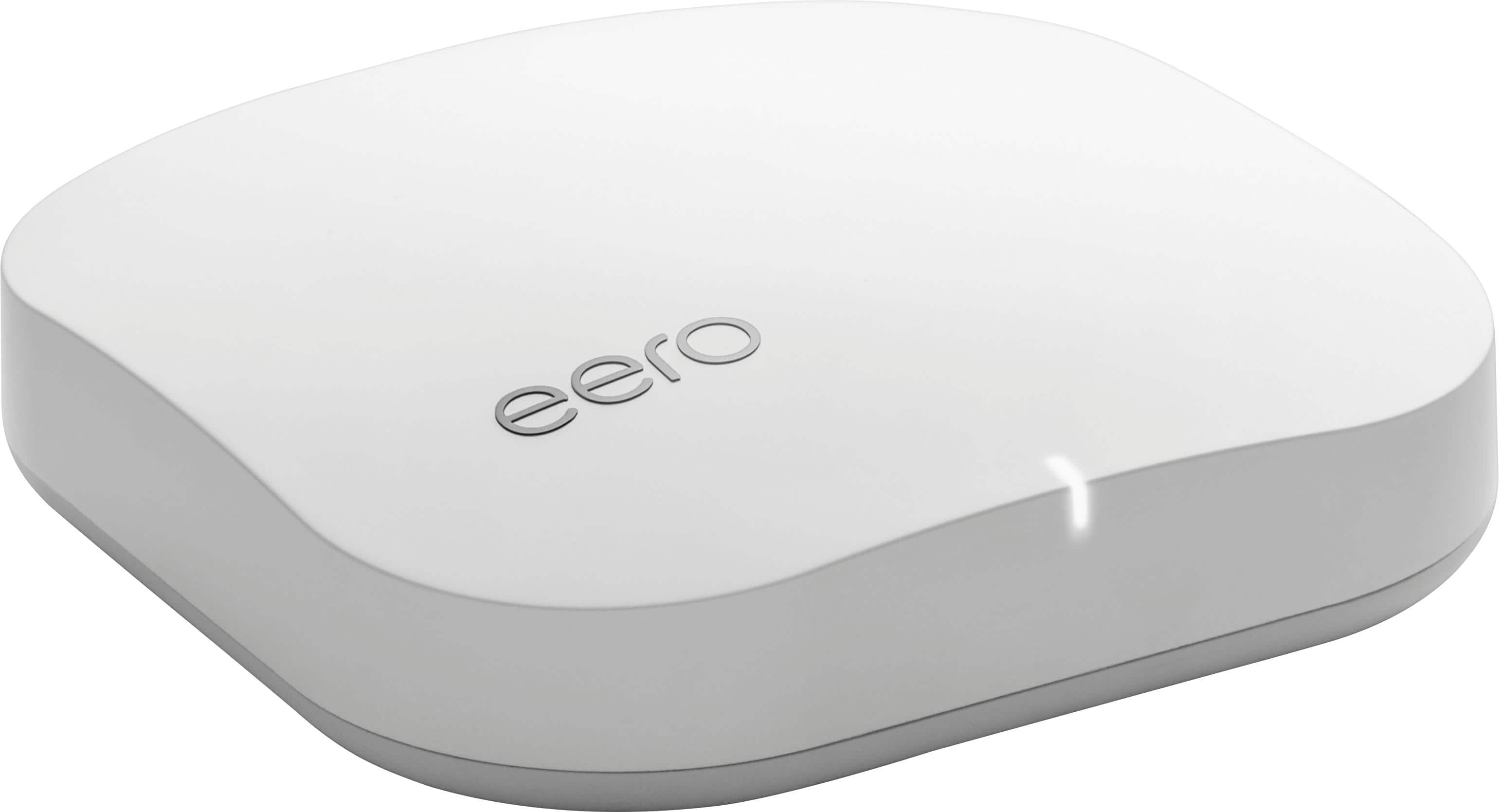
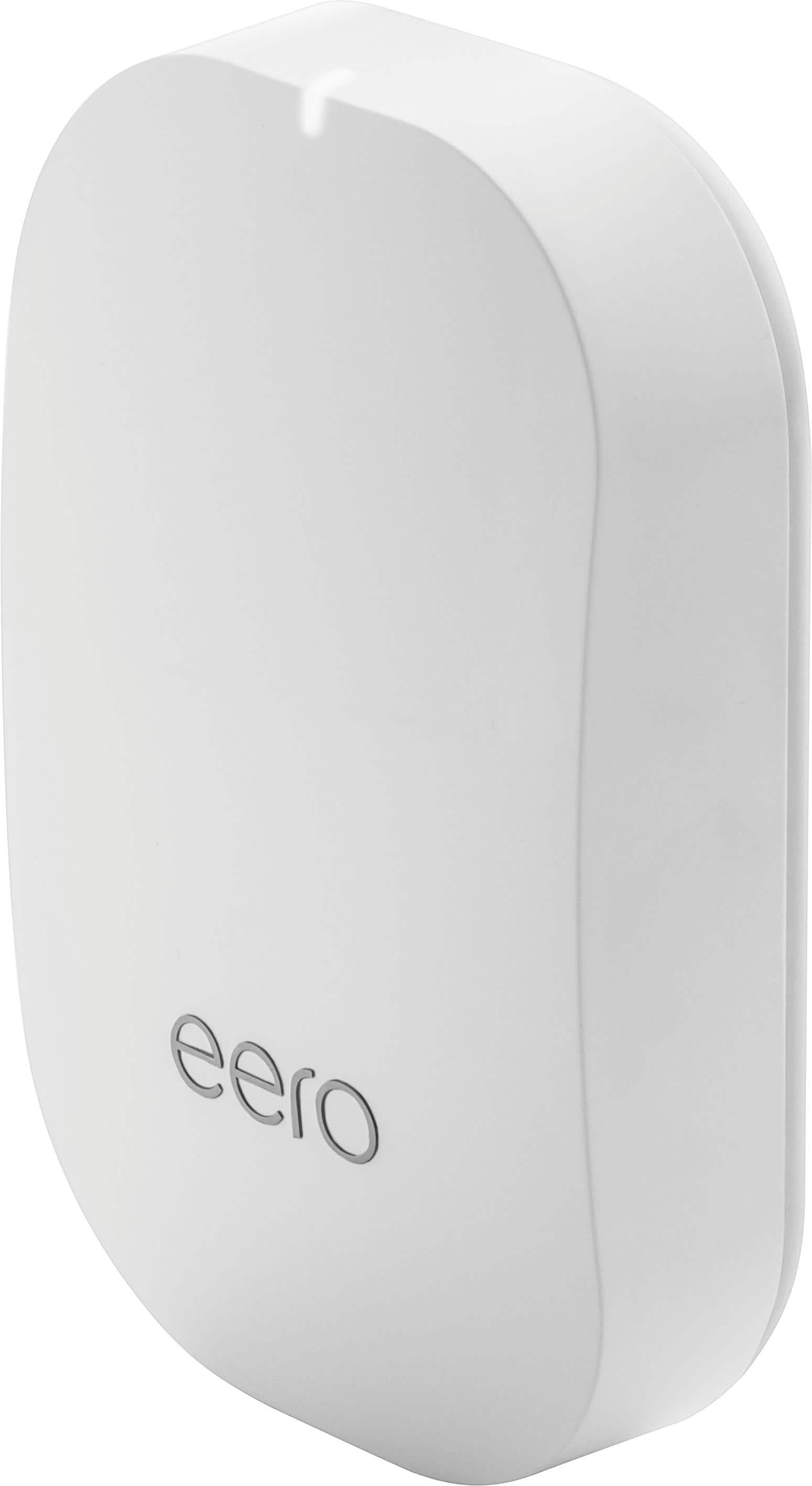
A:AnswerWhile 23 Mbps is relatively slow these days, it can work for streaming some devices. Two or three big-users at the same time may still be an issue. It would depend on the layout of your house, and the relative locations of the three devices. The key is the placement of the beacons so that they help satisfy everyone's needs. All you can do is try. If it doesn't work, send it back.
The reason Eero exists is to eliminate, or drastically reduce the signal-loss. In my case, it does an excellent job of maintaining 115 Mbps throughout the house, and garage.
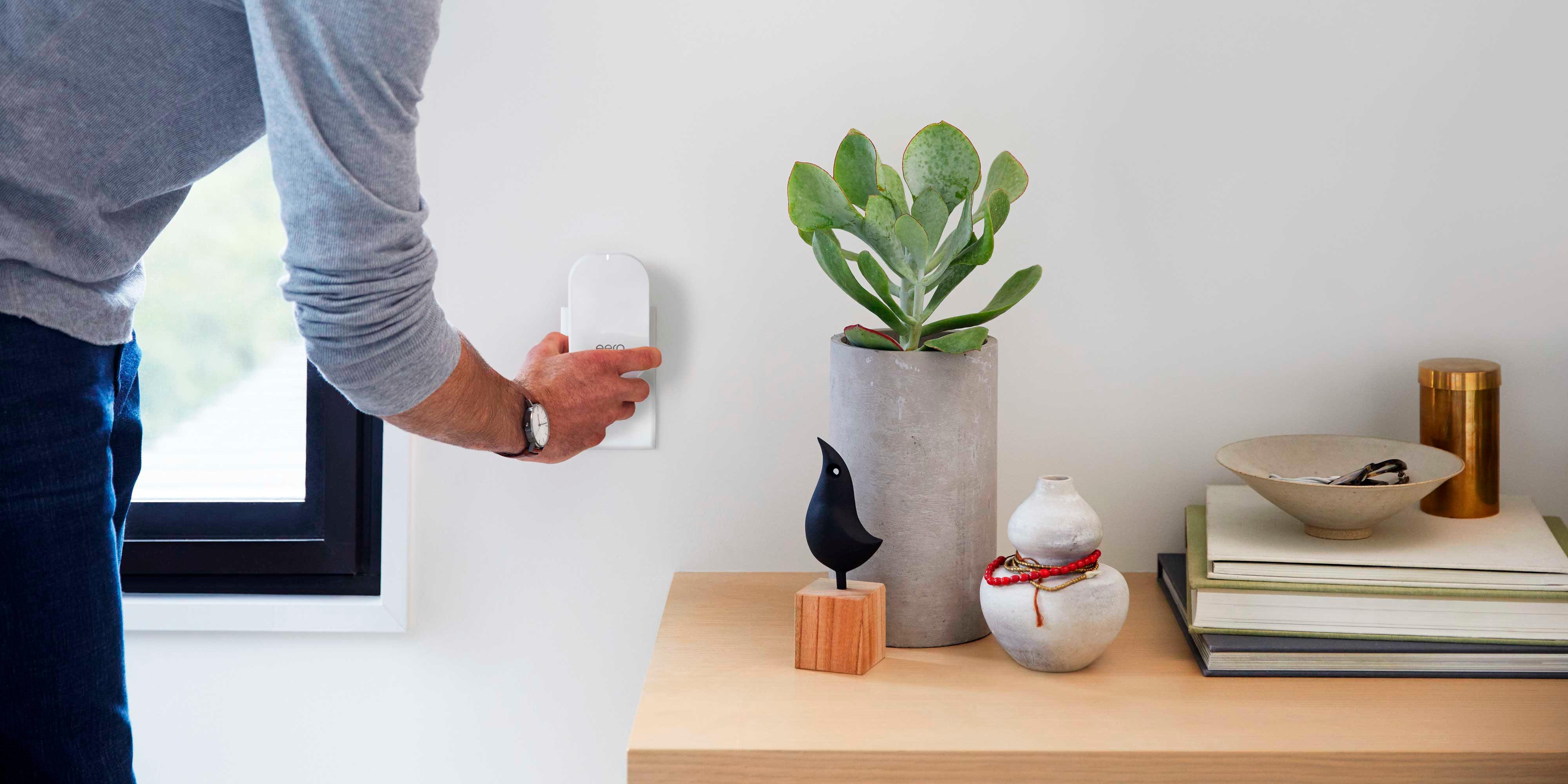
A:AnswerI would just go with the beacons. They all talk to each other over a "back channel" on the wifi so you do not lose performance.
You only need another eero if you had an ethernet connection wired back to the main eero router which would give you better performance than just a beacon.
A:AnswerIn my experience, the Eero won't provide a wifi signal 120' away. I can get maybe 50-70 feet away from my house, tops, before I lose the signal. Lots of factors to consider though including line of sight and such. Like many things of this nature, your milage may vary.
A:AnswerI would contact https://support.eero.com/hc/en-us. I had a configuration issue with my NAS initially. They were quick to help me configure it properly. Really easy to do.
A:AnswerThe Eero plugs directly into your Spectrum (or other provider's) router and creates its own network. I'm assuming that your T-Mobile Hot Spot for Extended Cell signal also plugs into your router, so in theory, they shouldn't conflict.
I also have T-mobile, but rather than using their hot spot extender, I use T-Mobile wi-fi calling and don't need the T-mobile product. I realize that the t-mobile extenders are free these days, but it's one less device you'll need if your home is covered with an Eero mesh network.
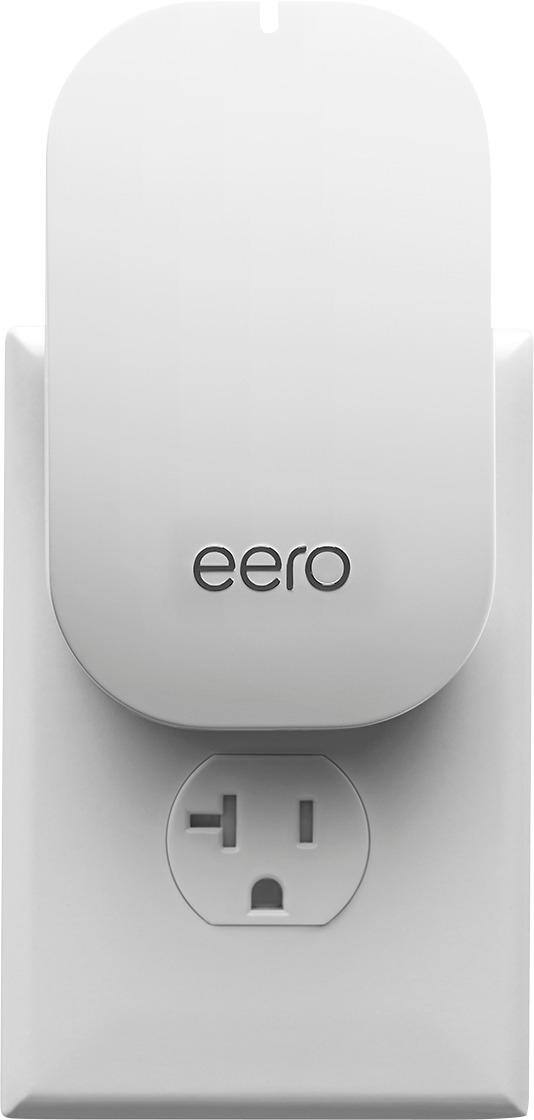
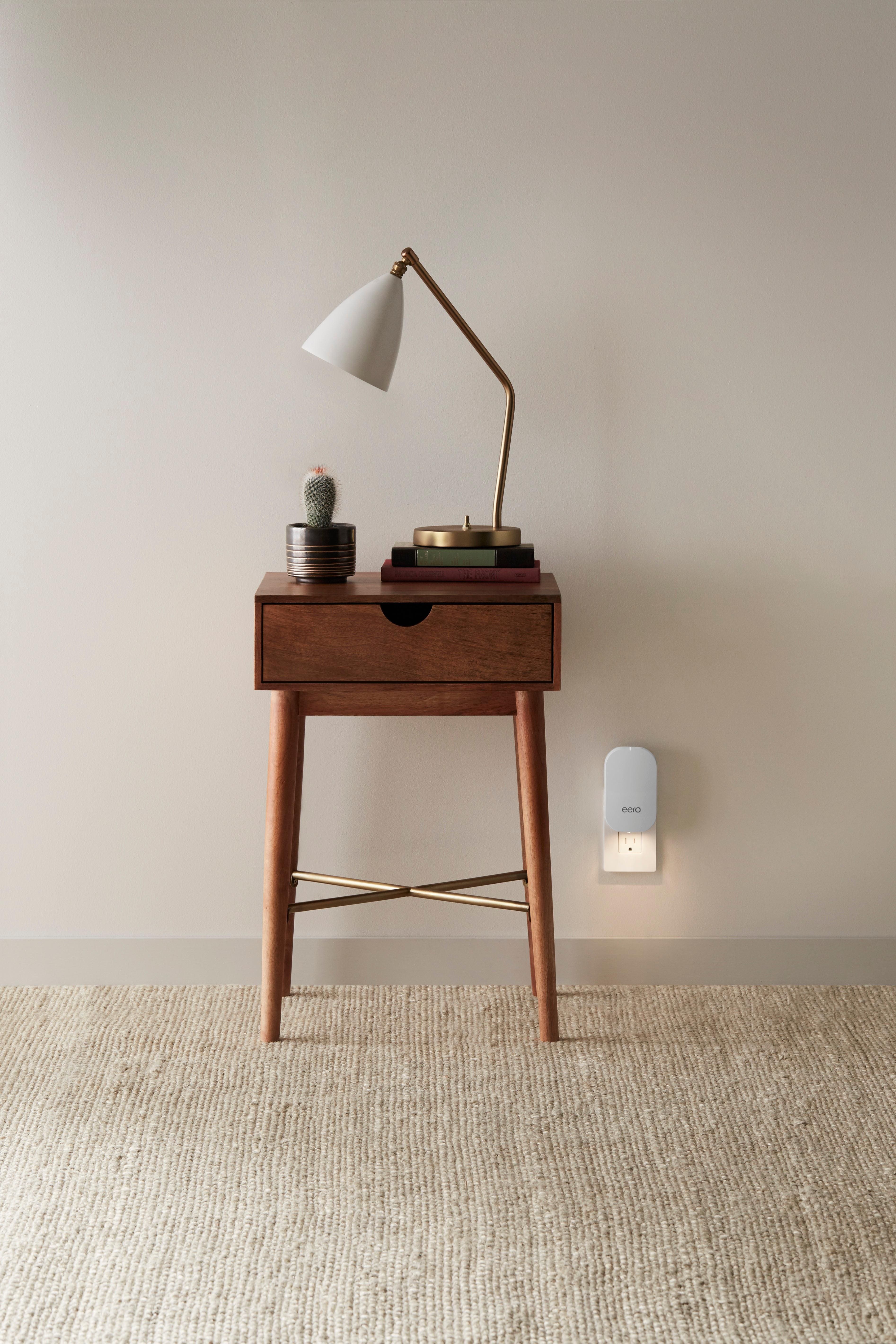
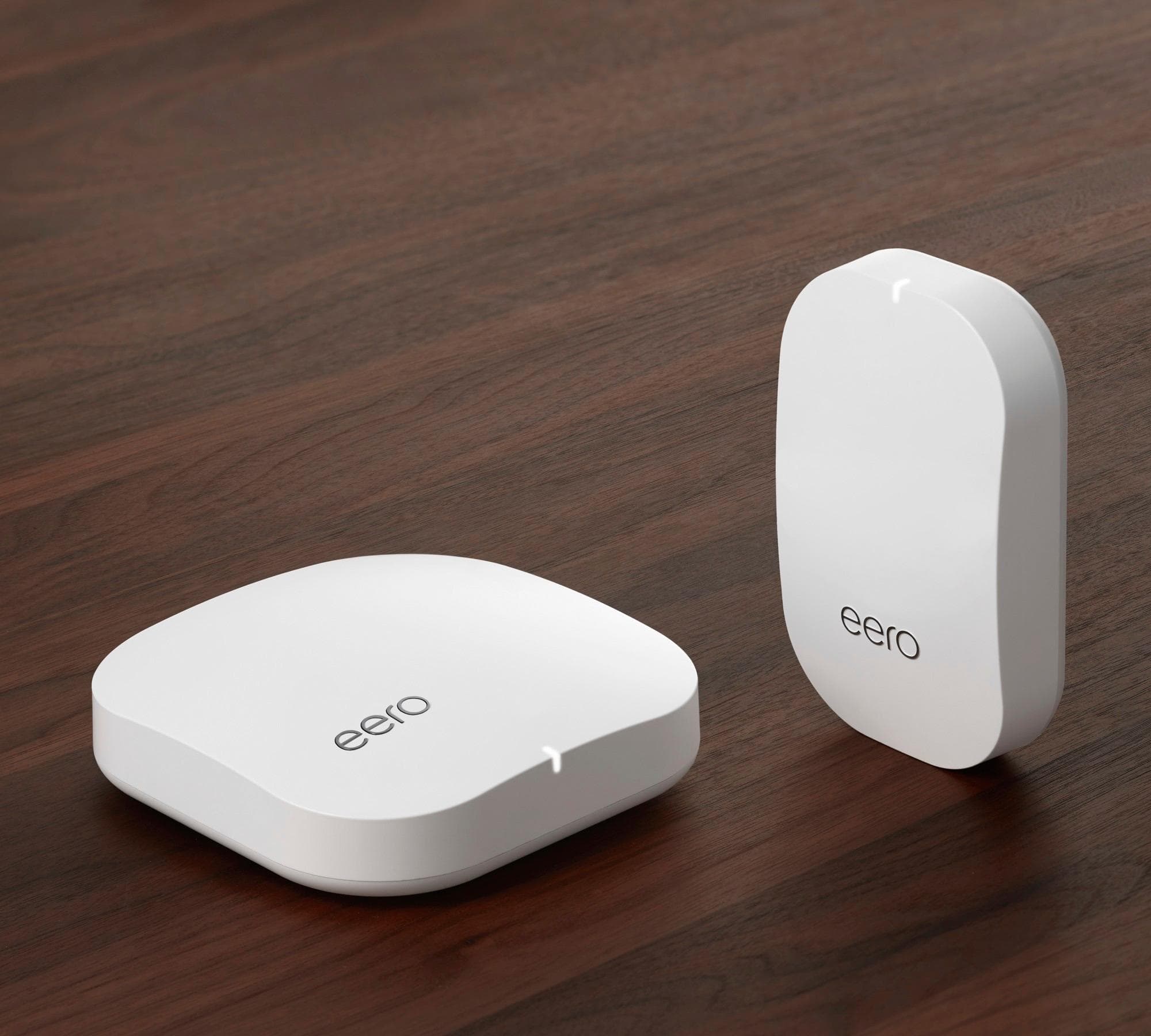
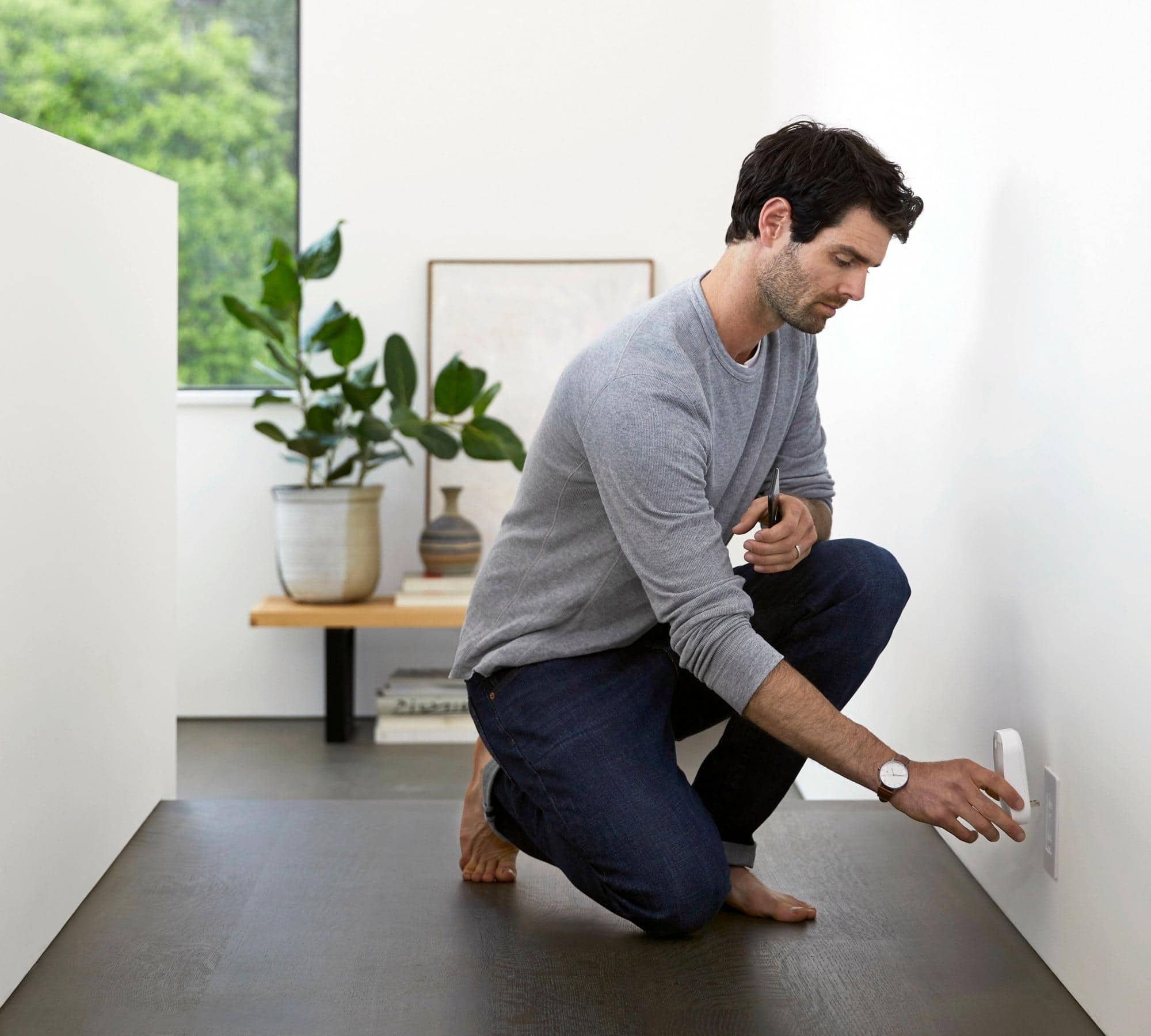
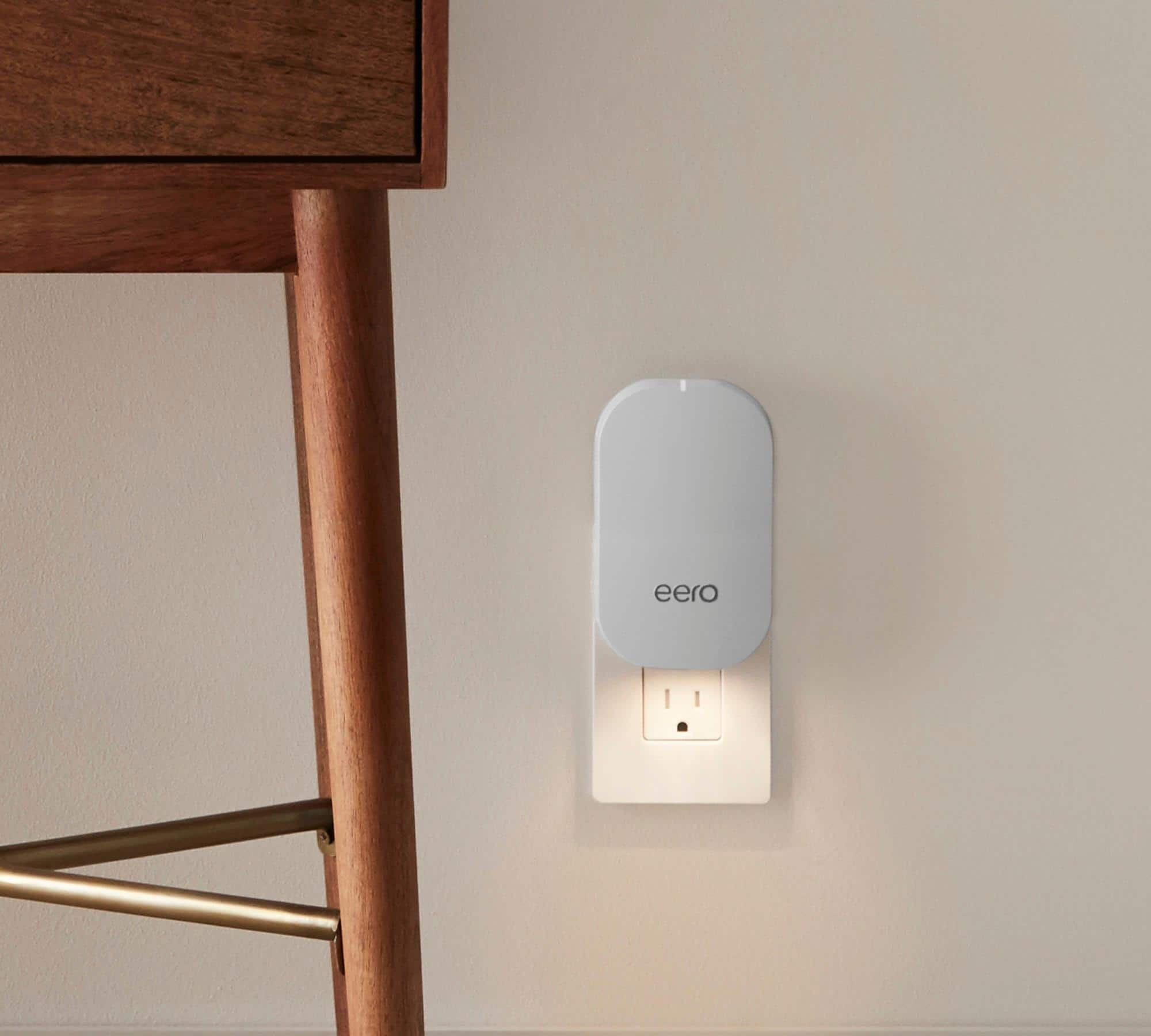
A:AnswerEero recommends vertical and I bought a rotating plug because I also have a horizontal plug I wanted to use. However, I plugging it in horizontal and it has been working just fine for a few months. There is a chance it could impact coverage because of the way the mesh spreads signals, but I have seen no issue (and the performance of the system is WAY better than my old wifi router)
A:AnswerRange and coverage meaning signal strength should be stronger with the 499 system as there are 3 base units and no beacons. They recommend I use the 499 system for my house but I went with the 399 system and it works great. Best Buy said to try it and if I wasn’t happy after 2 weeks to exchange it for the bigger unit. It all depends on house layout and construction materials and amount of area to be covered.
A:AnswerNot an issue at all. I have my base station in the kitchen and it broadcasts through (2) 10" thick log walls to get to the beacon in my living room with no issues. The app will help optimize placement of the beacons. I had to add 1 extra beacon to cover my 4000 sq ft house.