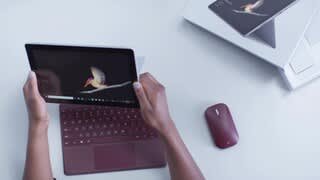
A:AnswerI think it depends. I am a web/mobile developer. I have install my most common development tools on it and it works ok. I like to use it when I am on the road for very light work. It tends to be too small screen size wise and performance to be used as my primary development machine however. All that said, I didn't even think I'd be able to run Visual Studio and SQL Server on it and I have to say the performance is not that bad. That said, I would still not use it as my primary machine.
A:AnswerI would definitely go with the surface pro it’s very lightweight and they were offering the surface pro 8gb 128 with the type cover for $799 at Best Buy and Microsoft as a package deal
A:AnswerWireless printer no issue....regarding a wired printer just be aware that it has a usbc port so you may need an adapter to plug a printer into it.
A:AnswerLight photoshop would work ok on this. I think for screen size and performance the Pro would be a better option. But I have to say I love my Go.
A:AnswerIt ships with Windows in S mode which may not. Not really sure. It is a simple and free conversion to full Windows Home though, and that of course does. Honestly, flip a switch, reboot and you are in full Windows. God reasons to stay in S, but no barriers if you don’t want to.
A:AnswerIt will run whatever your Windows laptop will run. Out of the box it runs Windows in S mode. I believe the Nook app is a store app, so that would be fine. Don’t know what Overdrive is, but if it is not a store app, you just need to convert to full Windows Home Free and trivial conversion.
A:AnswerThe Surface Go can download many programs, however it doesn't look like it will run all of the specifications you need. Whenever you are looking to download a program, simply compare the specs of the device to the program requirements you wish to download. If it helps, Surface Go runs Windows 10 S, and has plenty of Ram for what you're asking, however it does not have a DVD-ROM drive. Also, Windows Media Player 9 requires Windows 2000, Windows XP, which this device does not have.
A:AnswerAs it is using Windows 10, it already can project to another device, like a Insignia Smart TV with Roku built in (i have one) natively. While you can always add another wireless display adapter if you want, the built in capabilities of Windows 10 should do without the extra expense.
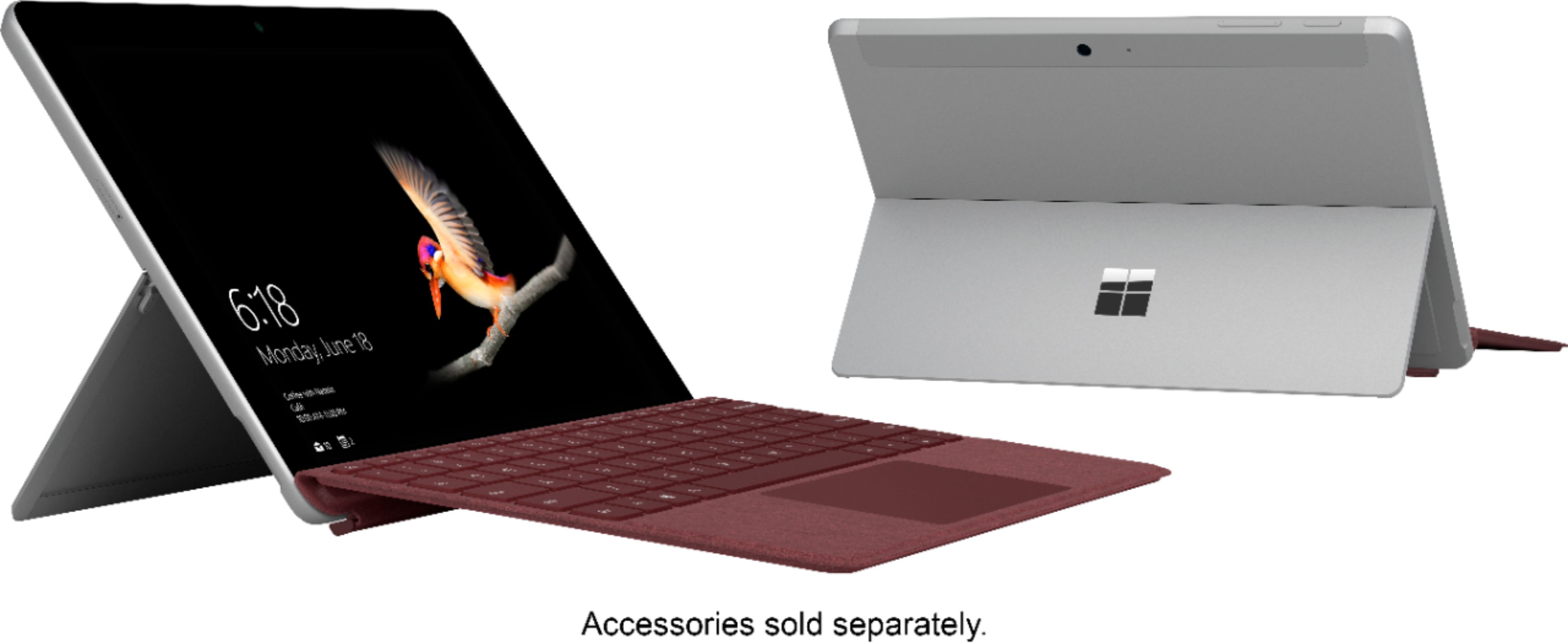
A:AnswerKeyboard does not need to charged, it gets it’s power from the device.
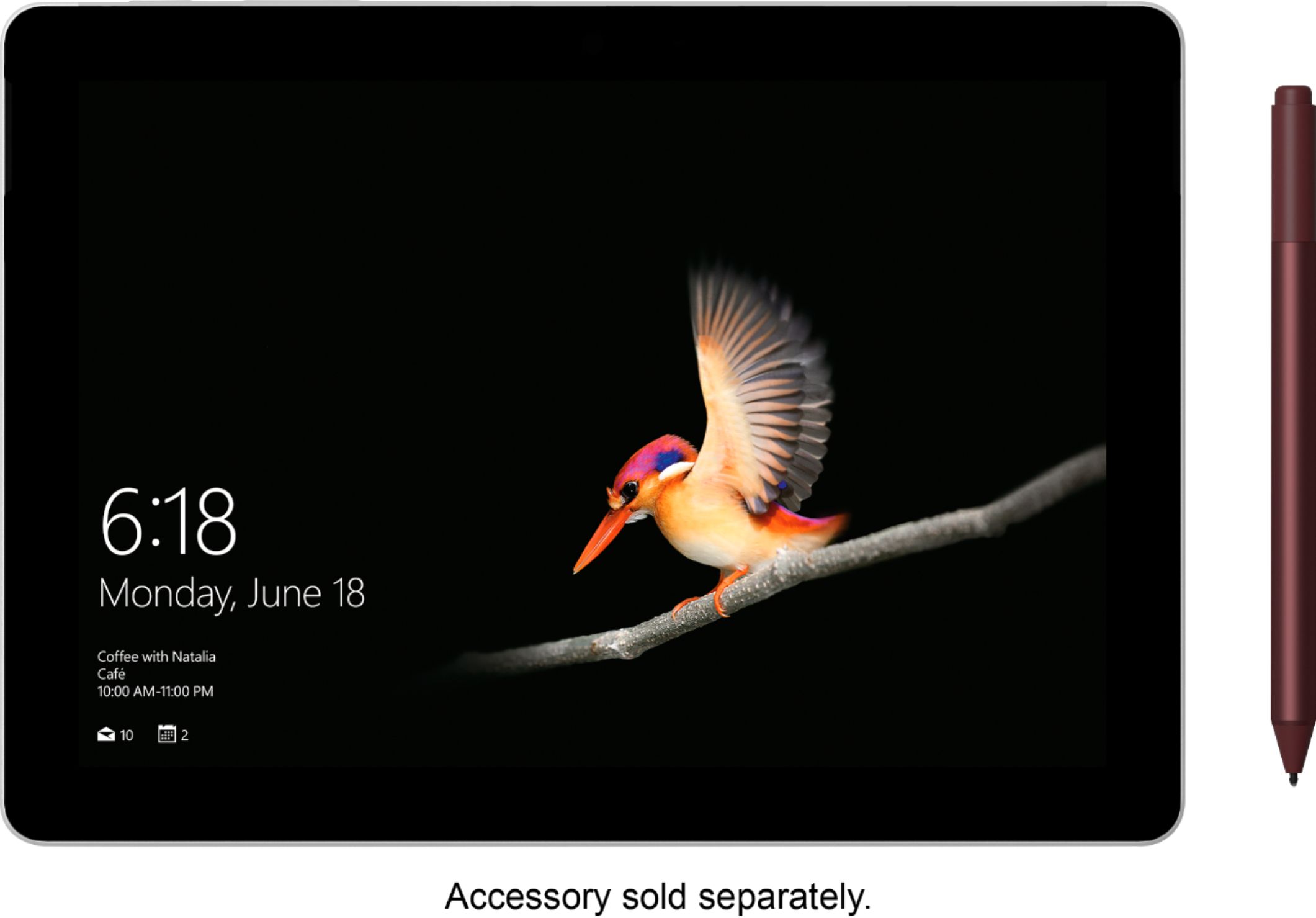
The pen is extra cost and uses an internal AAAA battery. See image
I’ve been using my pen for over a year and it is still using the original battery.
Yes, you can install google chrome.. remove the Windows S restriction. More info on that when you run the chrome installer.
A:AnswerYes, the USB C port on surface go supports power delivery, data and display protocols. This means, with the proper monitor/docking setup, you can use ONE cable to charge the surface go, extend the display to a second monitor and connect usb peripherals like hard drives, keyboards, mice, etc.
A:AnswerYes, I run: Office 2016 Pro Plus I use Excel Spread Sheets and also use Access to view a 256M Database
I also use:
OliveTree Bible Software
Chrome
CompanionLink (For Syncing Outlook Addresses and my iPhone 7 & Note 8
AutoDesk Inventor & AutoCAD Viewer (As I do a lot of CAd and 3D Modeling work)
Solidworks Viewer
NoteTab Pro Great for Text files and more
AgentRansac
I did switch out of S Mode to do this naturally
A:AnswerIt sounds like the pen you are describing is only compatible with the Surface 3 and Surface Pro 3. To verify which pen you have and check compatibility, check out our support page here: https://support.microsoft.com/en-us/help/4023523/surface-troubleshoot-microsoft-surface-pen. The Surface Pen which is compatible with the Surface Go and can be found here: https://www.bestbuy.com/site/microsoft-surface-pen-platinum/5859012.p?skuId=5859012.