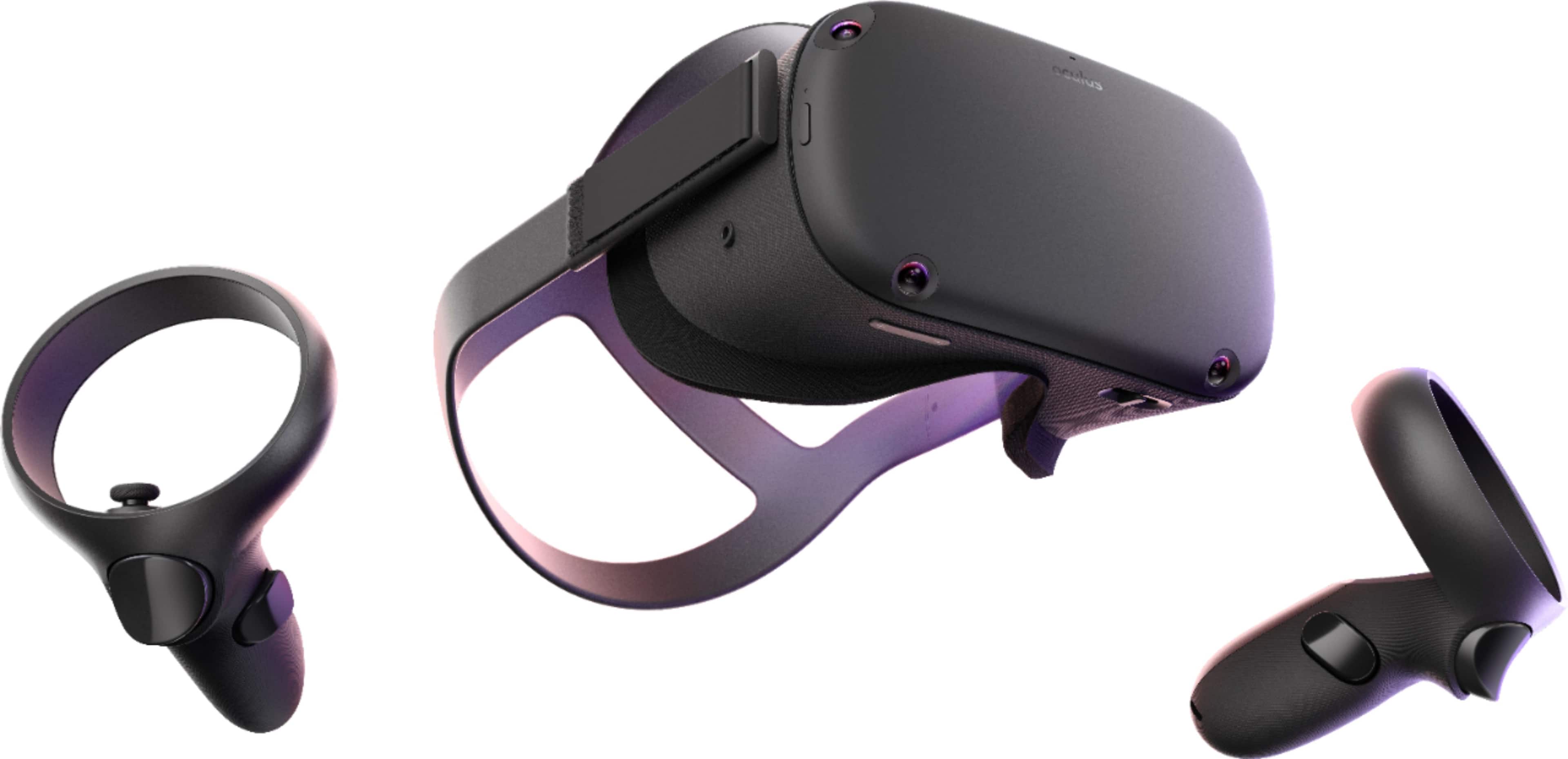
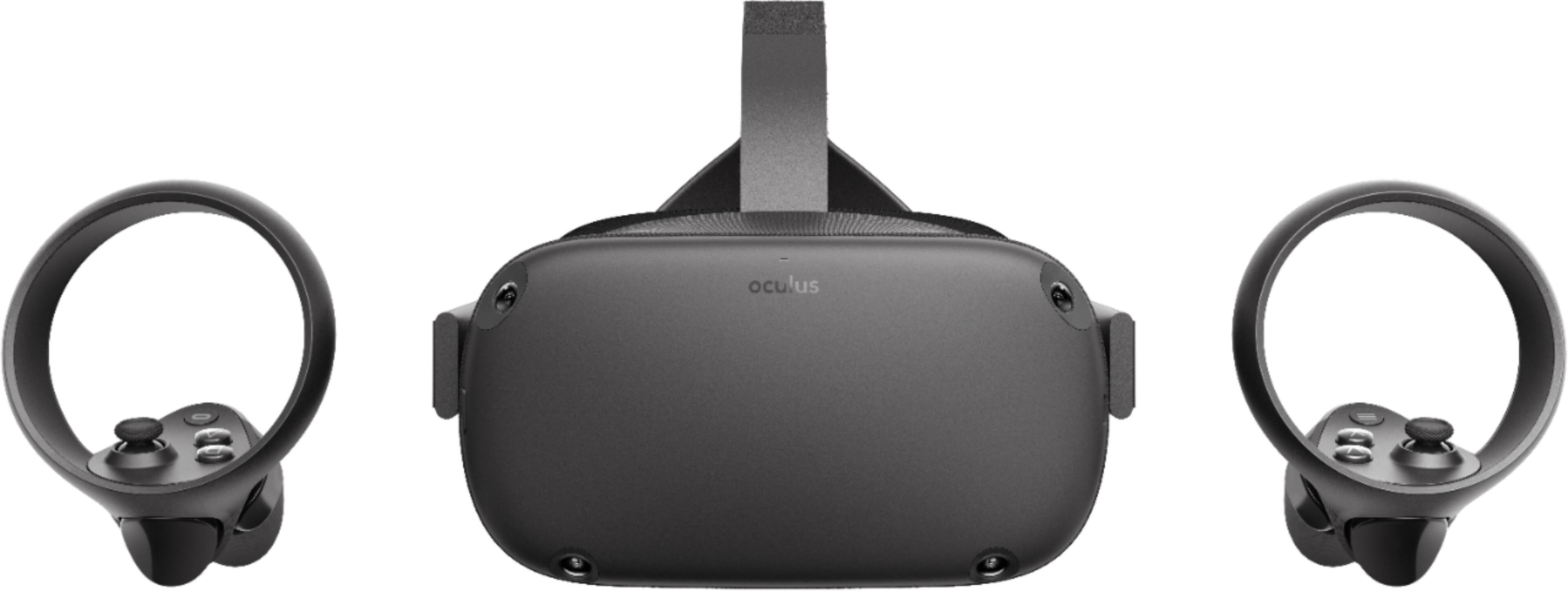
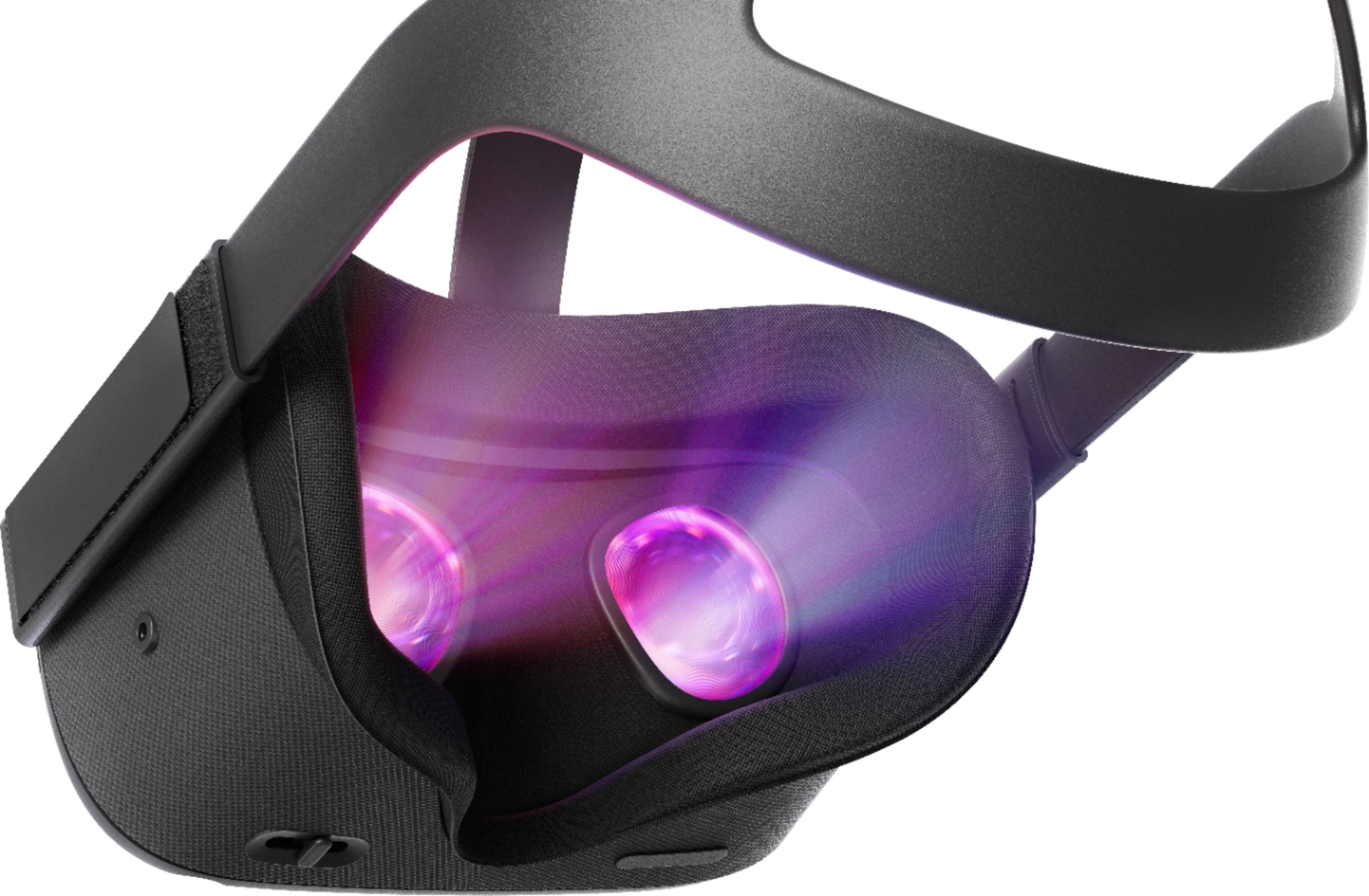
A:AnswerNo, unless you got better vision than 20/20. It smooth throughout. Just make sure you have a good light source, playing in the dark will cause some interference with the graphics. Plus if you step out of your guardian zone you'll see a grainy image of the outside/inside world.
A:AnswerYes. Oculus has a whole developer kit that you can download for free. You have to set up a developer account and put your Quest into developer mode so that you can load your apps on to the Quest for testing, but it's not a difficult process and a lot of folks do it for access to unofficial games. Google "Sidequest".
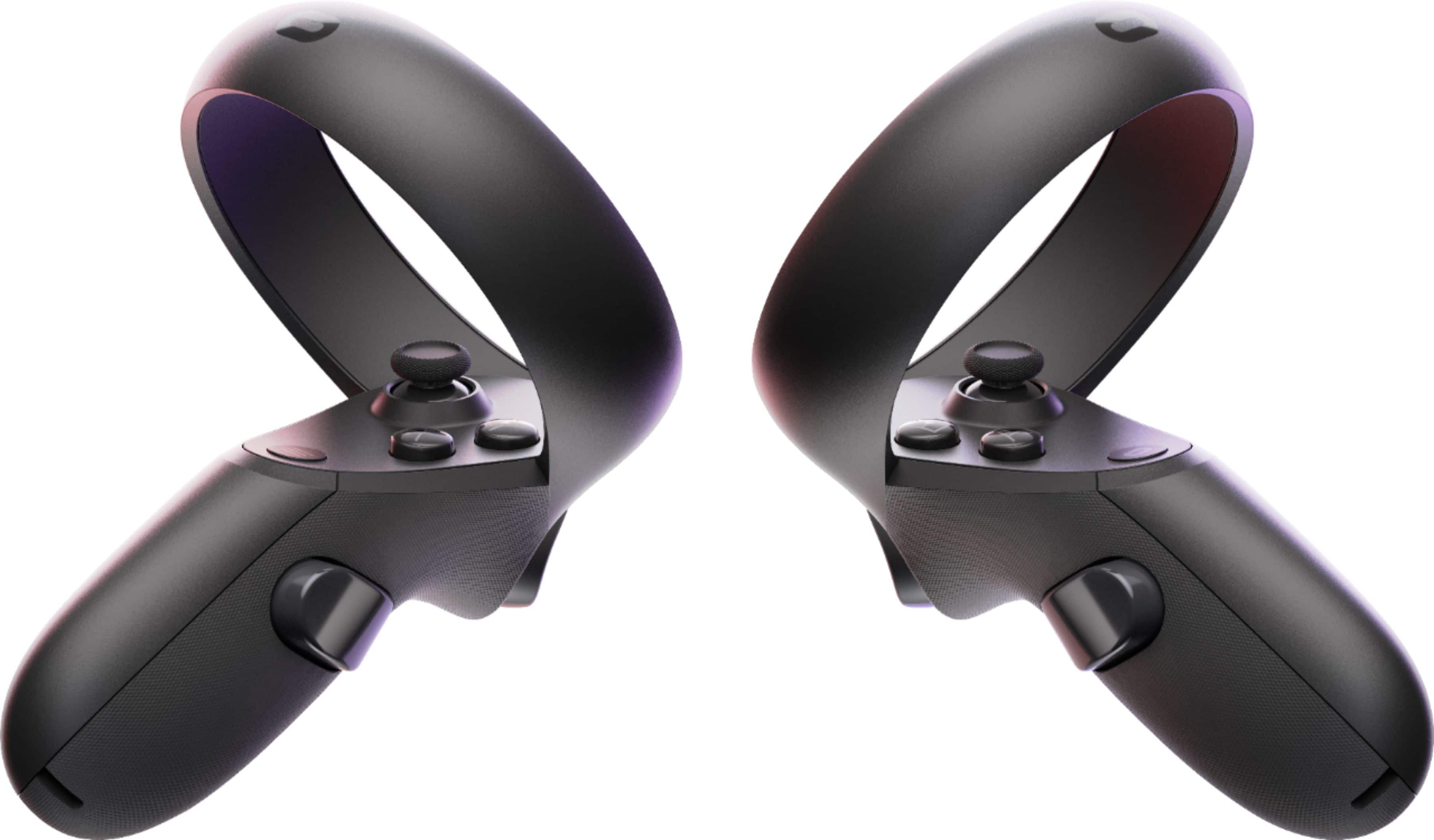
A:AnswerWiFi yes you can turn off, but for the controllers, you’ll just have to take the batteries out of them as there isn’t an off button for them, they just turn off when inactive or the headset is off.
A:AnswerI think the 14 year old probably would. Honestly, given that VR is an eye/brain trick, I would keep younger kids off this; certainly for longer periods of time as there is little long term research on the impact of brain development of over-usage.
A:AnswerFirst - be aware you do not have to have an internet connection to play the games you have installed. It works offline just fine.
As for wifi - the device does not have an LTE antenna so it needs a wifi connection. I typically setup my cell phone (Google Pixel 2XL) as a wifi hot spot and have it serve a wifi connection for the Quest - it works great.
A:AnswerYou can cast video of your Oculus Quest to your smartphone, but if you wish to cast it to a Television, a Chromecast can assist with this. They are around $40 retail and are HDMI compliant.
A:AnswerCurrently Steam is not connected to the Quest. Everything is downloaded through the built in Oculus store. Superhot is available (24.99) but not minecraft.
A:AnswerYes! The Oculus Go has 3 degrees of movement, where the Quest has 6 degrees of movement. It is a perfect pairing of the two. The freedom of movement of the Go and the graphics and play-ability of the Rift.