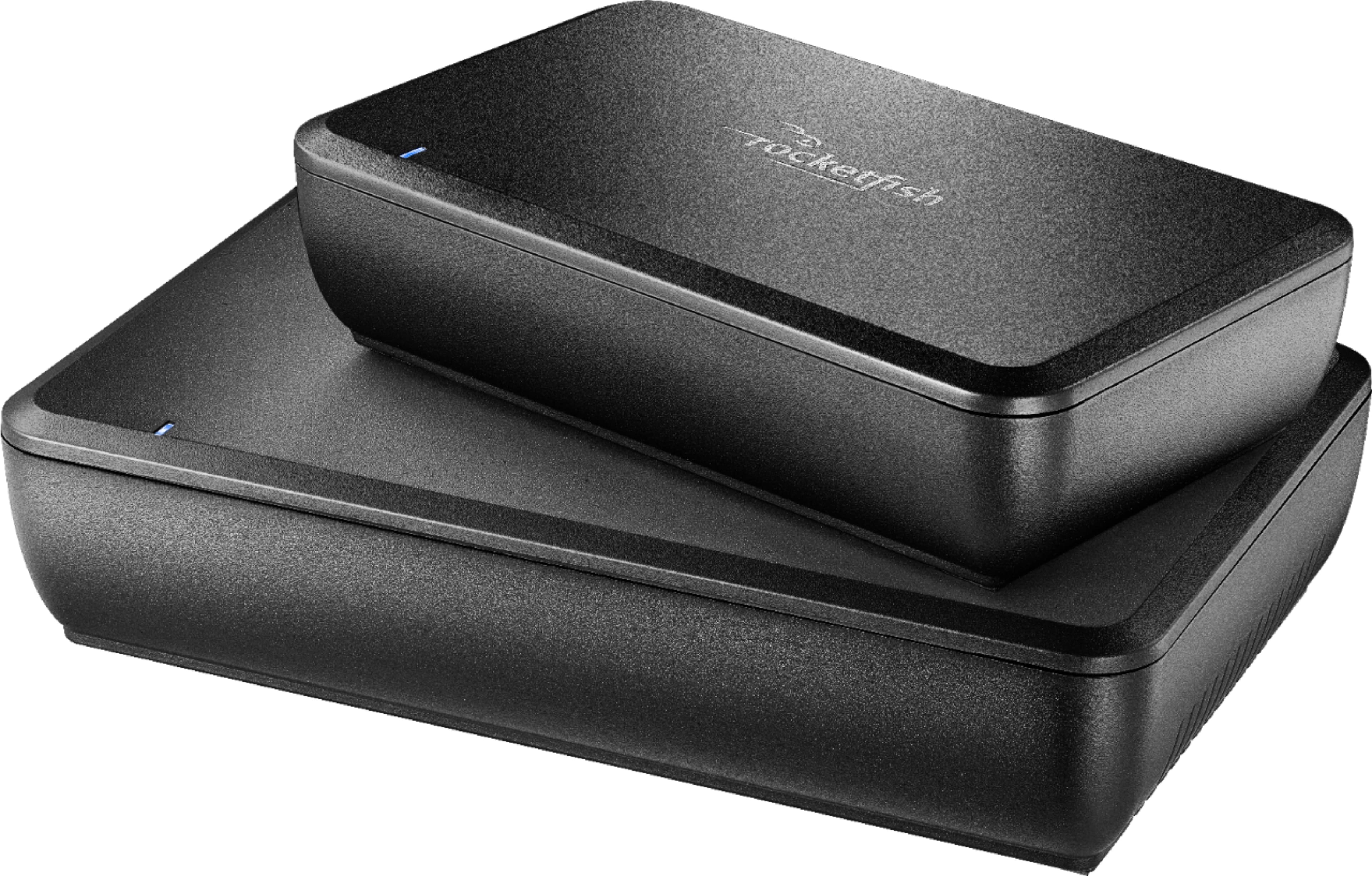
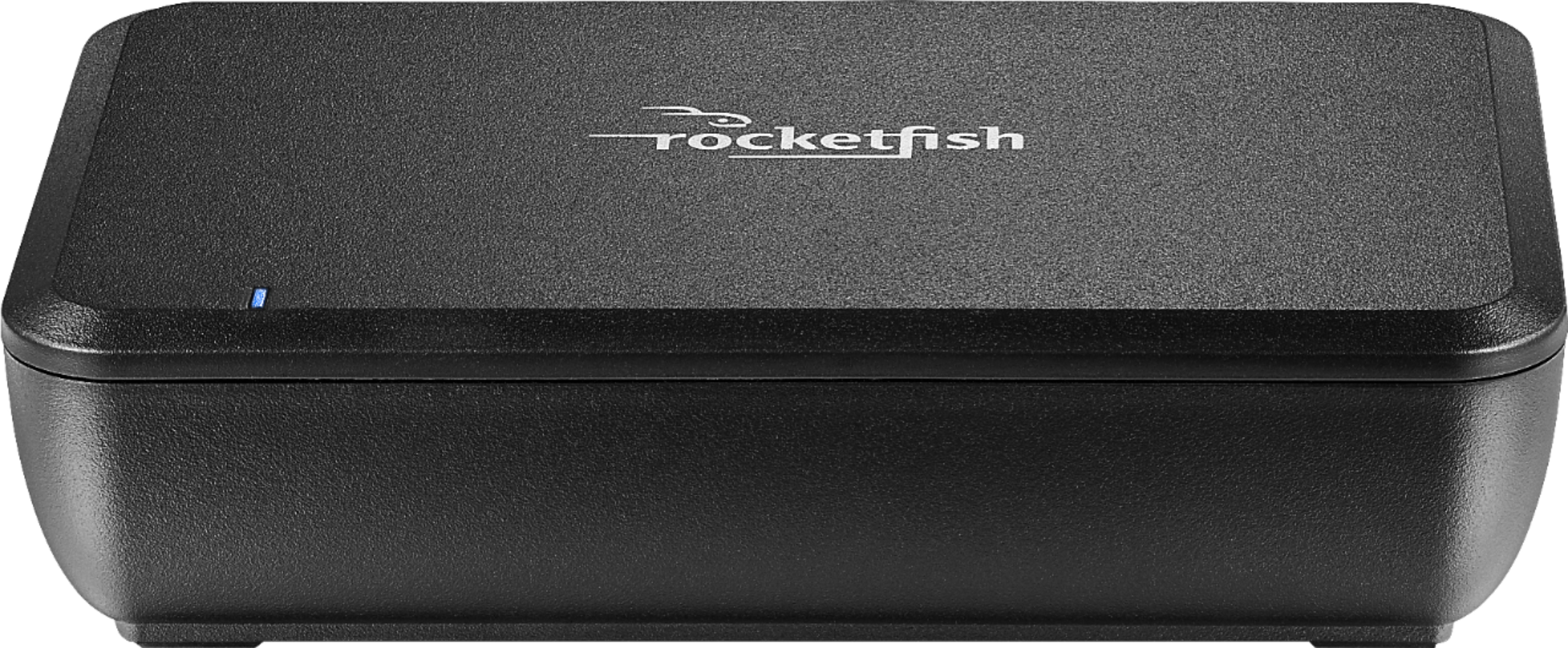
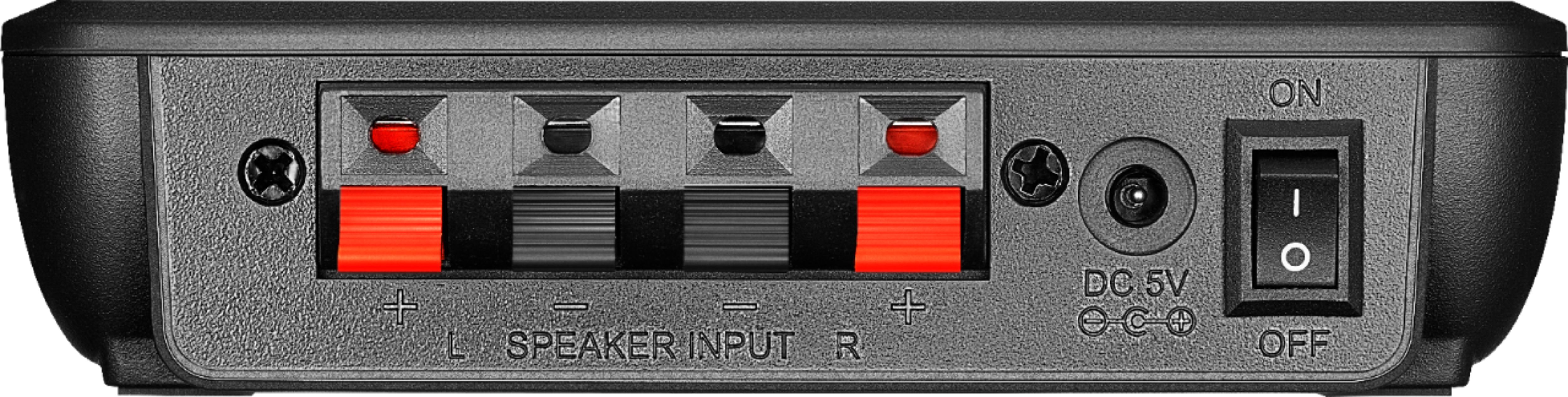
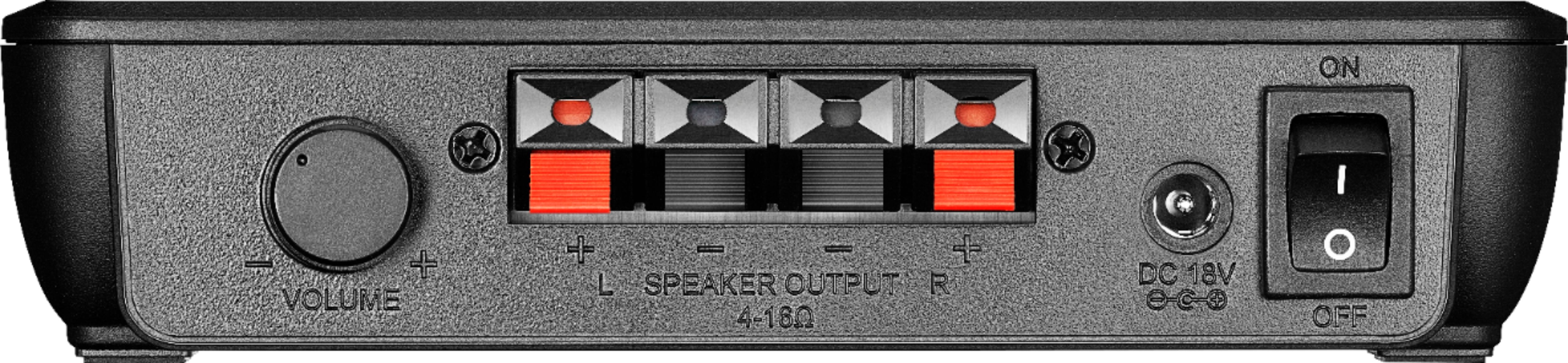
A:AnswerHi! I have the previous version AND this newer version, with the red/black speaker wires that came with them attached to my Denon AVR and have never had any sound quality issues on that end. I use Monster EZ Strip 16 gauge speaker wire with my Martin Logan MLT2 shelf speakers on the Rocketfish receiver end, and for all my speakers, and have not experienced any sound quality issues. That being said, I don't know if changing the speaker wire will make it "sound" better. Clean, tight connections always help. There are forums I've used to learn more about speaker placement and calibration that have helped me improve the sound quality in my set up. Hope that helps!
A:AnswerIt works just fine. I have three wireless sets running ( surround, back surround and back height speakers) and there's been no problem of interference.
A:AnswerThey should work. You can hook up the transmitter to the speaker B terminals on your receiver and the speakers to the terminals on the receiver unit in the kitchen. The range is supposed to be up to 100 feet on the 2.4ghz band. Just don't throw the box away...just in case...
A:AnswerTurn both units off for about 10-15 seconds and then back on. They may reconnect on their own. If not there is a "reconnect" button on both units. Press one and then within a few seconds (30 or so) press the other.
A:AnswerMy gut is telling me this is not an issue ...... AND we need to assure you don't have your question turned around backwards.
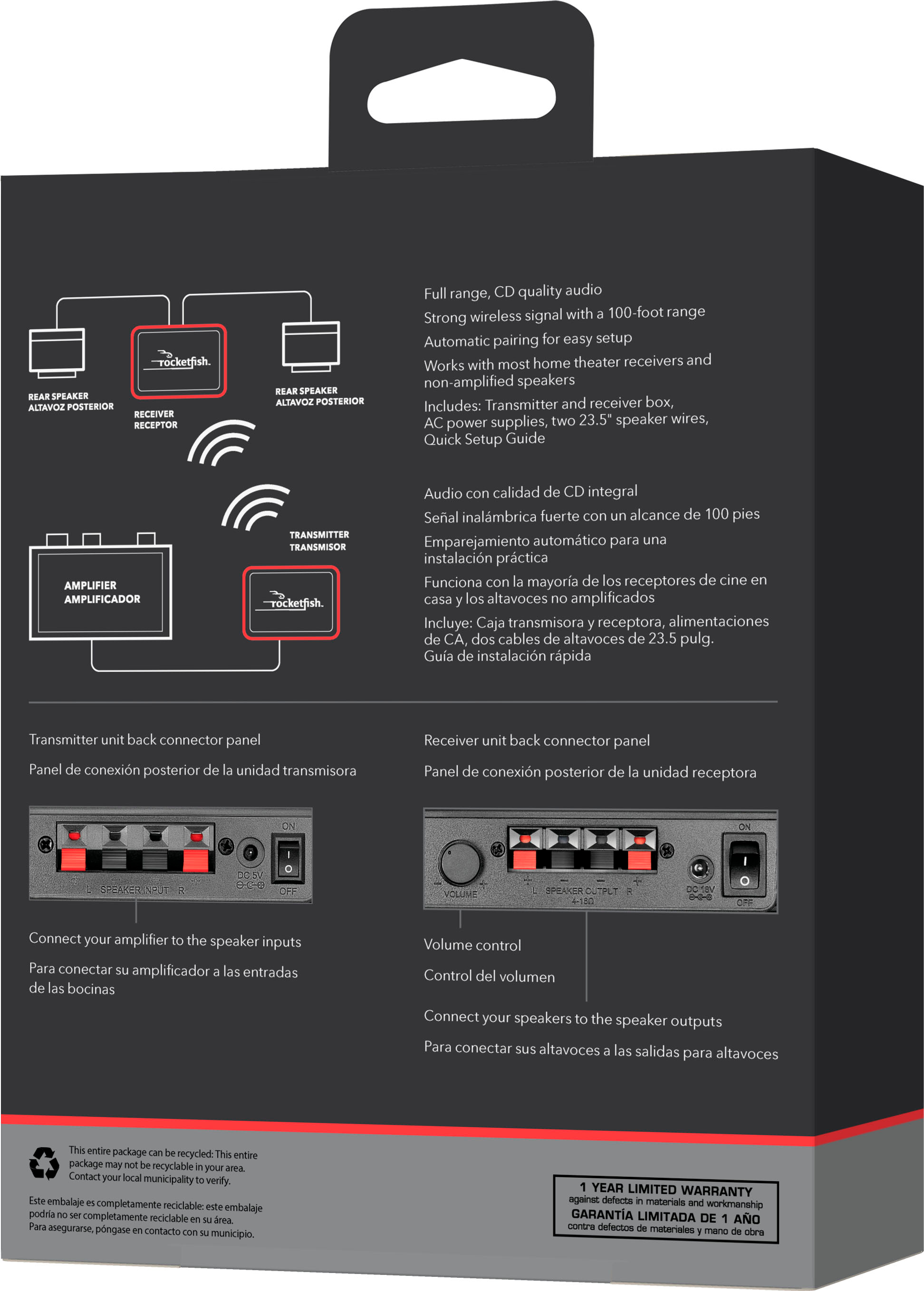
This is a very simple system. It is designed to take the rear speaker output from your main amplifier
and send it to a receiver across the room. The unit's receiver has typical speaker jack for the rear speakers.
Since the output of your amplifier is not going into a speaker cone that could "blow" I'd not think "handling"
capability to be an issue. I'd like to presume circuitry in the transmitter would protect too much coming in.
Most people ask - what is the power coming out of the receiving unit that drives the rear speakers. I've never found out,
but I have no volume problem with my NHT SB1 rear bookshelf speakers.
A:AnswerThe owner's manual did address using two systems, I believe that it will allow it, they just need to sync with each other...the transmitter/receiver matched pair.
I suggest more research for a definitive answer.
A:AnswerThis is not really an answer but an affirmation on the situation. The same noises occurred on my kit after a power outage. I suspect the amplifier was damaged and cannot be repaired.
A:AnswerYes you can, I originally bought 2 for my front & surround speakers. Since they had to wired to my amplifier by speaker cable I only used one for the surround speakers & left the front speakers connected the traditional way!