500 Gb Hard Drive
-
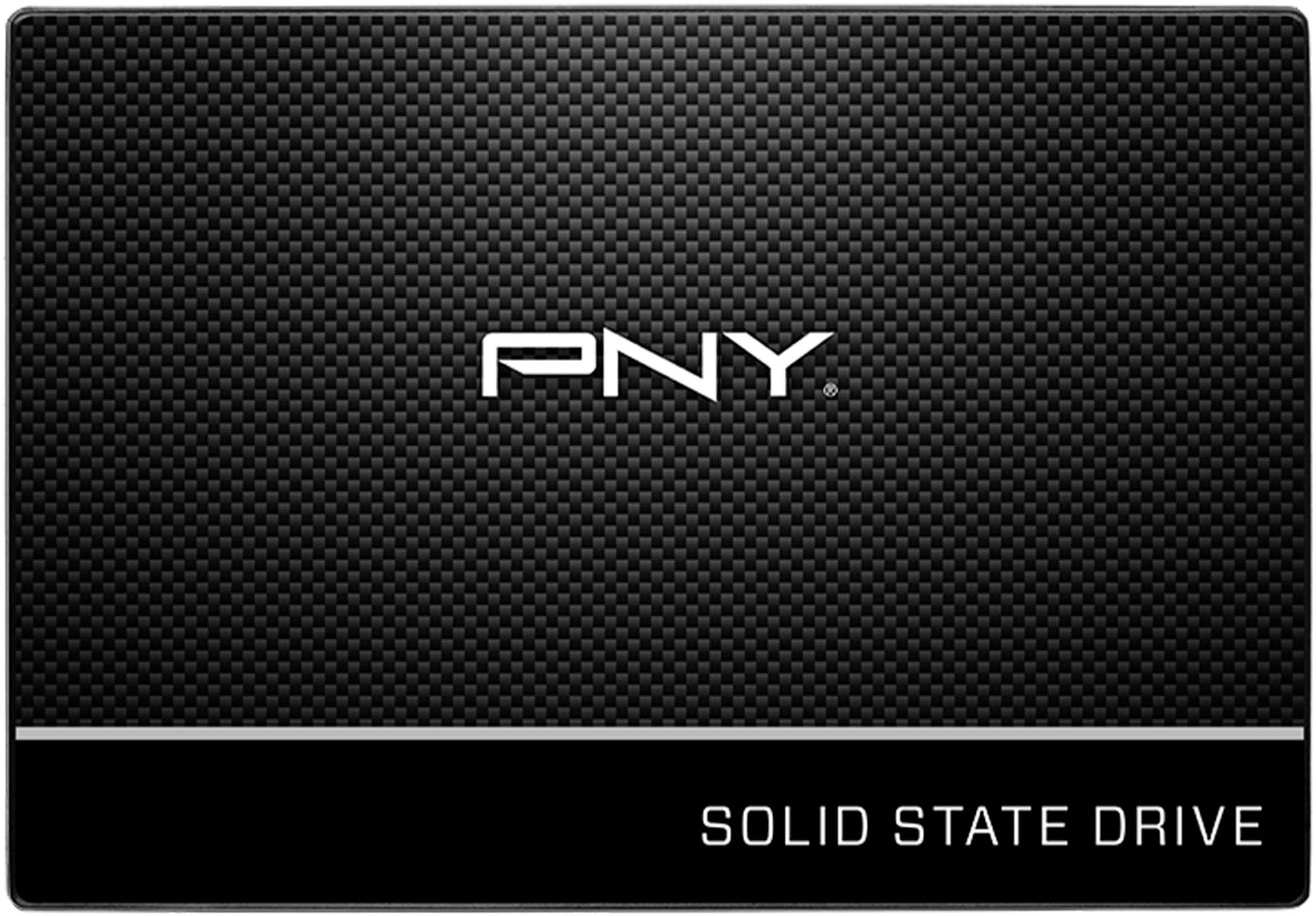
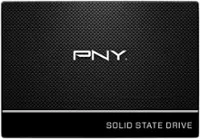
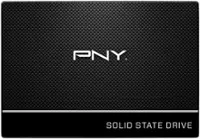
PNY - CS900 500GB Internal SSD SATA
SKU: JXF2C42GFGGreat product and great price. Best Buy shipped the item quickly and service was excellent...Great hardware, and Best Buy made preordering easy.
See all Internal SSDsProduct Description
A black 500GB internal SSD with SATA III interface delivers fast boot-ups and up to 550MB/s read speeds.Your price for this item is $99.99Save $20The previous price was $119.99 -
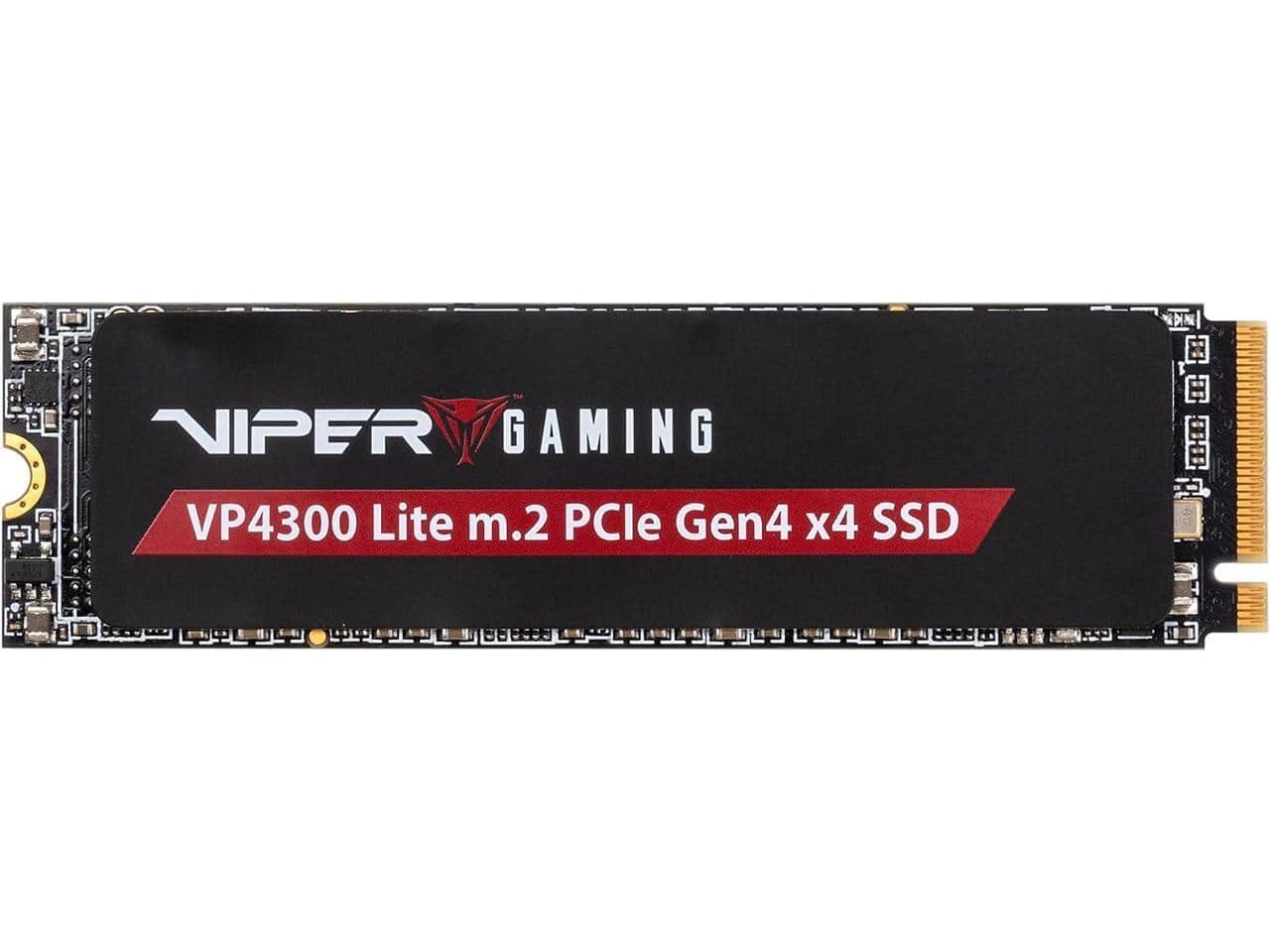
Patriot - Memory Viper VP4300 Lite 500 GB M.2 PCIe Gen4 x4 SSD, Compatible with PS5
SKU: C345Z2K3RCSee all Internal SSDsProduct Description
A high-speed 500GB M.2 PCIe Gen4 x4 SSD designed for seamless PS5 and PC performance.Your price for this item is $99.99Save $30The previous price was $129.99 -
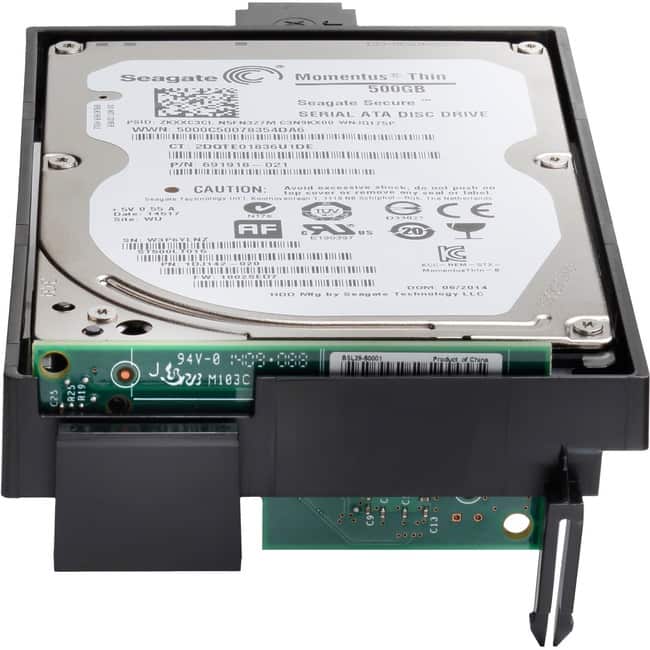
HP - 500 GB Hard Drive - Internal - 90 Day Warranty
SKU: J3ZQ9P5TKWSee all Internal Hard DrivesProduct Description
An internal 500GB hard drive compatible with select HP LaserJet and Color LaserJet Enterprise printers.Your price for this item is $588.91Save $27The previous price was $616.82 -
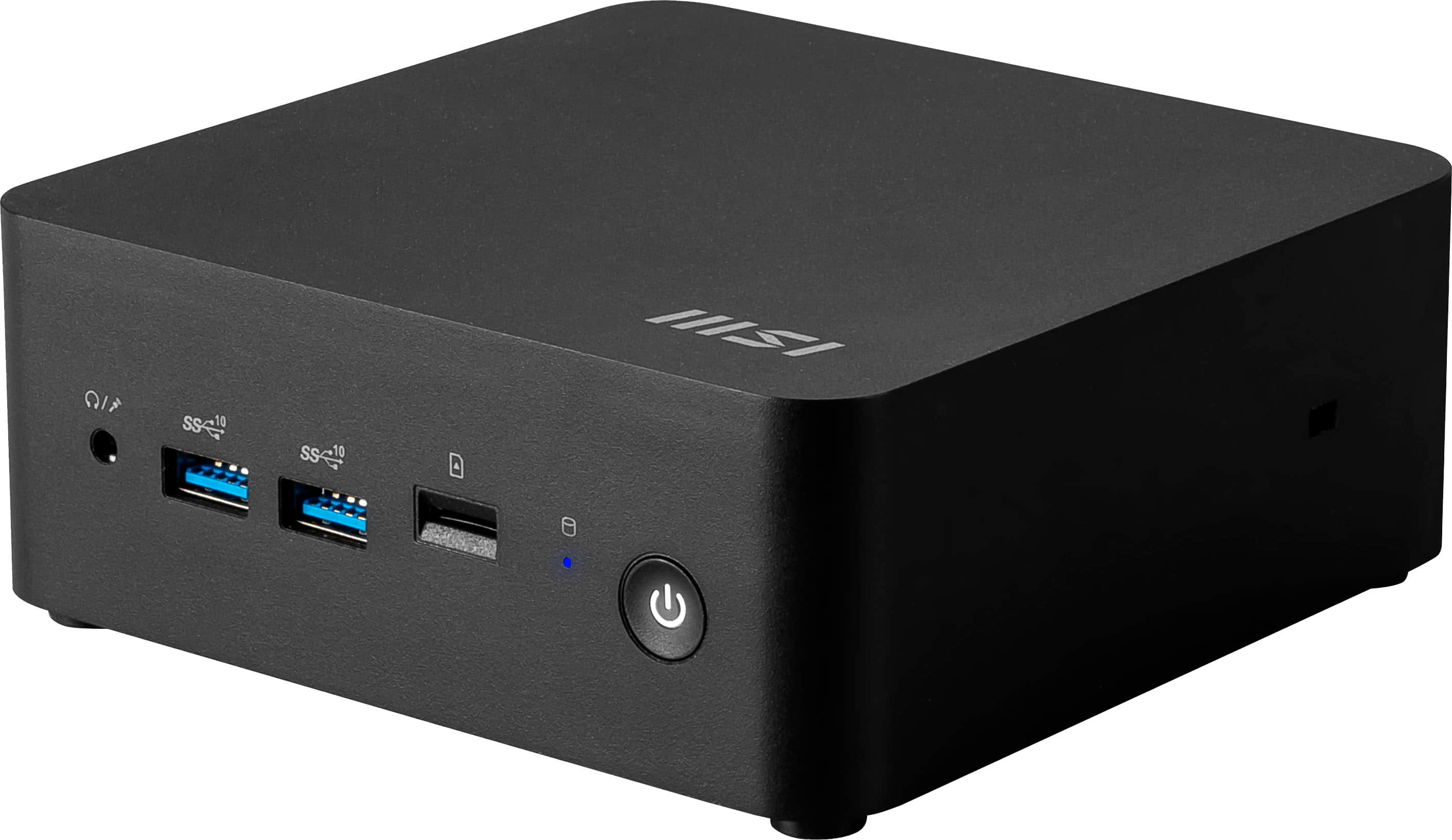
MSI - Cubi NUC 1MG Mini Desktop - Intel Core 3-100U 2024 - 16GB Memory - Intel Graphics - 500GB Storage - Black
SKU: J3P7TXQ8KXIn love...If you want a good hardware to install and forget it, this is your best candidate.
See all Mini PCsProduct Description
A compact black mini desktop with Intel Core 3 processor, 16GB memory, 500GB SSD, and eco-friendly materials.Your price for this item is $699.99Save $60The previous price was $759.99
Best Sellers


Related Pages


FAQ
A 500 GB hard drive is compatible with most desktop computers, laptops, gaming consoles, and some DVR systems. Always check your device’s specifications to ensure compatibility with the hard drive’s interface, such as SATA or USB.
An internal 500 GB hard drive is designed to be installed inside a desktop or laptop, connecting directly to the motherboard. An external 500 GB hard drive comes in a portable enclosure and connects to devices via USB or other ports, making it ideal for on-the-go storage and easy file transfers.
Yes, a 500 GB hard drive is a great option for backing up important files, photos, videos, and documents. Many users utilize these drives with backup software to regularly save copies of their data.
To set up a 500 GB hard drive, connect it to your computer using the appropriate interface (such as SATA for internal or USB for external). Then, initialize and format the drive using your operating system’s disk management tools before transferring files.
A 500 GB hard drive can store several games, game saves, and updates, making it suitable for casual or moderate gamers. For larger game libraries or high-end titles, you may want to consider additional storage in the future.