A:AnswerHello Radar. Yes, the ET-8500 is compatible with Microsoft Windows 7. To download the latest print driver software, please visit our official Epson Support page. Regards, Kevin - The Epson Team.
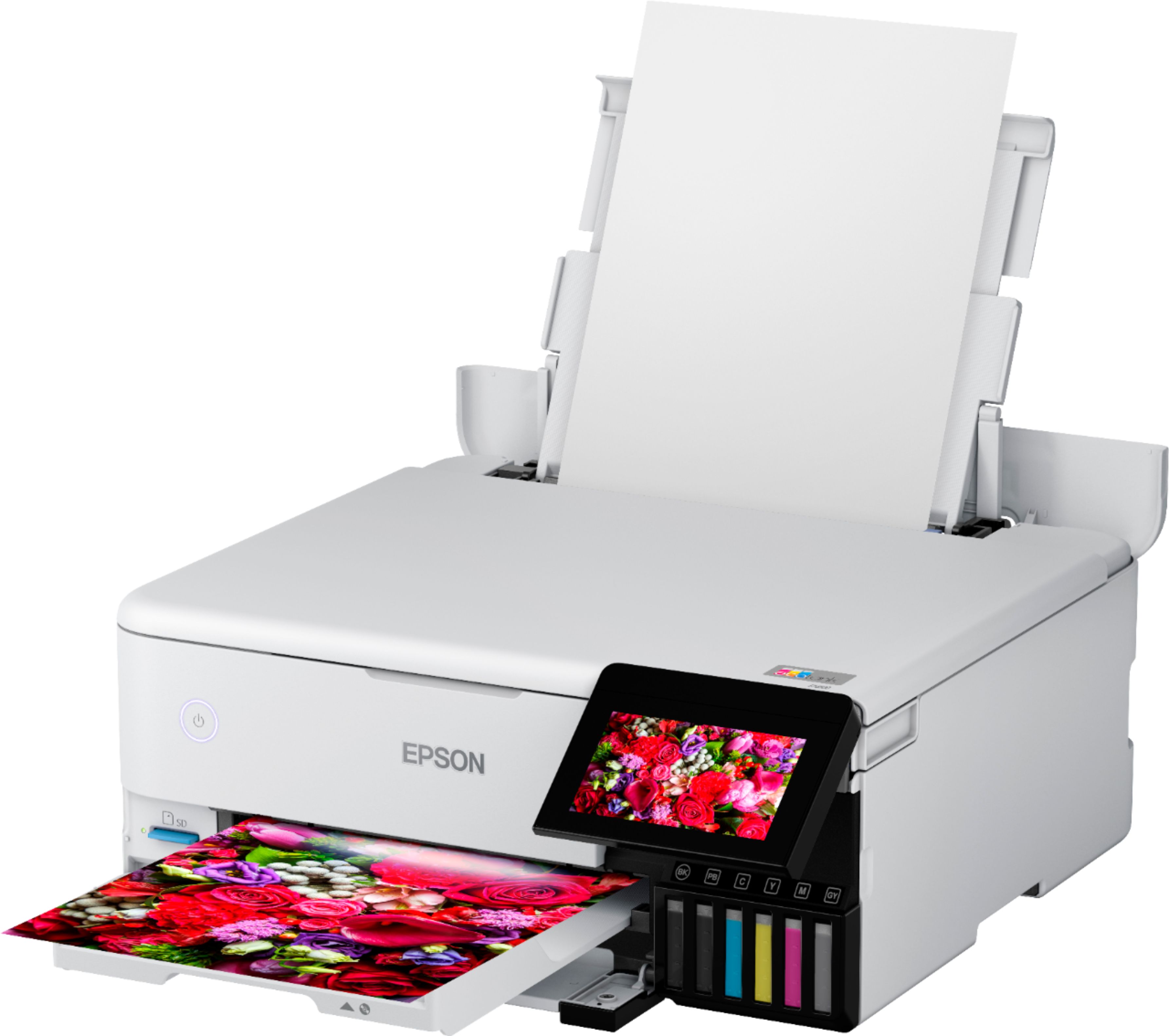
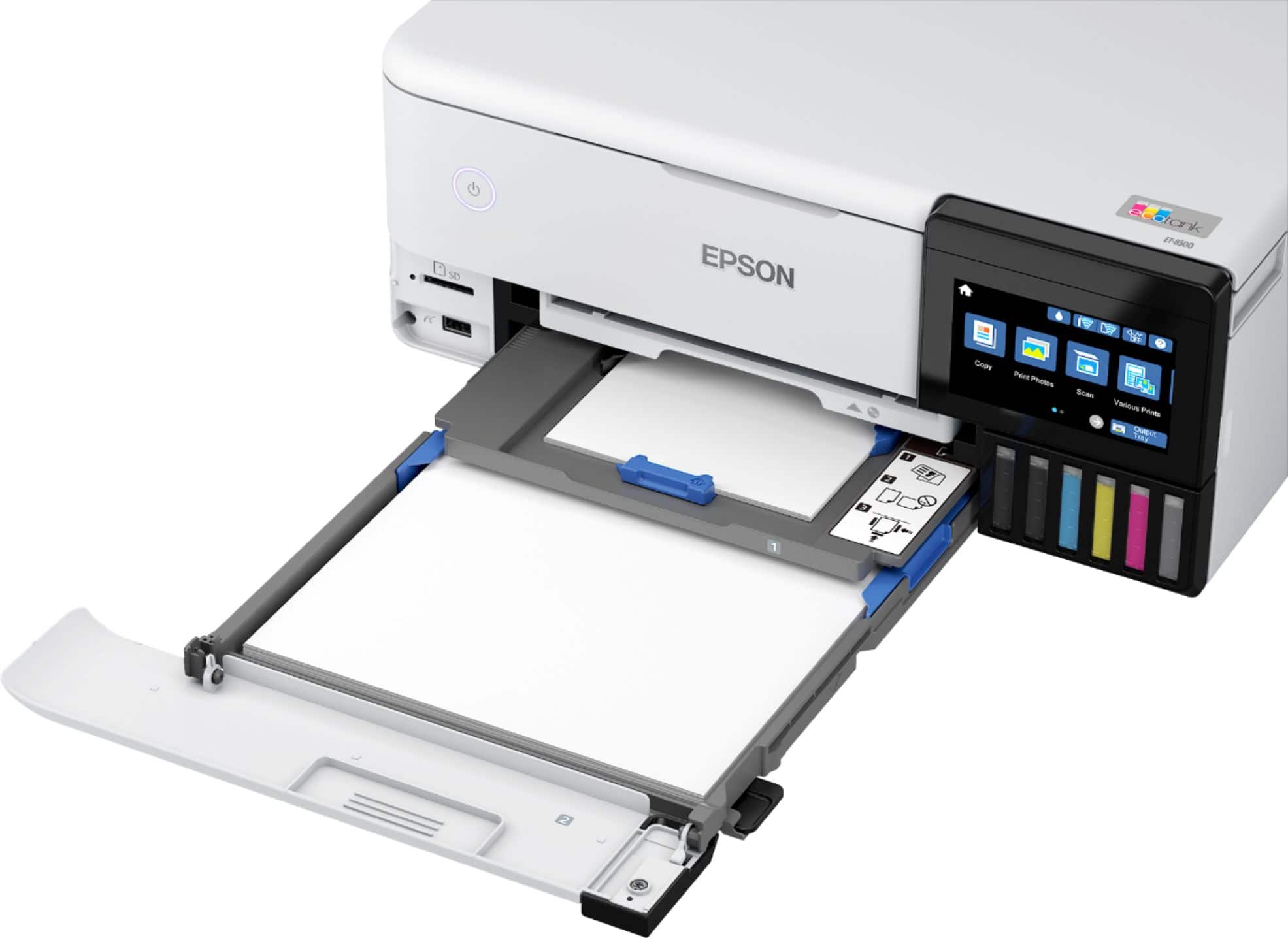
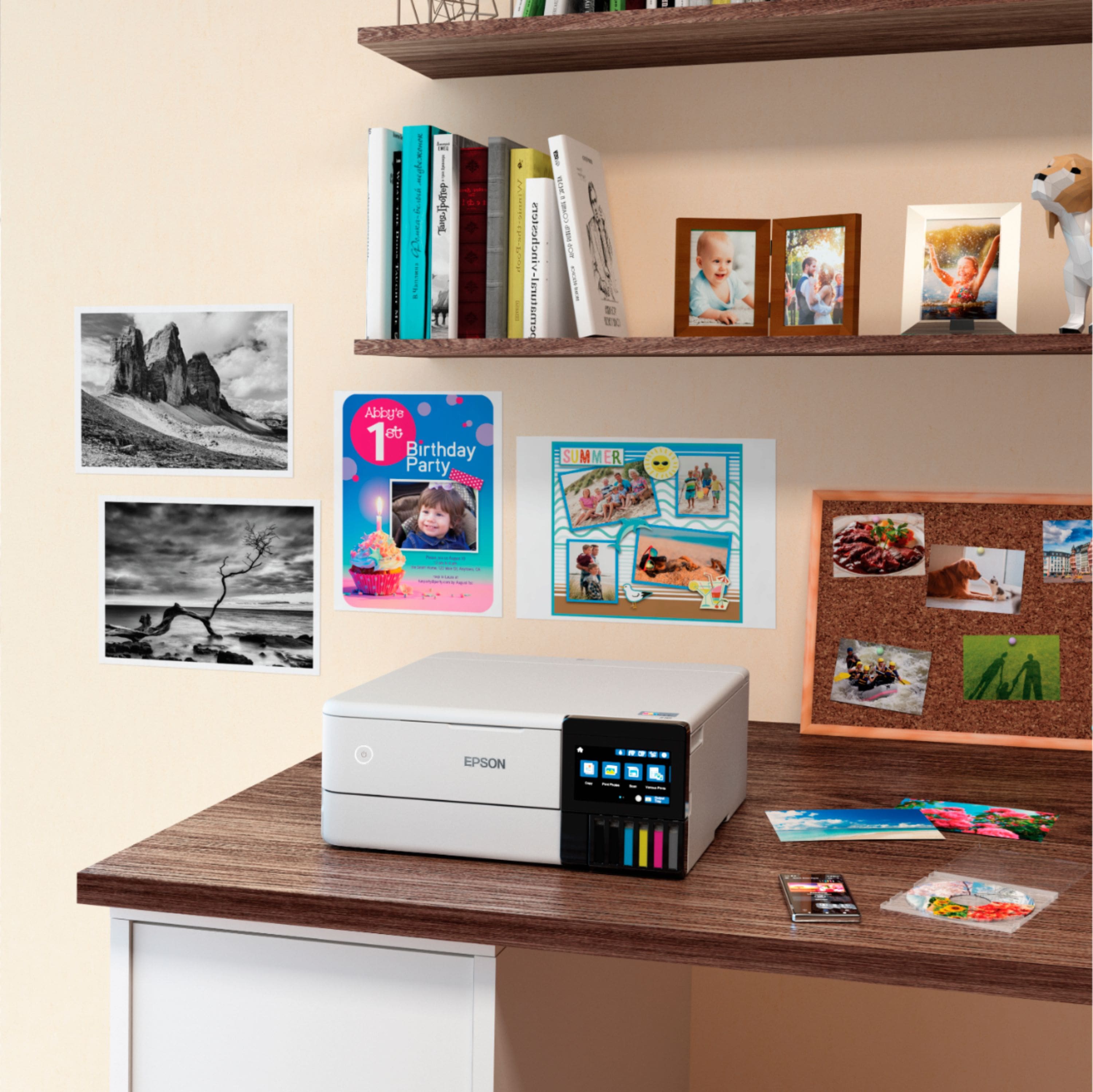
A:AnswerHelo Ben. The ET-8500 can print different documents and photos. The maximum paper size supported is User-defined up to 8.5" x 78.7". For more information, please visit the official Epson Support page. Regards, Kevin - The Epson Team.
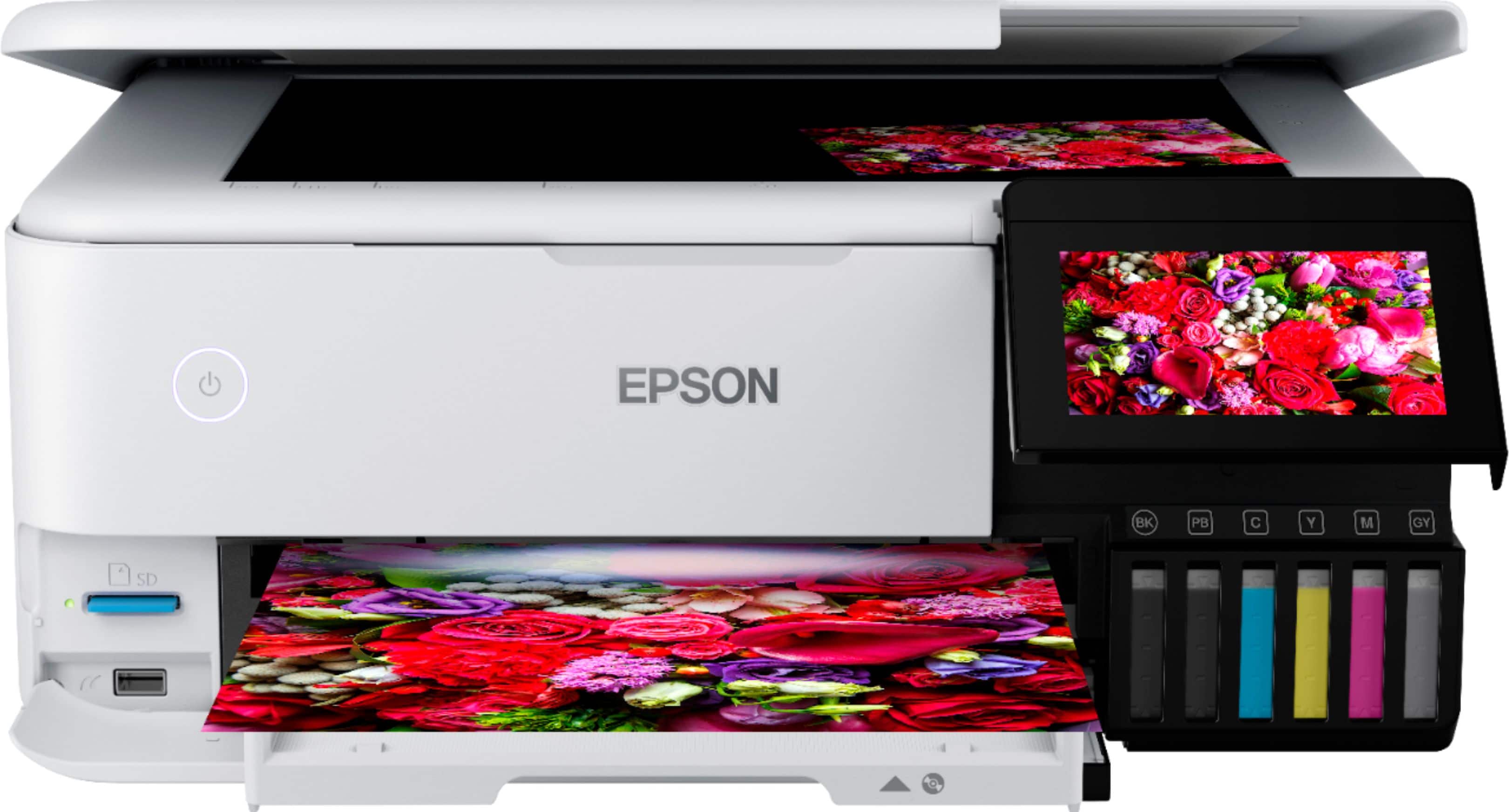
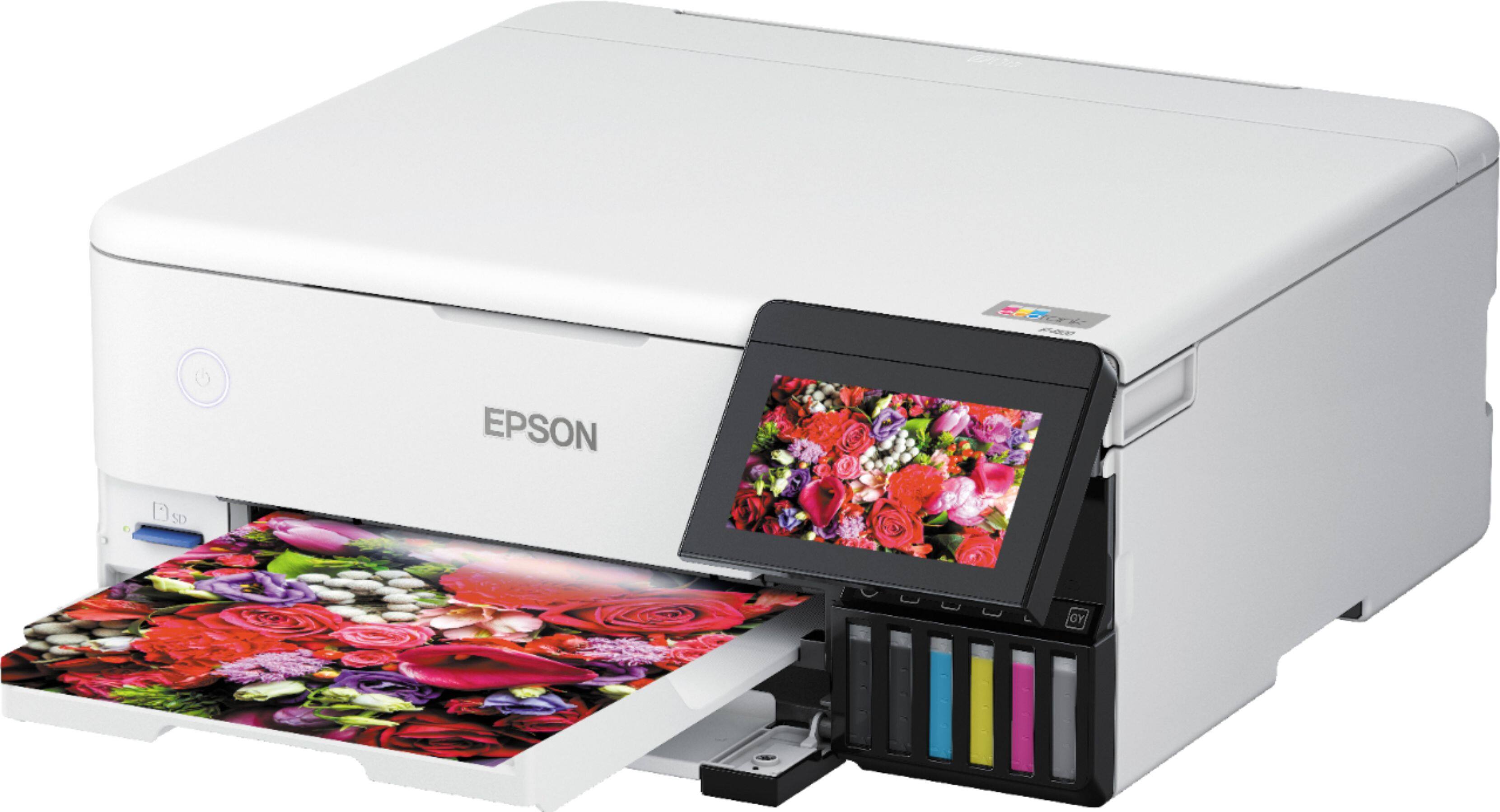
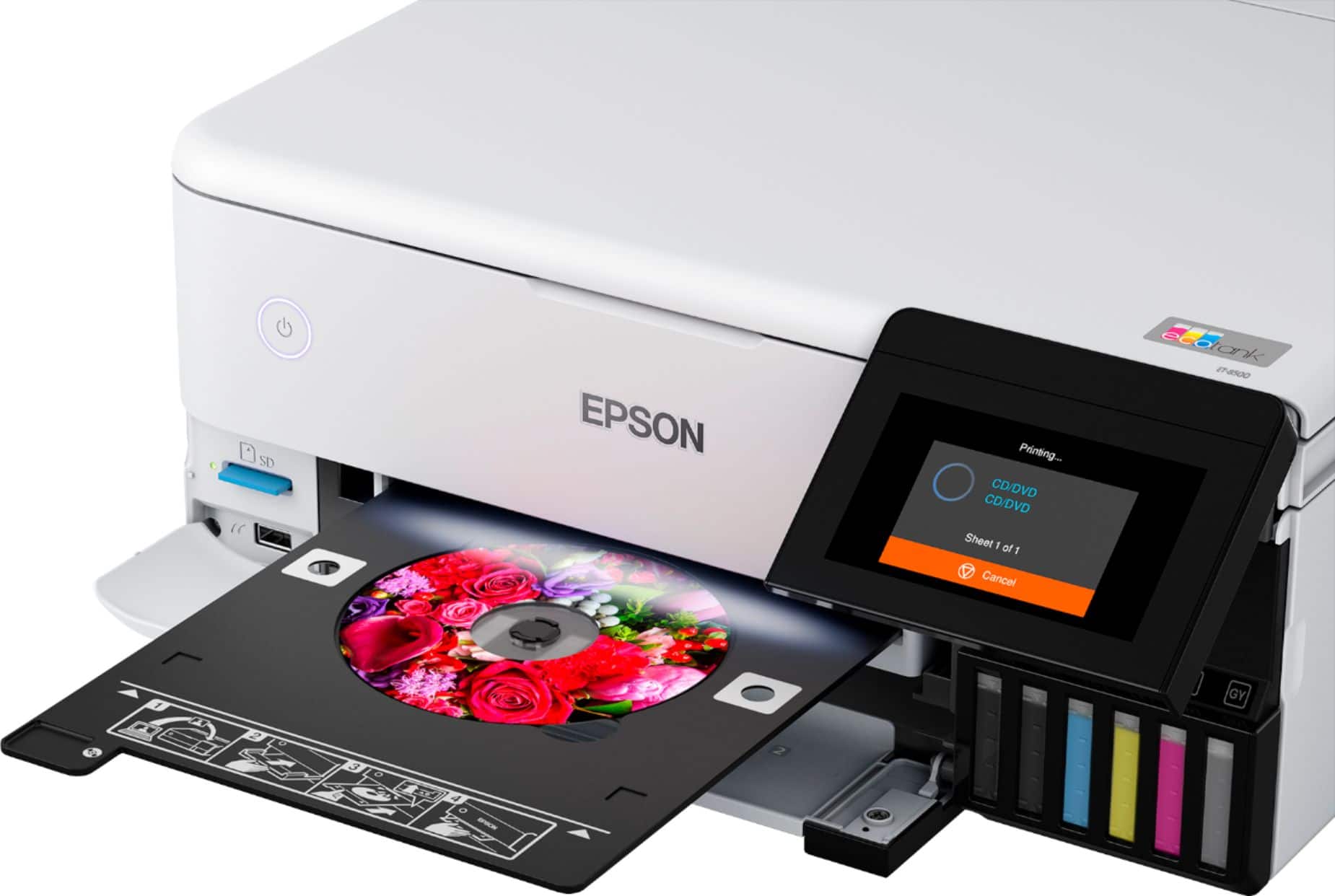
A:AnswerHello nick. Remove the CD/DVD tray (stored beneath Cassette 2) to load a disc. Place the printable side of the disc facing up in the tray, then insert it back into the slot above the output area.

From your printing software, select the correct paper source option for the tray and print. After printing, the tray extends, and you can remove the disc and then store the tray back in the storage slot. Regards, Kevin - The Epson Team.
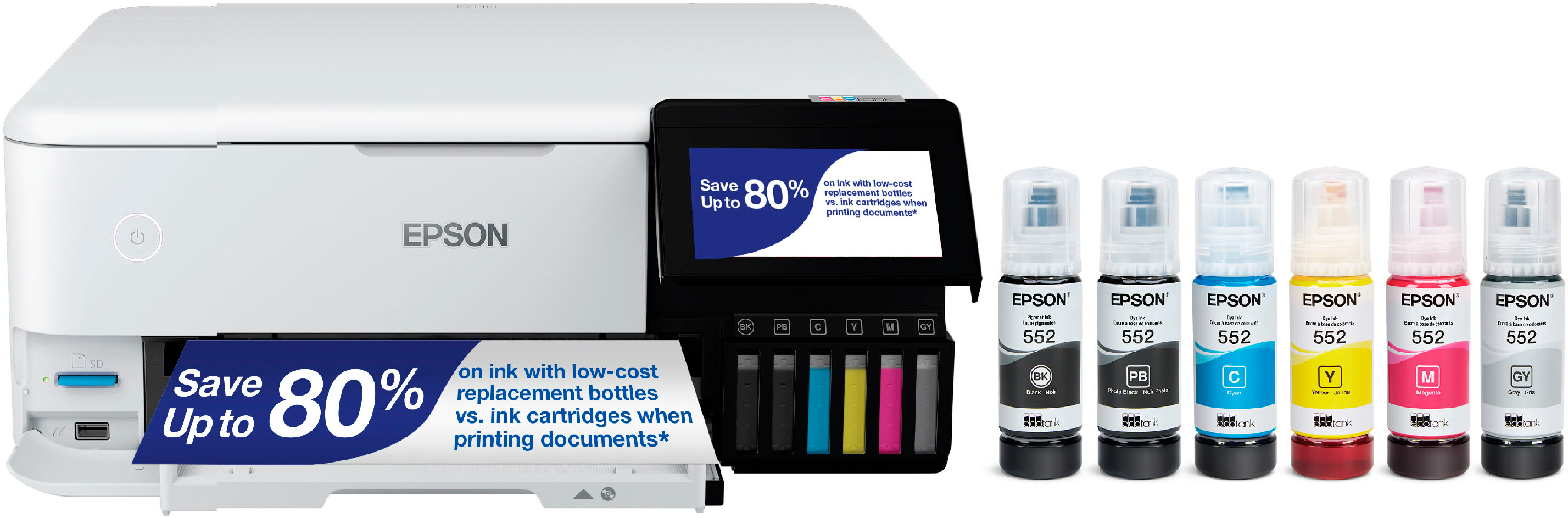
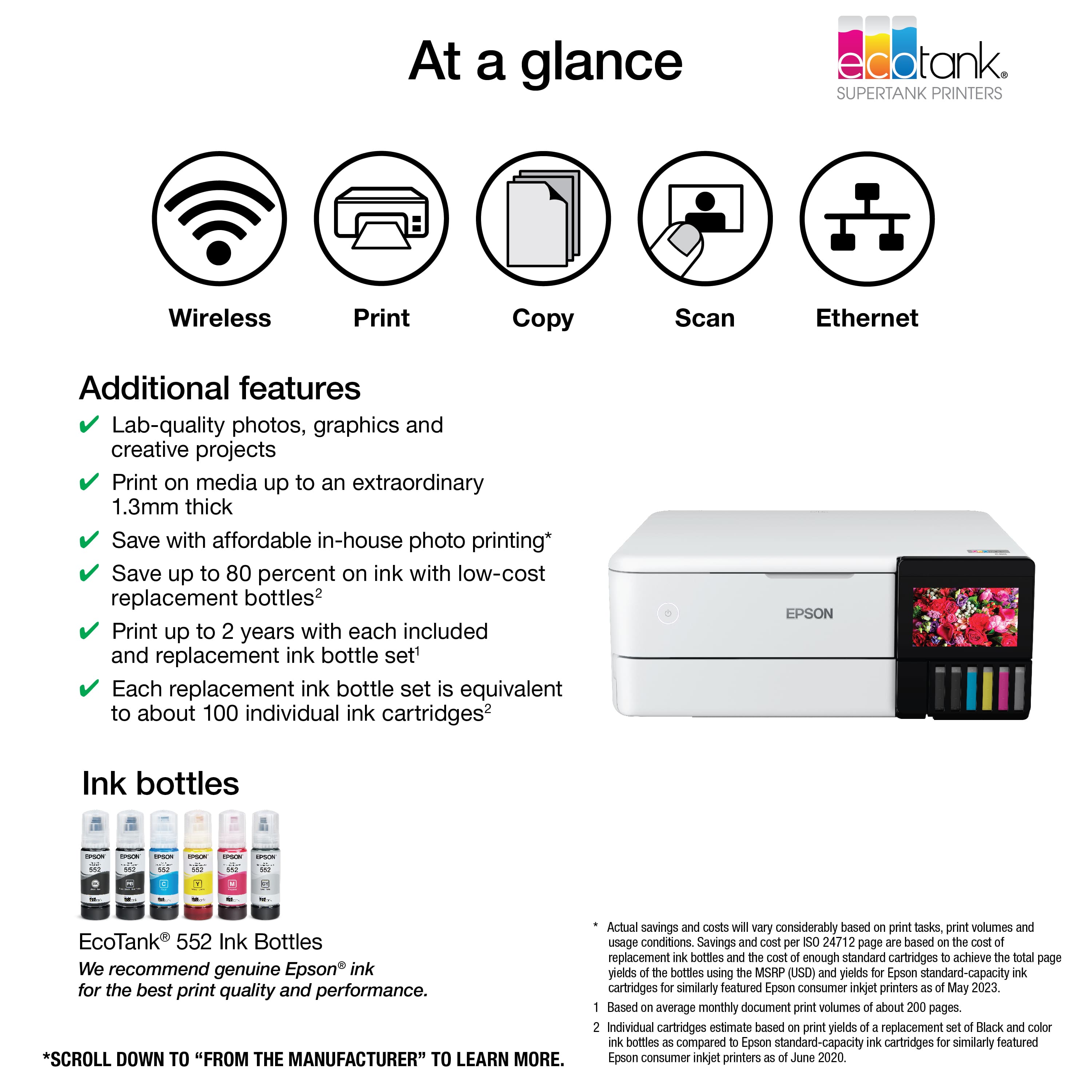
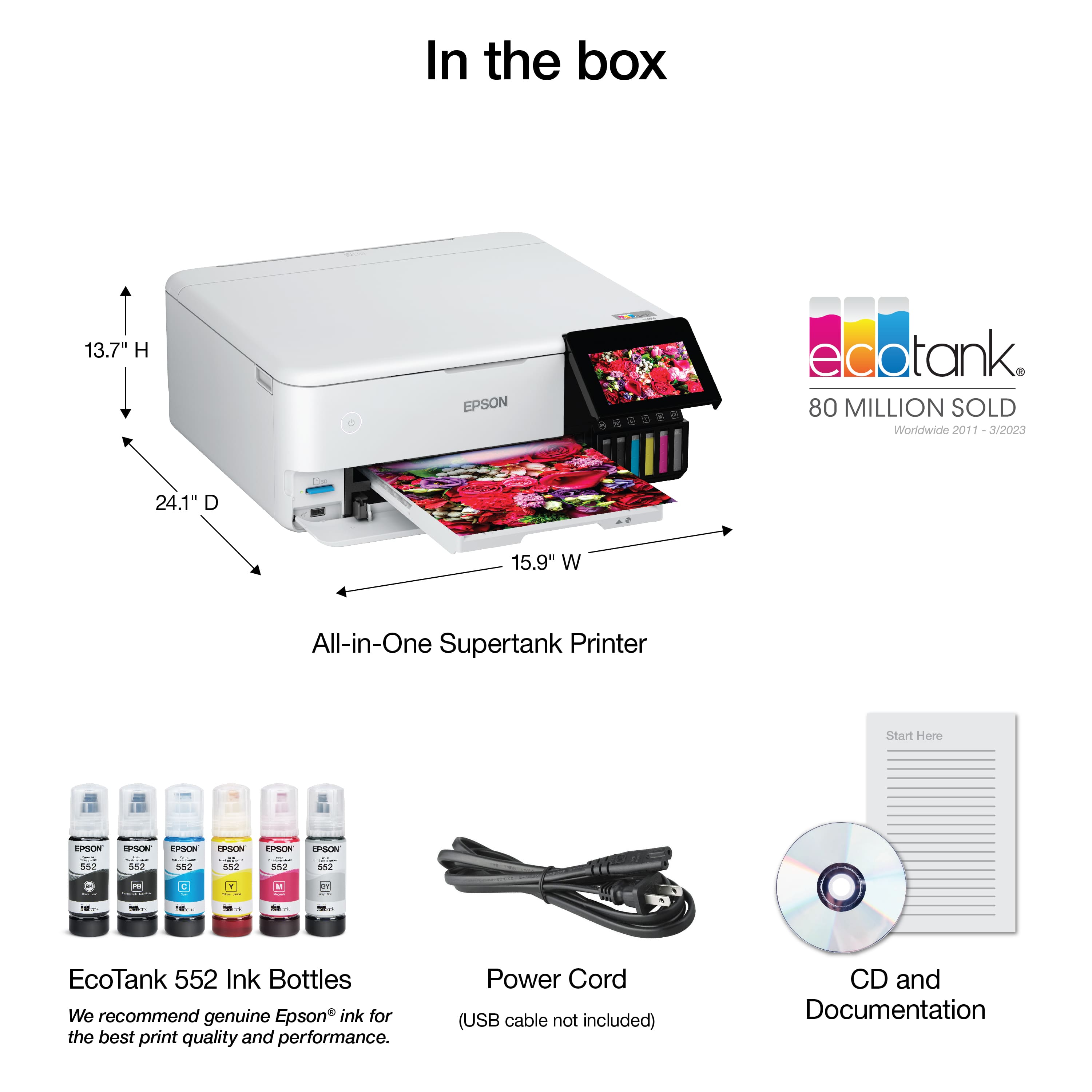
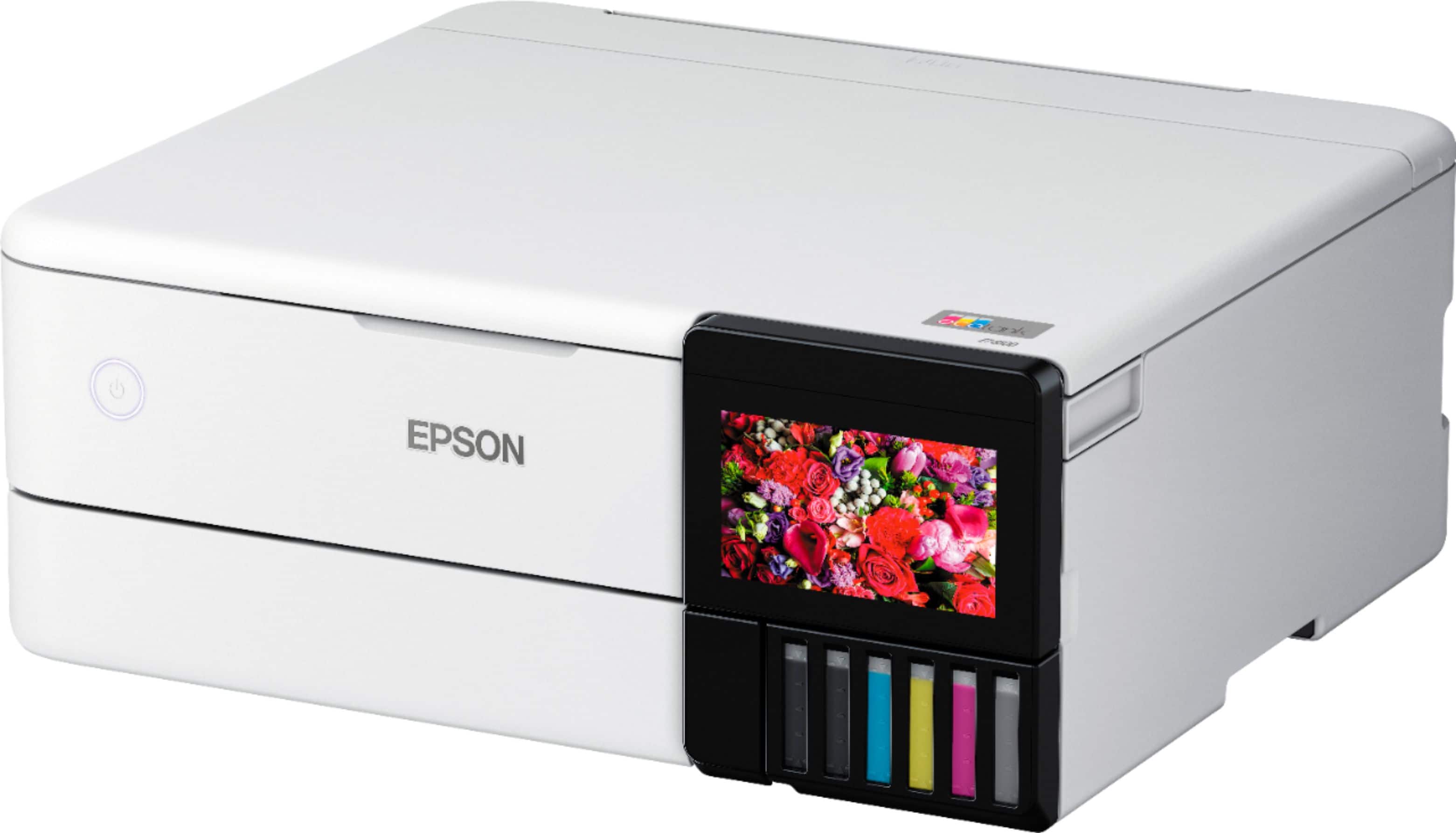
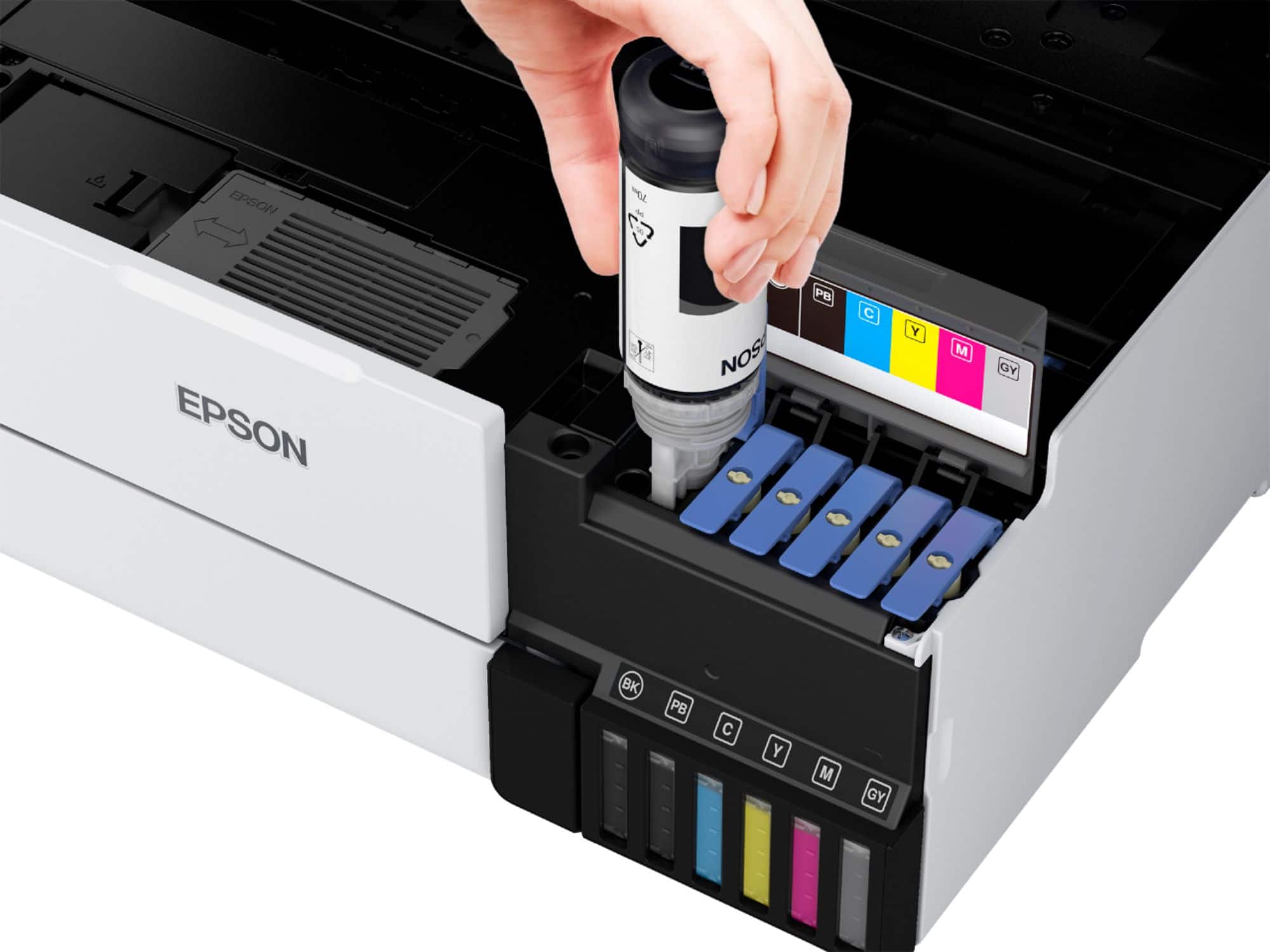
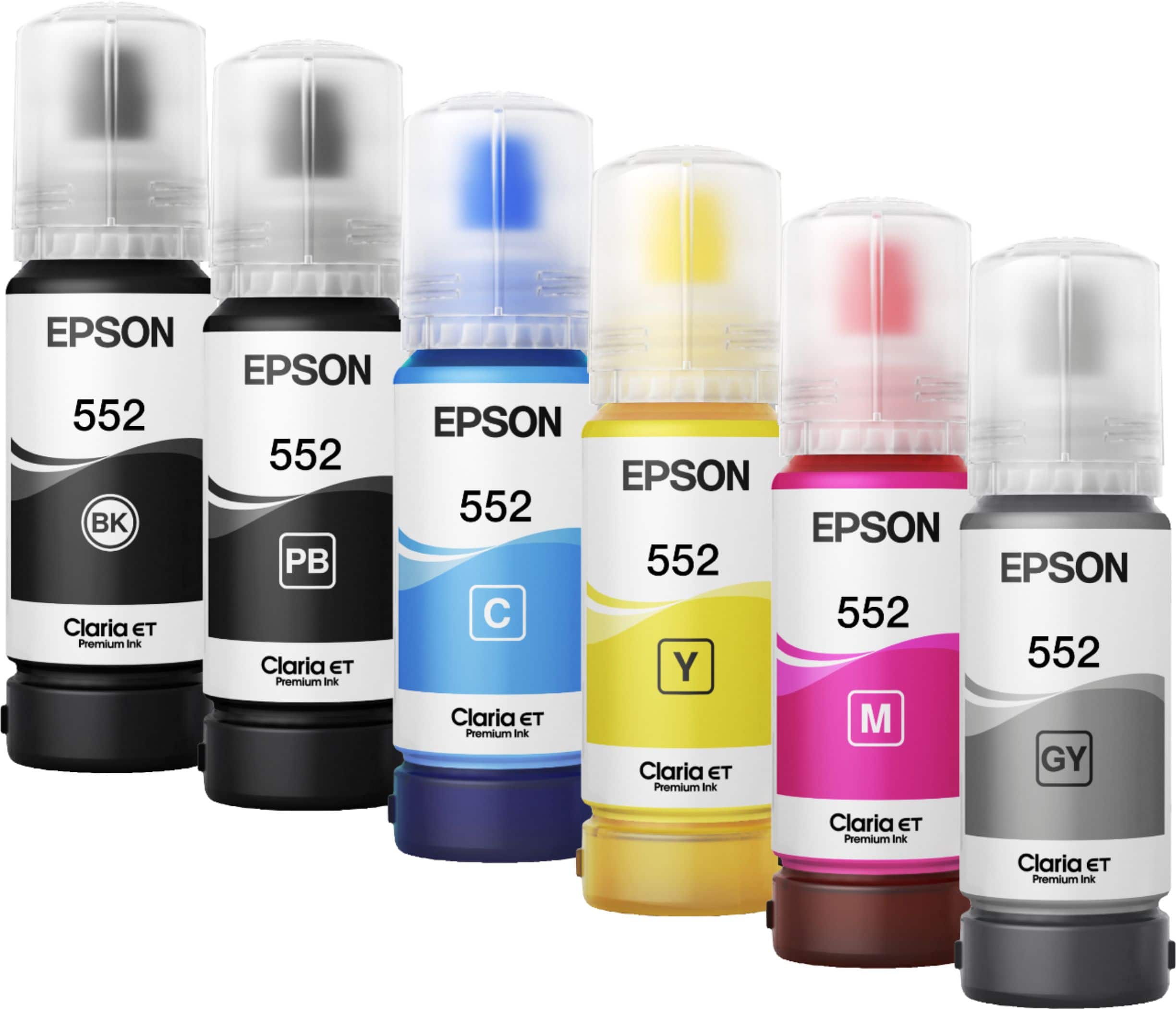
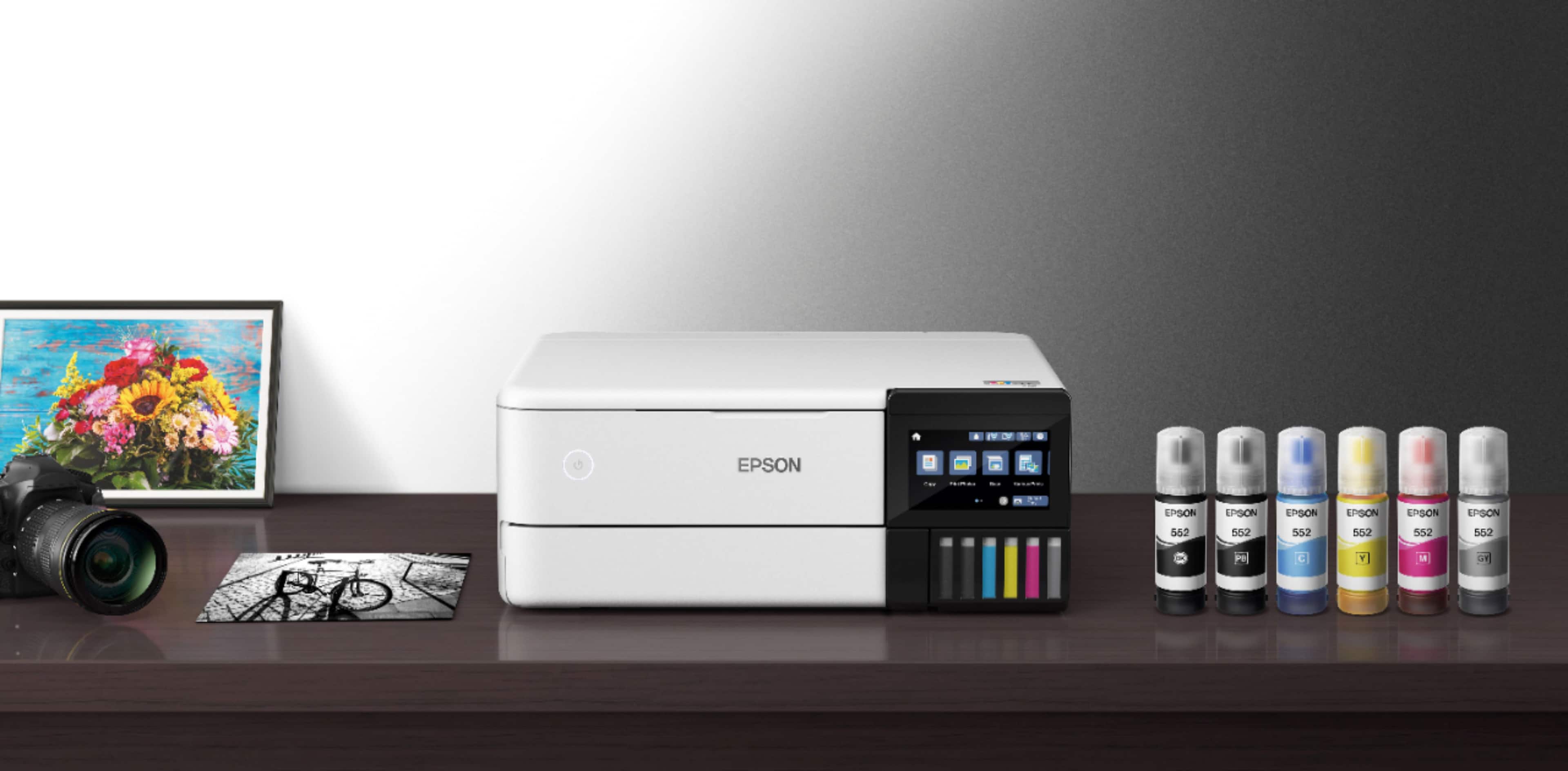
A:AnswerHello James. Yes, the ET-8500 comes with six bottles of ink to get started. This includes Cyan, Magenta, Yellow, Black, Photo Black, and Grey. Regards, Kevin - The Epson Team.
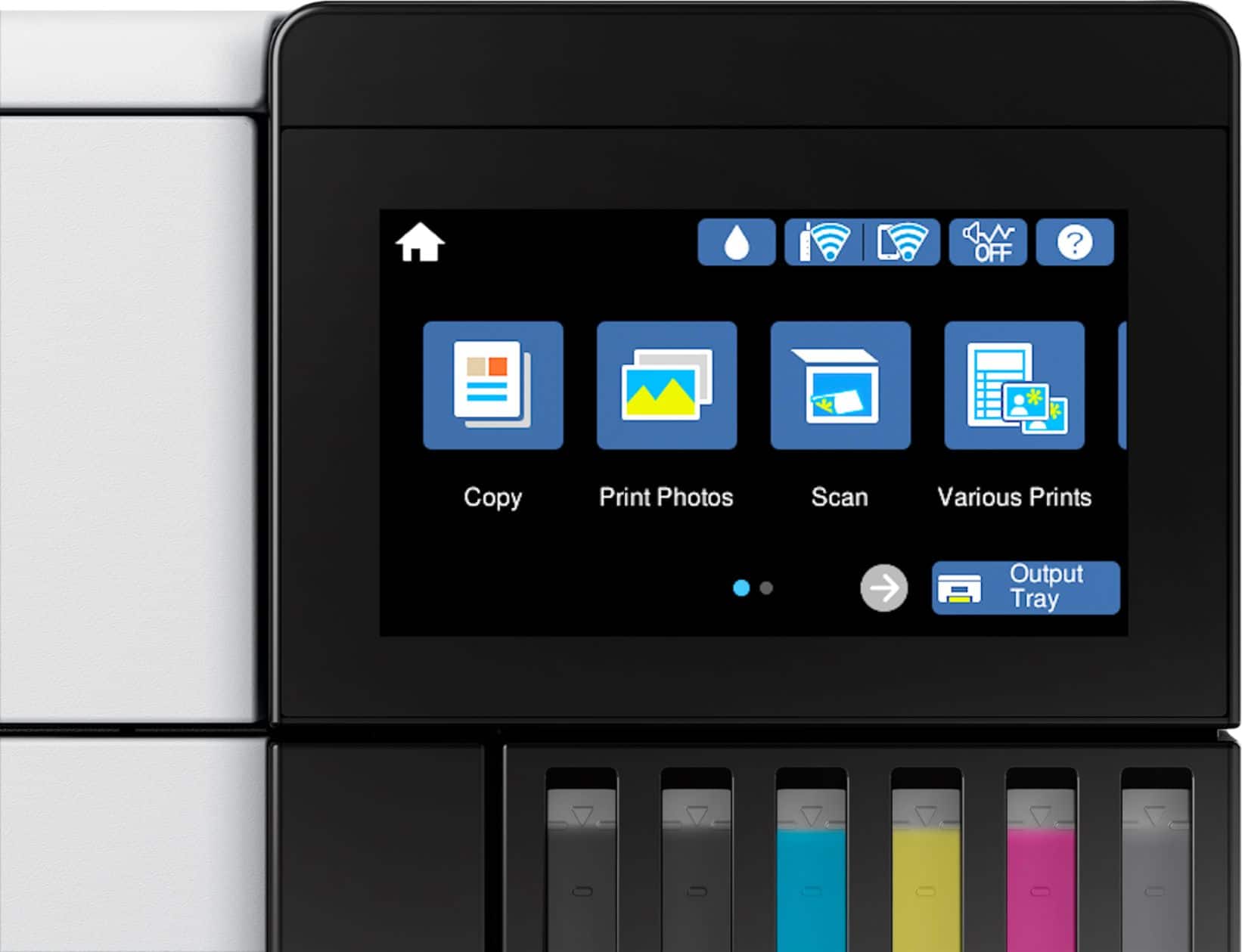
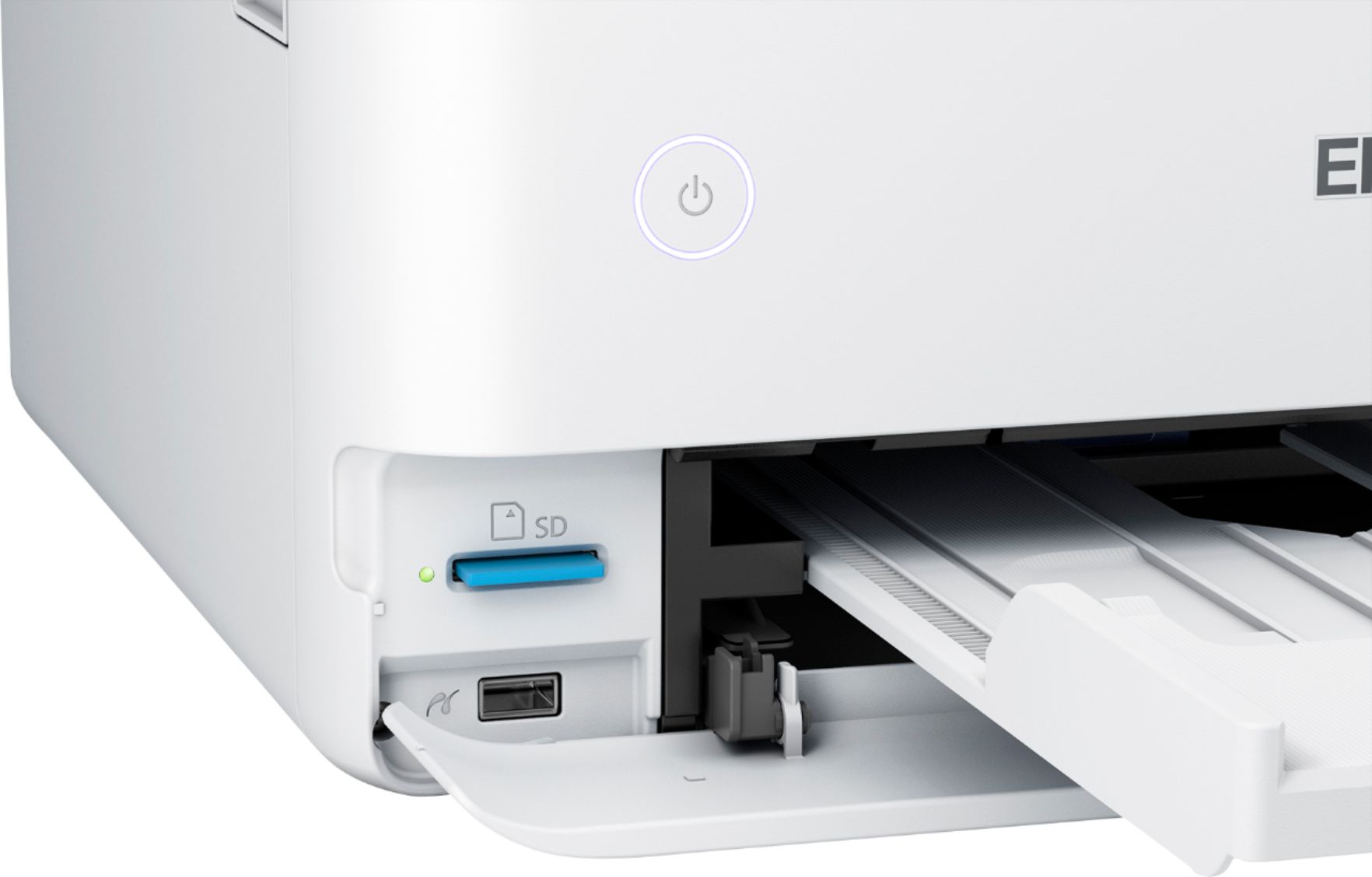
A:AnswerHello Thunder. You can print files from your SD card or USB memory device. Files are accessible from the control panel of the printer. Unfortunately, we cannot confirm compatibility with your device, as we have not tested a Nex5 Sony with the printer, so your results will vary. Regards, Kevin - The Epson Team.
A:AnswerHello Thunder. Yes, the ET-8500 includes an additional USB port to use an external memory drive with the printer. From the control panel, you will be able to print files and save scanned images to your device. Regards, Kevin - The Epson Team.
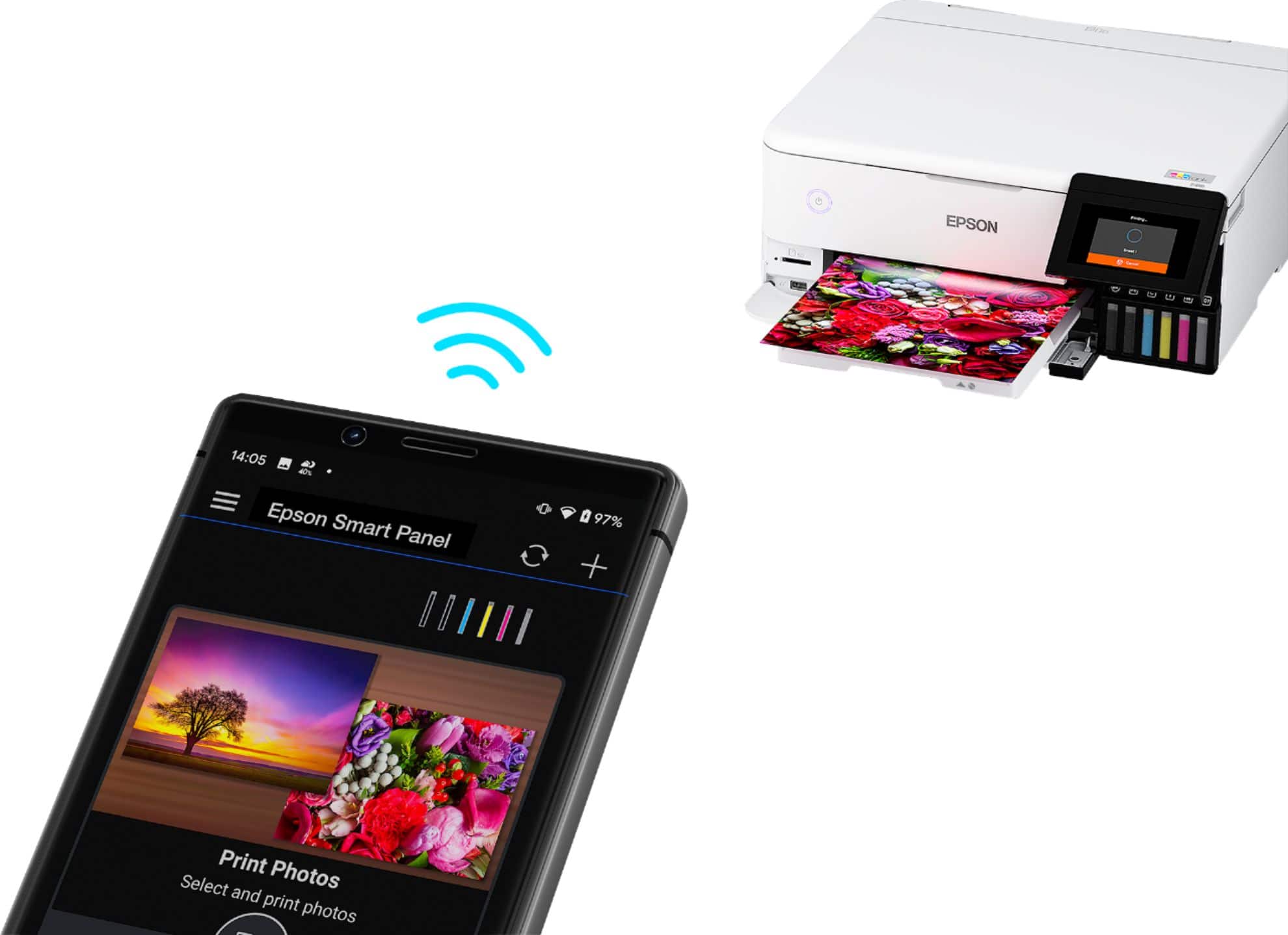
A:AnswerHello Douger. Yes, the ET-8500 can be used with your Chromebook computer right out of the box, with no software or driver installation required. You can connect the printer via USB or Wi-Fi and are ready to print. Regards, Kevin - The Epson Team.