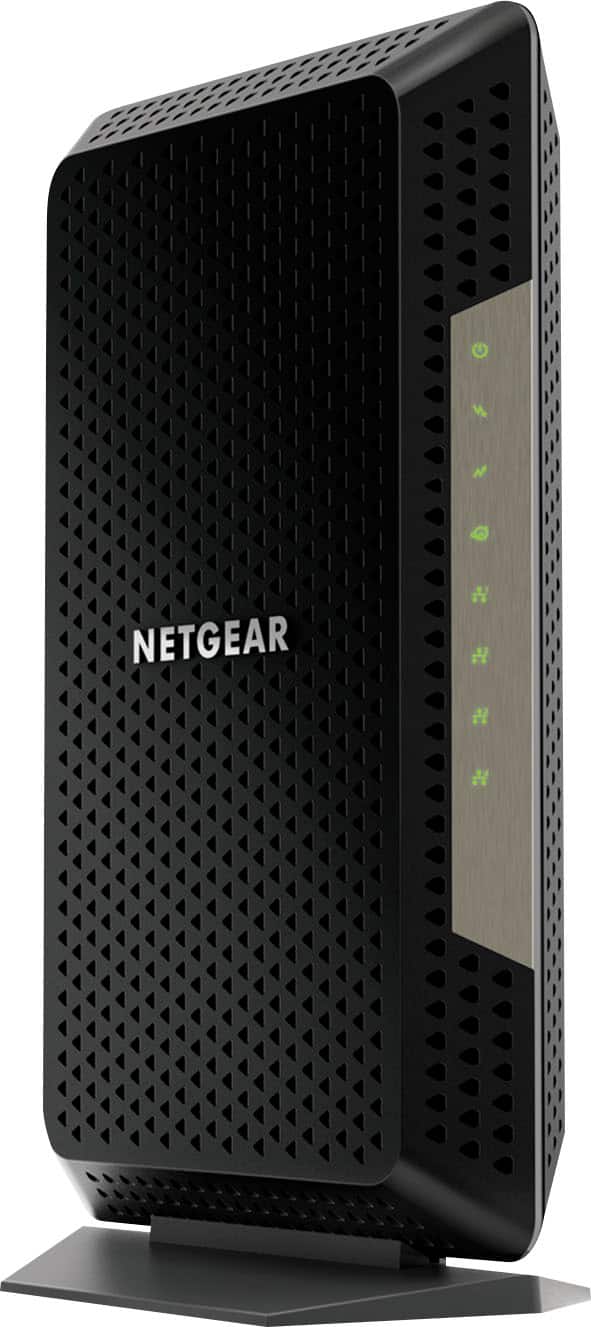
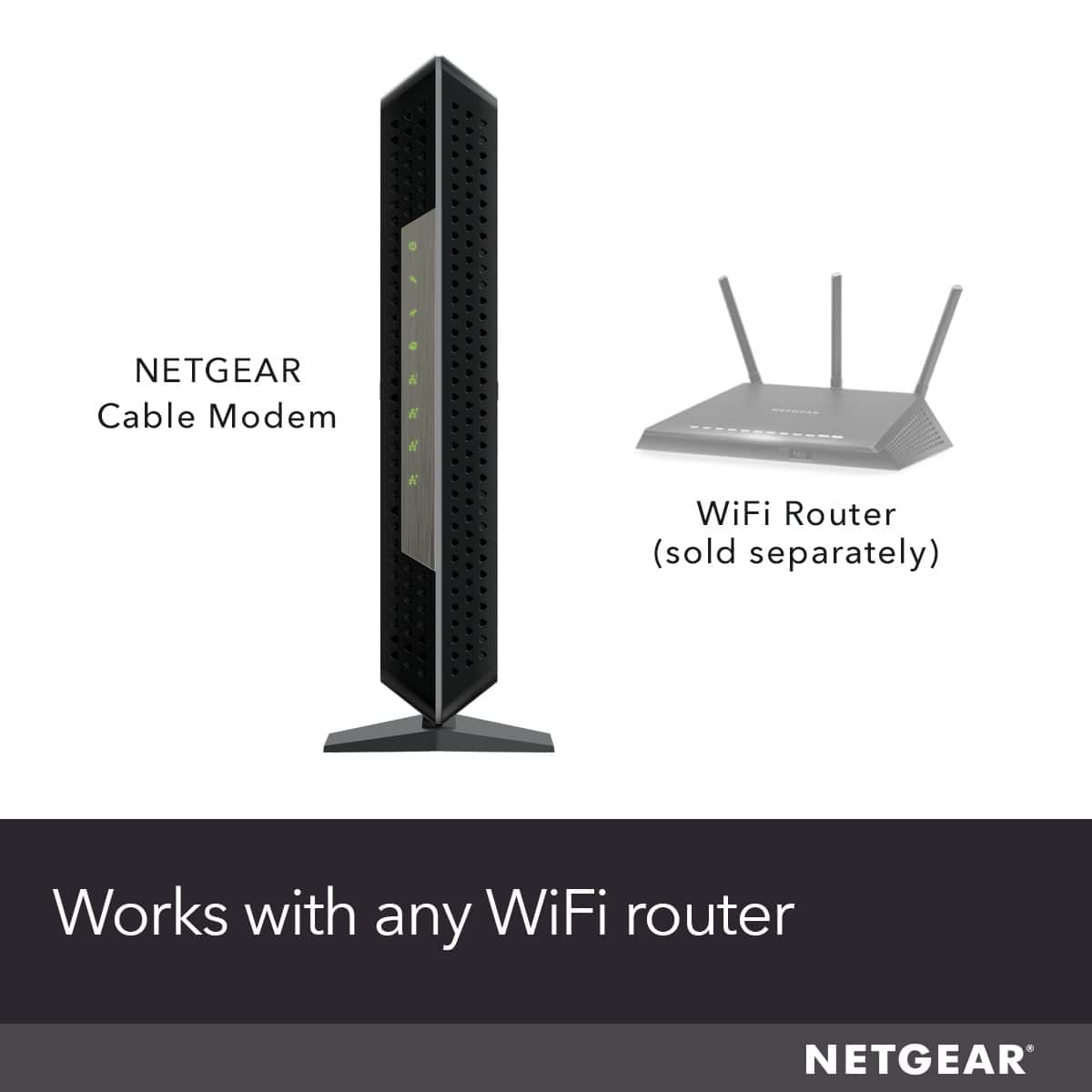
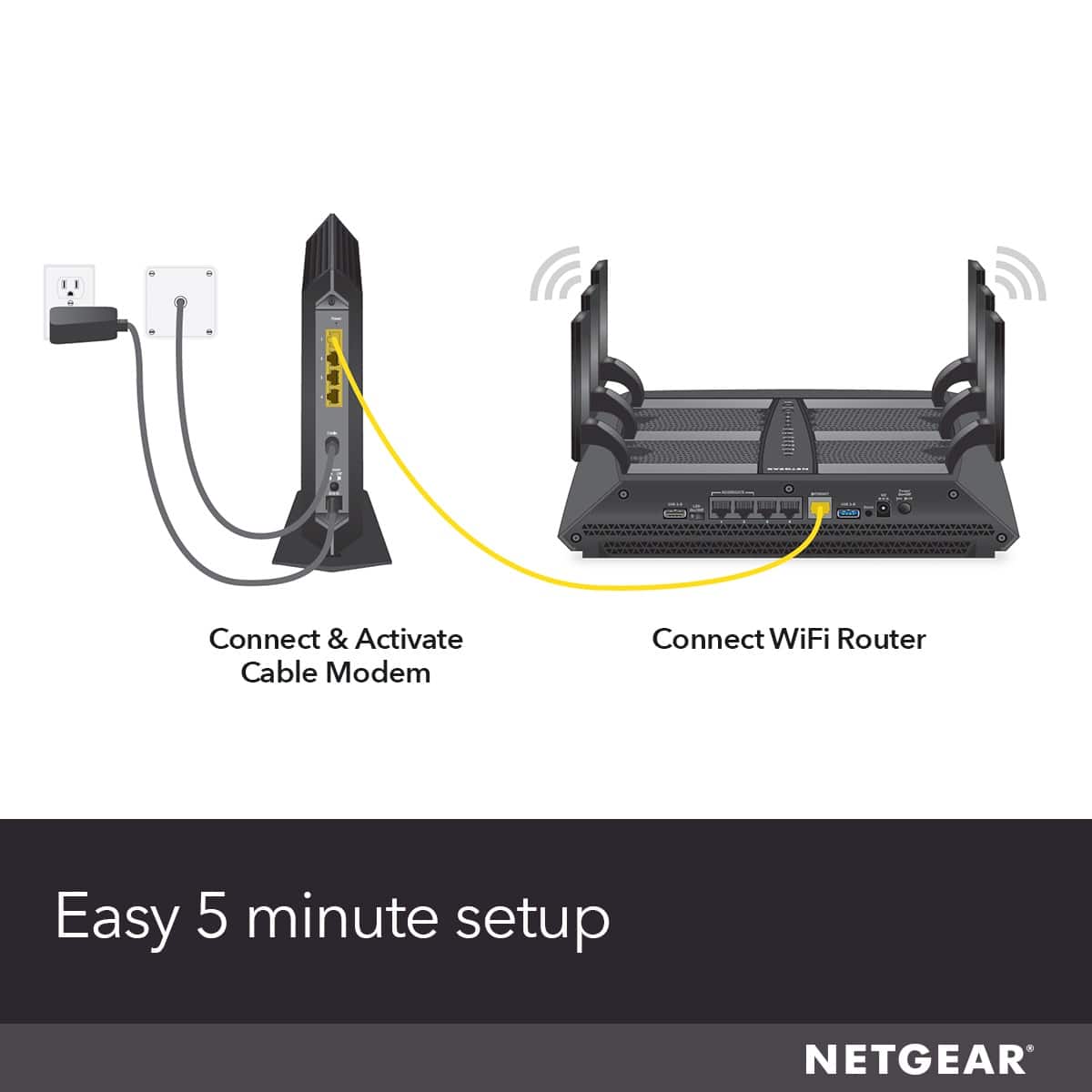
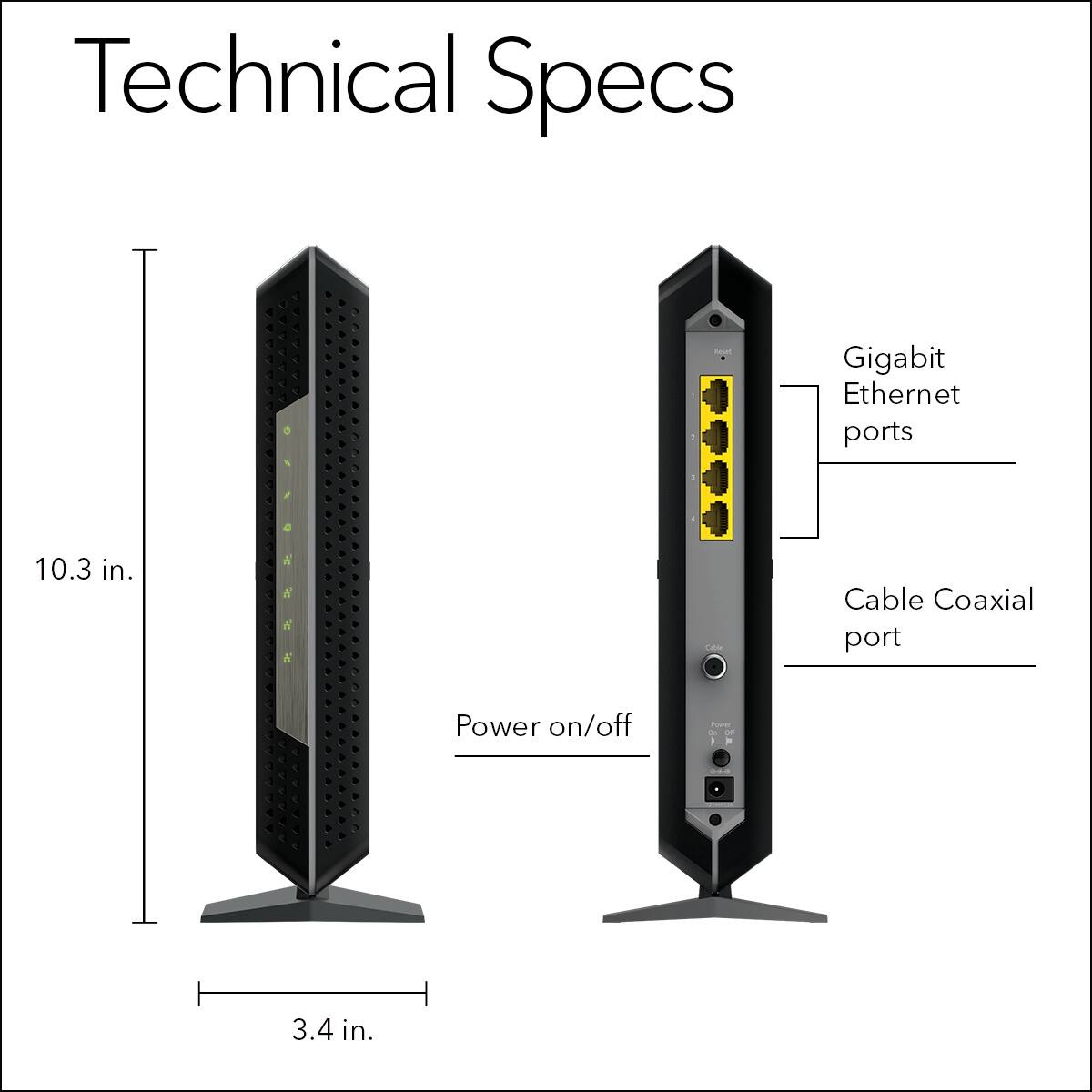
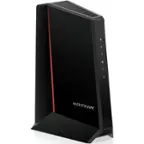
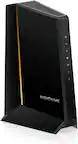
A:AnswerIt has no router fuction. The CM modem only passes thru WAN or Public IP addresses from the ISP only. There is no NAT or router built in here. For any home user or business user, there is external router required if your going to provide internet services to more than one device
A:AnswerThis modem would work but you would need a router to use the wifi features you need. This modem does not support phone bundled from your cable company.
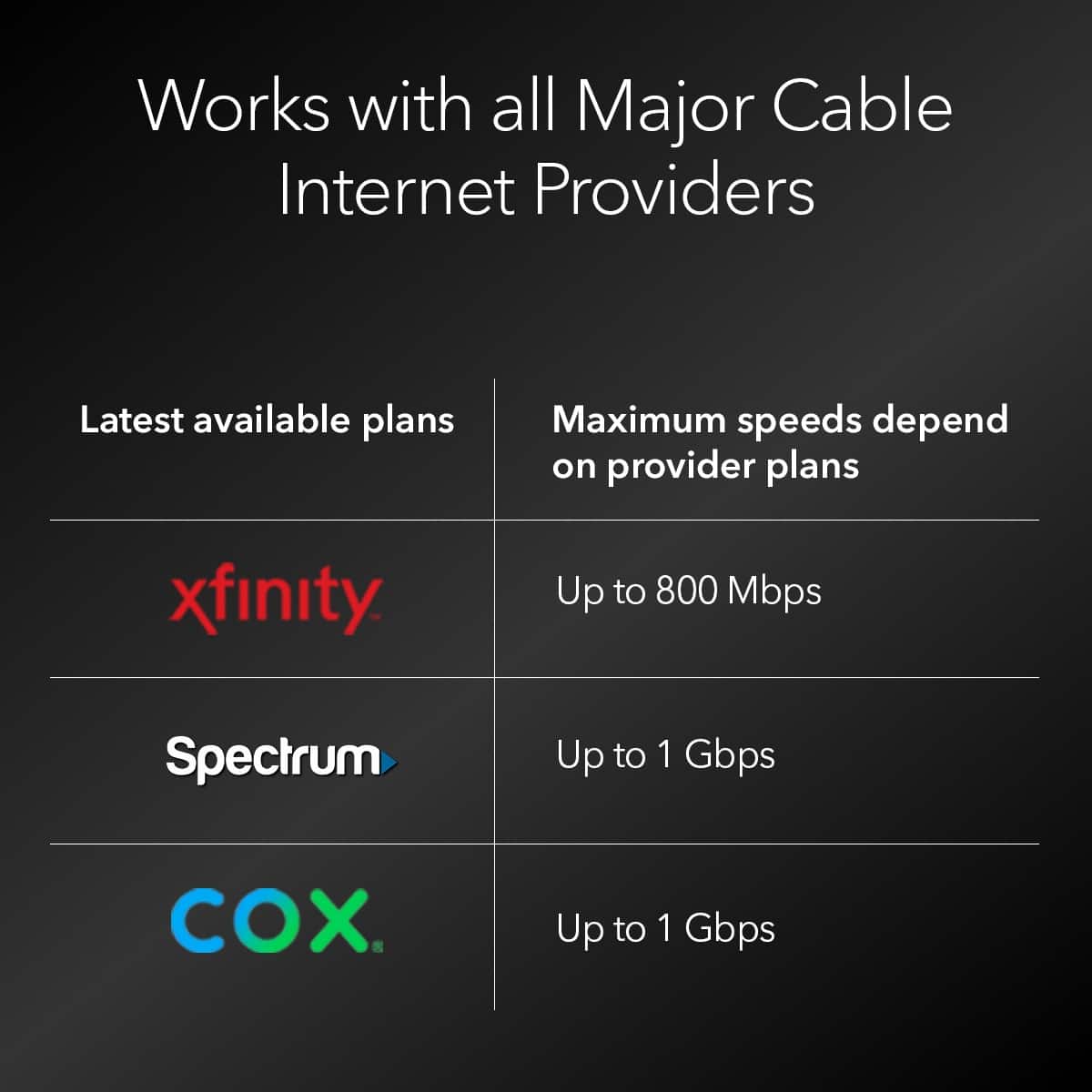
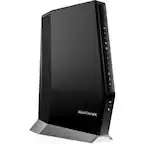
A:AnswerNighthawk is a brand name that indicates the products by Netgear are generally compatible with each other. Before buying a modem call your cable provider to see if that model is compatible with their systems. Non Nighthawk modems could also be made by another manufacturer but also be of similar design and quality but what counts is that the modem you choose is permitted on your cable company's system. When I checked with my cable provider they have a form I had to agree with that stated if I connected a device that degraded their system I could be held responsible for any losses they suffered as a result of my equipment. That's why I always recommend customers verify what they want to buy is approved by their cable company. If it's approved you can't cause any damage to their system. Some provider's have lists on line but I found out these lists are very old and don't include new products with the most up to date technology. The model cm1200 was not listed on their web site but when I called they highly recommended that model and hookup was very easy. I added a Nighthawk router for wifi and ethernet connectivity and the setup was very easy. The hardest part was waiting on hold to give the cable company the modem Mac address which is listed on the box so the new equipment can communicate with the cable provider. Just a reminder, return the cable providers modem within the stated period of time or they can continue to charge you for the rental and 200 dollars for violating return policy, even though you have your own new equipment. One last comment, I love the Nighthawk netgear cm1200, if you need installation instructions download them from the internet.
A:AnswerCall the cable company and talk to a technician. They have to allow you to use your own equipment and not rent there's. Give them the model number of your modem, cm1200 is used by most They are required to have a list of compatible modems. You will need a router if you want to use wifi.
A:AnswerThis device would replace your cable modem/router combo from spectrum. I have it hooked up to a netgear router and it works fine, my connection is more consistent in terms of speeds but you still have to deal with the inconsistency of the spectrums service itself. Just a note if you have spectrums voice bundle this will not work for voice there is no port. Netgear makes another model though that will. Also you need to call spectrum this device will not self activate, call them and provide the MAC address and you should be up and running in 10 minutes.
Replacing spectrums modem with this has nothing to do at all with your cable boxes, so that would be a yes you can still use them.