A:AnswerI realize this is 6 months after the question was asked but I had a similar conversation with Spectrum today and wanted to share. I have been currently renting an all-in-one device which served as modem, router, and phone. I found out that even if I replace the all-in-one unit that, I will still need to use their unit for the phone, I just wont be charged the rental fee since I"m not using it for the internet. WTH? Not a typo. Anyway, I am going to now have 3 devices instead of the one (pros and cons to that setup but I digress). TBH though, I have my land line phone forwarded to my mobile so I may not use the ISP provided equipment anyway.
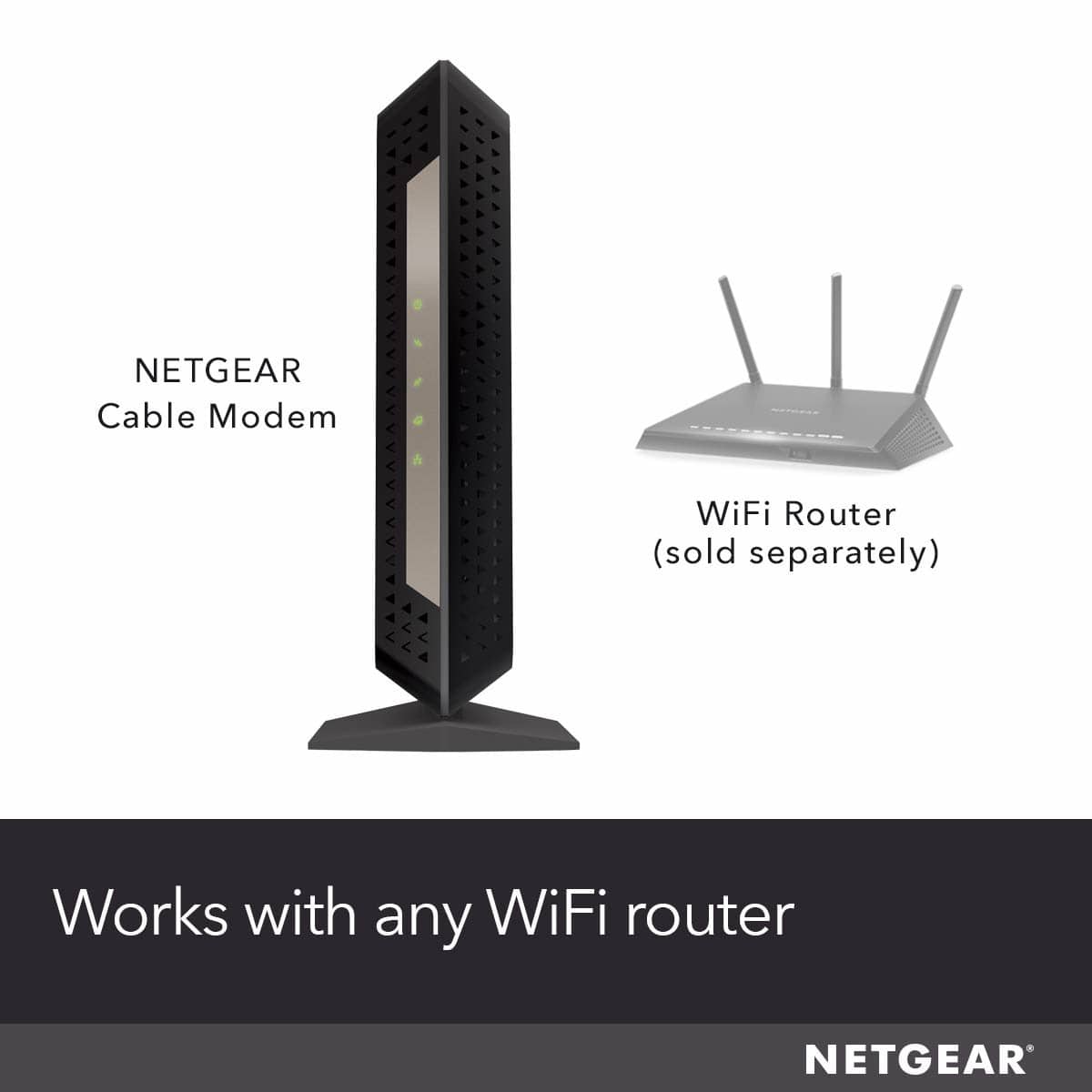
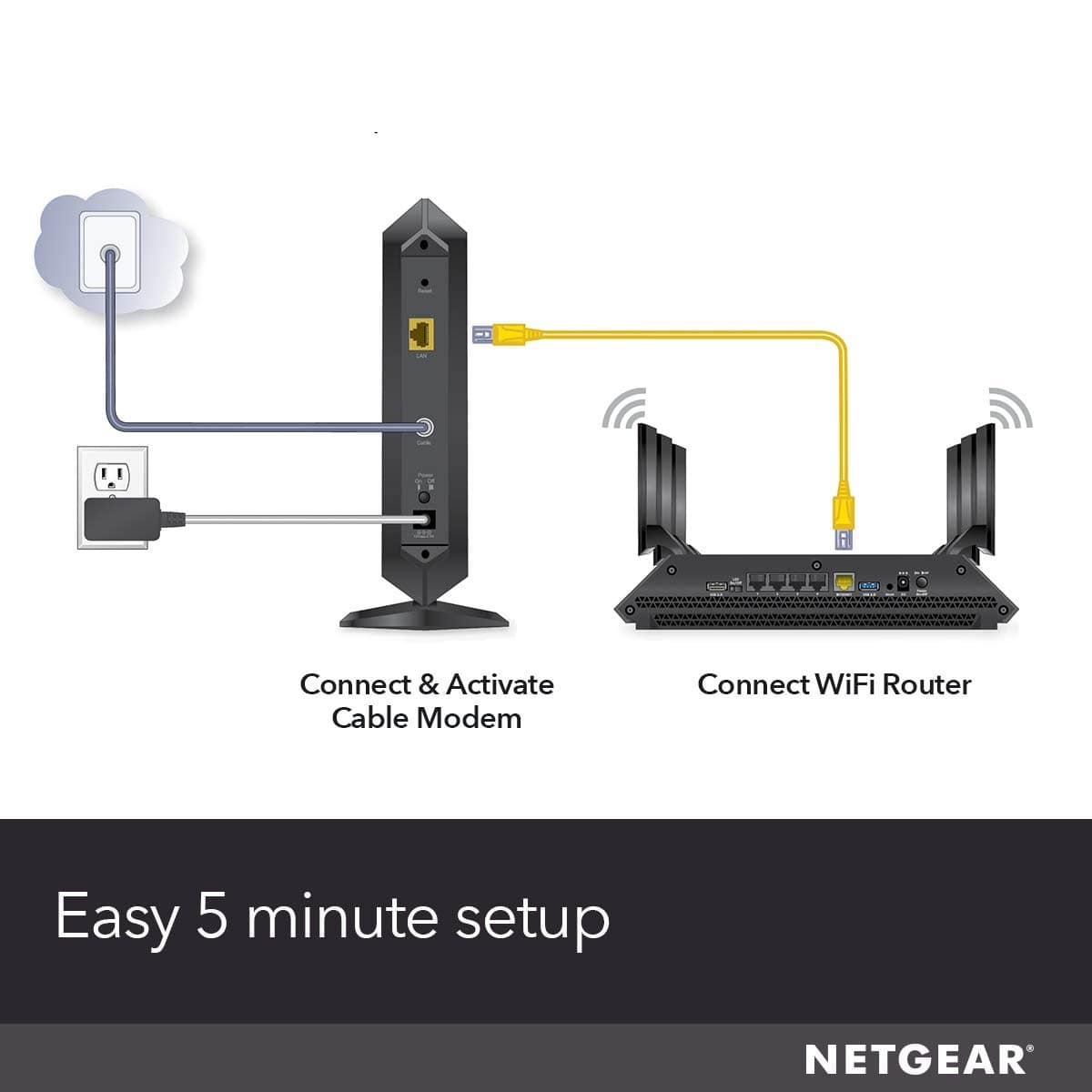
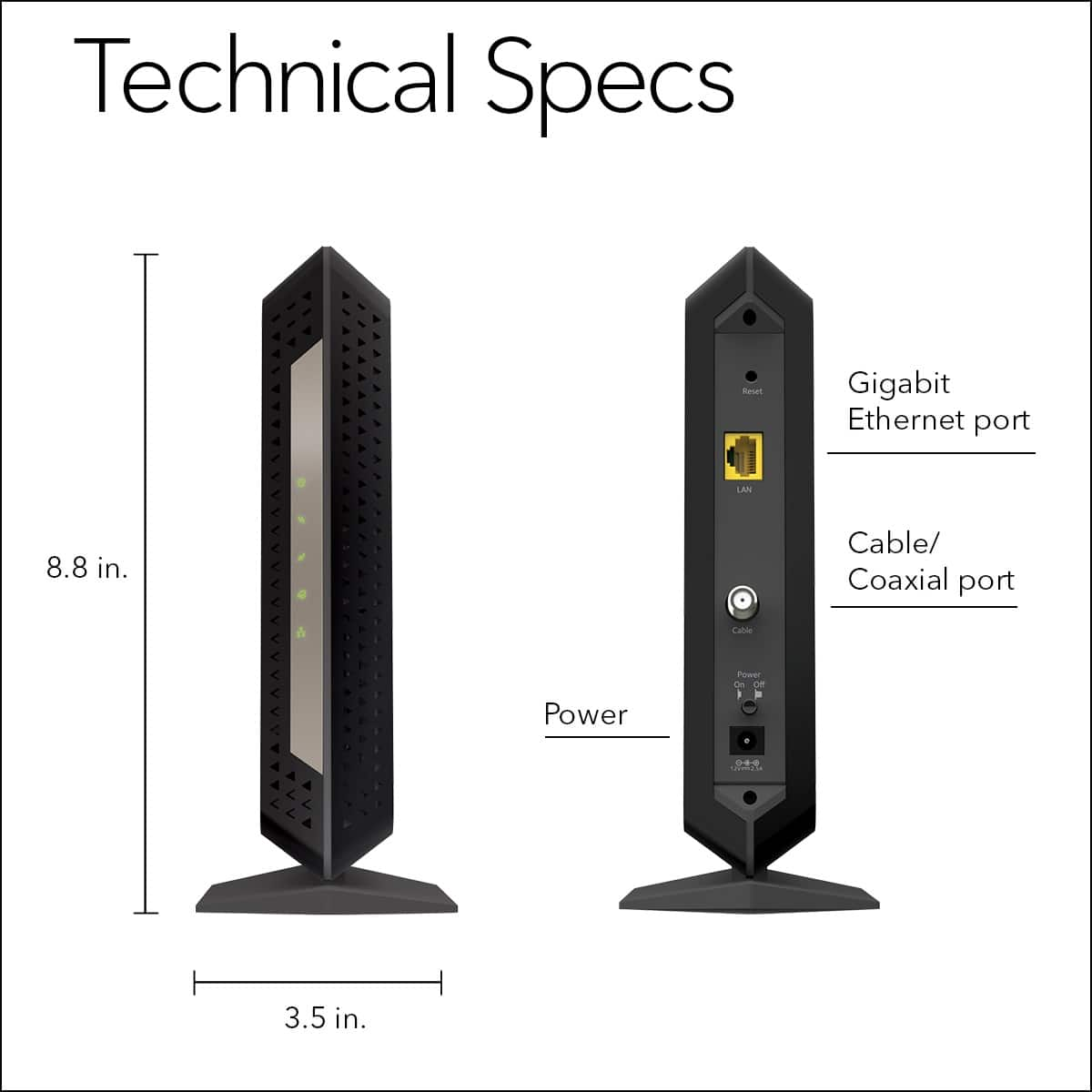
A:AnswerIt only has a single Ethernet port. If you plug it into just one computer, then that is all you need, but if you have multiple computers, a router, be it Ethernet (hard wired) or WiFi, let’s you connect multiple computers to it.
A:AnswerI would contact your ISP if I were you and confirm that this modem is appropriately matched with your service. I made sure to call in with my ISP and confirmed that it would work with their gigabit internet service. I have not had any issues pairing mine to a XR500 by Netgear.
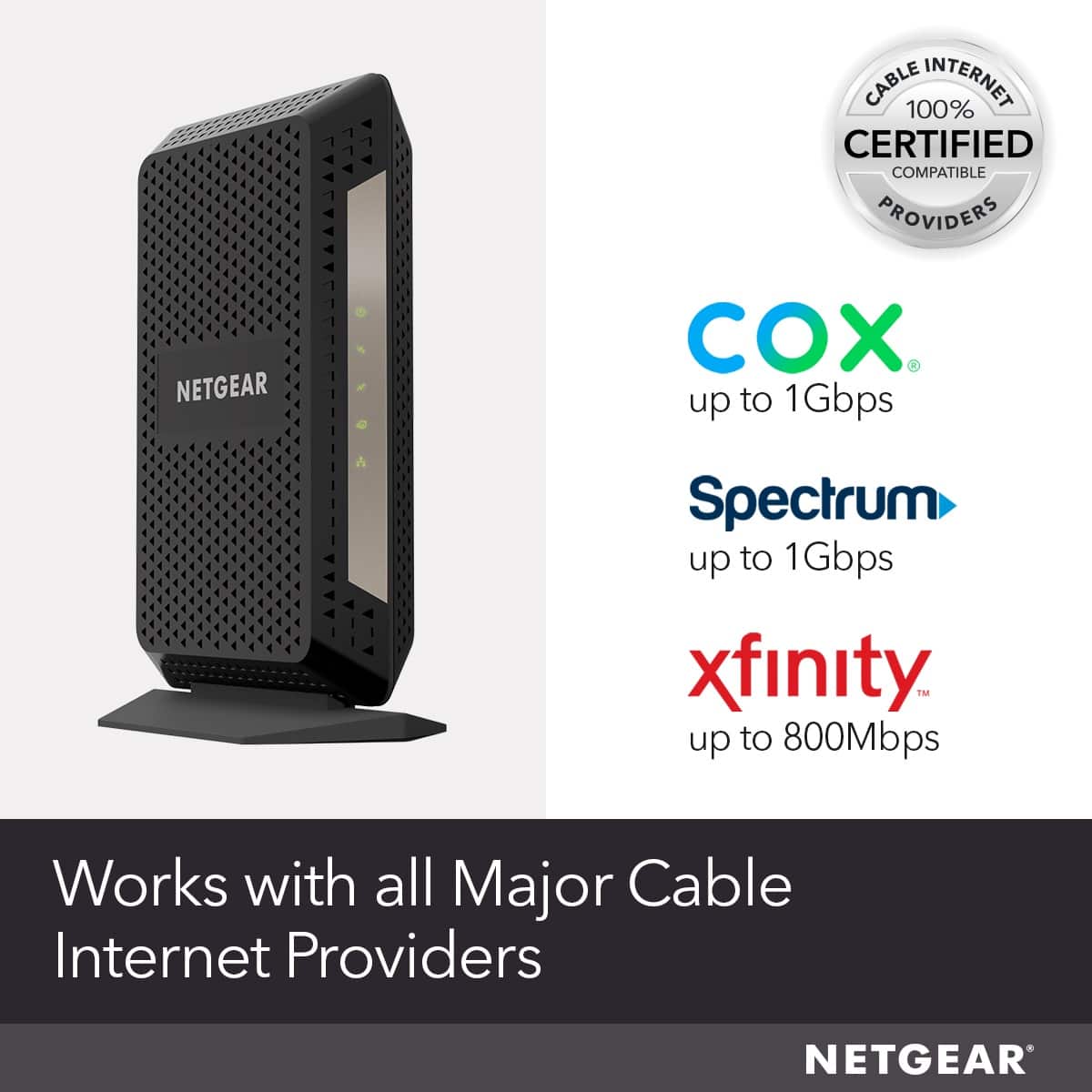
A:AnswerWorks great with Cox. Just need to call Cox customer service and activate it. Quick and easy. I'm not sure about Vonage as I've never used it, but I would think it would work fine if you use a router.
A:AnswerI know that this modem was listed on the Cox and XFinity website as one of their approved modems for their Network. I would check on Atlantic website for their list of approved equipment.
A:AnswerI have two of these, one in my primary residence and one in my apartment. I pay for 100m internet in both locations. Using the leased Mediacom modems, my typical download speed at home was 50-75m. In my apartment it was typically 45-55. At both locations my download speed jumped to 130+m. This is a rock-solid option for Mediacom. The setup can be completed without picking up the phone to call Mediacom.