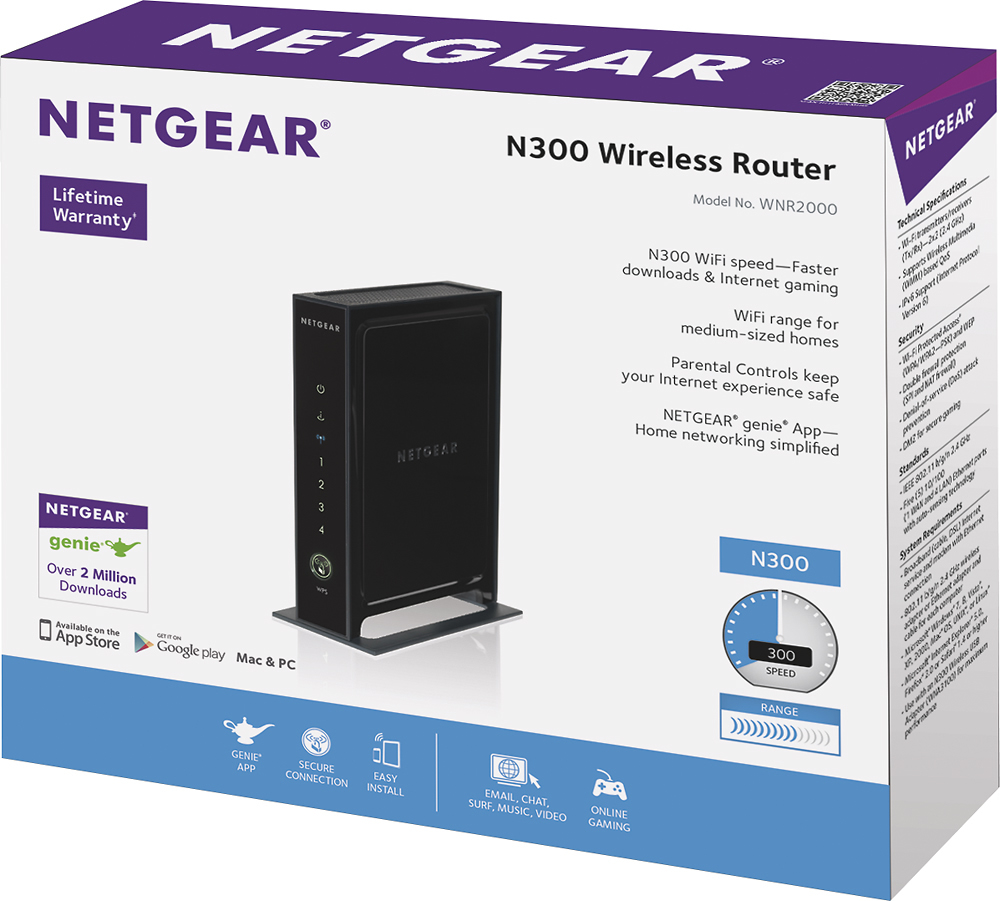
A:AnswerI had the same problem with two Netgear routers.
I returned the first and had the same issue with the second.
I bought a Linksys wireless router.
No problems since.
A:AnswerI bought a signal booster. You need to plug this into a wall outlet about midway between the router and where you need a stronger signal. My home isn't that big, but it's a spread out ranch. The signal booster solved my problem. I got the one recommended by the salesperson at Best Buy.
A:AnswerWell, you need an internet service provider in order to get internet access. For example, you could purchase a cable modem, such as an Arris Surfboard, from Best Buy. But you still need an internet service provider. ISP’s supply the actual connection to the internet. Cable ISP’s, like Comcast/Xfinity, provide a hard-line connection to the internet using a combination of fiber optic and coaxial cables. You would then connect your modem to that hard-line connection. The ISP would register and activate your modem. You then have internet access. You could purchase a cable modem with a built in router, or you could purchase a router and connect it to your modem in order to set up a wireless network. Regardless, you need an internet service provider. Many types of internet from many different suppliers are available. Everything from DLS to satellite, to fiber-optic. Hope this helps.
A:AnswerWant to connect your desktop and e-reader through a wireless router without cable company assistance? Call *1-866-498-0640* for Wi-Fi installation and network setup inquiries.
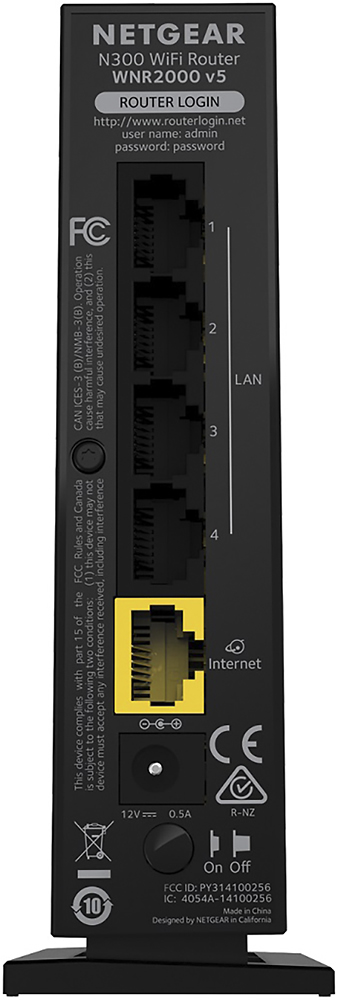
A:AnswerUse a small pen to press the RESET button, located on the back of the router. You will need it powered up and you will need to hold the reset button on for 10 to 20 seconds. The lights on the front will change to yellow and begin flashing. When this happens, you can release the button and follow the instructions on initial setup.