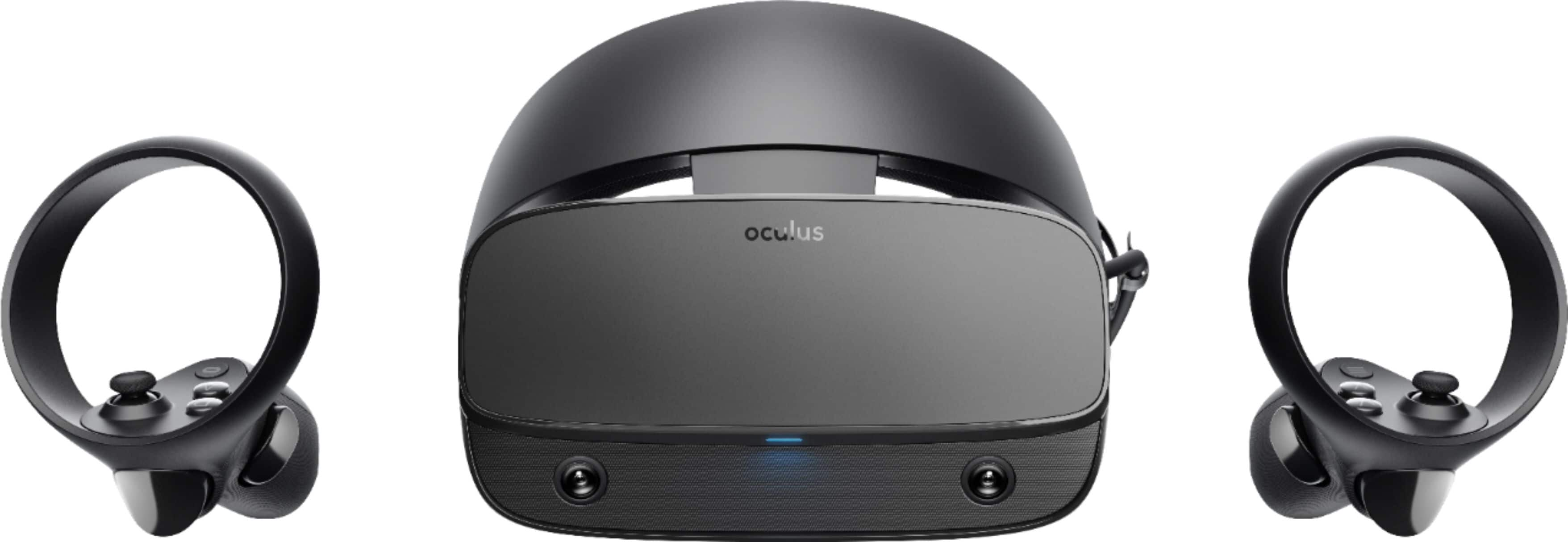
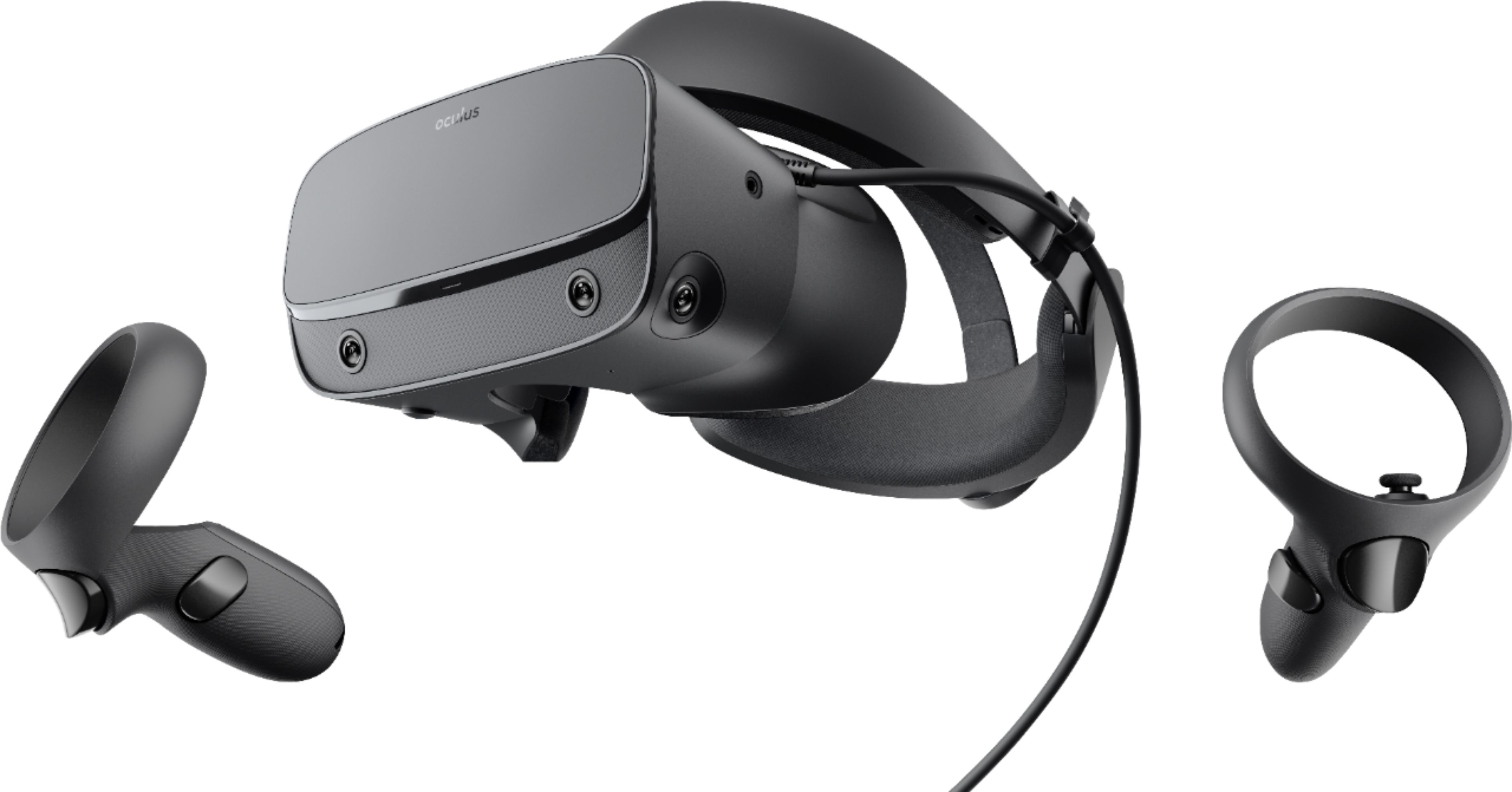
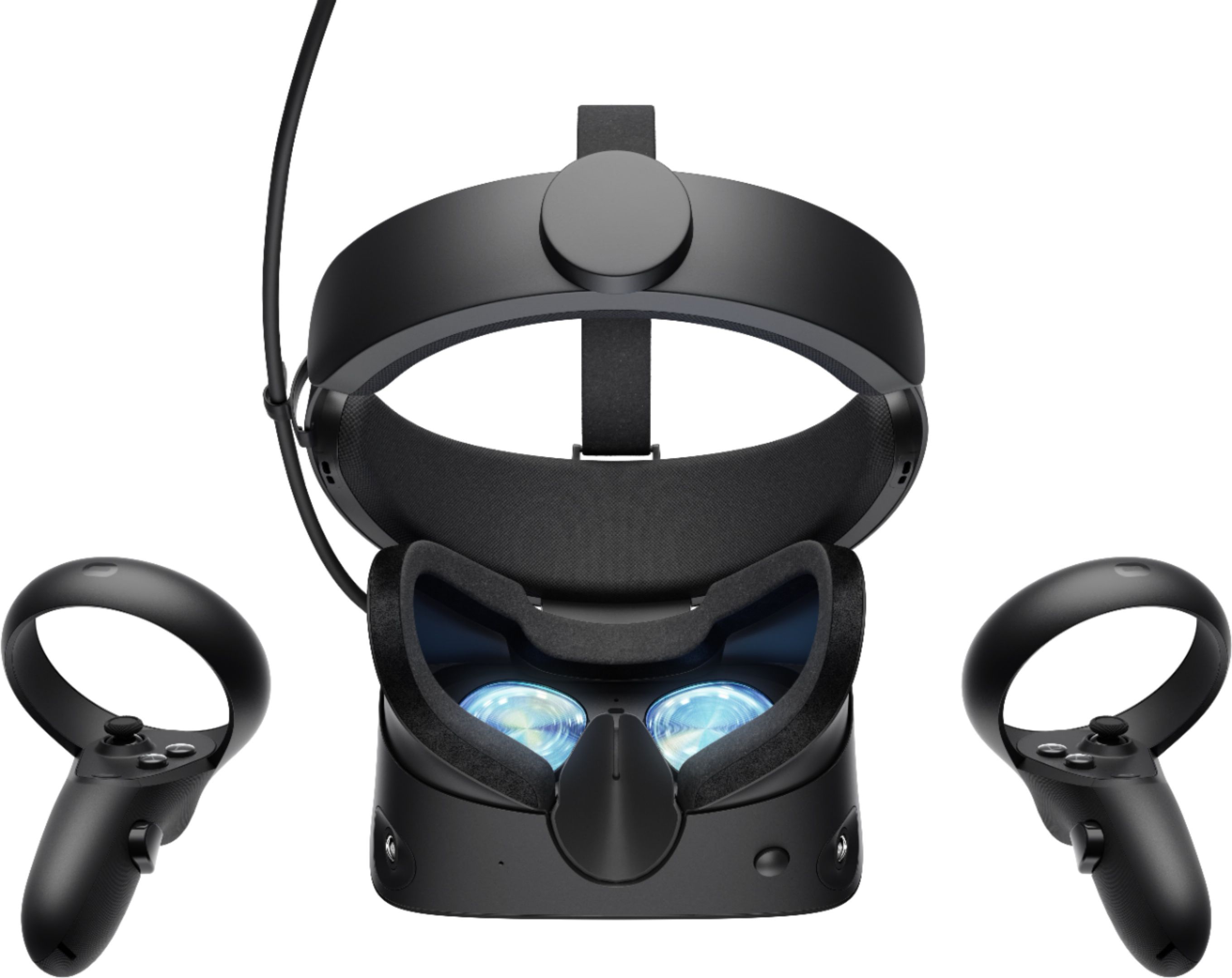
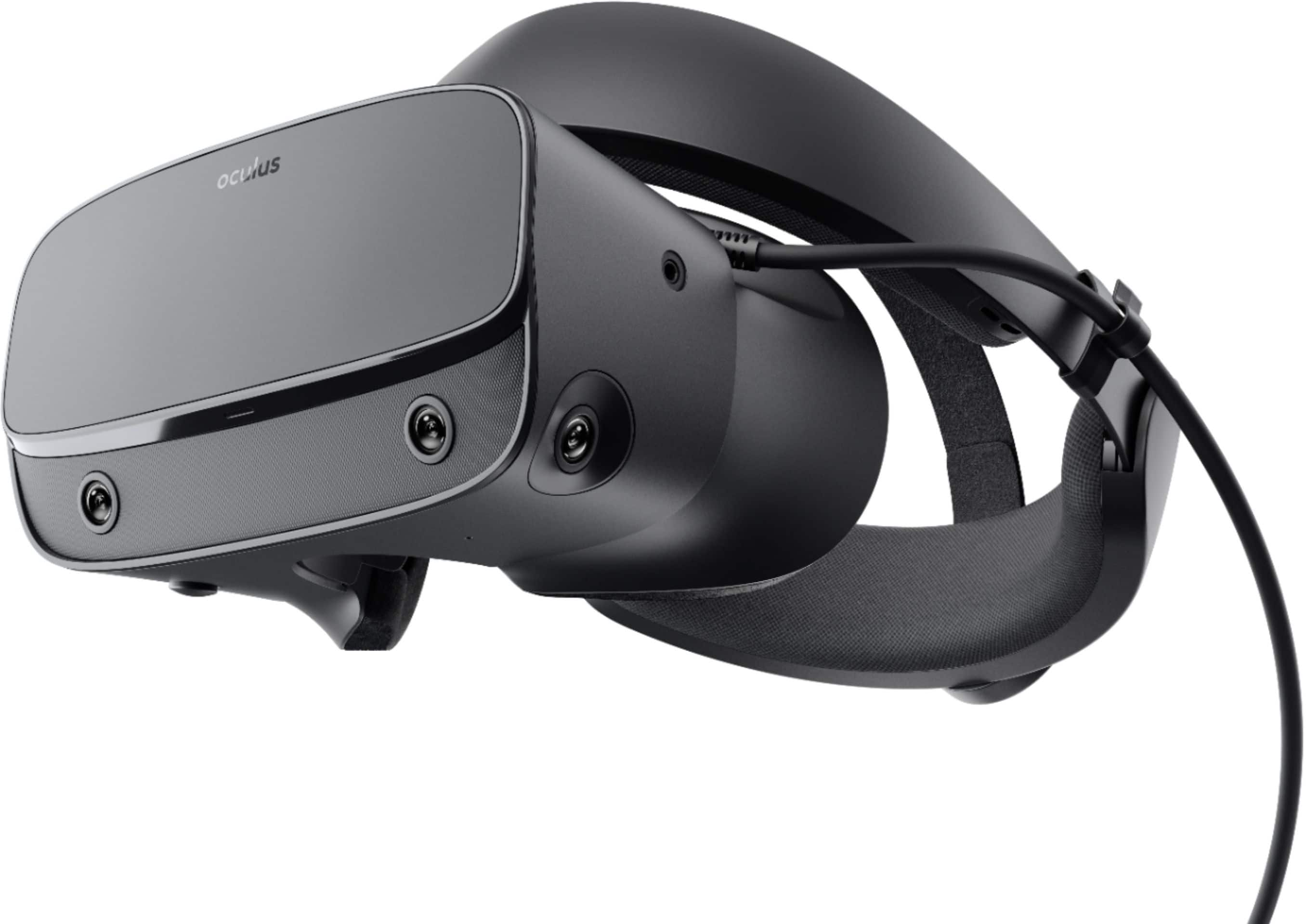
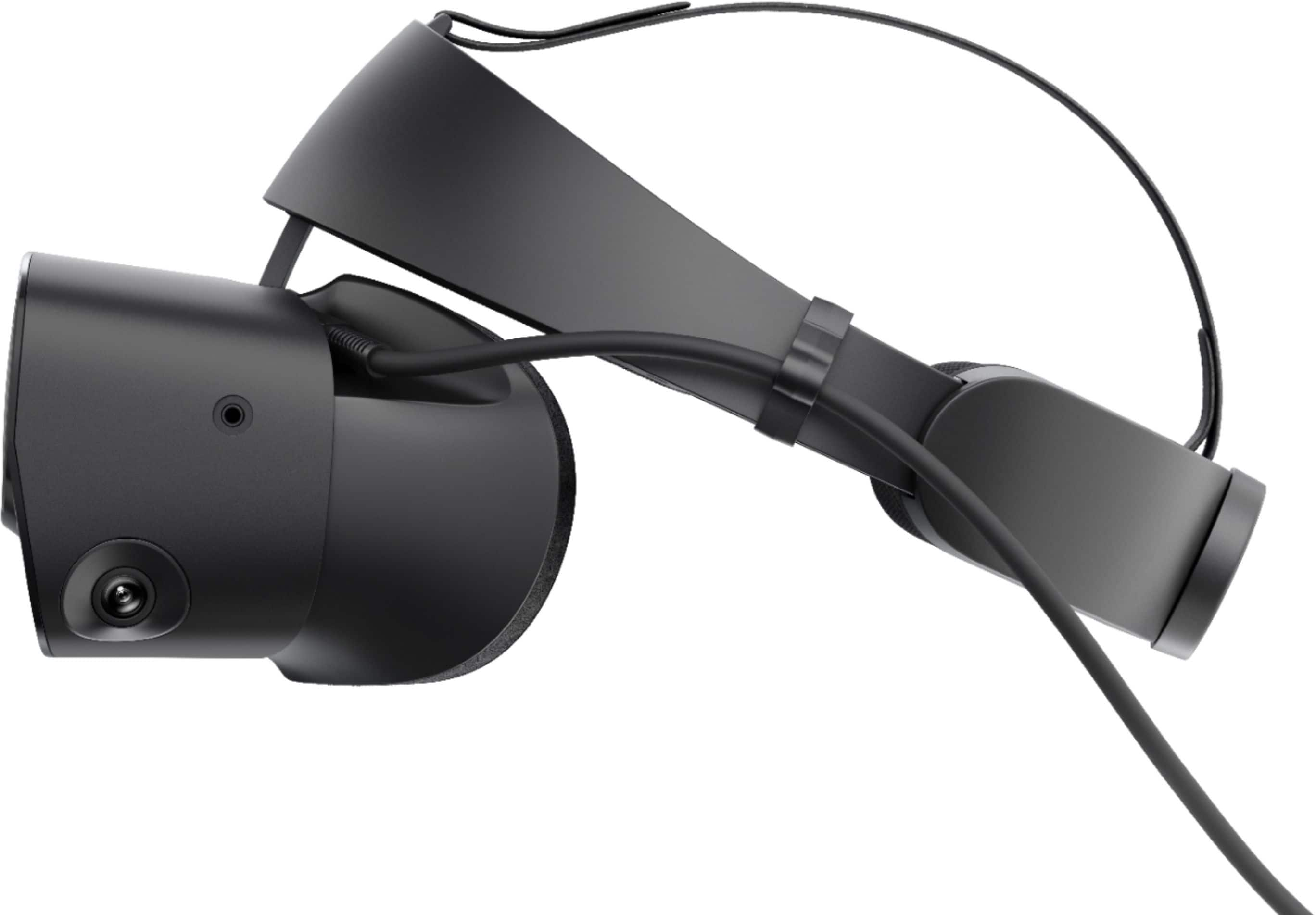
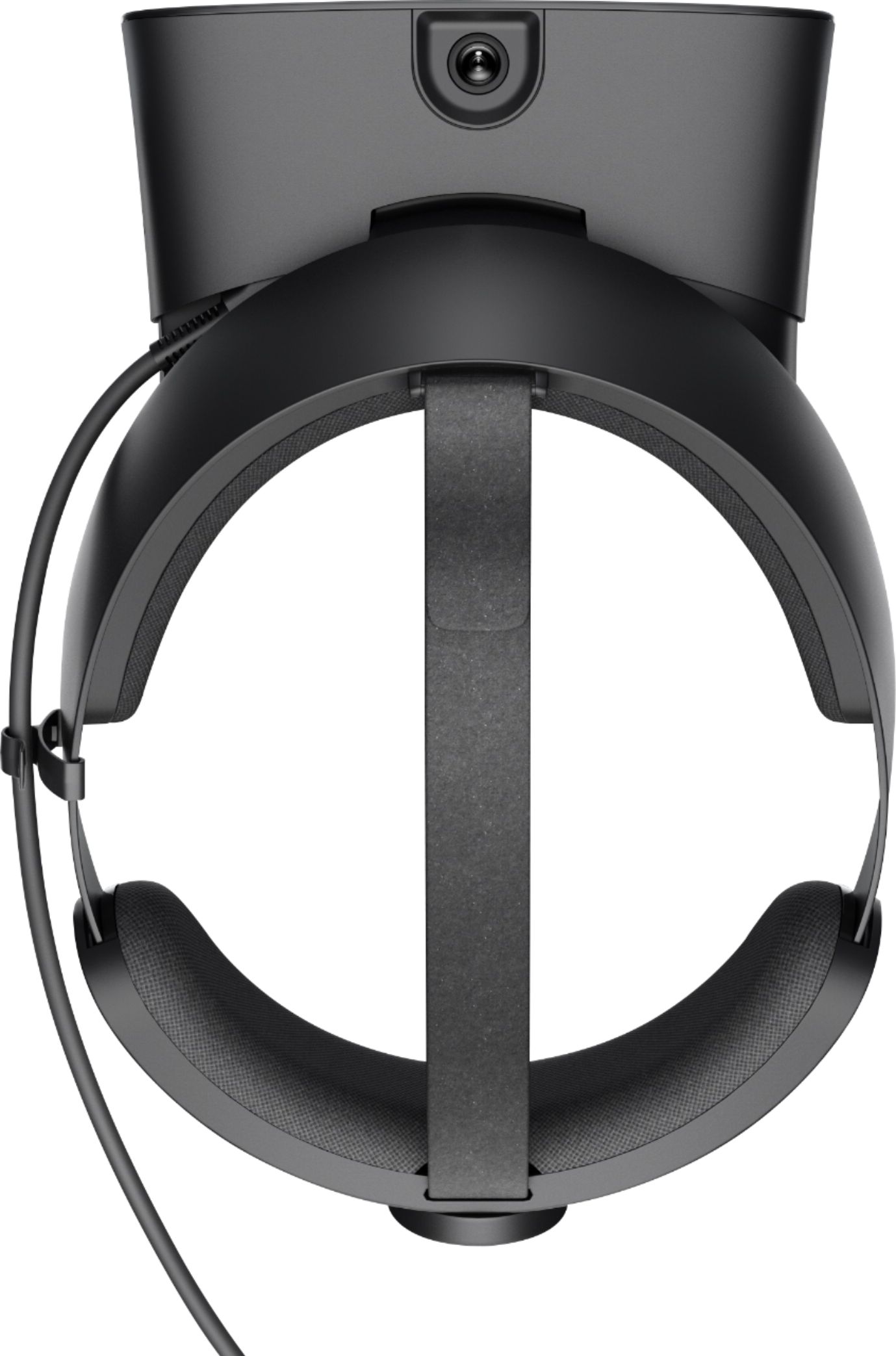
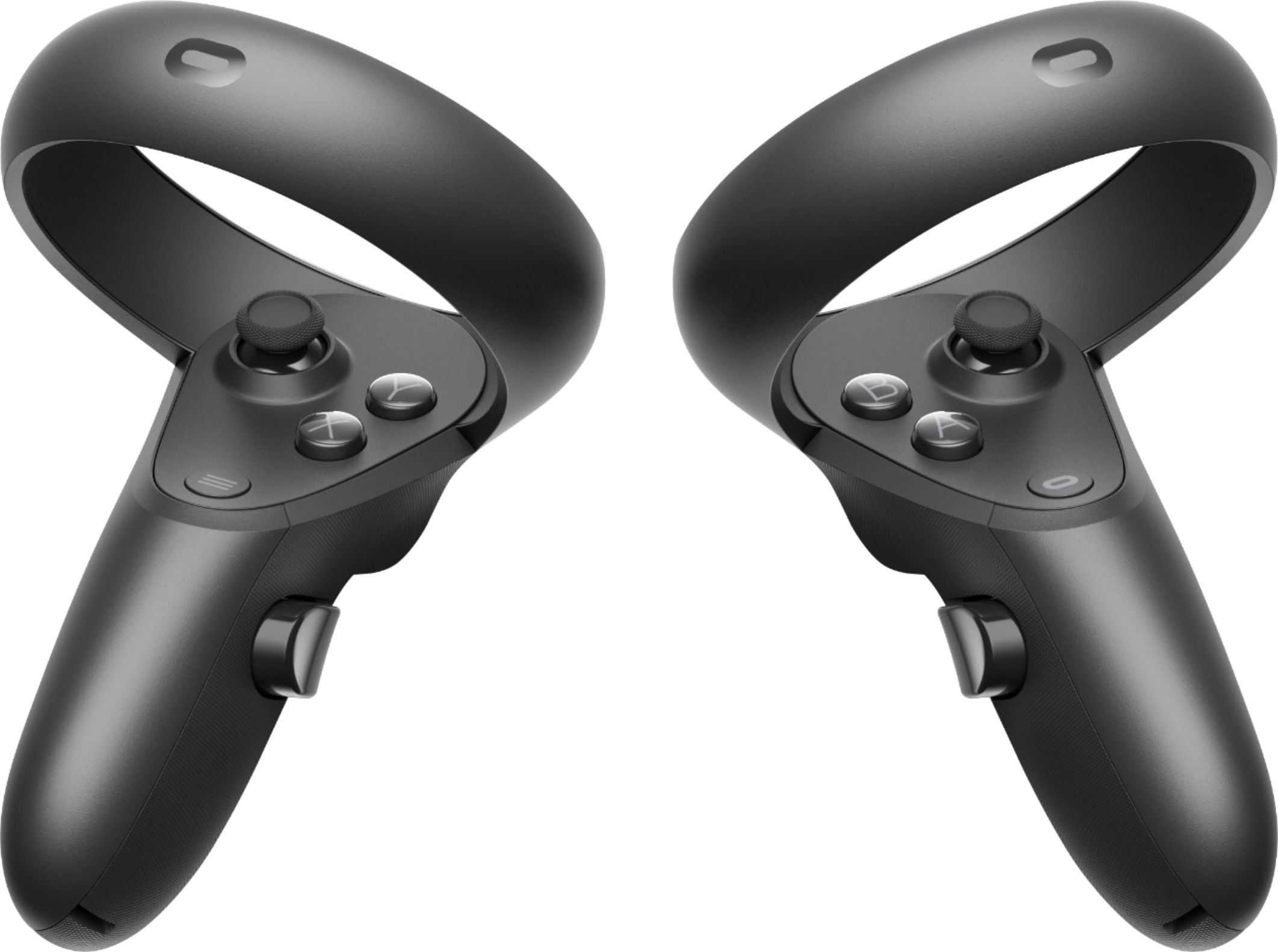
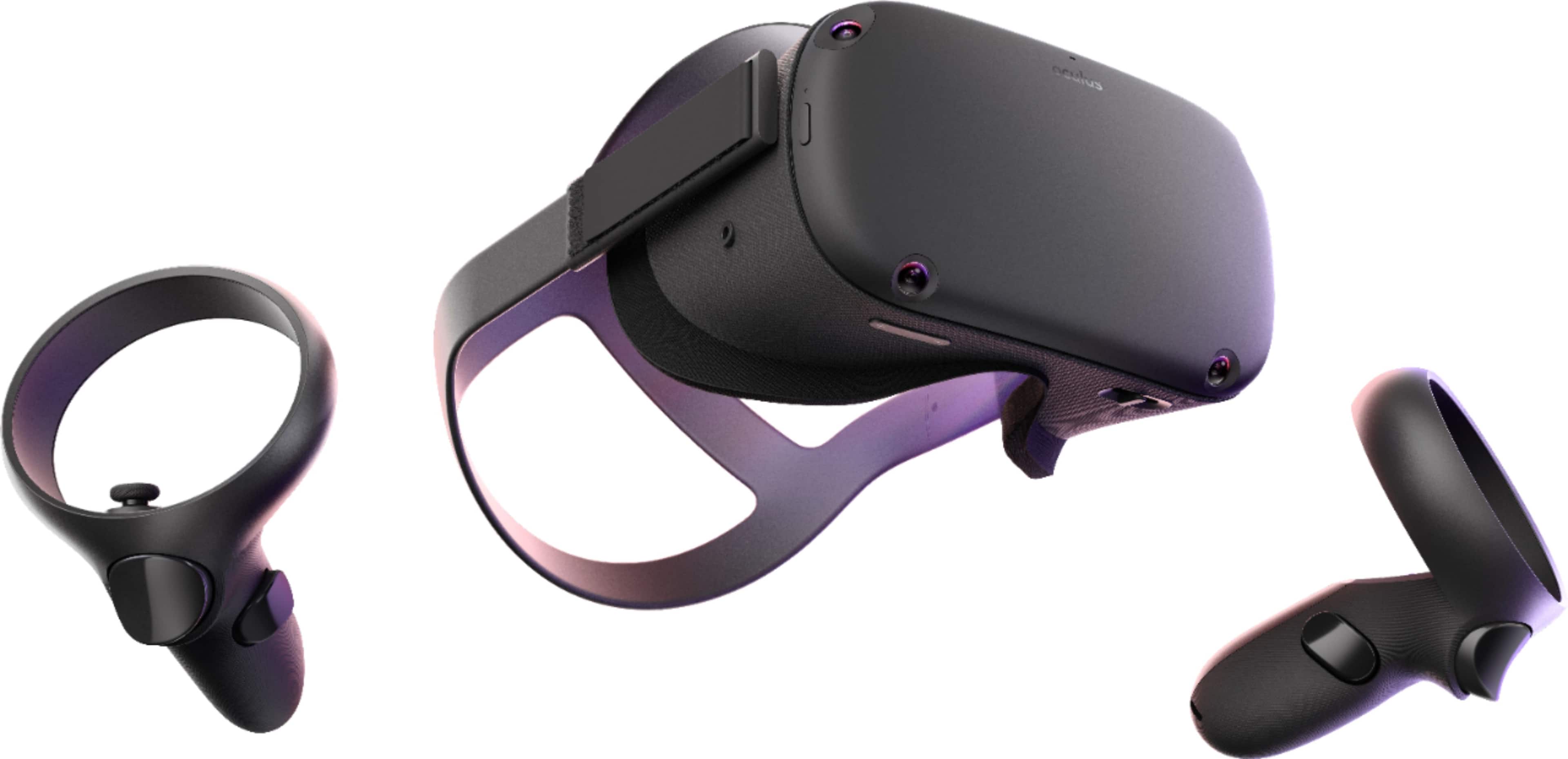
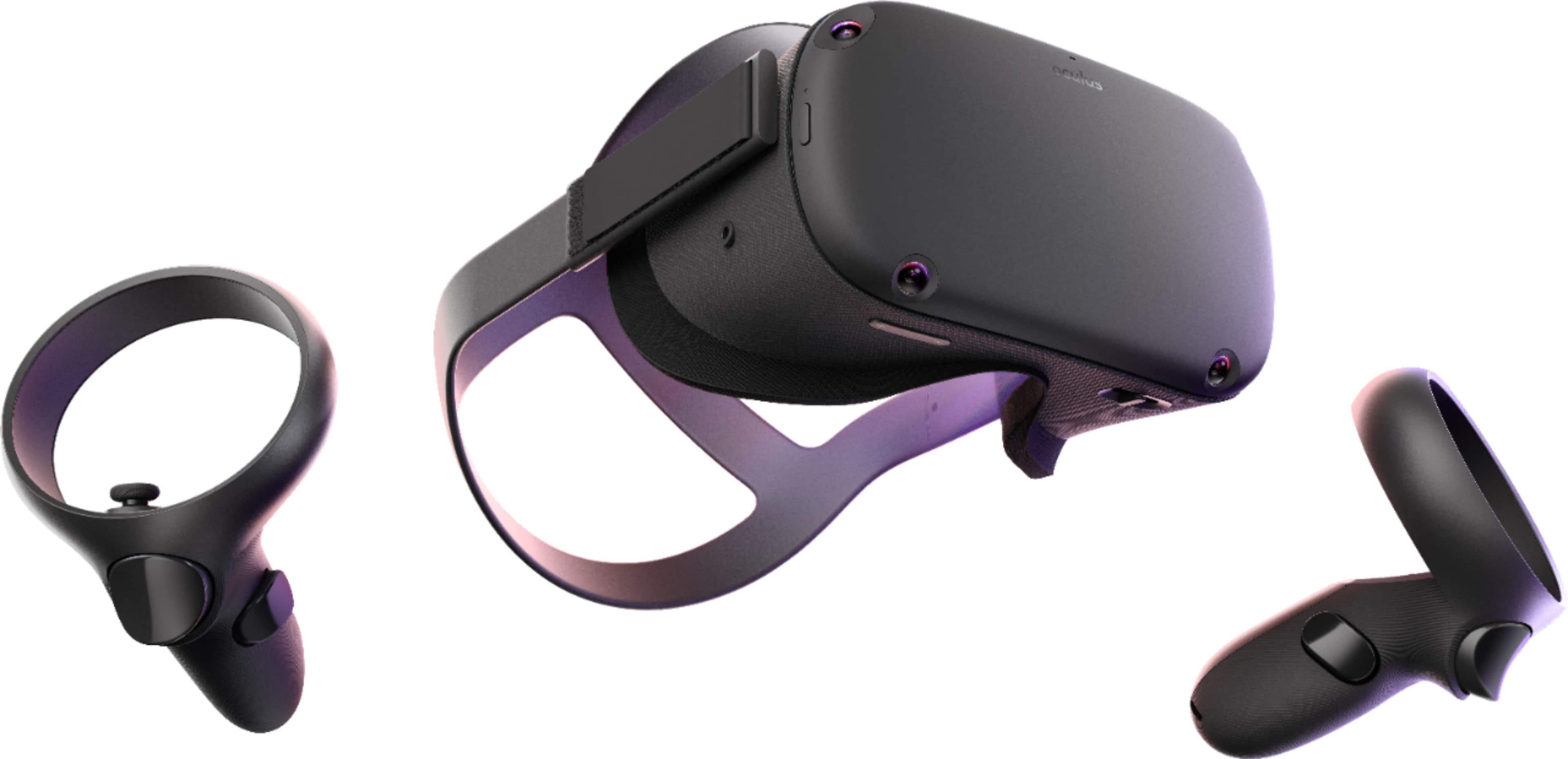
A:AnswerThe Oculus Rift S is a "Gaming Device/Console". It is hardware. It does NOT come equipped with a games library preinstalled. That said, there are plenty of DEMO and FREE TO PLAY Games on the Oculus App and other platforms such as Steam which can be downloaded for free. With many more High Quality games at an affordable price.
A:AnswerThis works great with XP11, FSX, and DCS! Brings PC flying to a level that once you try it, you won’t go back. Dog fighting in DCS along with carrier landings is UNREAL using this headset.
A:AnswerYes, there are many ways to consume content with your Rift S. Whether it's an App or just through your Virtual Desktop. But, remember that the Rift S is limited to 2560×1440 while UHD is 3840 x 2160 pixels. You can also surf the web just as you could with your computer. With the Virtual Desktop, you see what your monitor sees.
A:AnswerIt can work if you have a Display port and not an HDMI which most Graphics cards will have. If you are lucky you may get an adapter but I have never tried if that will work. The best of luck is to get a graphics card with a display port. If you don't know what a display port is then google is your best friend. =)
A:AnswerStay away, far, far away, the IPD adjustment is non-existent, don't listen to the "software IPD adjustment" it does nothing. I have an IPD of 79, I returned the Rift S, and may purchase the Valve Index later.
A:AnswerUnfortunately, no. You would need either a DisplayPort or Mini DisplayPort to plug it into, and official word from Oculus is that HDMI-to-DisplayPort adapters will not work, because "no known adapter currently has sufficient bandwidth to carry the headset’s 1440p 80Hz signal, but that could change in the future."
Unless someone invents a better adapter, you'll need either a different laptop or a different VR system. I hear good things about the Oculus Quest!
A:AnswerHey, so as a much better answer, https://support.oculus.com/1357437467617798/ has a tools specifically designed to see if your computer is able to handle the Rift S. I'd recommend downloading and running that.
A:AnswerI definitely recommend not buying the Rift S and buy the Quest. Its far superior to the Rift S and the Quest can be connected to a PC and be wireless as well. I had to return my Rift S with 1 week of owning it. The Quest or the Quest 2 is the way to go for sure. Even the Original Rift is was better. I still own and use my original Rift.
A:AnswerBest if you can to build your own, its not hard to do. Its what I have been doing for 23 years, and I have pc still running 18 years later. You need to look up reviews on the parts like Motherboard, Ram, Power supply, Hard Drive, or SSD if you want some more speed. For a graphics card at lest a Gtx 1060 should work for most games.
Oculus Rift S recommended PC requirements
OS: 64-bit Windows 10.
CPU: Intel i5 4590 / AMD Ryzen 5 1500X or greater.
RAM: 8GB.
GPU: Nvidia GeForce GTX 1060 / AMD Radeon R9 480 or greater.
USB Ports: 1 USB 3.0 .