MacBook Docking Stations
-
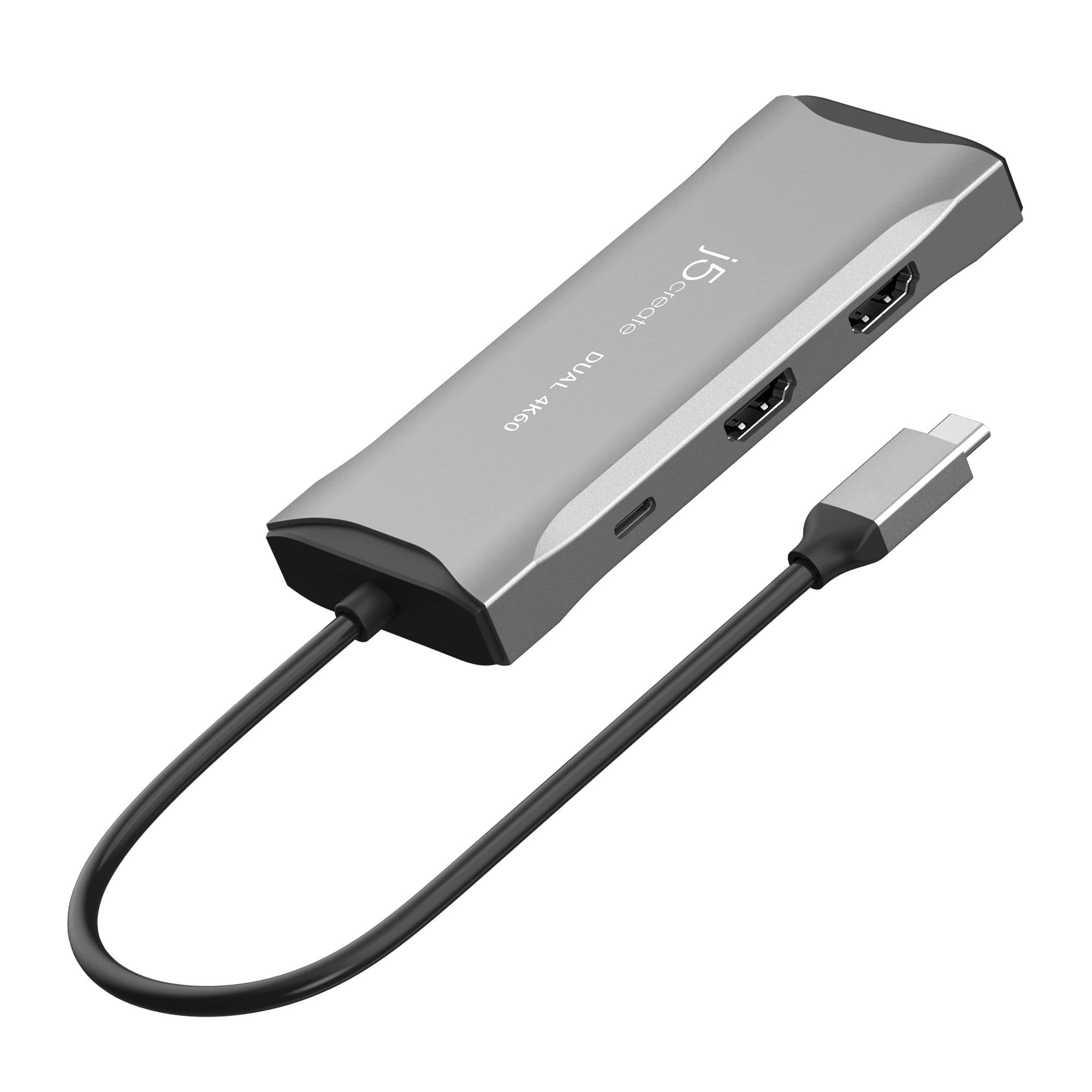
j5create - USB-C® Dual HDMI™ 4K60 Mini Dock for Windows, macOS, Chrome OS - Space Gray
SKU: J36445R9F2See all Docking StationsProduct Description
A space grey mini dock enabling dual 4K60 HDMI displays, USB 5Gbps ports, and 100W pass-through charging.Your price for this item is $89.99 -
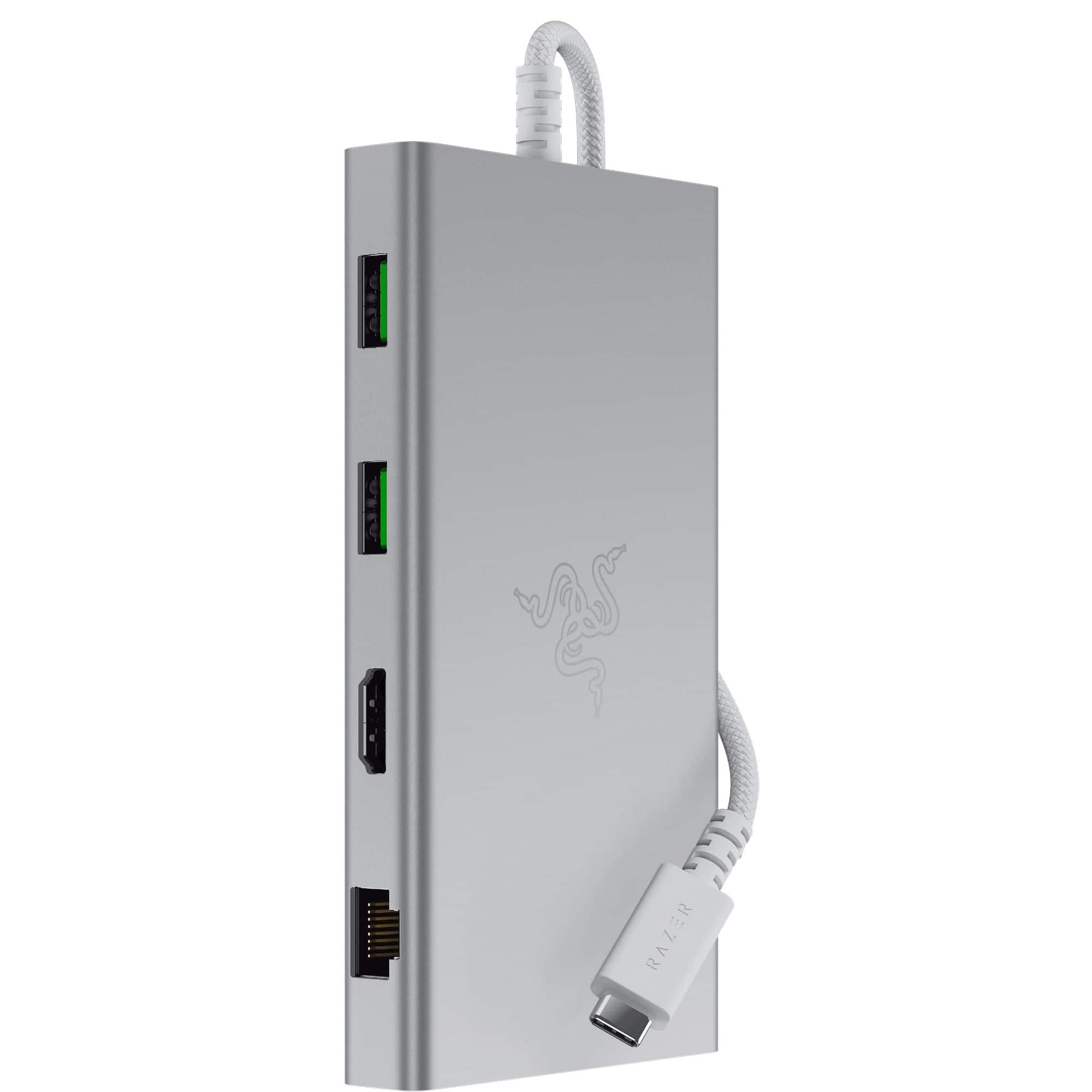
Razer - USB C Dock Station with 11 Ports for Windows 10 or later (PC with USB‑C); macOS 10.13 or later (Mac) - Mercury
SKU: J39HWFHPGLSee all Docking StationsProduct Description
A versatile silver USB-C dock offering 11 ports, including headphone jack, memory card slot, and Ethernet.Your price for this item is $109.99Save $20The previous price was $129.99 -
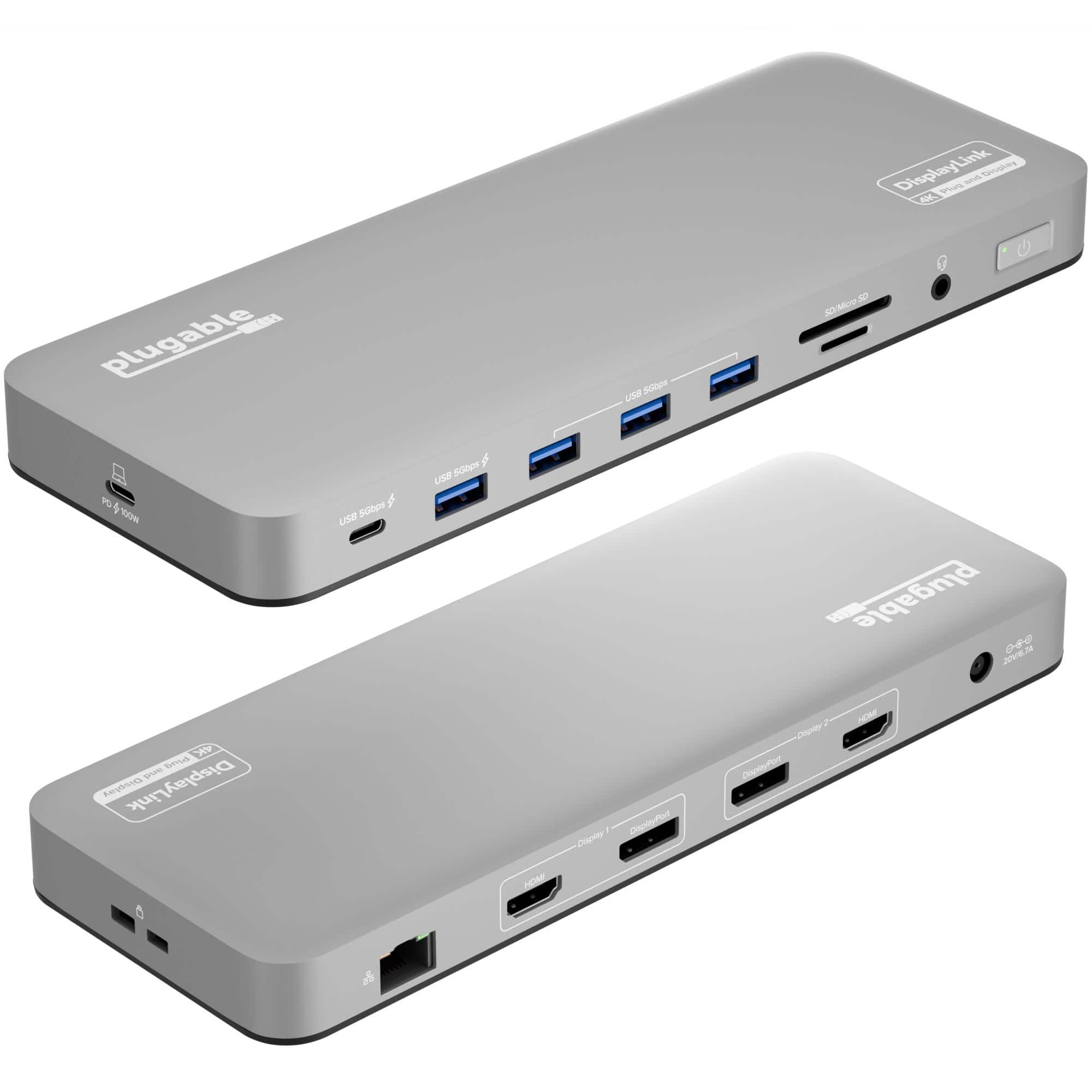
Plugable - USB C Laptop Docking Station-Dual Monitor 4K 60Hz Apple Mac M1/M2/M3-2x HDMI or 2x DisplayPort-100W Charging - Silver
SKU: J3YLP62K2LSee all Docking StationsProduct Description
A sleek silver aluminum dock offering dual 4K monitor support, 100W charging, and 14 versatile ports.Your price for this item is $199.99 -
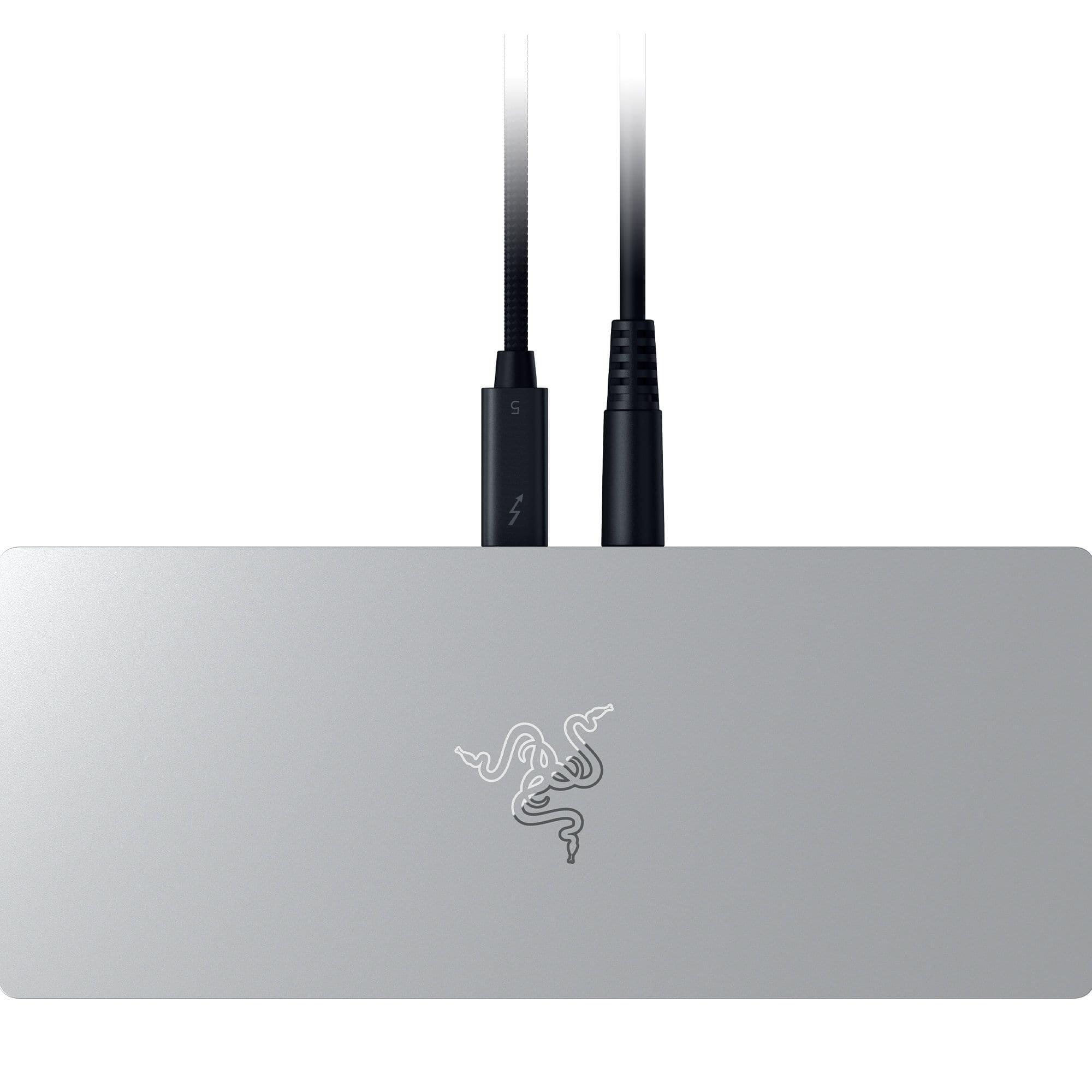
Razer - Thunderbolt 5 Dock: 11-Port Docking Station - 120Gbps Transfer - Triple 4K 144Hz or 8K 60Hz Display - PC & Mac - Mercury
SKU: J39HWFH9F2See all Docking StationsProduct Description
An anodized aluminum mercury dock offering 10 ports, M.2 storage slot, and triple 4K display support.Your price for this item is $379.99Save $10The previous price was $389.99 -
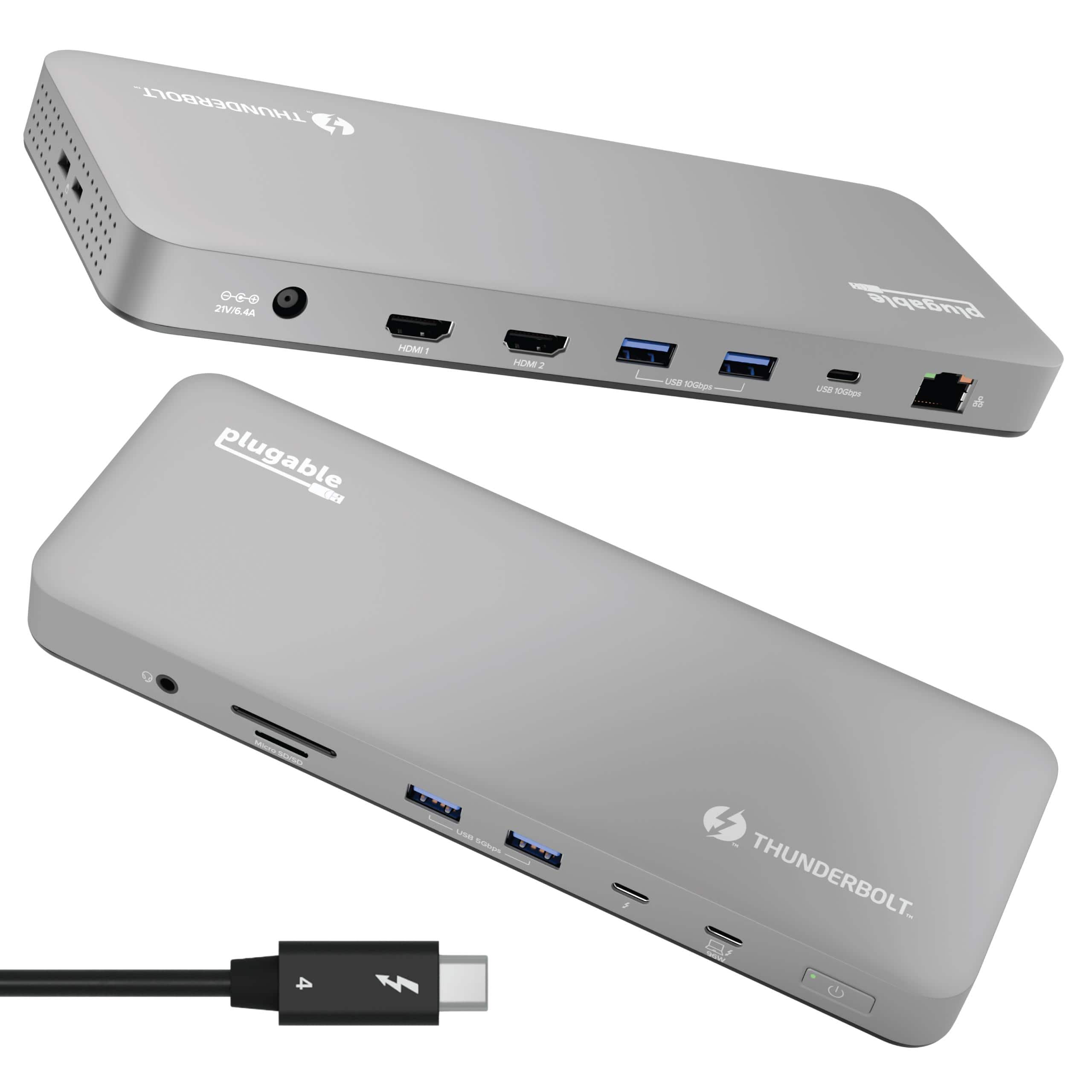
Plugable - Thunderbolt 4 Dock for M4 MacBook Air & Pro: 100W Charging, 4K HDMI Dual Monitor or Single 6K - Space Gray
SKU: J3YLP624W9See all Docking StationsProduct Description
A sleek space gray aluminum dock offering Thunderbolt 4 connectivity, dual 4K HDMI, and 100W charging.Your price for this item is $199.95 -
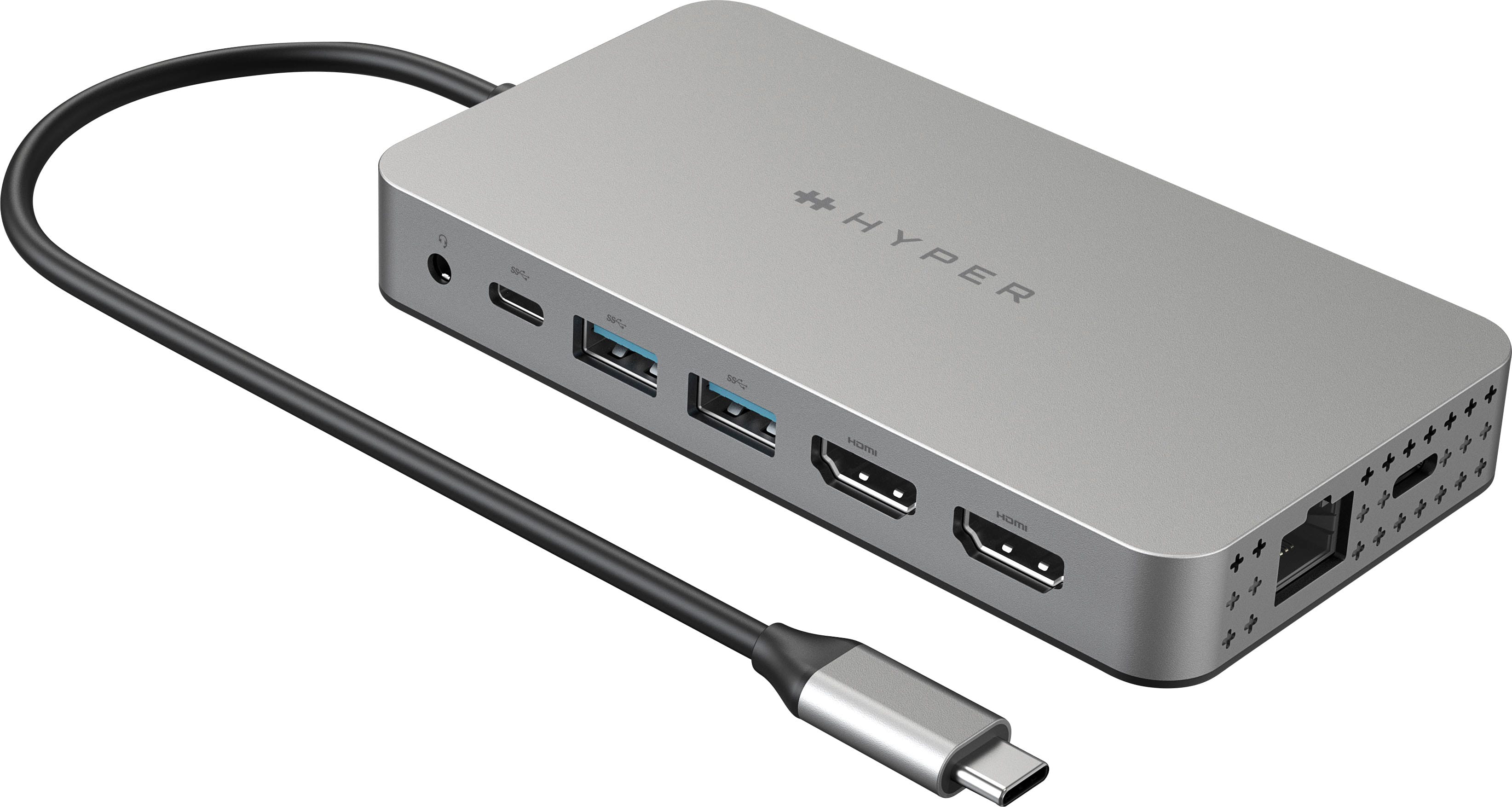
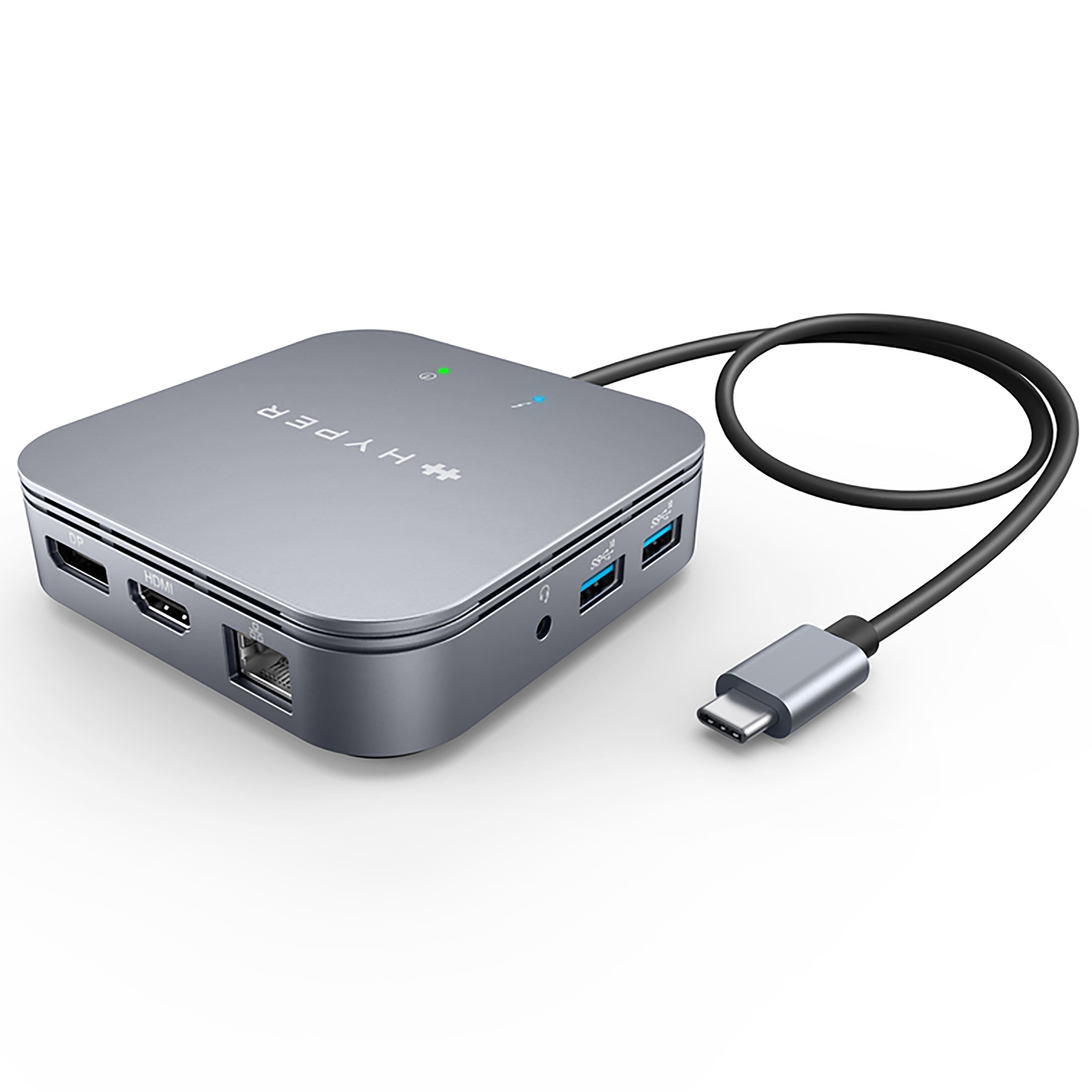
Hyper - HyperDrive Dual 10 Port USB-C Hub, 4K HDMI, Ethernet, 1 USB-C, 2 USB-A, microSD/SD, travel dock for M1/M2/M3 MacBook - Gray
SKU: J3L45JH79SSee all USB HubsProduct Description
A versatile gray USB-C hub offering dual 4K HDMI, Ethernet, USB-A/C, and SD card connectivity.Your price for this item is $199.99 -
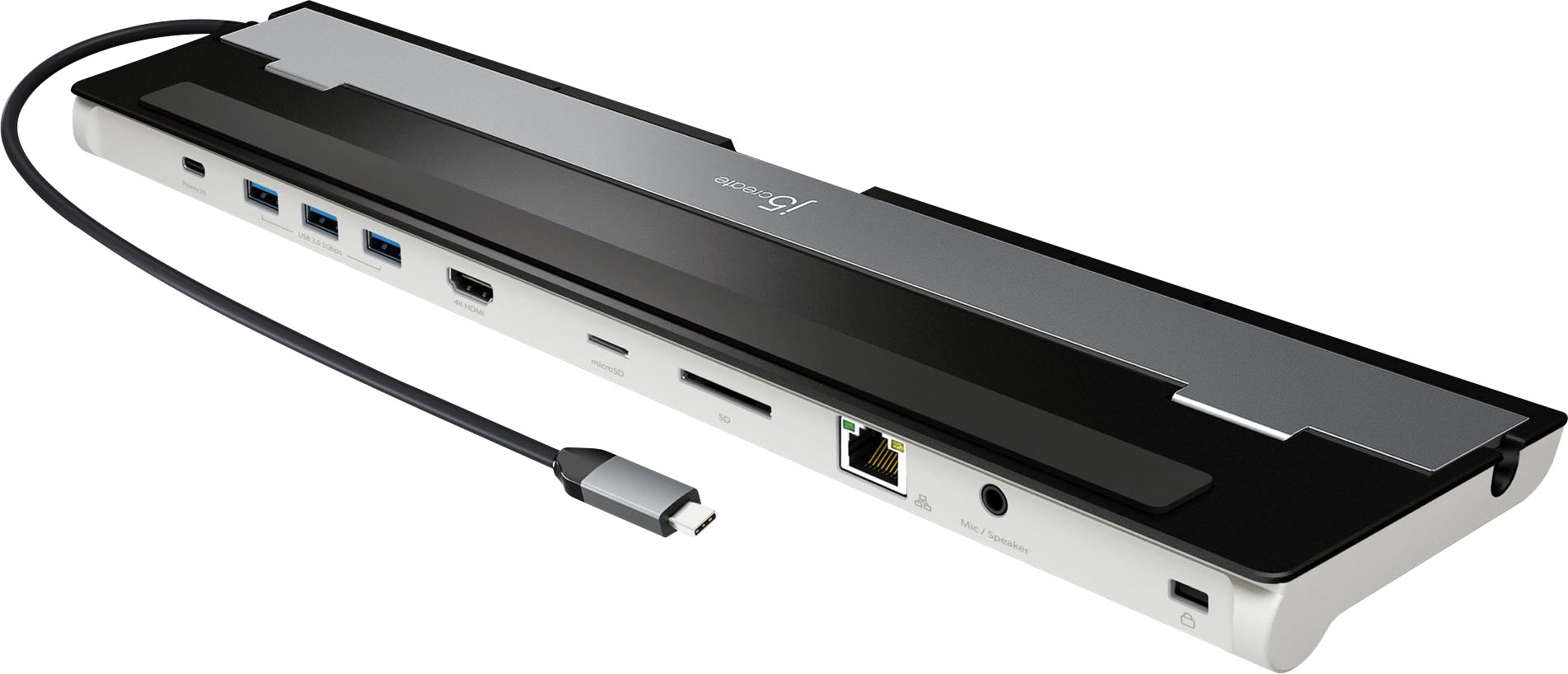
j5create - USB-C 4K HDMI Docking Station with Power Delivery - Grey/ Black
SKU: J36445RYJGSee all Docking StationsProduct Description
A sleek aluminum dock in grey and black offering 4K HDMI, USB-C power delivery, Ethernet, and more ports.Your price for this item is $59.99 -
j5create - USB-C Triple Display Docking Station with 100W PD Adapter
SKU: J36445R3PKSee all Docking StationsProduct Description
A versatile black docking station offering triple display support, 100W power delivery, and extensive connectivity options.Your price for this item is $149.99 -
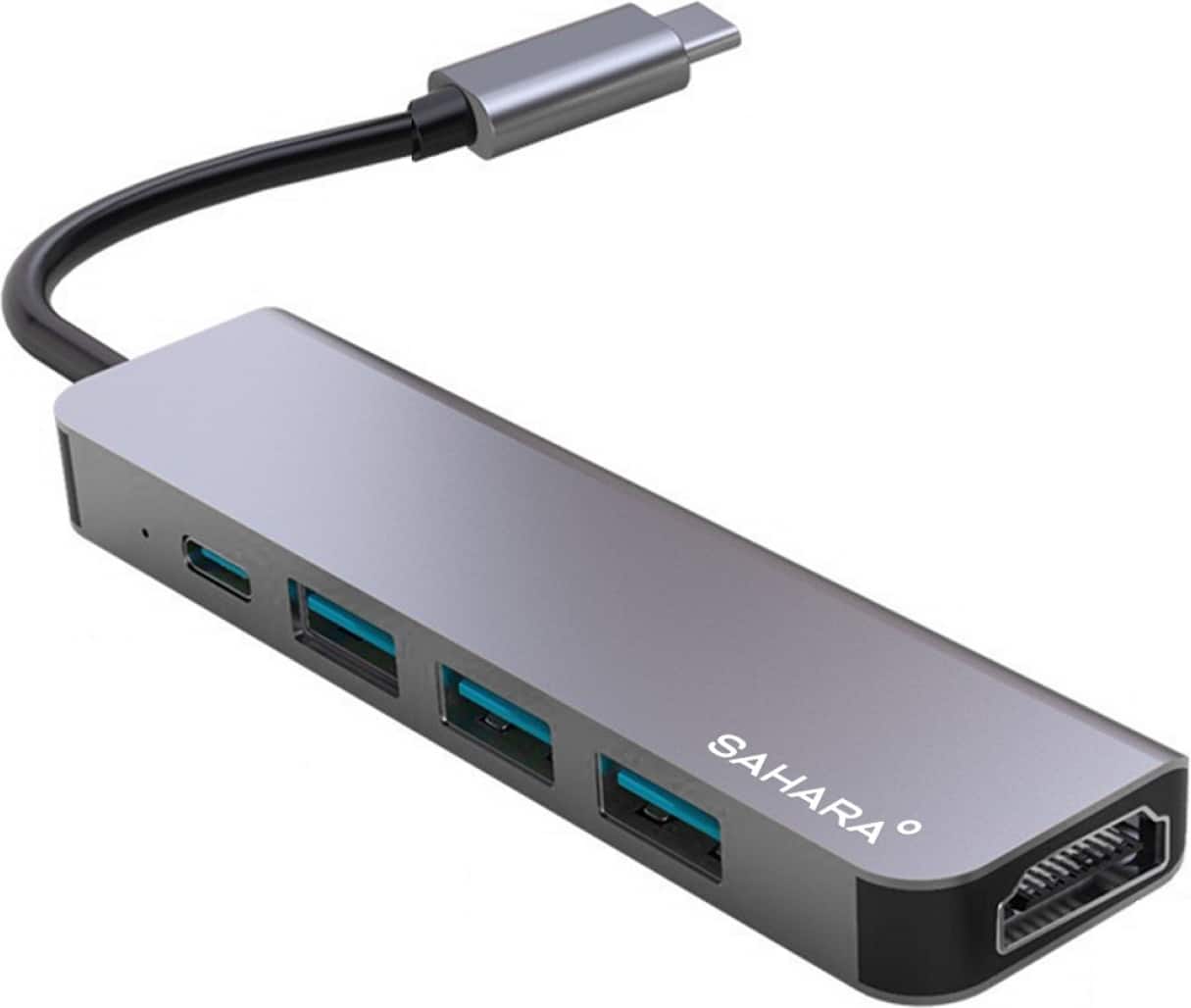
SaharaCase - 5-in-1 USB-C Docking Station - Space Gray
SKU: J3GW2YSQSVSee all Docking StationsProduct Description
A sleek space gray aluminum hub offering HDMI, USB-C, and three USB ports for seamless connectivity.Your price for this item is $39.95 -
Targus - HyperDrive Thunderbolt 3 7-Port Mobile Dock - Gray
SKU: J3L45JH79WSee all Docking StationsProduct Description
A slim gray plastic dock with seven ports, dual 4K display support, and 40Gbps Thunderbolt 3 speeds.Your price for this item is $115.89

Best Sellers





Related Pages


FAQ
When choosing a MacBook docking station, consider the types and number of ports you need, such as USB-C, HDMI, Ethernet, and SD card slots. Also, look for compatibility with your MacBook model and support for dual or triple monitor setups if needed.
Yes, many MacBook docking stations support connecting two or more external monitors. Check the product specifications to ensure it supports the monitor configuration you require, such as dual 4K displays.
Most modern MacBook docking stations offer power delivery via USB-C, allowing you to charge your MacBook while using the dock. Be sure to verify the wattage output to match your MacBook’s charging requirements.
Many docking stations are compatible with both macOS and Windows laptops, but some features may be optimized for MacBook models. Always check the compatibility details in the product description.
A USB-C hub typically offers a few extra ports for basic connectivity, while a docking station usually provides a wider range of ports, higher power delivery, and support for multiple monitors, making it ideal for workstation setups.