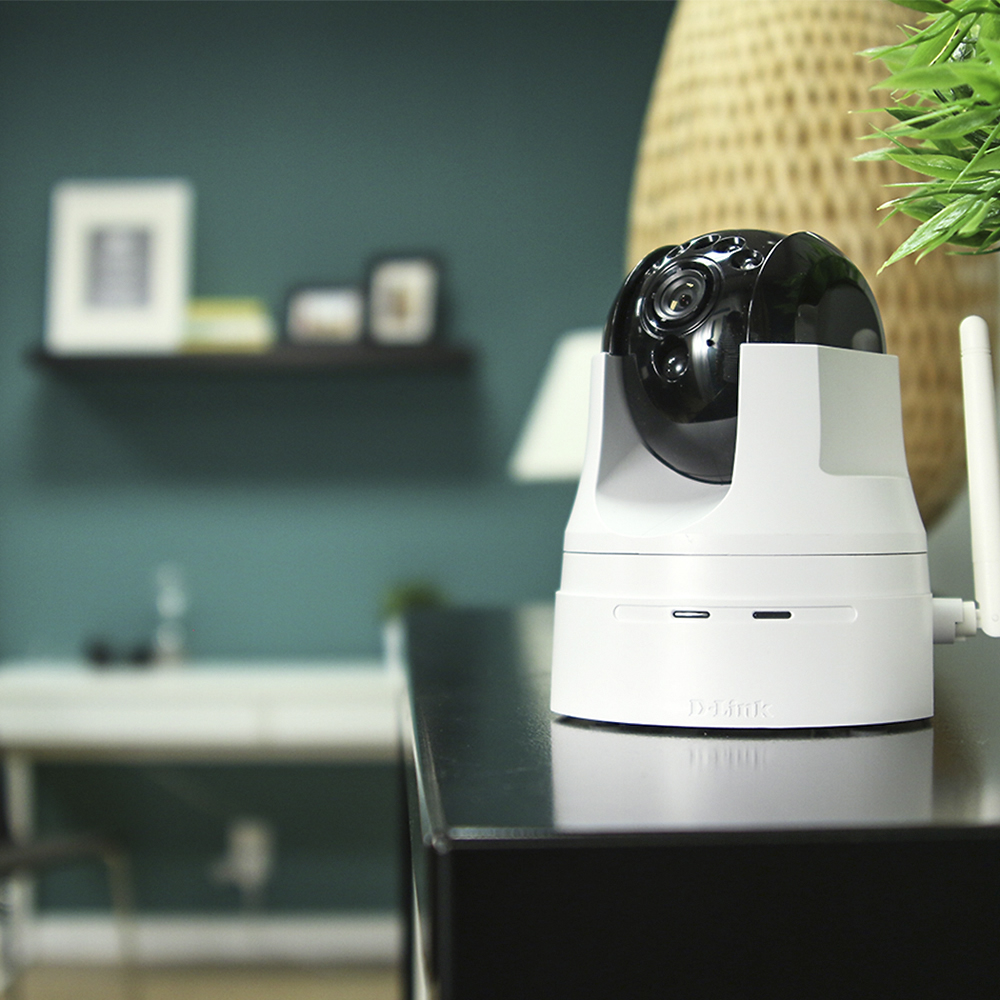
A:AnswerYes. After having mounted the camera to the ceiling , you can invert and flip the image through the web-based camera configuration and the image will be right side up. I have done that with one of my two cameras.
A:AnswerWe want to thank you for your questions as we do appreciate them. Please note the DCS-5222L is an outdoor HD Wireless Network Camera and you may be able to changes the exposure mode to set the camera for Indoor, Outdoor, or Night environments, or to Moving to capture moving objects as well. You may find out more information by visiting our website at www.support.dlink.com. Thank you for choosing D-Link.
A:AnswerWe appreciate the interest in the product. Please note that just as long as you have a working internet connection, you are able to view the camera's live feed from your computer or laptop.
A:AnswerWe thank you for your interest in the product. Please note that the range depends on the wireless coverage of your router. To get an estimated range, we advise that you use your mobile device. Usually the camera will cover the same wireless range as a cellphone or tablet.
A:AnswerThe IR lights are not bright enough to cause discomfort at a range of 15 ft or more. Closer would probably be annoying. They go off if the ambient light is high enough, and there is no software control for that, that I am aware of.
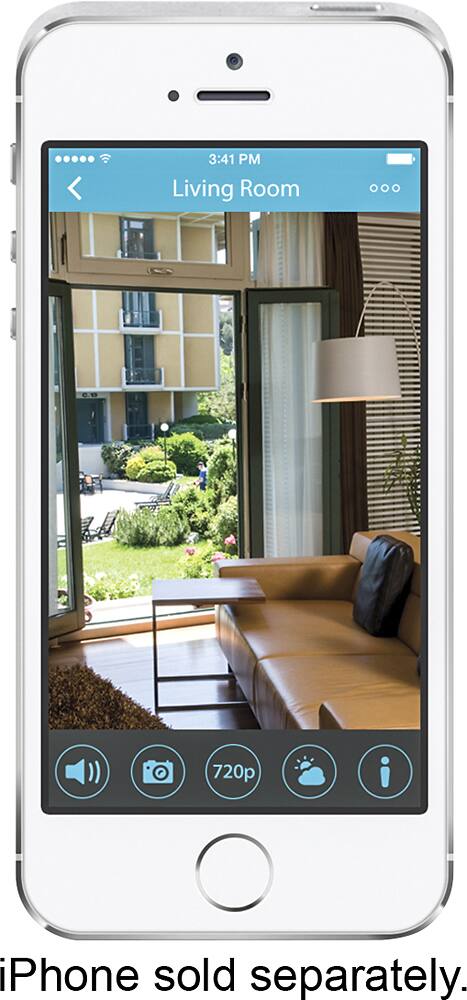
A:AnswerThe app gives you a phone notification that motion or sound has occurred. You then must start the app to view the live video. You can set it up to record the event, also.
A:AnswerYes but it will have to be added to the network of the new location with each move. This is done fairly easily with the use of the app. If you use the WPS button on the WiFi router and the camera it should link up pretty quickly. You may have to delete the camera from the app/mydlink account when you move, though. That is easy to do.
A:Answer2-way audio is directly from the unit. It has a built-in mic and speakers. You can "talk" to the camera via the app (phone/tablet) or you computer via mydlink.com.
A:AnswerThe camera we have does require 110 volt power to operate. There are similar cameras that operate on batteries. If you still want this camera, you can use an "UPS" unit for back up
A:AnswerYes. You can do so through the mydlink.com account or through the app. It takes a second to buffer the clip but does work. You may be able to set it up through FTP or other direct standard through the advanced settings, also.
A:AnswerI believe this unit should work in some hotel or temporary settings. You will need either a cable or the WIFI security information to make it work. Some hotels require users to agree to terms before being connected to wifi, this environment may be a problem for this unit. In this situation, I suggest using a network cable if available.
A:AnswerWe appreciate the interest in our product. To view the camera's live feed on your phone/computer you will need to register for a mydlink account. All you will need is a working email address. You will not need to enter your address or the camera's serial number.