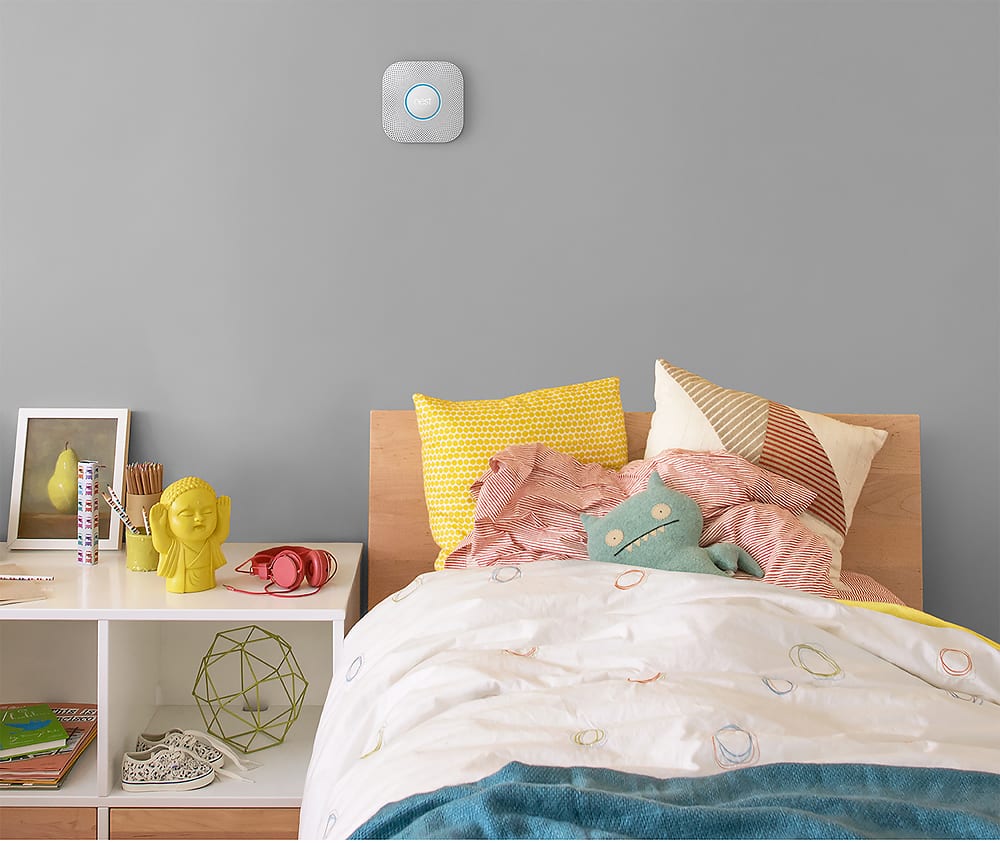
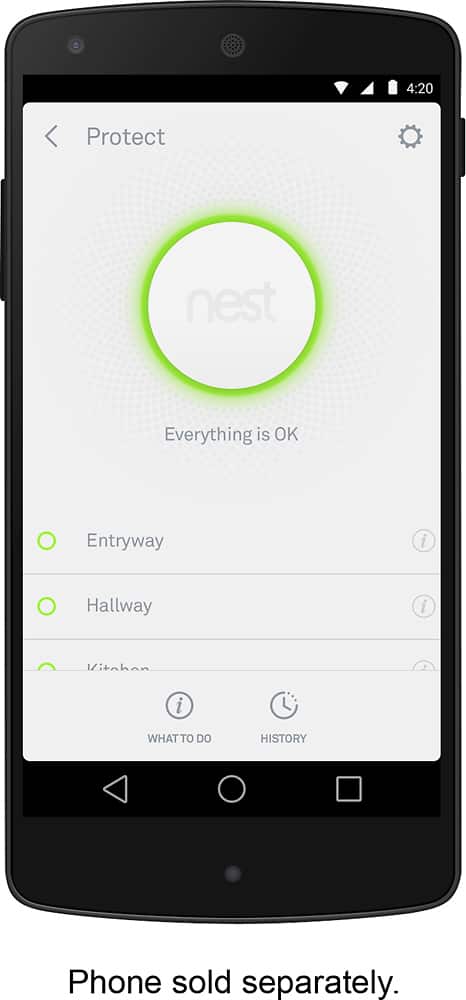
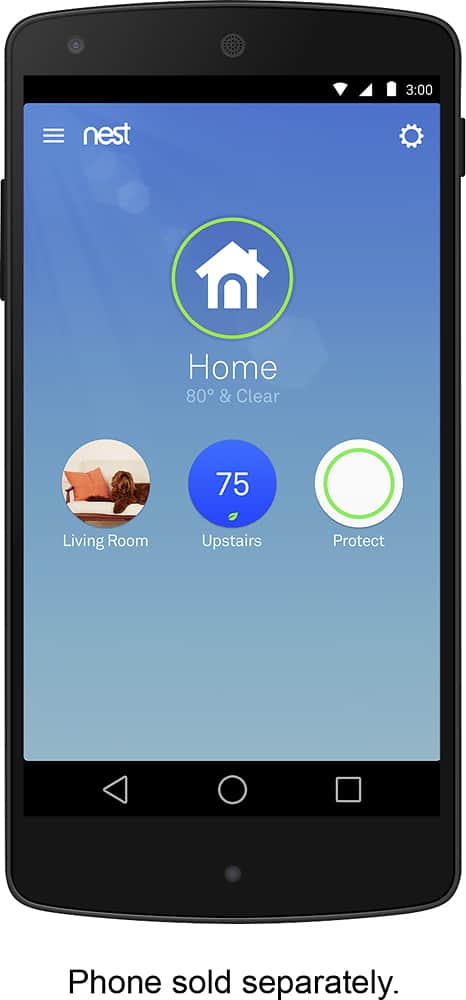
A:AnswerNo need to mount the Nest on the ceiling... It's design allows much lower location... and I read a lot on these about a year ago and my understanding is that you can indeed control, operate, Silence it from the app. Here's a Copy and paste from the Nest website.
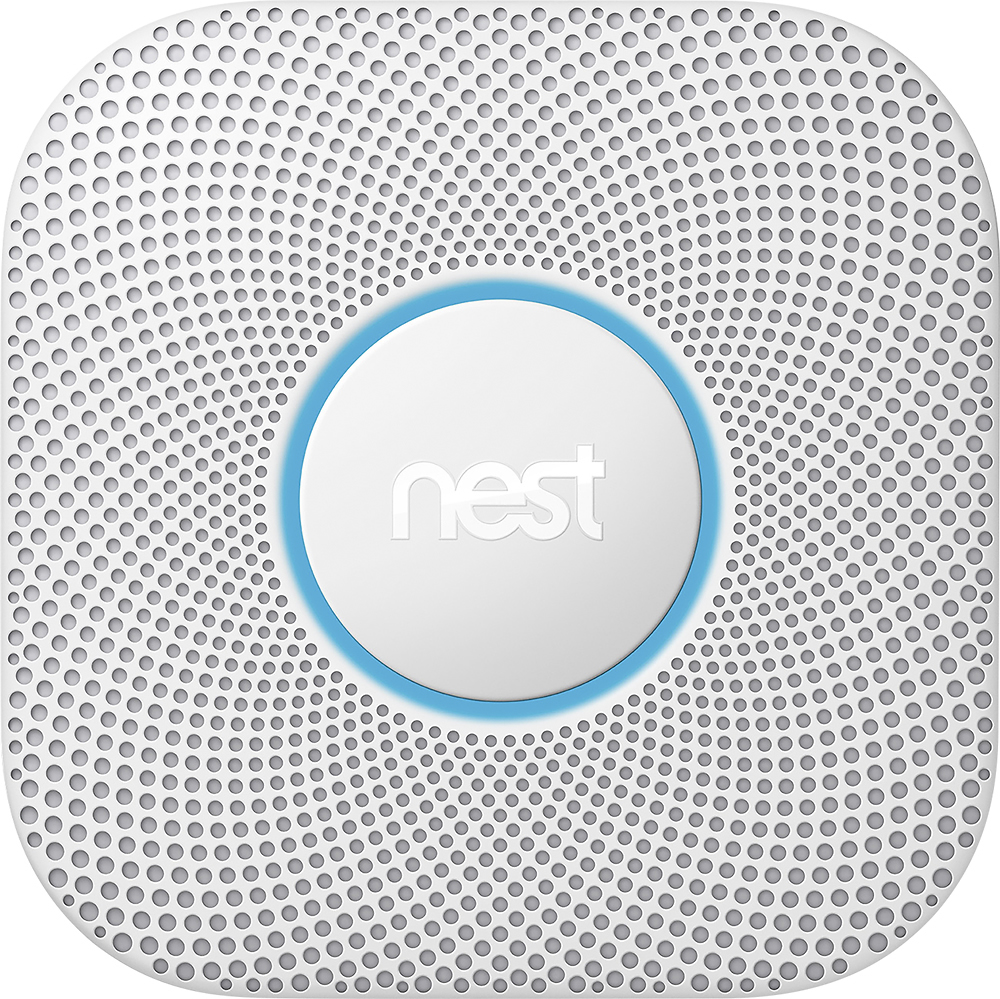
"The new Nest Protect has been redesigned from the inside out. It has an industrial-grade smoke sensor, tests itself automatically, and lasts up to a decade. It's also the first home alarm you can hush from your phone without any extra hardware required. And just like the original Nest Protect, it tells you what’s wrong and can even alert your phone."
A:AnswerGoogle Nest Protect has been tested to comply with certification standards in various regions and countries including the United States, Canada, European Union, United Kingdom and Australia. However, since specific requirements vary from place to place, you may need to check your local fire safety codes as well.
A:AnswerYes. Both 1st and 2nd generation Nest Protects make use of the same wiring configuration. We recommend following the step by step installation and wiring guide here: https://support.google.com/googlenest/answer/9231672
A:AnswerYou set all Nest items up through the Nest app. As such, if you setup the new house with the same named wifi, the Nest system will not see a difference. If you choose a different name or password for the wifi, you will just have to setup the nest items again in the new house.
A:AnswerNope, no new features, just a price jump. I think it's still second generation for the smoke detectors and third generation for the thermostat. I guess they figured their customer base is big enough now to where they can up the price and we will keep coming back to keep the house with a uniform brand.
A:AnswerYou wire it just like any other smoke detector. If you take an old detector out, and put this in, you're hooking it up the same way. There are instructions to fit the most common wiring scenarios, so it should fit most houses.
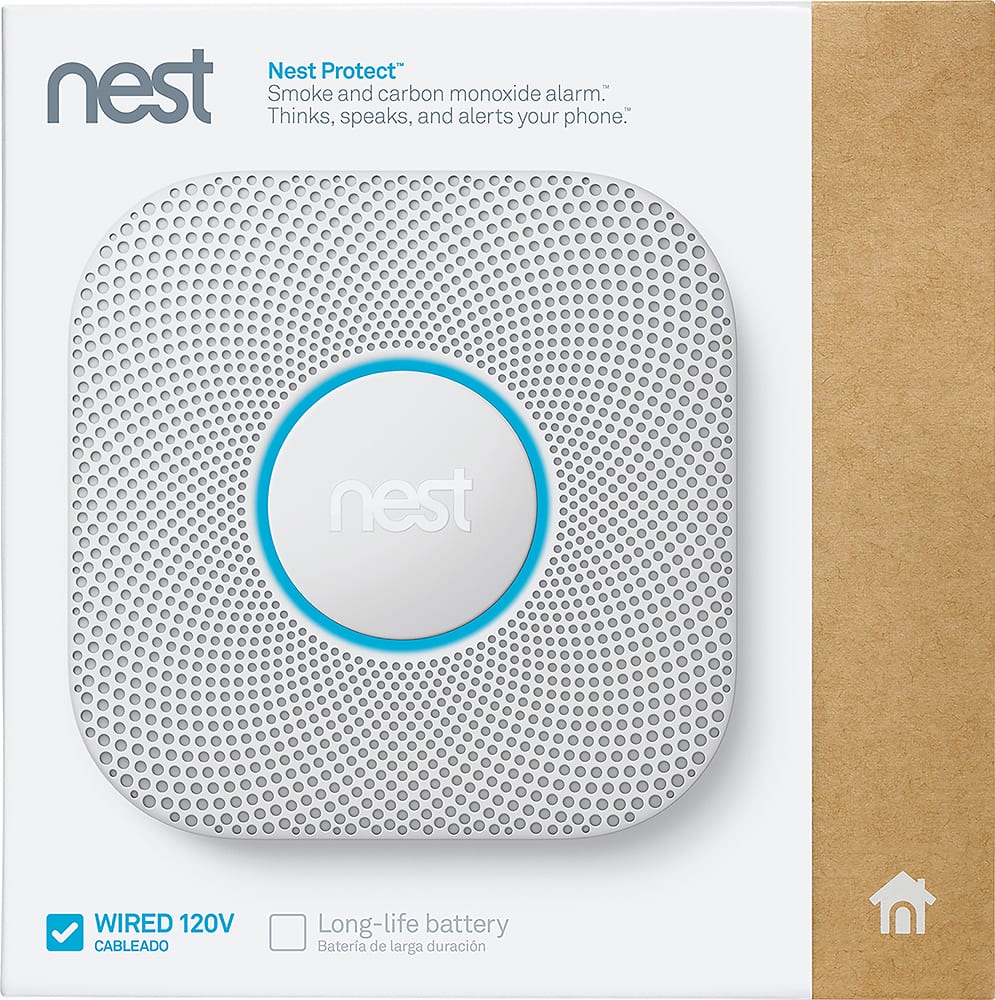
It should be noted that there are two versions of this thing. This is the wired one, but there is also a "wireless" one that has a Li-Ion battery that you have recharge periodically. The advantage of that one, of course, is that you can put it wherever without needing to wire it.
A:AnswerAbsolutely. Nest Protects connect wirelessly using a Nest-developed protocol called Weave that lets Nest Protects communicate with one another safely and securely without an active Wi-Fi connection. Keep in mind that it can only connect to Nest Protect devices (battery and wired).