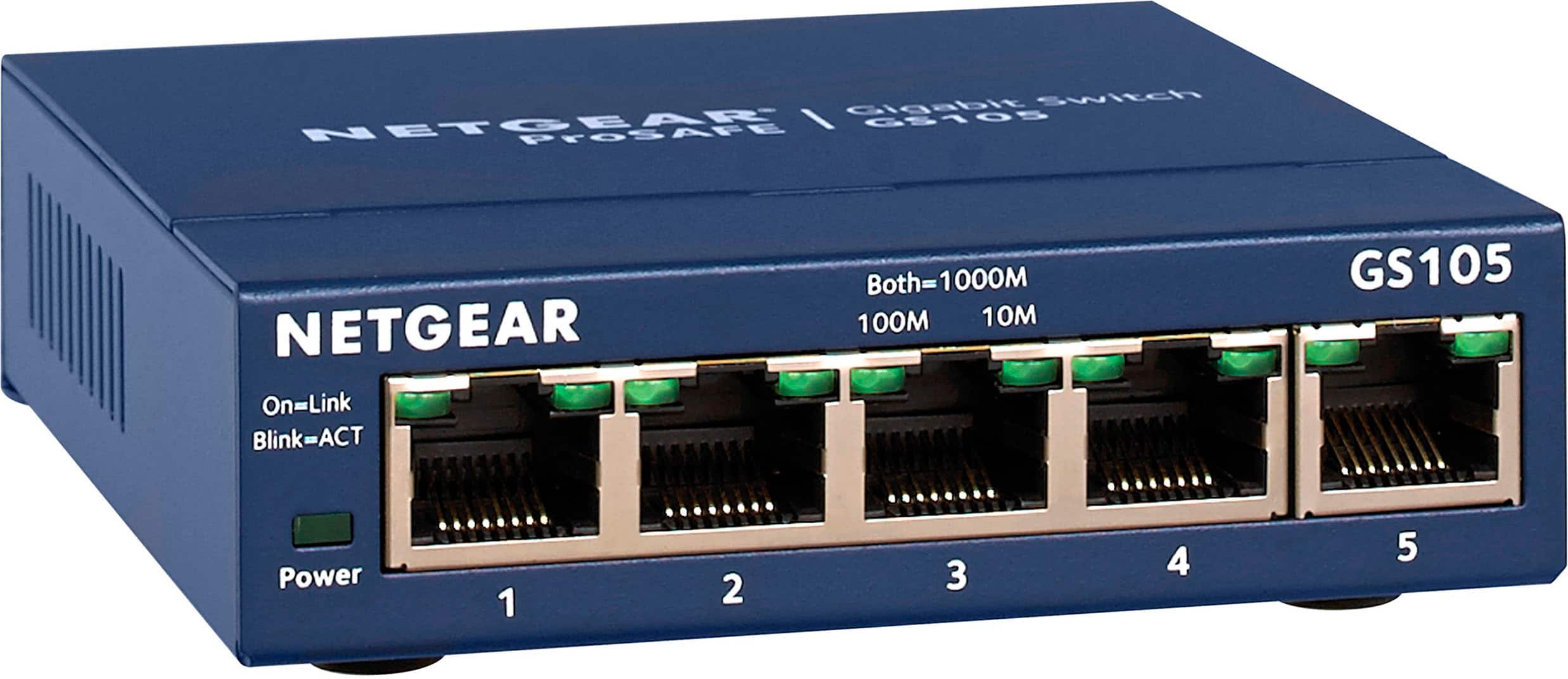
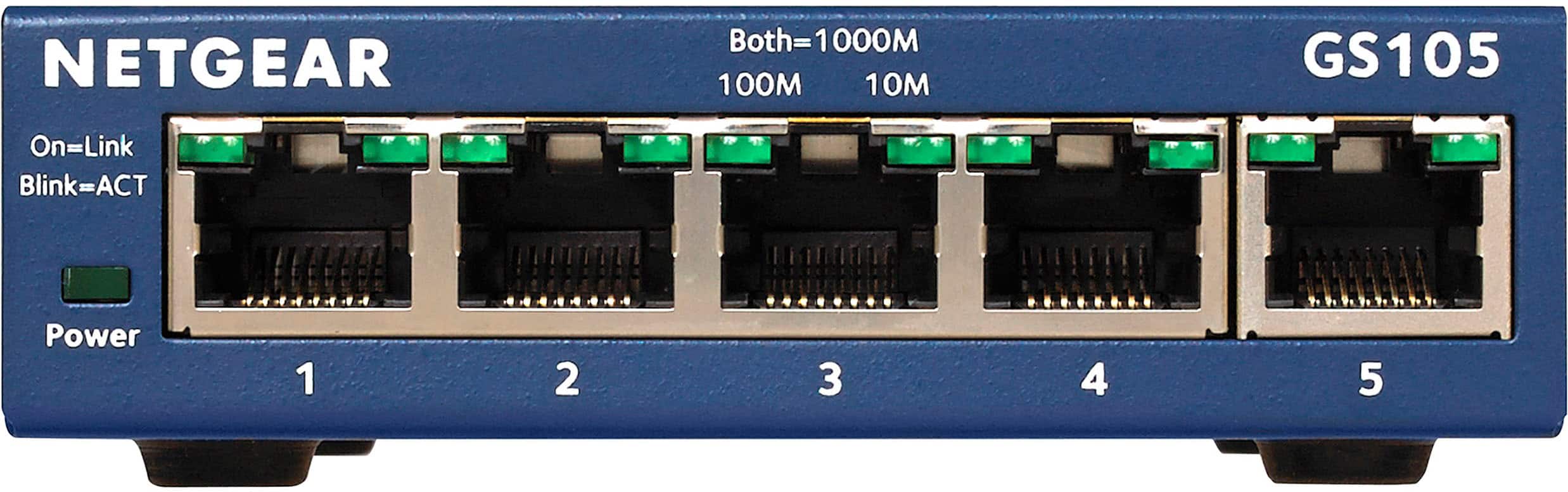
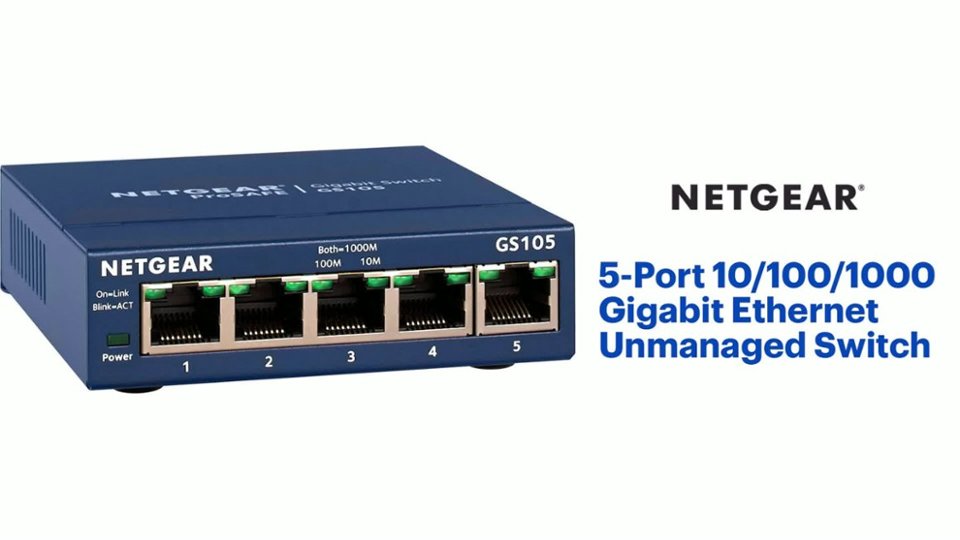
A:AnswerI also have an Arris modem from Cox Cable for internet use, but it has two ports. I needed six ports. So I bought the switch, plugged the modem into the far right jack, and the others in ports 1-4, I still have one open port on the modem in case I need another switch. I also found the lack of ports on the modem as problematic, but this switch was a lifesaver.
A:AnswerYes something in which I am doing now since my modem only has two ports and one is going to Wi-Fi unit so I have this installed so I can hookup my son XBOX , wife’s computer and security cameras all at same time
A:AnswerI don’t see why that would be an issue. I have my connected similarly. I have the connection from the cable service provided modem plugged into the Orbi and then feed the connection back into the hub to distribute to the other devices. Have not had any slow down issues or problems at all.
A:AnswerThis may do the trick. I suspect it's a cable issue, a negotiation speed issue, or the port on one end or the other is bad.
If it's cable all you need is a different cable
If its speed negotiation issue, this switch should handle the negotiation.
If it's a bad port, you will need to get new hardware on one end or the other.
A:AnswerThis is NOT a router. It's used to connect other devices to your router.
You plug your devices into this switch and then plug this switch into your router to connect the devices to your network and the internet.
A:AnswerYes plug ethernet cord into 1st spot from from internet sourse / then computer / other items in other spots/ works for me/ read the instruction manual if you still have it, not tech savvy here just do it myself kinda person.