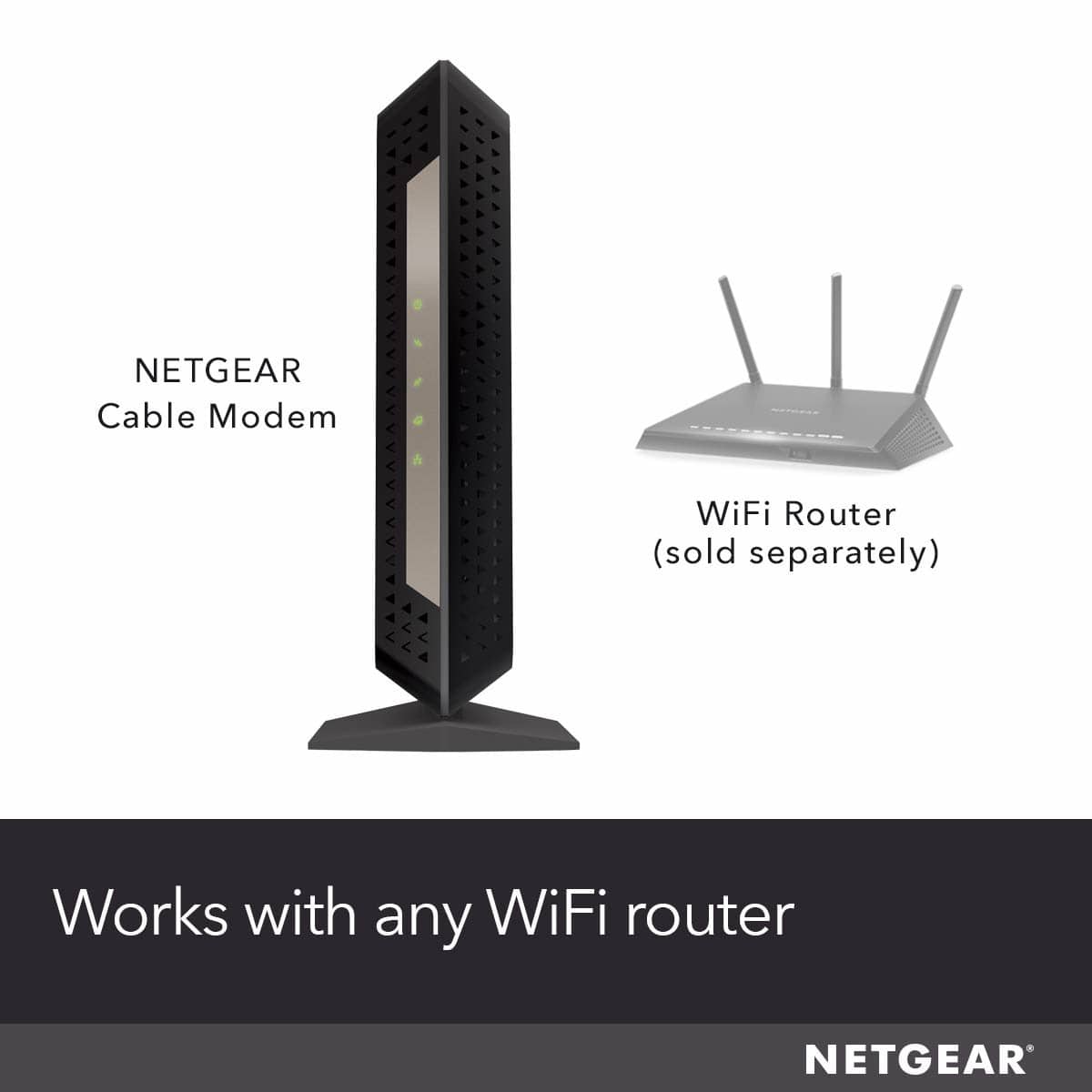
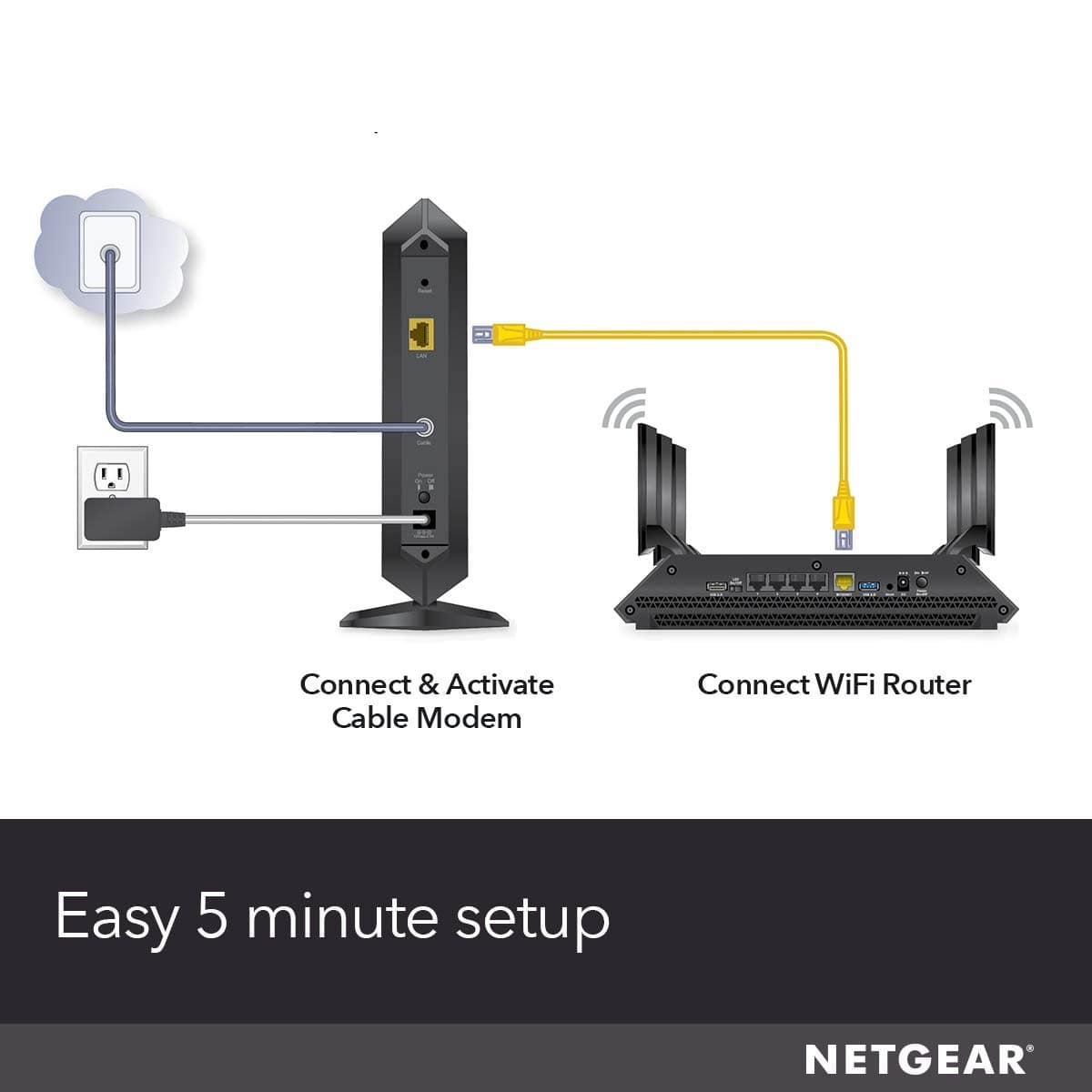
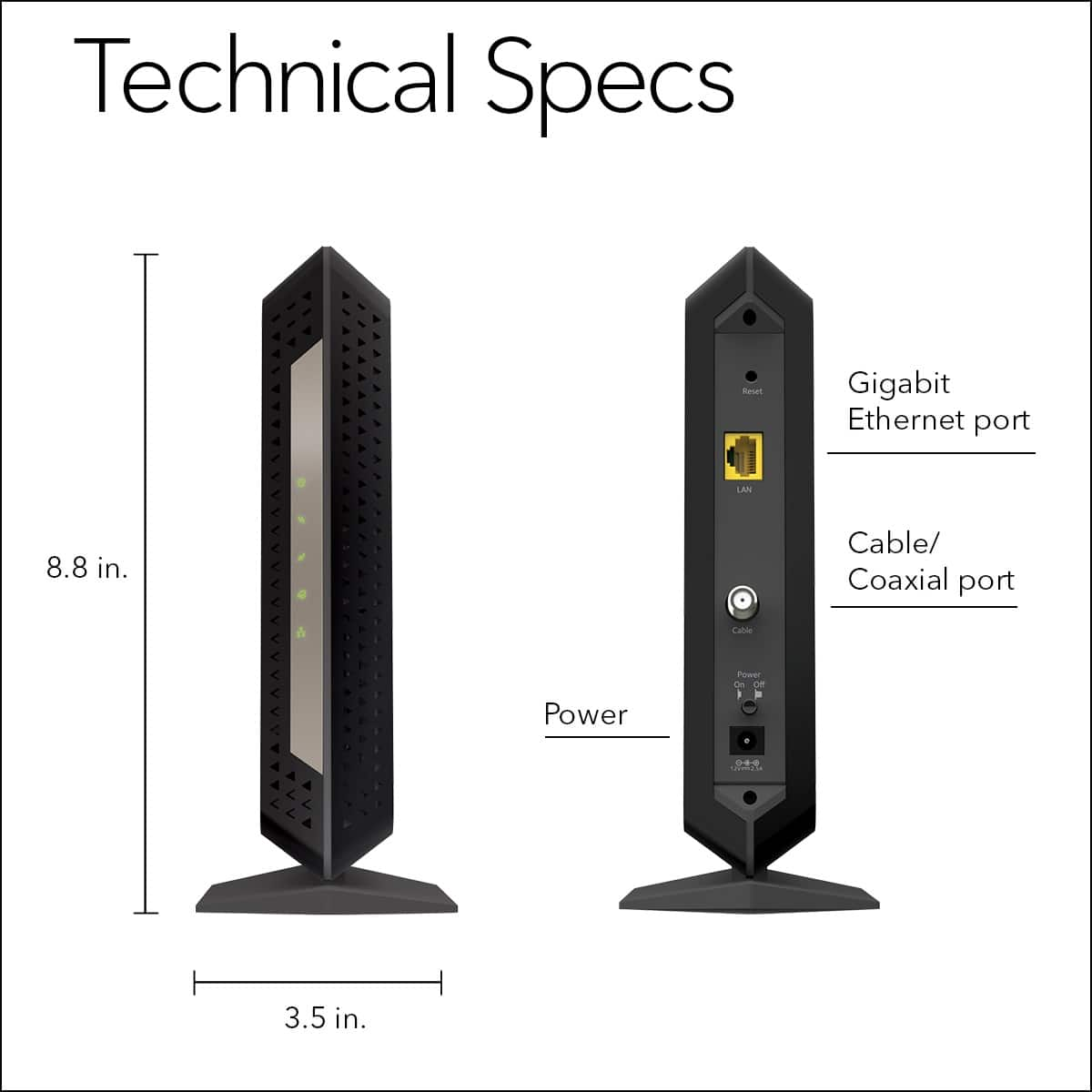
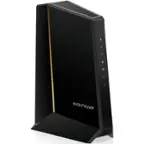
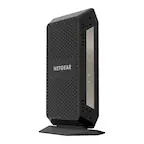
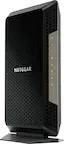
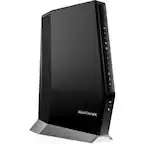
A:AnswerIt only has a single Ethernet port. If you plug it into just one computer, then that is all you need, but if you have multiple computers, a router, be it Ethernet (hard wired) or WiFi, let’s you connect multiple computers to it.
A:AnswerI would contact your ISP if I were you and confirm that this modem is appropriately matched with your service. I made sure to call in with my ISP and confirmed that it would work with their gigabit internet service. I have not had any issues pairing mine to a XR500 by Netgear.
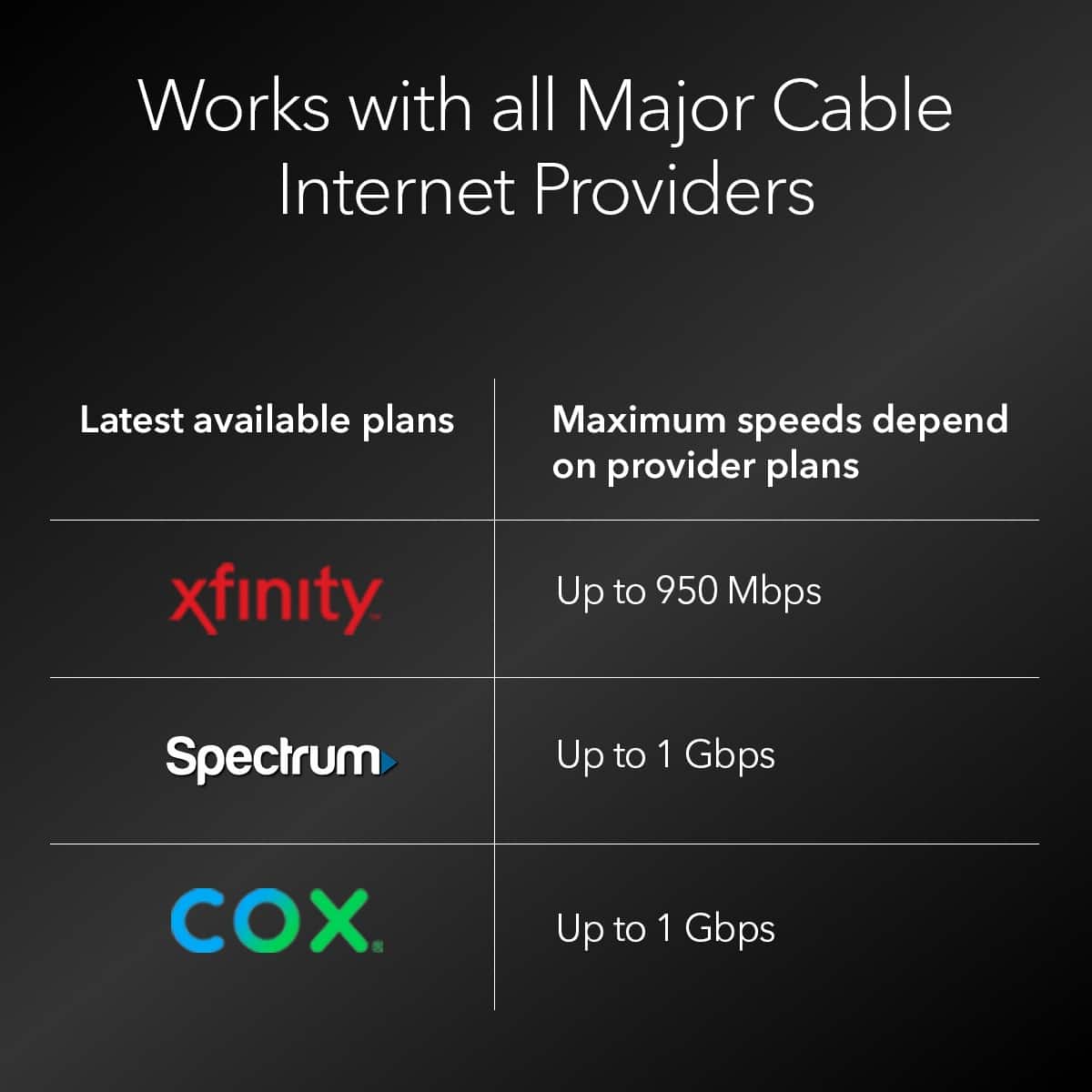
A:AnswerWorks great with Cox. Just need to call Cox customer service and activate it. Quick and easy. I'm not sure about Vonage as I've never used it, but I would think it would work fine if you use a router.
A:AnswerI know that this modem was listed on the Cox and XFinity website as one of their approved modems for their Network. I would check on Atlantic website for their list of approved equipment.
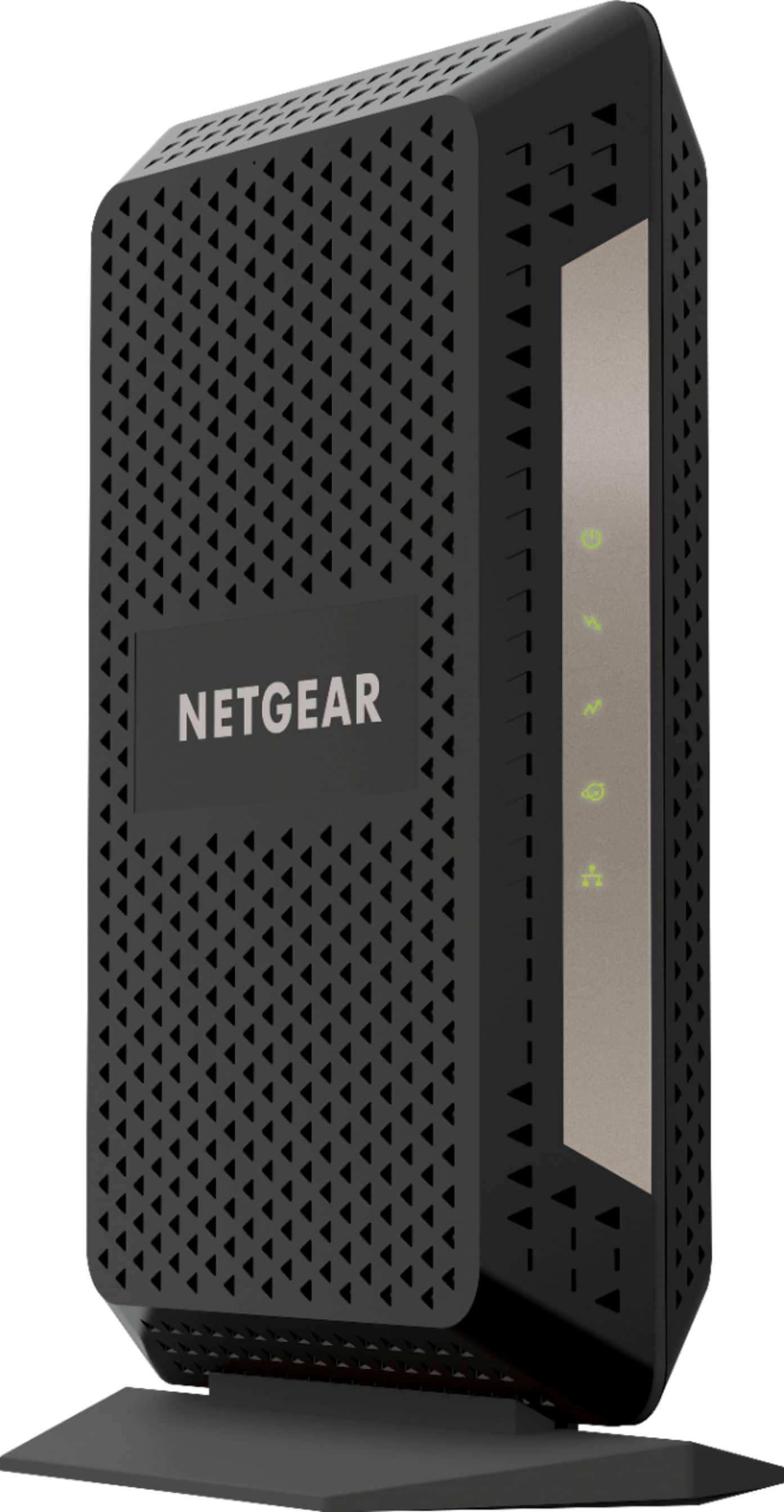
A:AnswerI have two of these, one in my primary residence and one in my apartment. I pay for 100m internet in both locations. Using the leased Mediacom modems, my typical download speed at home was 50-75m. In my apartment it was typically 45-55. At both locations my download speed jumped to 130+m. This is a rock-solid option for Mediacom. The setup can be completed without picking up the phone to call Mediacom.
A:AnswerYes!
I have bought the Google WiFi 3 pack to go along with mine and couldn't be happier.
I live in a 2,222 sq foot home and get excellent coverage throughout and only have 2 WiFi hubs current connected.
After you initially connect the Ethernet to your computer, you can connect the Ethernet to the first WiFi Hub and the others just simply plug into any outlet.
A:AnswerThis site is only for questions regarding quality and performance not so much for tech support. Also giving more detail as to what the problem you are having will provide better results.
Try the netgear tech support forum