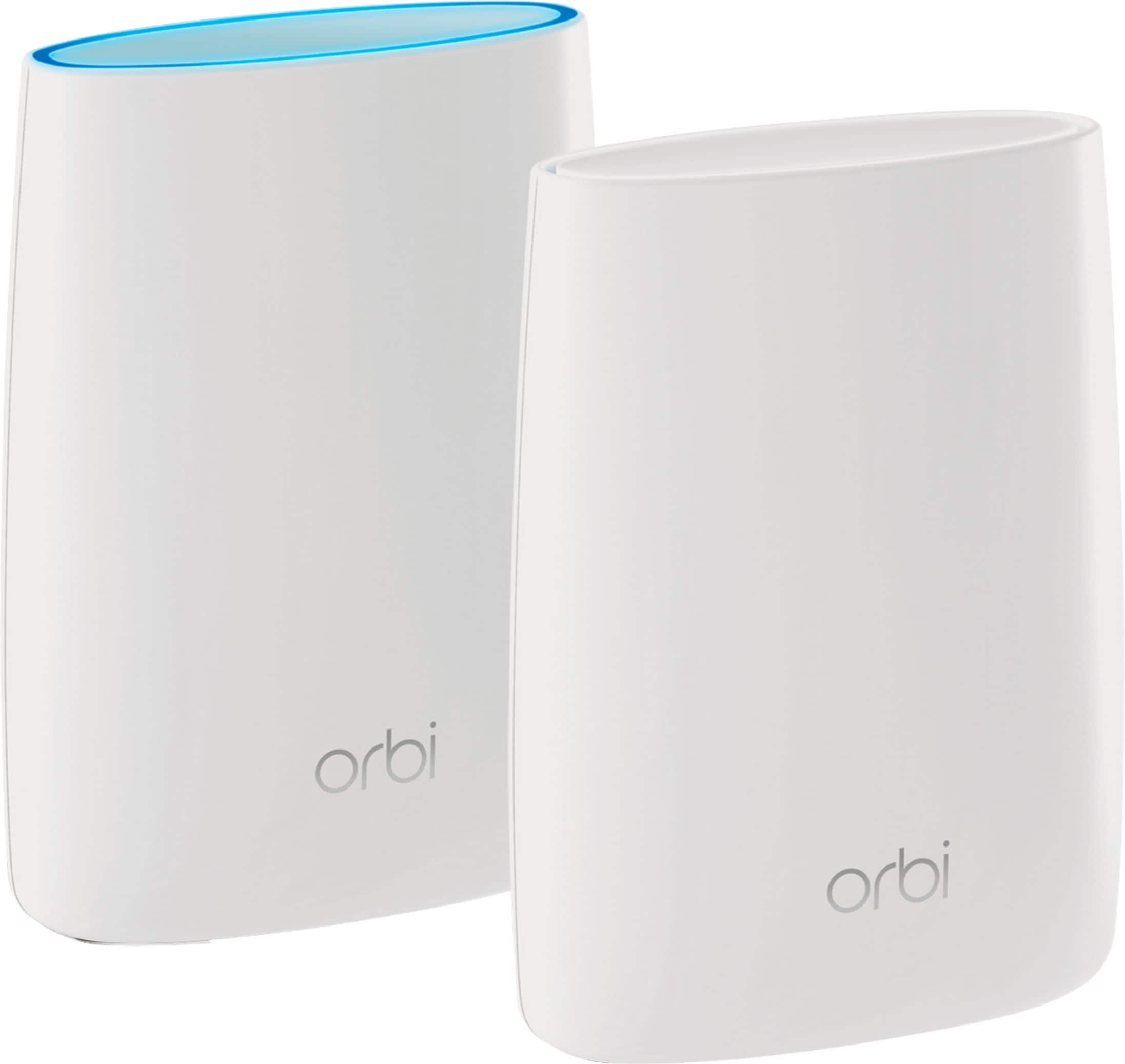
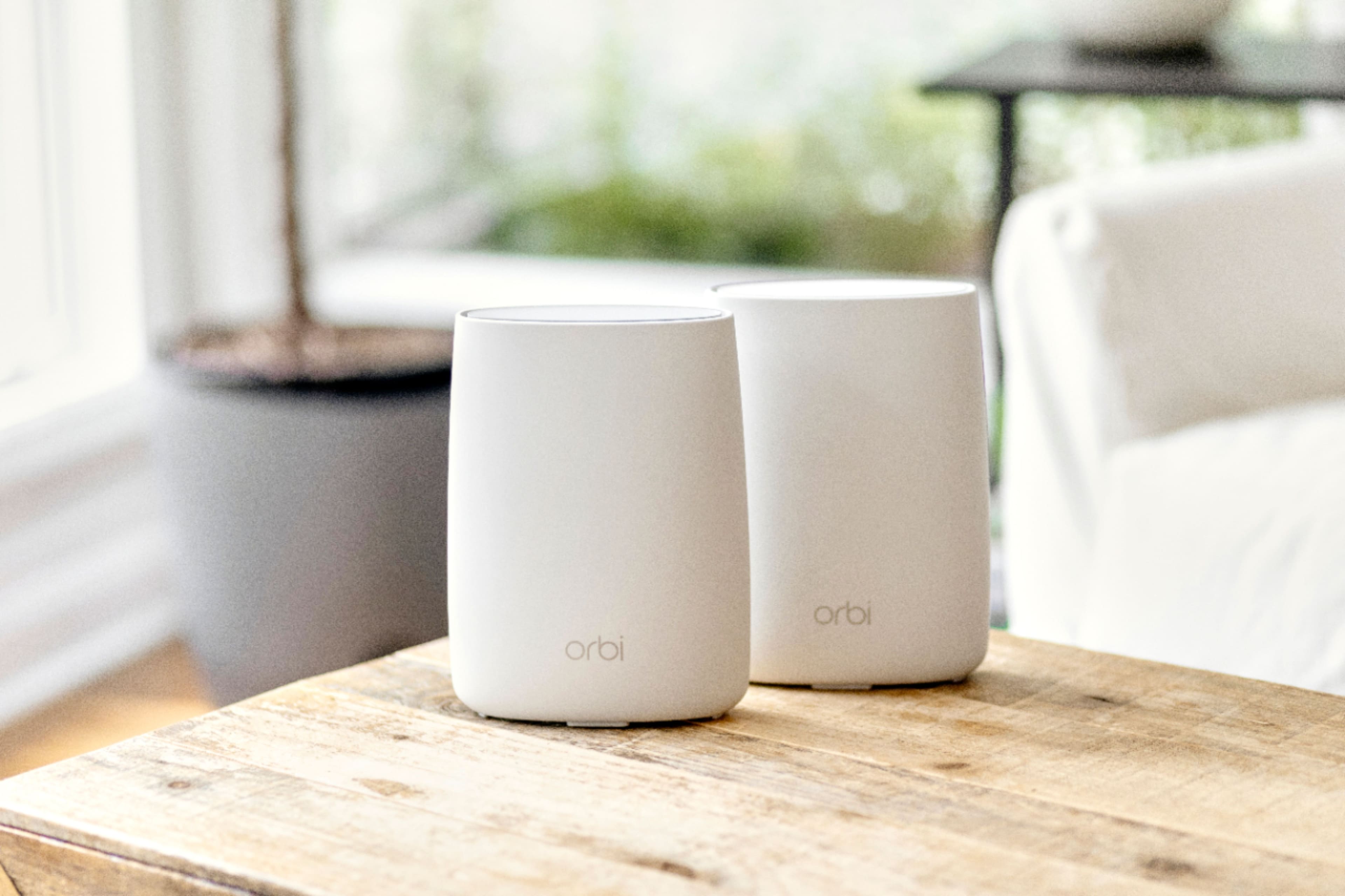
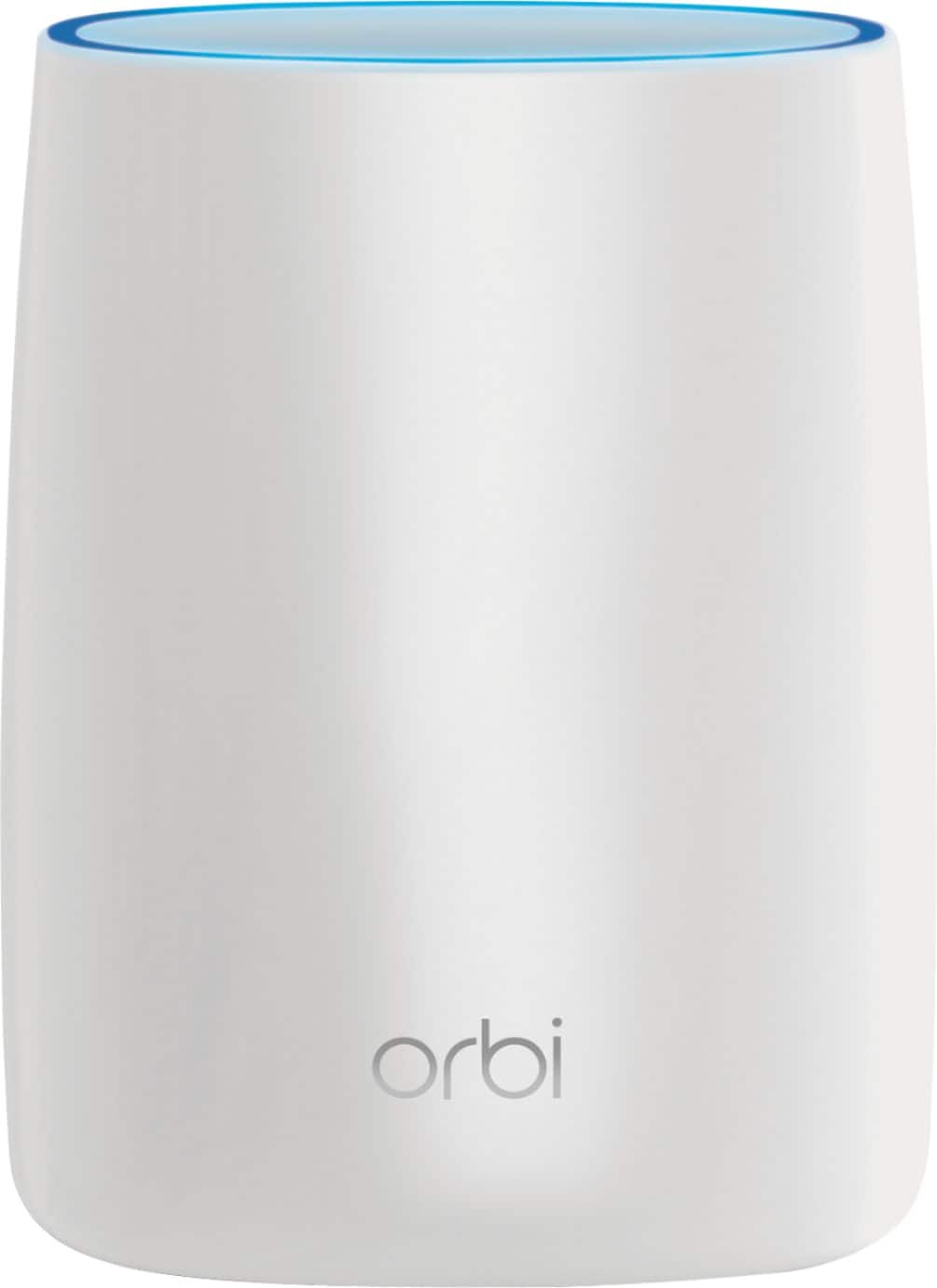
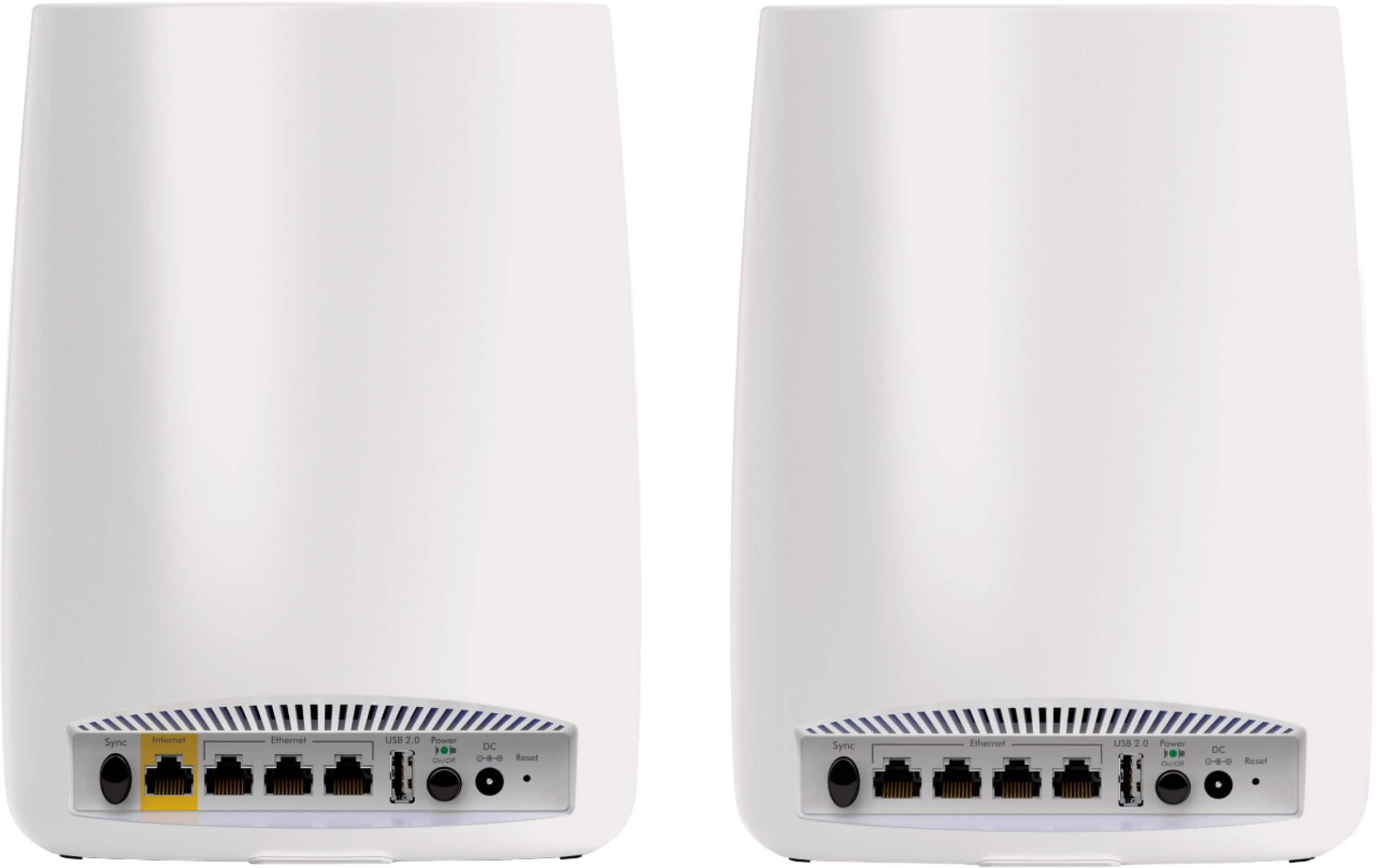
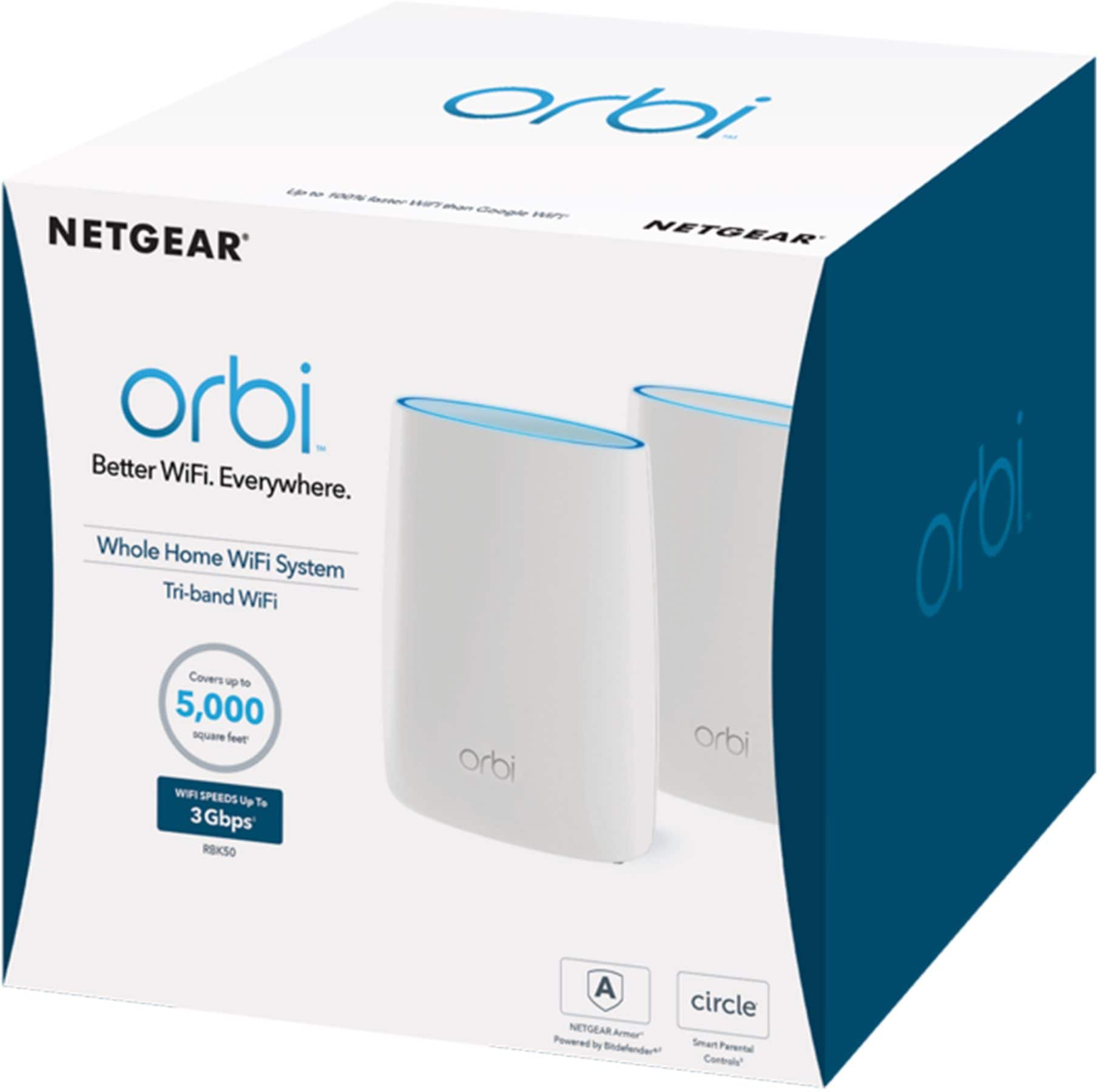
A:AnswerThe Orbi RBK50 router system supports combined WiFi speeds of 3,000 Mbps (1733 + 866 + 400Mbps). For your wired devices, the RBR50 Orbi router has 1 WAN + 3 LAN 10/100/1000Mbps Gigabit Ethernet ports. The RBS50 satellite has four 10/100/1000Mbps Gigabit Ethernet LAN ports.
A:AnswerThis would have nothing to do with cable TV as it is just internet only and covers 5000 square feet and if you add a 2nd satellite it will cover 7500 square feet.
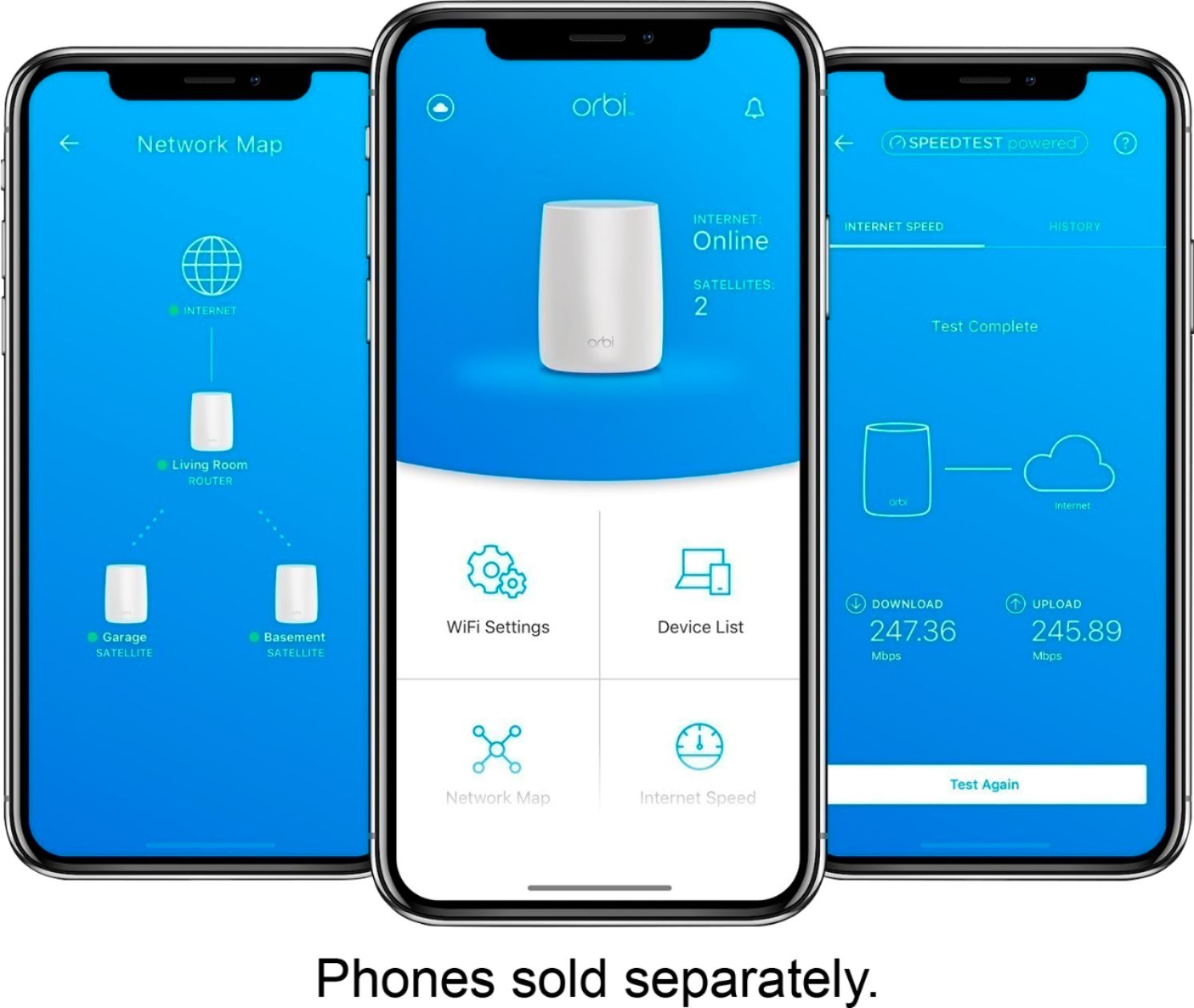
A:AnswerThe orbi is very easy to set up using either the direct Ethernet connection or a mobile app available on iOS and google play store. The initial connection time is longer than my Apple AirPort Extreme and requires a little patience. Just follow the instructions on the mobile app or web page (Ethernet connection). The satellite connection is similarly slow and may require a couple of toggles of the synchronization switch before it syncs. I use the satellite as both an extender and as a printer server for my Usb printers.
A:AnswerNo. You will need the modem from someone, either Verizon or buy a new one (I suggest buying your own to get any decent speeds). This is a WiFi router only. You have to plug this into a modem to get internet.
A:AnswerWhile it might not cause a noticable speed slow down it does cause interference to have 4 or more SSID's being broadcast in your home. Your quality of signal could be affected as they all are competing for airtime in their respective bandwidths i.e. 2.4 and 5.0 GHZ. My suggestion would be to at least get TWC to shut down the router functions of your cable modem and put it in bridge mode.
A:AnswerIt definitely does. I use Spectrum internet at 100 Mbps. ORBI consistently gives more than that and you can easily monitor with the ORBI app which guides you through installation and control of the unit.
A:AnswerNot sure I fully understand the question, but once these are plugged in and connected to the modem, it takes minutes to set up the wifi name and password from the app. From there, it's just a matter of connecting your devices wirelessly.
A:AnswerUnable to answer as the Orbi router I had did not mesh with my Spectrum router. Once I had everything hooked and connected, I found that my phone system failed to function. Disconnecting the system was necessary to retain my phone service.
A:AnswerOrbi is very fast WiFi. If your buffering is caused by slow Internet at your location, then Orbi won't help. But if your buffering is caused by a slow WiFi access point, then yes, Orbi will definitely reduce (likely eliminate) your buffering. You might try using something like the Speedtest app on your computer and/or phone to test the internet and WiFi speeds at your location to get a better idea of your particular issue. I'm new to Orbi, but I've figured out already that it can solve just about any WiFi speed problems.
A:AnswerI have Verizon and they are dead wrong. You can ask them how to disable to wifi part of your modem and connect the orbi directly to your modem with the cable that's included with the orbi.
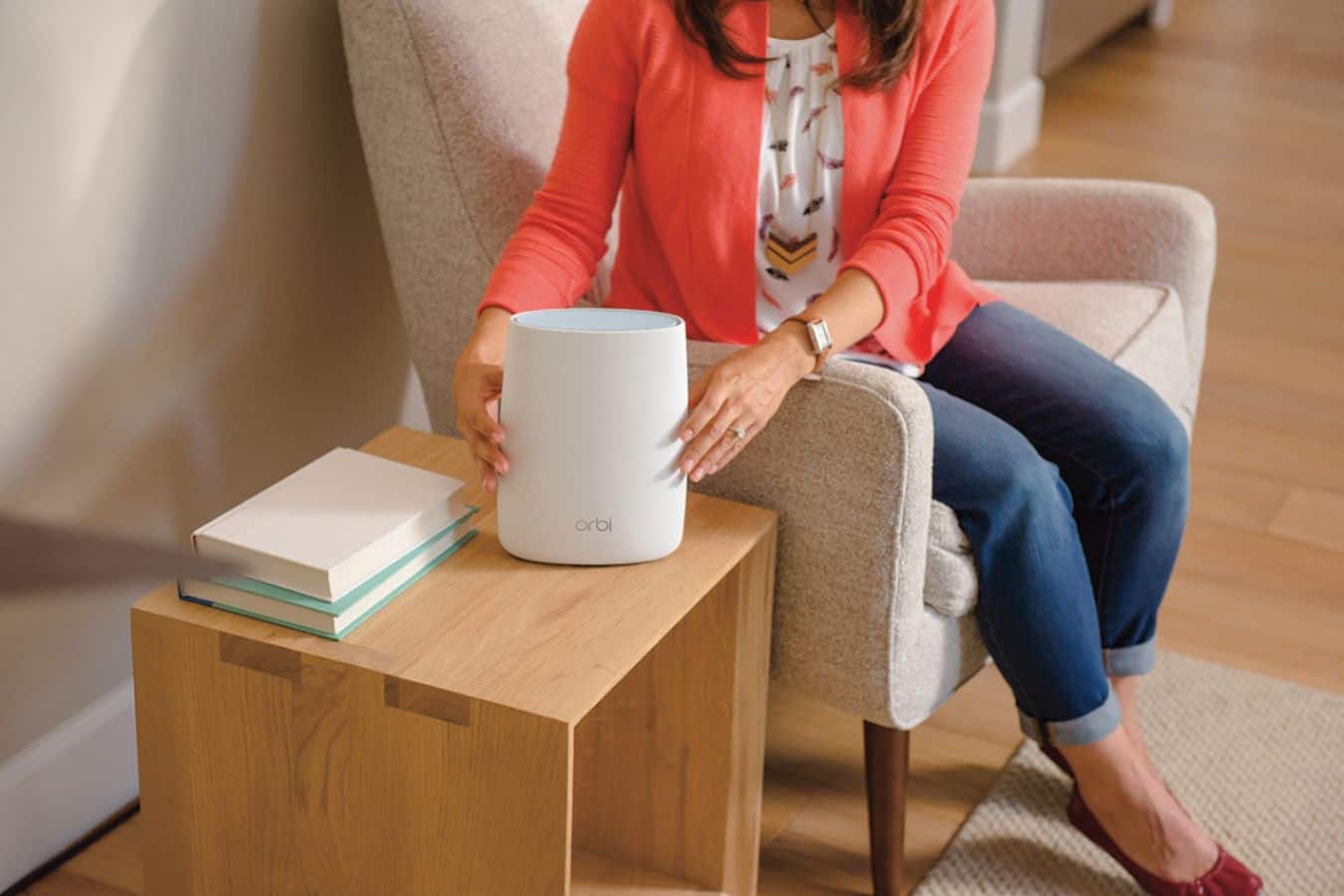
Set up you orbi by following the simple directions and connect your device to the orbi.
If you want to have 2 wifi systems running and risk the collision of the two networks you can just simply install your orbi to your modem and follow the instructions for set up. I did this and it works better than anything I have had from Verizon.