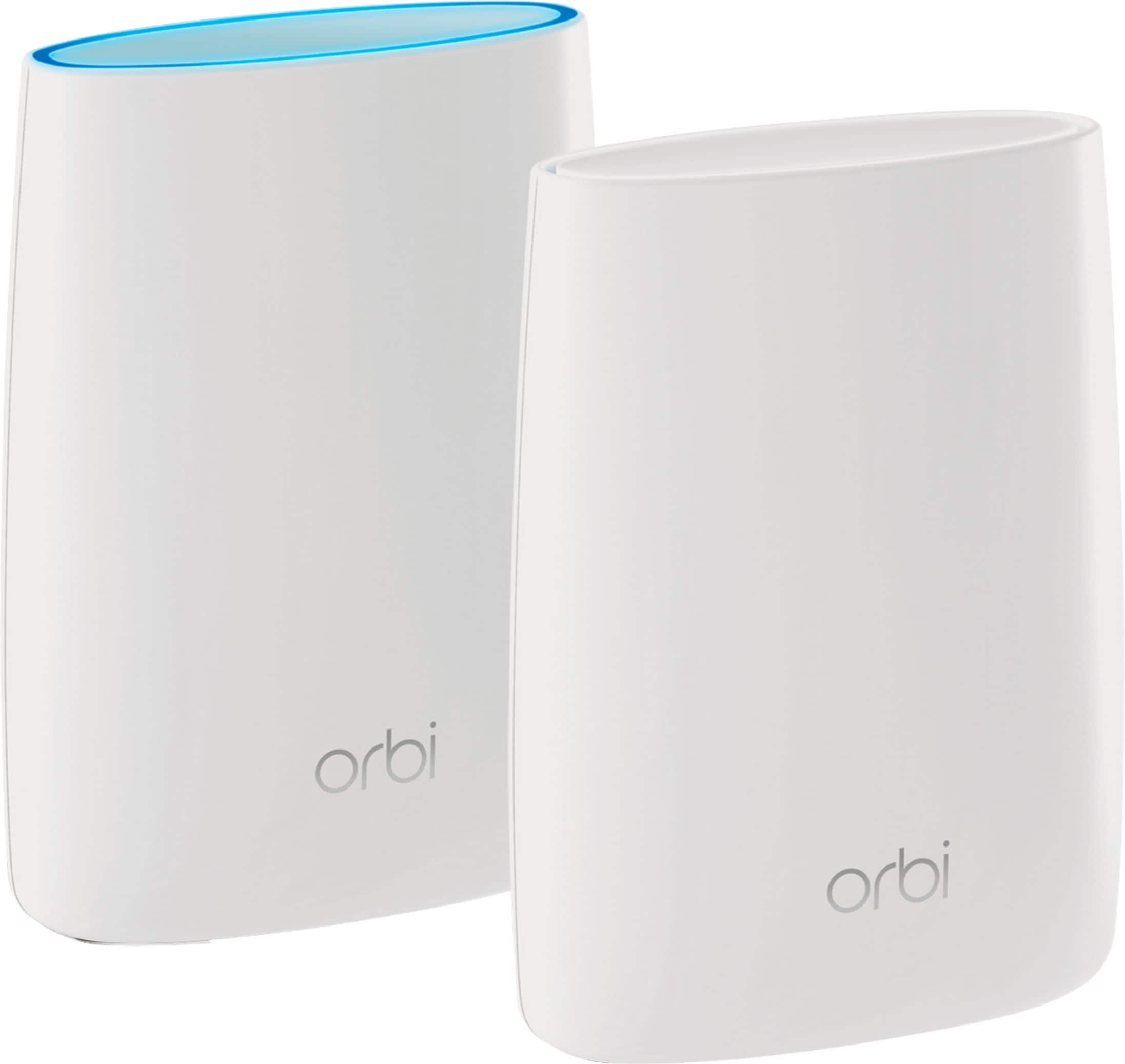
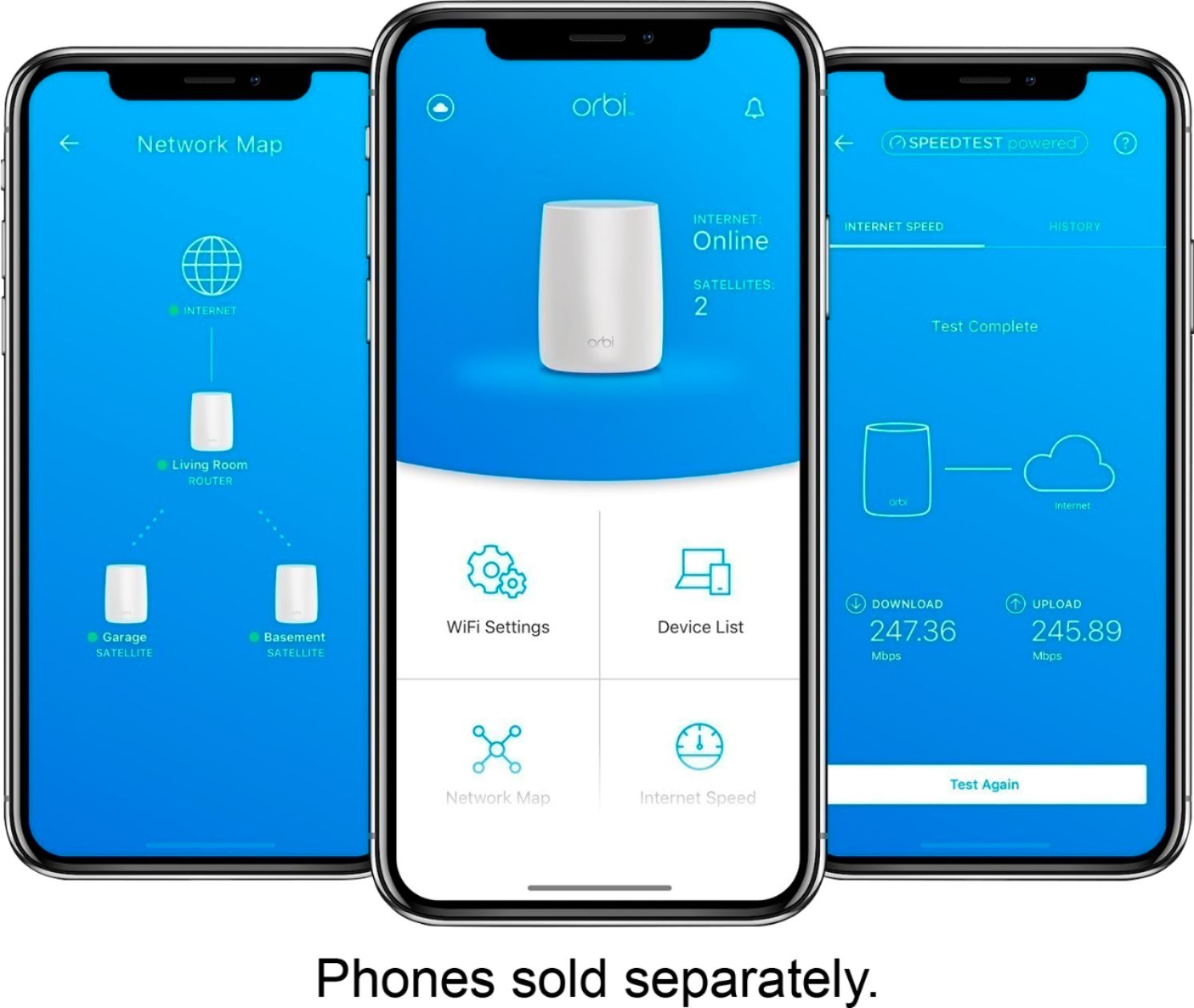
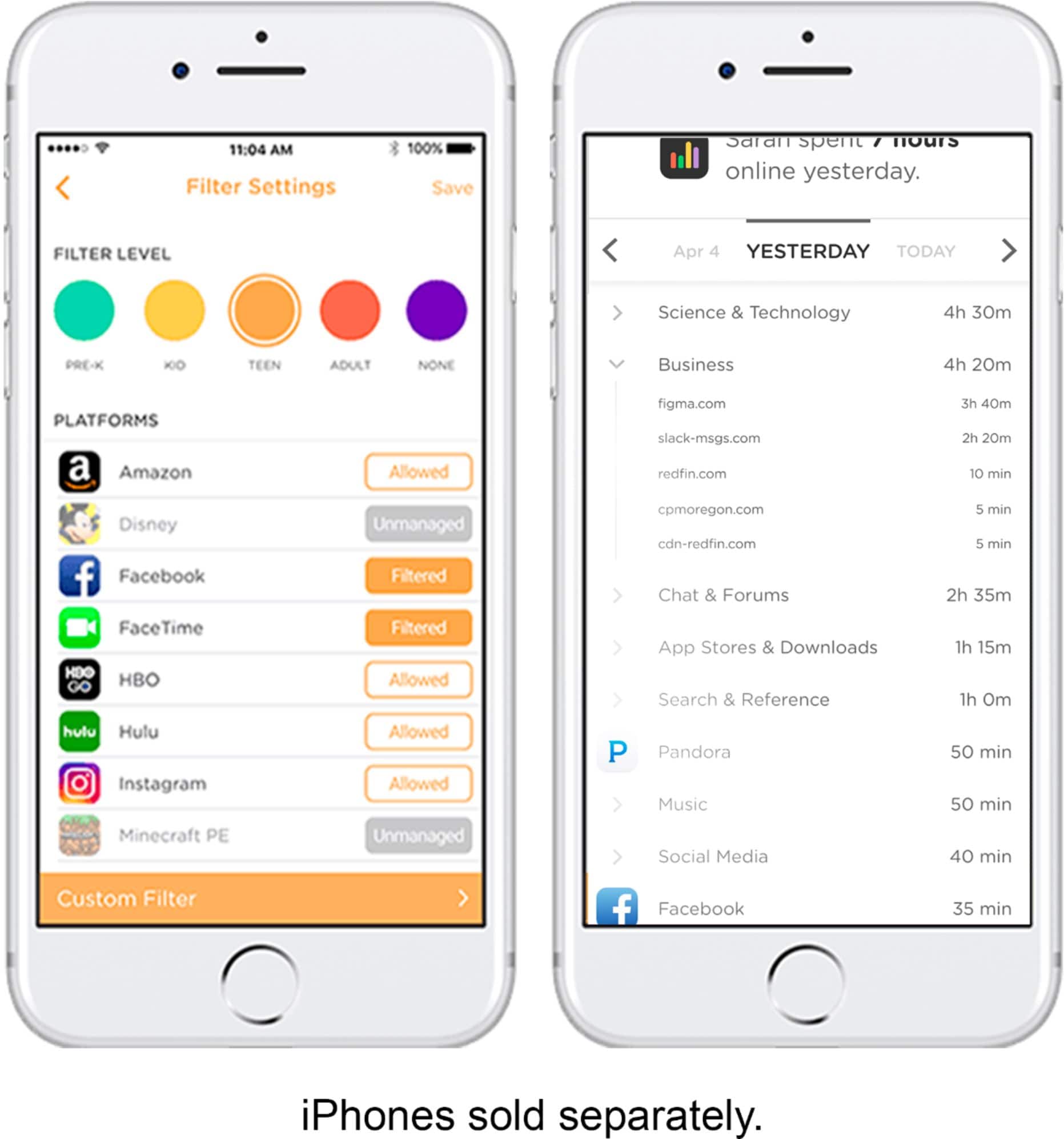
A:AnswerThis router comes with netgear Genie app which helps you see the devices currently connected at any point, see the speed used by each of them, disable or pause internet for them individually. I use this to control my kids devices so they get some exercise or play or read away from screen time to time :)
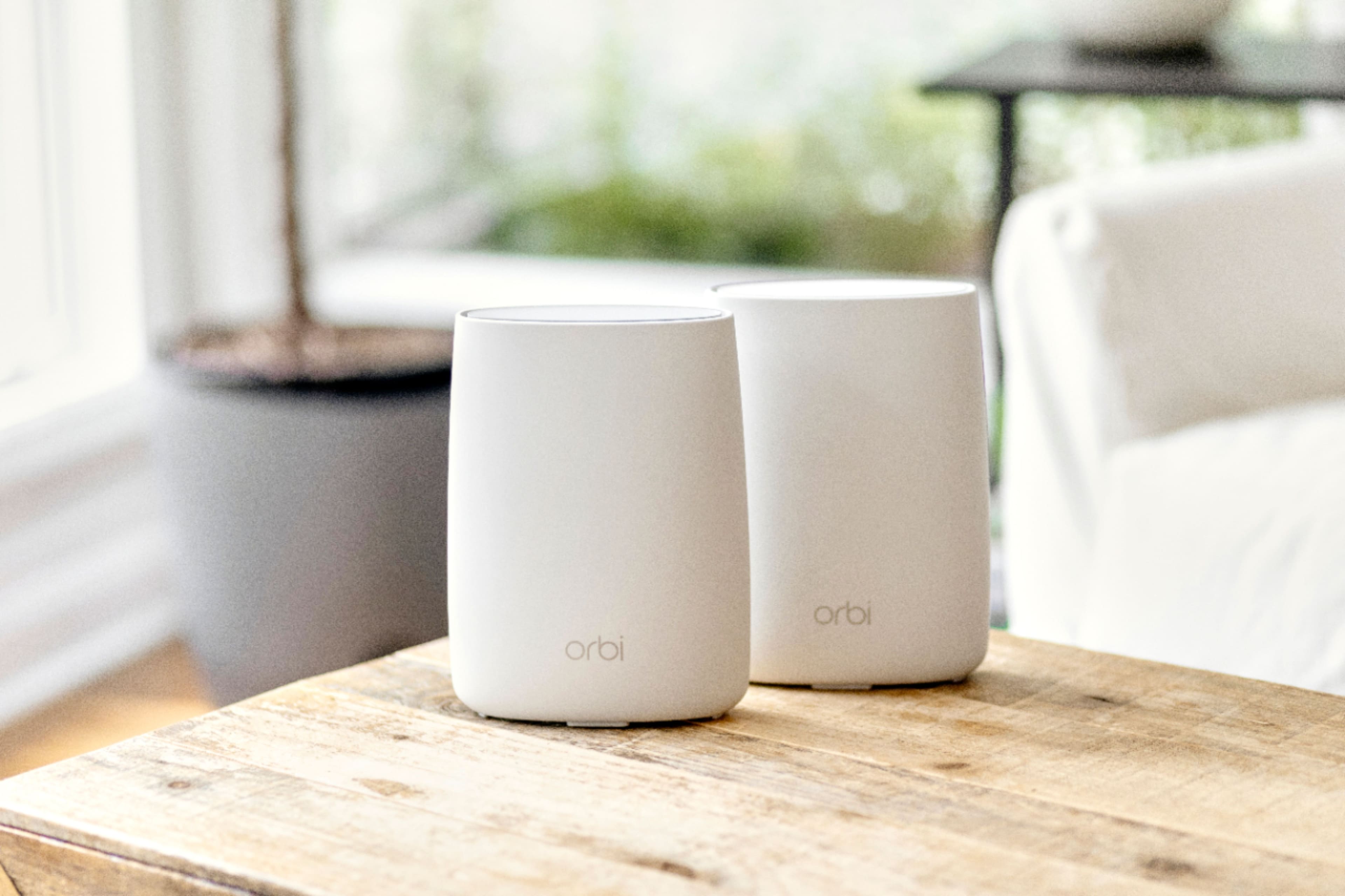
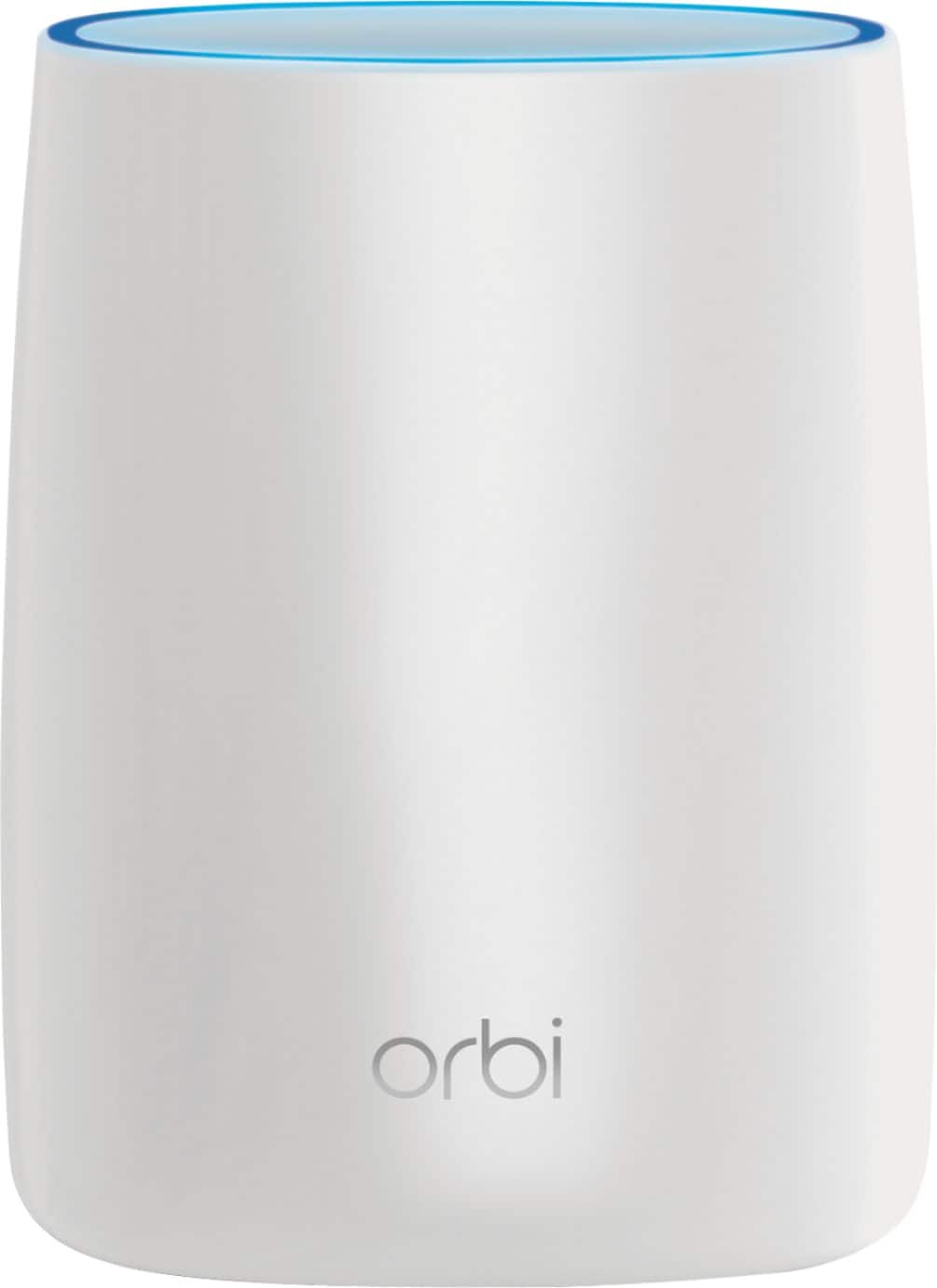
It uses the mesh system and provides very good wifi speed.
A:AnswerI would connect the Orbi directly to your modem and tie the Time Capsule to the Orbi and turn off the time capsules wifi and use it strictly for storage.
A:AnswerI work from home as well. I was unable to do so for my job. However. If you work from home on a laptop or something it may work great. I have a big computer setup and needed more juice.
A:AnswerI don’t know much about Foscam specifically and assume you mean 5GHz and 2.4GHz. Orbi has both bands so assuming there’s nothing wrong with your Foscam settings and it is compatible with the security settings you made when the Orbi was setup (WPA2-PSK for example), it should work. Since you said (according to the Foscam manual) that it only uses 2G (2.4GHz?) it will connect to the 2.4GHz band only. I would double-check the security settings.
A:AnswerMy Orbi covers multiple levels. I setup base on mid level hooked into my Comcast router. Placed the first satellite upstairs. I have at least 4 bars (rings) everywhere. We run 3 active game systems, 5 computers, 3 smart TVs and 5 cell phones without issue. I haven't tested distance to failure yet but I'm still seeing 4 bars at 60 feet through 3 walls. This can add more satellites but don't know daisy chain or all from hub.
A:AnswerIt's better to get your own DSL modem and then attach a router.. I wouldn't buy this one, see my review.
If you try to attach a router to a setup that's modem and router it will cause issues unless you know how to disable the WiFi on the modem/router, you might still have issues.
A:AnswerThe first one I bought gave up on me within 2 day of me purchasing it. I buy Geek Squad Protection on everything I buy from Best Buy. You still have the one year manufactures warranty which should cover you! GSP plans let you exchange for the same thing or even purchase a better option if there is one. Good luck!
A:AnswerYes. I have a ranch with a full basement and it covers it beautifully. One of the benefits of this system is that you can add satellites (I’m not sure if that’s what they call them) to give you additional coverage. I don’t think you’ll need it, however.
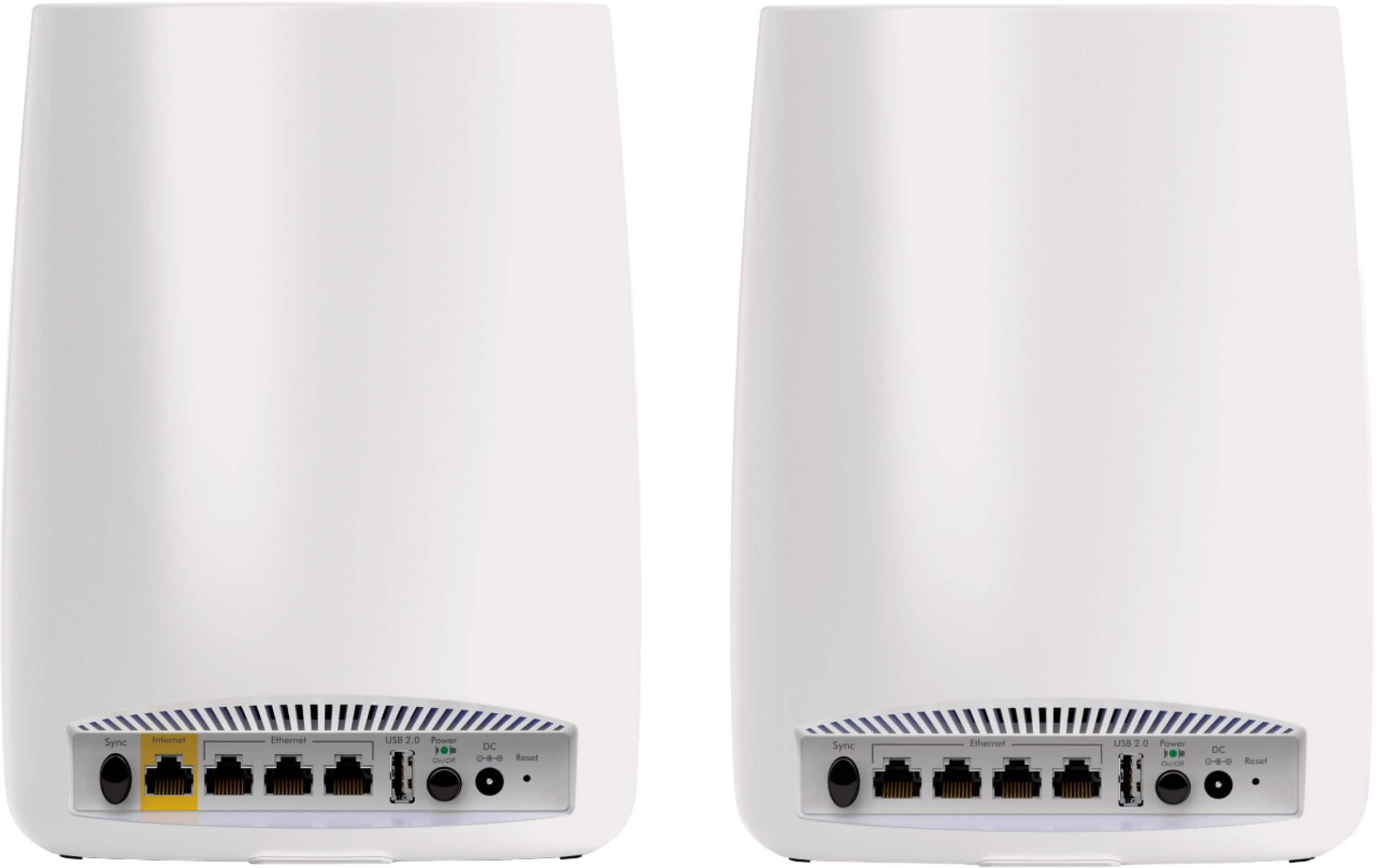
A:AnswerI kept my old router as an additional layer of security (at least I hope!) but disabled the wi-fi on it so that it would not compete for bandwidth with the Orbi. I just connected the Orbi's Internet port to my router and it worked fine. The Orbi did complain about network address collisions (apparently, both the router and Orbi wanted to use the 192.168.x.x network), but the Orbi simply changed to the 10.x.x.x addresses and works fine. I did have to unplug the network cables on some of my wired devices so they would refresh their addresses, but that's not a big deal.
A:AnswerShort answer, no. Long answer, you could find a way to tether your cell phone internet to a laptop/desktop through Wifi/bluetooth, and then share the internet connection through the Ethernet connection connected to the Orbi. Then all your other wifi devices could connect to it.