Business Monitors
-
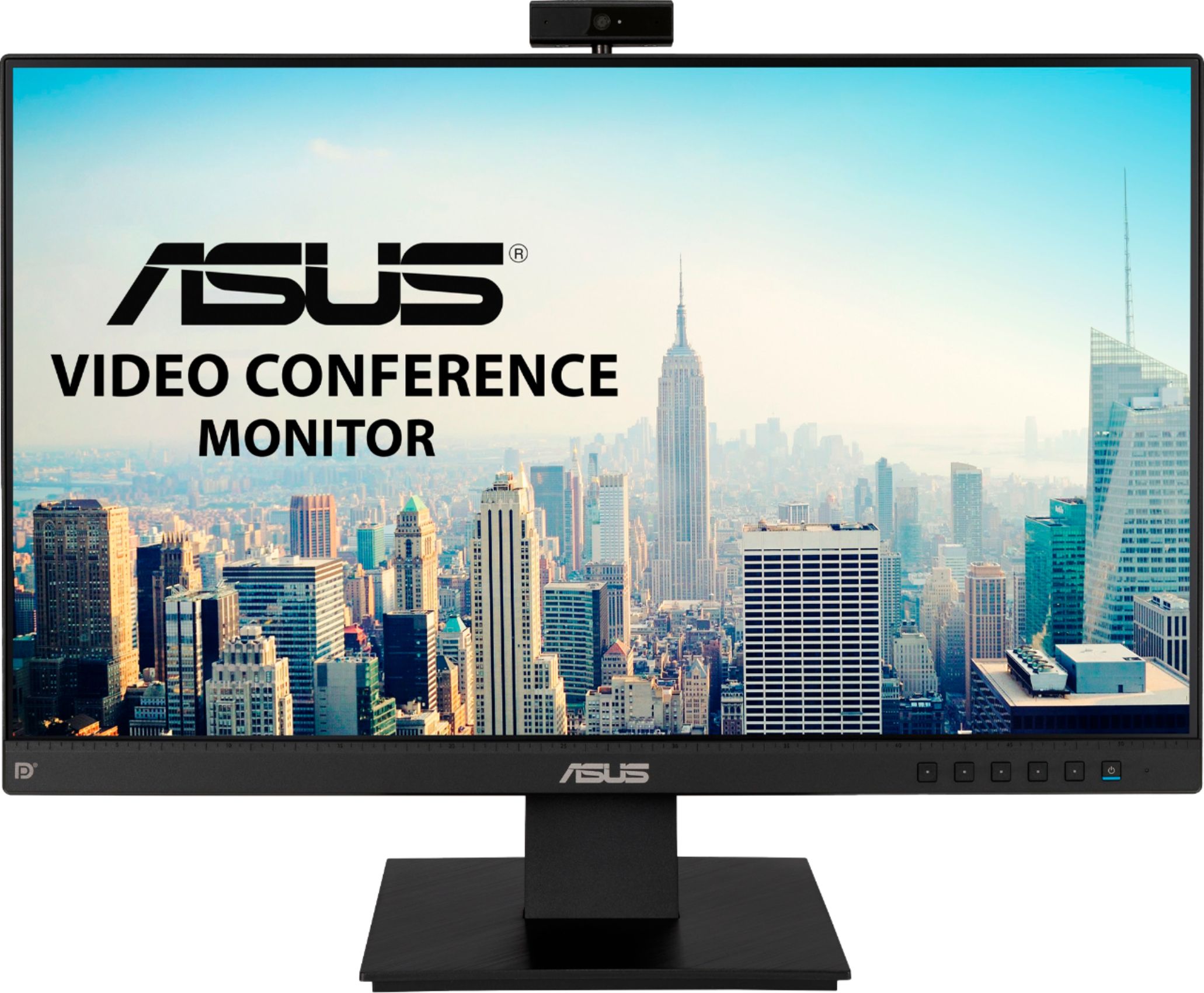
ASUS - 23.8" FHD IPS Video Conference Business Monitor with Webcam (DisplayPort,HDMI)
SKU: JJ8Q7R77P5See all All MonitorsProduct Description
A black IPS monitor with built-in Full HD webcam, microphone, stereo speakers, and adjustable stand for conferencing.Your price for this item is $192.93 -
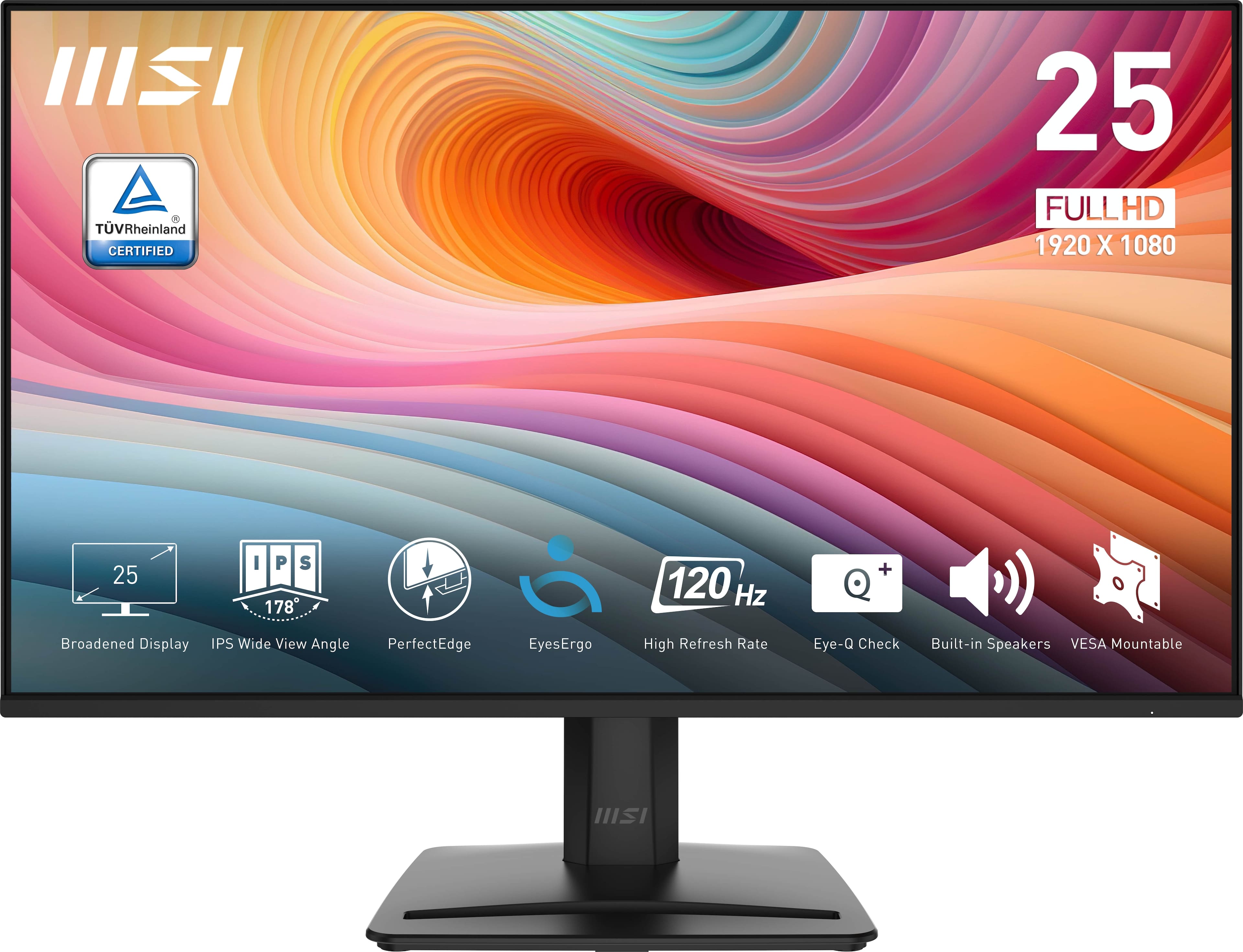
MSI - PRO MP251 E2 24" IPS LCD FHD 120Hz 1ms Adaptive Sync Monitor with HDR ready,Built-in Speakers (DisplayPort, HDMI ) - Matte Black
SKU: J3P7TXSVWVSee all All MonitorsProduct Description
A matte black IPS monitor with 120Hz refresh rate, 1ms response, HDR, Adaptive Sync, and built-in speakers.Your price for this item is $118.99Save $0The previous price was $119.63 -
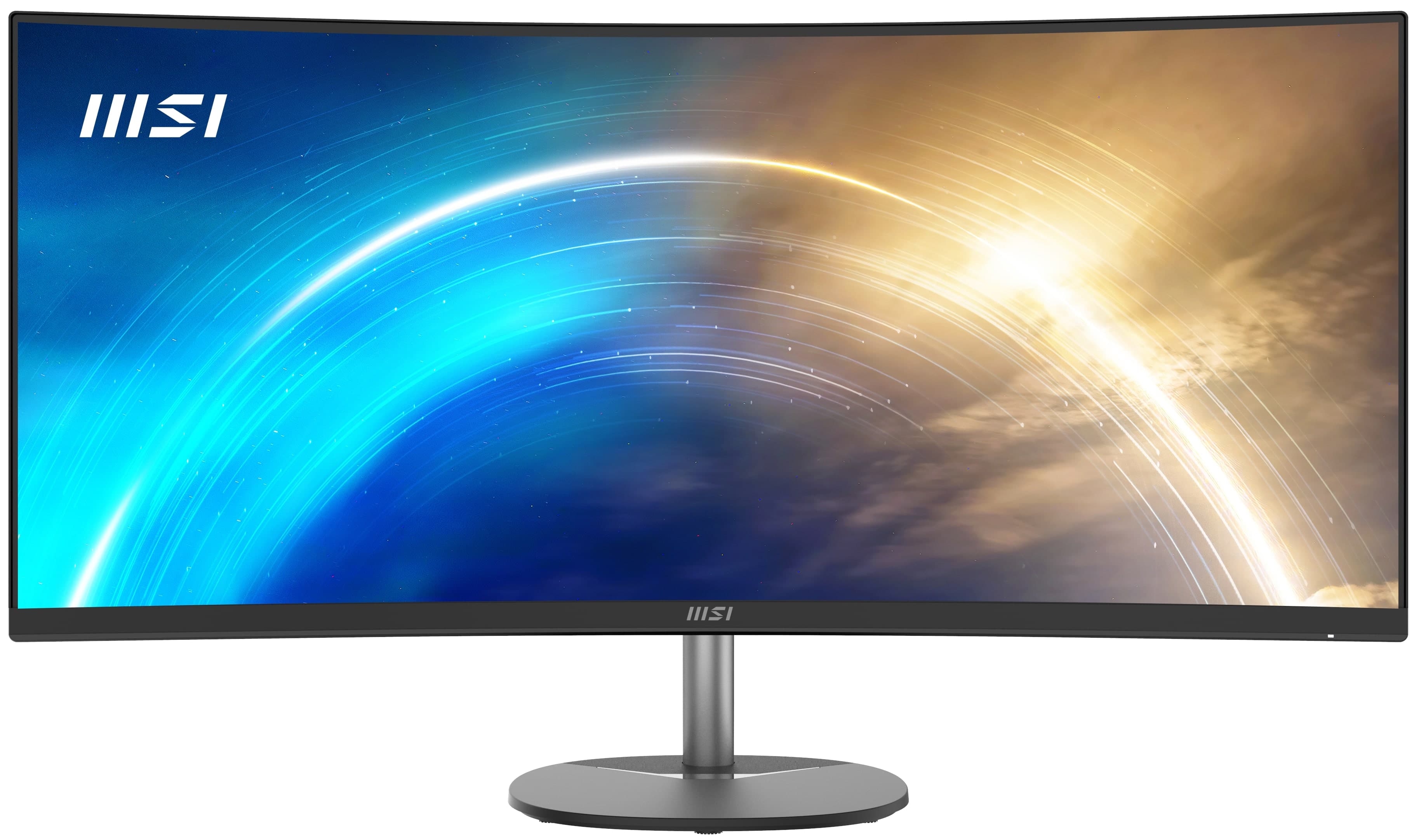
MSI - Pro MP341CQ 34" LCD QHD 100Hz 1ms FreeSync Monitor ,Built-in Speakers (DisplayPort, HDMI ) - Matte Black
SKU: J3P7TX8YTYSee all All MonitorsProduct Description
A curved matte black ultrawide monitor with QHD resolution, 100Hz refresh rate, FreeSync, and built-in speakers.Your price for this item is $199.99Save $80The previous price was $279.99 -
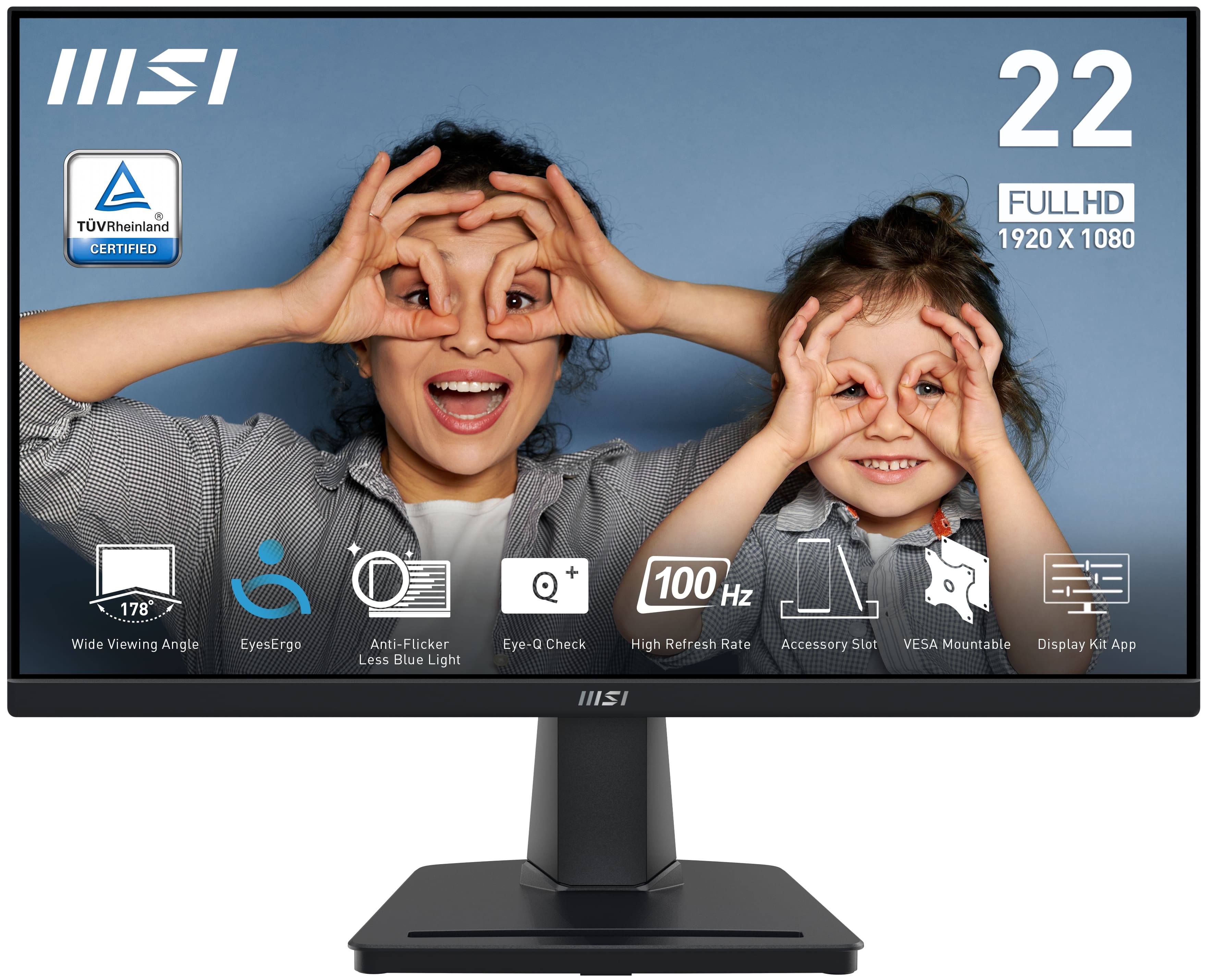
MSI - PRO MP225V 22" VA LCD FHD 100Hz 1ms FreeSync Monitor (HDMI,VGA port) - Black
SKU: J3P7TX9958See all All MonitorsProduct Description
A black VA LCD monitor featuring FHD resolution, 100Hz refresh rate, 1ms response, and FreeSync support.Your price for this item is $104.12 -
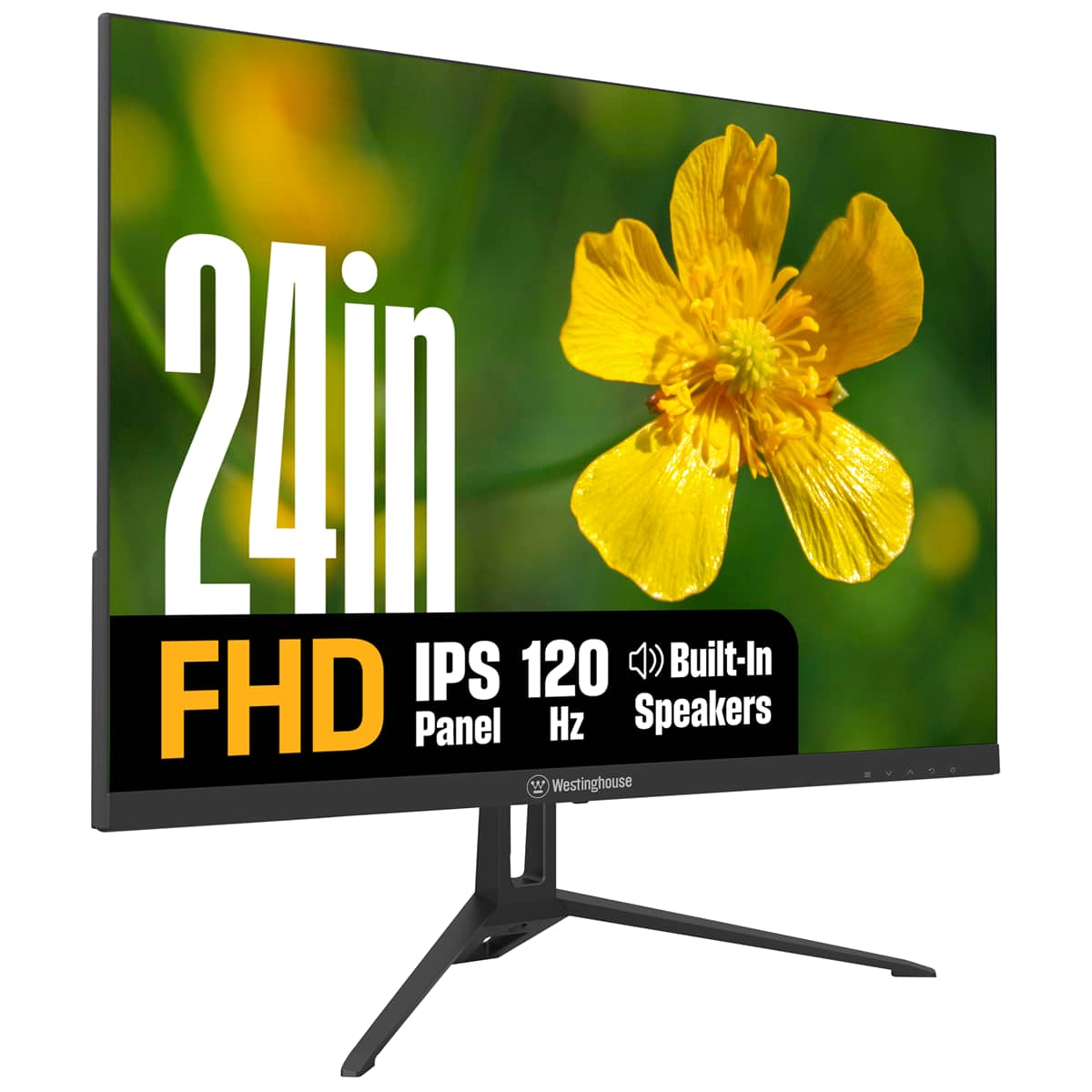
Westinghouse - 24" home office monitor - Black
SKU: J3LL89CRCCSee all All MonitorsProduct Description
A black IPS monitor with 1080p resolution, 120Hz refresh rate, built-in speakers, and eye comfort features.Your price for this item is $119.99 -
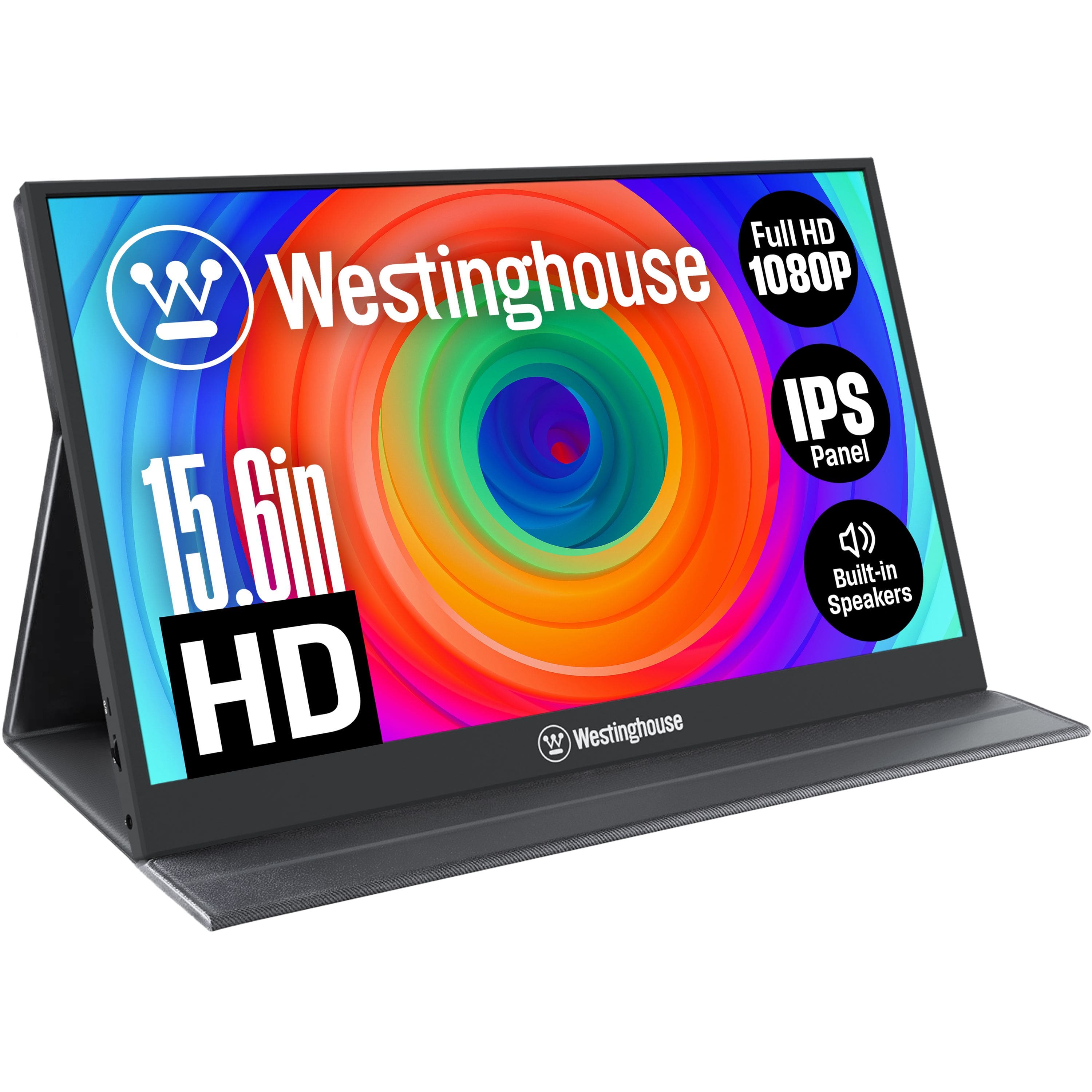
Westinghouse - Portable Monitor - Black
SKU: J3LL89C953See all Portable MonitorsProduct Description
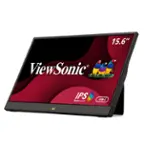
A slim black portable monitor with 15.6" Full HD IPS display, built-in speakers, and USB-C connectivity.Your price for this item is $79.99Save $20The previous price was $99.99 -
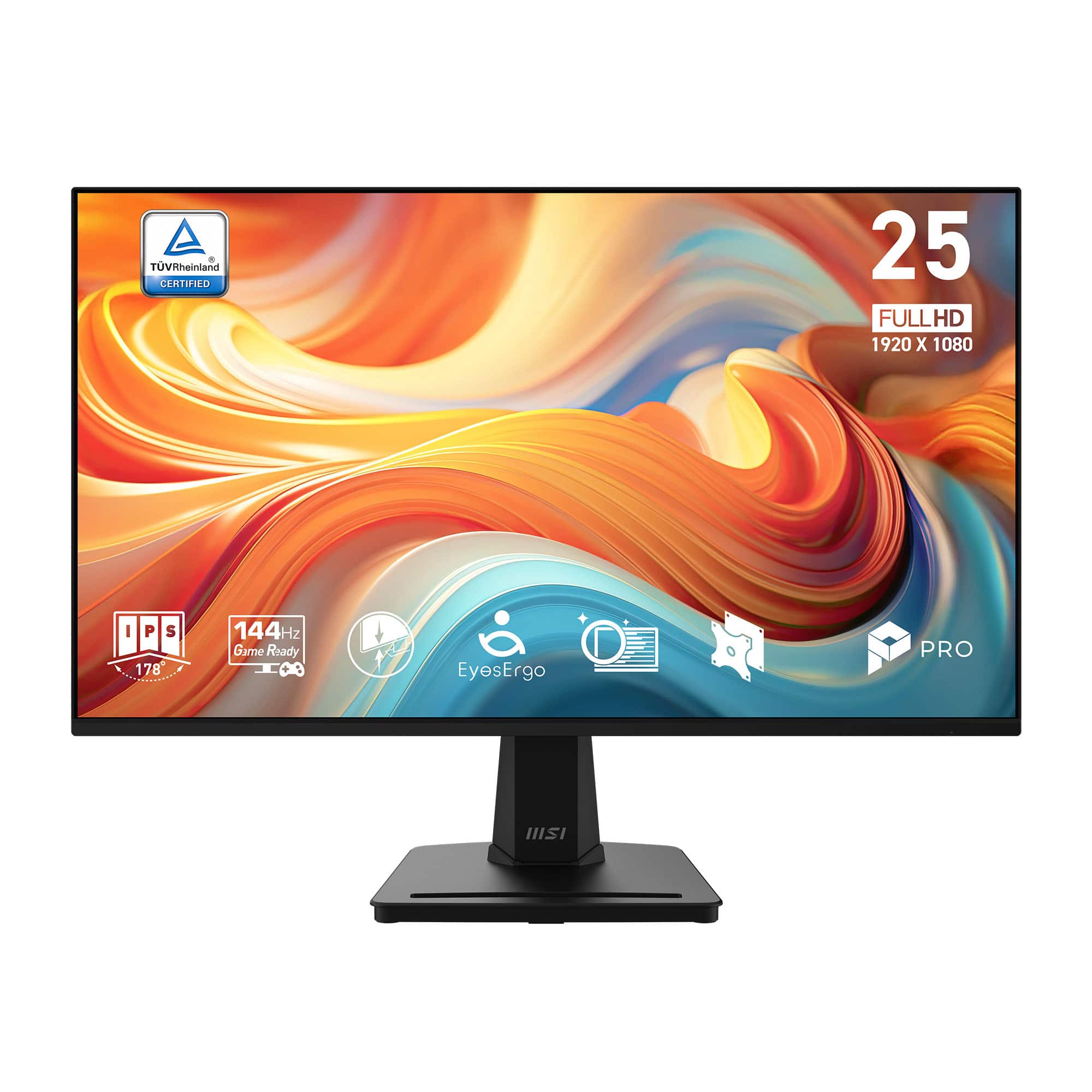
MSI - PRO MP251 E14L 24.5" IPS FHD 144Hz 1ms FreeSync Business Monitor with Built-in Speakers(Video Port, HDMI) - Black
SKU: J3P7TXHWRPSee all All MonitorsProduct Description
A sleek black IPS monitor with 144Hz refresh rate, 1ms response, FreeSync, and built-in speakers.Your price for this item is $109.99 -
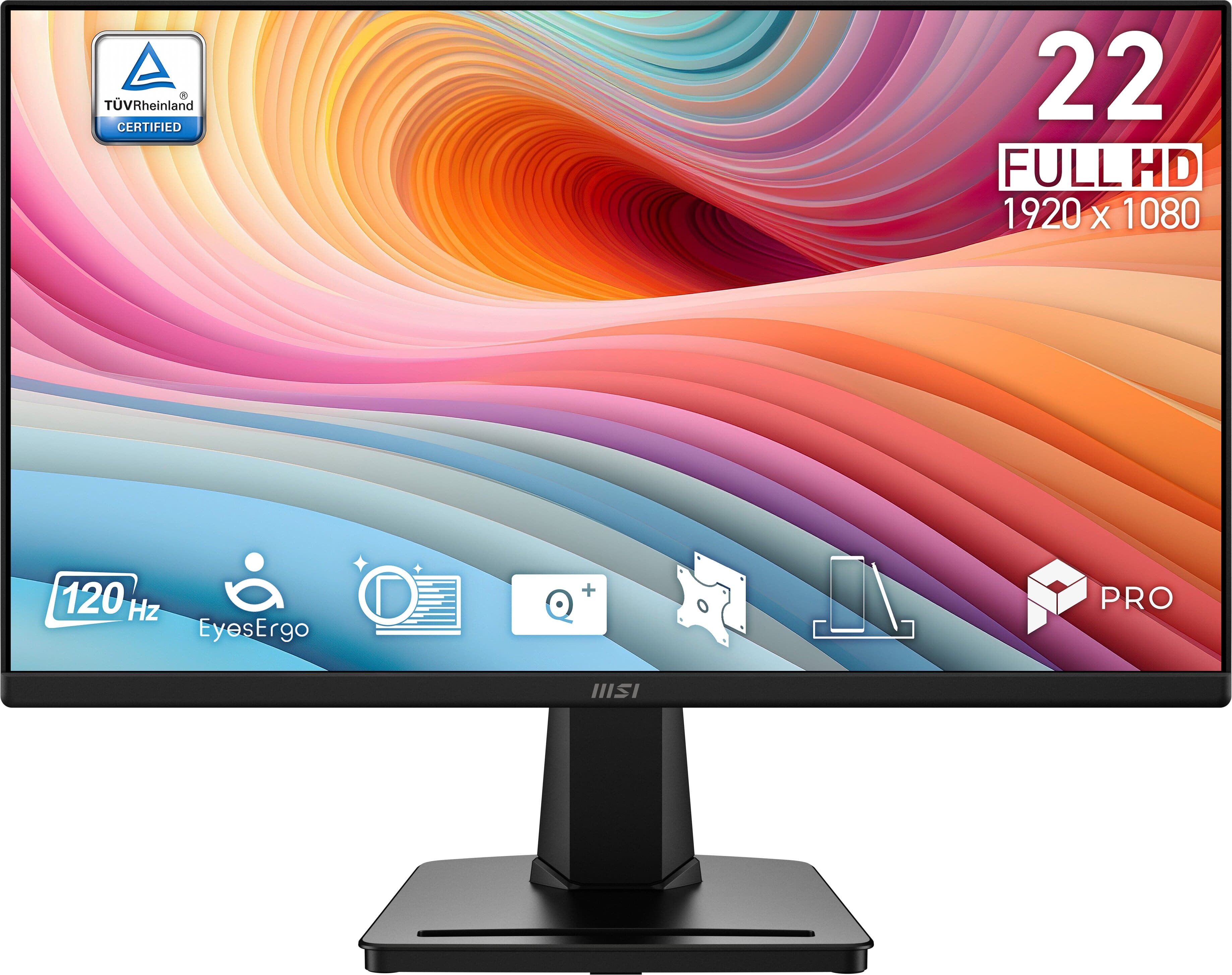
MSI - PRO MP225 E12VL 22" IPS FHD 120Hz 1ms Business Monitor with EyesErgo Tech (Video Port, HDMI) - Black
SKU: J3P7TXHHG5See all All MonitorsProduct Description
A black IPS FHD monitor with 120Hz refresh rate, 1ms response, EyesErgo tech, and FreeSync support.Your price for this item is $69.99 -
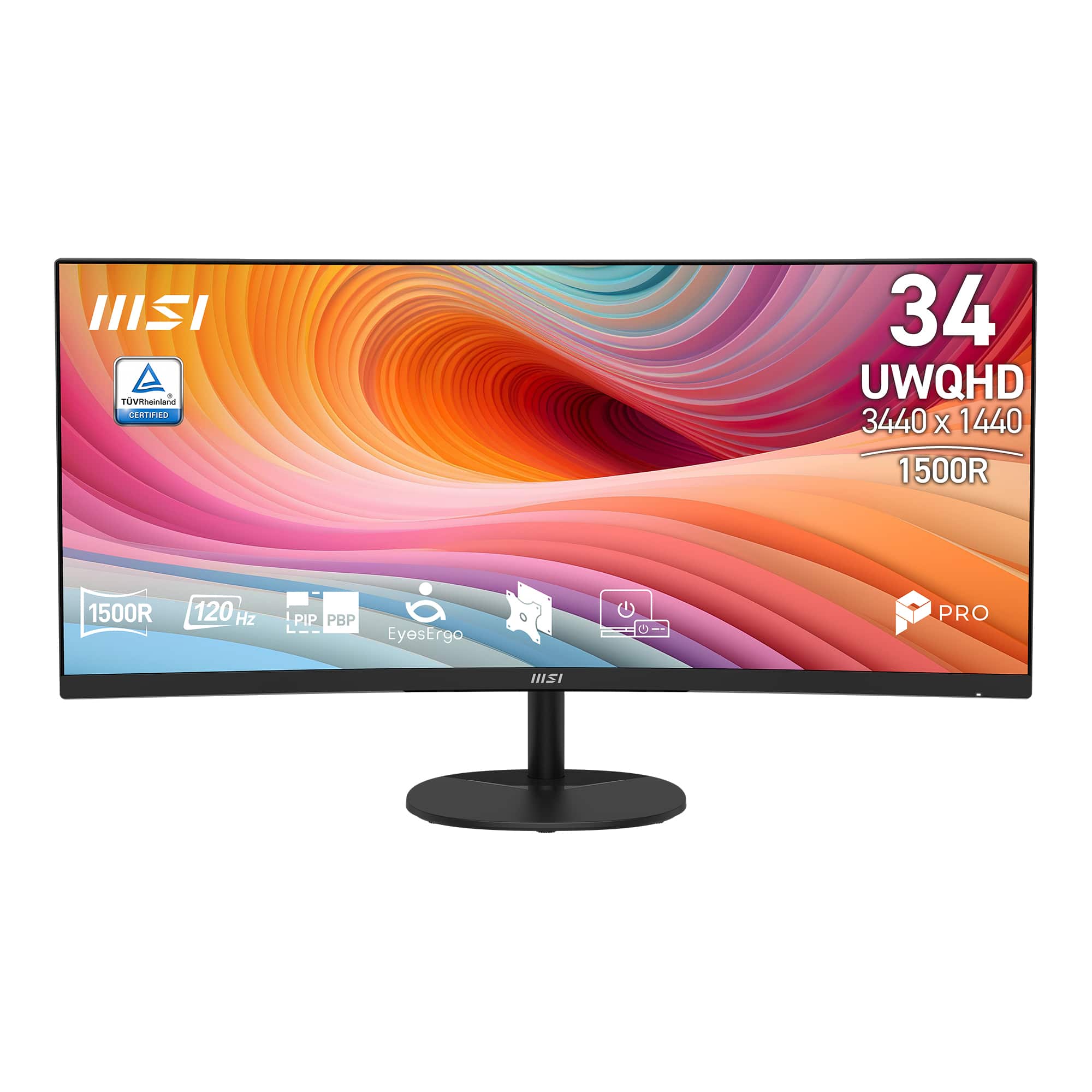
MSI - PRO MP341CQ E12 34" Curved UWQHD 120Hz 1ms VA Business Monitor with Built-in Speakers( (DisplayPort, HDMI ) - Black
SKU: J3P7TXH9YTSee all All MonitorsProduct Description
An ultrawide black curved business monitor with 3440 x 1440 VA panel, 120Hz refresh rate, and built-in speakers.Your price for this item is $229.99 -
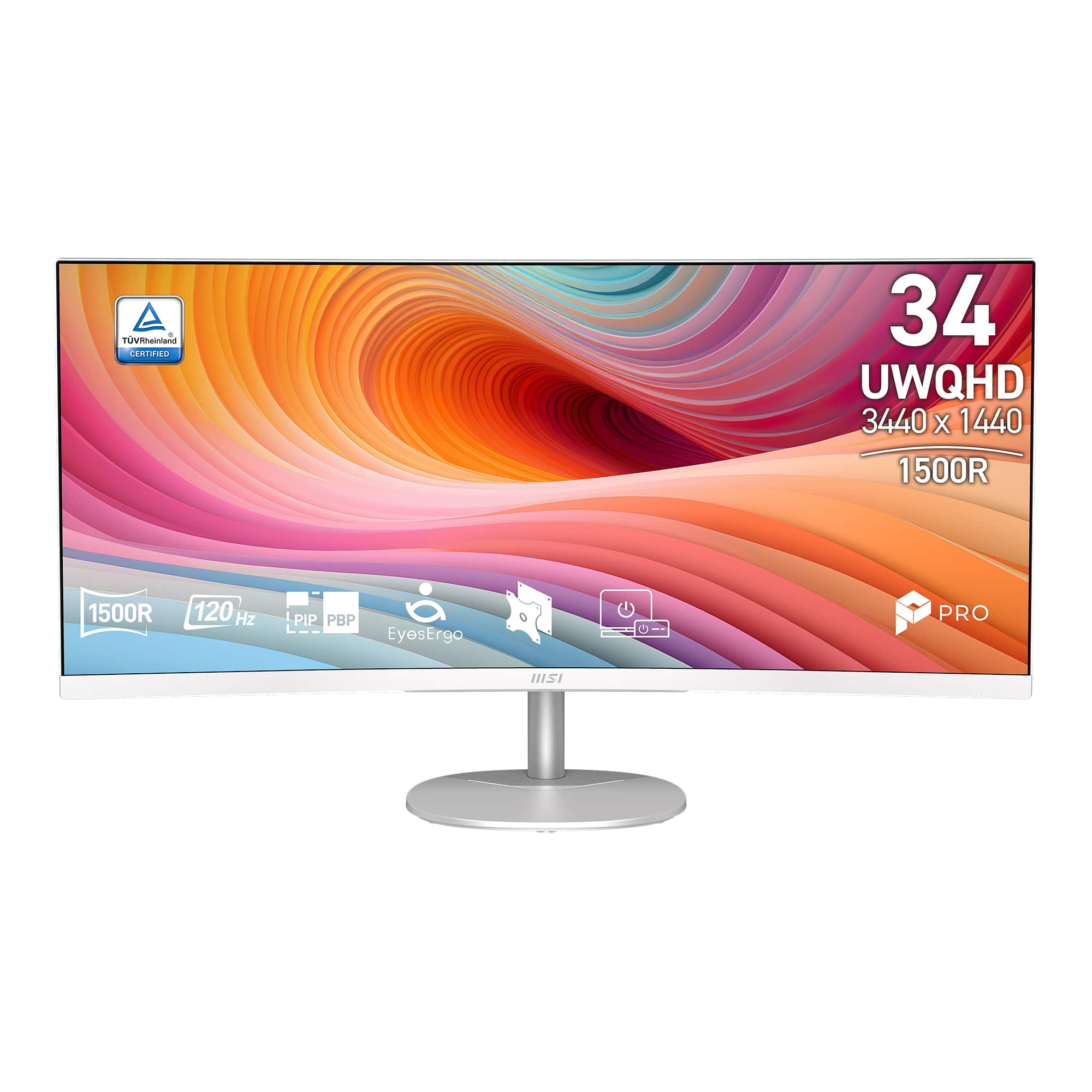
MSI - PRO MP341CQW E12 34" Curved UWQHD 120Hz 1ms VA Business Monitor with Built-in Speakers( (DisplayPort, HDMI ) - White
SKU: J3P7TXH9PYSee all All MonitorsProduct Description
A sleek white ultrawide curved monitor with UWQHD resolution, 120Hz refresh rate, and built-in speakers.Your price for this item is $239.99
Best Sellers





Related Pages




FAQ
When choosing a business monitor, consider features such as ergonomic adjustability, multiple connectivity options (like HDMI, DisplayPort, and USB-C), built-in speakers, blue light filters, and anti-glare screens. These features can enhance productivity and provide a comfortable work experience.
Yes, many business monitors are designed to work seamlessly with docking stations. Look for monitors with USB-C or DisplayPort connectivity, which often support charging, data transfer, and video output through a single cable, simplifying your workspace setup.
Absolutely! Most business monitors support daisy-chaining via DisplayPort or can be easily connected to your computer's graphics card for multi-monitor setups. This allows for an expanded workspace, ideal for multitasking and increasing productivity.
Many business monitors feature VESA-compatible mounting holes on the back, allowing you to attach them to monitor arms or wall mounts. This provides greater flexibility in arranging your workspace and helps save desk space.
Business monitors are typically designed with productivity and comfort in mind. They often offer enhanced ergonomics, better color accuracy, multiple connectivity options, and features like flicker-free technology and blue light reduction, which are ideal for extended use in professional environments.