Internet Monitors
-
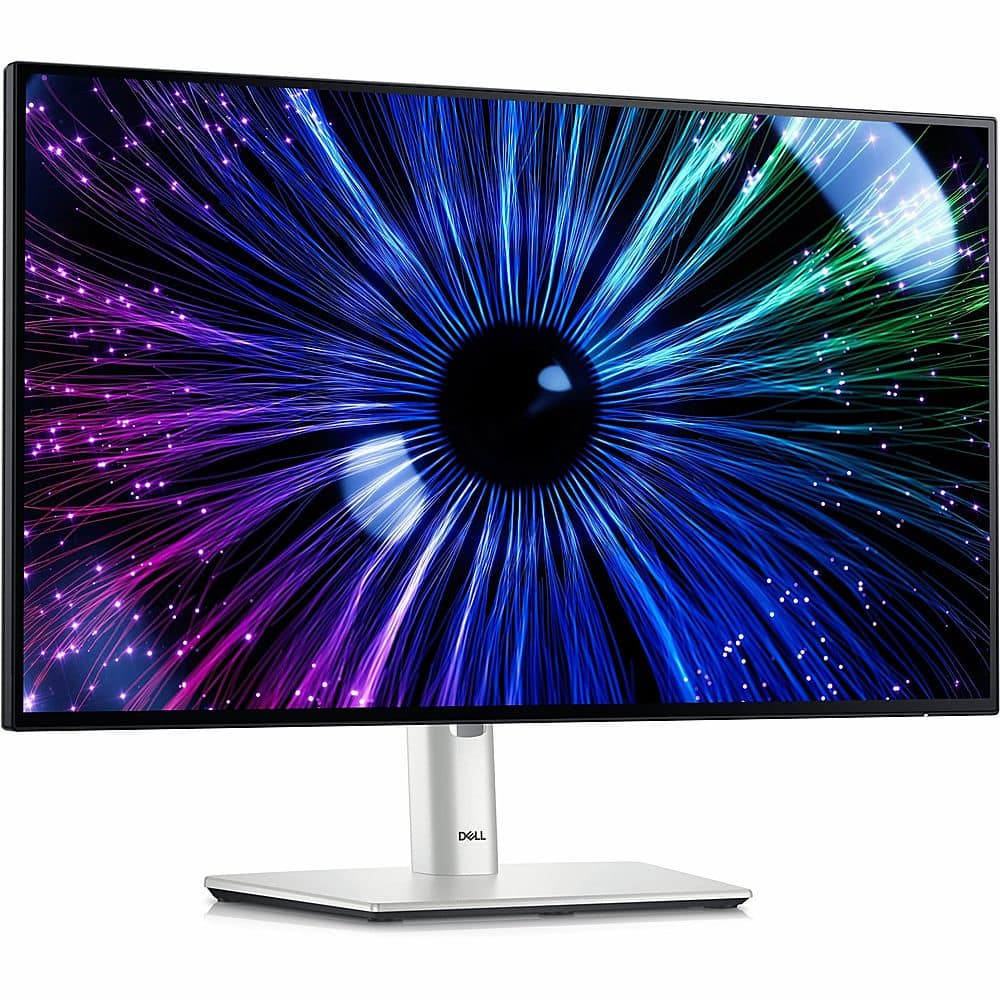
Dell - UltraSharp 23.8" IPS LED FHD 120Hz Monitor (USB, HDMI) - Black
SKU: J3K4L6CFPLSee all All MonitorsProduct Description
A black IPS LED monitor with 120Hz refresh rate, ambient light sensor, and versatile USB connectivity.Your price for this item is $359.99 -
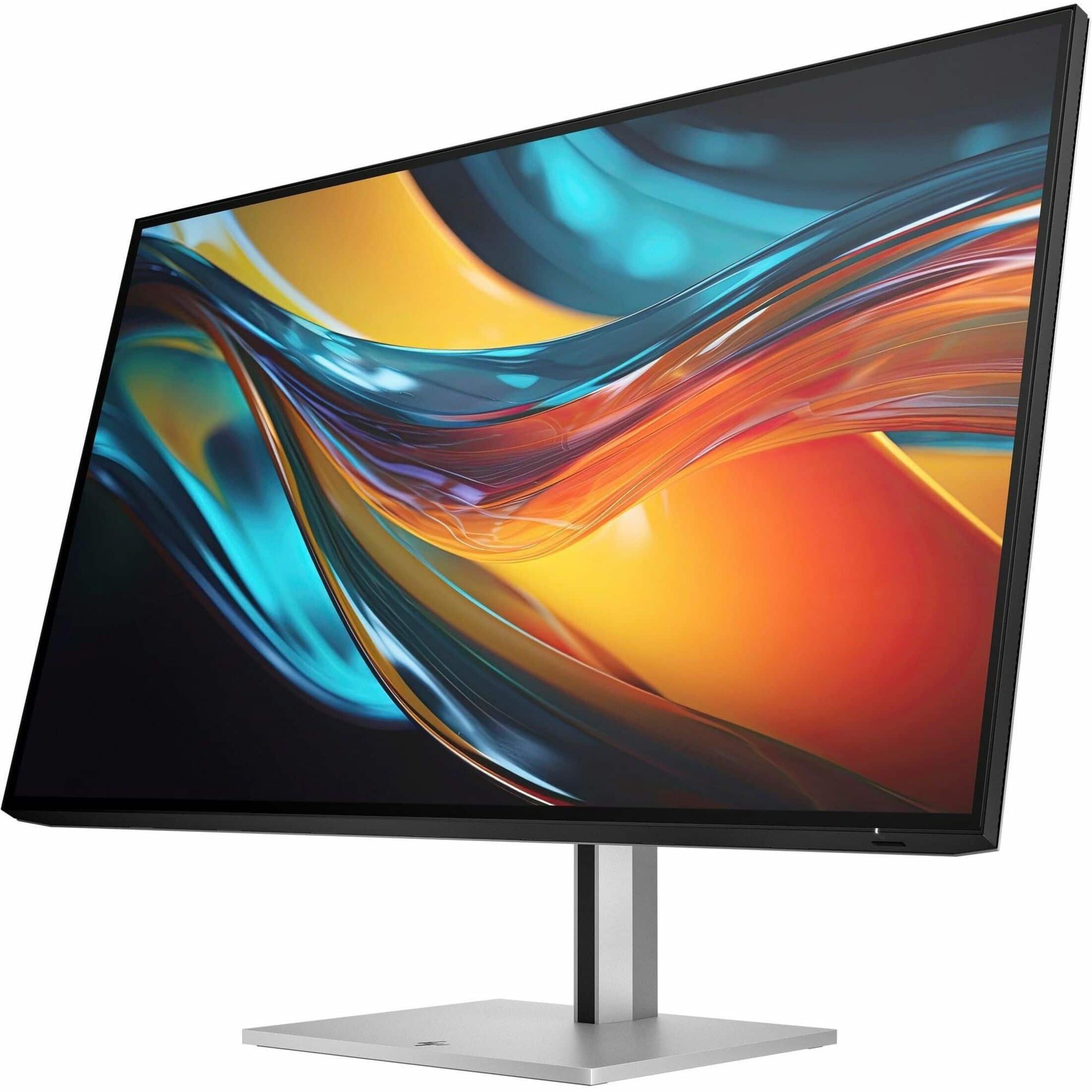
HP - 7 Pro 31.5" IPS LED 4K UHD 60Hz Monitor with HDR (USB, HDMI) - Black, Gray, Dual Color
SKU: JJGLF4CX2HSee all All MonitorsProduct Description
A dual-color black and gray 31.5" 4K UHD IPS LED monitor with Thunderbolt 4 and HDR support.Your price for this item is $989.99 -
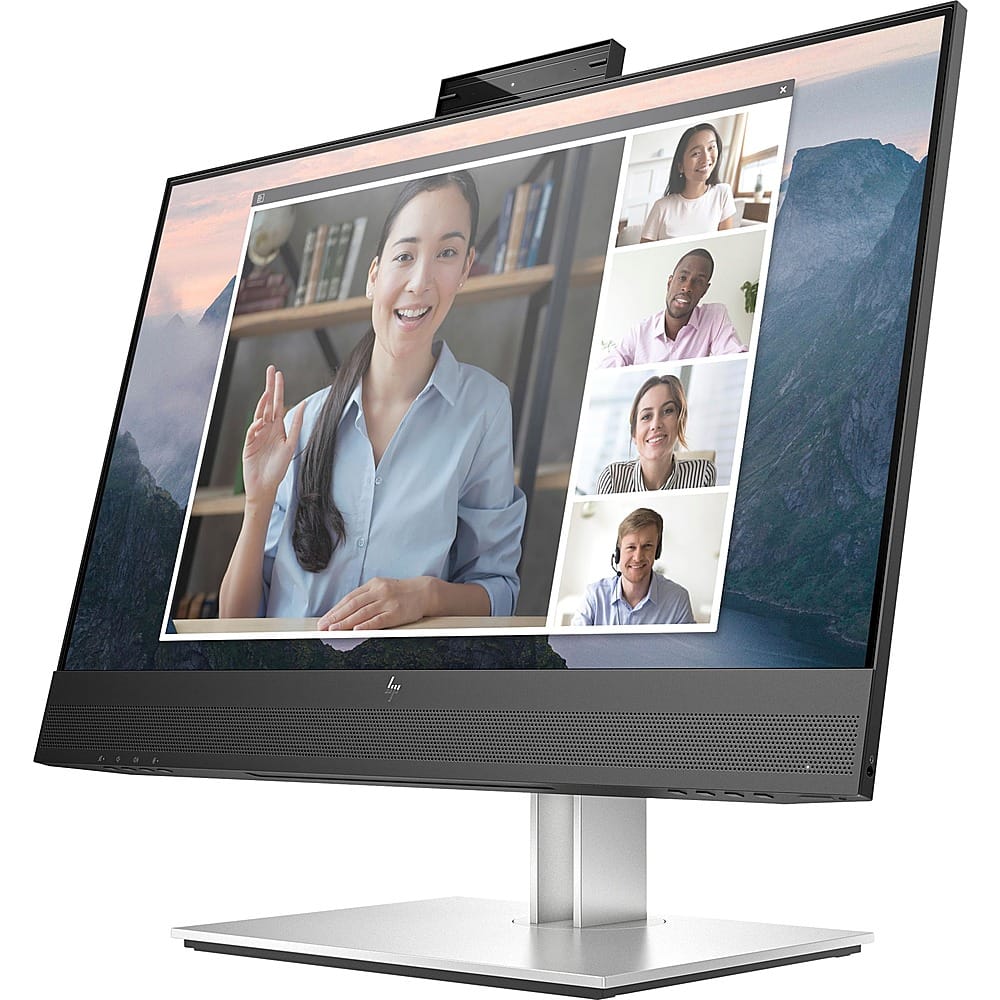
HP - E24mv G4 FHD Conferencing Monitor 23.8 LCD FHD - Black/Silver
SKU: JJ8V39YY5JNice crisp display and I love the built in mic and speakers. I use for work and home seamlessly....Works great. Love the size and clarity. Would recommend....Great Monitor
See all All MonitorsProduct Description
A sleek black and silver conferencing monitor featuring a 23.8" FHD IPS display, pop-up webcam, and speakers.Your price for this item is $263.20Save $56The previous price was $319.99 -
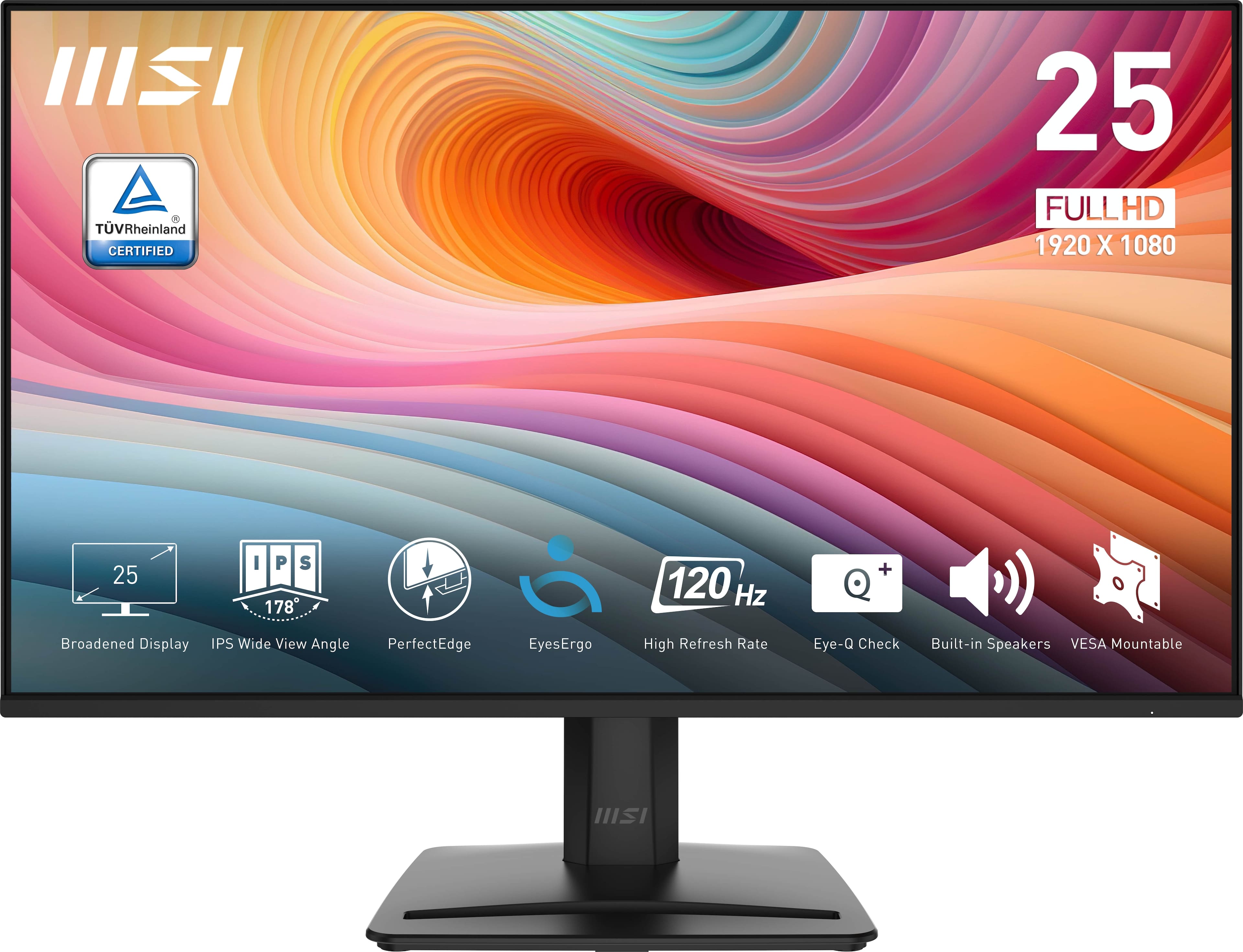
MSI - PRO MP251 E2 24" IPS LCD FHD 120Hz 1ms Adaptive Sync Monitor with HDR ready,Built-in Speakers (DisplayPort, HDMI ) - Matte Black
SKU: J3P7TXSVWVSee all All MonitorsProduct Description
A matte black IPS monitor with 120Hz refresh rate, 1ms response, HDR, Adaptive Sync, and built-in speakers.Your price for this item is $125.00Save $1The previous price was $126.99 -
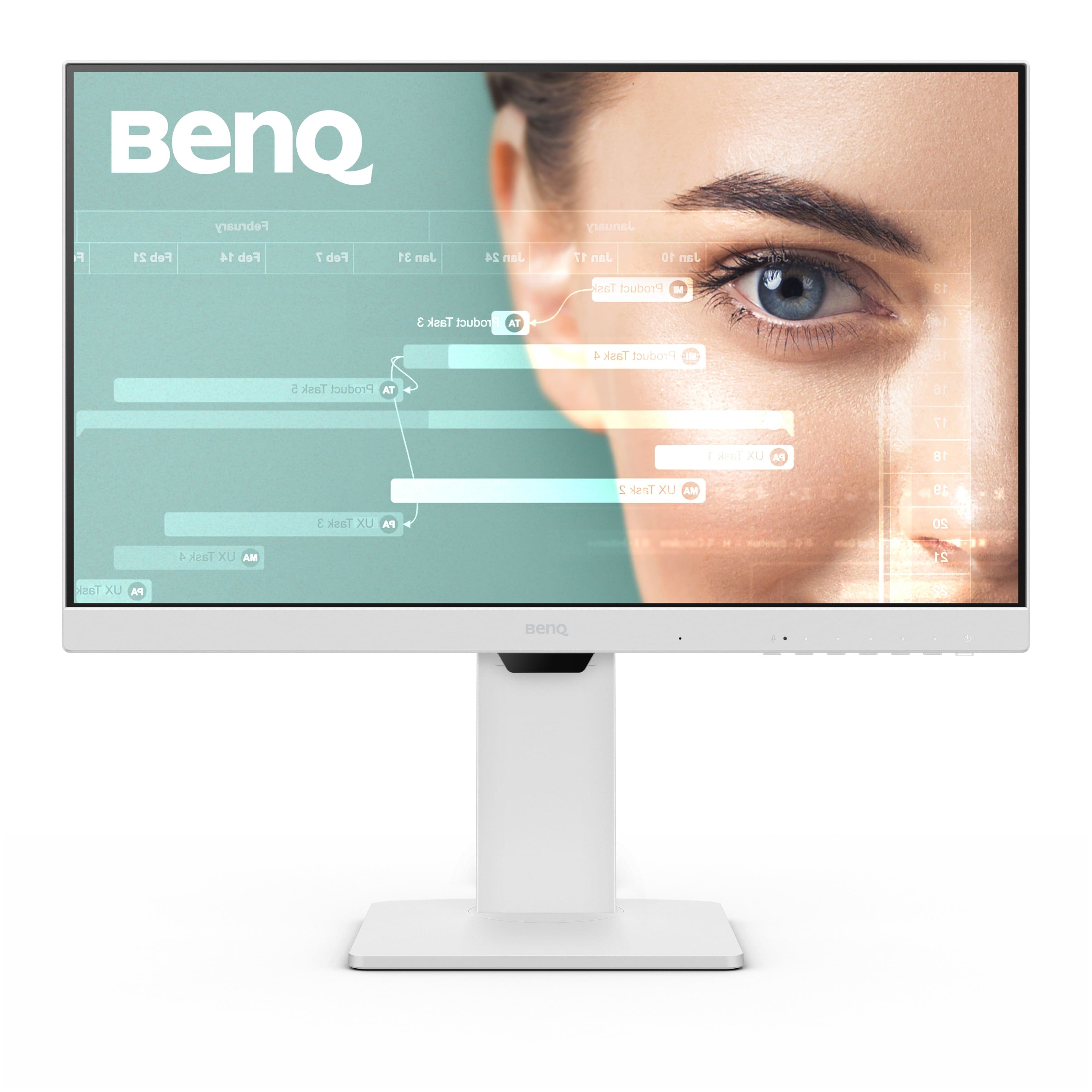
BenQ - GW2486TC 23.8" IPS LED 1080p FHD 100HZ USB-C Monitor (HDMI/DP/USB-C) - White
SKU: J39QZT53WTSee all All MonitorsProduct Description
A white IPS LED monitor with 1080p resolution, 100Hz refresh rate, USB-C, and ergonomic design.Your price for this item is $169.99Save $30The previous price was $199.99 -
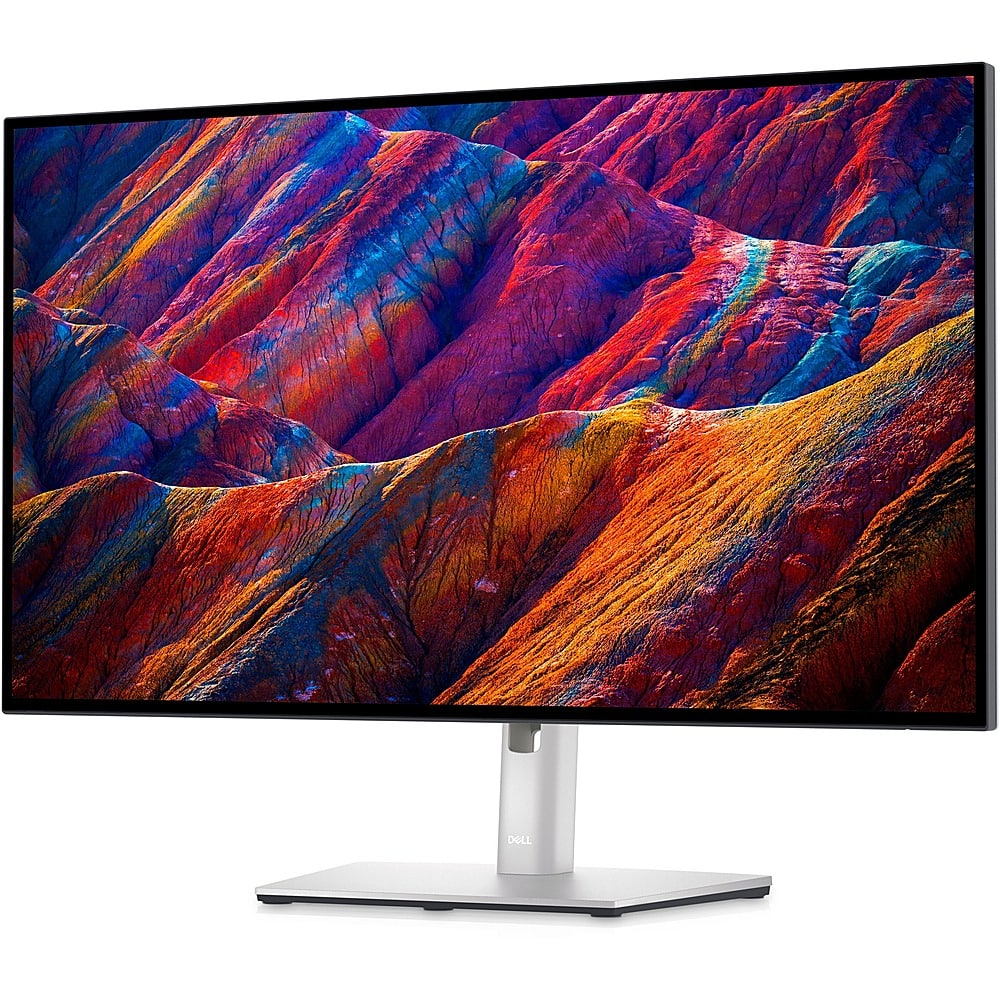
Dell - UltraSharp 27" LCD 4K UHD Monitor (DisplayPort, USB, HDMI) - Black/Silver
SKU: J3K4L67RFRI love this monitor, and the hub is a freat convenience....Great for HO...The product is great only thing is that one of the hdmi entry fails to work sometimes....Other than that great quality image.
See all All MonitorsProduct Description
A black-and-silver 4K UHD LCD monitor featuring DisplayPort, USB, and HDMI connectivity.Your price for this item is $669.00Save $10The previous price was $679.00 -
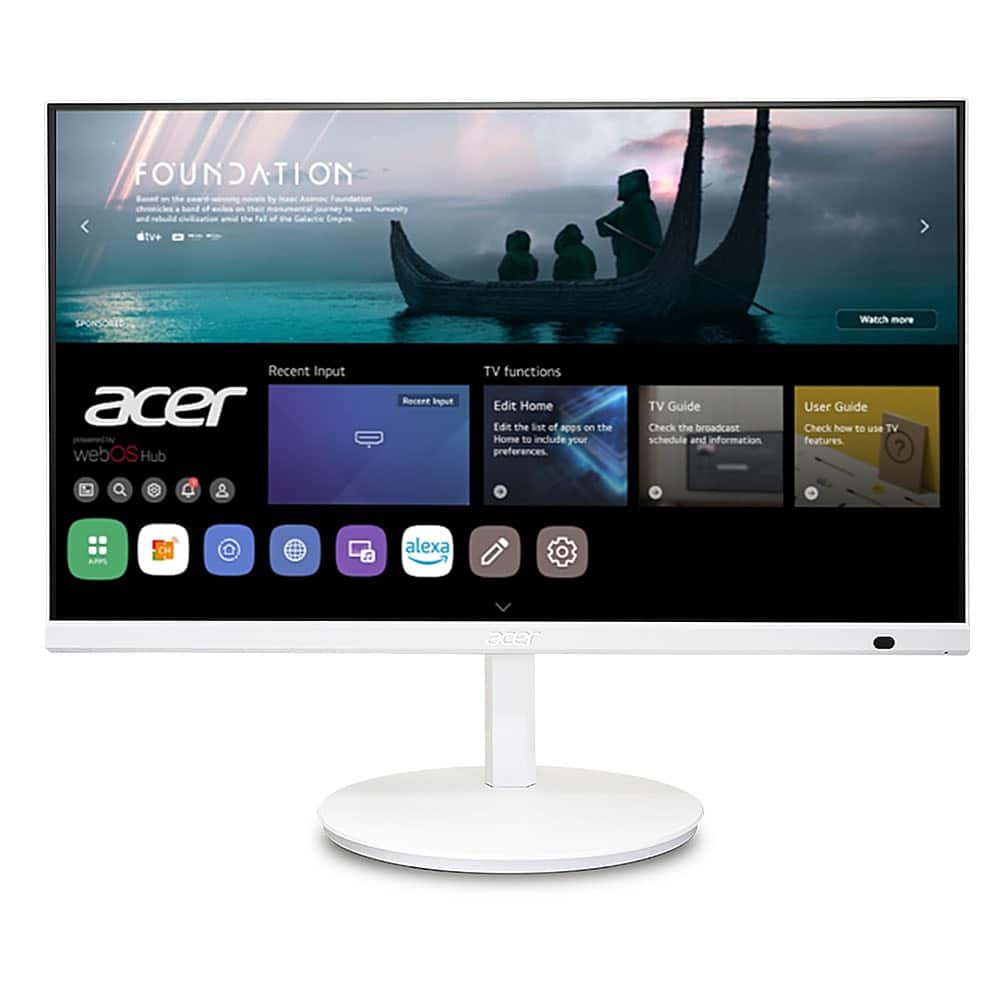
Acer - CS242Y wemiiirx 23.8” IPS LED FHD(1920 x 1080) 60Hz Monitor(HDMI) - White
SKU: JJ8V8HJHP3See all All MonitorsProduct Description
A white IPS LED monitor with FHD resolution, adjustable stand, integrated speakers, and HDMI connectivity.Your price for this item is $199.99 -
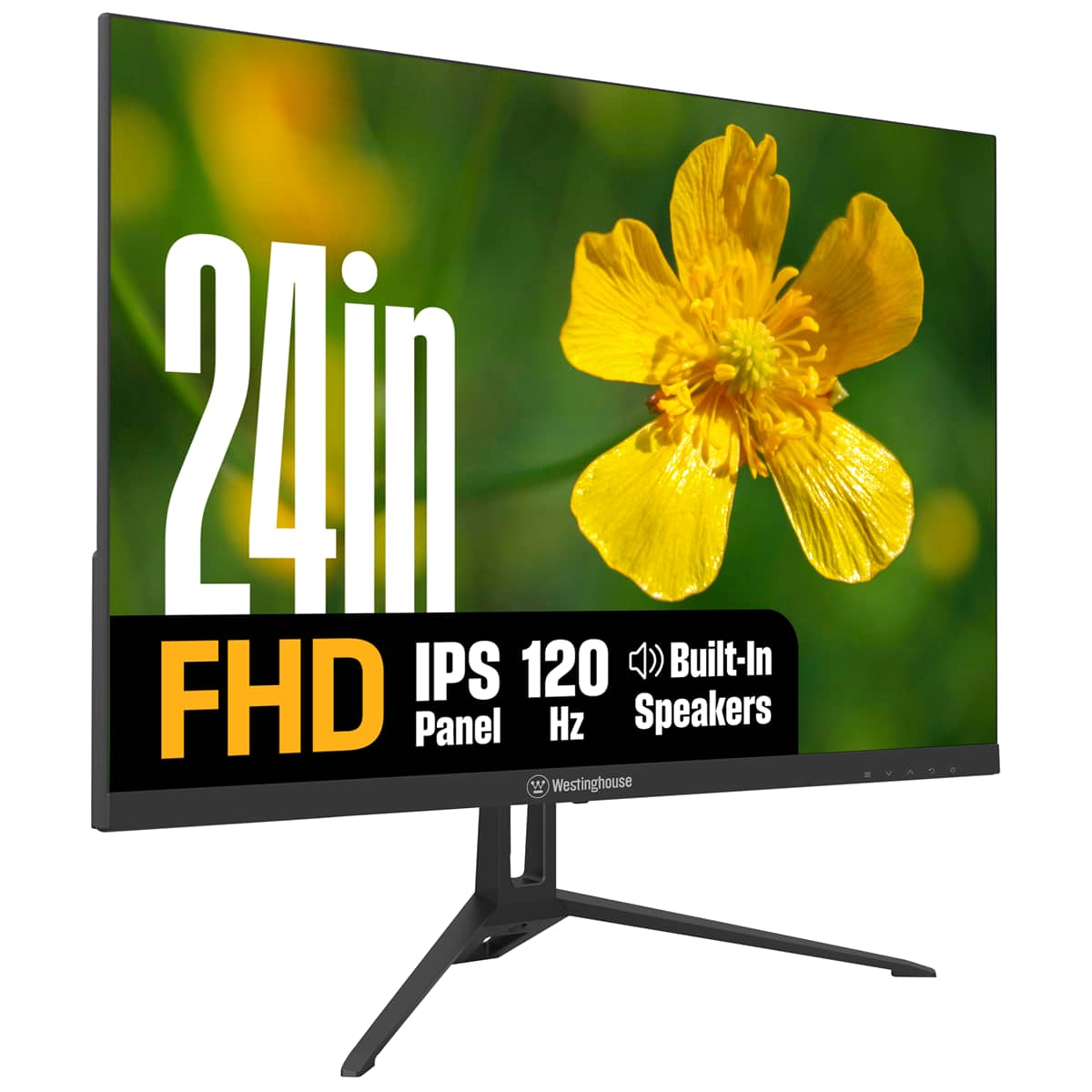
Westinghouse - 24" home office monitor - Black
SKU: J3LL89CRCCSee all All MonitorsProduct Description
A black IPS monitor with 1080p resolution, 120Hz refresh rate, built-in speakers, and eye comfort features.Your price for this item is $99.99Save $20The previous price was $119.99 -
Dough - Spectrum Black 32-In.-Class 4K 240-Hz Dual-Mode WOLED Monitor - Metallic
SKU: CGCLR5665HSee all All MonitorsProduct Description
A metallic black OLED monitor offering 4K UHD resolution, 240Hz refresh rate, HDR10, and adaptive sync support.Your price for this item is $899.99 -
Dell - UltraSharp 23.8" LCD Monitor (DisplayPort, USB, HDMI) - Black
SKU: J3K4L9V72WSee all All MonitorsProduct Description
A black IPS LCD monitor with 1920 x 1080 resolution, 60Hz refresh rate, and adjustable stand height.Your price for this item is $399.99
Best Sellers





Related Pages






FAQ
When choosing an internet monitor, consider features like screen resolution, refresh rate, panel type (IPS, VA, or TN), connectivity options (HDMI, DisplayPort, USB-C), built-in speakers, and ergonomic adjustability. These features can enhance your online experience, whether you're browsing, streaming, or working remotely.
Yes, most internet monitors come with multiple input ports, such as HDMI, DisplayPort, and USB-C. This allows you to easily switch between devices like laptops, desktops, and gaming consoles without needing to unplug cables.
An internet monitor generally refers to any monitor optimized for online activities such as web browsing, streaming, and video conferencing. While all monitors can connect to the internet via your device, some internet monitors offer features like built-in webcams, microphones, or enhanced connectivity to improve online interactions.
Many internet monitors are equipped with built-in webcams, microphones, and speakers, making them ideal for video conferencing. Even if a monitor doesn't have these built-in features, you can easily connect external accessories for seamless online meetings.
Yes, most internet monitors are compatible with both Mac and Windows computers. Just ensure your device supports the monitor’s input ports, such as HDMI, DisplayPort, or USB-C, for a hassle-free connection.