Hub Monitors
-
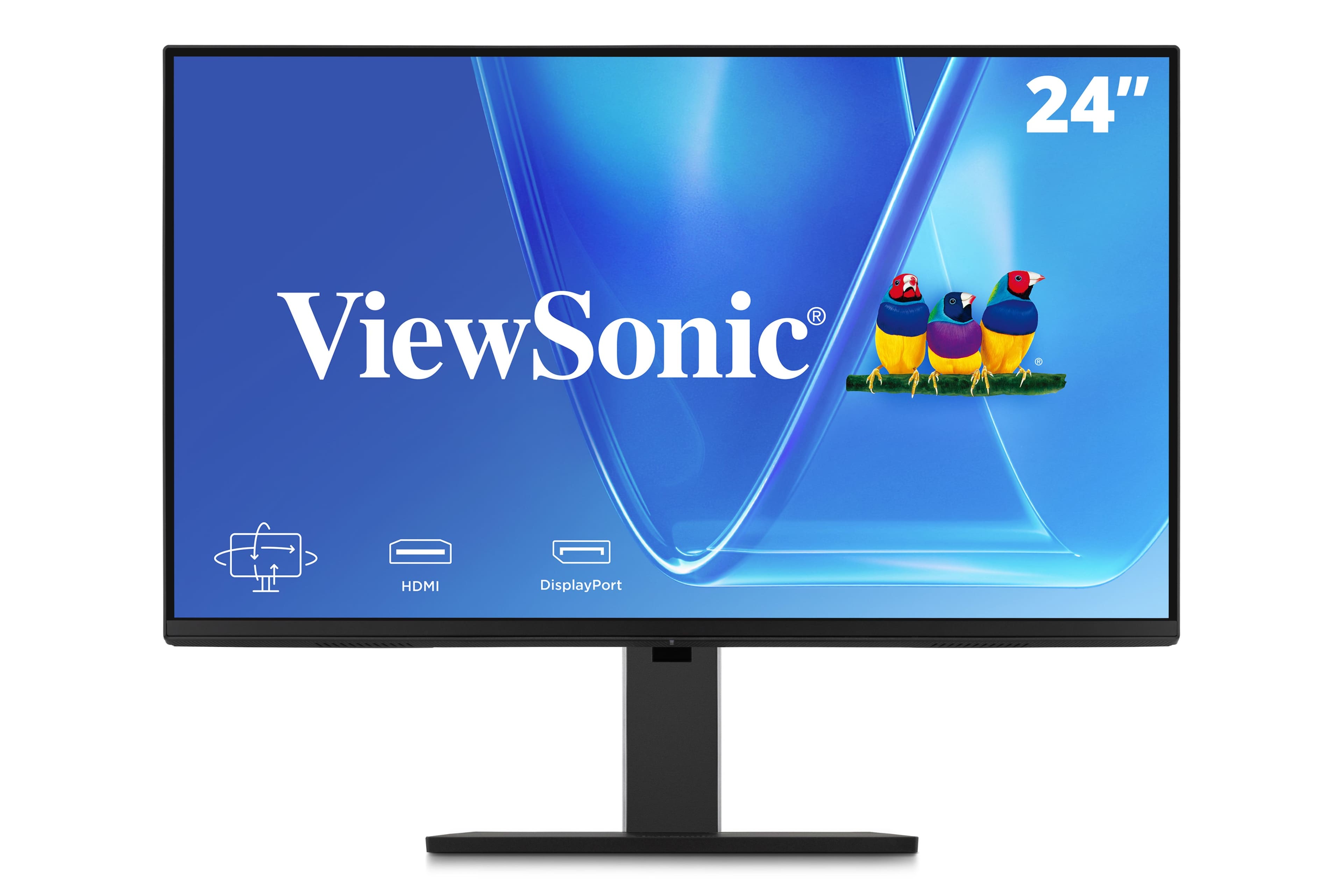
ViewSonic - VG2451 24" IPS 1080p Ergonomic Monitor with Full Adjustability, 100Hz, 4-Port USB Hub, HDMI, DisplayPort, and - Black
SKU: J37H8G7323See all All MonitorsProduct Description
A black IPS monitor with 1080p resolution, 100Hz refresh rate, USB hub, HDMI, DP, and USB-C inputs.Your price for this item is $169.99 -
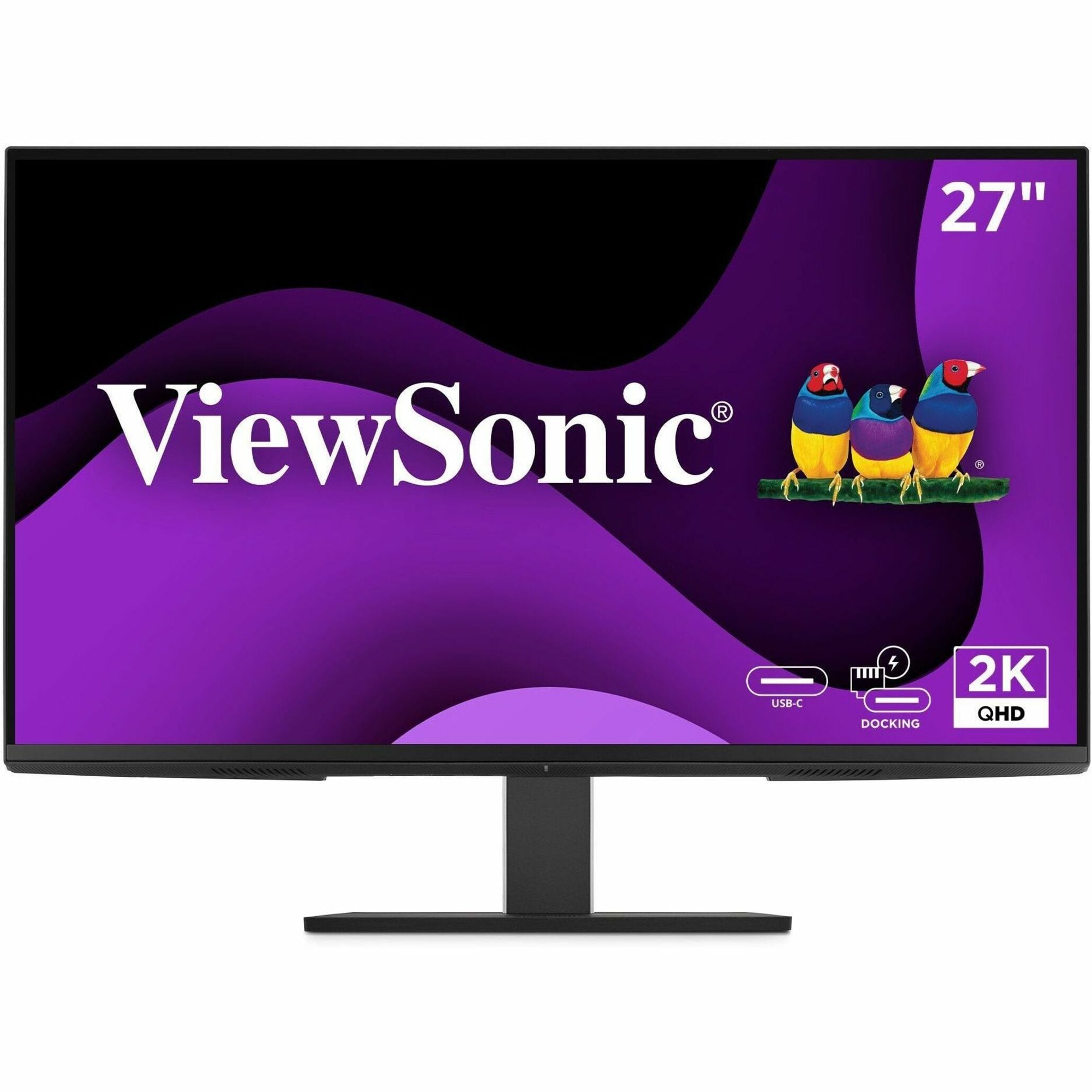
ViewSonic - VG2758-2K 27" IPS LED 100Hz Monitor (USB, HDMI) - Black
SKU: J37H88VKWCSee all All MonitorsProduct Description
A black IPS LED monitor with 100Hz refresh rate, USB-C docking, ergonomic stand, and integrated speakers.Your price for this item is $339.99 -
ViewSonic - VP2788-5K 27 IPS 5K UHD Mac- Ready Monitor (Thunderbolt4,USB HUB, HDMI, DP) - Black
SKU: J37H88V533See all All MonitorsProduct Description
A sleek black 27" IPS monitor with 5K UHD resolution, Thunderbolt 4 connectivity, and ergonomic stand.Your price for this item is $929.99 -
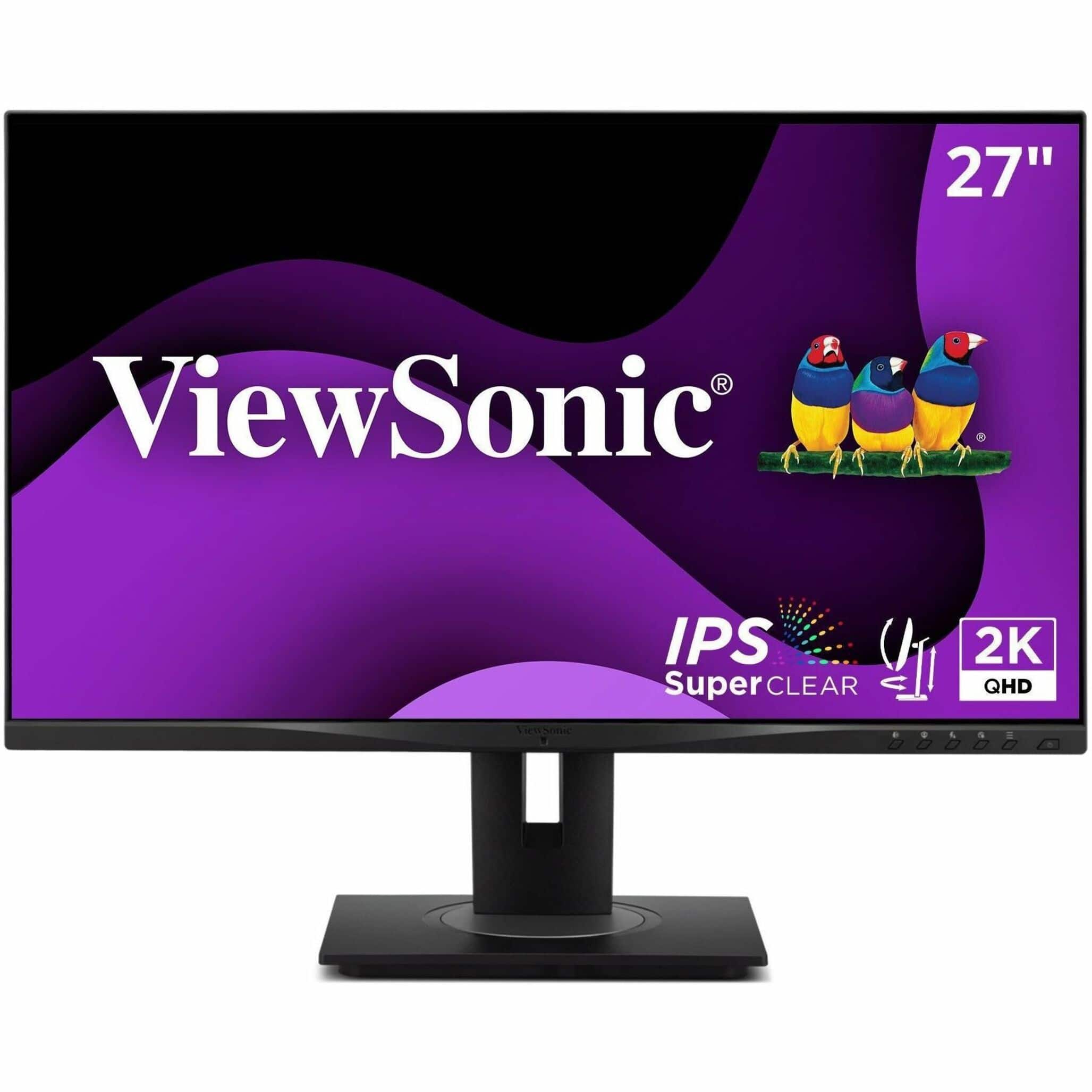
ViewSonic - VG2752-2K 27 IPD QHD Ergonomic Monitor (USB HUB, HDMI, DisplayPort) - Black
SKU: J37H8G77ZWSee all All MonitorsProduct Description
A black ergonomic QHD monitor with IPS panel, USB-C connectivity, integrated USB hub, and adjustable stand.Your price for this item is $299.99 -
ViewSonic - VG2748A-2K 27 IPS QHD Ergonomic Ambient Light Sensor Monitor (USB HUB, DP, HDMI, VGA) - Black
SKU: J37H8G7JG9See all All MonitorsProduct Description
An ergonomic black IPS QHD monitor with ambient light sensor, USB hub, and versatile connectivity options.Your price for this item is $279.99Save $7The previous price was $287.38 -
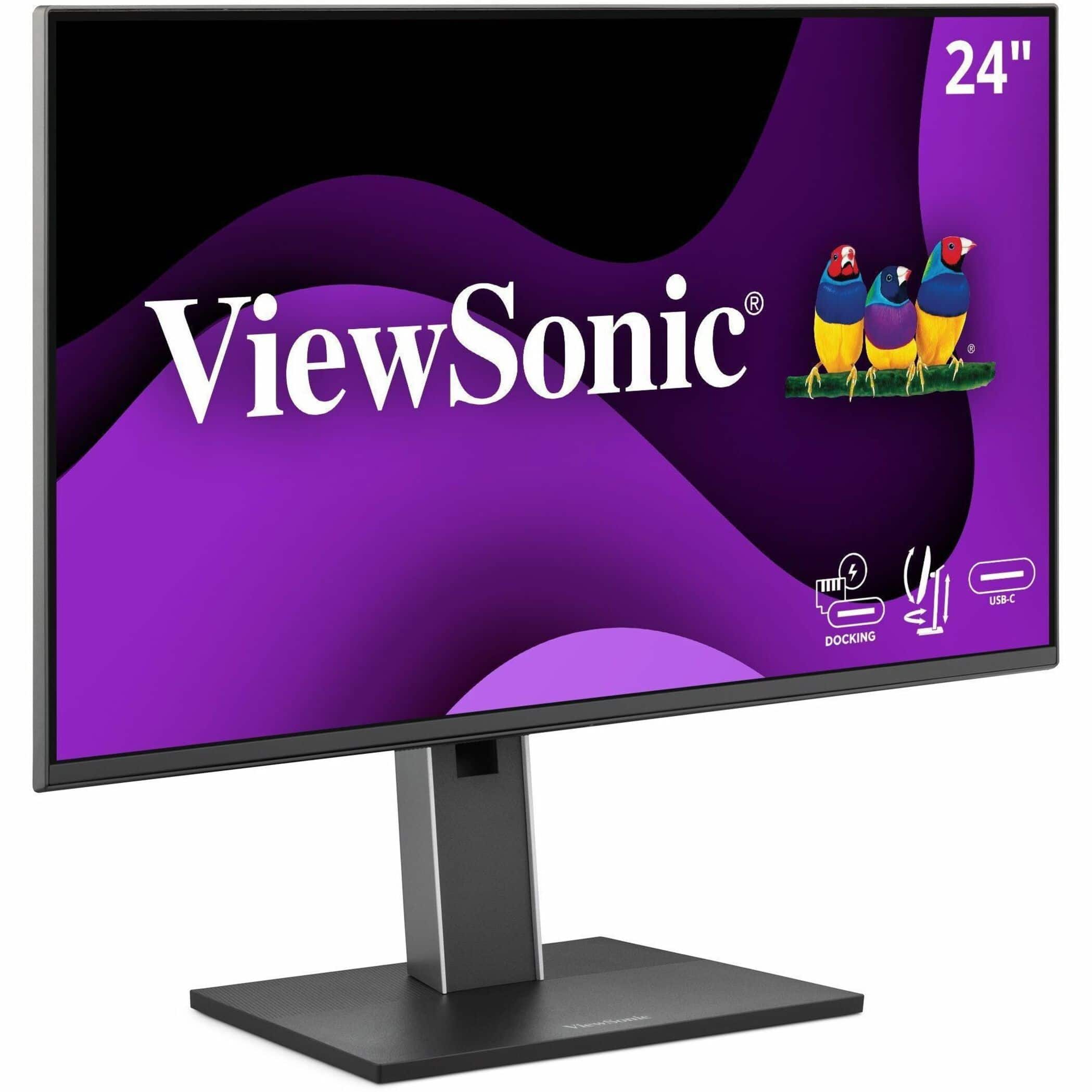
ViewSonic - VG2458 23.8" IPS LED FHD 100Hz Monitor (USB, HDMI) - Black
SKU: J37H88VKTZSee all All MonitorsProduct Description
A black IPS LED monitor with 100Hz refresh rate, USB-C connectivity, ergonomic stand, and integrated speakers.Your price for this item is $279.99 -
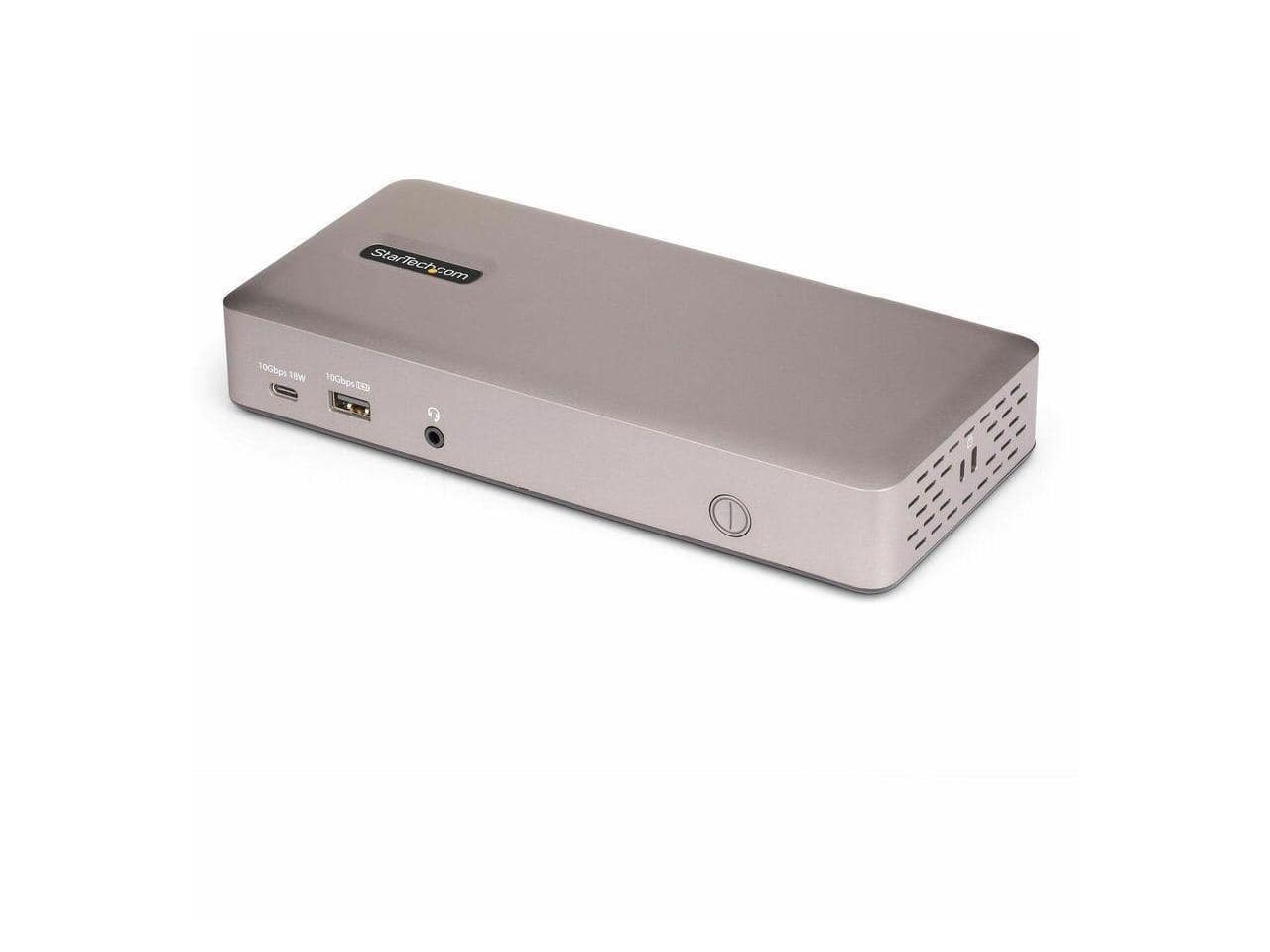
StarTech.com - StarTech Triple-Monitor USB4 Dock 4K HDMI/DP USB Hub 2.5GbE 100W USB-C
SKU: J7PHYXC6PVSee all Docking StationsProduct Description
A black USB4 docking station supporting triple 4K displays, 2.5GbE, 100W charging, and six USB ports.Your price for this item is $208.71Save $21The previous price was $230.64


Best Sellers





Related Pages





FAQ
A hub monitor is a display that features built-in connectivity options such as USB ports, HDMI, Ethernet, and sometimes even audio jacks. These monitors allow you to connect multiple devices directly to the monitor, helping to reduce cable clutter and streamline your workspace.
You can connect a variety of devices to a hub monitor, including laptops, desktops, smartphones, external hard drives, keyboards, mice, and other USB peripherals. Some hub monitors also support Ethernet connections for wired internet access.
Most hub monitors require a USB-C or Thunderbolt cable to enable full hub functionality, such as data transfer and device charging. Always check the monitor's specifications to ensure compatibility with your devices and the correct cable type.
Many hub monitors with USB-C or Thunderbolt connectivity offer power delivery, allowing you to charge compatible laptops or mobile devices while they are connected. Be sure to verify the wattage output to ensure it meets your device's charging requirements.
Yes, most hub monitors are designed to work with both Windows and Mac computers. However, certain features like power delivery or device compatibility may vary depending on your operating system and hardware, so it's best to review the product details for specific compatibility information.