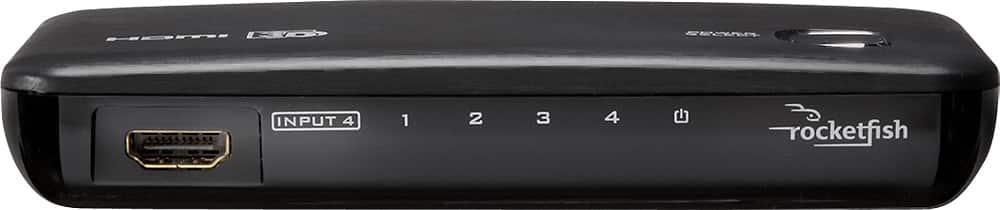
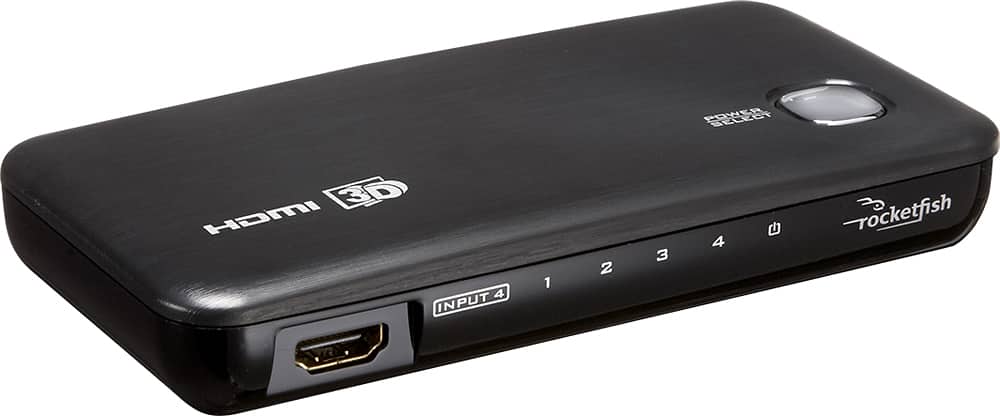
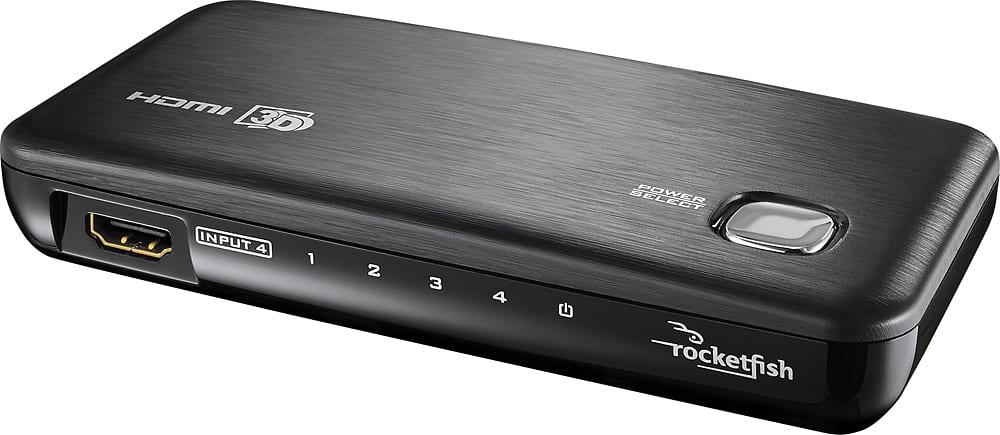
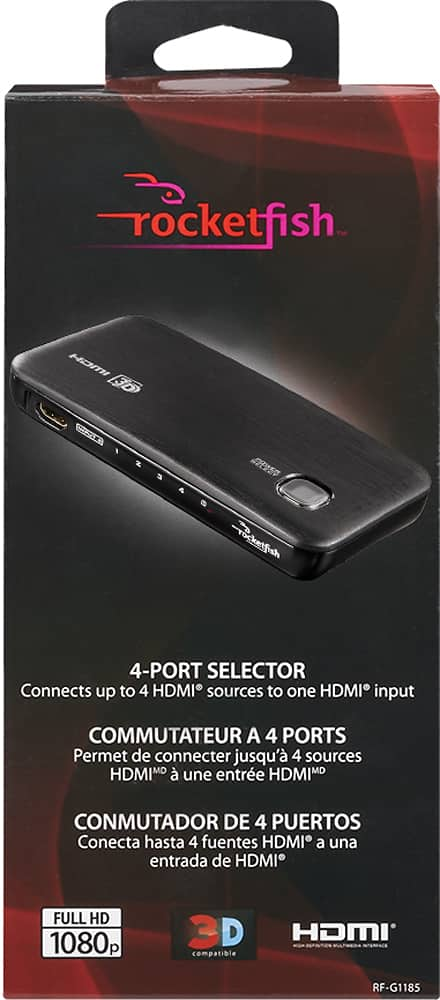
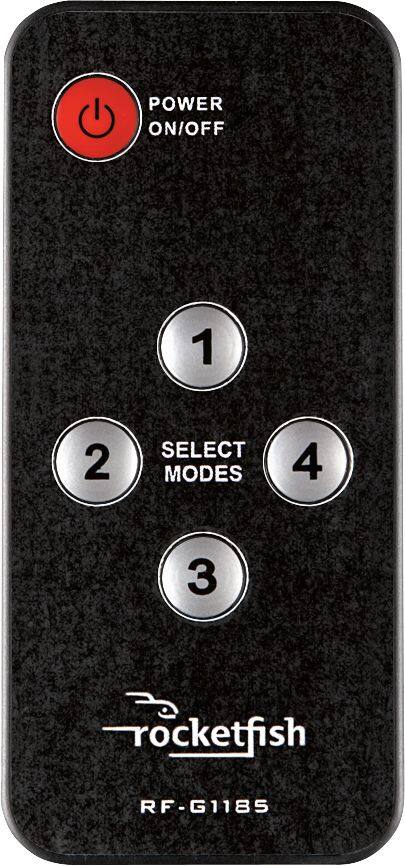
A:AnswerThe Switch has 5 HDMI ports, one output to go into your TV, and 4 inputs for your devices. You can only be on one input at a time. Yes, you can plug your consoles into the Switch, but you can't play them at the same time.
A:AnswerChange the output audio to PCM on the device with no sound or get better HDMI cables. Cheap cables cannot handle splitting the signal (in then out) on a switch.
A:AnswerIve had this happen to me with my tv (Samsung 8 series) found that I can turn off notifications through settings/ system/ expert settings in my menu. see if you could find something similar, it should be there. last resort would be to call customer service. Good Luck and I really hope you fix that annoying problem
A:AnswerIf the Cisco Cable box has an HDMI out, then you can connect it to one of the ports on the RocketFish for display on a television with HDMI input.
A:AnswerMy confidence level is high that SOMEWHERE on the internet one could get that exact replacement or at the very least, one programmable unit that could serve the purpose of operating that unit.
A:AnswerWell I noticed this question is seven months old so you might've fixed it already so hopefully you found out that you needed it HDMI splitter a powered splitter would be preferred so that it sends the proper signal to each TV a powered splitter make sure that there's enough signal strength to each one. hope that helps
A:AnswerPlug the rocket fish into your TV using an hdmi cable, then plug up to four devices, including your digital all cable box assuming it is also hdmi into the rocket fish, and use the rocket fish to change to the device you want to use.
A:AnswerI love questions like this. You would need to choose a sound bar with an HDMI input, then you could run the output of the switch to the input of a splitter, then from that to the sound bar and projector. Some sound bars have both HDMI input and output, in which case you wouldn't need a splitter.
A:AnswerI don't think there's a device that'll do that for you. There are two products out there, an HDMI switch, which allows multiple devices to go to one output, and then an HDMI Splitter, which allows one device to go to several monitors, but nothing that does both. You could hook up each device to a SPLITTER, then each SPLITTER to two SWITCHES, one going to each monitor but that causes two problems. 1) it's going to cost you a lot of money and 2) there will be a bit of a latency for image/video.