A:AnswerYou will need to provide the cellphone/mobile device you have. It’s been working great with apple devices but nit quite as smooth with samsung. Check for firmware upgrade.
A:AnswerIt should work with your telephony modem, because I have both a modem for my house phone, and a separate modem for my DSL and it works with both modems connected without any issues.
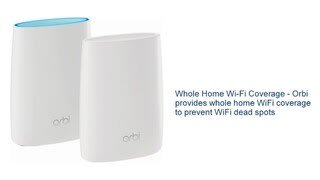
A:AnswerWe have a single story 2200 sq ft ranch style home that had dead spots at the far end of the house. Once we installed the Orbi, we no longer have this issue. When we were doing our research, it showed that a two story house (going through walls) wasn't a problem. Not exactly concrete but just some insight to our personal experience.
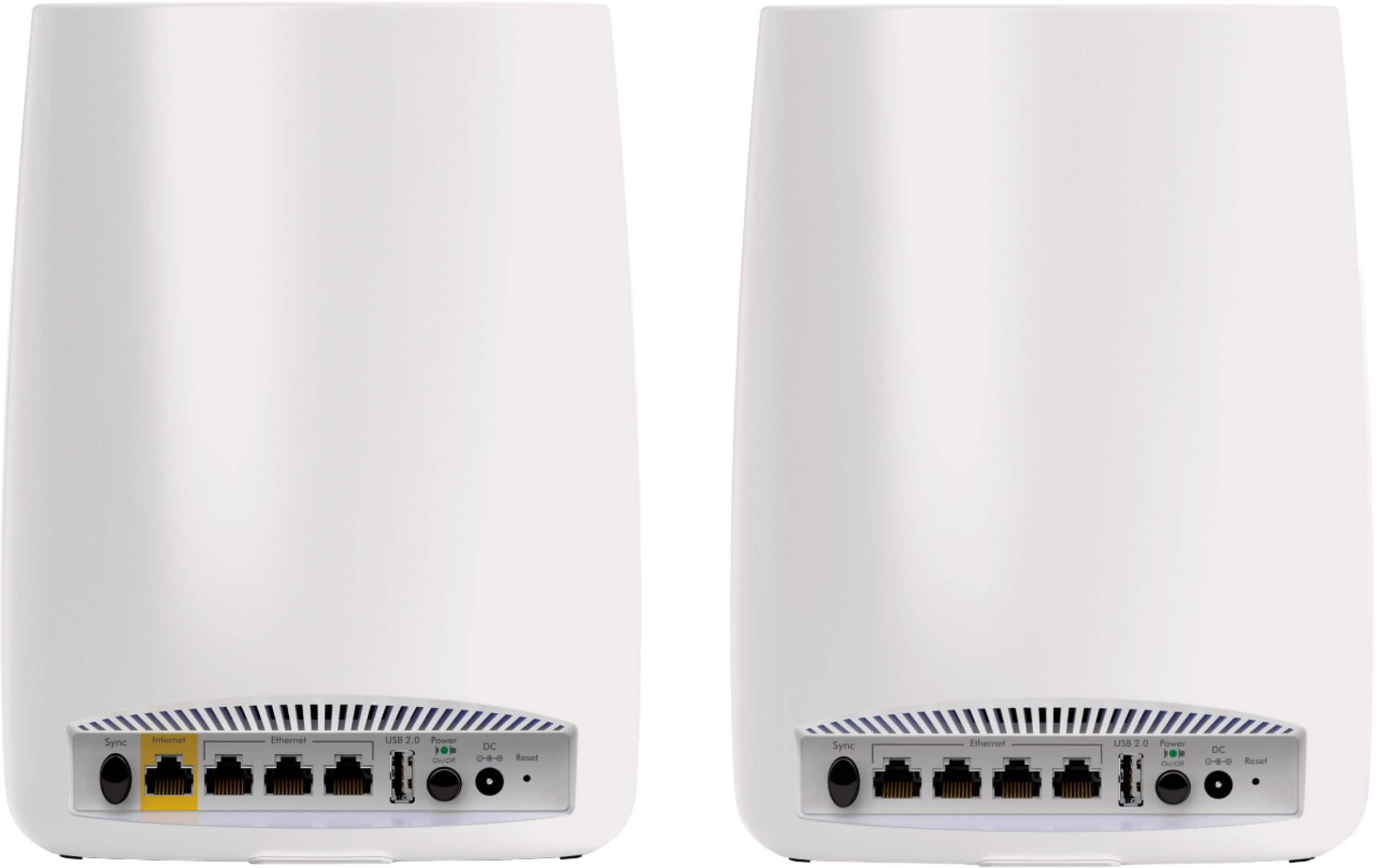
A:AnswerYes it will work any stand alone modem. or a combo modem/router, but the combo has to be in bridge mode to allow the Netgear Orbi's to be the main router.
A:AnswerThe Orbi router can connect to most of today's modems via Ethernet. While it cannot improve your current subscribed speeds, it may be possible to experience better performance in your connected devices under a variety of conditions (i.e. they were previously out of range, your former router offered slower speeds, etc).
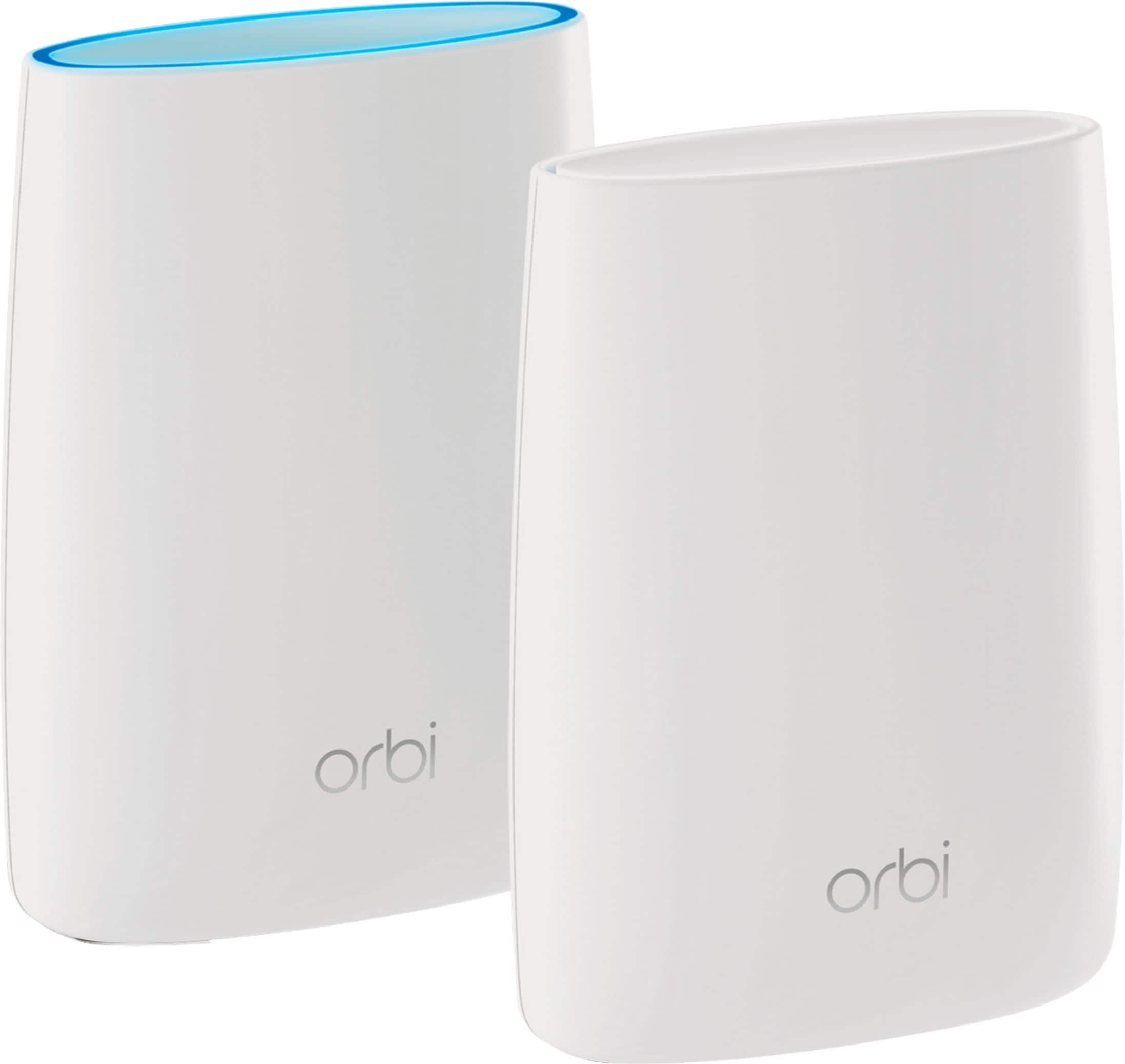
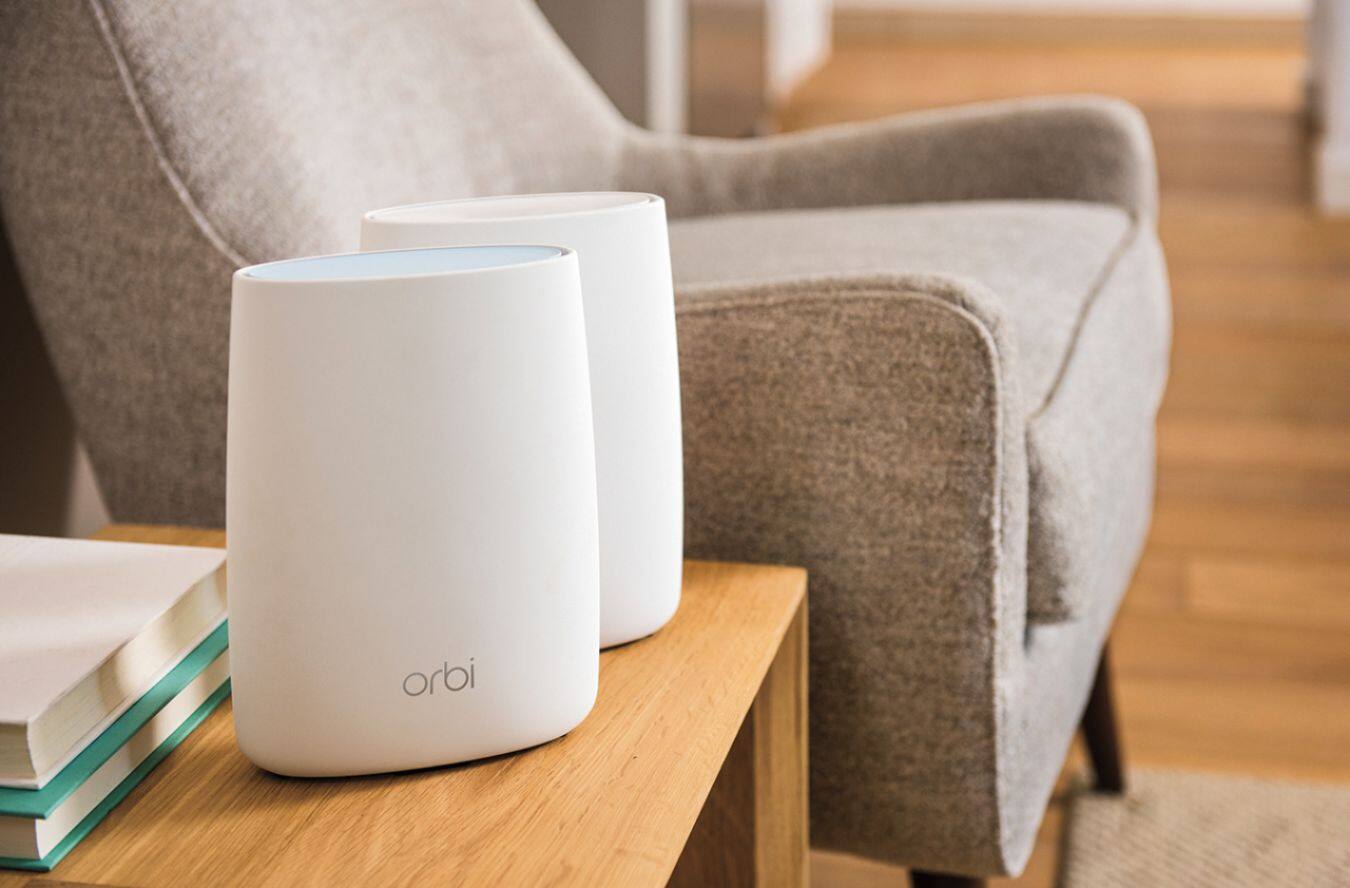
A:AnswerThe Orbi system offers a powerful AC3000 mesh network with simultaneous Tri-Band WiFi supporting IEEE® 802.11b/g/n (2.4GHz–256QAM support), IEEE® 802.11a/n/ac (5GHz–256QAM support), and a dedicated link between the router and satellite to offer the best possible speeds to all connected devices.
A:AnswerThe Orbi system (or any wireless router) connects to your Internet Service Providers (ISP) modem (cable or DSL or Satellite) to connect your home to the internet and provide wired or wireless connections for your devices. If you are using the Netgear Orbi system, you should disable the wireless (WiFi) capabilities of your ISP's modem to avoid interference.
A:AnswerThat is how it is supposed to work. I haven't monitored it that closely to check on it. But the performance is excellent even though I can see 16 other wifi networks overlapping mine.
A:AnswerSkybell says their doorbell devices work only when connected to 2.4 GHz. This router is dual band but does not allow to specify a separate SSID for each band. Hope it automatically connects it to 2.4 GHz channel. I have a very high speed network and skybell is sluggish when connected to my wifi with this router. I mostly see a turning cog wheel than anything else.