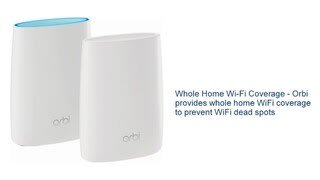
A:AnswerThe Orbi system supports both the 2.4GHz and 5GHz bands. Instructions for setting up the Guest Network can be found here: http://kb.netgear.com/31579/How%20do%20I%20set%20up%20a%20guest%20WiFi%20network%20on%20my%20Orbi%20system??cid=wmt_netgear_organic
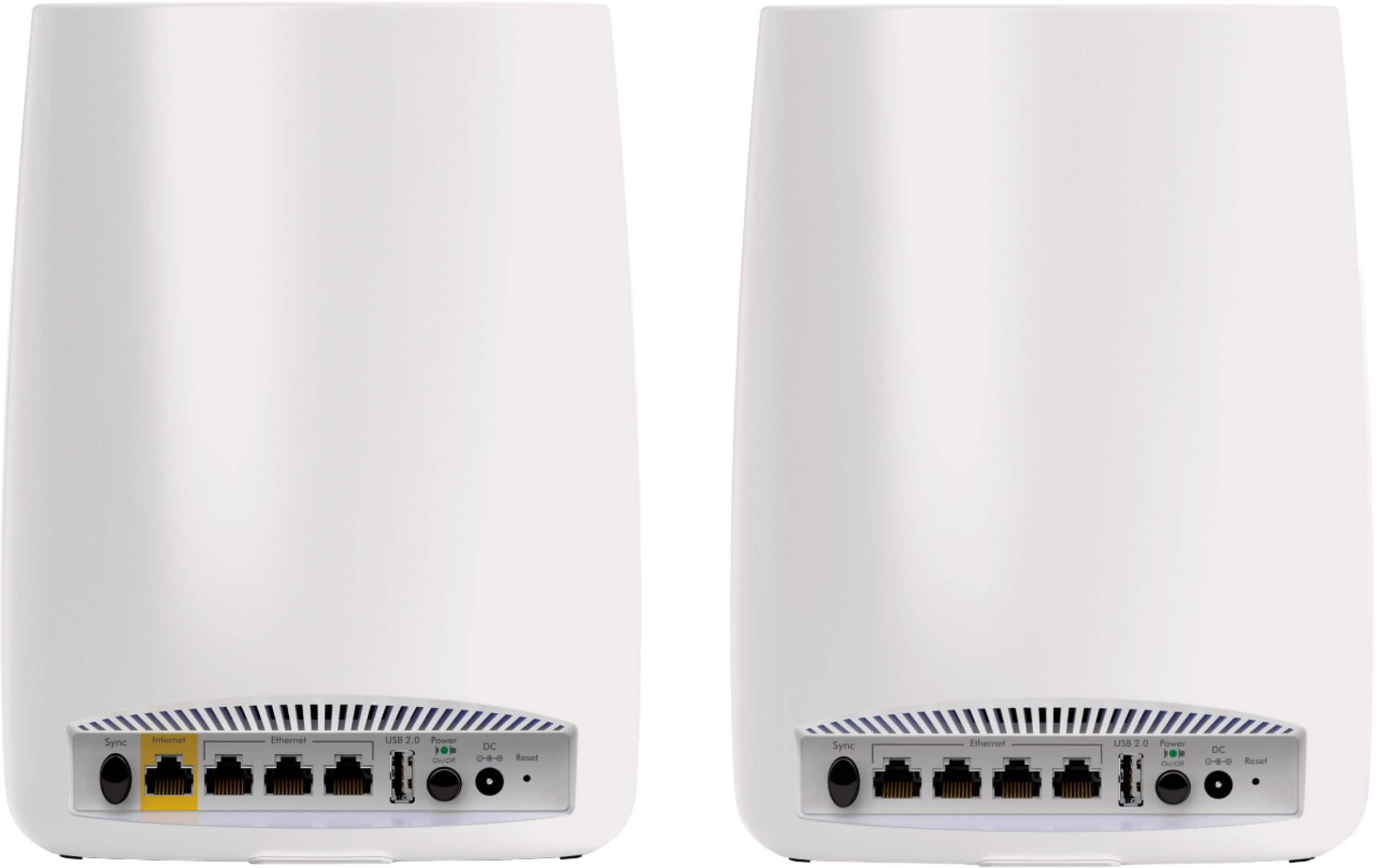
A:AnswerI don't know about concrete floor. Probably about as bad as any other device. The satellites are wifi only. You can not hard wire them for an ethernet backbone between units. This has been requested as a feature request, and Netgear is looking into it.
A:AnswerThey will work fine, but just like any metered connection, it's all about your data caps and how much data and throughput you need, not the hardware that you are using to access the internet.
A:Answersee my review of the Orbi. I was using the Apple AirPort Extreme system and it failed to work in my house (6000+ sq ft). From what I have read, the Orbi works better because the unit(s) outside the main router unit creates a web wifi that replicates the signal instead of retransmitting it (as the airport units do), meaning the signal from each satellite is as strong as its incoming signal. I thought adding more airport express units would extend the signal further from the main router; however, each airport express unit actually ended up only sending out half of the incoming signal.
However, if you want to try going the AirPort Extreme route - I haver a few airport express units I could sell to you...
A:AnswerNo.
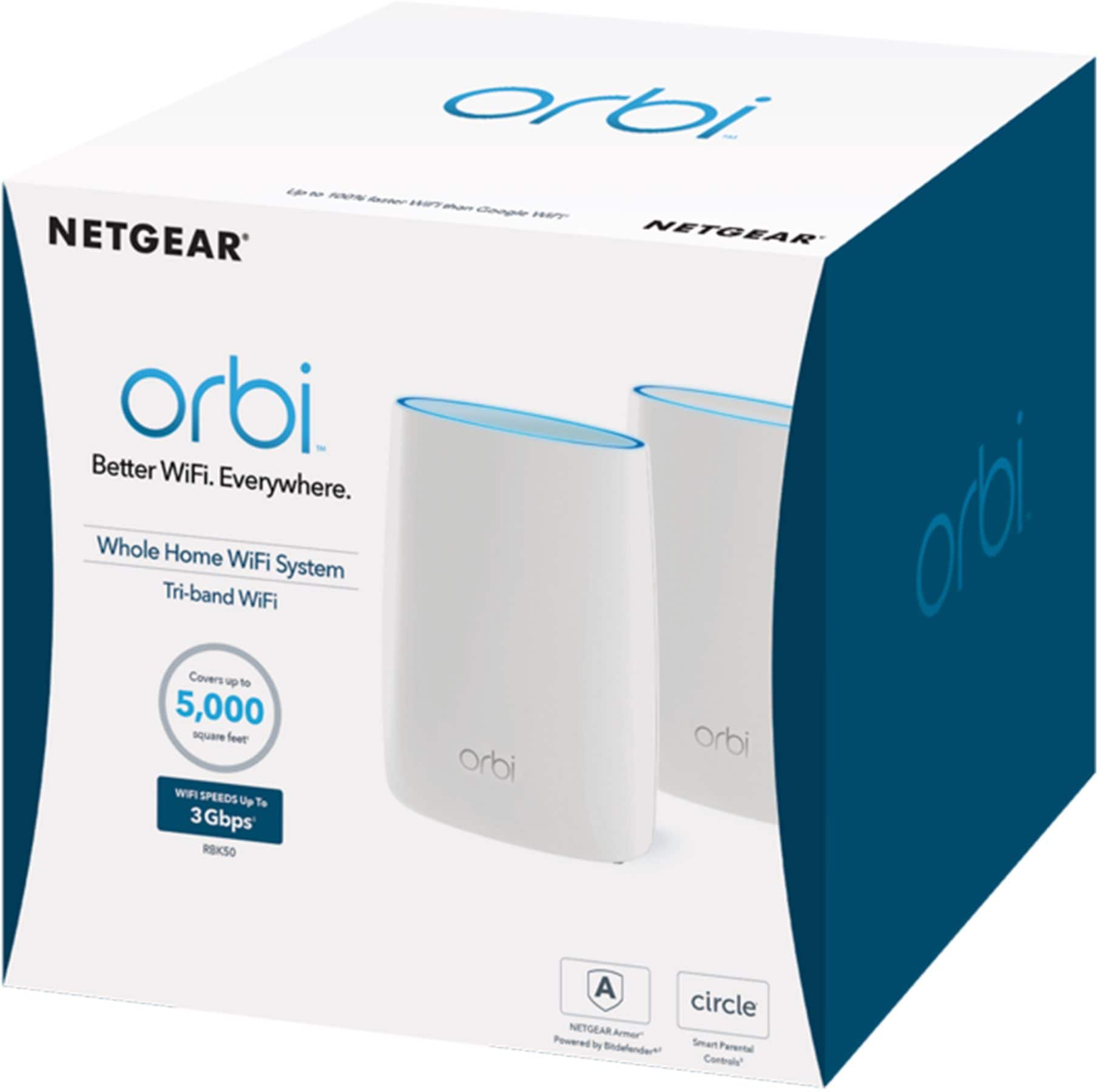
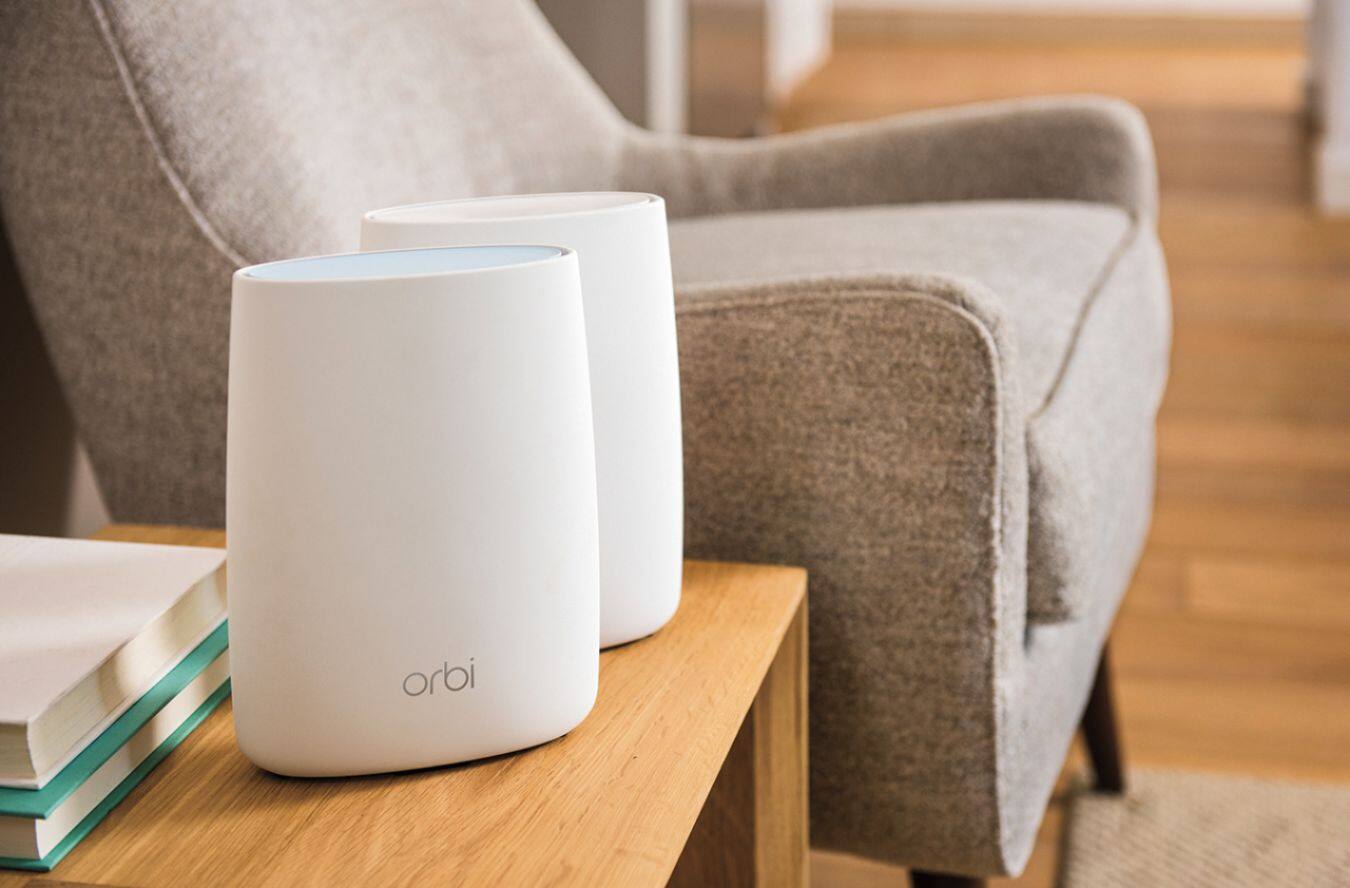
Netgear Orbi requires a main (or base) unit at each home that will connect directly to your ISP's modem, but you can have multiple satellites at each location.
When I purchased my units (1 starter set for a smaller home and 1 starter set plus an additional satellite for a larger home), Netgear only sold 3 kits (the main unit with one satellite, just the main unit, or just an additional satellite).
A:AnswerThis isn't dependent upon cable, per se. It needs an ethernet coonection. If you can put an RJ-45 (a standard) ethernet cable into the device that brings the internet signal into the house, then you shouldn't have any problems. You just sub your Hughes Satellite modem in for "cable modem" and you should be good to go.
A:AnswerI have no doubt simply adding another satellite will cover your home completely. The basic setup covers my 3600 sq ft 2 story with no gaps/problems. I'm confident that adding another satellite (either upstairs or downstairs through experimentation) you'll have complete coverage, and have it literally in minutes.
A:AnswerI've got a BlueRay player and TV that both require 2.4 GHz. They both work fine in my single SSID house. Reliability of the connection using the Orbi is even better than on my old system where I had different names for the 2.4 and 5 GHz bands.
A:AnswerYou don't. Configure the Orbi with a different SSID and you will be fine. There will be no more degradation than with any other concurrent use - in other words, if multiple users are not seeing a problem now, then having two different wireless networks accessing the same service bandwidth with not change anything. Adding more concurrent users though would cause further bandwidth sharing providing less for each at any given moment. If you're worried about wireless interference, leave the channel selections on "auto" and the systems should detect and eliminate conflict with each other.
What you can do though is see if the Orbi works well in the basement also. If it does, then you can have just the one wireless network/SSID for simplicity.