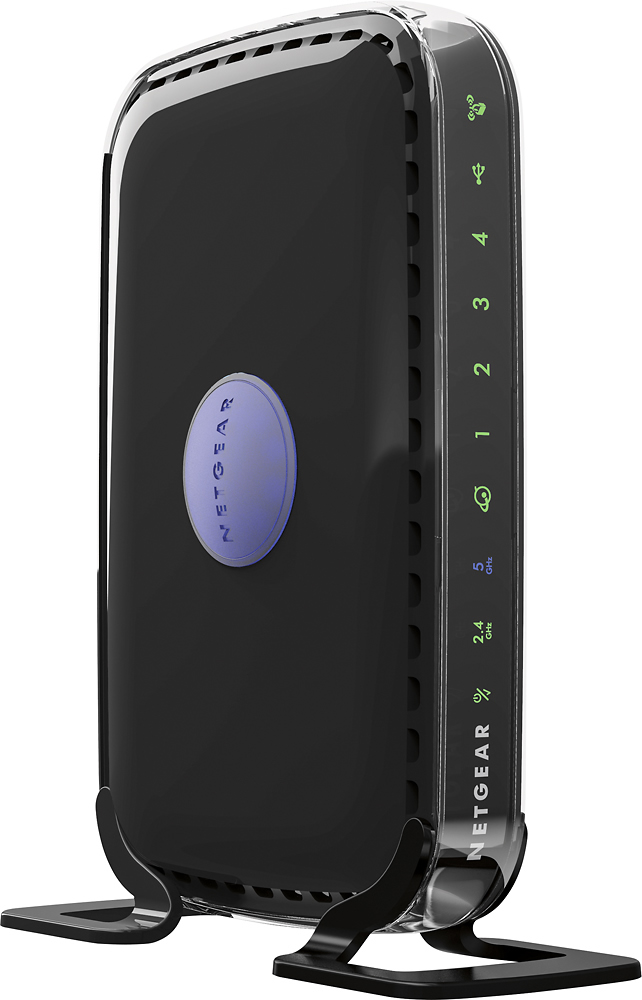
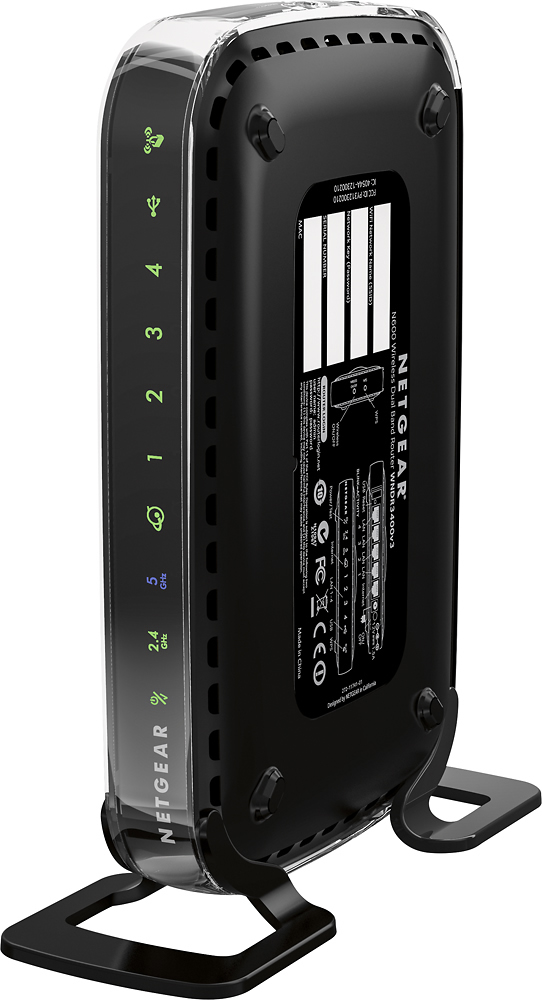
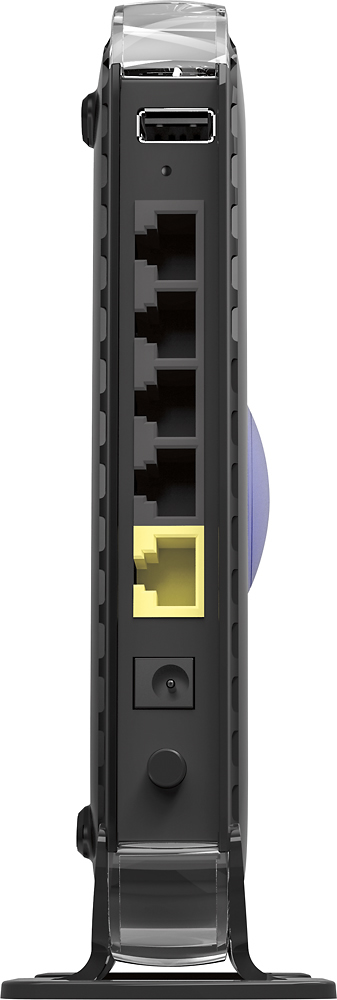
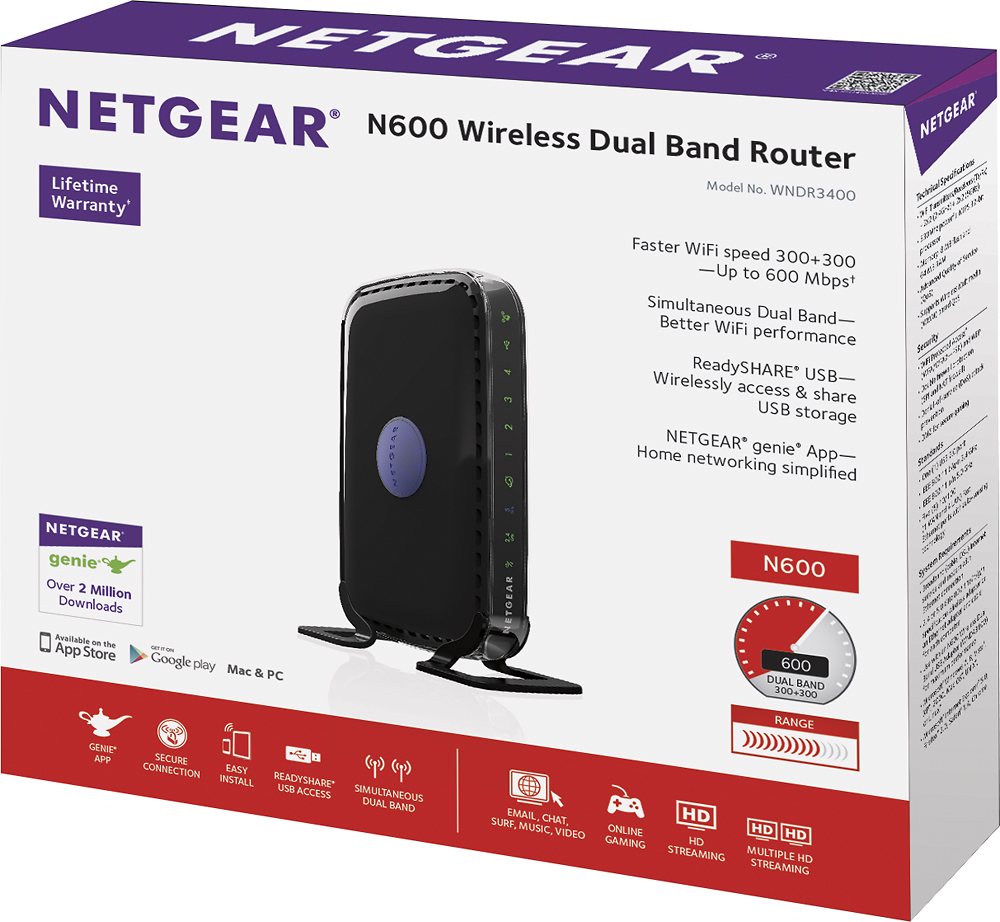
A:AnswerYou will have to purchase a service provider Netgear will not provide it for you. If they started that option this router would be the cost of an arm or leg. Once you get a service provider this router is easy to set up and works good.
A:AnswerYou can set a password, and with the software from her head you can select device and block them. If your laptop will not connect to your current router you first need to find out why, try taking it to best buy to make sure it is functioning properly
A:AnswerThe wireless functions can typically be disabled on Netgear devices. I don't know the specifics of this router. However if you just need to use a wired connection you might want to look into purchasing a managed or unmanaged switch instead of a router. Managed switches allow you to control advanced routing features and unmanaged switches just connect all of the devices without the ability to use advanced features.
A:AnswerYes you can download an app out you can use web based login to make changes to your router. You will have to set up a account with the manufactures website but it is just a few clicks. Then you log onto the app on your phone and you can see who's on, make changes, parental controls, and etc.
A:AnswerYes. Make sure when you are seeing up the router to update your DHCP settings for automatic or static according to your ISP. Easier than it sounds. If you have trouble go to your providers website and they will have step by step instructions. Usually there is an 800 number also if you get confused.
A:AnswerBrand wise I can't say it's better, I have used both. Of the unit is in a centralized location you should have no problems with speed. N vs AC is the speed at which your device will use to communicate, it will broadcast both and your older devices will just see the slower speed and your newer devices will see both and you choose the fastser
A:AnswerWhat cord, this is a router to help your devices access the internet, if your talking about a smart phone then you will use the Wi-Fi to communicate
A:AnswerIf they are switching to a voice over IP service (VoIP) the modem the are going to give you will have an Ethernet port and you should be able to use that to get your internet wireless with this router