Monitor For Lightroom
-
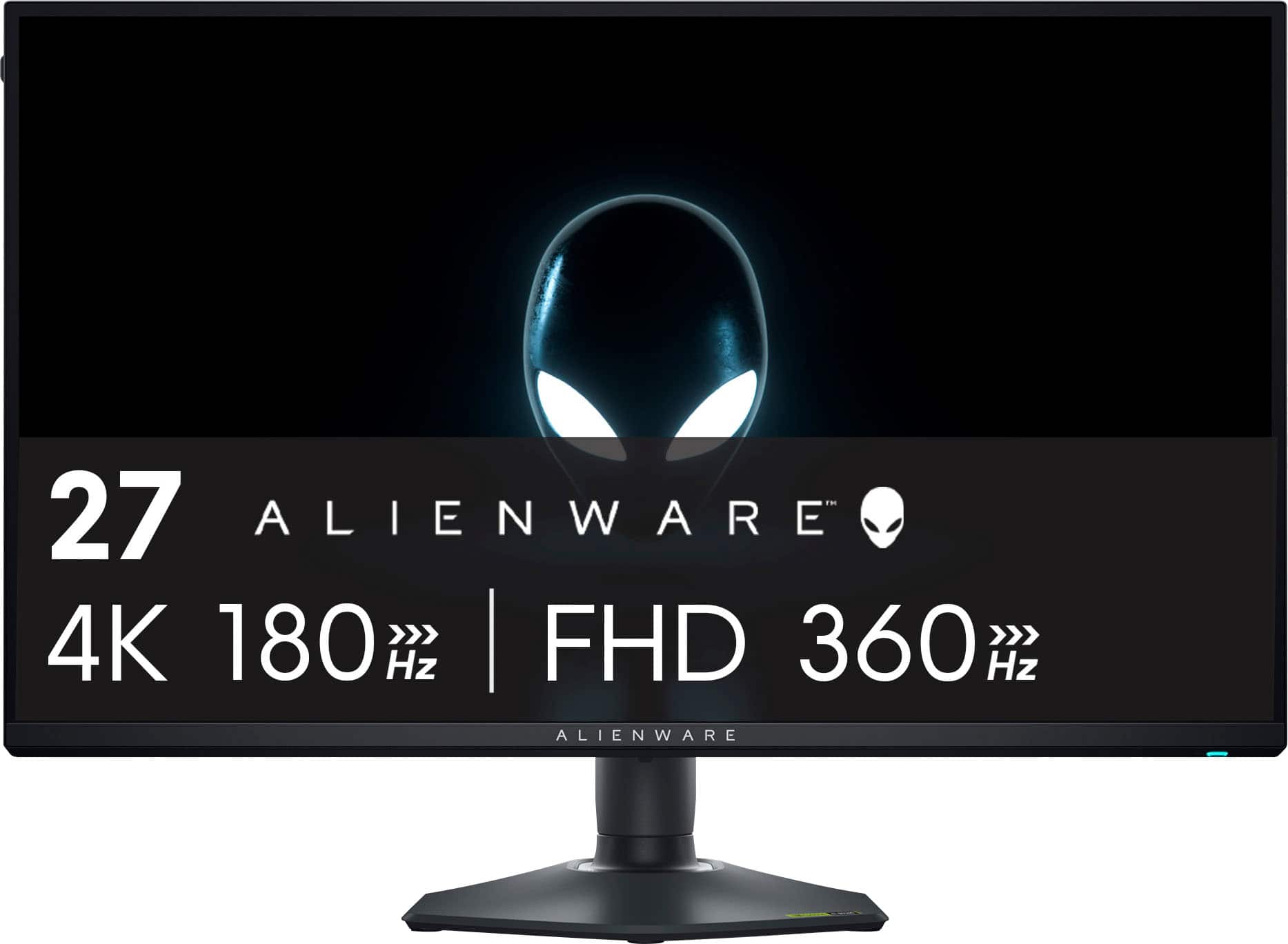
Alienware - AW2725QF 27" IPS LED 4K UHD 180Hz 0.5ms G-SYNC Compatible Dual-Resolution Gaming Monitor w/HDR (HDMI, DisplayPort, USB) - Black
SKU: J3K4L6XJ6SGreat value for a 4k gaming monitor...Switching to dual mode is pretty easy, although you should restart your system for best results.
See all Gaming MonitorsProduct Description
A black IPS gaming monitor offering 4K UHD at 180Hz, G-SYNC, HDR, and dual-resolution switching.Your price for this item is $599.99 -
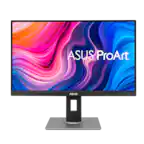
ASUS - ProArt 27" 5K IPS Professional Monitor with HDR (DisplayPort, HDMI) - Black
SKU: JJGGLQP8YYScreen great - easy set up...Screen is great works well with my MacbookPro....I love the charging USBC and that monitor can be the docking station....Love it!!
See all All MonitorsProduct Description
A professional 27-inch black IPS LED monitor with 5K resolution, HDR10, and exceptional color accuracy.Your price for this item is $721.82Save $30The previous price was $752.54 -
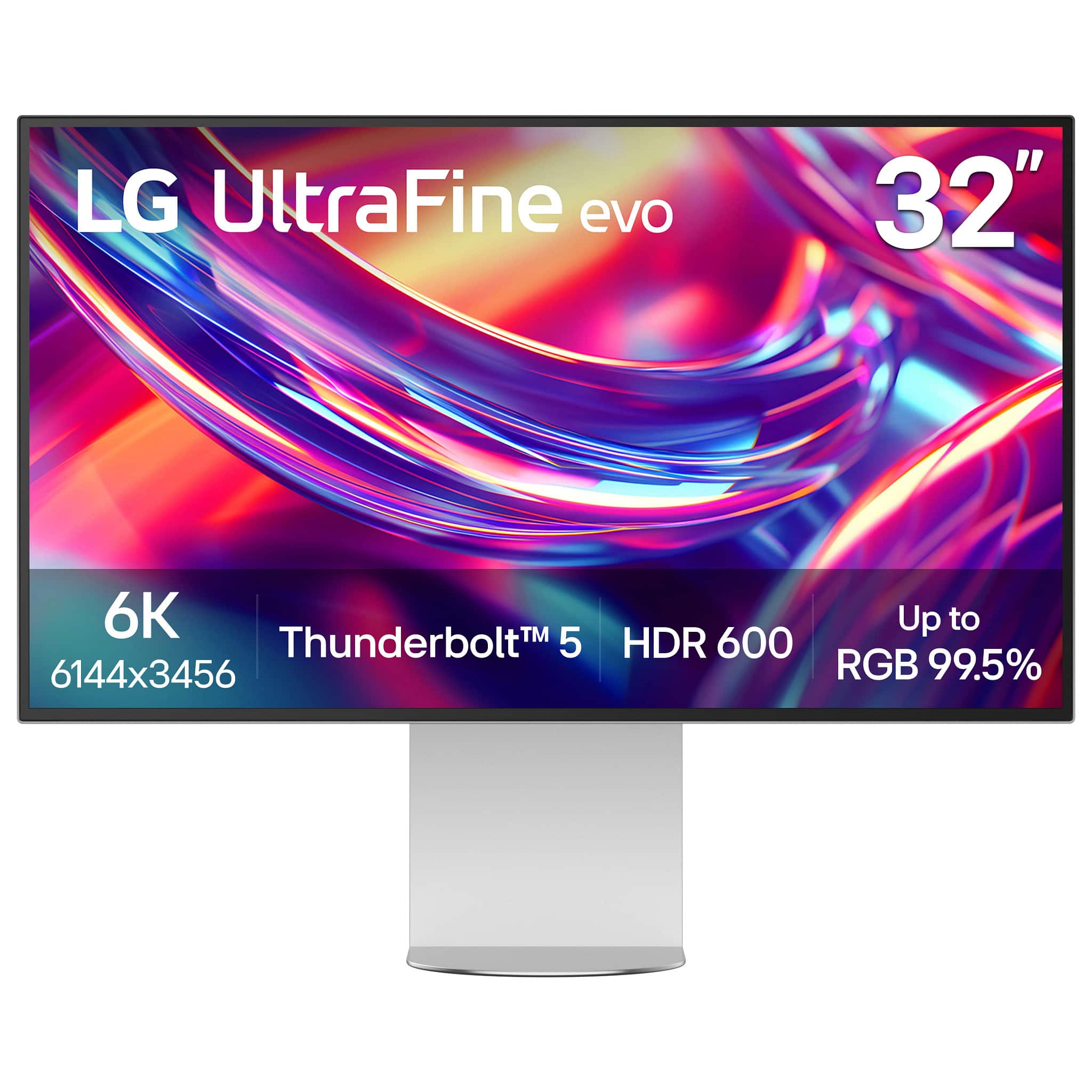
LG - 32” UltraFine evo 6K Nano IPS Black Professional Monitor with DisplayHDR 600 (Thunderbolt 5, HDMI, DisplayPort, USB-C) - Silver
SKU: JJ8VPZKRFKBest of image on LG I ever had....The best monitor I bought, I love it, I love the quality of image.the only reason for what I returned...Studio Grade Screen, Best Connection Flexibility...I love how...
See all All MonitorsProduct Description
A professional 32-inch silver and black Nano IPS monitor with 6K resolution, Thunderbolt 5, and HDR 600.Your price for this item is $1,999.99 -
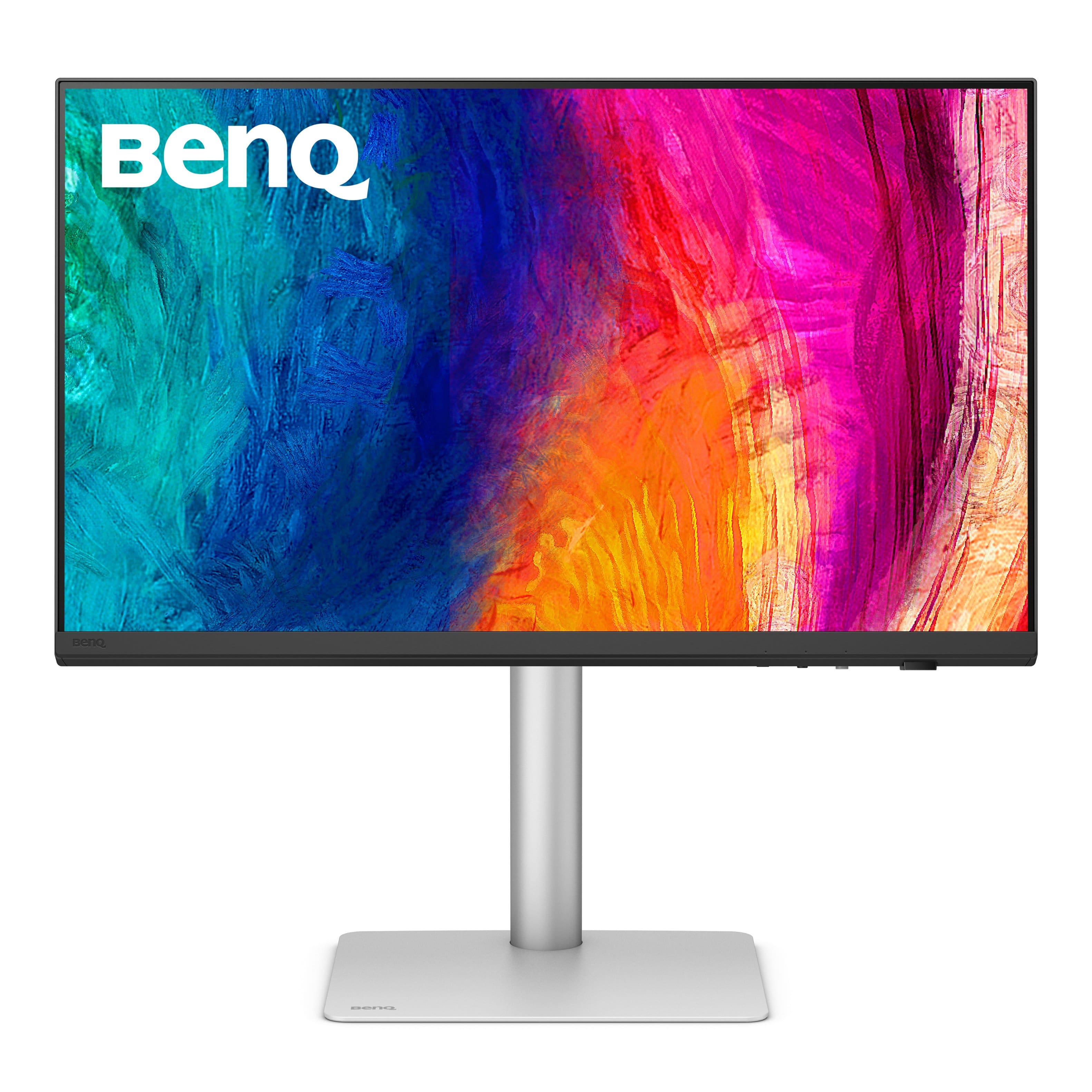
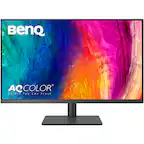
BenQ - AQCOLOR PD3205U Designer 31.5" IPS LED 4K UHD Monitor with HDR10 (HDMI/DP/USB-C 90W/USB Type B) - Gray
SKU: J39QZT4T9Rthis monitory as it will slow down your machine because of the way it has convert video output for best...Great! monitor for designer like me!...Great Monitor....Great color
See all All MonitorsProduct Description
A gray IPS LED monitor delivering 4K UHD resolution, HDR10 support, and versatile connectivity for creative work.Your price for this item is $549.99Save $30The previous price was $579.99 -
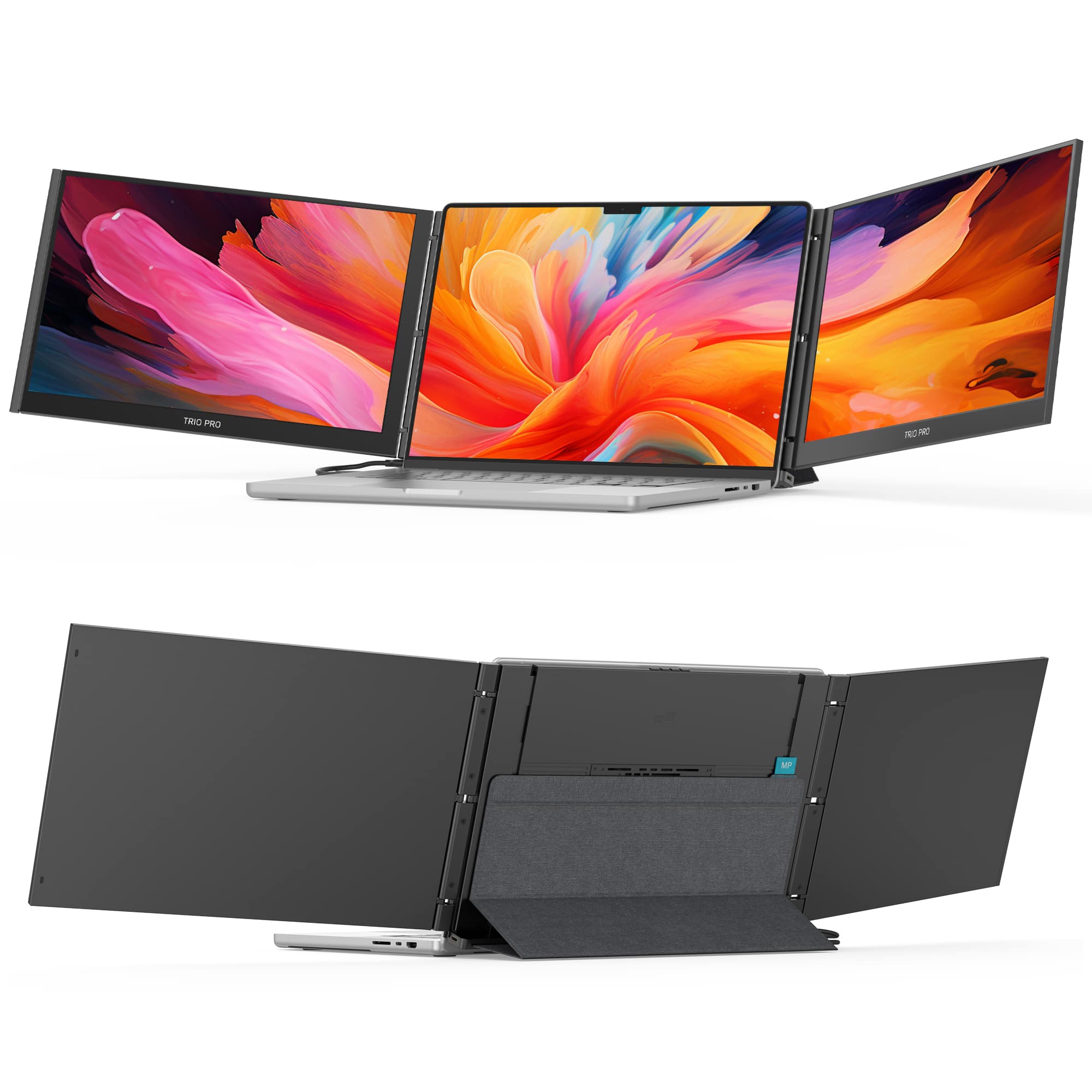
Mobile Pixels - Trio 3 Pro 14.1" Portable Monitor - Black
SKU: J3GWGYWT36Great for Multitasking and Creative Work...**Great for working with multiple screens on the go**I bought the Mobile Pixels Trio 3 Pro because...Screen was great but I would need a driver to use both.
See all Portable MonitorsProduct Description
A portable black IPS monitor with 14.1" 2240×1400 display, 16:10 aspect ratio, and anti-glare finish.Your price for this item is $423.99Save $96The previous price was $519.99 -
BenQ - AQCOLOR SW272U Photographer 27" IPS LED 4K Monitor with AdobeRGB (USB Type C,HDMI,DP) - Gray
SKU: J39QZT5JZZNice color great set up Review:I am extremely happy with this BenQ monitor.
See all All MonitorsProduct Description
A gray 27" IPS 4K monitor delivering 99% Adobe RGB coverage and precise color calibration for photographers.Your price for this item is $1,499.99Save $50The previous price was $1,549.99 -
BenQ - PD2730S 27" IPS LED 5K Mac Compatible Monitor (HDMI/Thunderbolt 4 90W/DP) - White
SKU: J39QZT58RWSee all All MonitorsProduct Description
A white IPS LED monitor featuring a 5K resolution, 98% P3 color, and Thunderbolt 4 connectivity.Your price for this item is $1,308.21 -
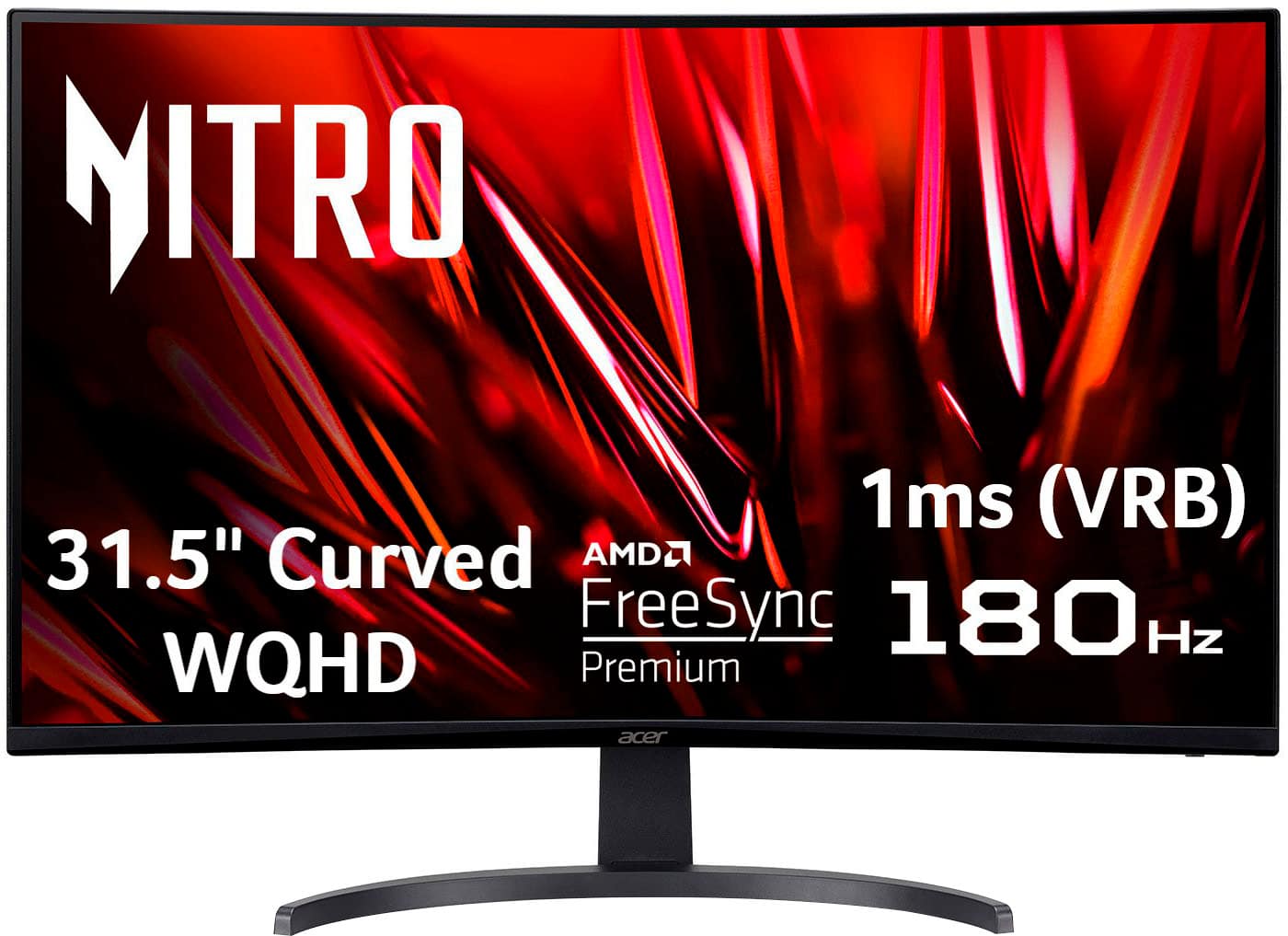
Acer - Nitro Gaming 31.5" Curved WQHD 180Hz 1ms FreeSync Premium Gaming Monitor (DisplayPort, HDMI x2) - Black
SKU: JJ8V8H2SHVBest monitor I've ever had...Great monitor. I love the size. I will never be able to go back to a smaller screen....Run great, image quality, great monitor, the best by price
See all Gaming MonitorsProduct Description
A curved black gaming monitor with WQHD resolution, 180Hz refresh rate, 1ms response, and FreeSync Premium.Your price for this item is $199.99Save $260The previous price was $459.99 -
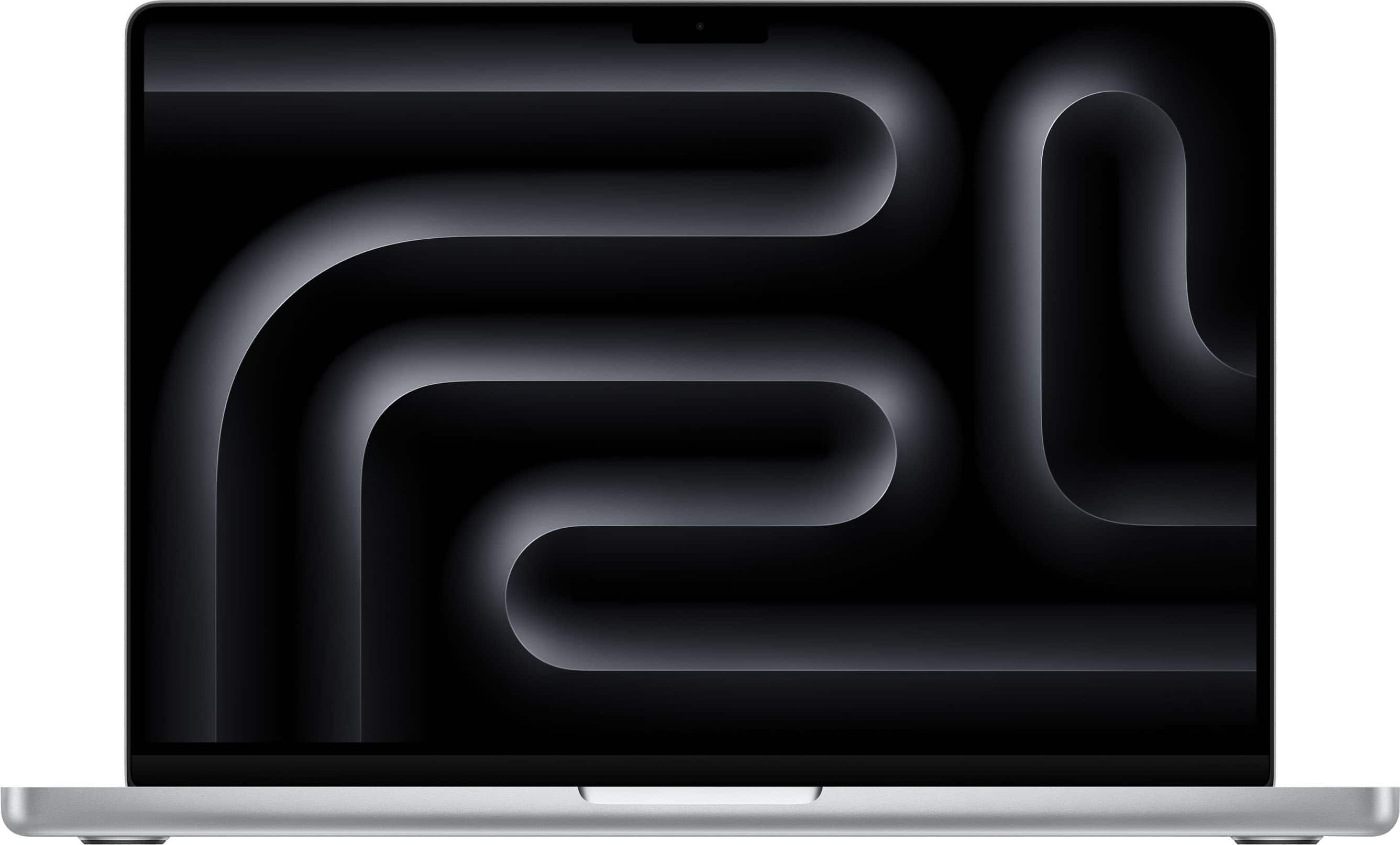
Apple - MacBook Pro 14-inch Laptop - M5 chip with 10-core CPU and 10-core GPU - 16GB Memory - 1TB SSD - Silver
SKU: JJGCQL8PPXBest Buy clerks were great in helping me pick....fast delivery, love it, great for my small business .
See all MacBooksProduct Description
A silver laptop featuring an M5 chip, 16GB memory, 1TB SSD, and Liquid Retina XDR display.Your price for this item is $1,999.00 -
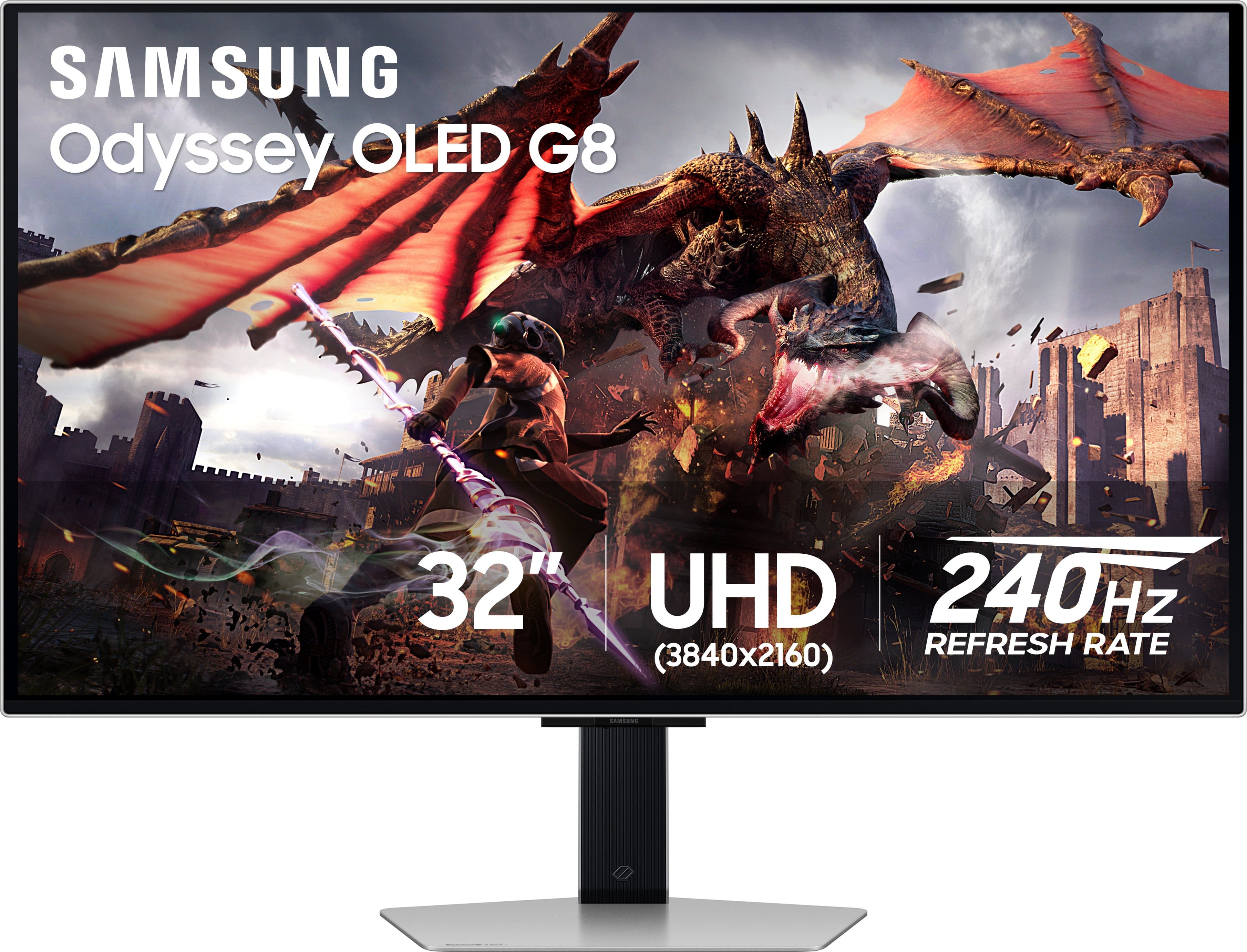
Samsung - 32" Odyssey OLED G8 (G80SD) 4K UHD 240Hz 0.03ms Smart Gaming Monitor with HDR - Silver
SKU: J3ZYG2TXQ5Best monitor...Great monitor fast great color love that its smart. love how thin the screen is...Gorgeous monitor I literally love it so much my best purchase
See all Gaming MonitorsProduct Description
A silver OLED gaming monitor featuring 4K UHD, 240Hz refresh rate, HDR10+, and ultra-fast 0.03ms response.Your price for this item is $1,299.99



Best Sellers







Related Pages


FAQ
When choosing a monitor for Lightroom, prioritize features like high color accuracy (look for monitors with a wide color gamut and factory calibration), IPS panel technology for better viewing angles, and a matte screen to reduce glare. Adjustable stands and connectivity options like HDMI and DisplayPort are also beneficial for an optimized editing setup.
Color accuracy ensures that the colors you see on your monitor closely match the true colors of your photos. This is crucial for editing in Lightroom, as it helps you make precise adjustments and ensures your final images look consistent across devices and when printed.
While not strictly necessary, a monitor with hardware calibration capabilities allows you to fine-tune color settings for consistent and reliable color reproduction. This is especially helpful for professional photographers and designers who require the highest level of color precision.
Yes, IPS panels are generally preferred for Lightroom because they offer superior color reproduction and wider viewing angles compared to TN or VA panels. This ensures your edits remain accurate regardless of your viewing position.
A higher screen resolution, such as QHD (2560x1440) or 4K (3840x2160), allows you to see more detail in your photos and gives you more workspace for Lightroom's editing panels. This makes it easier to spot imperfections and work efficiently on high-resolution images.